Mp3 Cutter Ringtone Maker
BlackGD
5.0 ★
218 ratings
50,000+
downloads
Free
In this audio editing app, you can cut segments from various audio files and save them as ringtones, alarms, or notifications. Includes features for recording, waveform selection, and manual trimming.
AppRecs review analysis
AppRecs rating 4.5. Trustworthiness 62 out of 100. Review manipulation risk 48 out of 100. Based on a review sample analyzed.
★★★★☆
4.5
AppRecs Rating
Ratings breakdown
5 star
100%
4 star
0%
3 star
0%
2 star
0%
1 star
0%
What to know
✓
Authentic reviews
No red flags detected
⚠
Questionable review patterns
48% review manipulation risk - some review patterns appear unusual
⚠
Unusually uniform ratings
100% of sampled ratings are 5 stars with very little variation
About Mp3 Cutter Ringtone Maker
Cut the best part of your audio song and use it as your Ringtone/Alarm/Music File/Notification Tone.
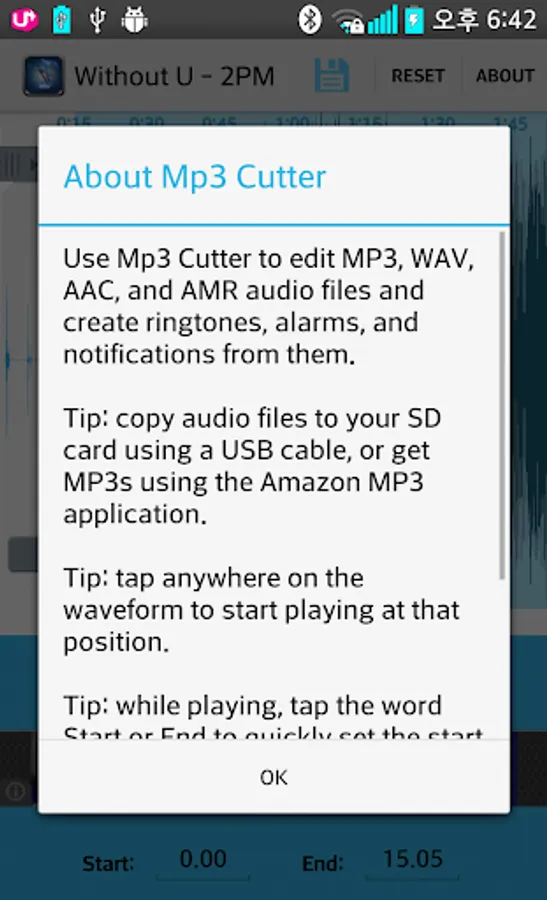
Use Mp3 Cutter to edit MP3, WAV, AAC, and AMR audio files and create ringtones, alarms, and notifications from them.
tips.
1. copy audio files to your SD card using a USB cable, or get MP3s using the Amazon MP3 application.
2. tap anywhere on the waveform to start playing at that position.
3. while playing, tap the word Start or End to quickly set the start and end markers to the current playback time.
How to use Mp3 Cutter and Ringtone Maker:
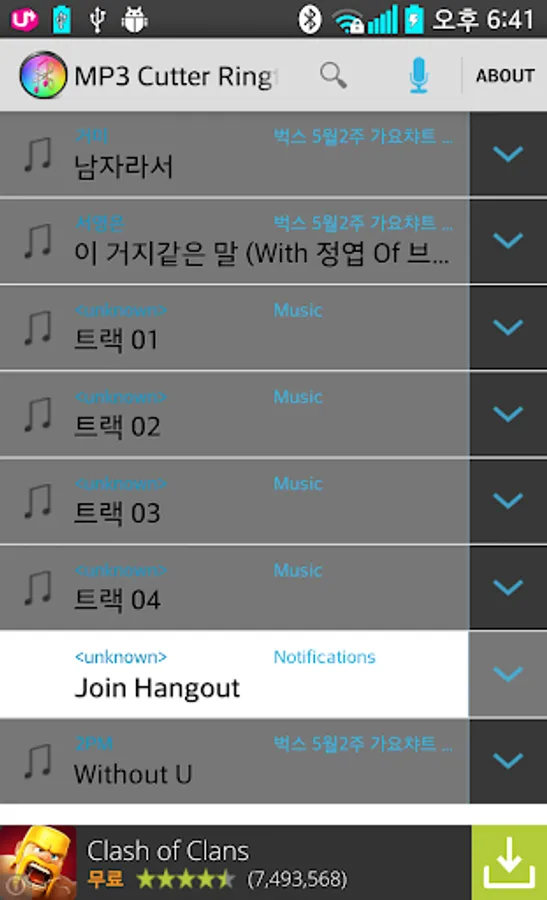
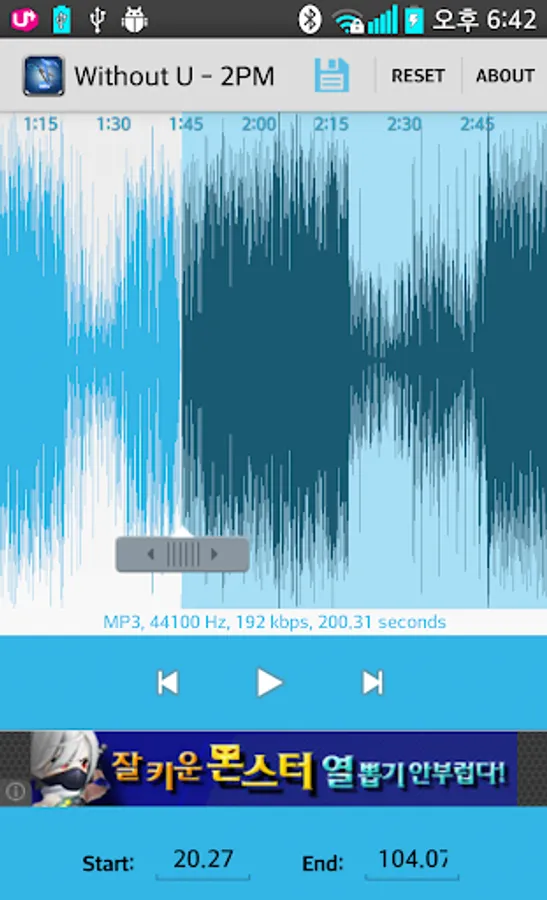
1.Select audio song from your mobile or from Recordings.
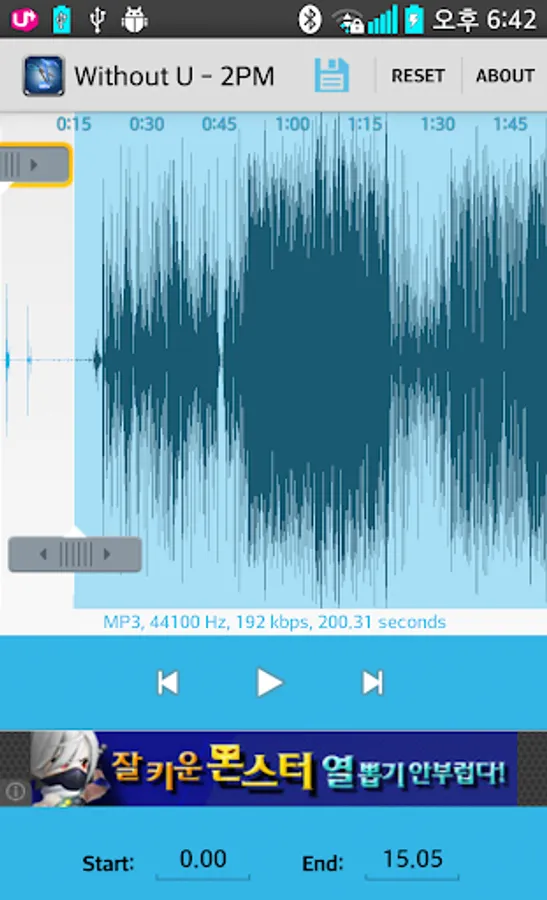
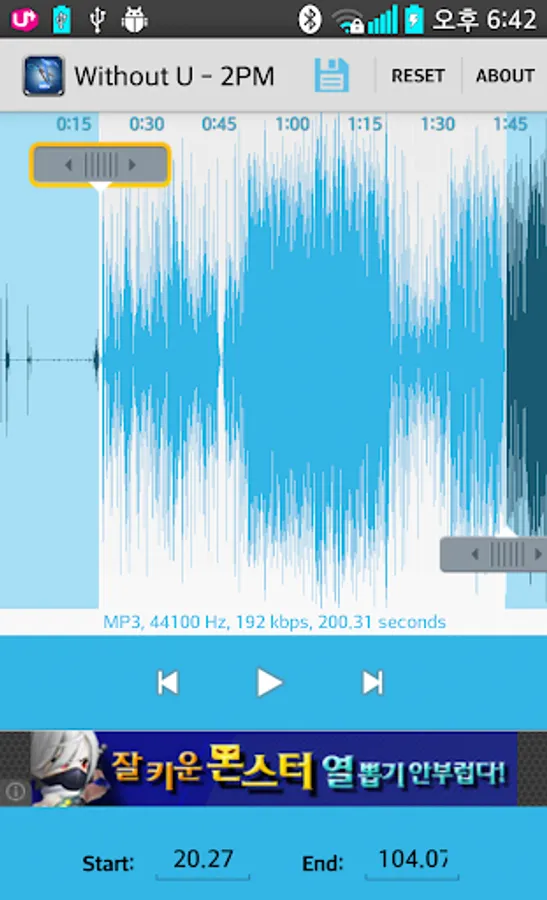
2.Select area to be cut from your audio.
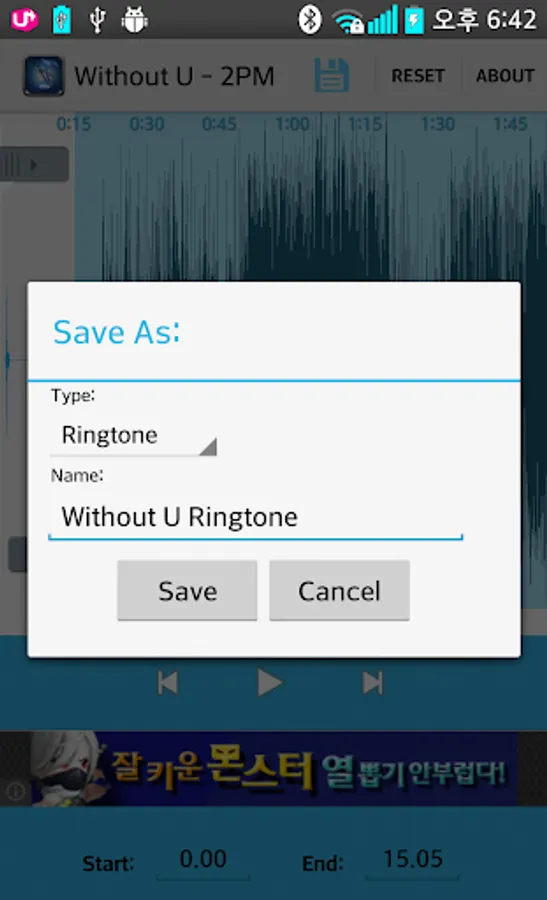
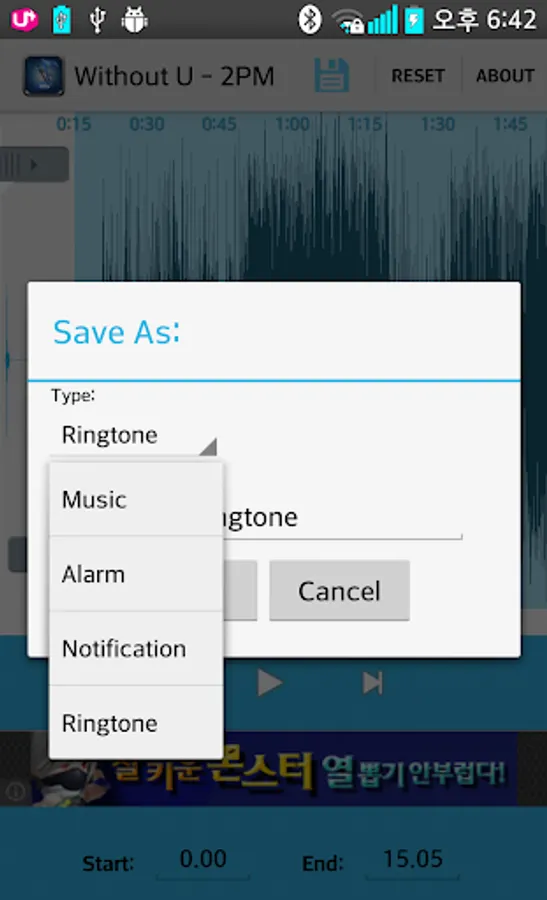
3.Save as Ringtone/Music/Alarm/Notification.
App Features:
! Record button at top left of app to record an audio/music for editing.
! An Inverted Red Triangle to Select and Edit Mp3/Music from your Mobile/SD.
! Set start & end for the audio clip, using an optional touch interface.
! Manually set the Start & End time(in seconds) by typing the values in text boxes at bottom of app.
! Set the new clip as default ringtone or assign to contacts, using this editor.
enjoy this Mp3 Cutter Ringtone Maker !!!
Use Mp3 Cutter to edit MP3, WAV, AAC, and AMR audio files and create ringtones, alarms, and notifications from them.
tips.
1. copy audio files to your SD card using a USB cable, or get MP3s using the Amazon MP3 application.
2. tap anywhere on the waveform to start playing at that position.
3. while playing, tap the word Start or End to quickly set the start and end markers to the current playback time.
How to use Mp3 Cutter and Ringtone Maker:
1.Select audio song from your mobile or from Recordings.
2.Select area to be cut from your audio.
3.Save as Ringtone/Music/Alarm/Notification.
App Features:
! Record button at top left of app to record an audio/music for editing.
! An Inverted Red Triangle to Select and Edit Mp3/Music from your Mobile/SD.
! Set start & end for the audio clip, using an optional touch interface.
! Manually set the Start & End time(in seconds) by typing the values in text boxes at bottom of app.
! Set the new clip as default ringtone or assign to contacts, using this editor.
enjoy this Mp3 Cutter Ringtone Maker !!!
Mp3 Cutter Ringtone Maker Screenshots
Tap to Rate:
Reviews for Mp3 Cutter Ringtone Maker
Tibor Juhasz
10/23/2022
Did not function withmy device. Uninstalling.
Mobiinfolife Appbackup
4/20/2022
💋