
With this camera control app, you can remotely adjust settings, start and stop recordings, and view images or videos on your smartphone. Includes live video framing, offline gallery review, and sharing options.
AppRecs review analysis
AppRecs rating 4.0. Trustworthiness 0 out of 100. Review manipulation risk 0 out of 100. Based on a review sample analyzed.
★★★★☆
4.0
AppRecs Rating
Ratings breakdown
5 star
60%
4 star
0%
3 star
20%
2 star
20%
1 star
0%
What to know
✓
Good user ratings
60% positive sampled reviews
✓
Authentic reviews
Natural distribution, no red flags
About GEYE Connect
The GEYE CONNECT application will control your G-EYE 500 camera (2017 model) and G-EYE 900 (2017 model).
This app is not compatible with other G-eye cameras.
After using WIFI to pair your smartphone and camera, you will then be able to do the following:
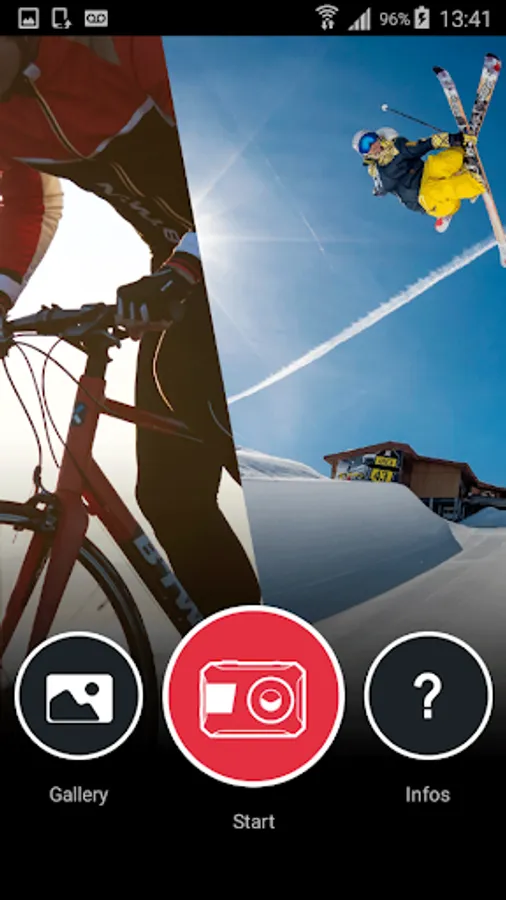
1. In START mode on the application home page:
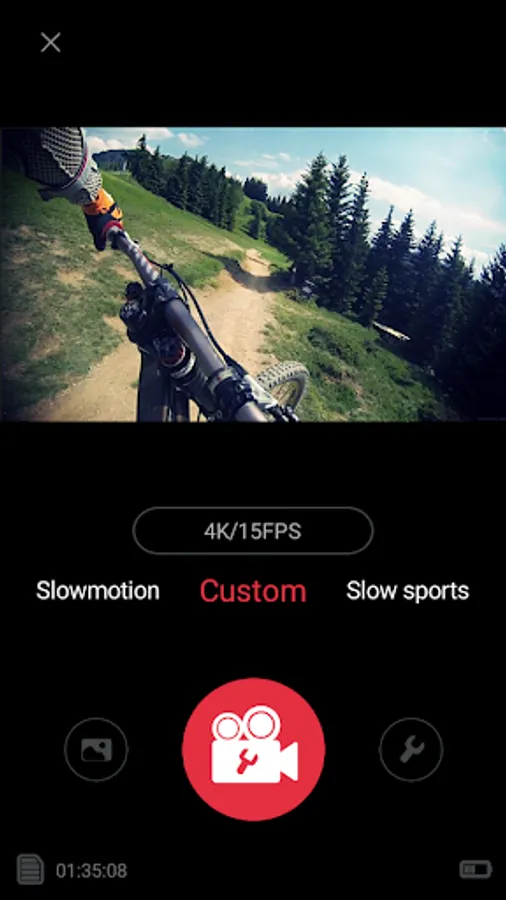
- Remotely set the parameters for photos, videos and manage the overall general settings
- Trigger, stop or pause video recording
- Take a picture
- Access all camera recording modes: photo, video, timelapse, slow motion, burst, ...
- Control video framing, live recording and do it remotely with your smartphone
- Directly view the photos or videos you took on your smartphone. All photos and videos stored in your camera are visible on your smartphone without the need for transfer.
- Easily download files on your smartphone to review your photos and videos (VISUALIZATION mode to the left of the REC BUTTON).
When you are offline, use Gallery mode on the application homepage.
2. Offline in the GALLERY mode on the application home page:
- Review all photos and videos uploaded to your smartphone
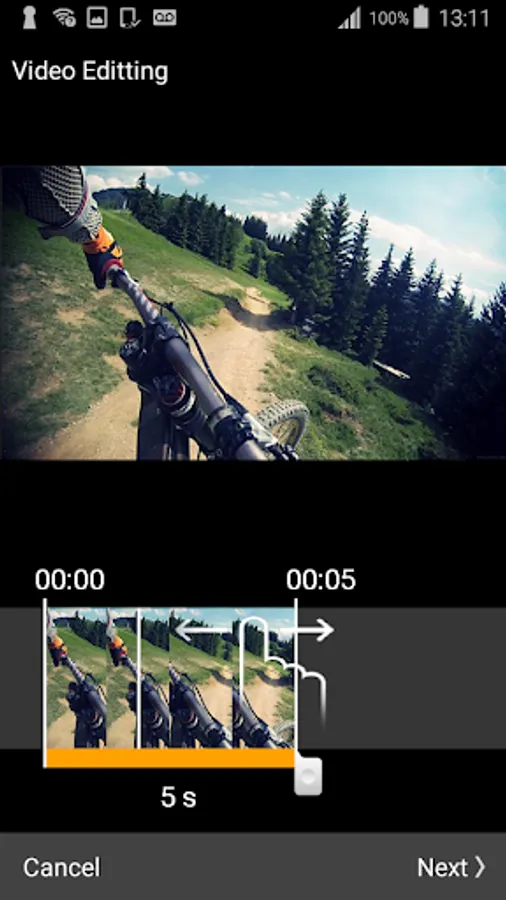
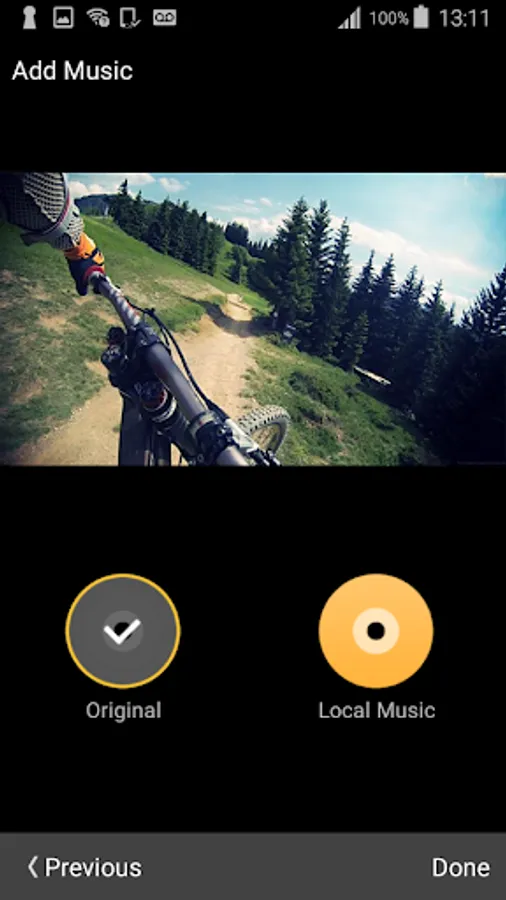
- Edit your videos: Delete sequences that do not interest you, add music available on your smartphone. Click on the downloaded video then the share button (bottom left then follow the procedure).
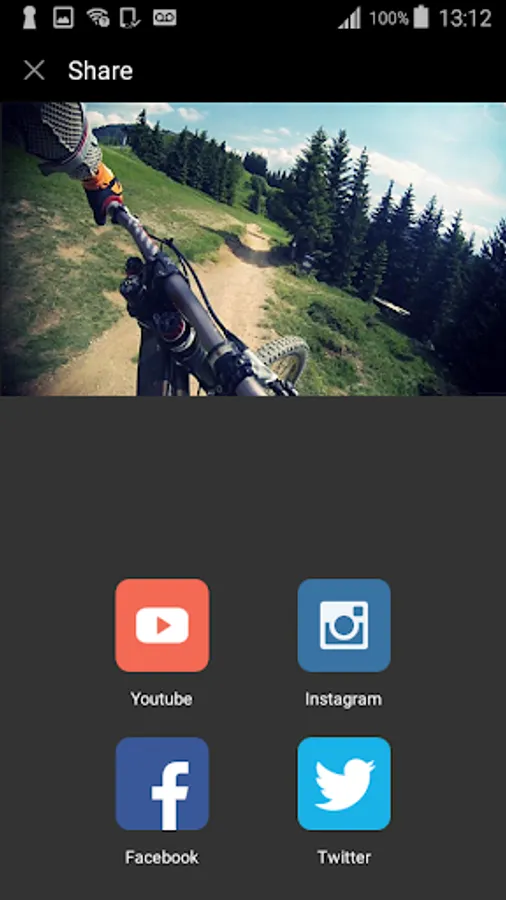
- Directly share your photos and videos on your favorite social networks from the application.
Please note: Before sharing on the social networks, your video will be stored on YOUTUBE in private mode, which requires the creation of an account before.
This app is not compatible with other G-eye cameras.
After using WIFI to pair your smartphone and camera, you will then be able to do the following:
1. In START mode on the application home page:
- Remotely set the parameters for photos, videos and manage the overall general settings
- Trigger, stop or pause video recording
- Take a picture
- Access all camera recording modes: photo, video, timelapse, slow motion, burst, ...
- Control video framing, live recording and do it remotely with your smartphone
- Directly view the photos or videos you took on your smartphone. All photos and videos stored in your camera are visible on your smartphone without the need for transfer.
- Easily download files on your smartphone to review your photos and videos (VISUALIZATION mode to the left of the REC BUTTON).
When you are offline, use Gallery mode on the application homepage.
2. Offline in the GALLERY mode on the application home page:
- Review all photos and videos uploaded to your smartphone
- Edit your videos: Delete sequences that do not interest you, add music available on your smartphone. Click on the downloaded video then the share button (bottom left then follow the procedure).
- Directly share your photos and videos on your favorite social networks from the application.
Please note: Before sharing on the social networks, your video will be stored on YOUTUBE in private mode, which requires the creation of an account before.
GEYE Connect Screenshots
Tap to Rate: