
App Package Manager
System monitor tools lab - Cpu Ram Battery
4.3 ★
11K ratings
100,000+
downloads
Free
With this app package manager, you can view detailed information about installed and system apps including version, package name, size, and API data. Includes app list, target API, minimum API, installer source, and signature algorithm details.
AppRecs review analysis
AppRecs rating 4.0. Trustworthiness 75 out of 100. Review manipulation risk 33 out of 100. Based on a review sample analyzed.
★★★★☆
4.0
AppRecs Rating
Ratings breakdown
5 star
62%
4 star
18%
3 star
10%
2 star
3%
1 star
7%
What to know
✓
Credible reviews
75% trustworthiness score from analyzed reviews
✓
High user satisfaction
80% of sampled ratings are 4+ stars (4.3★ average)
⚠
Ad complaints
Many low ratings mention excessive ads
About App Package Manager
App Manager manage apps information including: version, package name, app size, api info etc. You can check the apps very clearly.
Detail feature list:
1. Apps List
Show the apps list for user apps and system apps with package name, app version, target api, app size.
2. Show App Target API
Statistical classification of apps based on their target Api. Target API informs the system that application is tested against the target version and the system should not enable any compatibility behaviors to maintain app forward compatibility with the target version. The application is still able to run on older version down to min sdk version.
3. Show App Minimum API
Statistical classification of apps based on their minimum Api. Min SDK designating the minimum Android API level required for the application to run. The system will prevent the user from installing the application if the system api level lower than the Min SDK.
4. Show App Installer
Statistical classification of apps based on their installer source. Application installer with the ability to install Android APK to the phone. Generally the built-in application market and some application can be installed silently. If it is displayed as unknown, it maybe an application installed through special means such as ADB.
5. Show App Signature Algorithm
The signature algorithm name for the certificate signature algorithm. An example is the string: SHA256withRSA.
Detail feature list:
1. Apps List
Show the apps list for user apps and system apps with package name, app version, target api, app size.
2. Show App Target API
Statistical classification of apps based on their target Api. Target API informs the system that application is tested against the target version and the system should not enable any compatibility behaviors to maintain app forward compatibility with the target version. The application is still able to run on older version down to min sdk version.
3. Show App Minimum API
Statistical classification of apps based on their minimum Api. Min SDK designating the minimum Android API level required for the application to run. The system will prevent the user from installing the application if the system api level lower than the Min SDK.
4. Show App Installer
Statistical classification of apps based on their installer source. Application installer with the ability to install Android APK to the phone. Generally the built-in application market and some application can be installed silently. If it is displayed as unknown, it maybe an application installed through special means such as ADB.
5. Show App Signature Algorithm
The signature algorithm name for the certificate signature algorithm. An example is the string: SHA256withRSA.
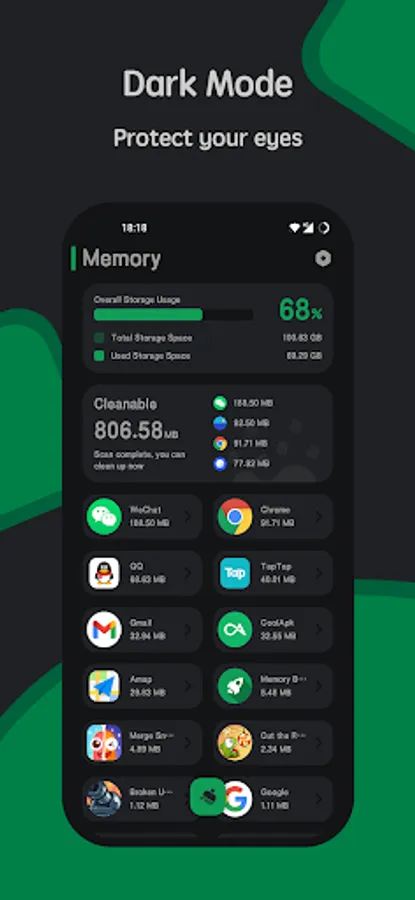
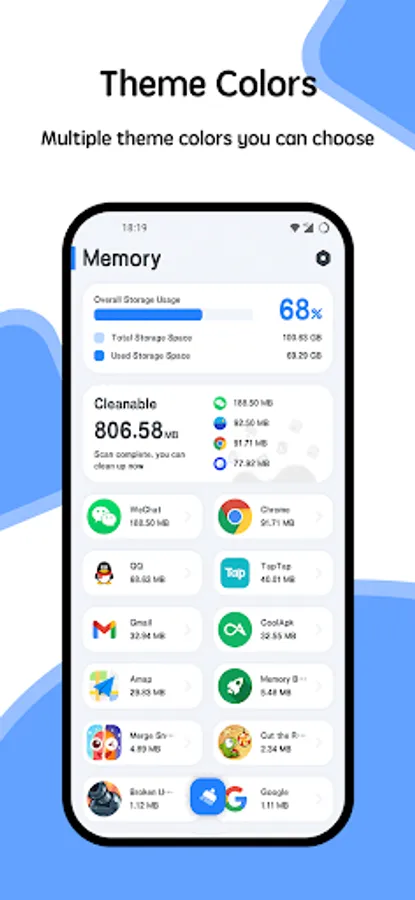
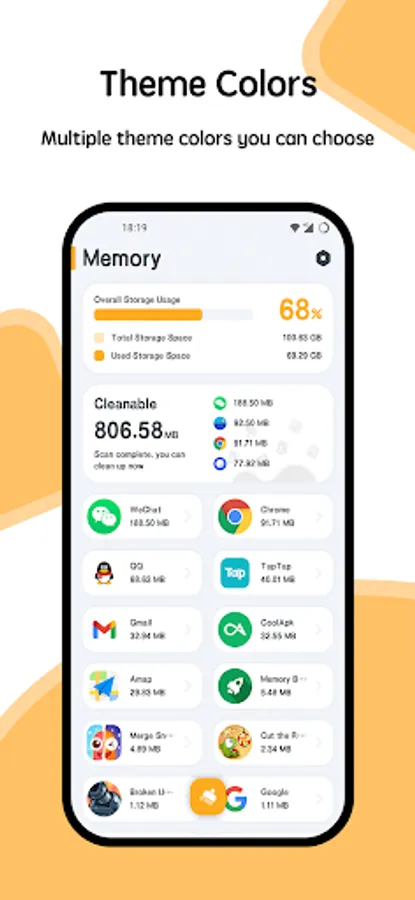
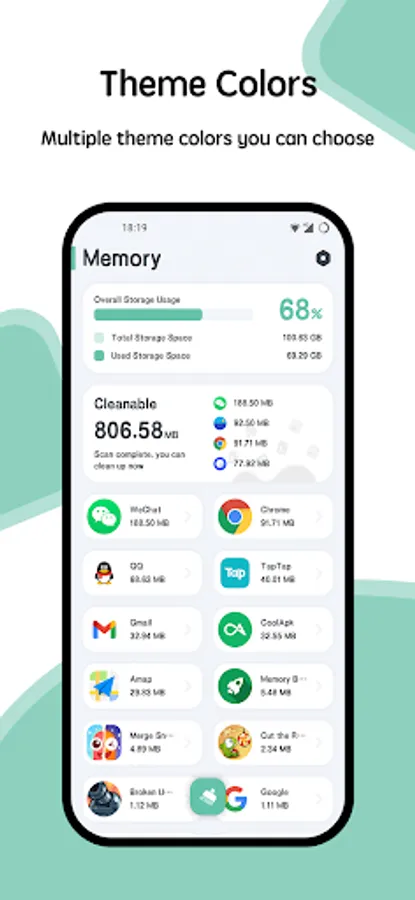
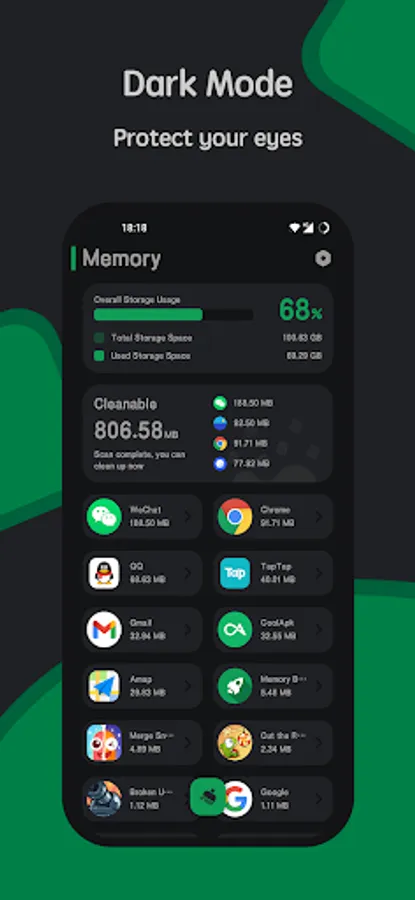
App Package Manager Screenshots
Tap to Rate:
Reviews for App Package Manager
AZ - Jacob Richardson
5/4/2025
best app
Vivek Tiwari
3/23/2025
Fast and awesome with great UI