Mo File Manager - Explorer
Mini Go Studio
1,000+
downloads
Free
+ in-app
AppRecs review analysis
AppRecs rating 3.8. Trustworthiness 75 out of 100. Review manipulation risk 21 out of 100. Based on a review sample analyzed.
★★★☆☆
3.8
AppRecs Rating
Ratings breakdown
5 star
0%
4 star
100%
3 star
0%
2 star
0%
1 star
0%
What to know
✓
Low review manipulation risk
21% review manipulation risk
✓
Credible reviews
75% trustworthiness score from analyzed reviews
✓
High user satisfaction
100% of sampled ratings are 4+ stars (4.0★ average)
About Mo File Manager - Explorer
Files are carriers of information. We're continuously working to make file management simpler and more efficient.
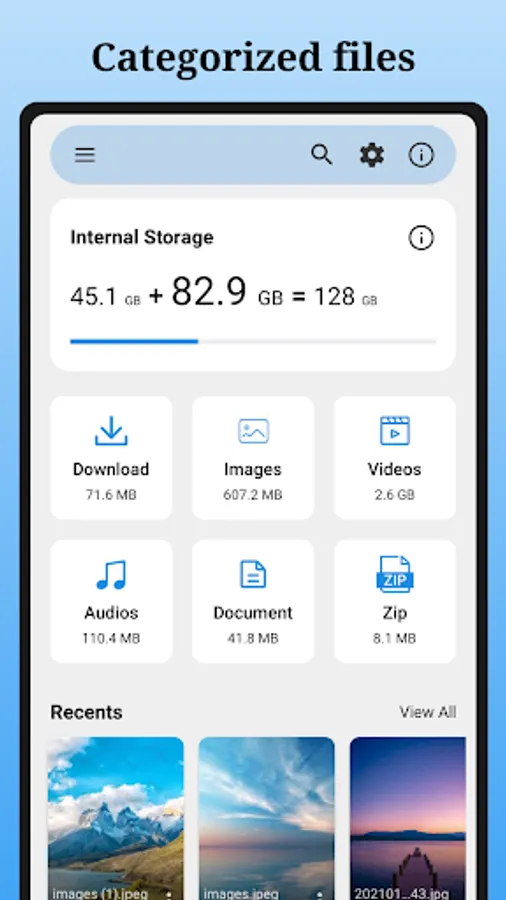
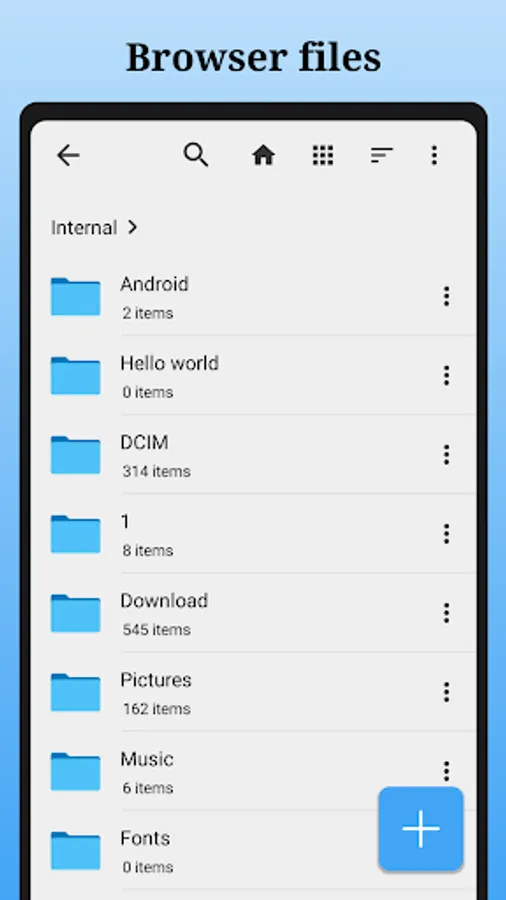
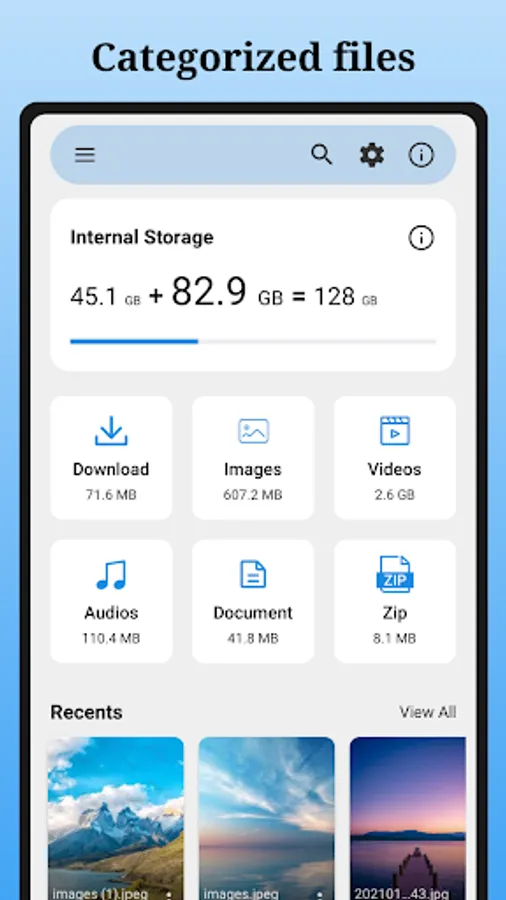
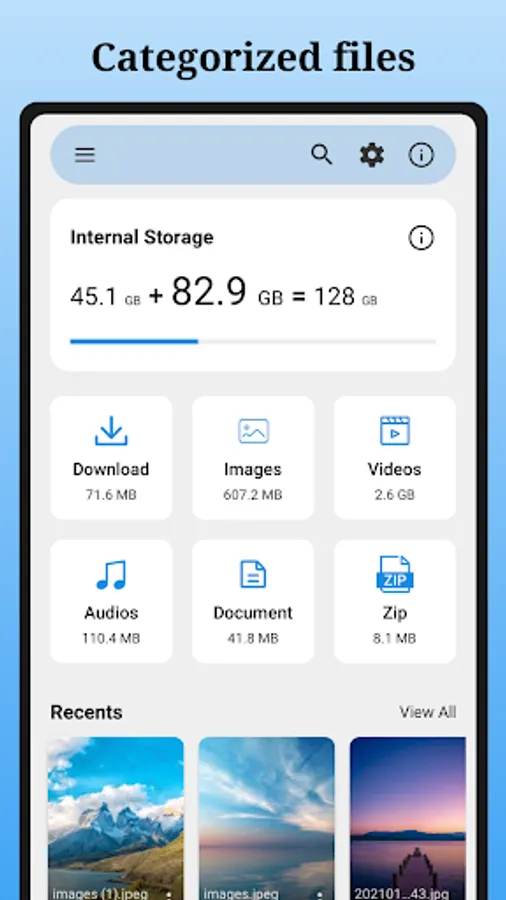
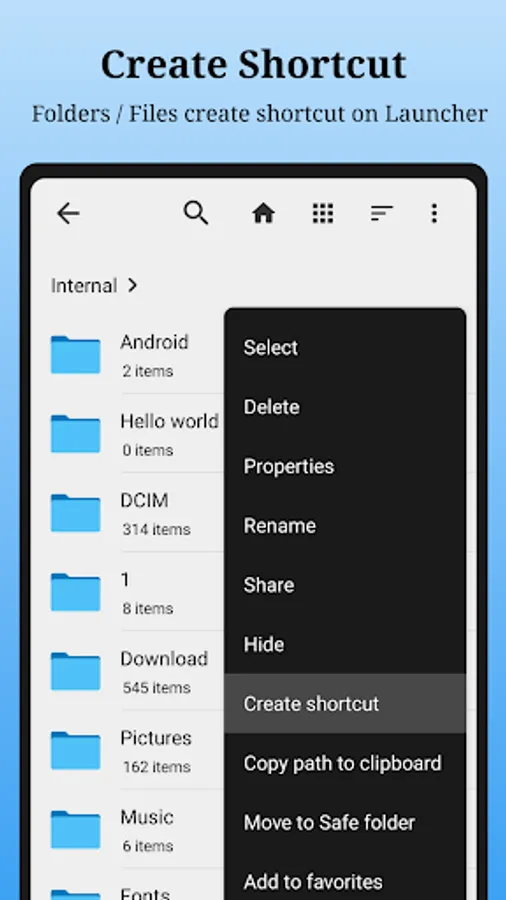
Mo File Manager a easy-to-use file manager & file explorer, helps you manage your files efficiently. With Mo File Manager, you can easily manage files on local device & SD card, quickly find files by browsing, zip & unzip files.
📂 Manage Files
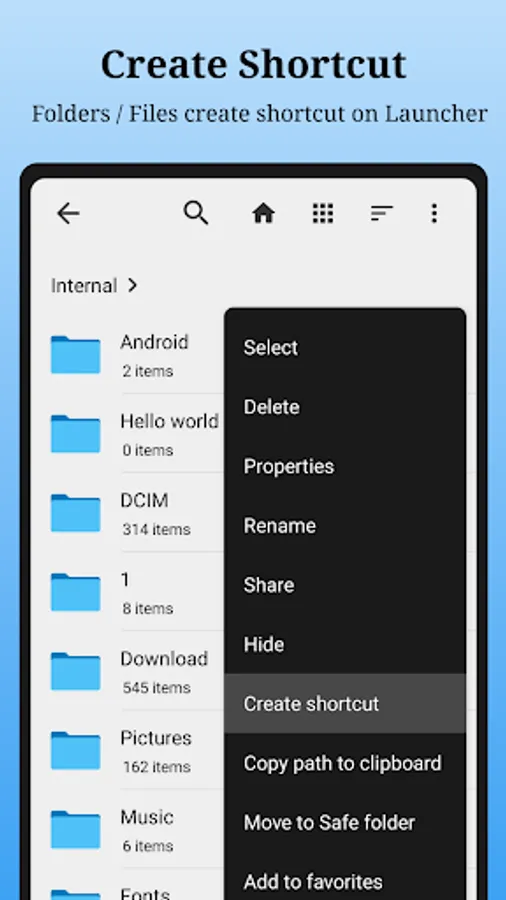
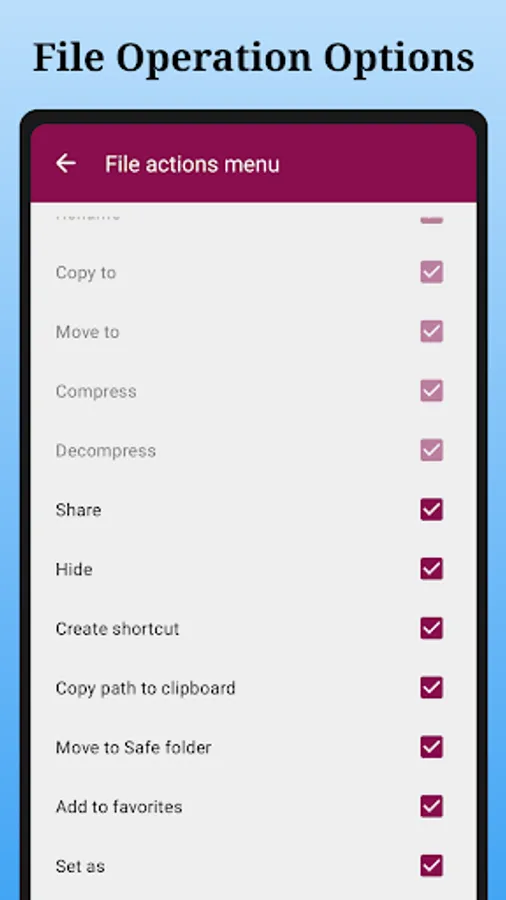
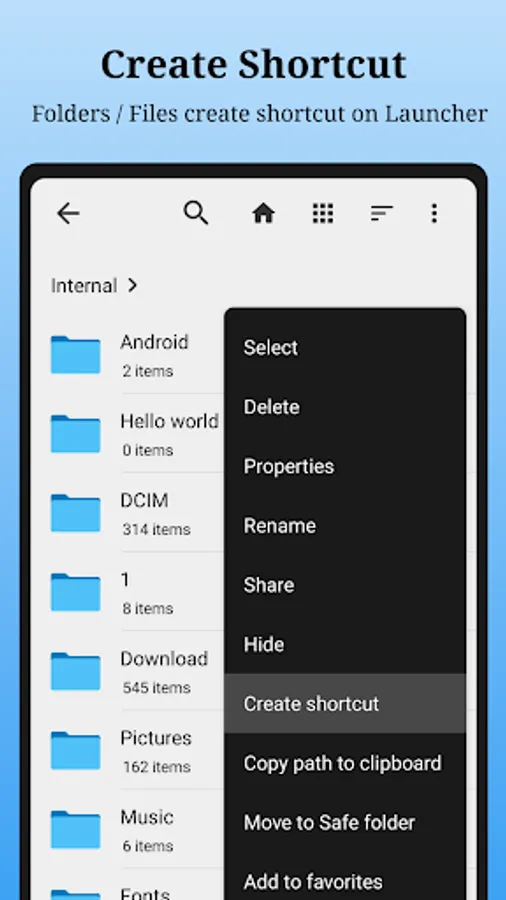
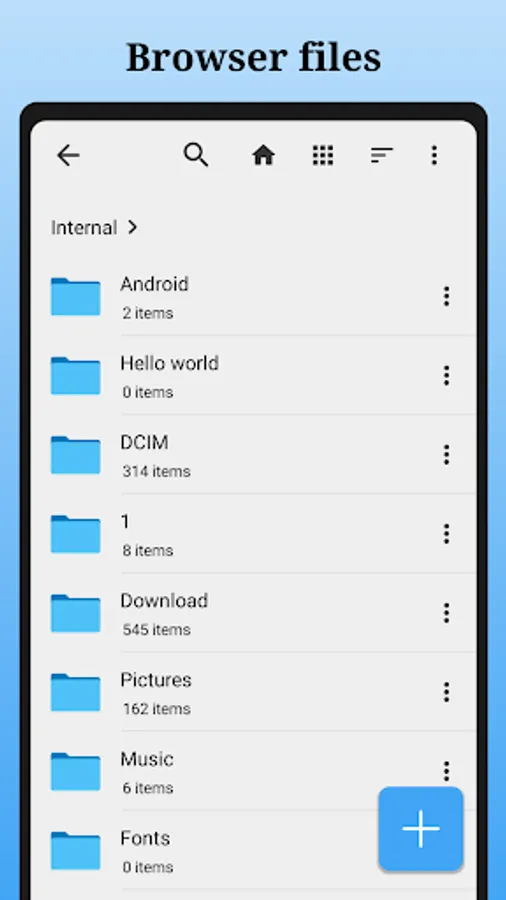
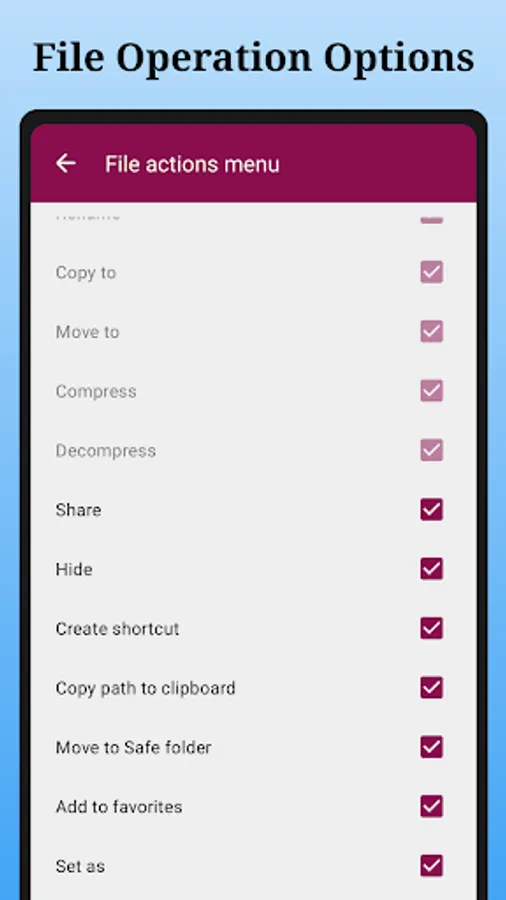
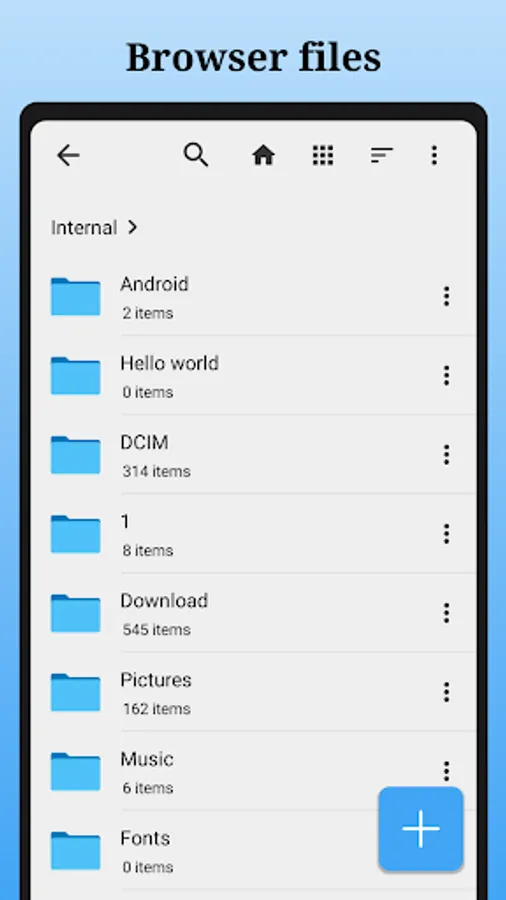
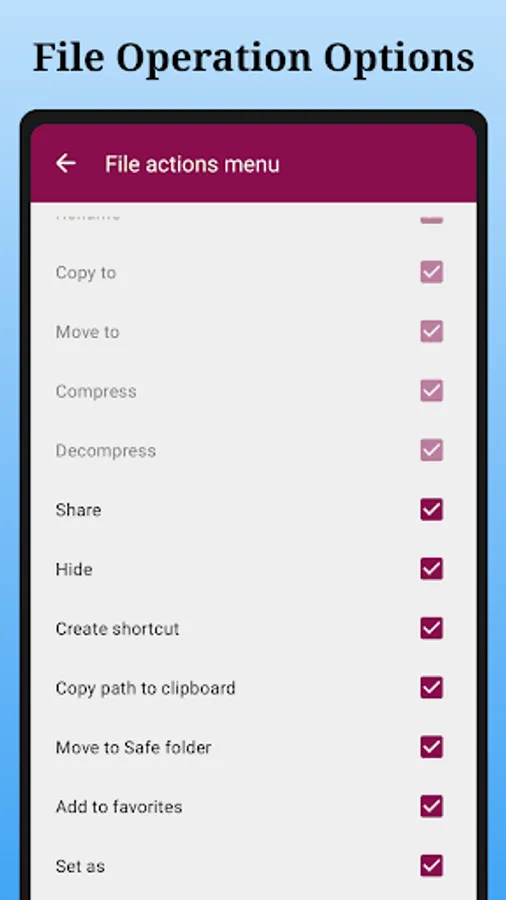
- Browse, Create, Multi-Select, Rename, Compress, Decompress, Copy & Paste, Move files and folders
- Keep your sensitive files safe in Safe Folder with a PIN or pattern that can be different from your device lock.
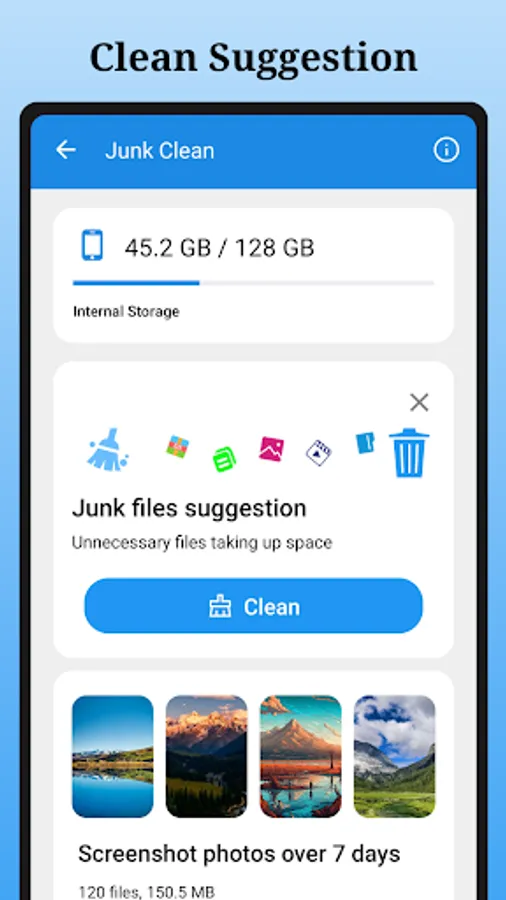
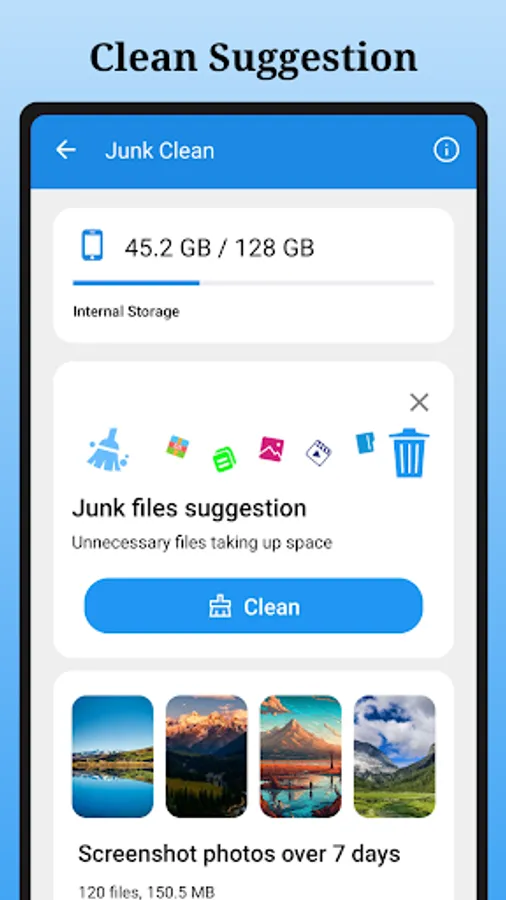
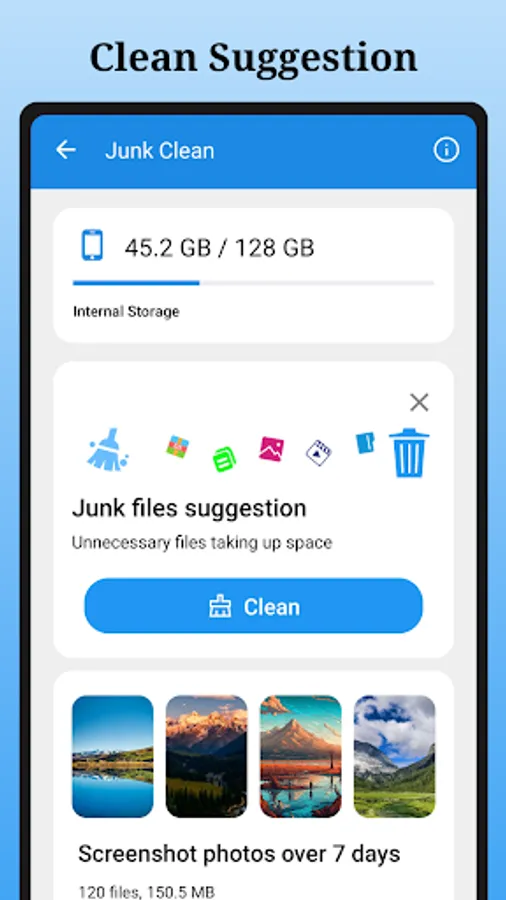
- Free up space on your device with cleaning suggestions
- Find files with search and simple browsing
- Starred files and find them quickly in Starred Files
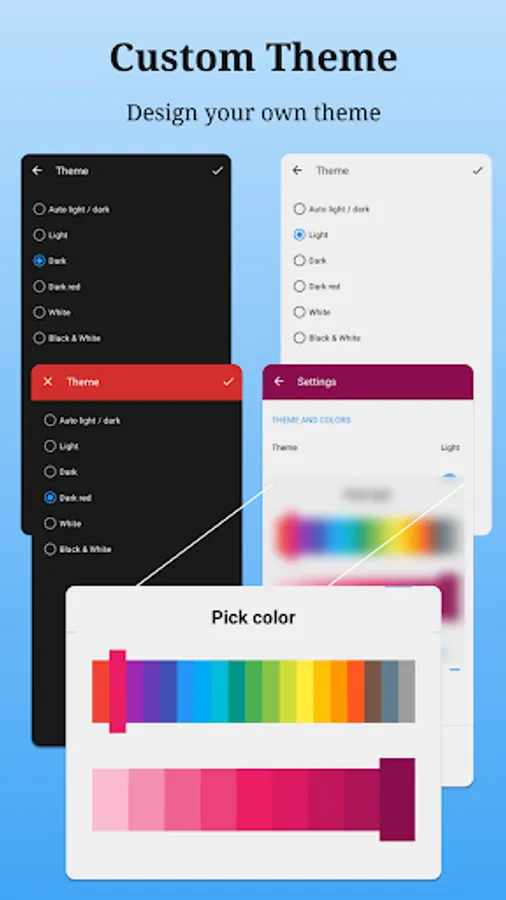
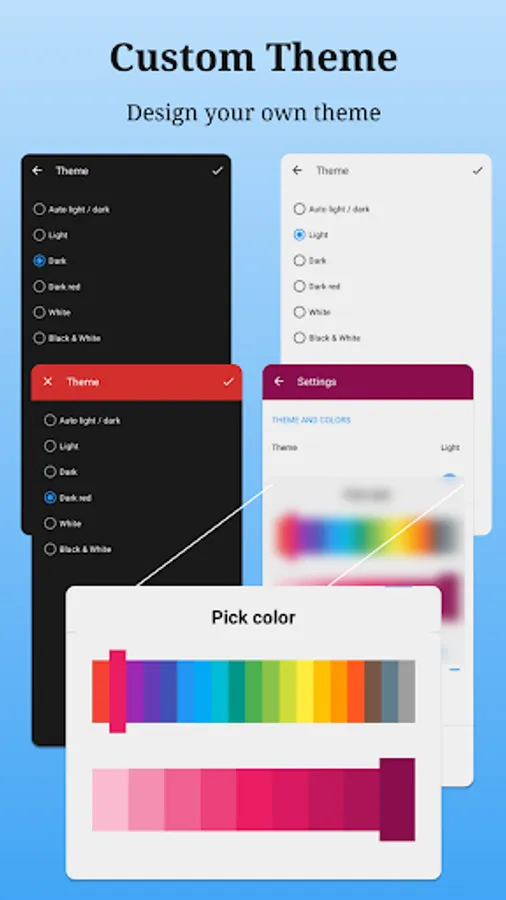
- Custom themes to setup your own UI.
Custom themes
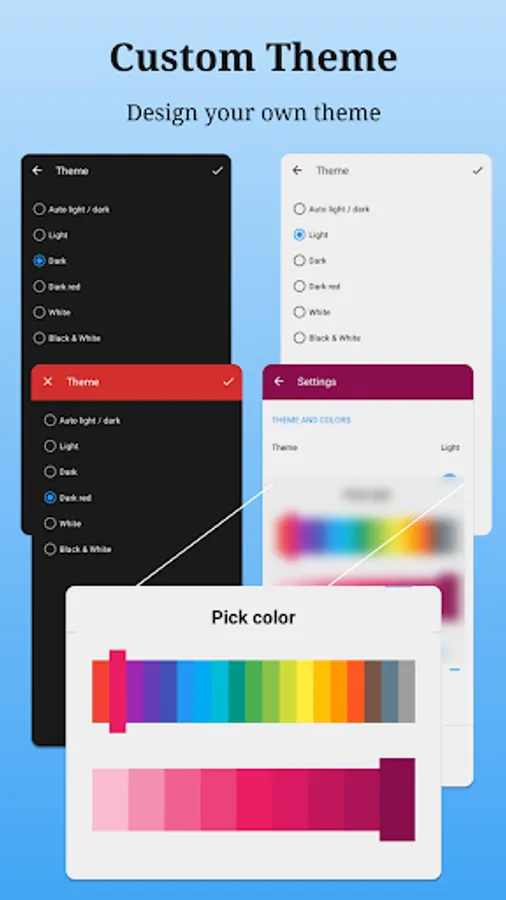
Provide Light、Dark、Dark red、White、Black & White themes to select, and change the primary color if you need, custom your own UI.
Get suggestions
Get some helpful suggestions to save space.
Play offline medias
Listen to your offline music or watch your offline videos with advanced controls like playback speed, and more.
Preview offline photos
Show your photos with advanced controls like gesture zoom, rotate direction, remove EXIF info if have, and more.
Permission:
To experience all features of Mo File Manager needs permissions as follows:
android.permission.MANAGE_EXTERNAL_STORAGE
android.permission.WRITE_EXTERNAL_STORAGE
Mo File Manager app uses almost 4~6MB of storage on your device, it’s easy to use.
Mo File Manager a easy-to-use file manager & file explorer, helps you manage your files efficiently. With Mo File Manager, you can easily manage files on local device & SD card, quickly find files by browsing, zip & unzip files.
📂 Manage Files
- Browse, Create, Multi-Select, Rename, Compress, Decompress, Copy & Paste, Move files and folders
- Keep your sensitive files safe in Safe Folder with a PIN or pattern that can be different from your device lock.
- Free up space on your device with cleaning suggestions
- Find files with search and simple browsing
- Starred files and find them quickly in Starred Files
- Custom themes to setup your own UI.
Custom themes
Provide Light、Dark、Dark red、White、Black & White themes to select, and change the primary color if you need, custom your own UI.
Get suggestions
Get some helpful suggestions to save space.
Play offline medias
Listen to your offline music or watch your offline videos with advanced controls like playback speed, and more.
Preview offline photos
Show your photos with advanced controls like gesture zoom, rotate direction, remove EXIF info if have, and more.
Permission:
To experience all features of Mo File Manager needs permissions as follows:
android.permission.MANAGE_EXTERNAL_STORAGE
android.permission.WRITE_EXTERNAL_STORAGE
Mo File Manager app uses almost 4~6MB of storage on your device, it’s easy to use.