
GO Multiple Wallpaper
go live llc
3.8 ★
25K ratings
1,000,000+
downloads
Free
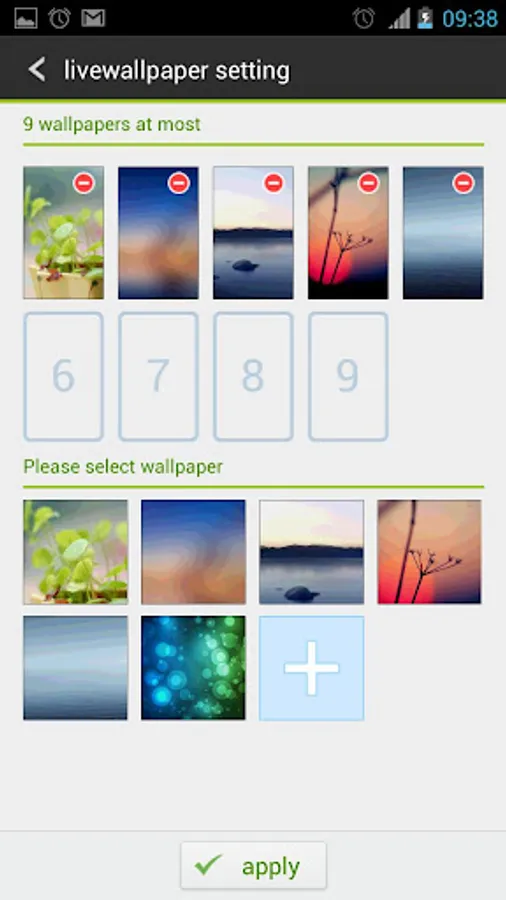
In this app, you can set different wallpapers for each screen and browse preset options or your device's images. Includes multiple wallpapers, gesture-based automatic changes, and compatibility with various launchers.
AppRecs review analysis
AppRecs rating 3.8. Trustworthiness 0 out of 100. Review manipulation risk 0 out of 100. Based on a review sample analyzed.
★★★☆☆
3.8
AppRecs Rating
Ratings breakdown
5 star
53%
4 star
14%
3 star
8%
2 star
7%
1 star
18%
What to know
✓
Good user ratings
67% positive sampled reviews
✓
Authentic reviews
Natural distribution, no red flags
About GO Multiple Wallpaper
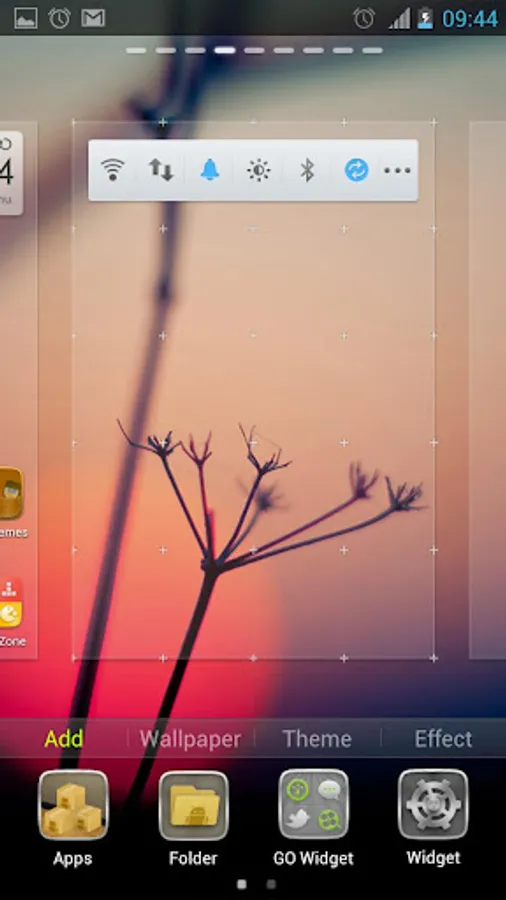
GO Multiple Wallpaper is a wallpaper ex plugin with 9 preset exquisite wallpapers. GO Multiple Wallpaper enables you to set a unique wallpaper for each screen.
Feature:
1. Set a unique wallpaper for each screen
2. Wallpaper can be chosen from GO Multiple Wallpaper and the phone memory
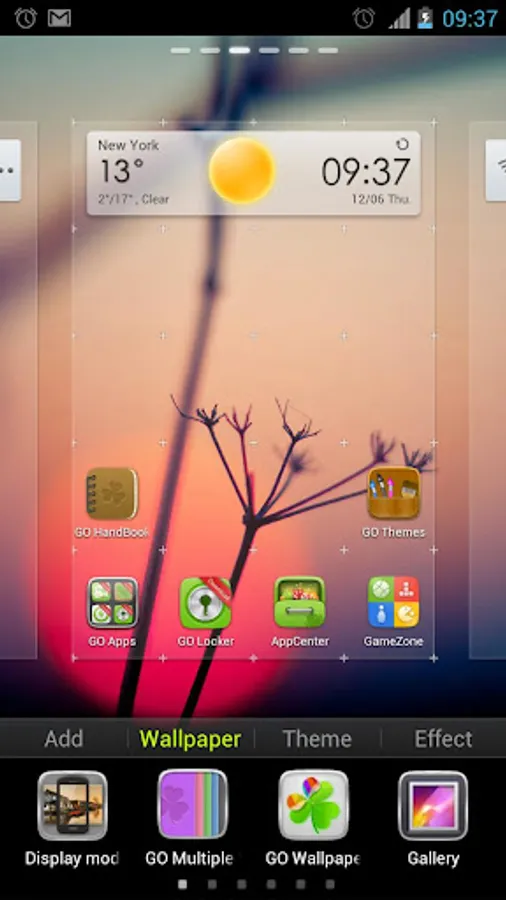
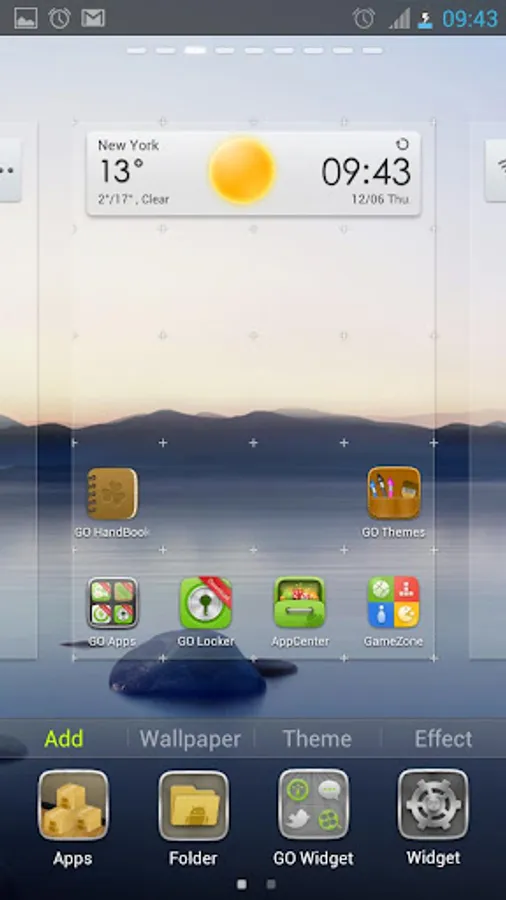
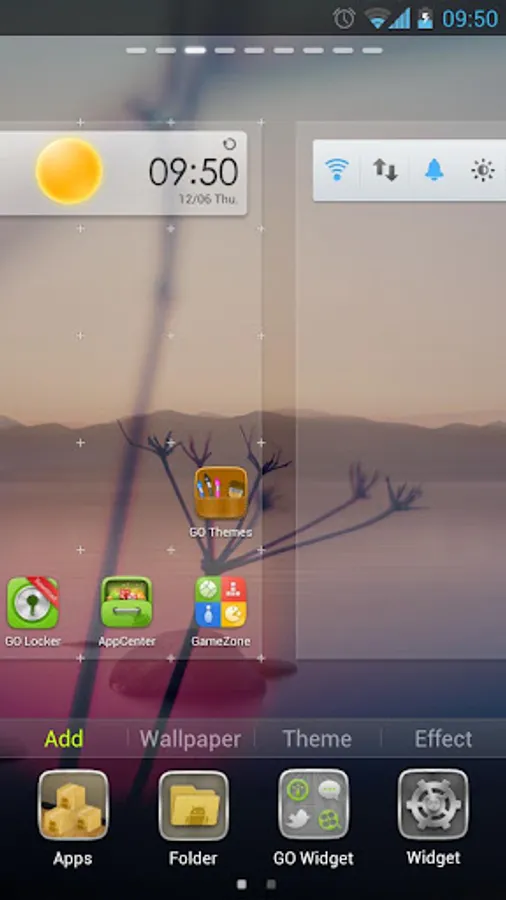
3. Slide screen to show each screen's wallpaper with shadow effect
4. Change wallpaper automatically with gestures(coming with next version)
Note:
1. GO Multiple Wallpaper has special function entry( please search”GO launcher EX” to install for free )
2. GO Multiple Wallpaper is available both in GO Launcher EX and other
launchers.
3. To show the multiple wallpaper effect, please make sure your launcher surpports wallpaper scrolling(GO Luancher EX: menu - wallpaper - Display mode - Default mode)
4. How to apply GO Multiple Wallpaper?
— With GO Launcher EX: long press screen to edit → tap “wallpaper” tab → tap “GO Multiple Wallpaper”
— With other launchers: Home screen → menu → Wallpaper → Live Wallpaper
5.Welcome to give us feedback and tell us the features you want. We will keep going.
Feature:
1. Set a unique wallpaper for each screen
2. Wallpaper can be chosen from GO Multiple Wallpaper and the phone memory
3. Slide screen to show each screen's wallpaper with shadow effect
4. Change wallpaper automatically with gestures(coming with next version)
Note:
1. GO Multiple Wallpaper has special function entry( please search”GO launcher EX” to install for free )
2. GO Multiple Wallpaper is available both in GO Launcher EX and other
launchers.
3. To show the multiple wallpaper effect, please make sure your launcher surpports wallpaper scrolling(GO Luancher EX: menu - wallpaper - Display mode - Default mode)
4. How to apply GO Multiple Wallpaper?
— With GO Launcher EX: long press screen to edit → tap “wallpaper” tab → tap “GO Multiple Wallpaper”
— With other launchers: Home screen → menu → Wallpaper → Live Wallpaper
5.Welcome to give us feedback and tell us the features you want. We will keep going.
GO Multiple Wallpaper Screenshots
Tap to Rate: