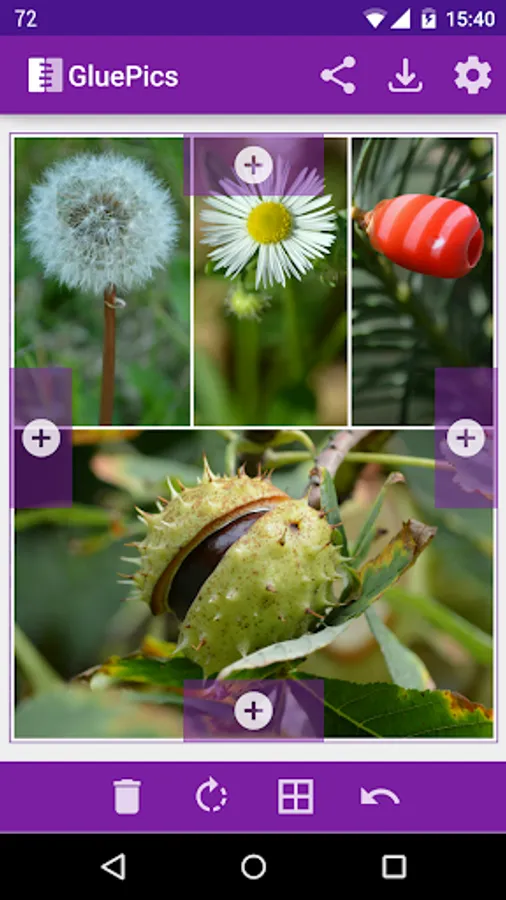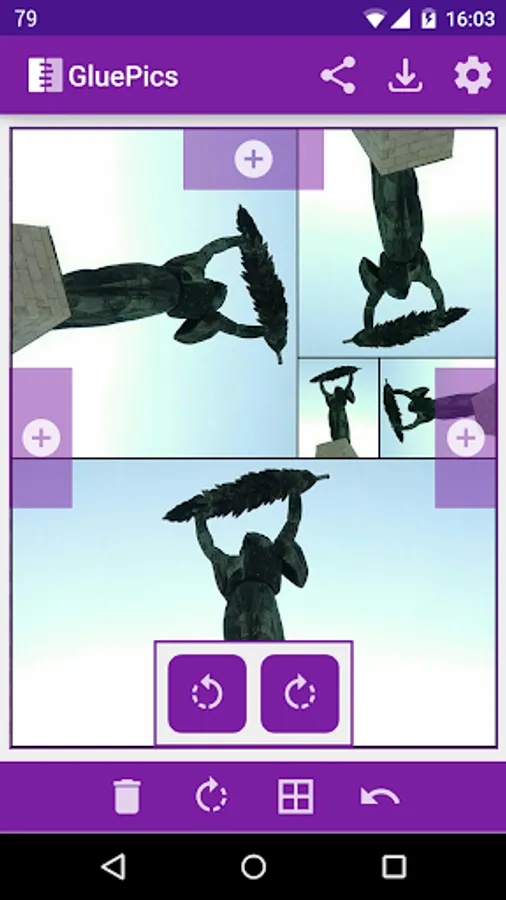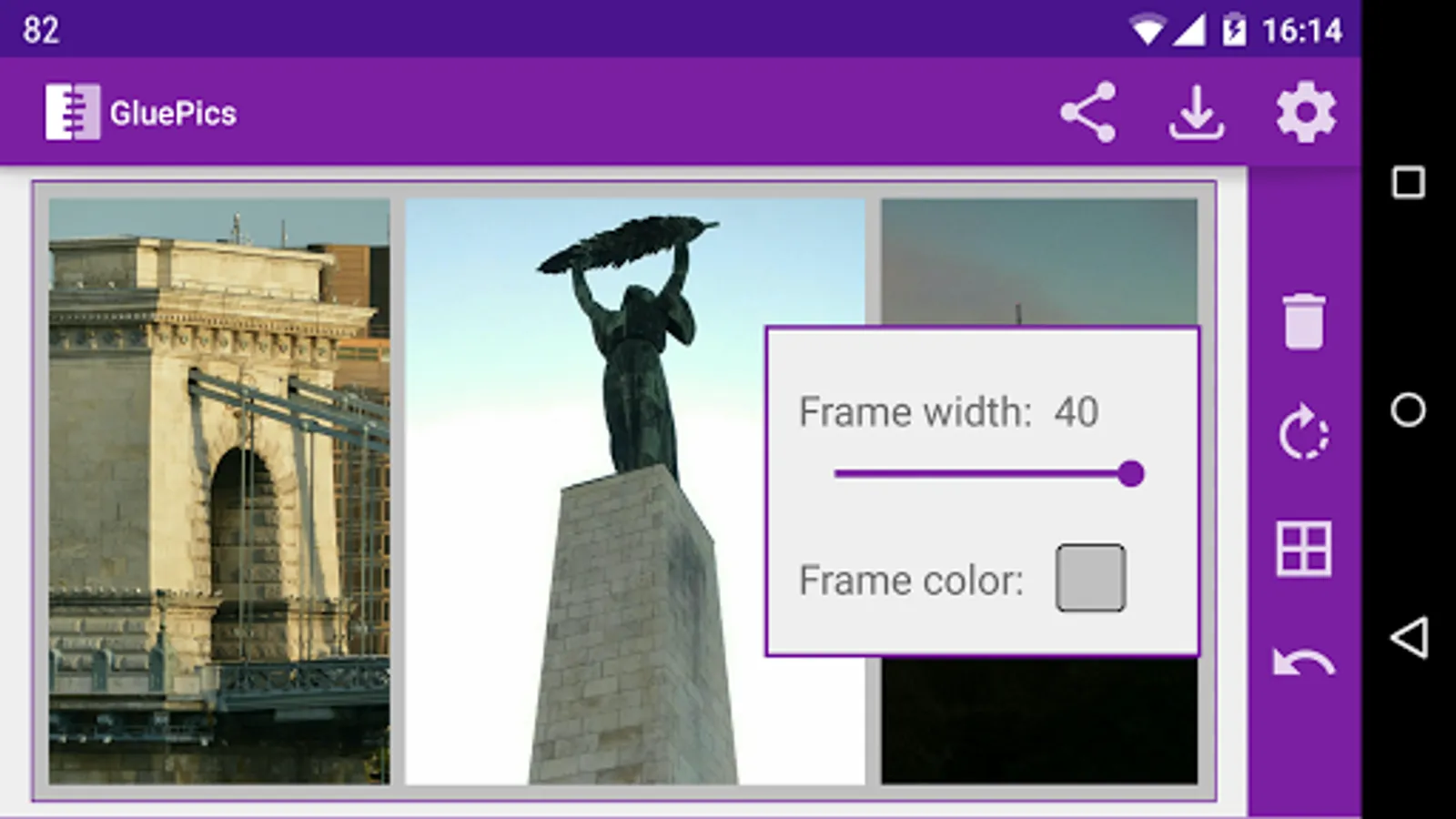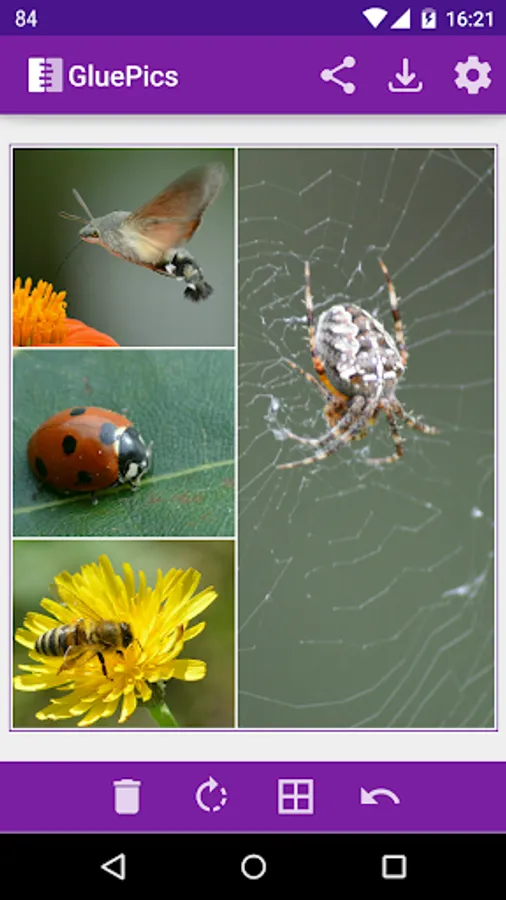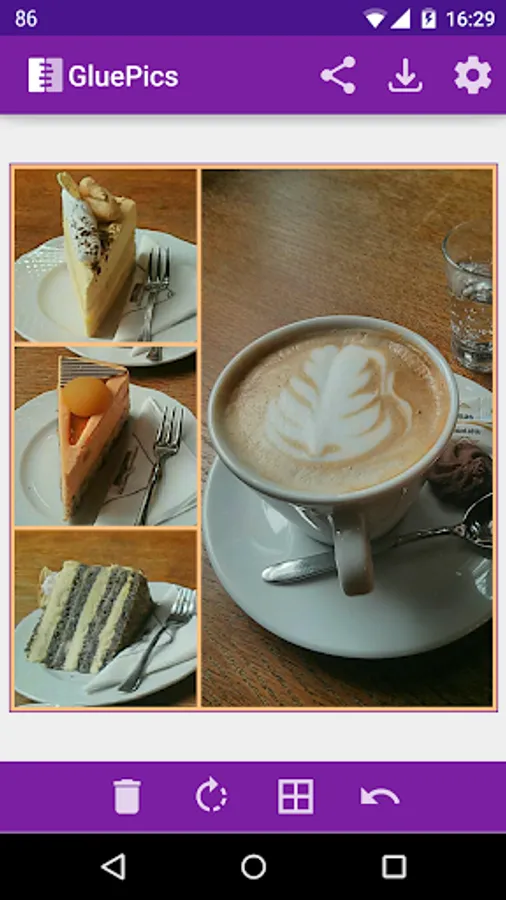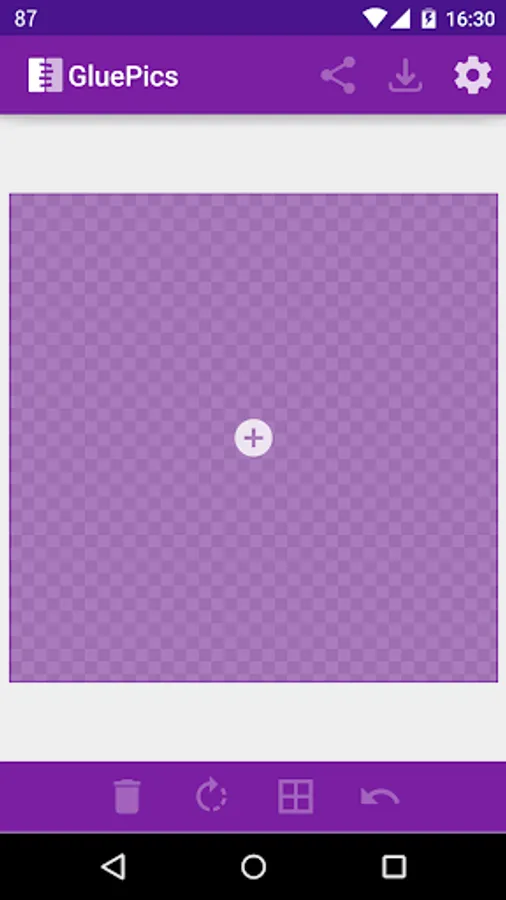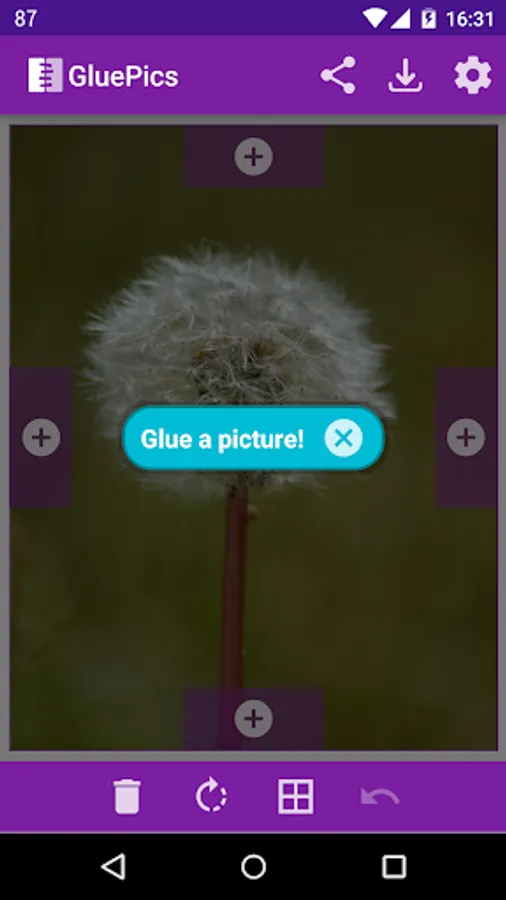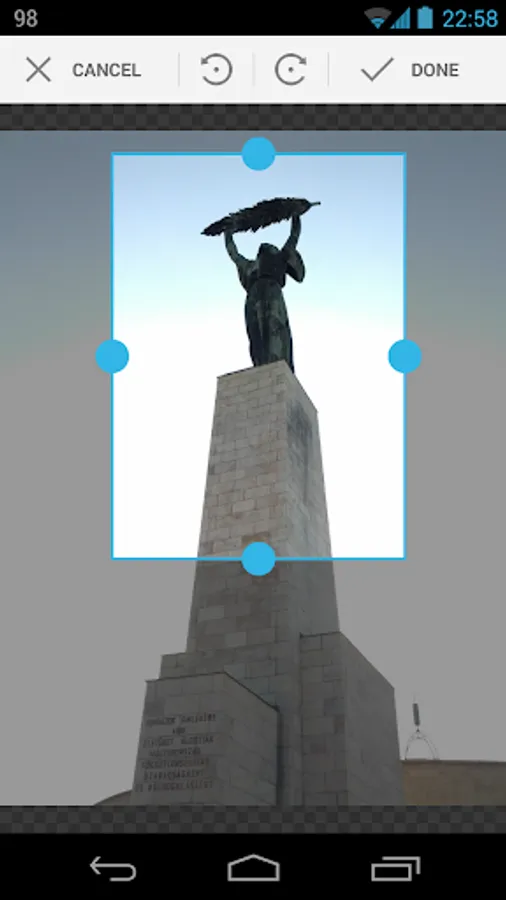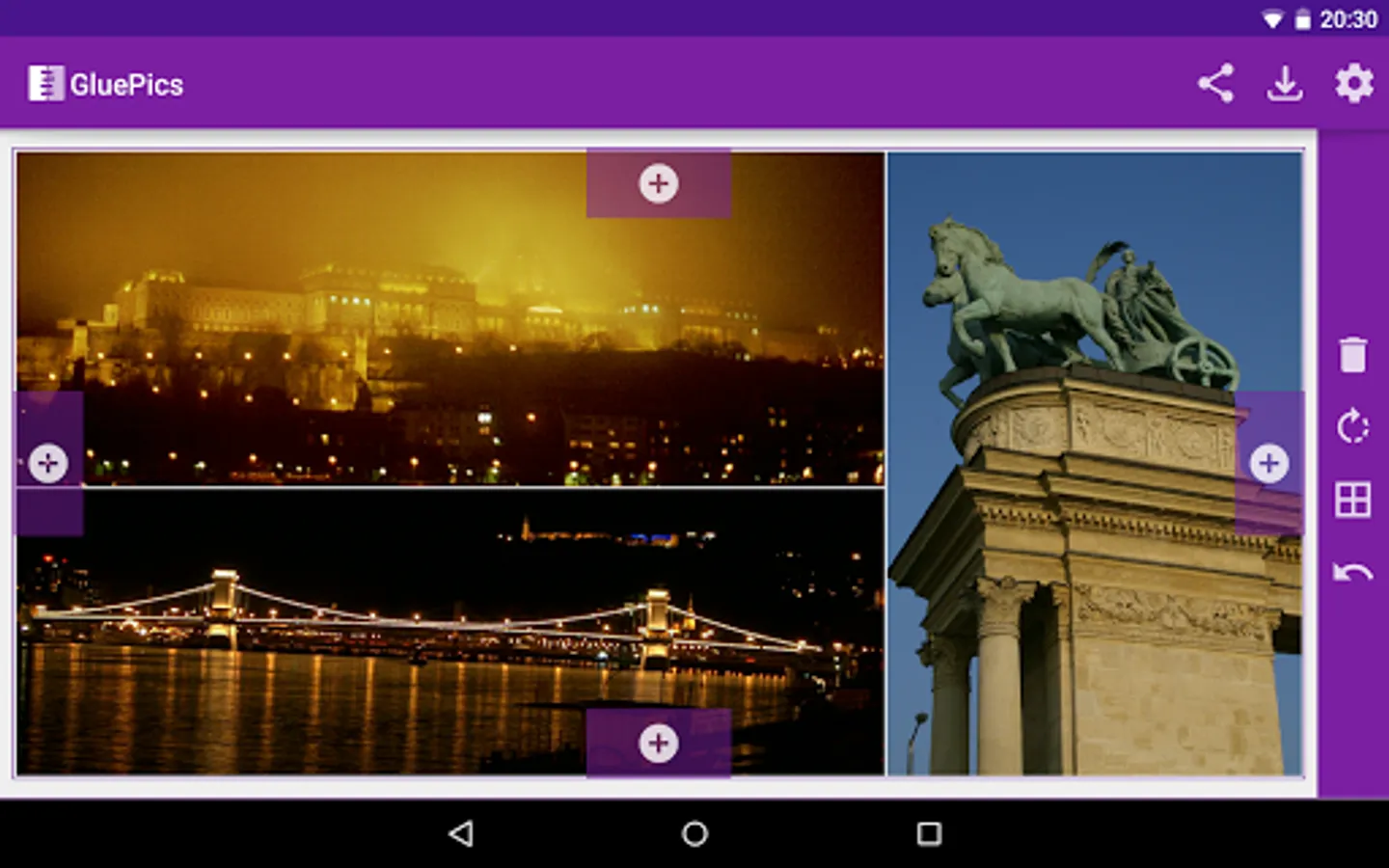
With this image editing app, you can merge photos into one image, cropping and rotating each part as needed. Includes image selection, cropping, rotating, framing, and sharing options.
AppRecs review analysis
AppRecs rating 3.8. Trustworthiness 53 out of 100. Review manipulation risk 35 out of 100. Based on a review sample analyzed.
★★★☆☆
3.8
AppRecs Rating
Ratings breakdown
5 star
51%
4 star
6%
3 star
12%
2 star
32%
1 star
0%
What to know
✓
Authentic reviews
Natural distribution, no red flags
⚠
High negative review ratio
32% of sampled ratings are 1–2 stars
About GluePics
GluePics is a simple but powerful tool to merge your photos and pictures into one image.
An image can be selected, cropped, rotated and attached to an other image by every side. The app takes care of the image sizes, so the image parts fit always perfectly. You can attach as many other pictures as you wish.
The result image can be saved or shared.
-= Features =-
◆ Select JPG or PNG images
◆ Crop and rotate selected image
◆ Rotate glued image
◆ Attach your image on one of the 4 sides
◆ Add frame to the picture
◆ Sharing an image from other apps to GLUE is possible
-= Free version limitations =-
◆ Watermark on saved and shared images
◆ Add supported
◆ One step undo is disabled
-= Pro version features (with PRO key) =-
◆ No watermark
◆ No adds
◆ One step undo
◆ Change output image size
◆ Change output image quality
Notes
◆ The images will be saved into the "Pictures/glue" folder in JPG format
An image can be selected, cropped, rotated and attached to an other image by every side. The app takes care of the image sizes, so the image parts fit always perfectly. You can attach as many other pictures as you wish.
The result image can be saved or shared.
-= Features =-
◆ Select JPG or PNG images
◆ Crop and rotate selected image
◆ Rotate glued image
◆ Attach your image on one of the 4 sides
◆ Add frame to the picture
◆ Sharing an image from other apps to GLUE is possible
-= Free version limitations =-
◆ Watermark on saved and shared images
◆ Add supported
◆ One step undo is disabled
-= Pro version features (with PRO key) =-
◆ No watermark
◆ No adds
◆ One step undo
◆ Change output image size
◆ Change output image quality
Notes
◆ The images will be saved into the "Pictures/glue" folder in JPG format