
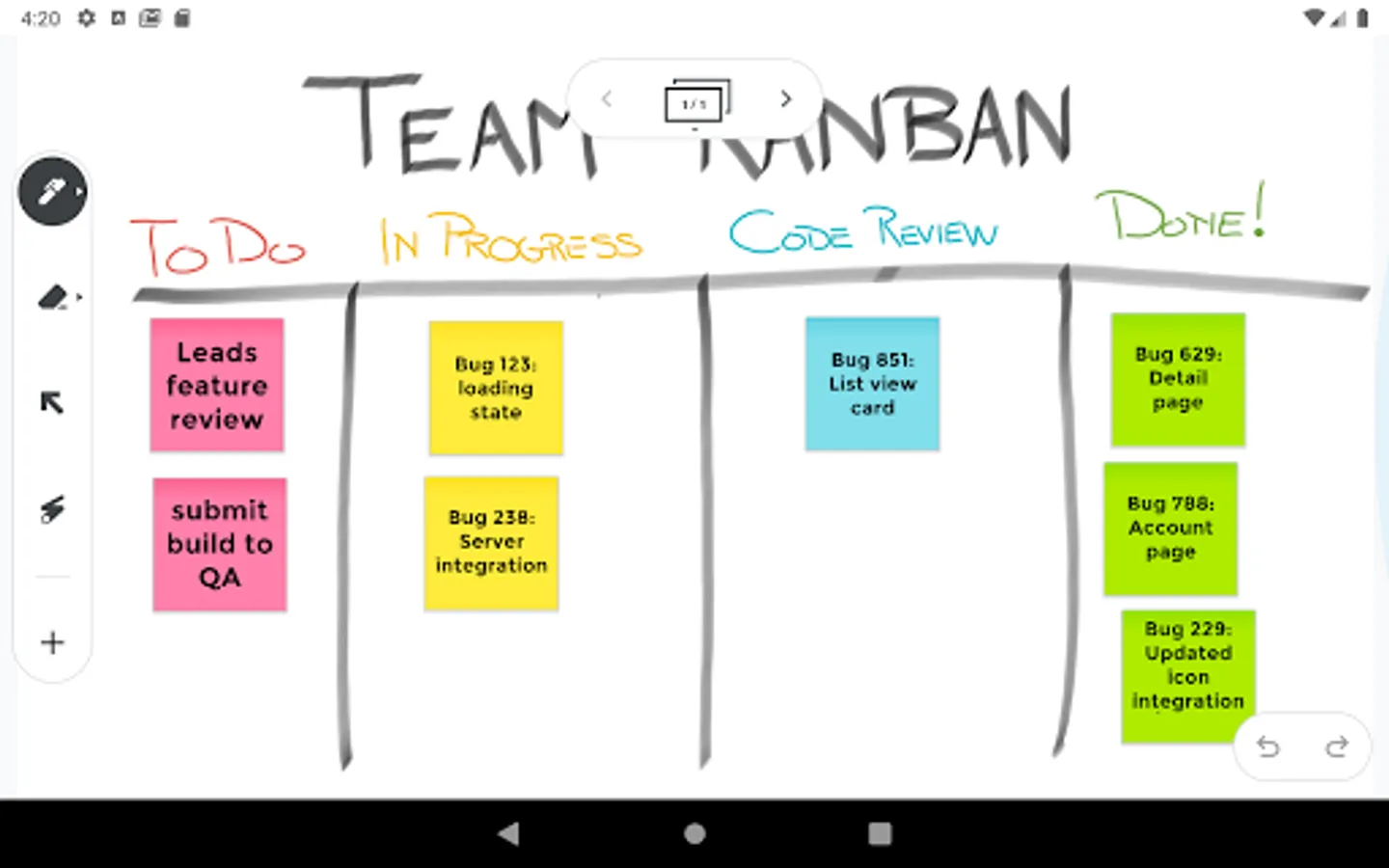
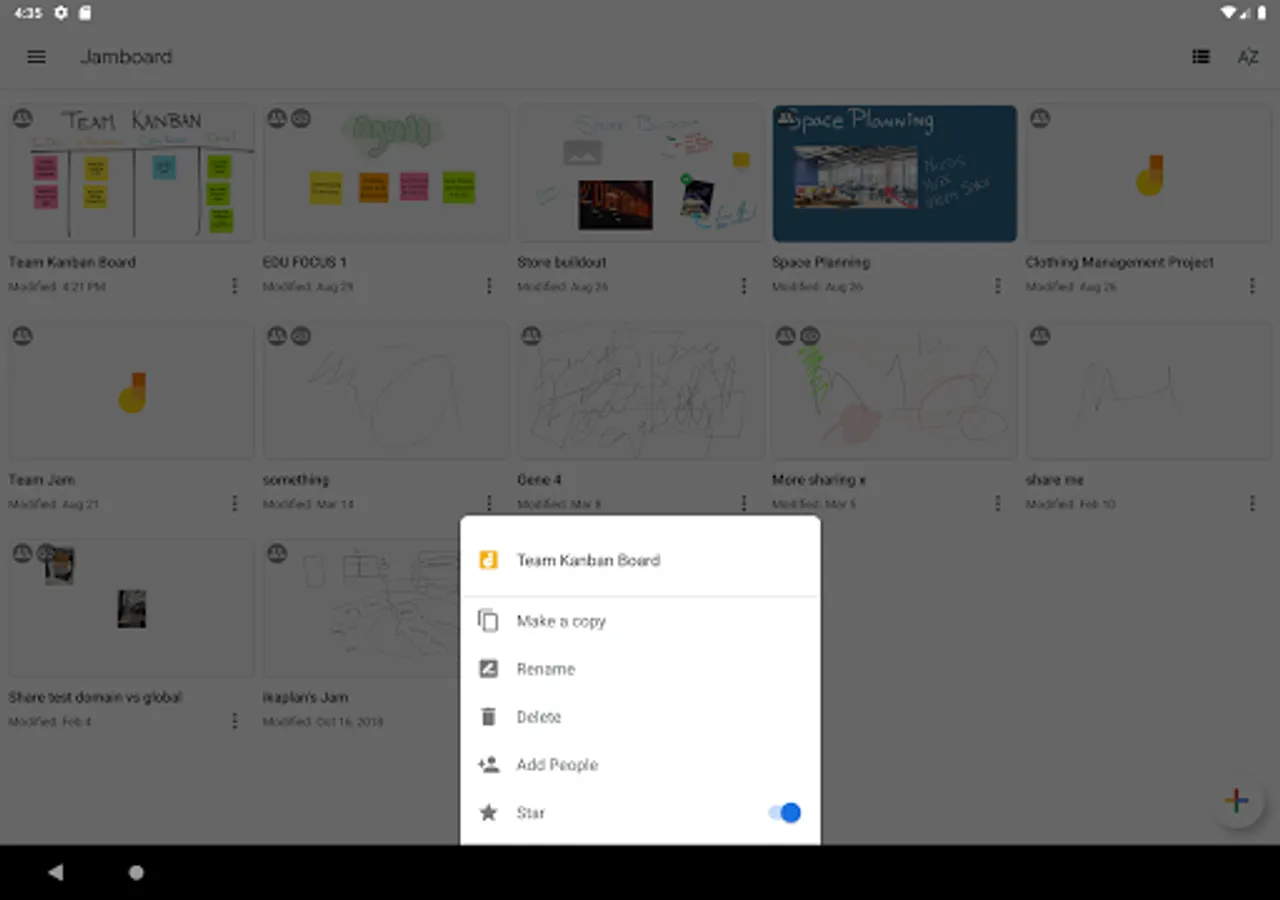
With this digital whiteboard app, you can create, edit, and share collaborative Jams in real time. Includes tools for drawing, adding sticky notes, inserting images, and importing files from G Suite.
AppRecs review analysis
AppRecs rating 3.5. Trustworthiness 0 out of 100. Review manipulation risk 0 out of 100. Based on a review sample analyzed.
★★★☆☆
3.5
AppRecs Rating
Ratings breakdown
5 star
51%
4 star
6%
3 star
11%
2 star
6%
1 star
25%
What to know
✓
Authentic reviews
Natural distribution, no red flags
⚠
High negative review ratio
32% of sampled ratings are 1–2 stars
About Jamboard
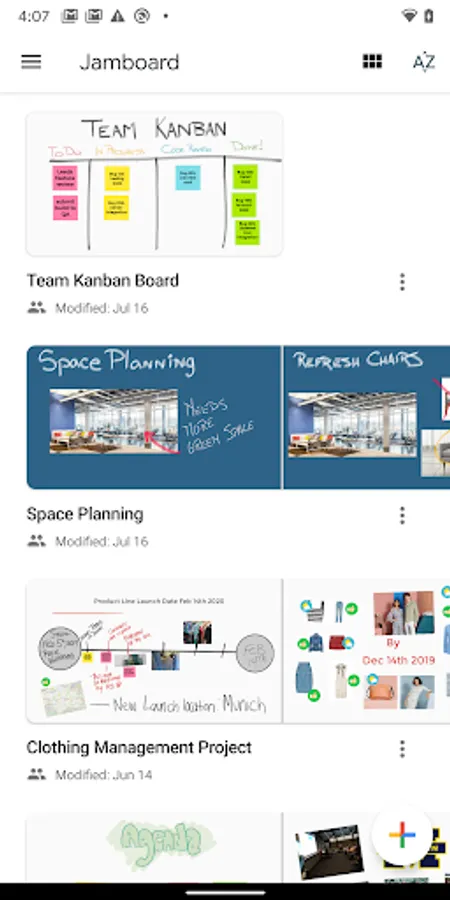
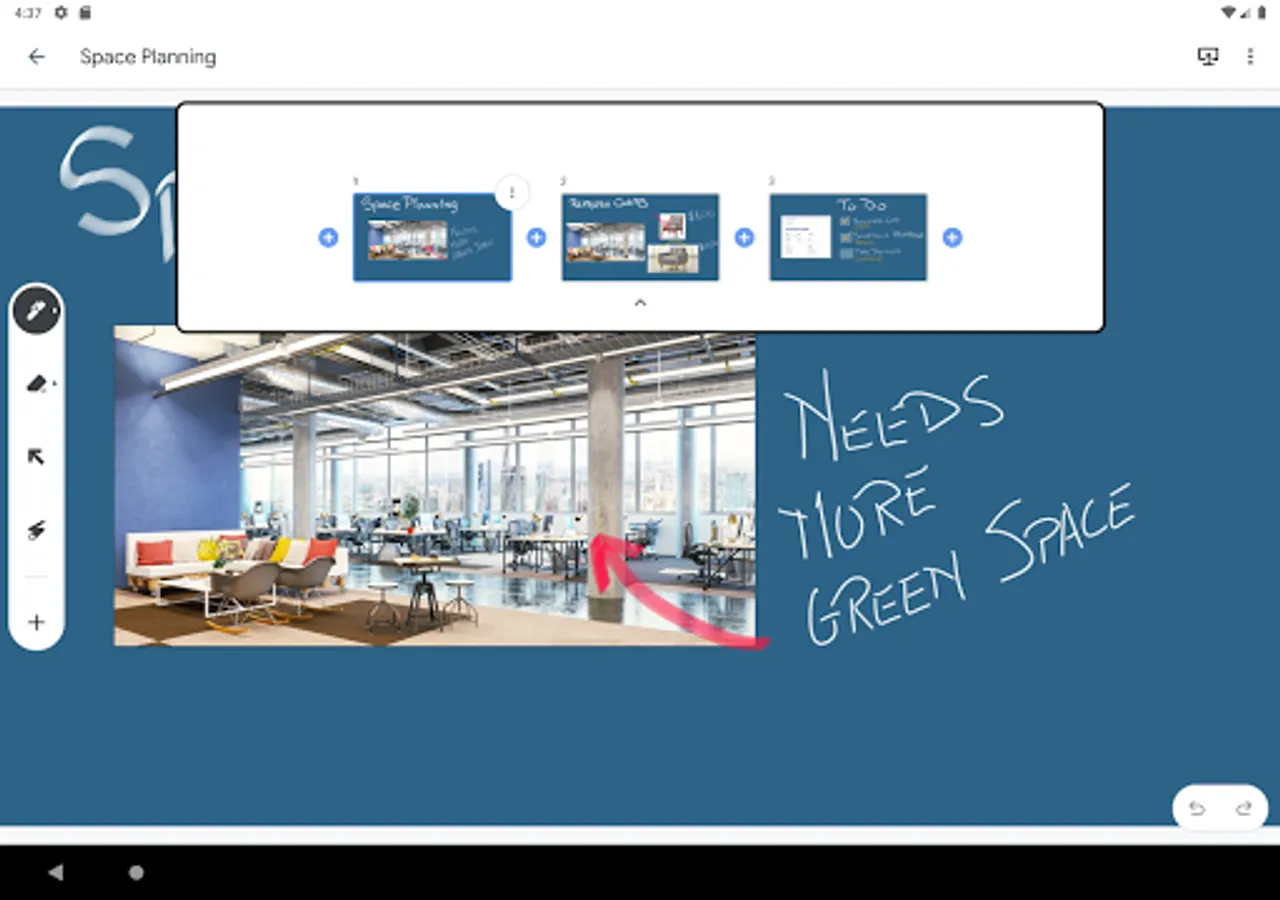
Jamboard is G Suite’s digital whiteboard that offers a rich collaborative experience for teams and classrooms. Watch your creativity unfold: you can create a Jam, edit it from your device, and share it with others. Everybody can collaborate on the Jam anytime, anywhere. For businesses and schools that use Jamboard hardware, you can use your phone or tablet to join or open a Jam on a nearby board.
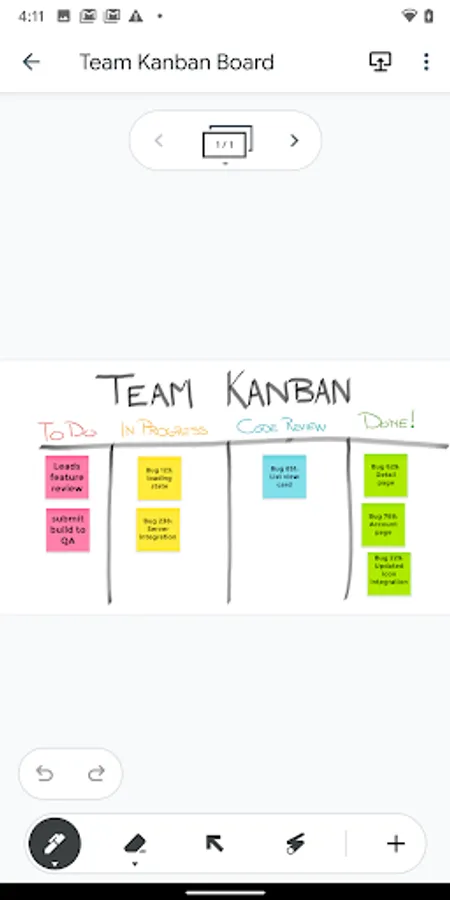
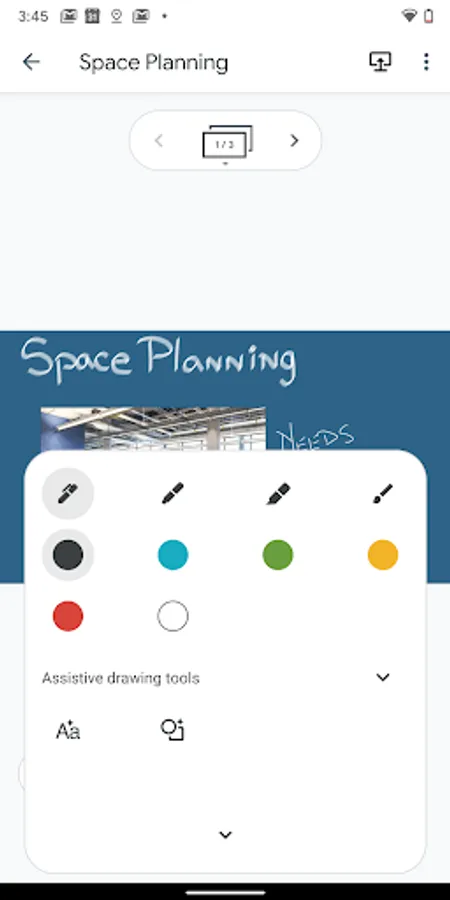
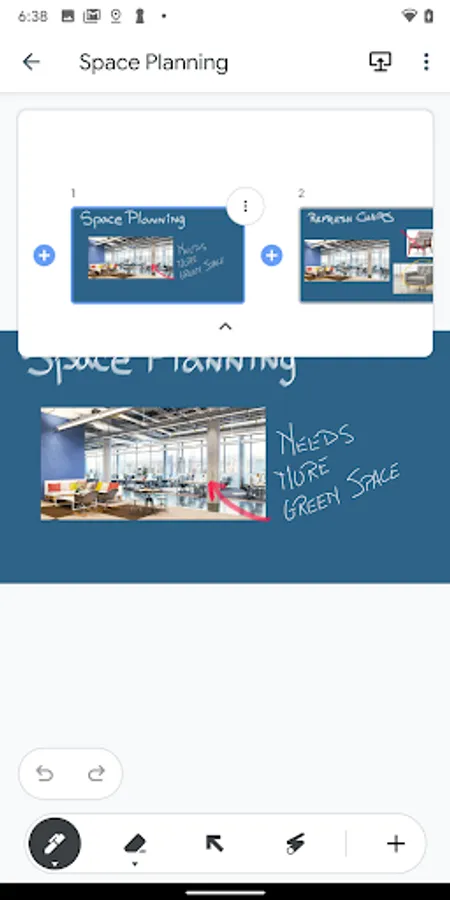
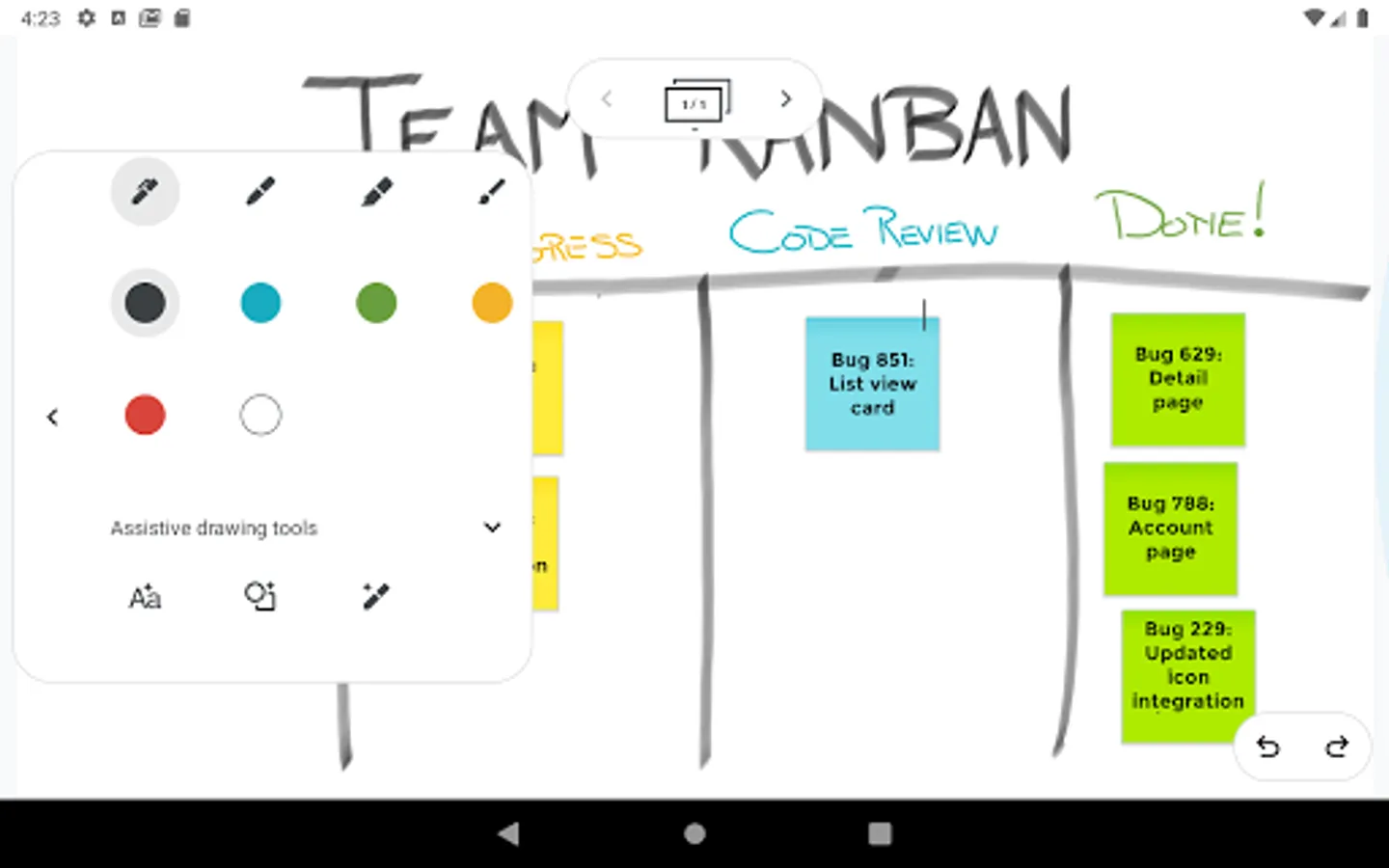
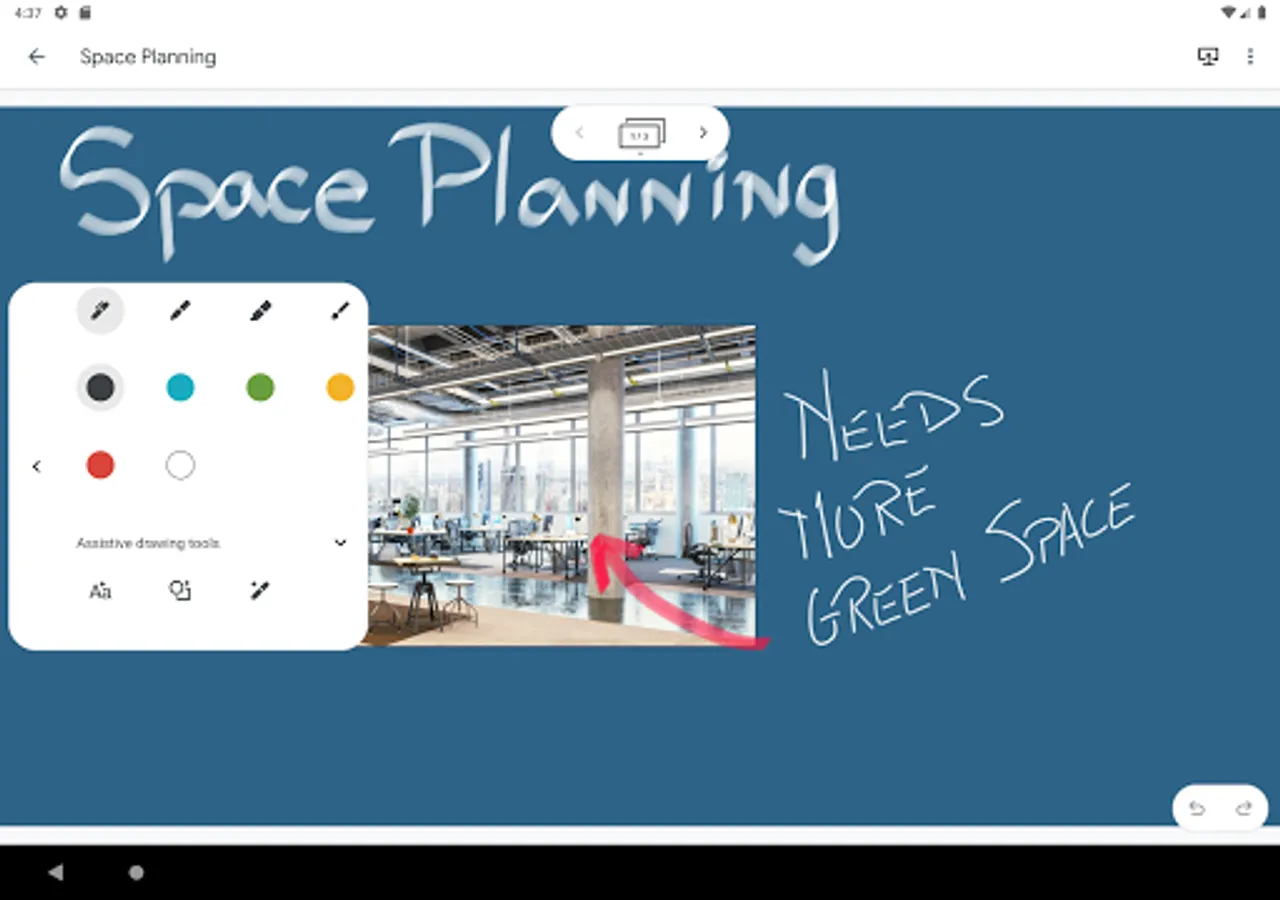
* Draw with various pens and colors to bring your ideas to life.
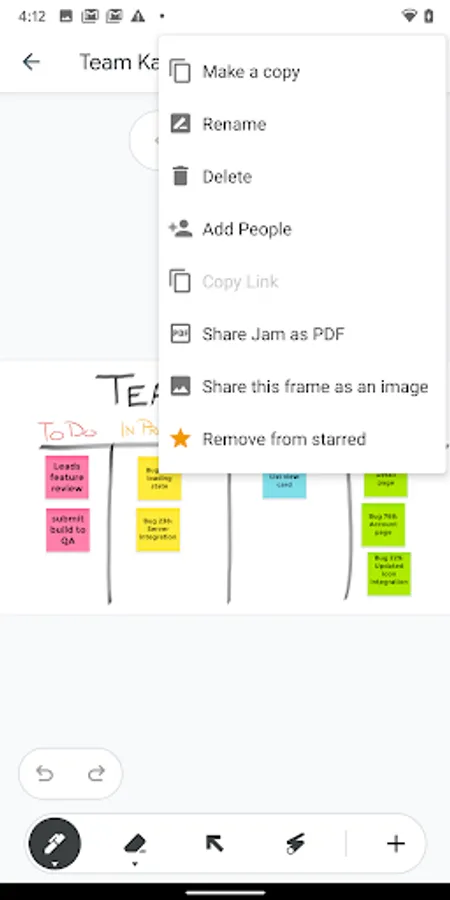
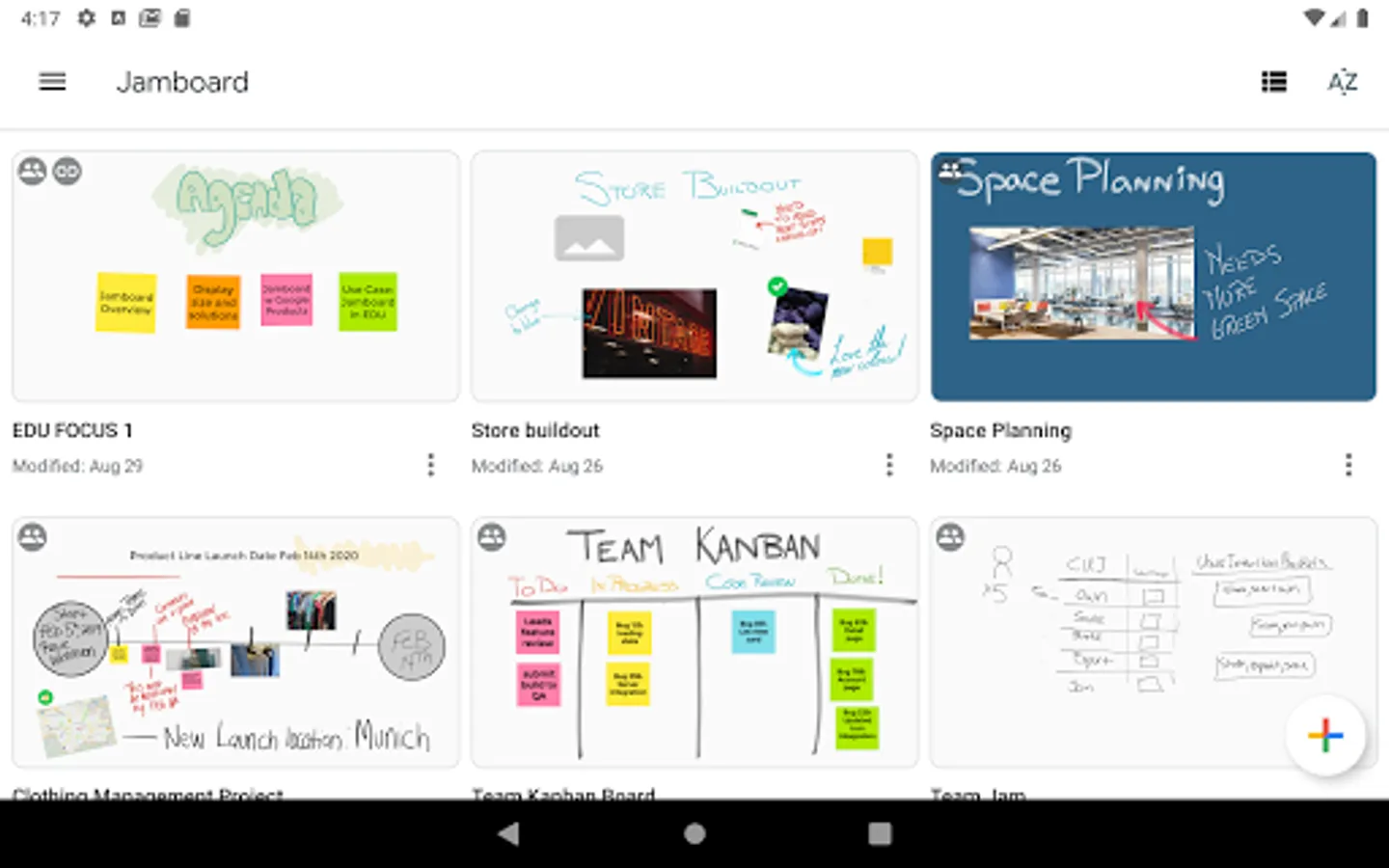
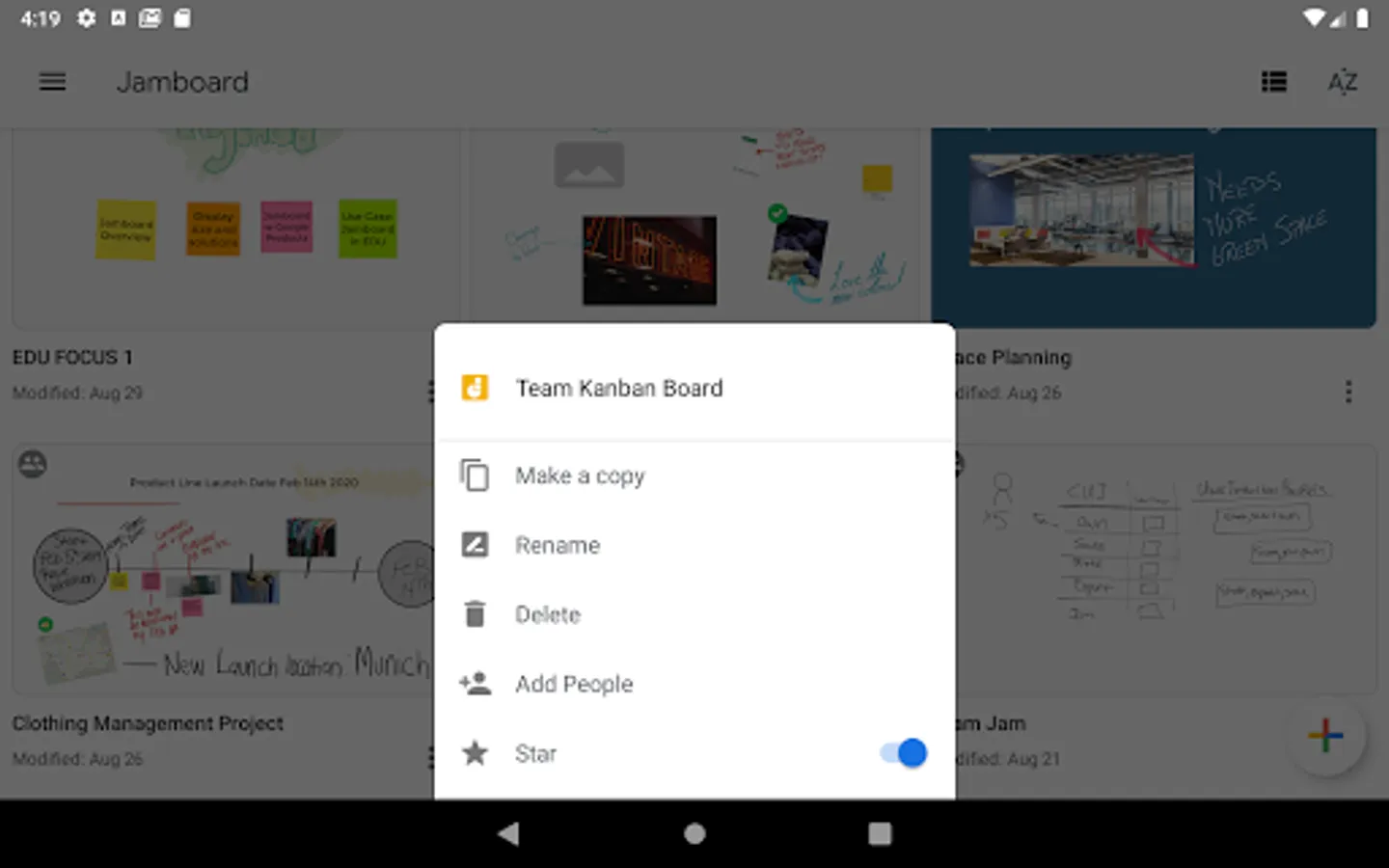
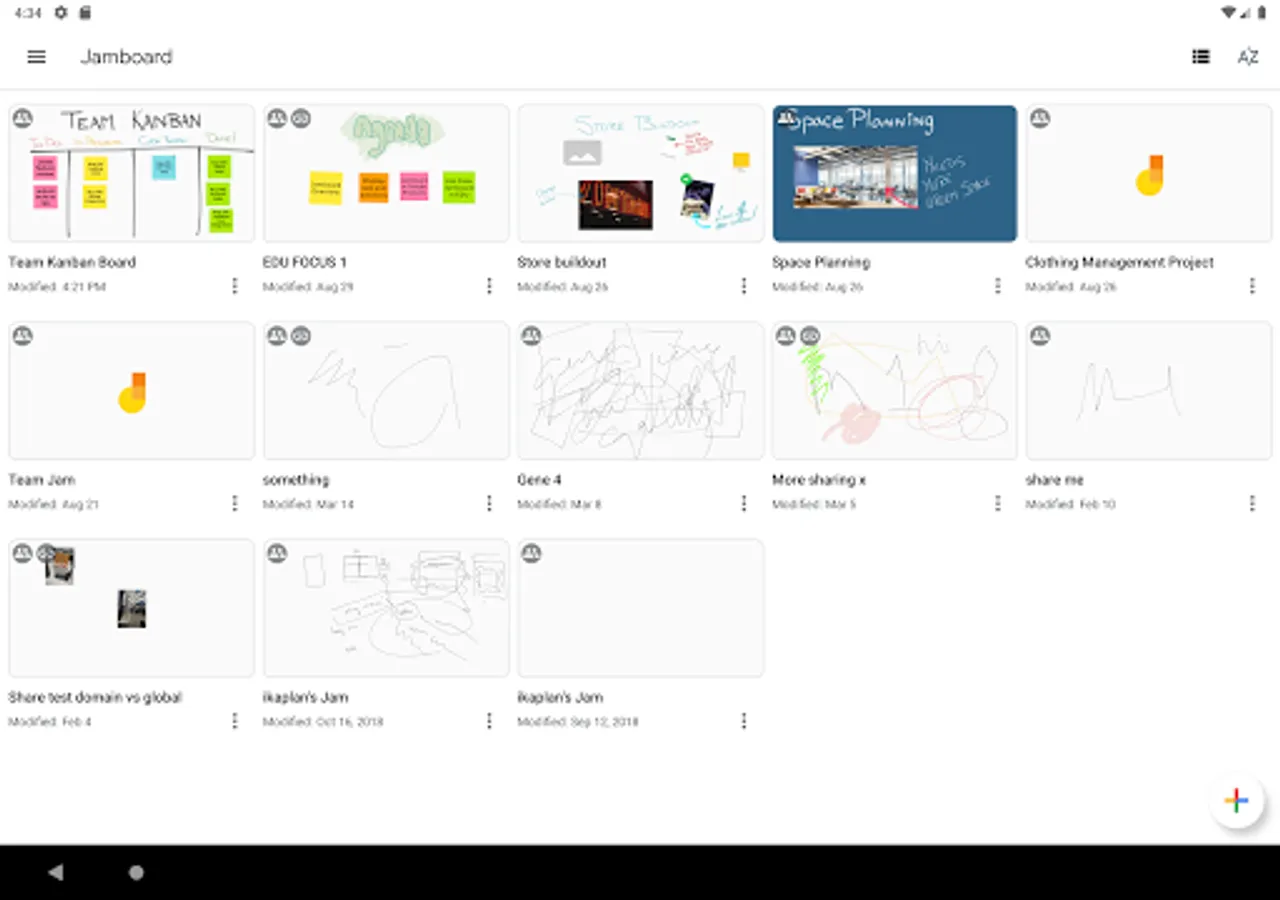
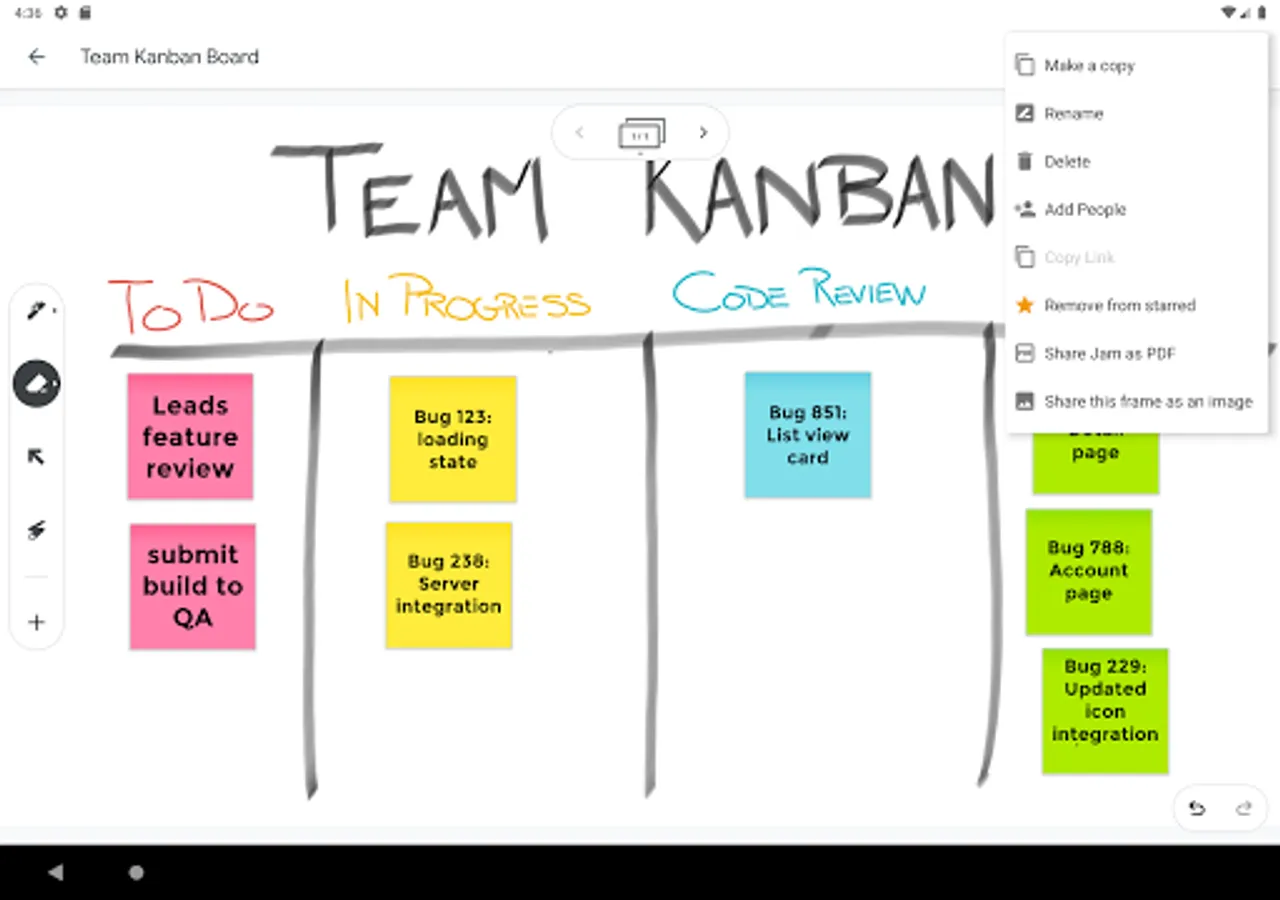
* Share Jams and work together with others in the same Jam in real time.
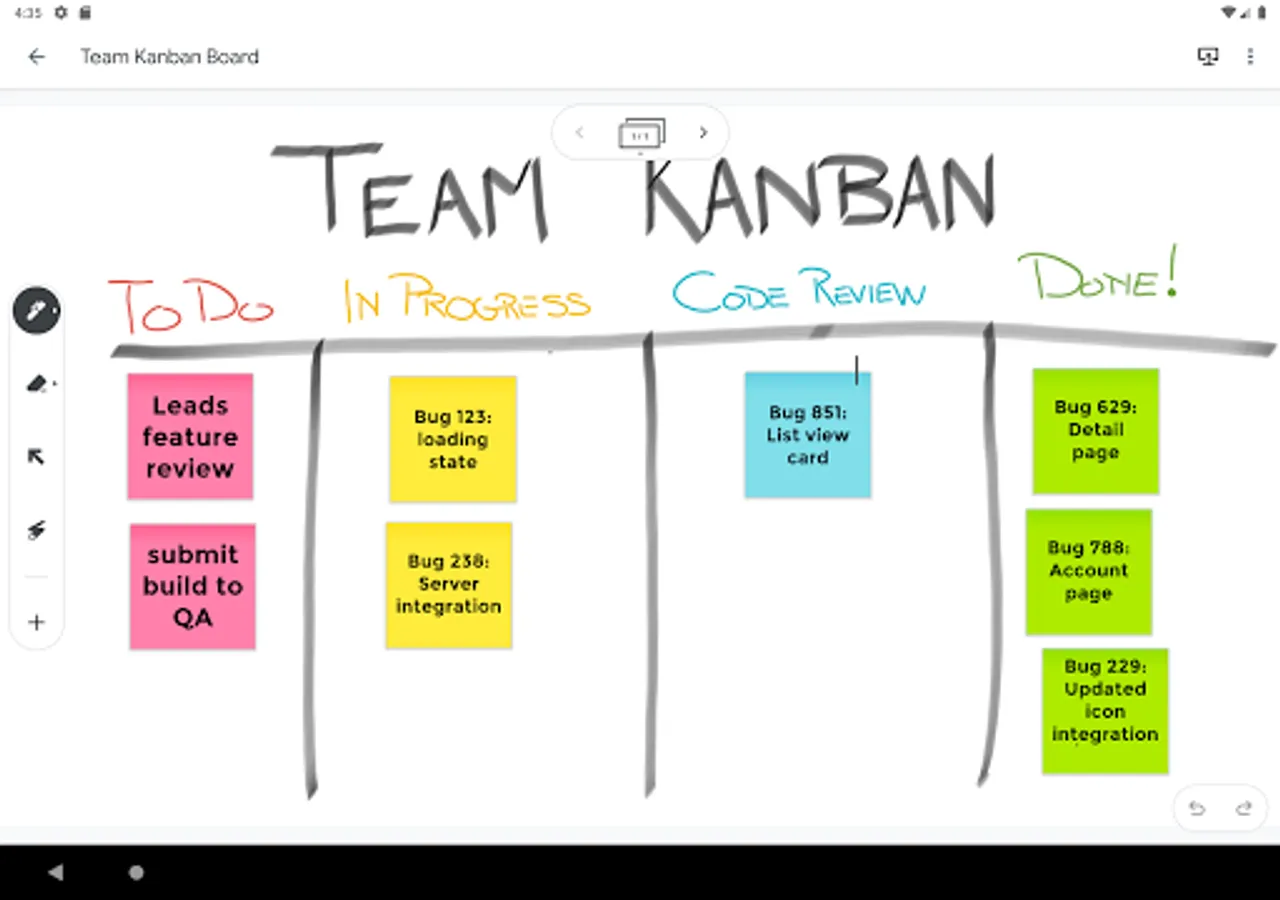
* Add sticky notes to brainstorm ideas together.
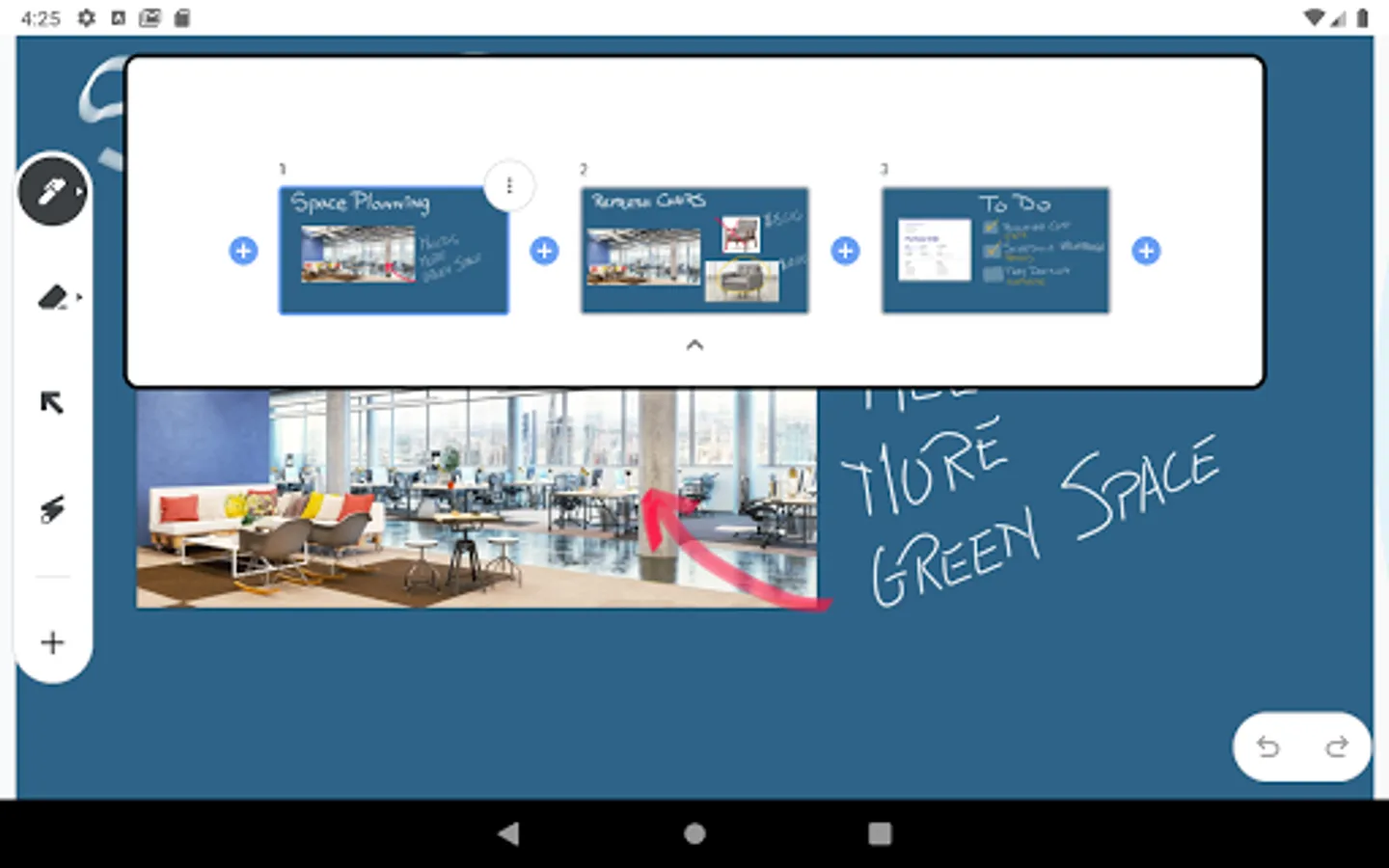
* Bring your Jams to life by inserting photos and stickers.
* Import drive files from G Suite to annotate documents together.
* Highlight objects with the laser pointer tool.
Permissions Notice
Camera: Takes photos to insert into jams.
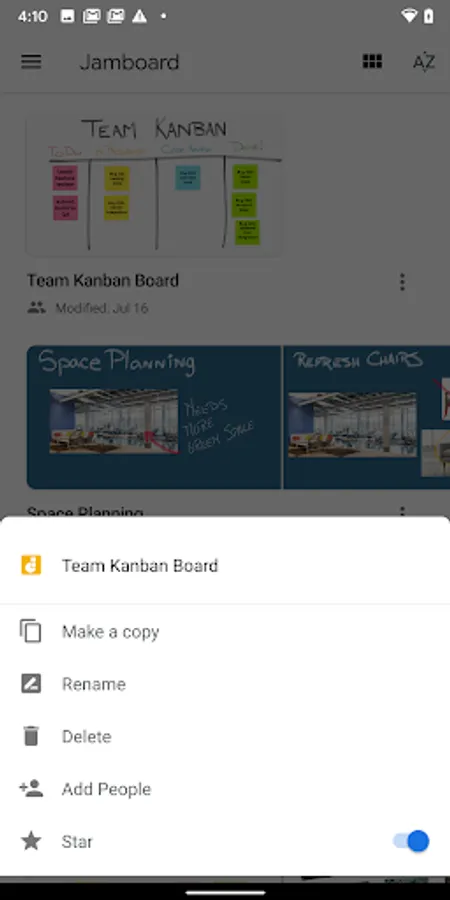
Contacts: Share jams with people in your contact list.
Location: Find nearby Jamboards.
Storage: Access jam files and photos on your device.
* Draw with various pens and colors to bring your ideas to life.
* Share Jams and work together with others in the same Jam in real time.
* Add sticky notes to brainstorm ideas together.
* Bring your Jams to life by inserting photos and stickers.
* Import drive files from G Suite to annotate documents together.
* Highlight objects with the laser pointer tool.
Permissions Notice
Camera: Takes photos to insert into jams.
Contacts: Share jams with people in your contact list.
Location: Find nearby Jamboards.
Storage: Access jam files and photos on your device.
Jamboard Screenshots
Tap to Rate: