Sky Map
Sky Map Devs
4.1 ★
store rating
50,000,000+
downloads
Free
AppRecs review analysis
AppRecs rating 3.4. Trustworthiness 78 out of 100. Review manipulation risk 30 out of 100. Based on a review sample analyzed.
★★★☆☆
3.4
AppRecs Rating
Ratings breakdown
5 star
64%
4 star
11%
3 star
6%
2 star
4%
1 star
14%
What to know
✓
Credible reviews
78% trustworthiness score from analyzed reviews
⚠
Ad complaints
Many low ratings mention excessive ads
⚠
Review quality concerns
37% of sampled 5-star reviews are very short
About Sky Map
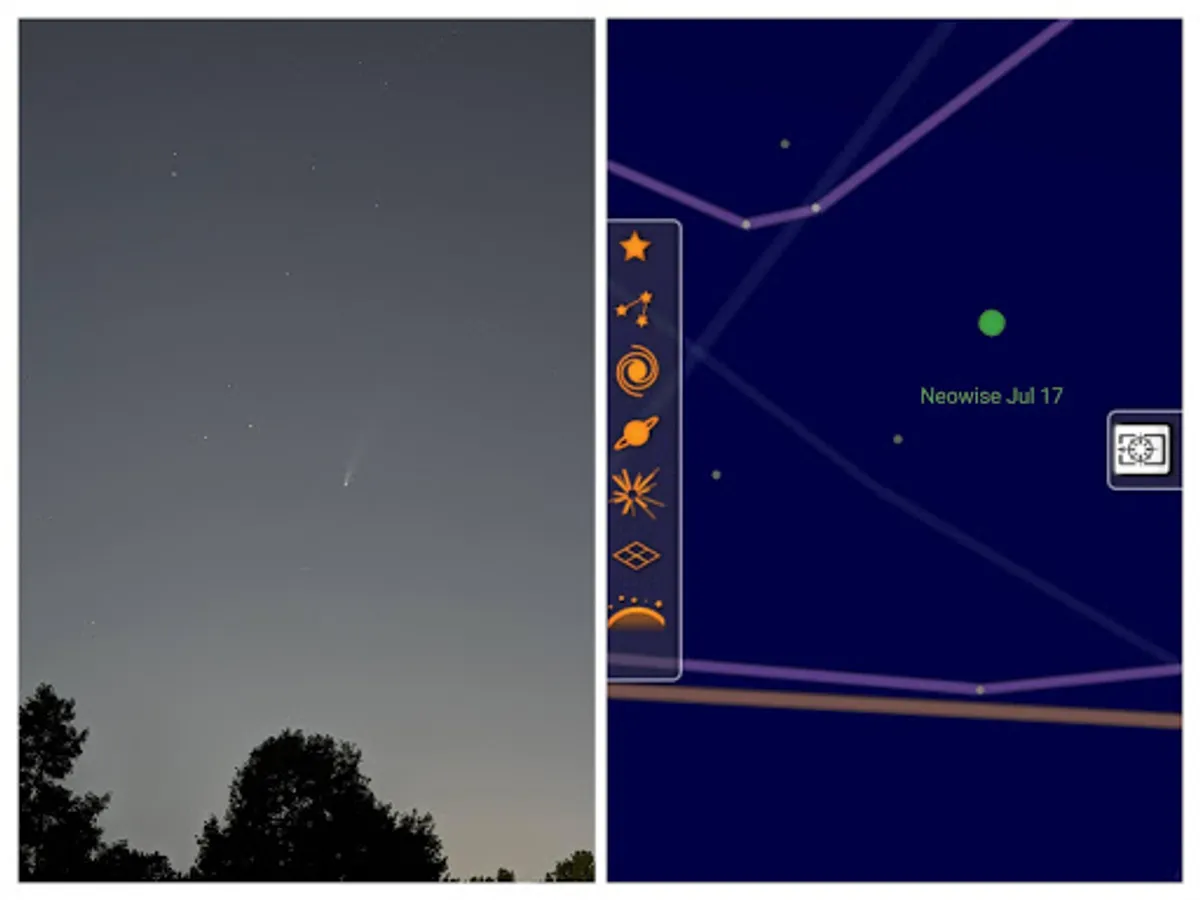
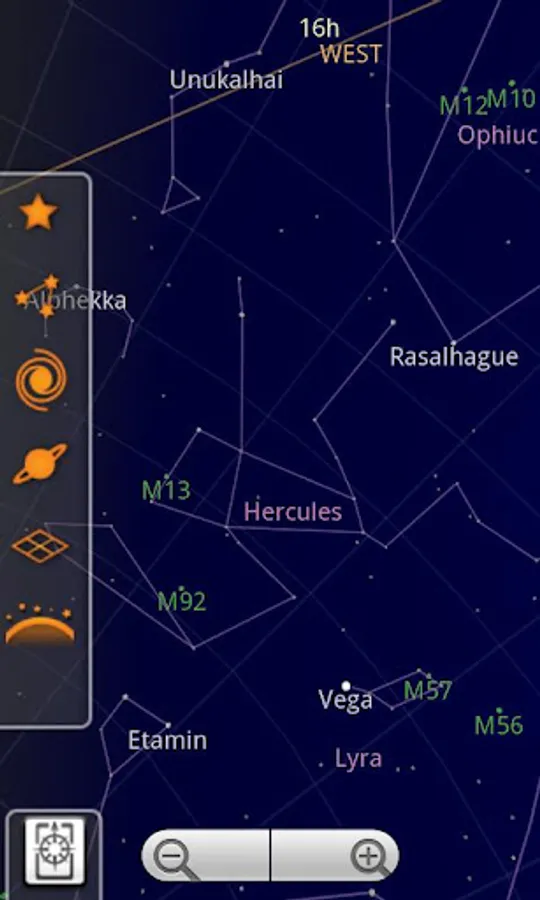
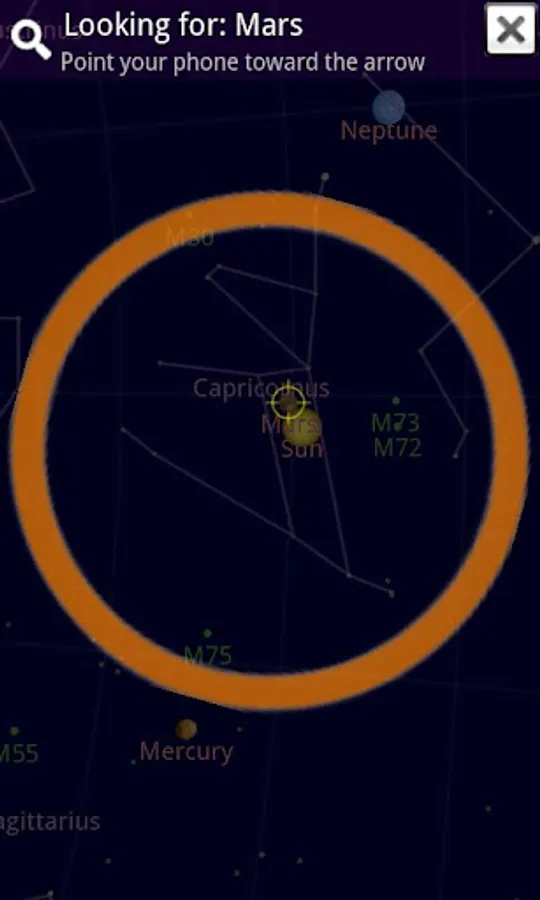
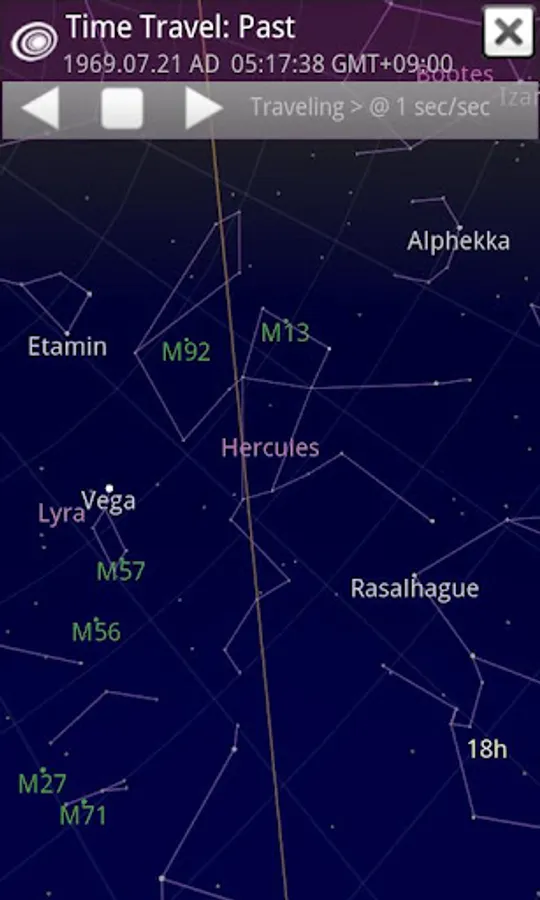
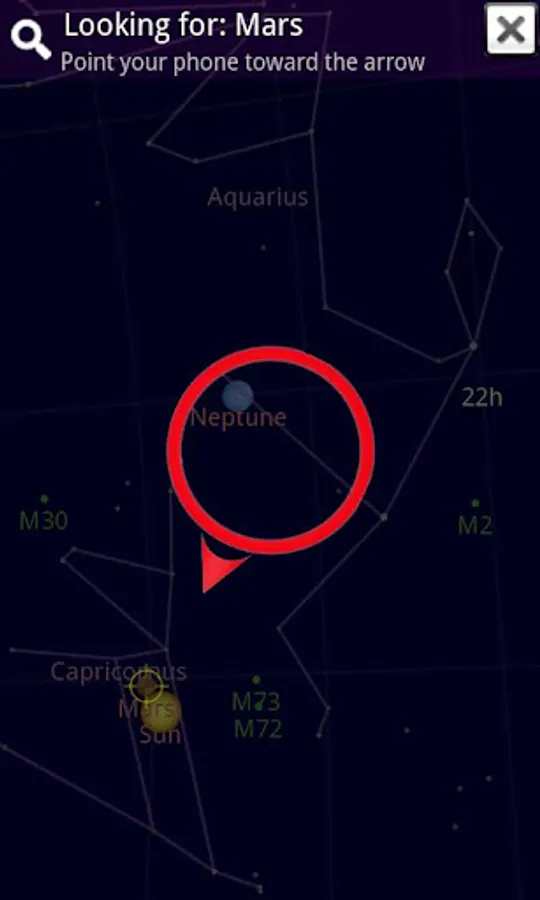
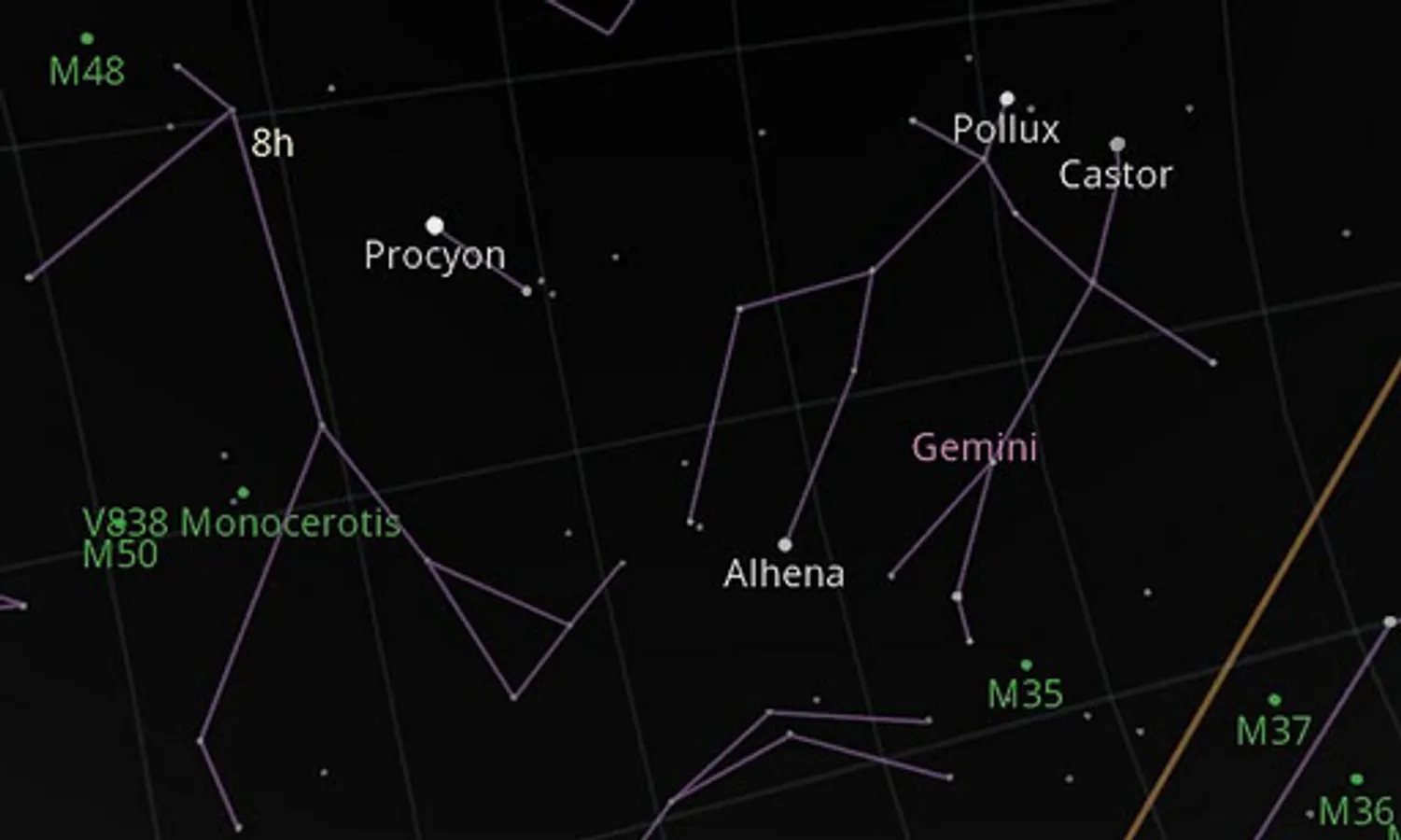
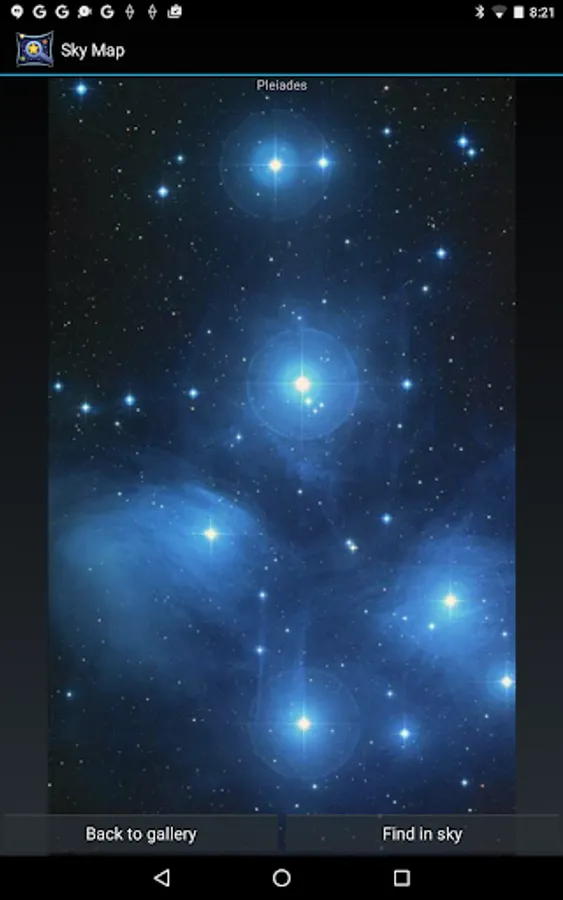
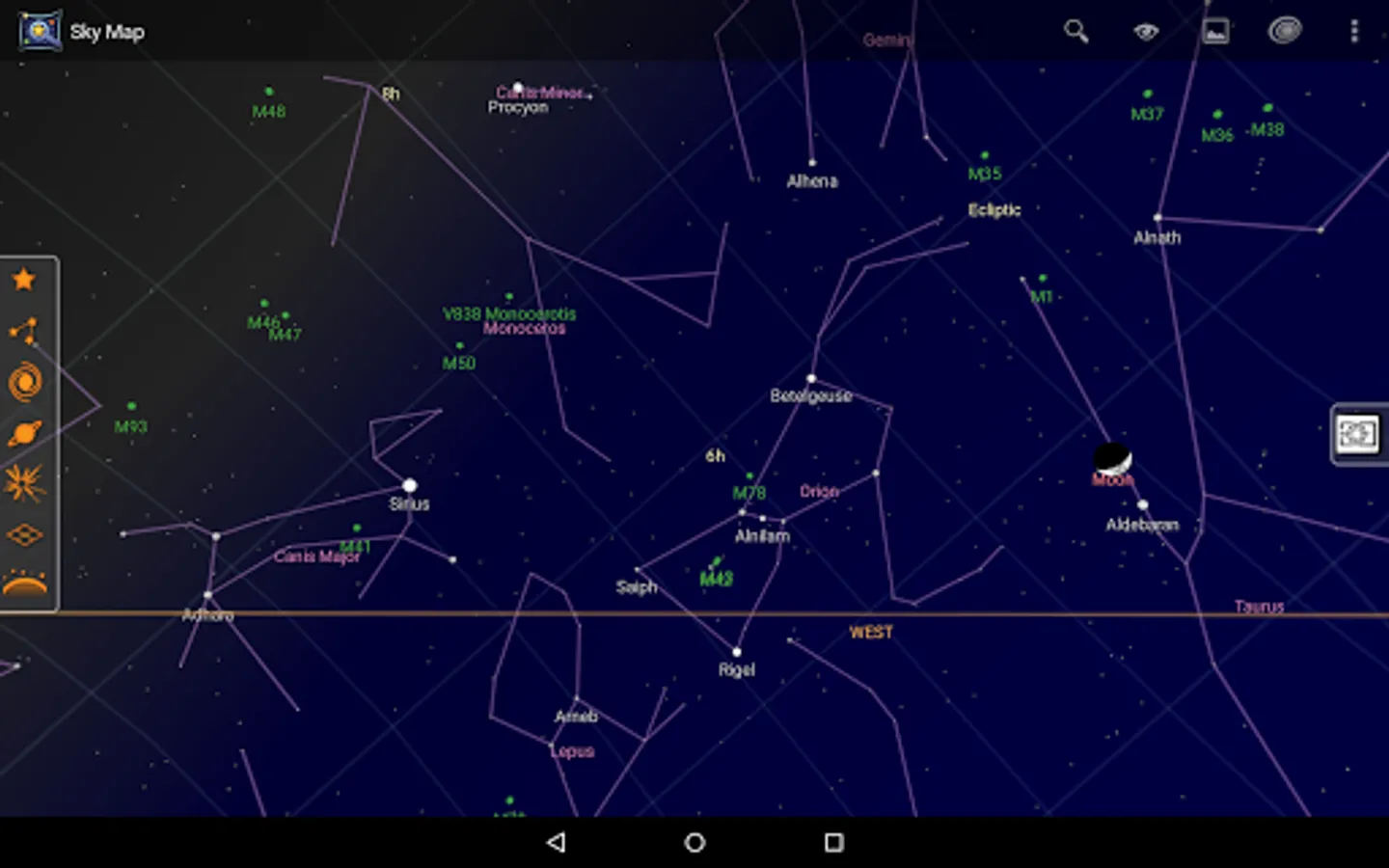
Sky Map is a hand-held planetarium for your Android device. Use it to identify stars, planets, nebulae and more. Originally developed as Google Sky Map, it has now been donated and open sourced.
Try calibrating your compass by moving it in a figure of 8 motion or as described here: https://www.youtube.com/watch?v=k1EPbAapaeI.
Are there any magnets or metal nearby that might interfere with the compass?
Try switching off "magnetic correction" (in settings) and see if that is more accurate.
⭐ Facebook: https://www.facebook.com/groups/113507592330/
⭐ Twitter: http://twitter.com/skymapdevs
Troubleshooting/FAQ
The Map doesn't move/points in the wrong place
Make sure you haven't switched into manual mode. Does your phone have a compass? If not, Sky Map cannot tell your orientation. Look it up here: http://www.gsmarena.com/Try calibrating your compass by moving it in a figure of 8 motion or as described here: https://www.youtube.com/watch?v=k1EPbAapaeI.
Are there any magnets or metal nearby that might interfere with the compass?
Try switching off "magnetic correction" (in settings) and see if that is more accurate.
Why is autolocation not supported for my phone?
In Android 6 the way permissions work has changed. You need to enable the location permission setting for Sky Map as described here: https://support.google.com/googleplay/answer/6270602?p=app_permissons_mThe Map is jittery
If you have a phone that lacks a gyro then some jitter is to be expected. Try adjusting the sensor speed and damping (in settings).Do I need an internet connection?
No, but some functions (like entering your location manually) won't work without one. You'll have to use the GPS or enter a latitude and longitude instead.Can I help test the latest features?
Sure! Join our beta testing program and get the latest version. https://play.google.com/apps/testing/com.google.android.stardroidFind us elsewhere:
⭐ GitHub: https://github.com/sky-map-team/stardroid⭐ Facebook: https://www.facebook.com/groups/113507592330/
⭐ Twitter: http://twitter.com/skymapdevs