Live Clock Shortcut
Great Bytes Software
3.8 ★
124 ratings
5,000+
downloads
Free
With this widget, you can add a live clock to your homescreen and customize its appearance. Includes design options and label toggle settings.
AppRecs review analysis
AppRecs rating 3.8. Trustworthiness 0 out of 100. Review manipulation risk 0 out of 100. Based on a review sample analyzed.
★★★☆☆
3.8
AppRecs Rating
Ratings breakdown
5 star
58%
4 star
12%
3 star
6%
2 star
2%
1 star
21%
What to know
✓
Good user ratings
70% positive sampled reviews
✓
Authentic reviews
Natural distribution, no red flags
About Live Clock Shortcut
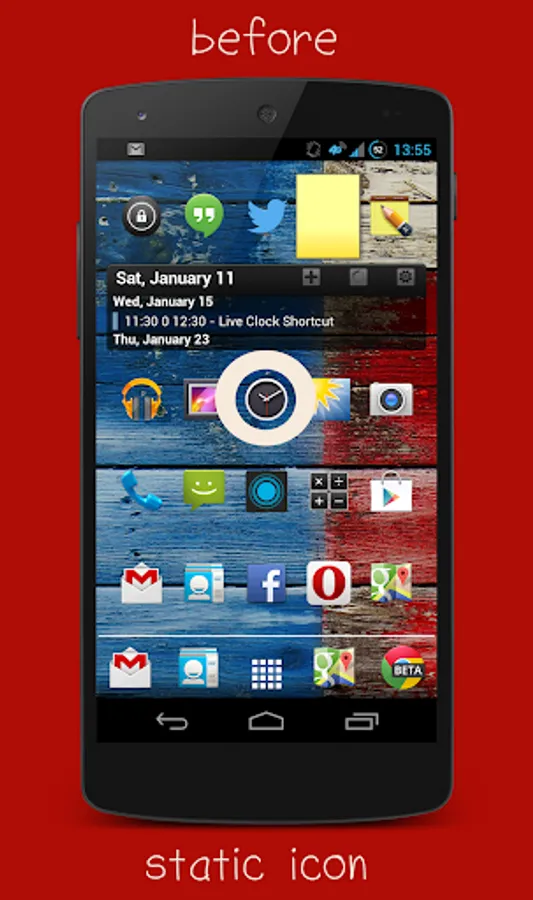
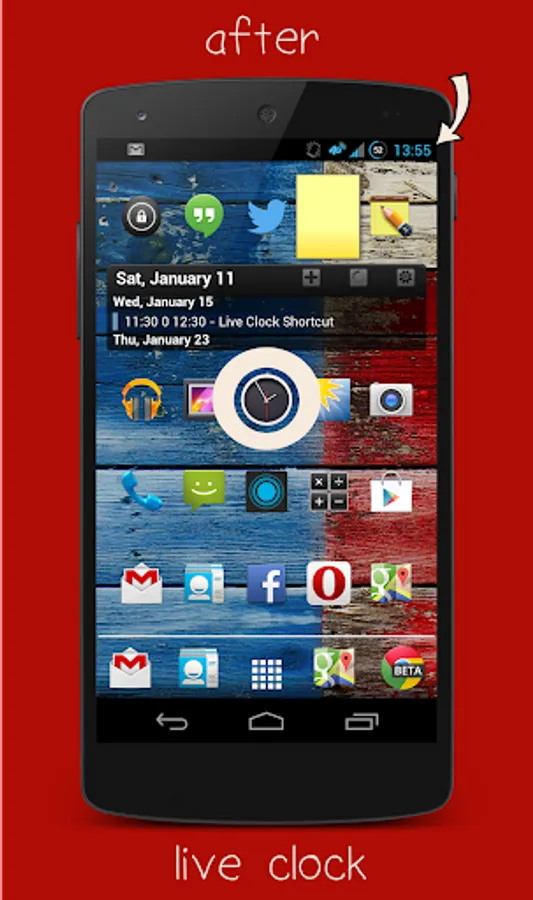
Wouldn't it be cool if the alarm clock shortcut on your homescreen wasn't just a static image, but a moving, live clock? Well, that's exactly what this is :-)!
HOW-TO:
1. Long-press on a free area of your homescreen
2. Select "Add Widget"
3. Find the "Live Clock Shortcut"-entry in the list and drag it to a free area on your homescreen
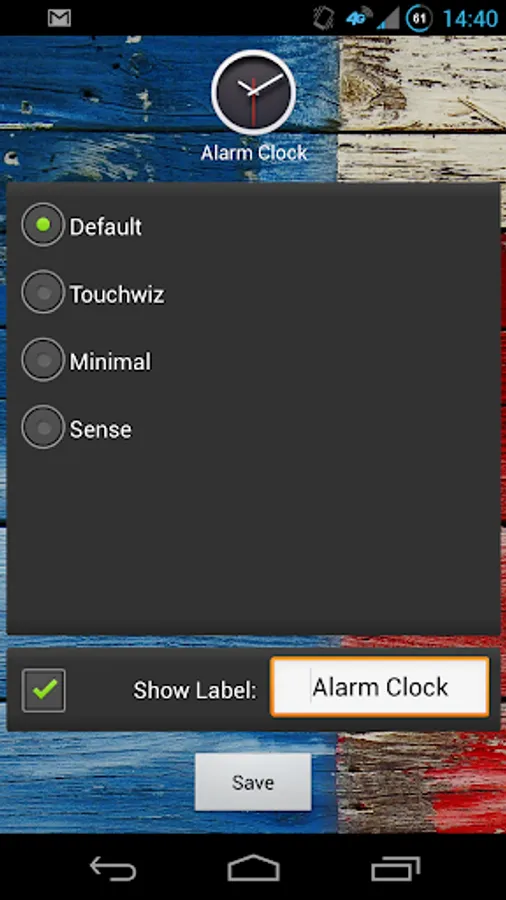
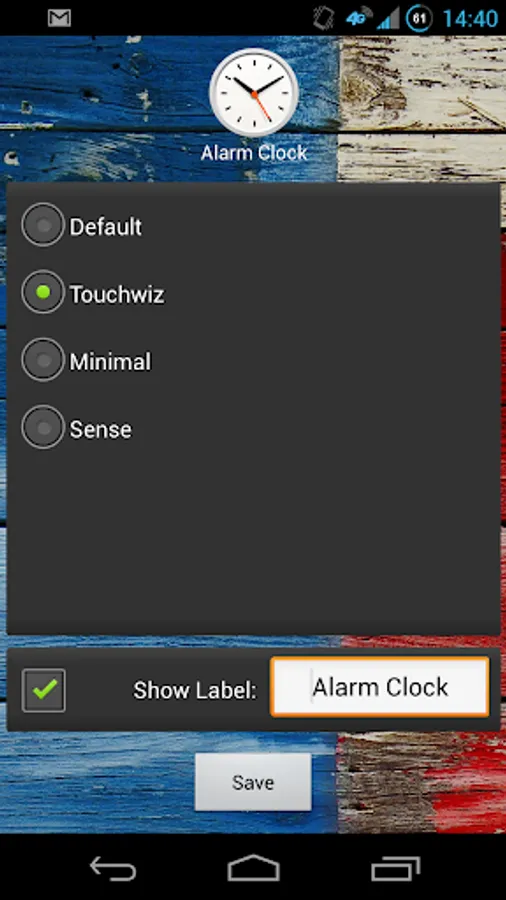
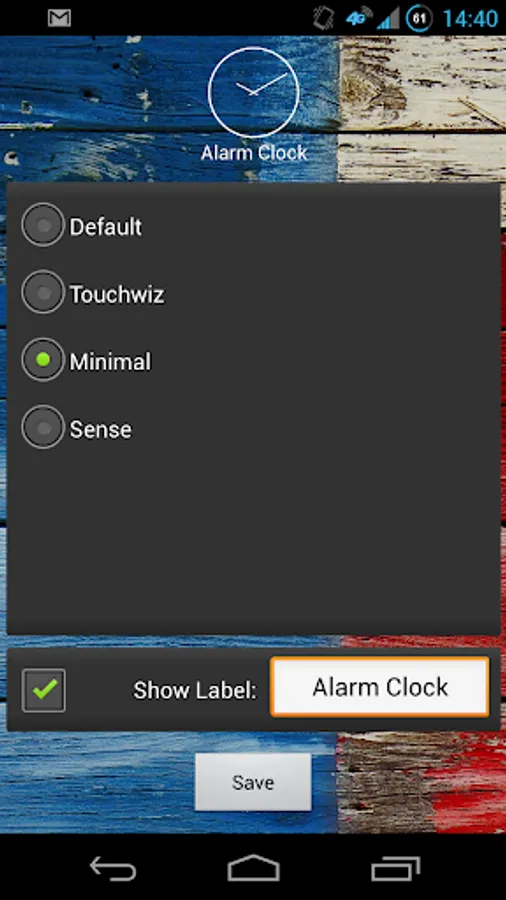
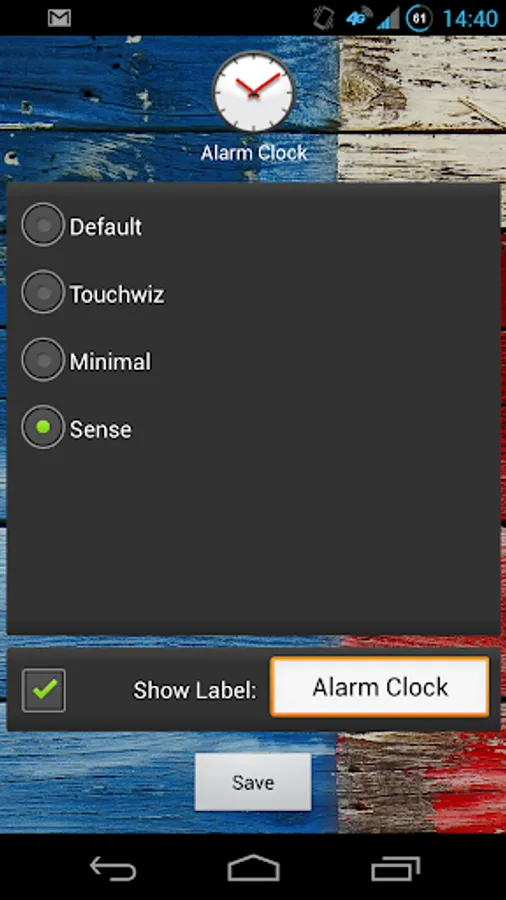
4. Configure it to your liking (Design, Label on/off) and tap on "Save"
You can then remove your old, static alarm clock icon. Tapping on the new icon will launch your stock alarm app.
The widget uses a standard Android system component and therefore has zero impact on your battery life.
PLEASE NOTE: This is not an app, meaning that you won't find a new entry in your app drawer once you've installed it. It is a *widget* that can be added to your homescreen as described above
HOW-TO:
1. Long-press on a free area of your homescreen
2. Select "Add Widget"
3. Find the "Live Clock Shortcut"-entry in the list and drag it to a free area on your homescreen
4. Configure it to your liking (Design, Label on/off) and tap on "Save"
You can then remove your old, static alarm clock icon. Tapping on the new icon will launch your stock alarm app.
The widget uses a standard Android system component and therefore has zero impact on your battery life.
PLEASE NOTE: This is not an app, meaning that you won't find a new entry in your app drawer once you've installed it. It is a *widget* that can be added to your homescreen as described above