Course Master - Golfing Applic
Course Master International
10+
downloads
Free
About Course Master - Golfing Applic
Course Master is a personal Golfing Application that transforms your smartphone into Golf’s Next Generation (Digital Measurement Device - DMD). Designed for “speed of play”, and delivering unparalleled illustrations of Fairways and Greens for improved course knowledge, performance, and golfing enjoyment.
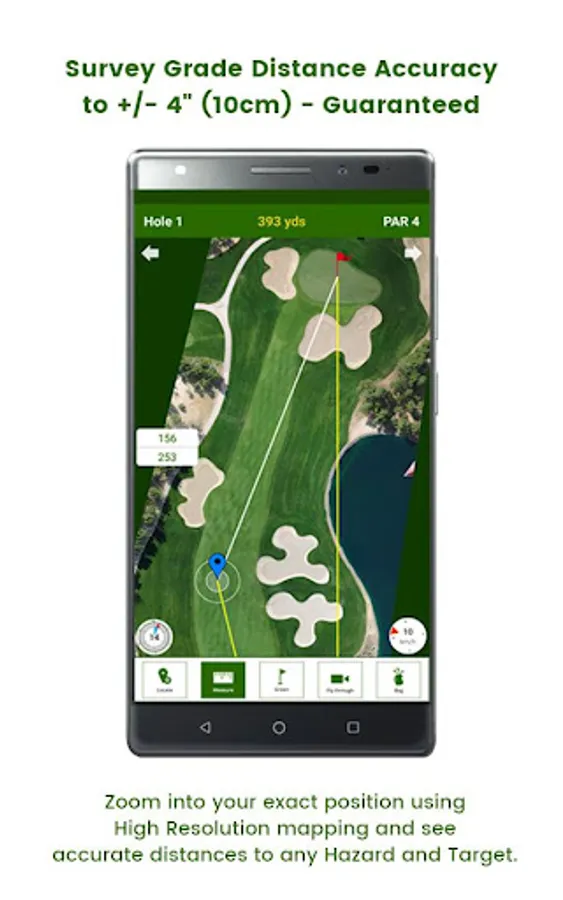
Course Master uses High Resolution Imagery and state of the art photogrammetry processes to deliver Survey Grade Distance Accuracy and a list of features simply not possible with Satellite based imagery and GPS positioning.
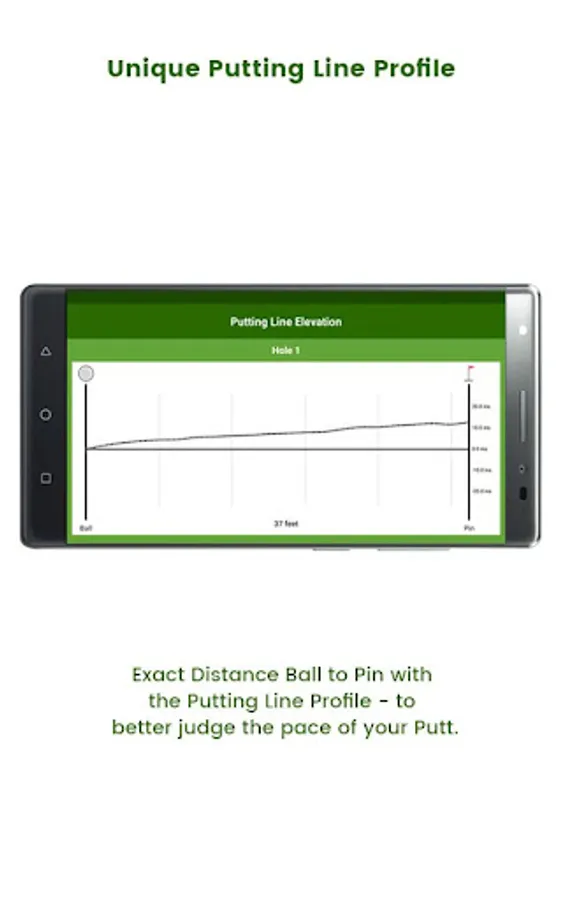
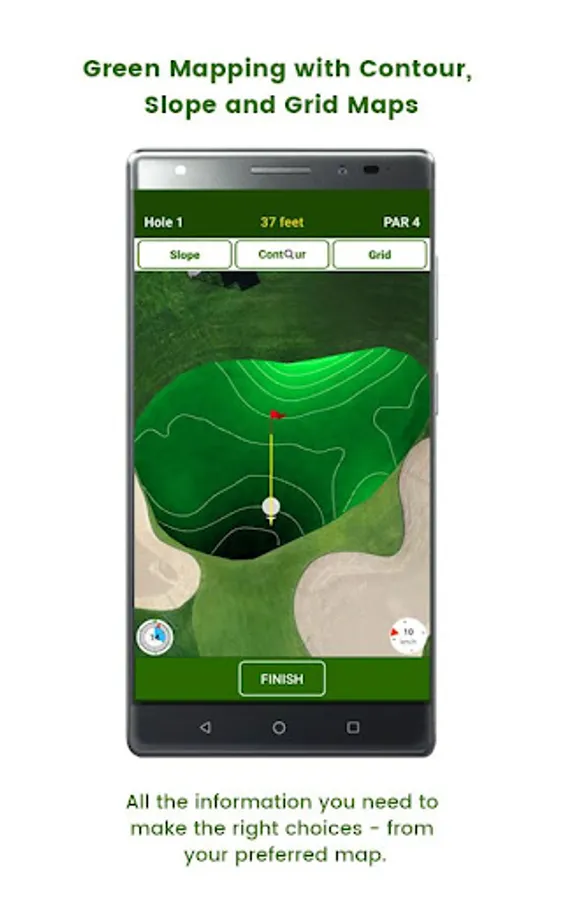
Course Master delivers: Survey Grade Distance Accuracy (to +/-4”), Fly-Through Videos, Exact Pin Positions on Every Green Every Day, Pace of Play Clock, Wind Sock, Green Mapping (Contours/Grid and Slope Maps) and Unique Putting Line Profile.
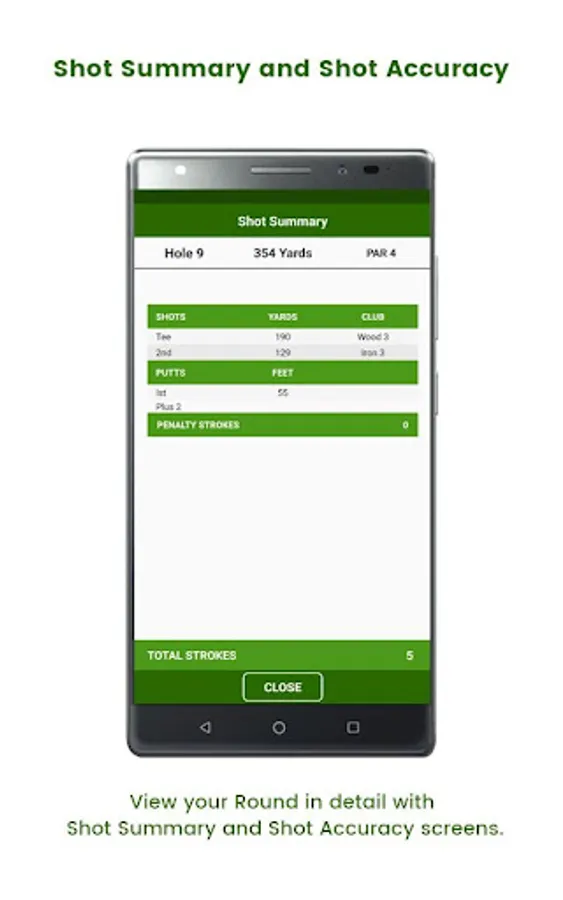
Game Reports to Players e-mail address with Scorecard, Shot Summary and Shot Accuracy data.
Course Master - “Always Play Your Best Game”.
Course Master features include:
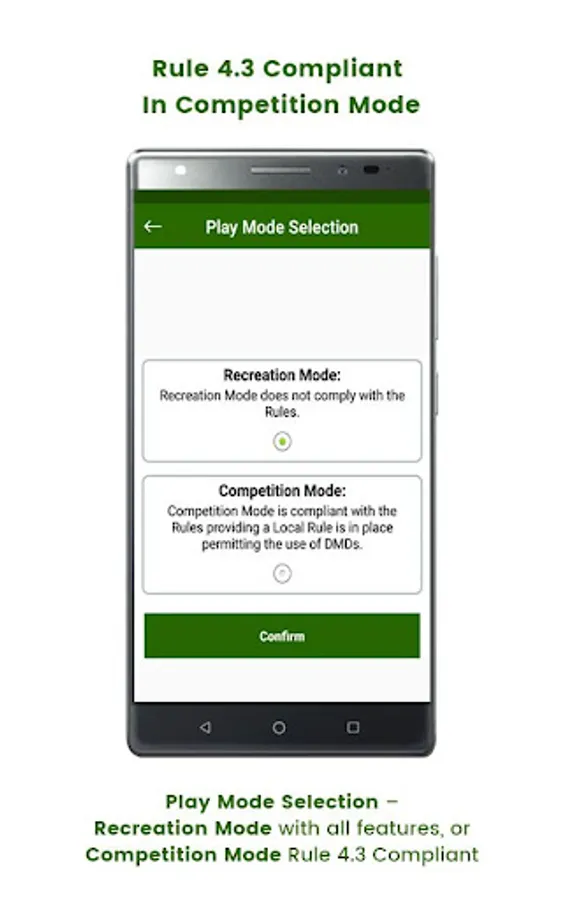
Competition Mode of Play is compliant with Rule 14-3, providing a Local Rule (effective 1st January 2006) is in place allowing the use of DMDs.
• Competition Mode or Recreation Play Mode option.
• Survey Grade Distance Accuracy
• Quick Tee Selection
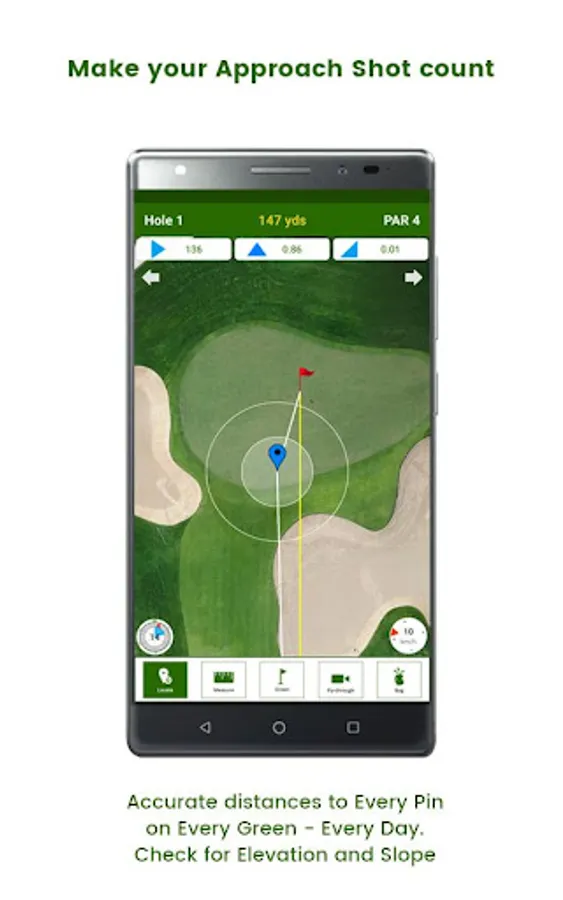
• Exact Ball to Pin Distance
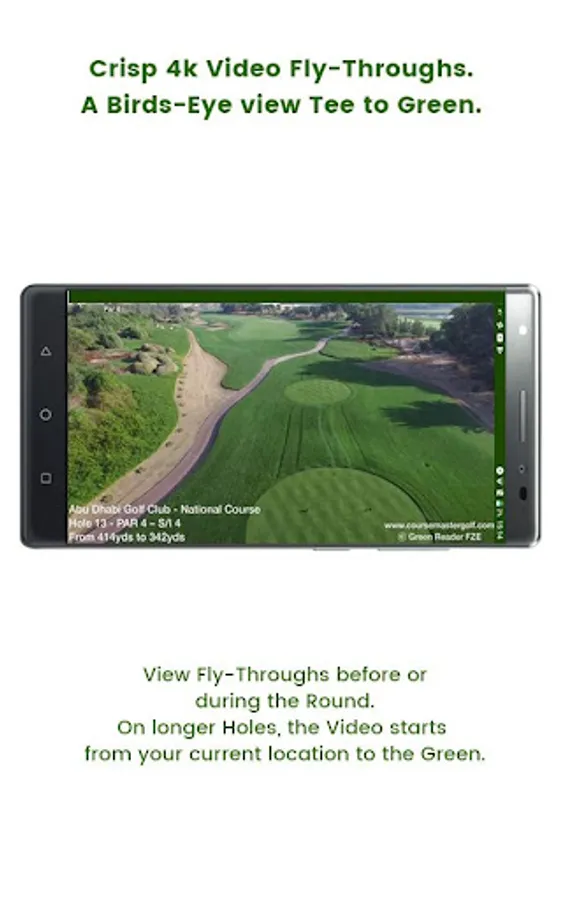
• Video Fly-Through (Ball to Green)
• Shot Planning Feature
• Distance to any Hazard – anywhere
• Exact Pin Locations - on every Hole, every Day
• Green Alignment to your Direction of Play
• Blind Shot Directional Guidance
• Elevation Slope Guidance
• Digital Surface Map for Fairway positioning and “Lie” selection
• Ball “Nudge” Feature to compensate for GPS inaccuracies
• Green Mapping: Slope, Contour, and Grid Maps of the Greens
• Precise Putting Distance Ball to Pin
• Unique “Putting Line Profile” Feature
• Shot Summary screens for postgame review
• Club Accuracy screens for postgame review
• No Internet or Data Package requirement – No Costs
• “Simulator Mode” for off-line play and improved course familiarity
Basics Steps to Course Master – and playing your best game!
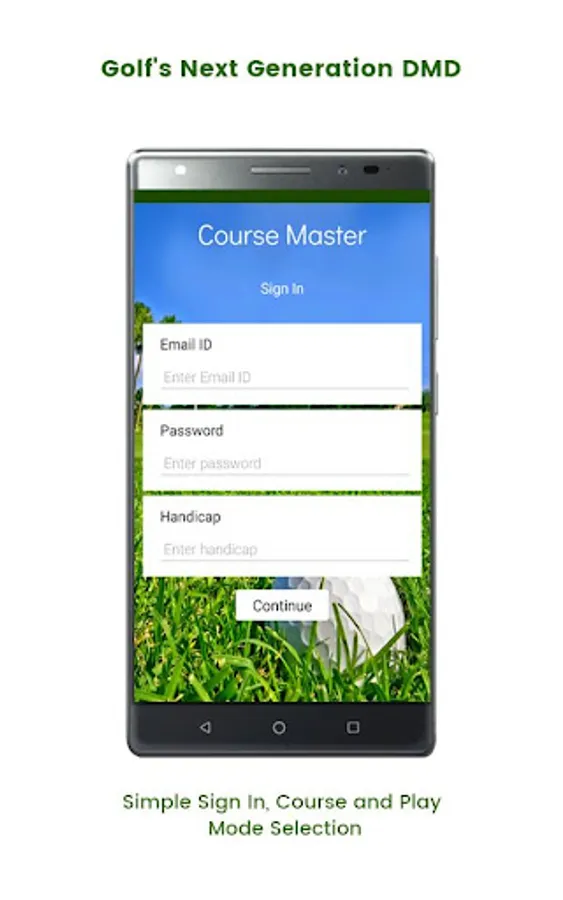
1. Register as a Player on Course Master website – and verify from your email address
2. Download Course Master – to suitable devices (or rent from your Club)
3. Load Course Data at your Club.
4. Purchase SYNC Credits and Play.
Device Screen Size:
The Course Master Application is best displayed on a screen size range of between 5” to 6.5”.
Filters have been applied to load Course Master to devices within this screen size range only.
Device RAM:
The Course Master Application is designed for devices with 4GB RAM (or above). While devices with slightly less than 4GB RAM will operate the Application normally, some functionality issues may be experienced with devices with RAM tending towards 3GB.
Devices with 4GB RAM (and above) are recommended for normal operation.
Course Master uses High Resolution Imagery and state of the art photogrammetry processes to deliver Survey Grade Distance Accuracy and a list of features simply not possible with Satellite based imagery and GPS positioning.
Course Master delivers: Survey Grade Distance Accuracy (to +/-4”), Fly-Through Videos, Exact Pin Positions on Every Green Every Day, Pace of Play Clock, Wind Sock, Green Mapping (Contours/Grid and Slope Maps) and Unique Putting Line Profile.
Game Reports to Players e-mail address with Scorecard, Shot Summary and Shot Accuracy data.
Course Master - “Always Play Your Best Game”.
Course Master features include:
Competition Mode of Play is compliant with Rule 14-3, providing a Local Rule (effective 1st January 2006) is in place allowing the use of DMDs.
• Competition Mode or Recreation Play Mode option.
• Survey Grade Distance Accuracy
• Quick Tee Selection
• Exact Ball to Pin Distance
• Video Fly-Through (Ball to Green)
• Shot Planning Feature
• Distance to any Hazard – anywhere
• Exact Pin Locations - on every Hole, every Day
• Green Alignment to your Direction of Play
• Blind Shot Directional Guidance
• Elevation Slope Guidance
• Digital Surface Map for Fairway positioning and “Lie” selection
• Ball “Nudge” Feature to compensate for GPS inaccuracies
• Green Mapping: Slope, Contour, and Grid Maps of the Greens
• Precise Putting Distance Ball to Pin
• Unique “Putting Line Profile” Feature
• Shot Summary screens for postgame review
• Club Accuracy screens for postgame review
• No Internet or Data Package requirement – No Costs
• “Simulator Mode” for off-line play and improved course familiarity
Basics Steps to Course Master – and playing your best game!
1. Register as a Player on Course Master website – and verify from your email address
2. Download Course Master – to suitable devices (or rent from your Club)
3. Load Course Data at your Club.
4. Purchase SYNC Credits and Play.
Device Screen Size:
The Course Master Application is best displayed on a screen size range of between 5” to 6.5”.
Filters have been applied to load Course Master to devices within this screen size range only.
Device RAM:
The Course Master Application is designed for devices with 4GB RAM (or above). While devices with slightly less than 4GB RAM will operate the Application normally, some functionality issues may be experienced with devices with RAM tending towards 3GB.
Devices with 4GB RAM (and above) are recommended for normal operation.