Uninstall, Extract and Share
GRIT Tech Apps
3.0 ★
store rating
10,000+
downloads
Free
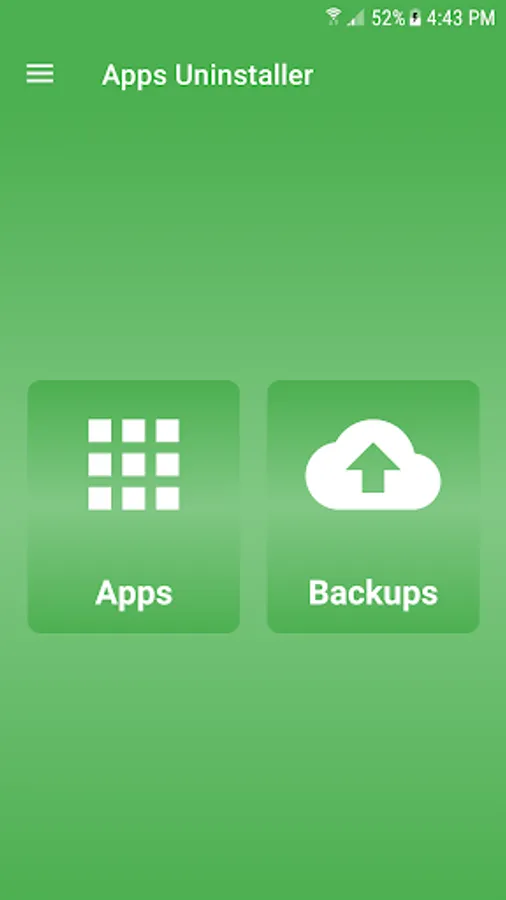
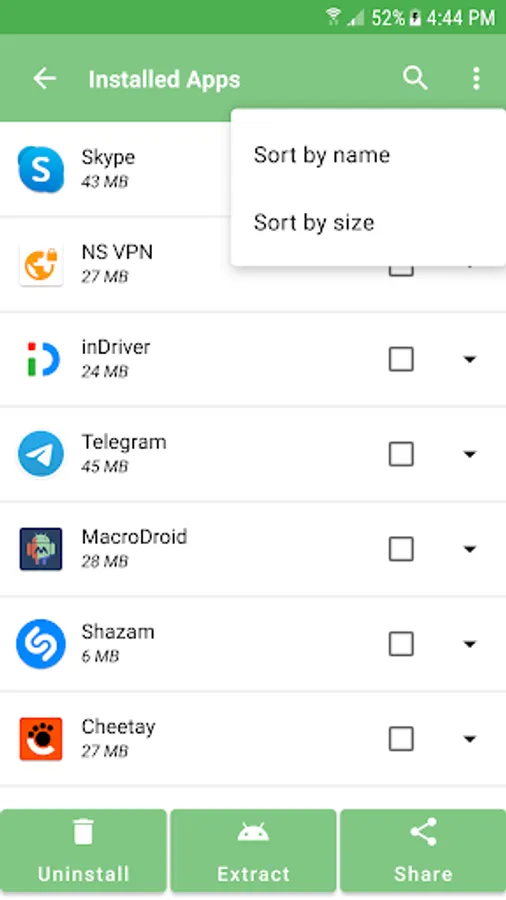
In this app, you can uninstall, extract, or share installed applications with a single tap. Includes app search, sorting by name or size, and batch removal options.
AppRecs review analysis
AppRecs rating 2.8. Trustworthiness 74 out of 100. Review manipulation risk 24 out of 100. Based on a review sample analyzed.
★★☆☆☆
2.8
AppRecs Rating
Ratings breakdown
5 star
43%
4 star
0%
3 star
14%
2 star
0%
1 star
43%
What to know
✓
Low review manipulation risk
24% review manipulation risk
✓
Credible reviews
74% trustworthiness score from analyzed reviews
About Uninstall, Extract and Share
Uninstall, Extract and Share Apps is list down all your apps in one single place. you can uninstall apps easily with a single tap. Uninstall apps that you never used. Easy uninstaller lets you search, sort and select multiple apps at once, it will be easy removal if you select multiple apps at once. Quick and intuitive UI, uninstall applications on single click. Uninstall, extract or share apps with one single tap. Perfect tools to remove system apps or non system apps from android device or tablet.
App Uninstaller & Remover: Easy Remove Apps easily detect all your installed apps and it allows you to uninstall multiple apps. See all apps in one place, so in-app remover you can easily extract and share installed apps. View app Storage, Data usage, app permissions, and App details. Clear cache and data of selected app. Search apps through search bar. Uninstall, Extract and Share Apps from your device so you can free up storage. Track application activity and records the last time when the application is used. It is fast, simple, and easy to use. Sort installed apps by name or size.
App Uninstaller & Remover: Easy Remove Apps is the best uninstall application. It can save phone memory, boost your memory prevent too many unnecessary applications from draining the battery, and speed up your phone.
App Uninstaller & Remover: Easy Remove Apps will list all the installed applications in your device and country name and app size. List app uninstalls and Clean up storage and free up more spaces and storage, switch between day and night mode.
some apps drain resources and battery life, you can remove these unwanted system apps and non system easily. Uninstall multiple applications at once.
How to uninstall, extract share and delete apps?
Simply select apps that you want to uninstall and click the button to delete them. Choose multiple apps to uninstall them. Uninstall, Extract and Share Apps also support apps search, can easily find an app that you can’t delete.
Smart Features:
1. List down all installed apps.
2. Uninstall all apps with single click.
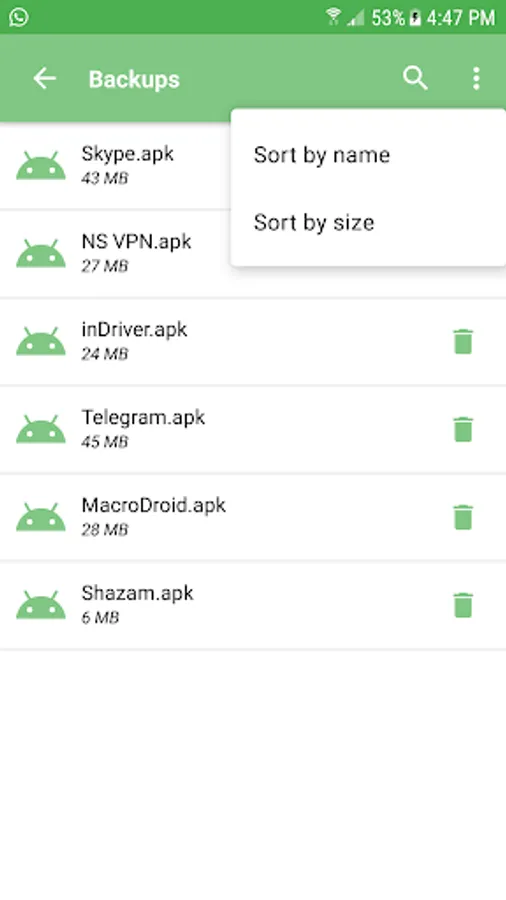
3.Take backup of multiple installed applications.
4. Extract multiple apps at once.
5. Share multiple apps with one single tap.
6. Sort installed apps by name or size ascending or descending respectively.
7. Search and select multiple installed apps.
email us at malik082009@gmail.com If you have any query, feedback or questions.
App Uninstaller & Remover: Easy Remove Apps easily detect all your installed apps and it allows you to uninstall multiple apps. See all apps in one place, so in-app remover you can easily extract and share installed apps. View app Storage, Data usage, app permissions, and App details. Clear cache and data of selected app. Search apps through search bar. Uninstall, Extract and Share Apps from your device so you can free up storage. Track application activity and records the last time when the application is used. It is fast, simple, and easy to use. Sort installed apps by name or size.
App Uninstaller & Remover: Easy Remove Apps is the best uninstall application. It can save phone memory, boost your memory prevent too many unnecessary applications from draining the battery, and speed up your phone.
App Uninstaller & Remover: Easy Remove Apps will list all the installed applications in your device and country name and app size. List app uninstalls and Clean up storage and free up more spaces and storage, switch between day and night mode.
some apps drain resources and battery life, you can remove these unwanted system apps and non system easily. Uninstall multiple applications at once.
How to uninstall, extract share and delete apps?
Simply select apps that you want to uninstall and click the button to delete them. Choose multiple apps to uninstall them. Uninstall, Extract and Share Apps also support apps search, can easily find an app that you can’t delete.
Smart Features:
1. List down all installed apps.
2. Uninstall all apps with single click.
3.Take backup of multiple installed applications.
4. Extract multiple apps at once.
5. Share multiple apps with one single tap.
6. Sort installed apps by name or size ascending or descending respectively.
7. Search and select multiple installed apps.
email us at malik082009@gmail.com If you have any query, feedback or questions.