In this payroll management app, users can process payroll, review hours, and onboard employees remotely. Includes features for paycheck management, time tracking, and notifications.
AppRecs review analysis
AppRecs rating 4.4. Trustworthiness 0 out of 100. Review manipulation risk 0 out of 100. Based on a review sample analyzed.
★★★★☆
4.4
AppRecs Rating
Ratings breakdown
5 star
79%
4 star
7%
3 star
4%
2 star
1%
1 star
9%
What to know
✓
High user satisfaction
86% of sampled ratings are 4+ stars (4.5★ average)
About Gusto Mobile
For business owners and payroll administrators:
Payroll: Easily run regular or off-cycle payroll on the go.
Time: Review and approve your team's hours and time off.
Team: View and manage critical team information in one place.
Onboarding: Add and onboard employees directly from the app.
Notifications: Set up notifications and permissions to suit your business.
For employees:
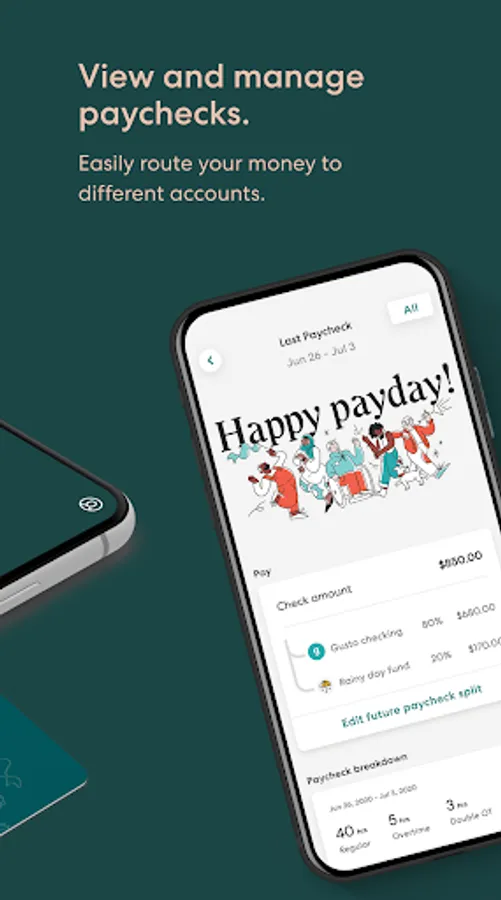
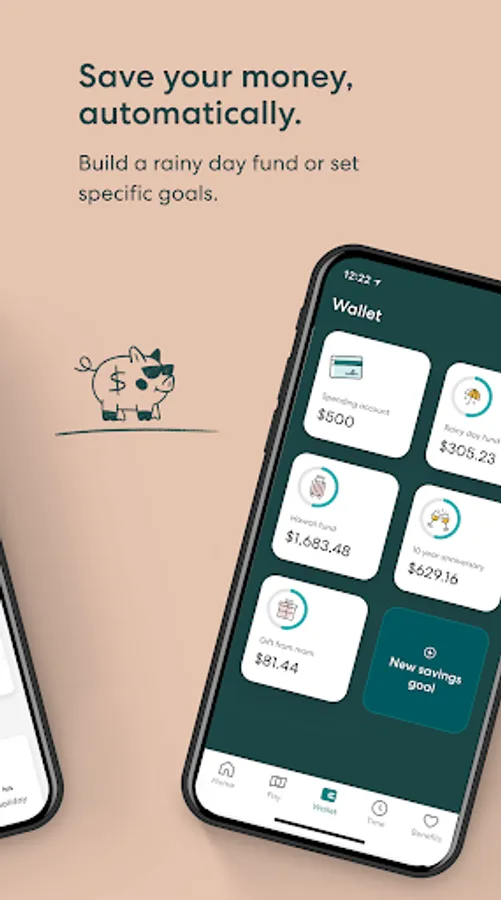
Paychecks: Easily manage paychecks and route money to different bank accounts.
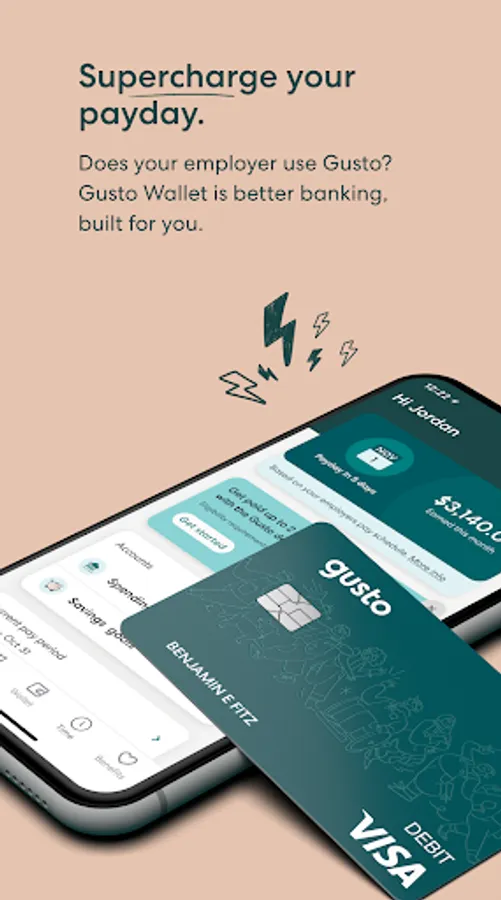
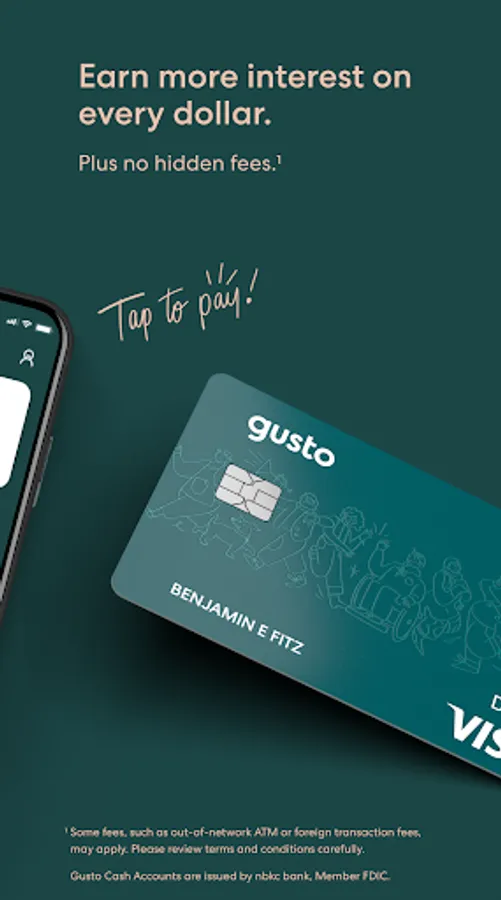
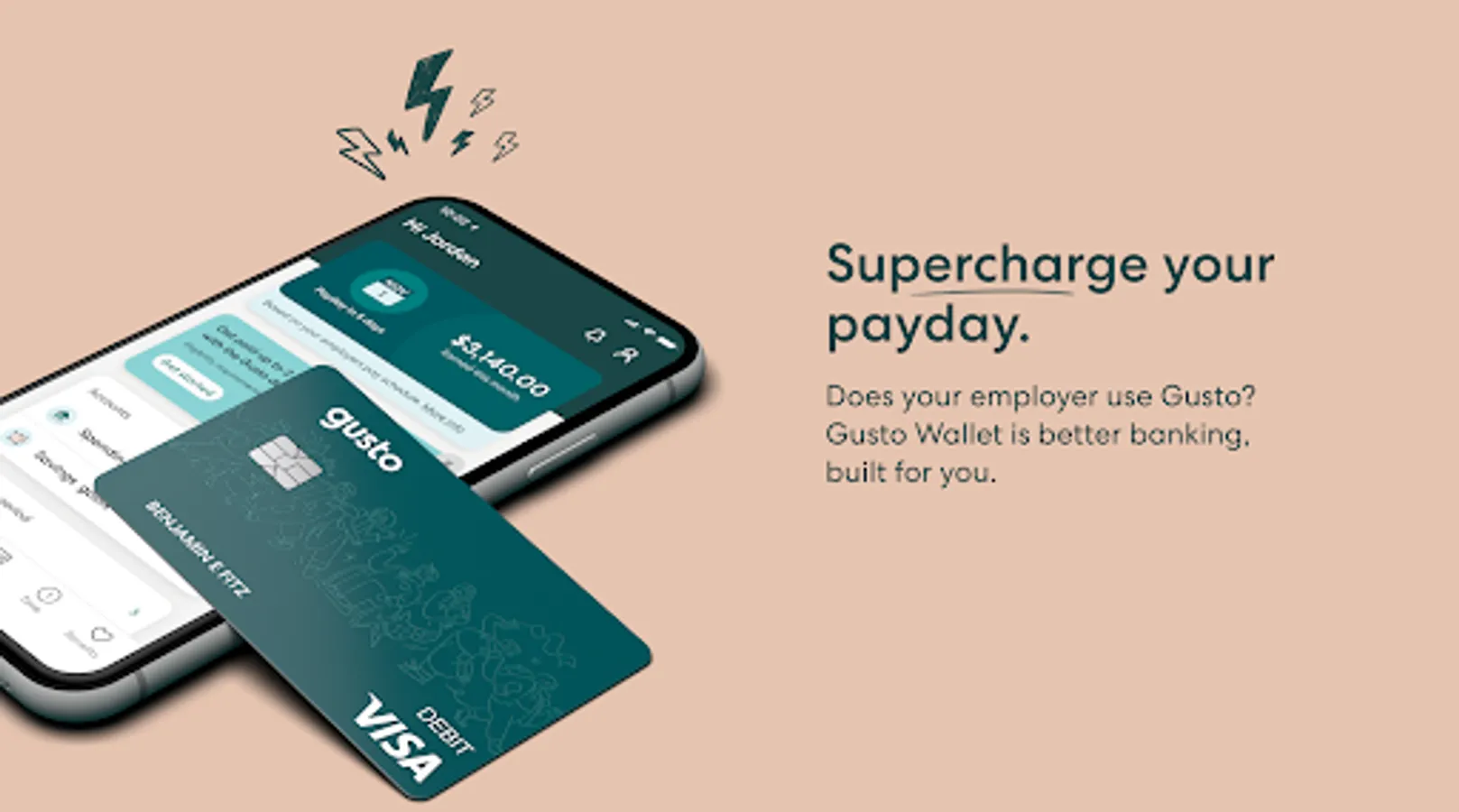
Early Pay: Receive paychecks up to 2 days early¹ and access advances between paydays with Gusto Wallet.²
Benefits: Manage your benefits or sign up for special offers.
Documents: Access and sign important documents.
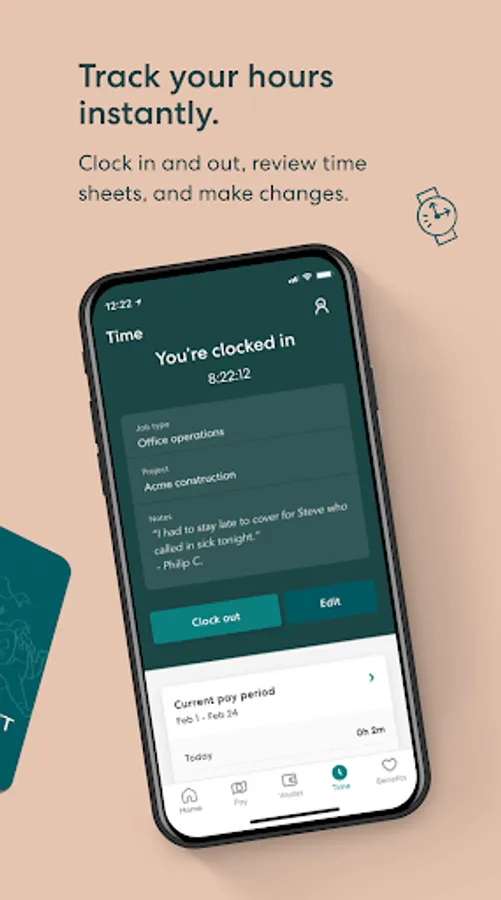
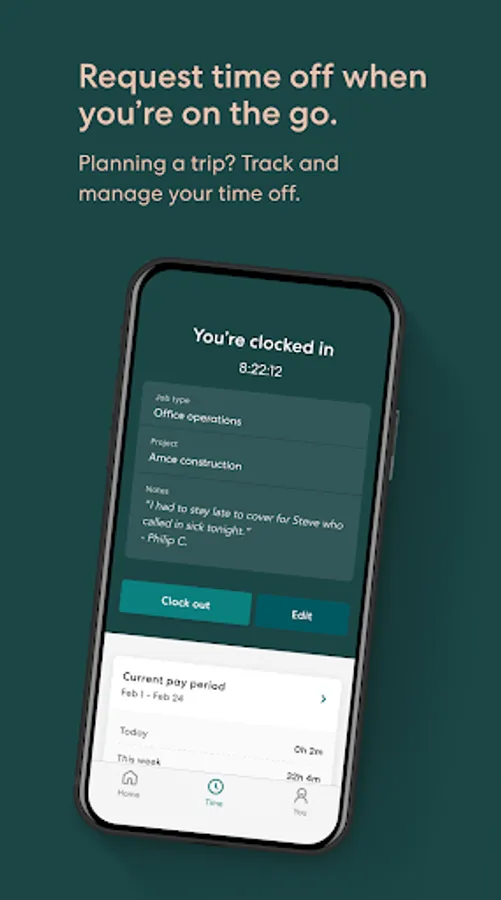
Time: Track your hours and request time off.
¹ With a Gusto spending account, your payment may be processed up to 2 days early. Timing depends on when your employer sends payment funds.
² On-Demand Pay provided by Clair. Clair is a financial services company, not a bank. All Advances are originated by Pathward®, N.A. All Advances are subject to eligibility criteria and application review. Advance amounts may vary. Terms and conditions apply.
The Gusto Savings goals and Gusto Spending account are issued by nbkc bank, Member FDIC. Gusto is a payroll services company, not a bank. Banking services provided by nbkc bank, Member FDIC.
FDIC insurance is provided by nbkc bank, Member FDIC. Any balances you hold with nbkc bank, including but not limited to those balances held in Gusto Spending accounts are added together and are insured up to $250,000 per depositor through nbkc bank, Member FDIC. Gusto is not FDIC-insured. FDIC insurance only covers the failure of an insured bank. If you have funds jointly owned, these funds would be separately insured for up to $250,000 for each joint account owner. nbkc bank utilizes a deposit network service, which means that at any given time, all, none, or a portion of the funds in your Gusto Spending accounts may be placed into and held beneficially in your name at other depository institutions which are insured by the Federal Deposit Insurance Corporation (FDIC). For a complete list of other depository institutions where funds may be placed, please visit https://www.cambr.com/bank-list. Balances moved to network banks are eligible for FDIC insurance once the funds arrive at a network bank. To learn more about pass-through deposit insurance applicable to your account, please see the Account Documentation. Additional information on FDIC insurance can be found at https://www.fdic.gov/resources/deposit-insurance/.
Gusto Mobile Screenshots
Tap to Rate:
Reviews for Gusto Mobile
donovan cheeks
12/31/2025
Claire strikes again (12/30)...changed my check split to $0 months ago so that the advance repay wouldn't be taken out of my account for the next few months. It worked fine but now it seems Clair has automatically and fraudulently changed my settings without my permission and now has taken money out of my account when my rent is due! I need my money back! Stay away from the "On Demand" payday advance feature from Clair, a company that partnered with Gusto to offer advance paycheck accessibility
Robert Tosh
12/28/2025
Is a trash app, probably explains why my employer has it... - Is there a breakdown or whatever that could assist with understanding how to read what this thing and that is on the paystubs? i don't understand how it's a breakdown of your money and whats going, yet it leaves u clueless still?...... And even WORSE!!.. each one you click on to view. You gotta go out and back in sometimes 5 or 6 times so it Will view the right one. it keeps showing just whatever it wants when I go to the PDF view