About PenCanvas
PenCanvas — Simple Yet Powerful Drawing App
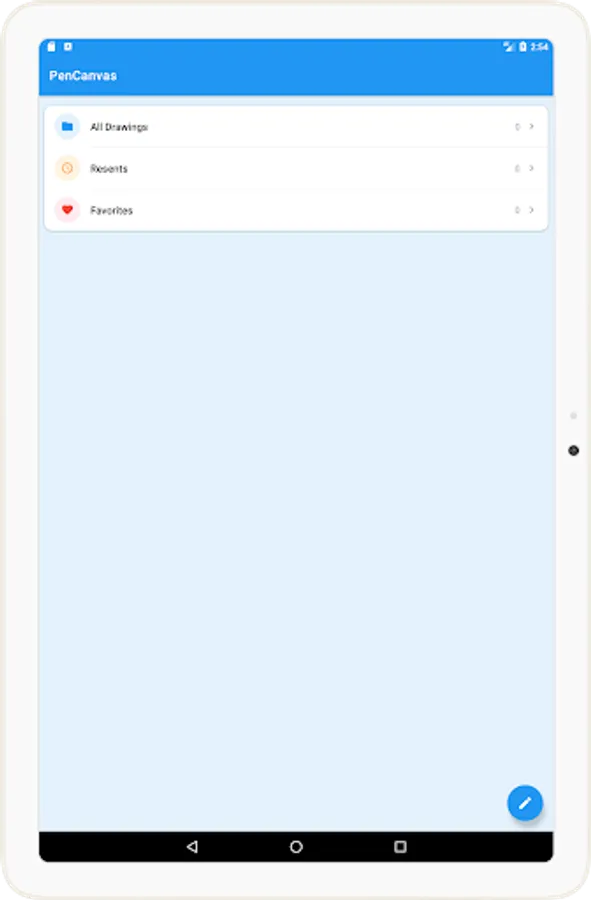
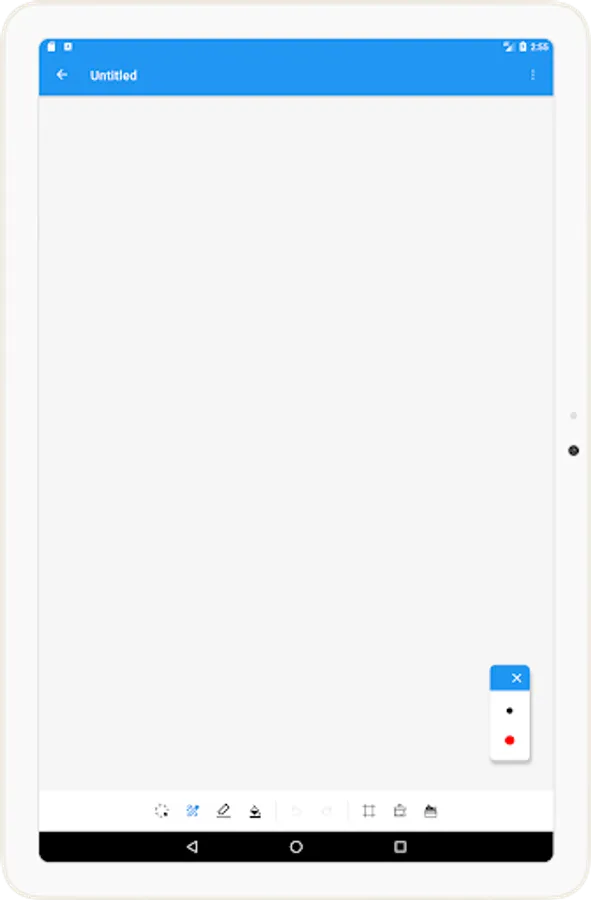
PenCanvas is a clean and intuitive drawing app designed to help you create, edit, and manage your artworks with ease. Whether you’re sketching ideas, taking notes, or creating full illustrations, PenCanvas offers the tools you need to bring your creativity to life.
Key Features:
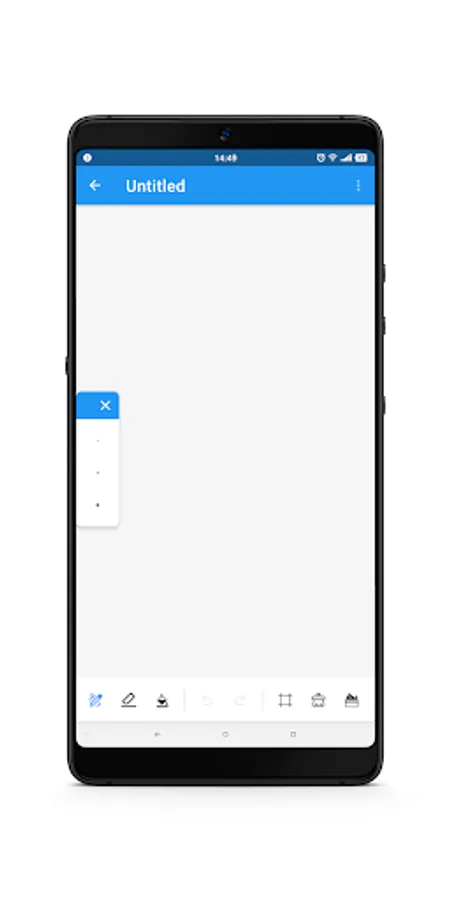
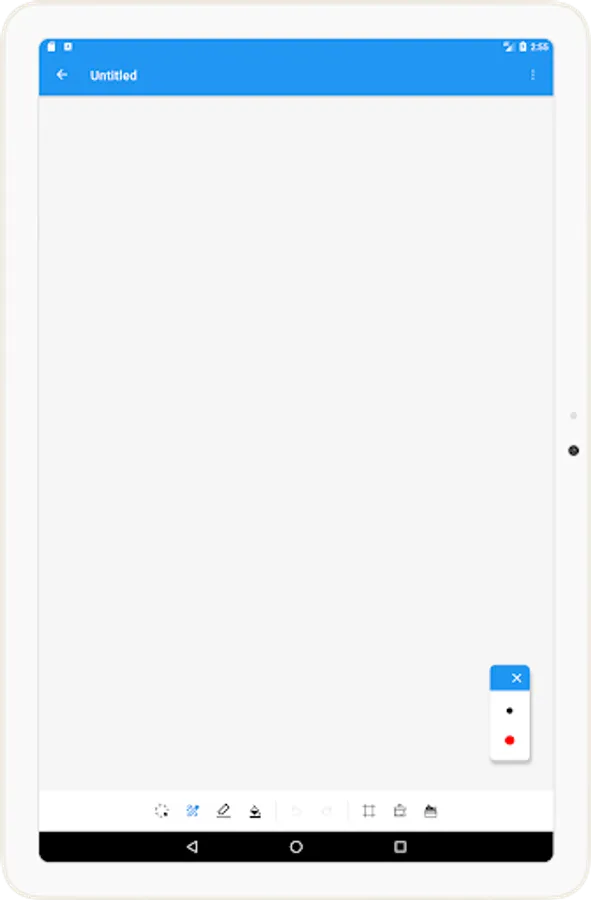
🎨 Drawing Tool: Smooth and responsive drawing experience with customizable pen colors and sizes.
🧽 Eraser: Easily remove unwanted lines or refine details without hassle.
🔲 Selection and Move: Select parts of your drawing and reposition them anywhere on the canvas.
🪄 Fill Tool: Quickly fill enclosed areas with color to enhance your artwork.
↩️ Undo / Redo: Correct mistakes and experiment freely with unlimited undo and redo functionality.
💾 Save and Edit Later: Save your drawings and reopen them anytime to continue editing.
🗑️ Clear Canvas: Instantly clear the entire canvas when you want a fresh start.
🧮 Grid Lines: Toggle grid visibility on or off to help align and structure your drawings precisely.
📤 Share Your Drawings: Export and share your creations with friends, family, or on social media.
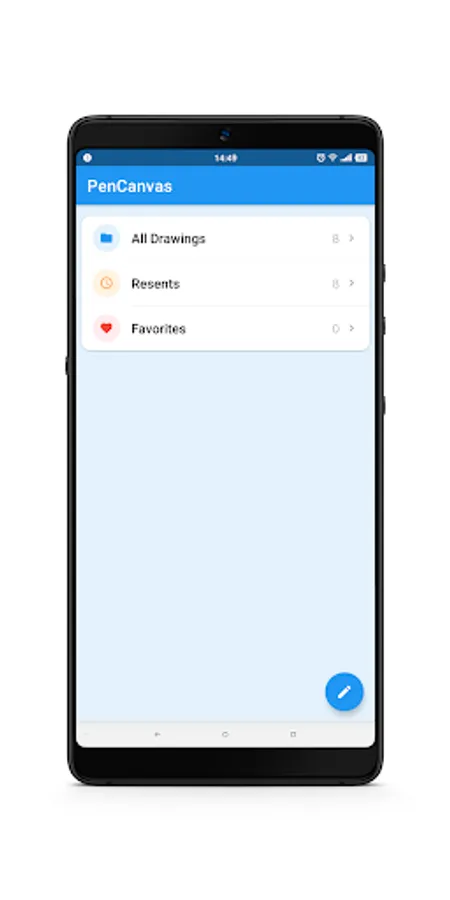
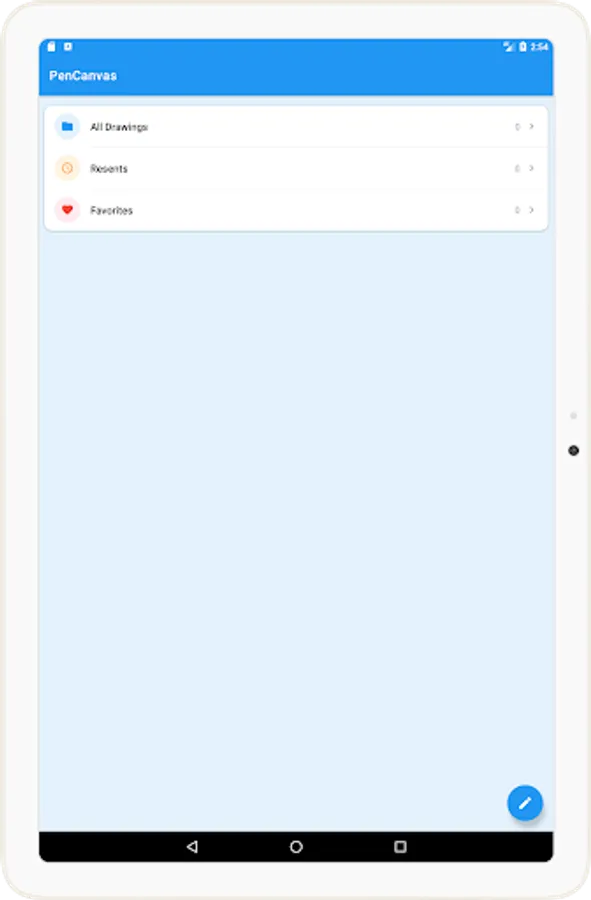
🔎 Search Drawings: Easily find your saved artwork by searching for drawing names.
🖊️ Pen Settings and Presets: Customize your pen and save your favorite settings for quick access.
⭐ Favorites: Mark important or beloved drawings as favorites for faster retrieval.
Why PenCanvas?
Easy to use, yet packed with essential features for both casual and serious artists.
Clean interface with no unnecessary distractions — focus entirely on your creativity.
Lightweight and fast — ideal for spontaneous sketches or detailed drawings.
PenCanvas is just getting started! We are committed to bringing you more powerful features and improvements in future updates.
Download PenCanvas now and start drawing your world!
PenCanvas is a clean and intuitive drawing app designed to help you create, edit, and manage your artworks with ease. Whether you’re sketching ideas, taking notes, or creating full illustrations, PenCanvas offers the tools you need to bring your creativity to life.
Key Features:
🎨 Drawing Tool: Smooth and responsive drawing experience with customizable pen colors and sizes.
🧽 Eraser: Easily remove unwanted lines or refine details without hassle.
🔲 Selection and Move: Select parts of your drawing and reposition them anywhere on the canvas.
🪄 Fill Tool: Quickly fill enclosed areas with color to enhance your artwork.
↩️ Undo / Redo: Correct mistakes and experiment freely with unlimited undo and redo functionality.
💾 Save and Edit Later: Save your drawings and reopen them anytime to continue editing.
🗑️ Clear Canvas: Instantly clear the entire canvas when you want a fresh start.
🧮 Grid Lines: Toggle grid visibility on or off to help align and structure your drawings precisely.
📤 Share Your Drawings: Export and share your creations with friends, family, or on social media.
🔎 Search Drawings: Easily find your saved artwork by searching for drawing names.
🖊️ Pen Settings and Presets: Customize your pen and save your favorite settings for quick access.
⭐ Favorites: Mark important or beloved drawings as favorites for faster retrieval.
Why PenCanvas?
Easy to use, yet packed with essential features for both casual and serious artists.
Clean interface with no unnecessary distractions — focus entirely on your creativity.
Lightweight and fast — ideal for spontaneous sketches or detailed drawings.
PenCanvas is just getting started! We are committed to bringing you more powerful features and improvements in future updates.
Download PenCanvas now and start drawing your world!
PenCanvas Screenshots
Tap to Rate: