이지플래너 - 일정관리 캘린더 메모 일기 달력
ezplanner
4.8 ★
store rating
500,000+
downloads
Free
+ in-app
With this calendar app, you can manage schedules, take notes, and set reminders. Includes large screen view, widget options, and PC synchronization.
AppRecs review analysis
AppRecs rating 4.3. Trustworthiness 68 out of 100. Review manipulation risk 37 out of 100. Based on a review sample analyzed.
★★★★☆
4.3
AppRecs Rating
Ratings breakdown
5 star
93%
4 star
3%
3 star
0%
2 star
0%
1 star
3%
What to know
✓
High user satisfaction
93% of sampled ratings are 5 stars
About 이지플래너 - 일정관리 캘린더 메모 일기 달력
Intuitive and simple large screen not only schedules
It is also great as a calendar, notepad, and diary.
| Main features |
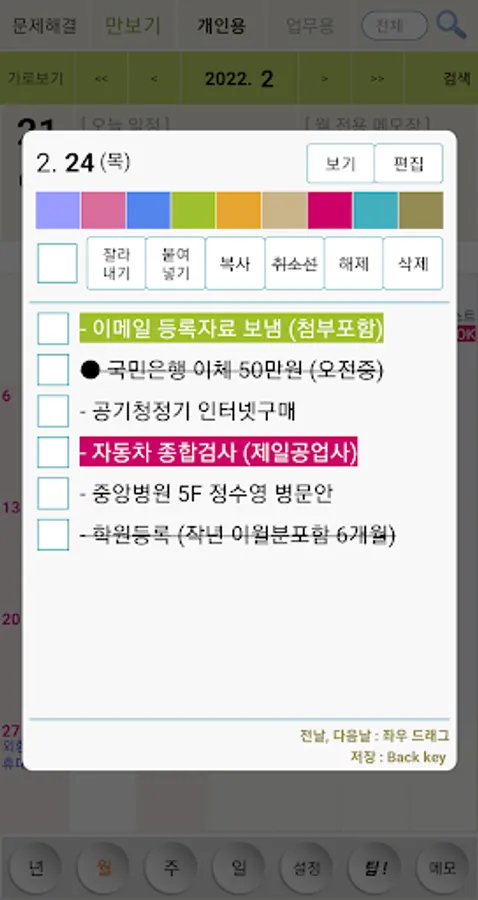
- Click: View schedule
- Double click: Create schedule (500 Korean characters saved for each date)
- Long click: Set text color and strikethrough
- Status bar today’s schedule: When you pull down the status bar, today’s schedule is automatically displayed
-Status bar notepad: When you pull down the status bar, you can immediately take notes.
- D-1 Notification: Notification one day before birthday and payment date
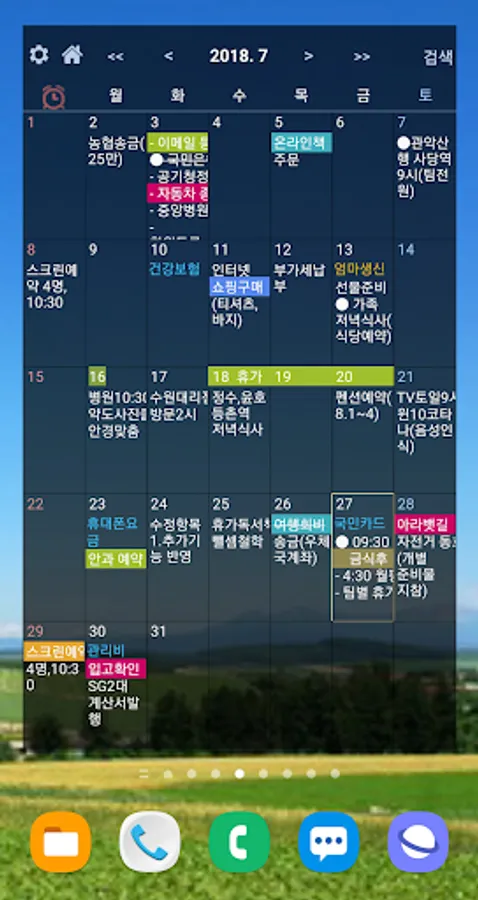
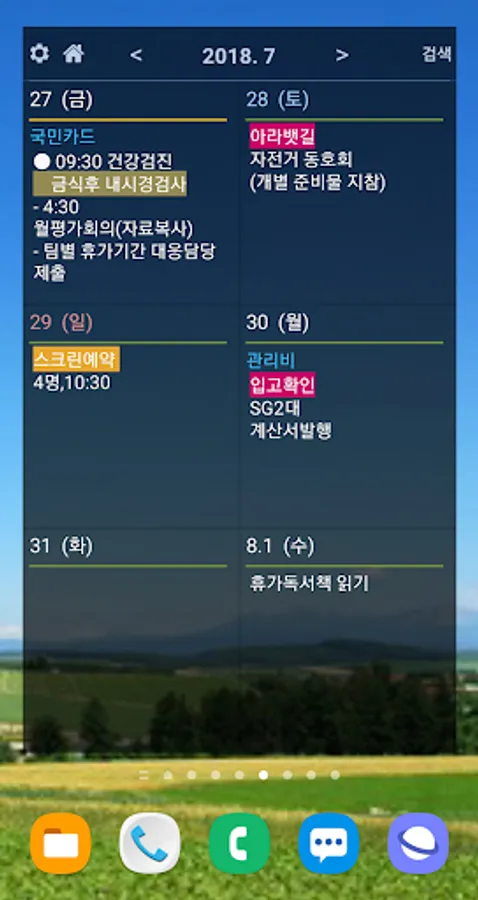
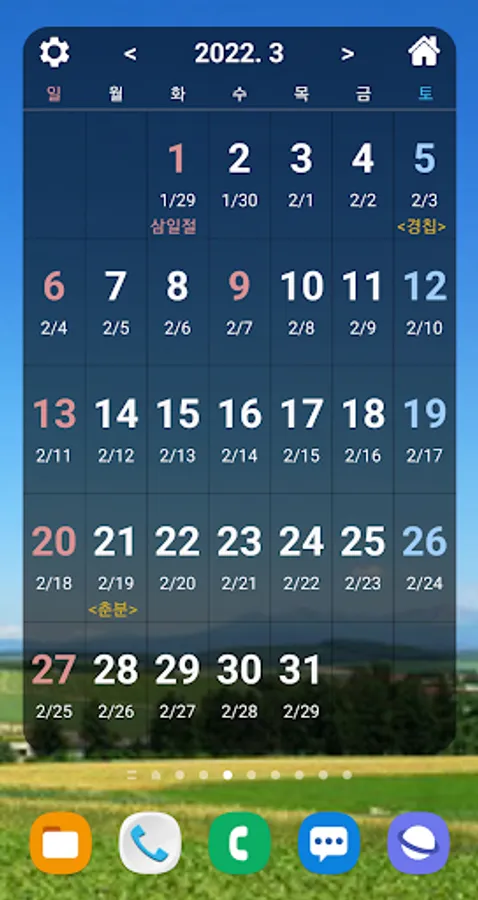
- Provided widgets: monthly, 6-day, 3-day, today's schedule, date and day display icon widgets
- Smartphone - PC synchronization function
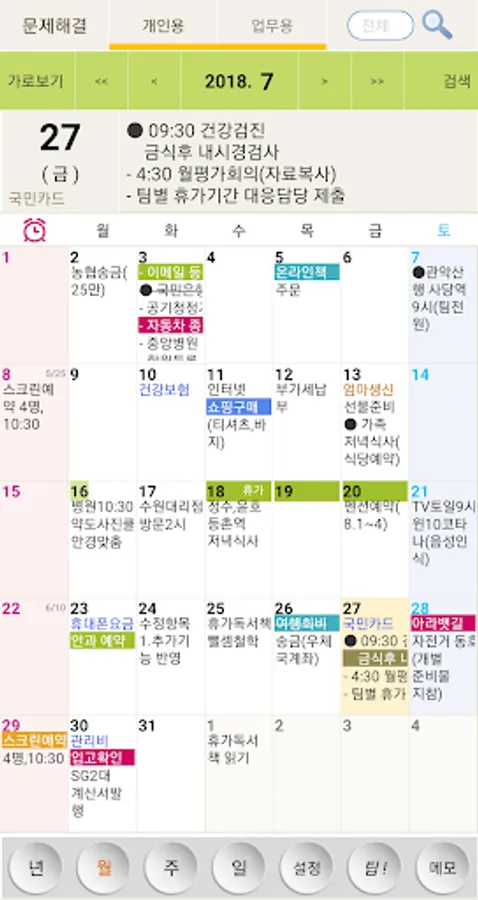
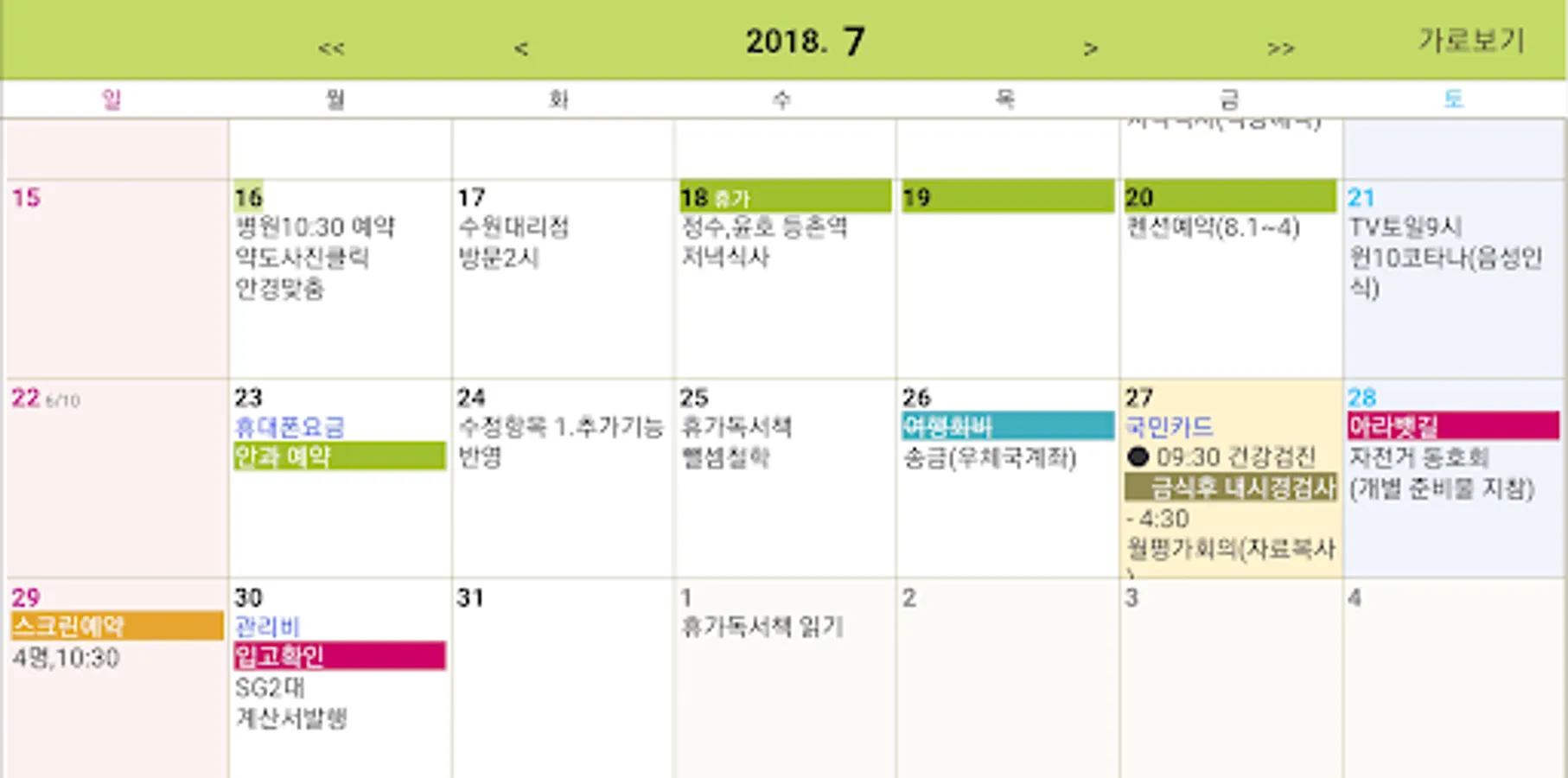
- View the monthly schedule on a large horizontal screen
- View the entire schedule for the month as a list
- Memo consists of 5 large text files
(Linked with status bar notepad)
- Individual font size and transparency settings for each screen and each widget
- Lunar calendar display, schedule, and memo search function
- Alarm function
※ Access permission information
[Optional access rights]
- Microphone: Used to enter schedules and notes using voice recognition
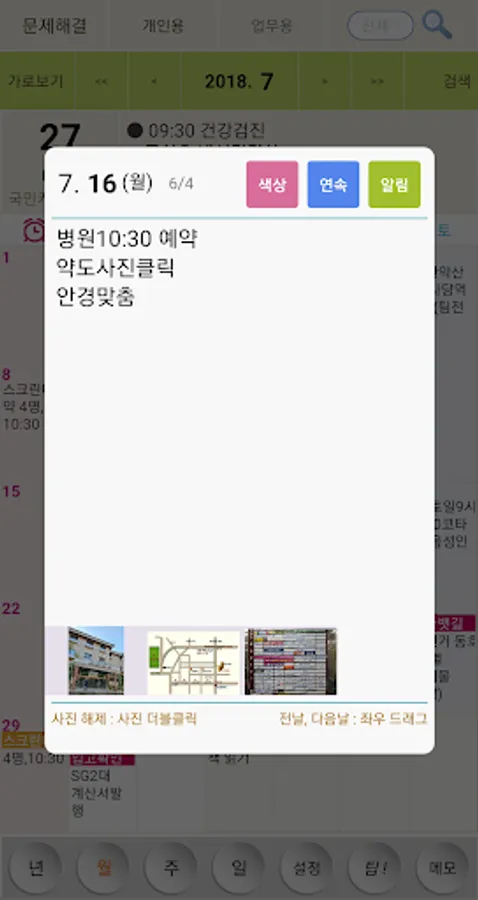
- Photos and videos: Used to attach photos to the schedule
- Physical activity: To read and display the number of steps (pedometer) recorded in your Google account
- Notification: To display alarm, D-1 notification, status bar notepad, status bar today's schedule
* You can use the app even if you do not agree to the optional access rights.
* If you do not agree to the optional access rights, normal use of some functions of the service may be difficult.
--------------------------------------------
● When the app does not run / When the data is not visible
http://www.ezplanner.kr/app/guide.htm
If you refer to this, it will be resolved.
It is also great as a calendar, notepad, and diary.
| Main features |
- Click: View schedule
- Double click: Create schedule (500 Korean characters saved for each date)
- Long click: Set text color and strikethrough
- Status bar today’s schedule: When you pull down the status bar, today’s schedule is automatically displayed
-Status bar notepad: When you pull down the status bar, you can immediately take notes.
- D-1 Notification: Notification one day before birthday and payment date
- Provided widgets: monthly, 6-day, 3-day, today's schedule, date and day display icon widgets
- Smartphone - PC synchronization function
- View the monthly schedule on a large horizontal screen
- View the entire schedule for the month as a list
- Memo consists of 5 large text files
(Linked with status bar notepad)
- Individual font size and transparency settings for each screen and each widget
- Lunar calendar display, schedule, and memo search function
- Alarm function
※ Access permission information
[Optional access rights]
- Microphone: Used to enter schedules and notes using voice recognition
- Photos and videos: Used to attach photos to the schedule
- Physical activity: To read and display the number of steps (pedometer) recorded in your Google account
- Notification: To display alarm, D-1 notification, status bar notepad, status bar today's schedule
* You can use the app even if you do not agree to the optional access rights.
* If you do not agree to the optional access rights, normal use of some functions of the service may be difficult.
--------------------------------------------
● When the app does not run / When the data is not visible
http://www.ezplanner.kr/app/guide.htm
If you refer to this, it will be resolved.