
With this app, you can upload DJI GO log files directly to Airdata.com for flight data analysis and monitoring. Includes automatic and manual sync options, account management, and privacy controls.
AppRecs review analysis
AppRecs rating 3.9. Trustworthiness 40 out of 100. Review manipulation risk 43 out of 100. Based on a review sample analyzed.
★★★☆☆
3.9
AppRecs Rating
Ratings breakdown
5 star
93%
4 star
3%
3 star
0%
2 star
3%
1 star
0%
What to know
⚠
Questionable review patterns
43% review manipulation risk - some review patterns appear unusual
⚠
Rating authenticity concerns
High rating concentration (93% 5-star) in sampled ratings
⚠
Review quality concerns
38% of sampled 5-star reviews are very short
About HD Sync
IMPORTANT: There is a newer version of the Airdata app - please visit:
https://play.google.com/store/apps/details?id=com.airdata.uav.app
Or, to install the newer app on devices without Google Play, visit:
https://airdata.com/app
---------------- Original Description ----------------
Is your drone healthy? Or is it about to surprise you on your next flight? Don't wait to find out. Visit Airdata.com (formerly HealthyDrones.com) to discover "under the hood" information and review early signs of problems before you take off again.
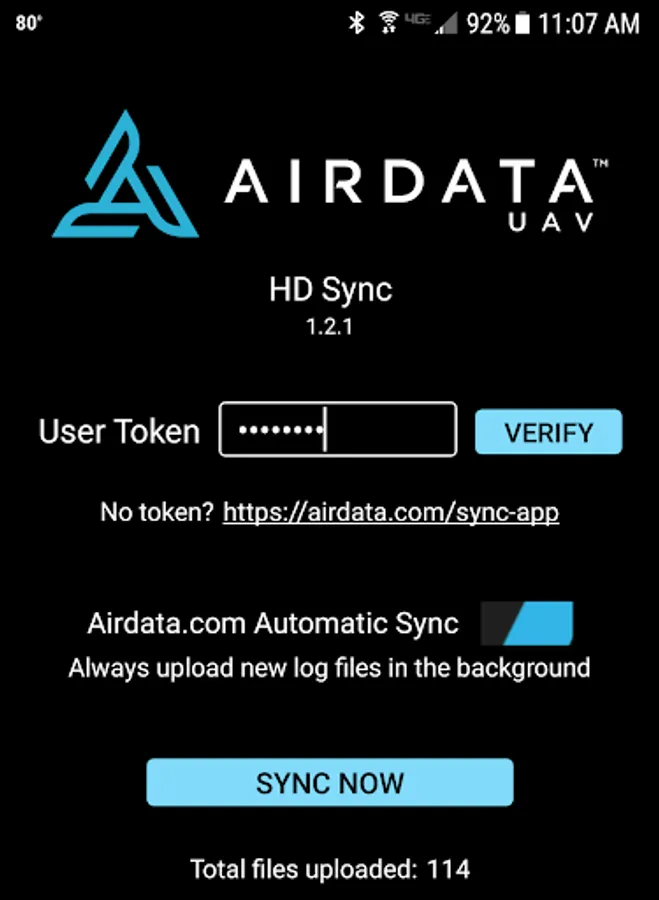
HD Sync simplifies the process of uploading DJI GO log files from your phone/tablet to Airdata.com (or our old site, HealthyDrones.com)
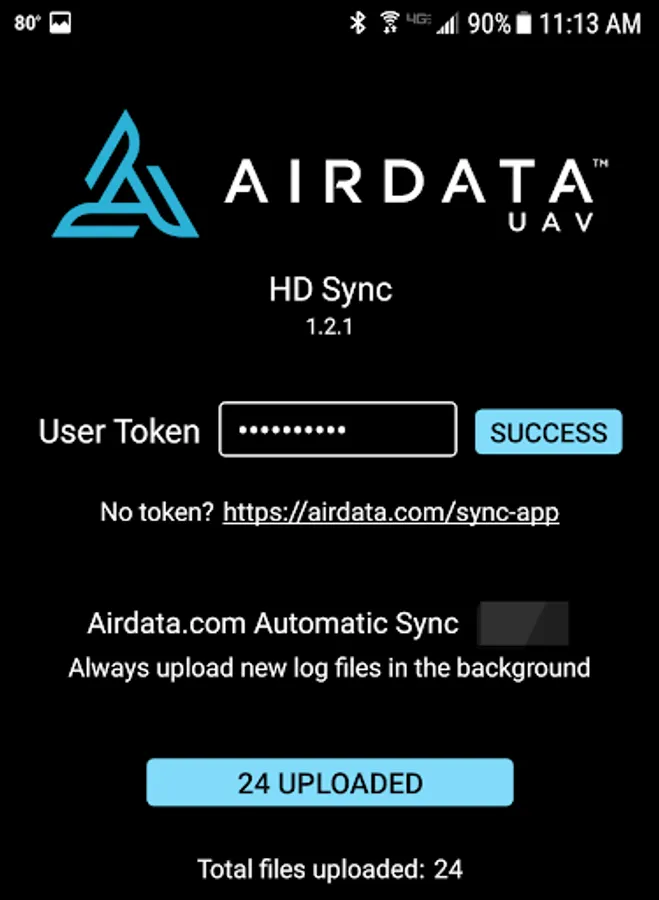
Instead of having to connect your tablet or phone to a desktop PC and transfer the files manually, it will upload the files directly to Airdata.com for you.
2 modes are available:
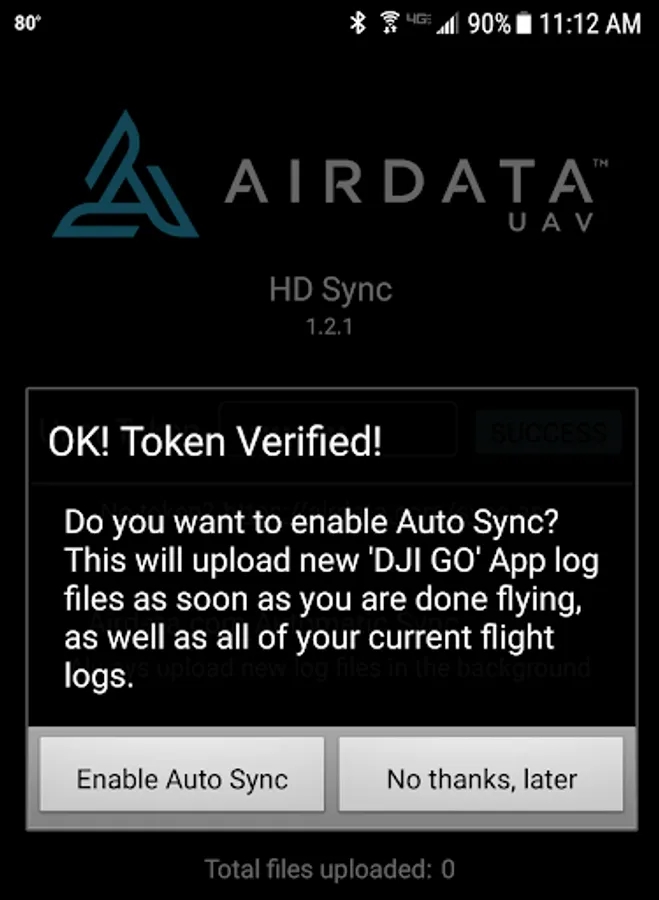
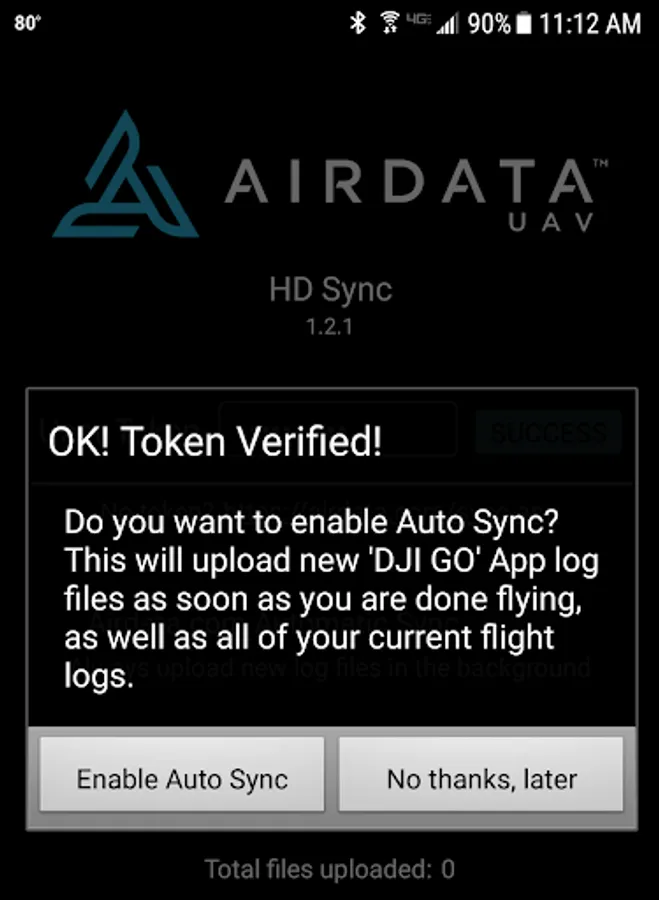
- Automatic Sync - this will upload the DJI GO log files as soon as you turn off the motors
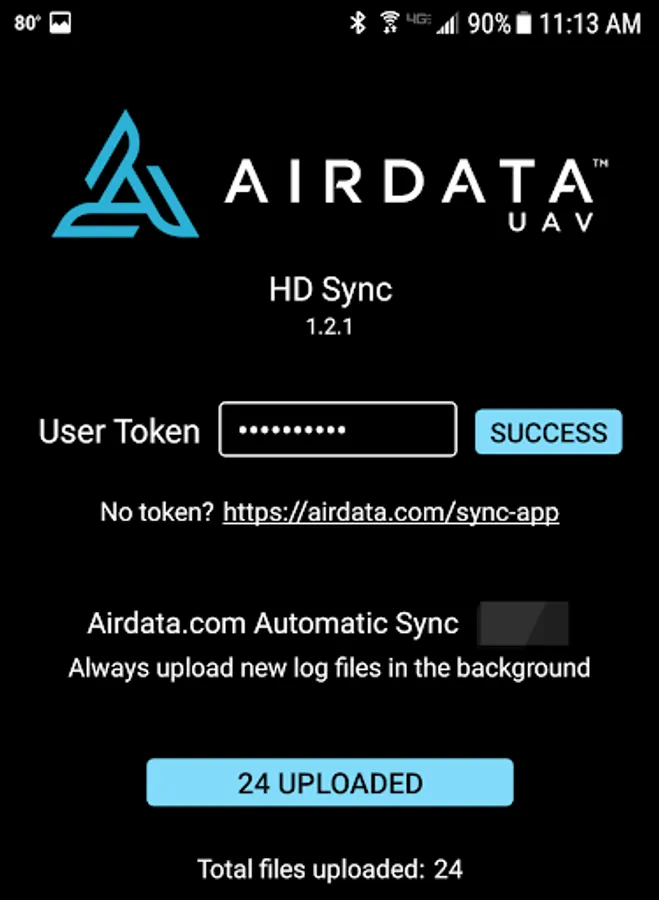
- Manual Sync - click the "Sync Now" button to synchronize all log files
Before using HD Sync, make sure you create an account at Airdata.com and get your "Auto Upload Token" under the account settings. All your flights remain private, unless you choose to share them.
In order to view your flight details - please visit the site directly.
To learn more about how to get started, please visit http://airdata.com/async
For support and discussion, please visit http://airdata.com/forum
https://play.google.com/store/apps/details?id=com.airdata.uav.app
Or, to install the newer app on devices without Google Play, visit:
https://airdata.com/app
---------------- Original Description ----------------
Is your drone healthy? Or is it about to surprise you on your next flight? Don't wait to find out. Visit Airdata.com (formerly HealthyDrones.com) to discover "under the hood" information and review early signs of problems before you take off again.
HD Sync simplifies the process of uploading DJI GO log files from your phone/tablet to Airdata.com (or our old site, HealthyDrones.com)
Instead of having to connect your tablet or phone to a desktop PC and transfer the files manually, it will upload the files directly to Airdata.com for you.
2 modes are available:
- Automatic Sync - this will upload the DJI GO log files as soon as you turn off the motors
- Manual Sync - click the "Sync Now" button to synchronize all log files
Before using HD Sync, make sure you create an account at Airdata.com and get your "Auto Upload Token" under the account settings. All your flights remain private, unless you choose to share them.
In order to view your flight details - please visit the site directly.
To learn more about how to get started, please visit http://airdata.com/async
For support and discussion, please visit http://airdata.com/forum
HD Sync Screenshots
Tap to Rate:
Reviews for HD Sync
MANUEL RODRIGUEZ
8/21/2024
Very nice app
Pete Johnstone
5/12/2020
Excelent to auto sync my DJI flites.