
LPlayer - Watch n' Learn
DroidCoolApps
4.5 ★
280 ratings
10,000+
downloads
Free
+ in-app
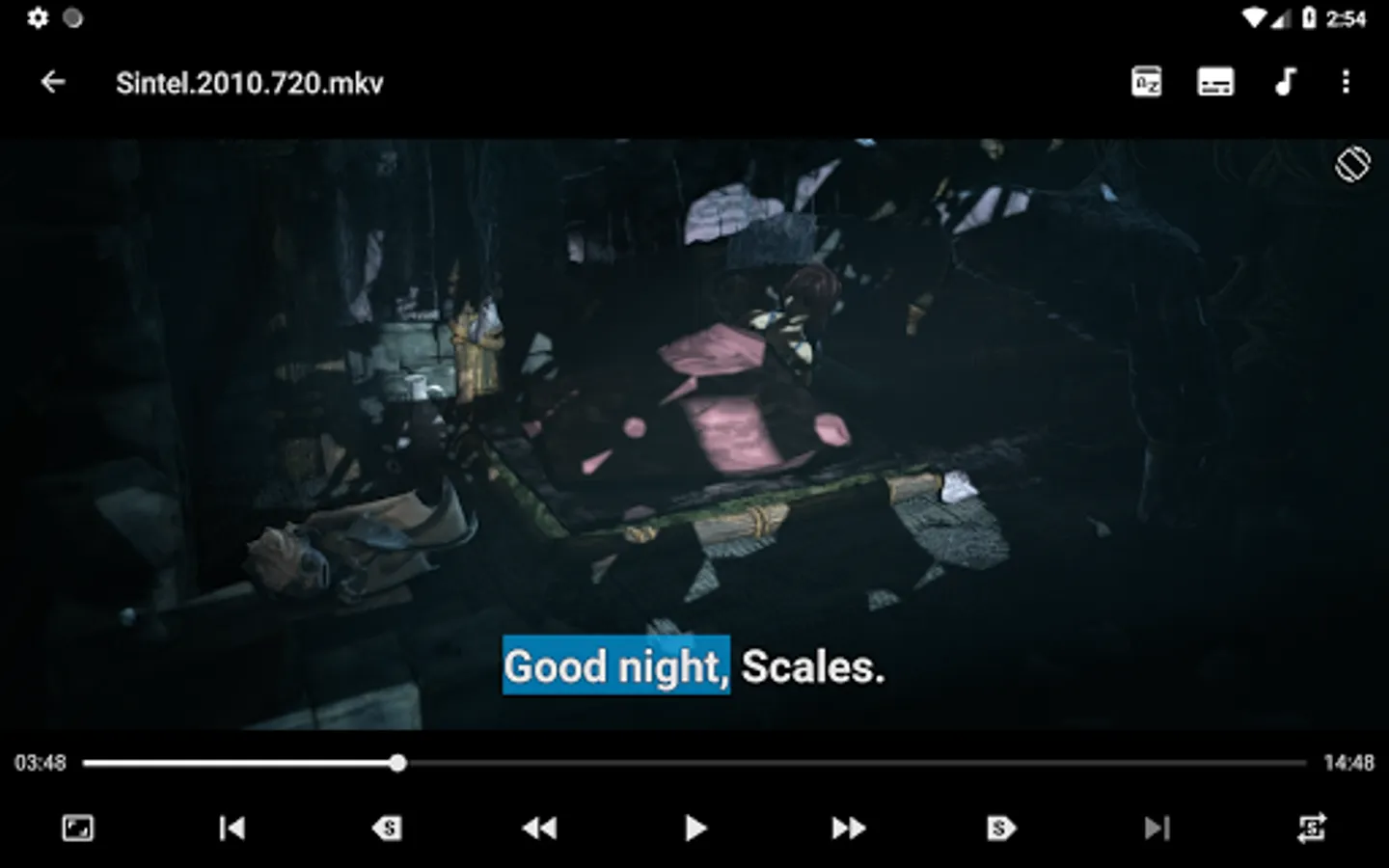
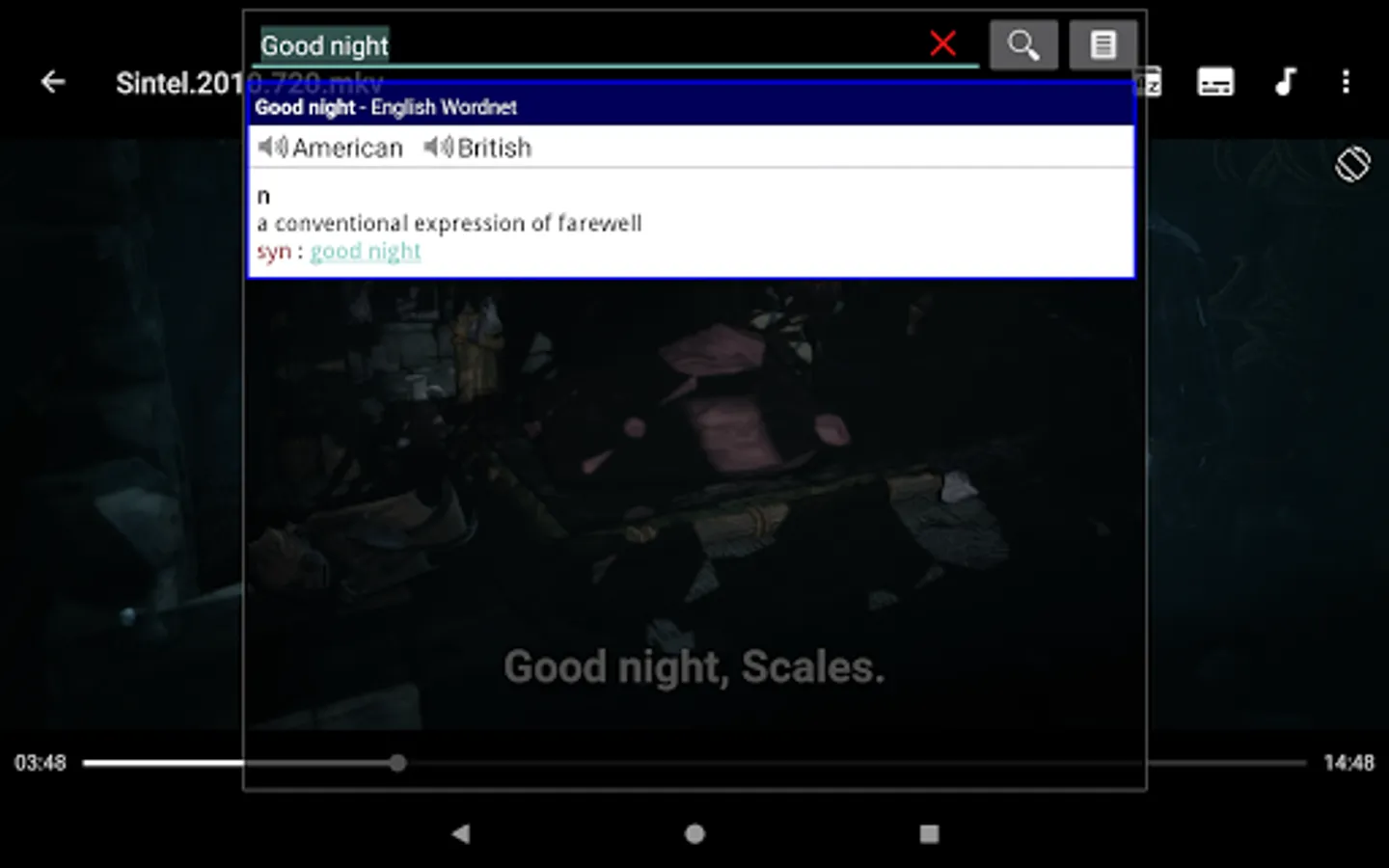
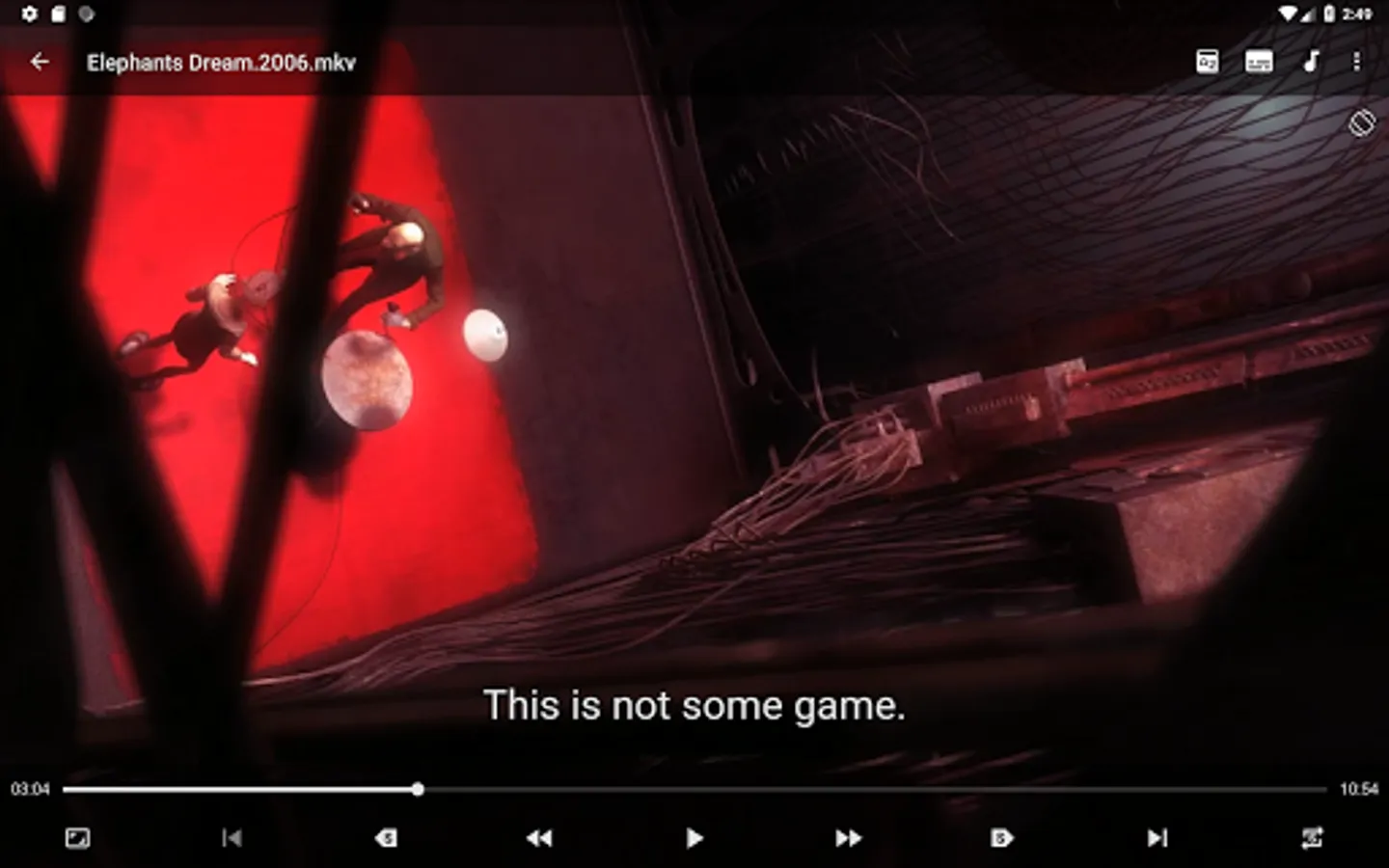
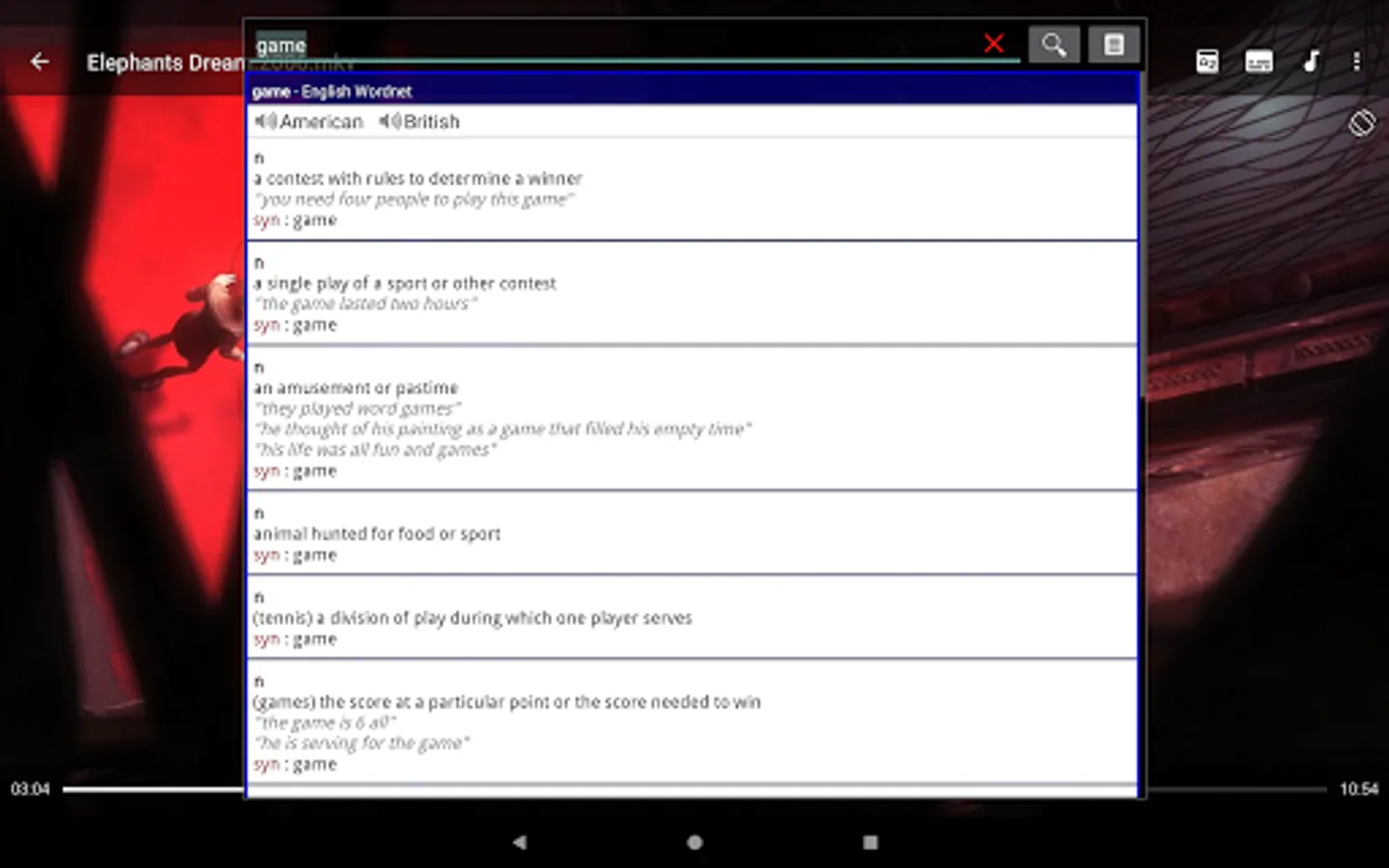
In this app, you can play videos with subtitles and translate selected words or phrases. Includes subtitle translation, download features, and gesture controls.
AppRecs review analysis
AppRecs rating 4.6. Trustworthiness 72 out of 100. Review manipulation risk 35 out of 100. Based on a review sample analyzed.
★★★★☆
4.6
AppRecs Rating
Ratings breakdown
5 star
75%
4 star
15%
3 star
0%
2 star
0%
1 star
10%
What to know
✓
Credible reviews
72% trustworthiness score from analyzed reviews
✓
High user satisfaction
90% of sampled ratings are 4+ stars (4.5★ average)
✓
Authentic reviews
Natural distribution, no red flags
About LPlayer - Watch n' Learn
If you are studying a foreign language then you are possibly trying to watch movies, films or tv series in their original language
This app will help you understand phrases and words you don't know when you have such videos with subtitles in a foreign language
It can also be useful when you watch documentary, scientific, etc. films on your native language to get the meaning of difficult/unknown phrases, words, terms, abbreviations
When you play a video with subtitles you can:
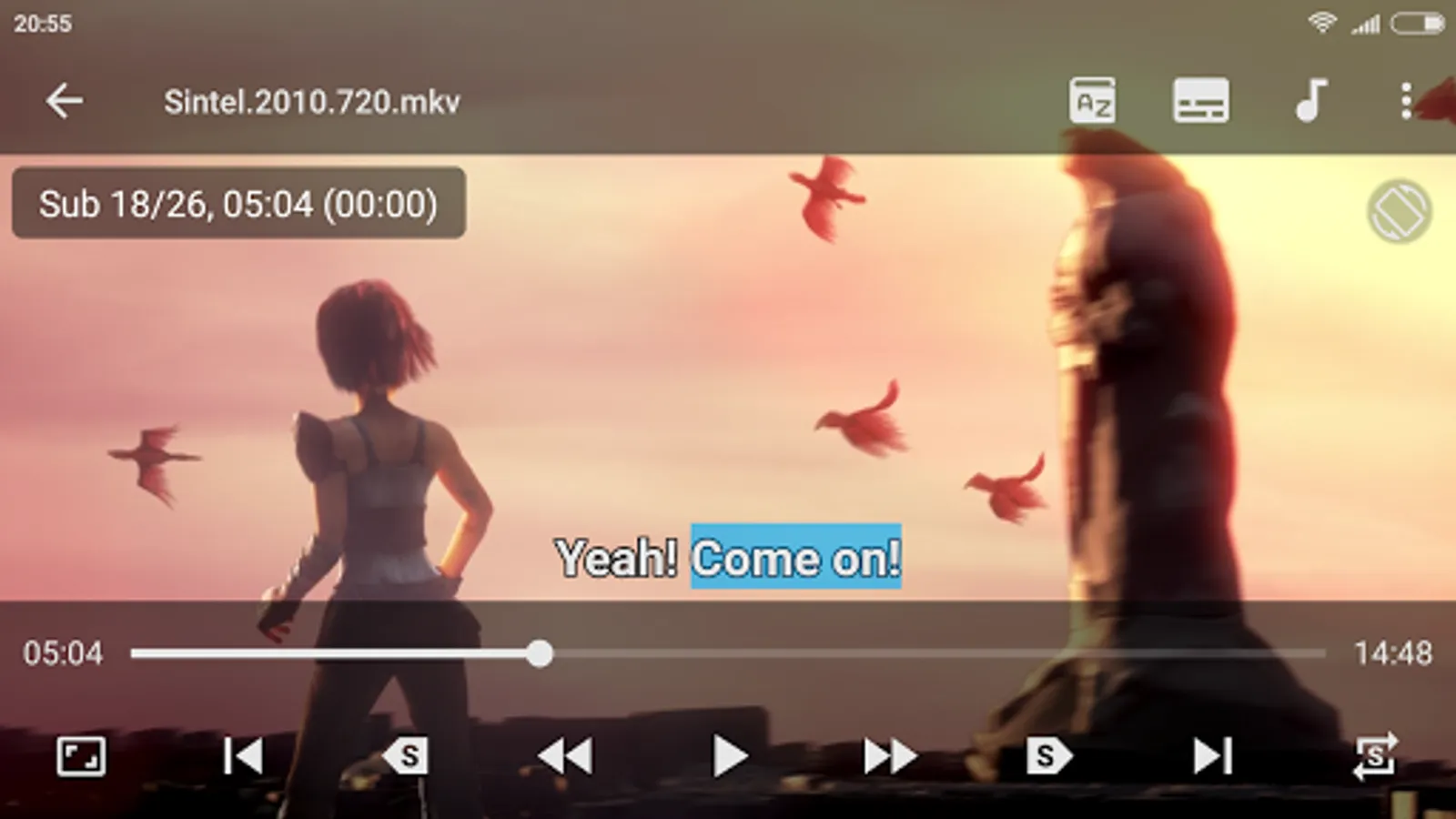
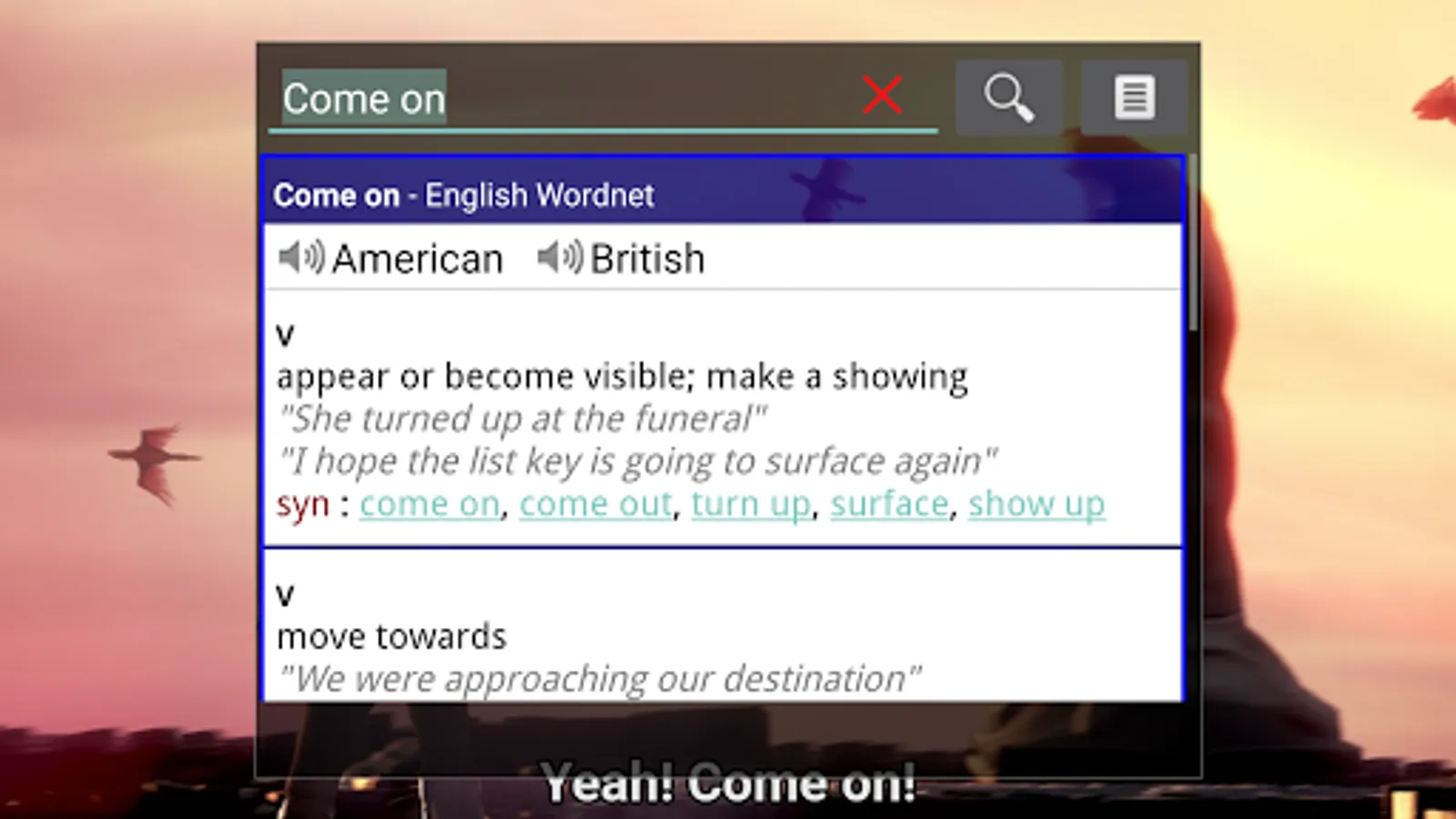
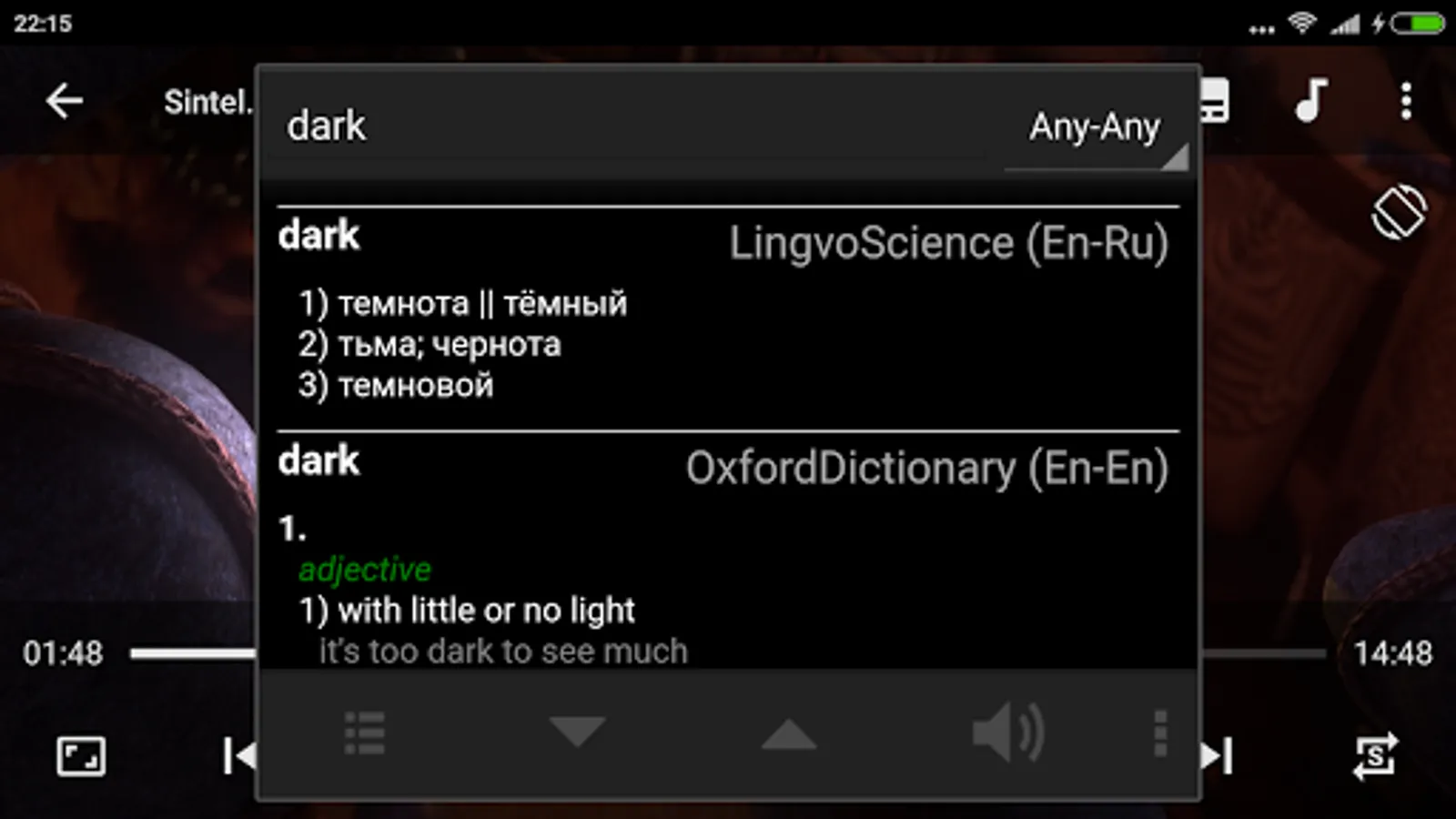
- select the phrases and words in the subtitles to open them in a translate or dictionary app (see the list of available apps below)
- move (seek) between subtitles (phrases), repeat current subtitle using buttons or gestures
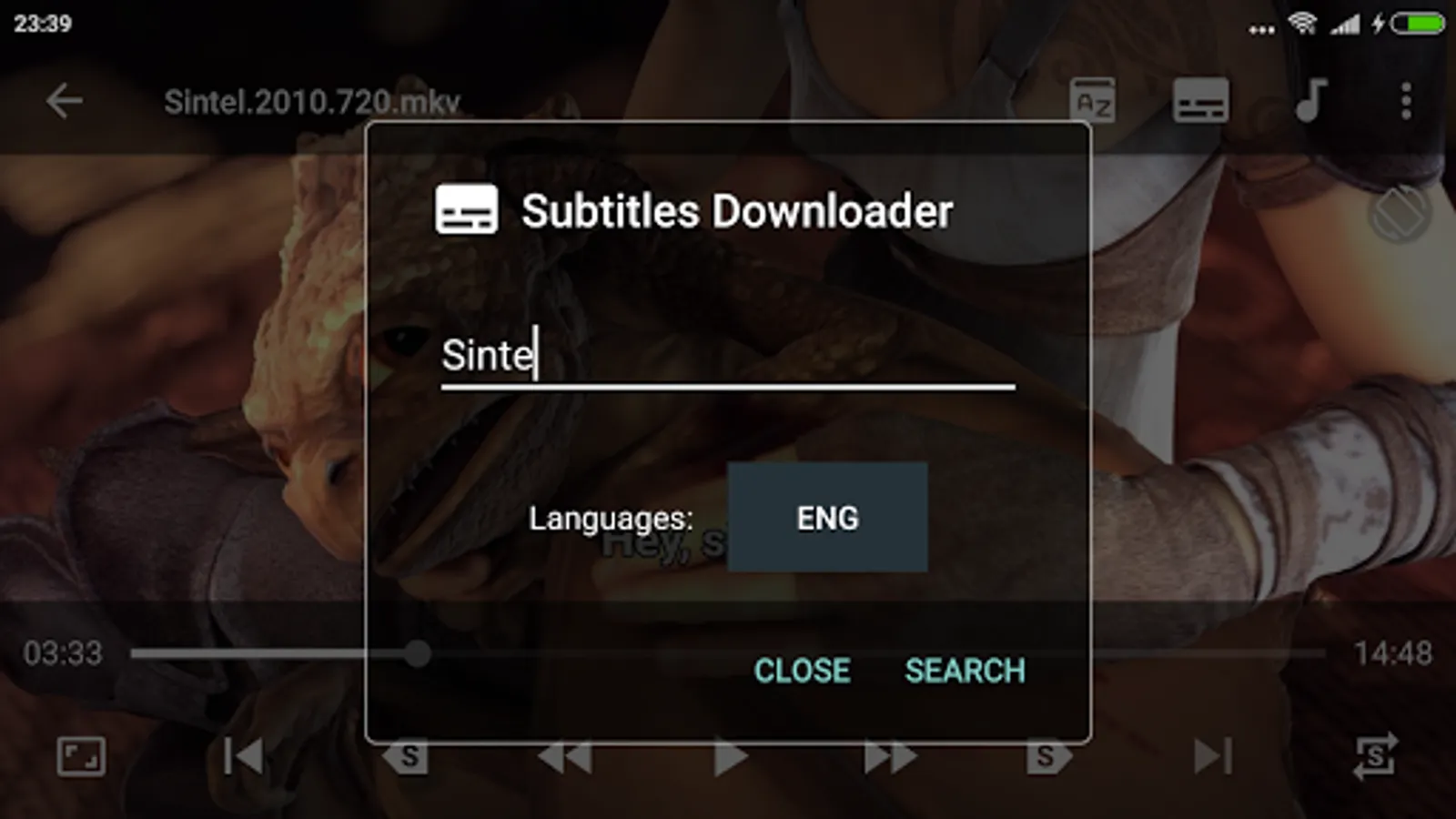
If you don't have subtitles for some videos on your device you can try to find and download them using this app ("Menu/Subtitles/Search Subtitles")
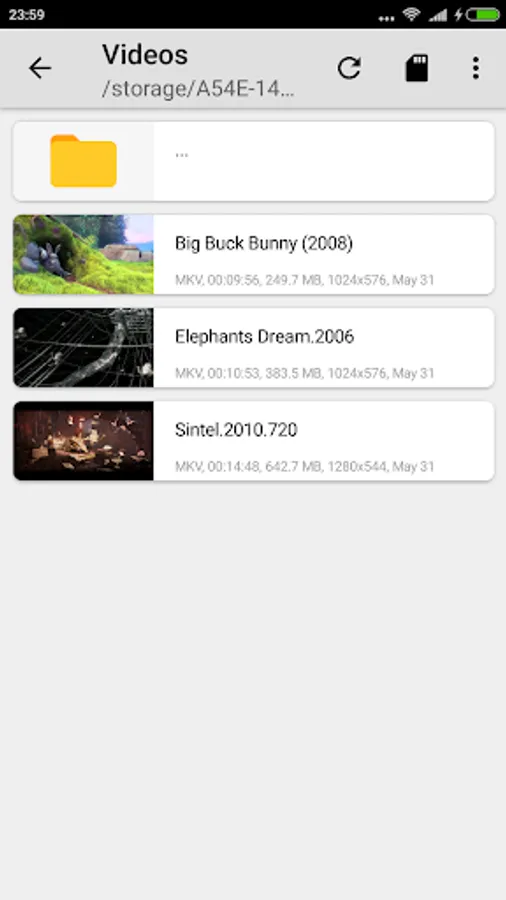
Plays most video files using hardware acceleration, all video formats are supported, including MKV, MP4, AVI, MOV, TS and M2TS
HD, Full HD, 4K resolutions
All Features:
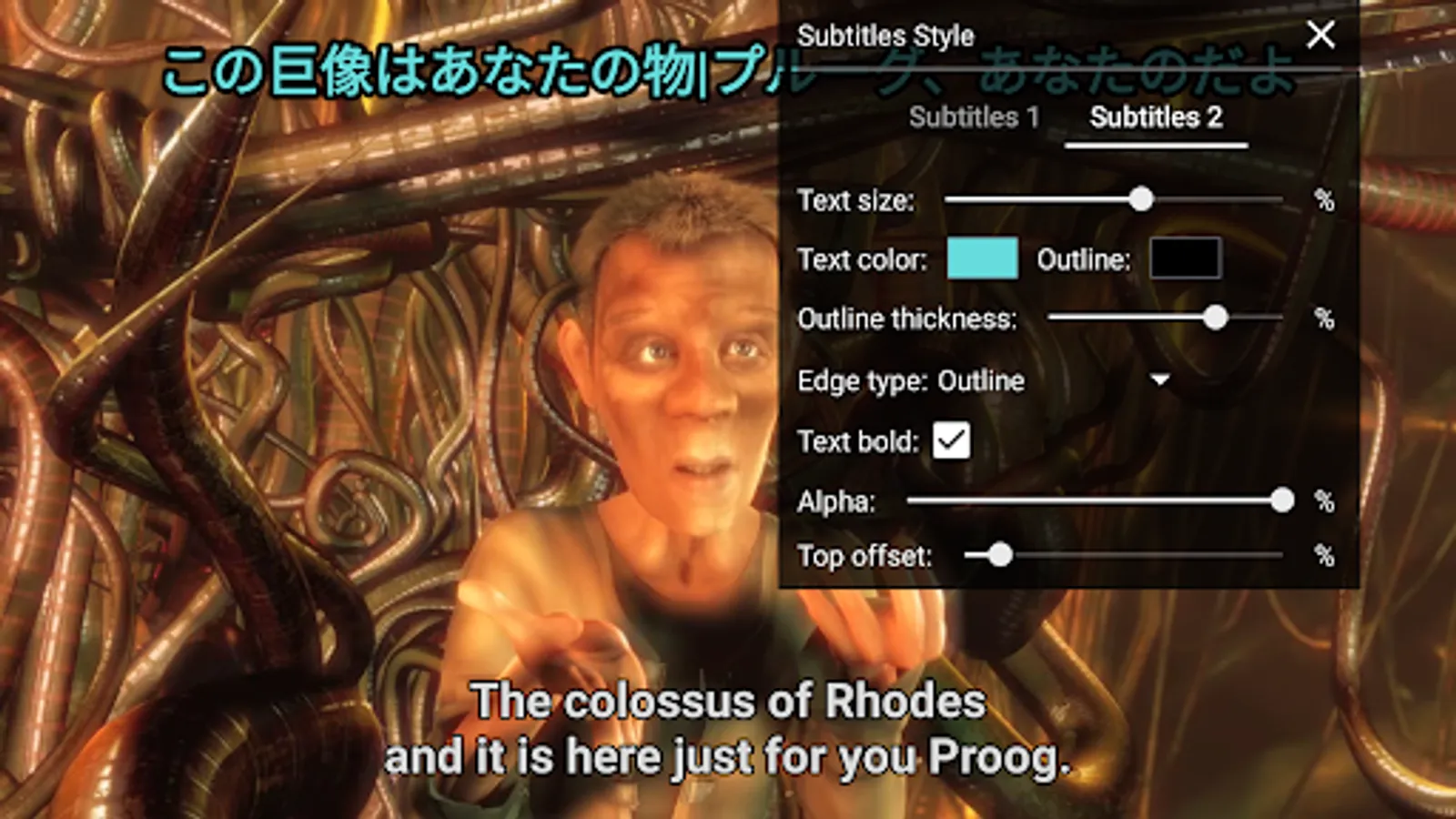
- subtitles support, dual (double) subtitles at the same time with different style
- built-in subtitles downloader (from internet)
- possibility to select text in subtitle and open it in a dictionary app
- possibility to move to the next, previous or repeat the current subtitle (with double tap or using buttons)
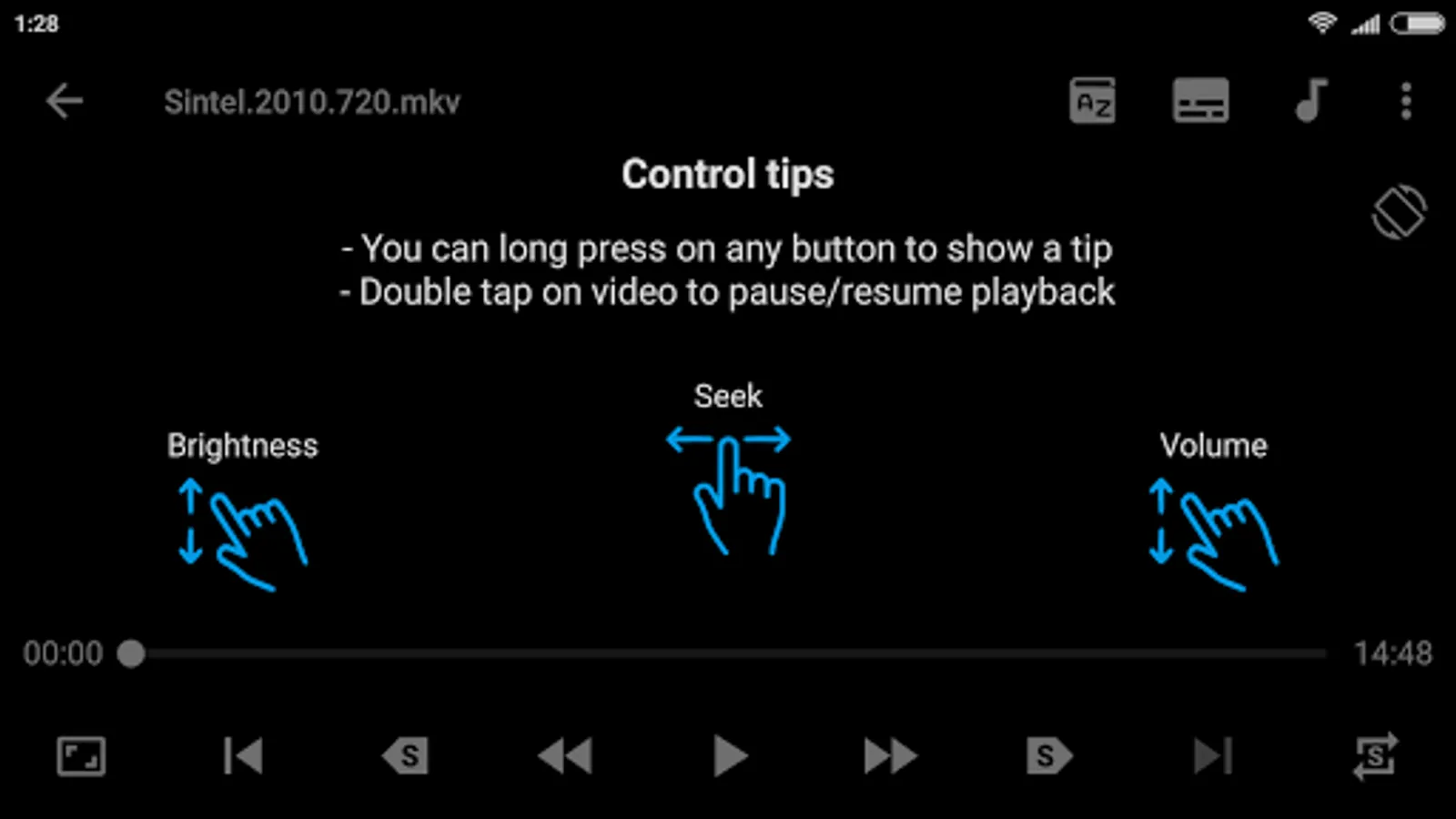
- gestures to control volume, brightness and seeking
- subtitles gestures - double tap to move to next or previous text
- double tap to pause/play
- subtitle style (font, color, size, etc.) settings
- subtitles/audio synchronization
- auto-loading external subtitles with similar name
- open selected words from subtitles in a web-browser
- copy selected words from subtitles to clipboard
- window to view all cues of subtitles, search among them
- option to hide subtitles during playback and display them when playback is paused
- network stream playback
- aspect-ratio adjustments
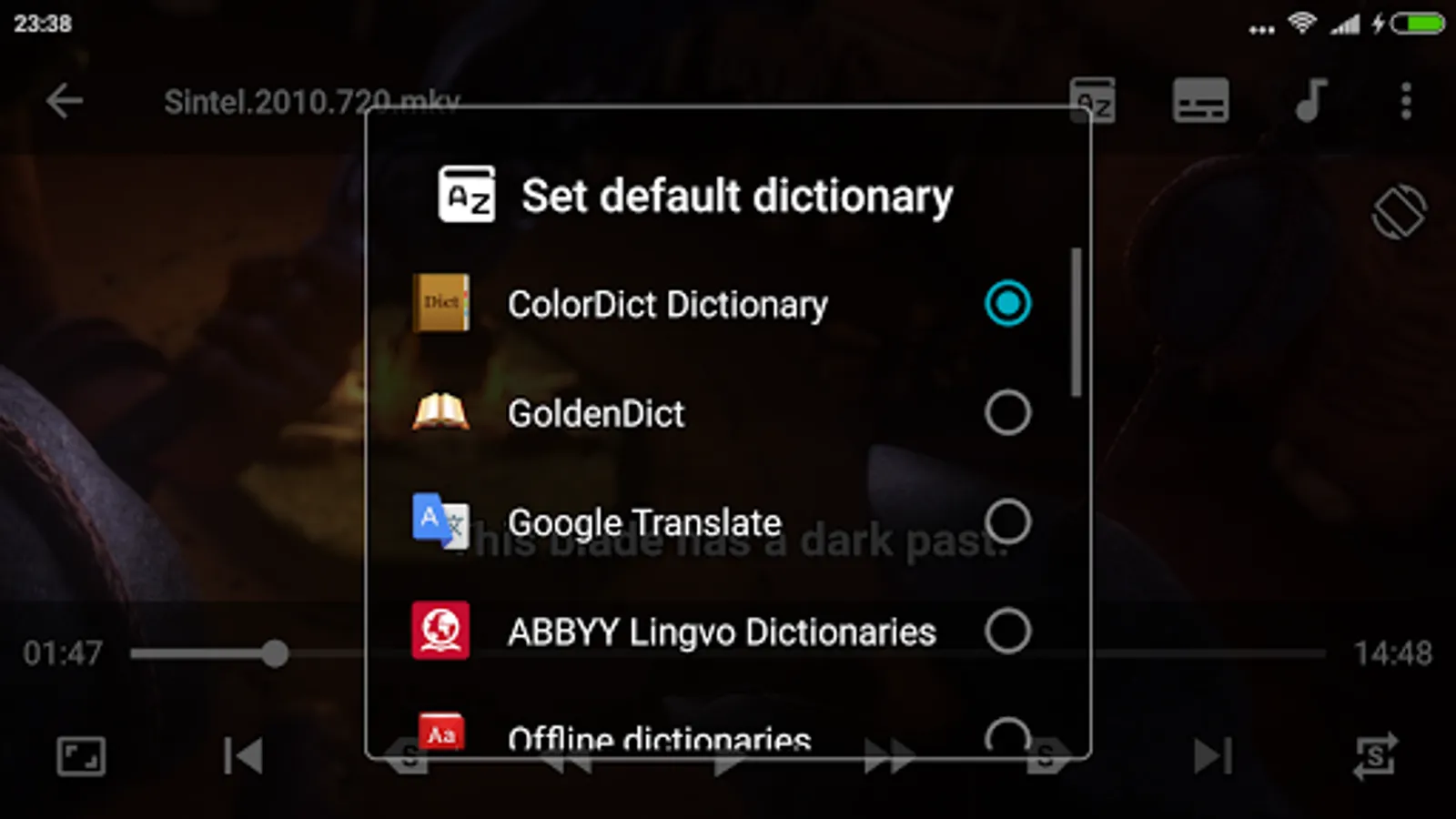
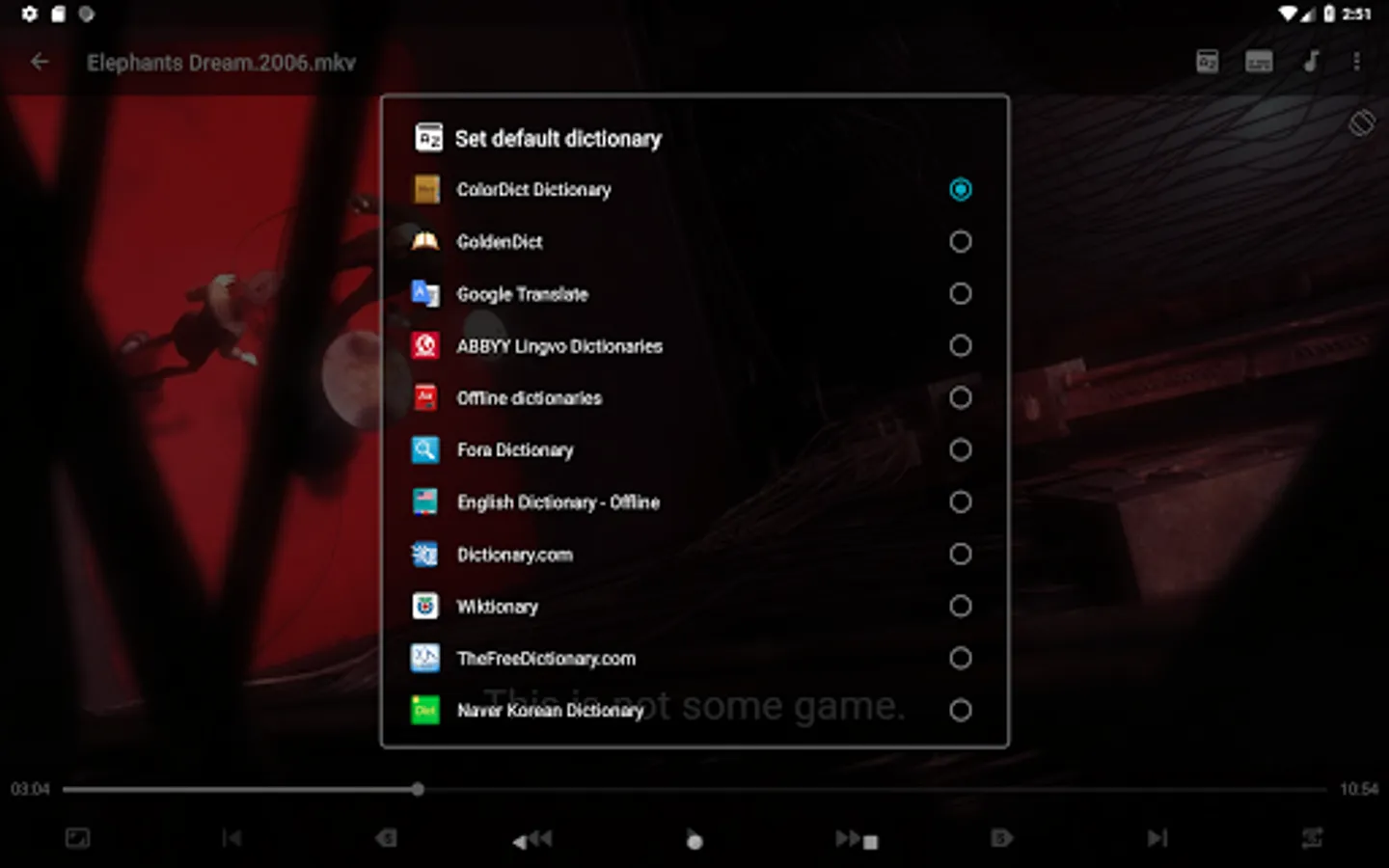
LPlayer can open selected words (from subtitles) in the next Dictionary/Translator Apps:
- ColorDict Dictionary
- GoldenDict
- Google Translate
- ABBYY Lingvo Dictionaries
- Offline dictionaries
- Fora Dictionary
- English Dictionary - Offline
- Dictionary.com
- Wiktionary
- TheFreeDictionary.com
- Korean Dictionary & Translate
- Wikipedia
- Dictan
- HedgeDict
- Aard 2
If you do not have subtitles for any videos on your device, then you can try to find and download them using this app ("Menu/Subtitles/Search Subtitles Online")
Subtitles can also be hidden ("Menu/Subtitles/Hide subtitles") and you still can use the subtitle navigation buttons to improve listening comprehension
p.s. it's better to use external subtitles (e.g. "video.srt") otherwise when you play a new video and that video takes ~1GB or more you may need to wait for internal subtitles to prepare all features
Permissions:
- storage (search for video files, download subtitles, option to delete selected video file)
- internet (search and download subtitles)
This app uses LibVLC media framework (https://wiki.videolan.org/LibVLC/, https://www.videolan.org/vlc/libvlc.html) licensed under the LGPLv2.0 (https://www.gnu.org/licenses/old-licenses/gpl-2.0.html). Shared Libraries were built from unchanged code by following instructions on https://wiki.videolan.org/AndroidCompile/#Build_LibVLC
This app uses libraries from the FFmpeg project (http://ffmpeg.org/) under the LGPLv2.1 (https://www.gnu.org/licenses/old-licenses/lgpl-2.1.html), its source and Android build scripts can be downloaded at https://github.com/HelgeApps/ffmpeg_lgpl_android
Please use support email below to ask questions, report bugs and request features
LPlayer - Watch n' Learn Screenshots
Tap to Rate:
Reviews for LPlayer - Watch n' Learn
Shamsul Arefin
10/2/2025
It is an excellent app. Almost perfect. Just need some minor improvements. For example - subtitle position. Here one subtitle can be positioned at top and the other at bottom. It would be great if both subtitles could be put at either top or at bottom at the same time. Secondly, the control and play could be made always visible and have a adjustable size. Thirdly it would be great to be able to save the translated words somewhere. It would make the language learning easy.
Nzar Bayezid
10/11/2024
Please include support for the Cambridge English Dictionary (org.cambridge.dictionary.advanced.learners.fourth). And also Simply add a functionality that allows you to go back to the start of the video after each translation.