Numeric Keyboard
OnePixel Studio
2.7 ★
226 ratings
50,000+
downloads
Free
+ in-app
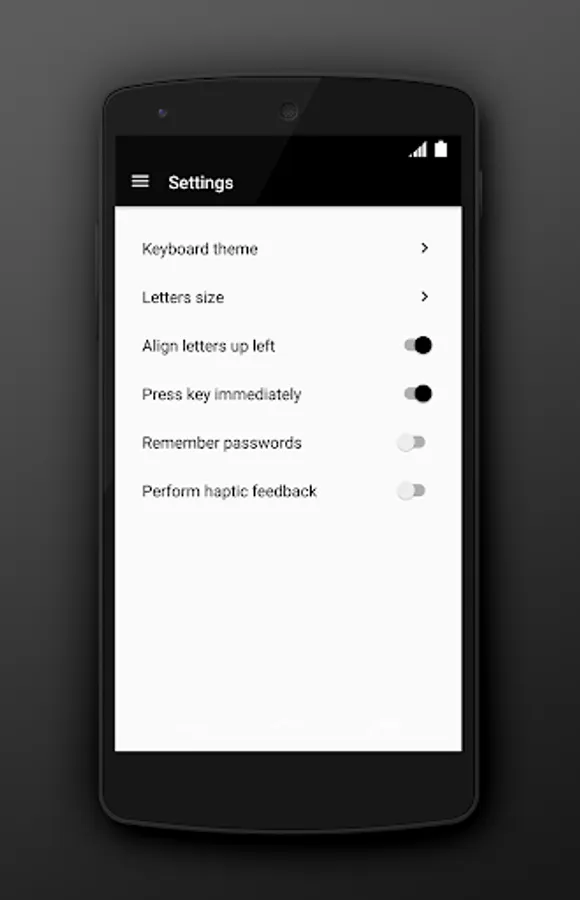
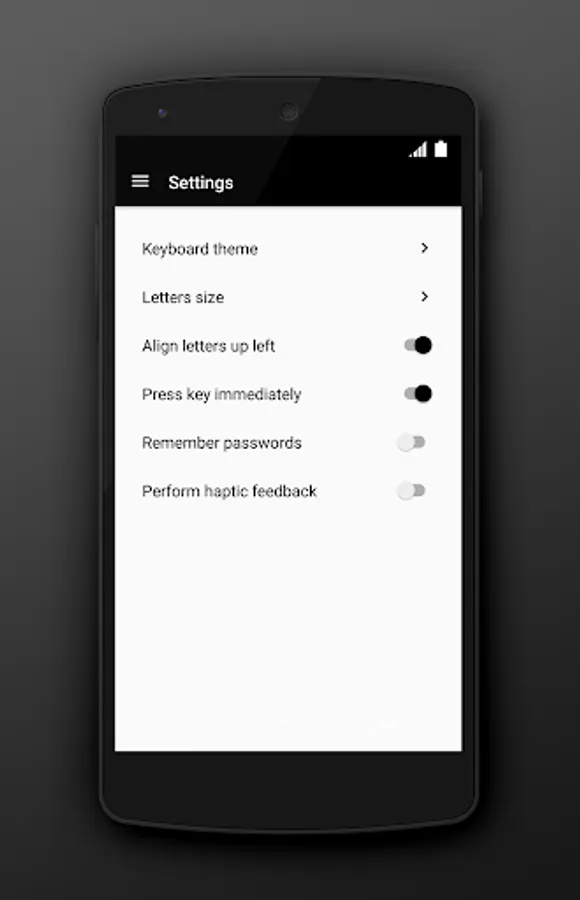
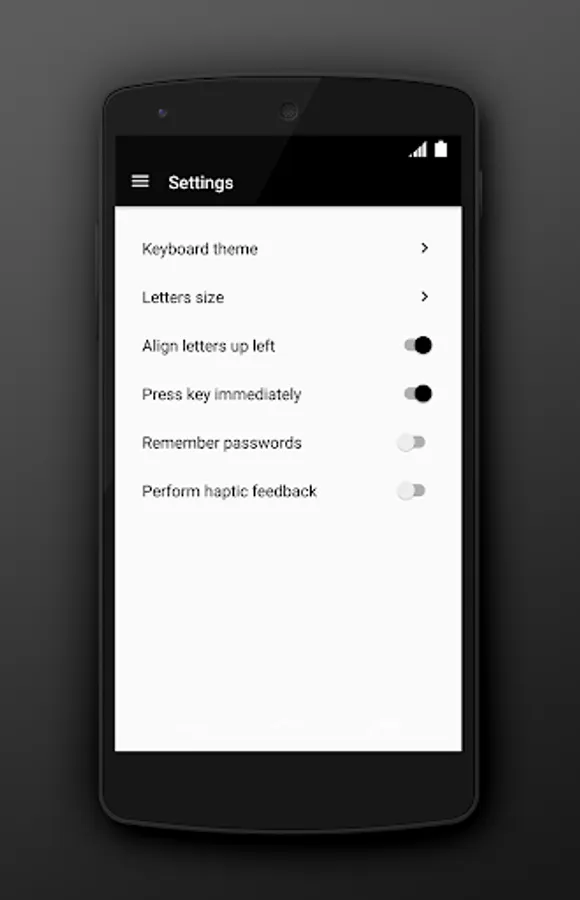
With this app, you can use your mobile device as a wireless numeric keyboard to control your computer. Includes connection management, multi-device support, and Wi-Fi or Bluetooth options.
AppRecs review analysis
AppRecs rating 2.8. Trustworthiness 71 out of 100. Review manipulation risk 35 out of 100. Based on a review sample analyzed.
★★☆☆☆
2.8
AppRecs Rating
Ratings breakdown
5 star
33%
4 star
11%
3 star
0%
2 star
5%
1 star
50%
What to know
✓
Credible reviews
71% trustworthiness score from analyzed reviews
⚠
Mixed user feedback
Average 2.7★ rating suggests room for improvement
⚠
High negative review ratio
56% of sampled ratings are 1–2 stars
About Numeric Keyboard
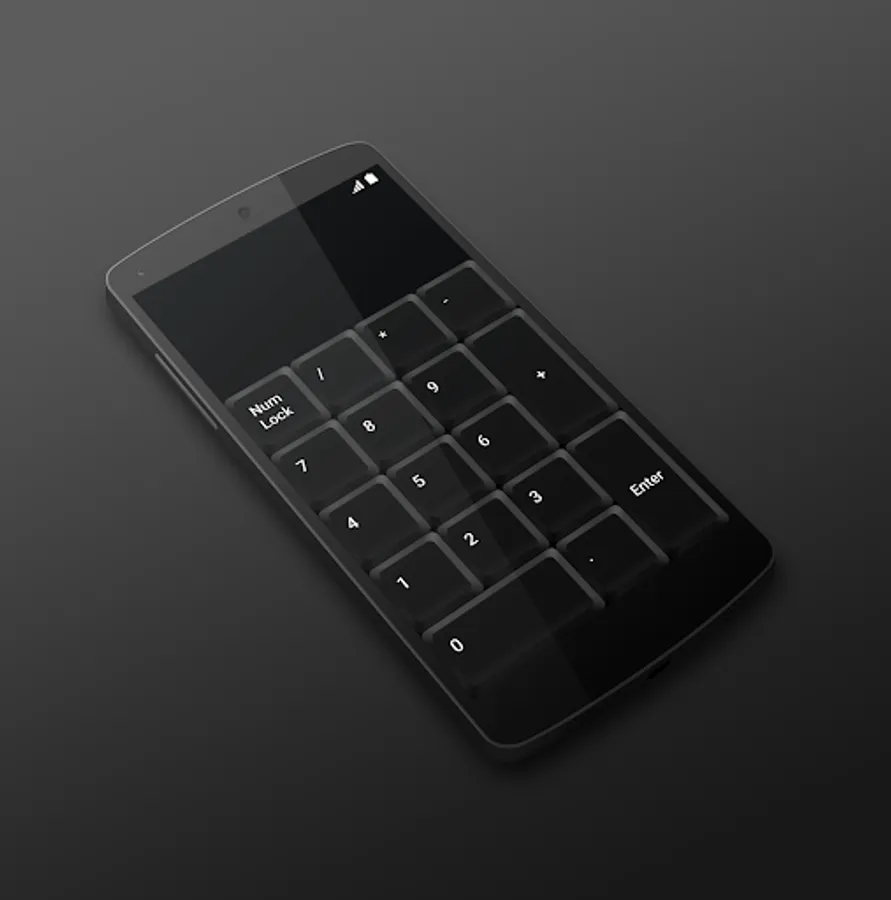
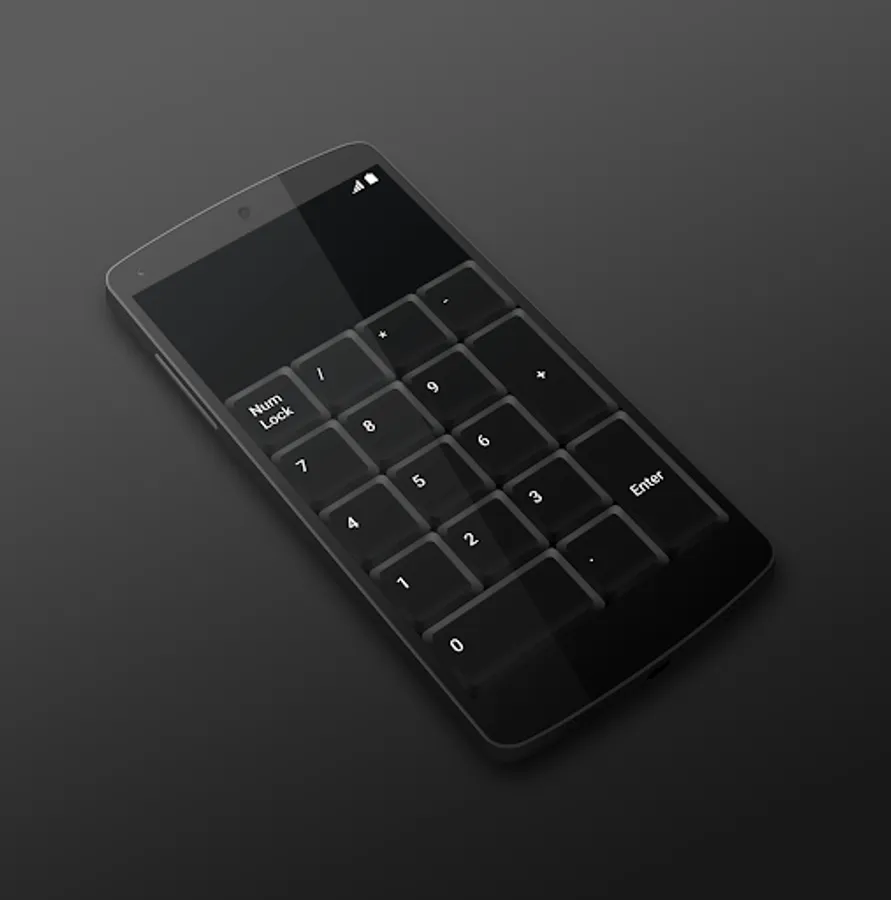
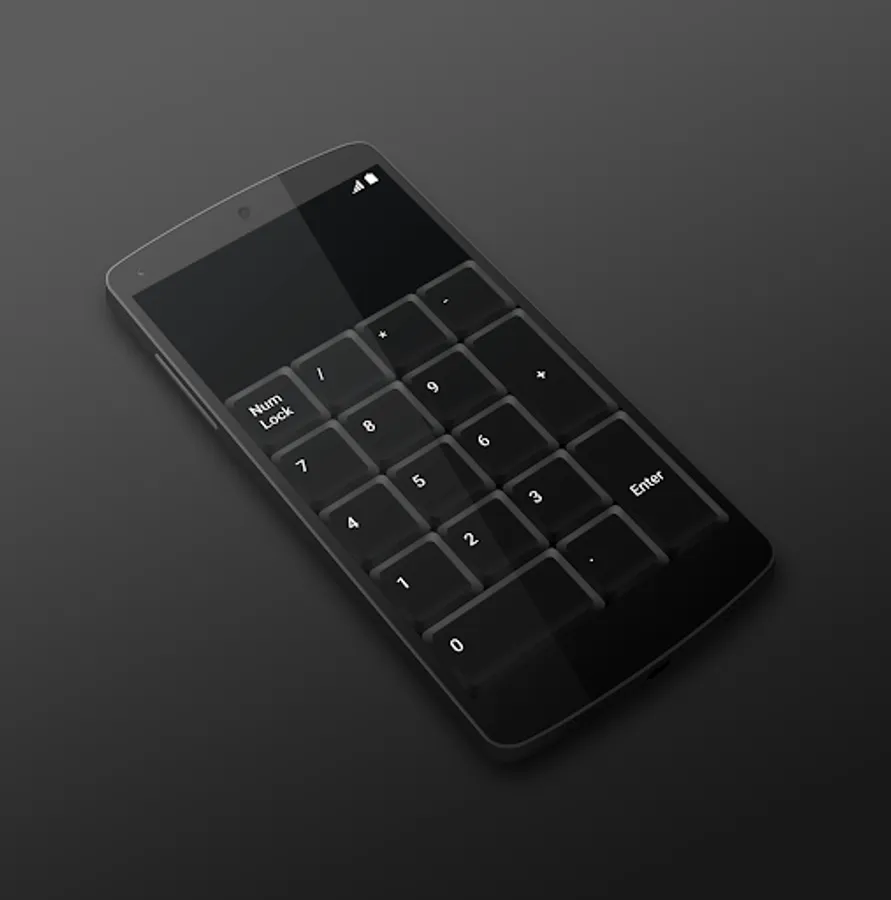
Is your laptop missing numeric keyboard? Download Numeric Keyboard and turn your mobile phone or tablet into a wireless easy-to-use remote control for your computer. Connect with just one click and enjoy your new keyboard.
TO START USING, YOU NEED:
1. Visit http://numerickeyboard.com, download and install NumKey server on your Windows computer
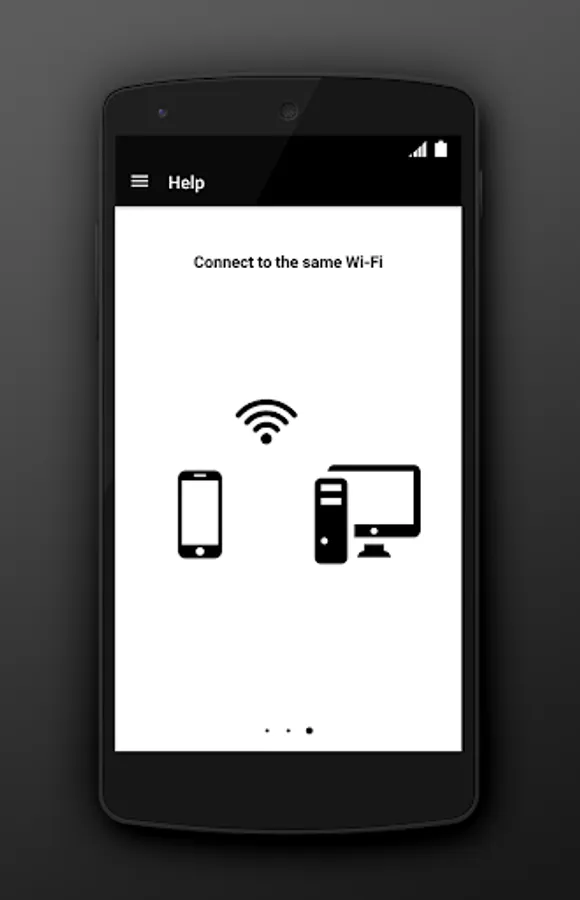
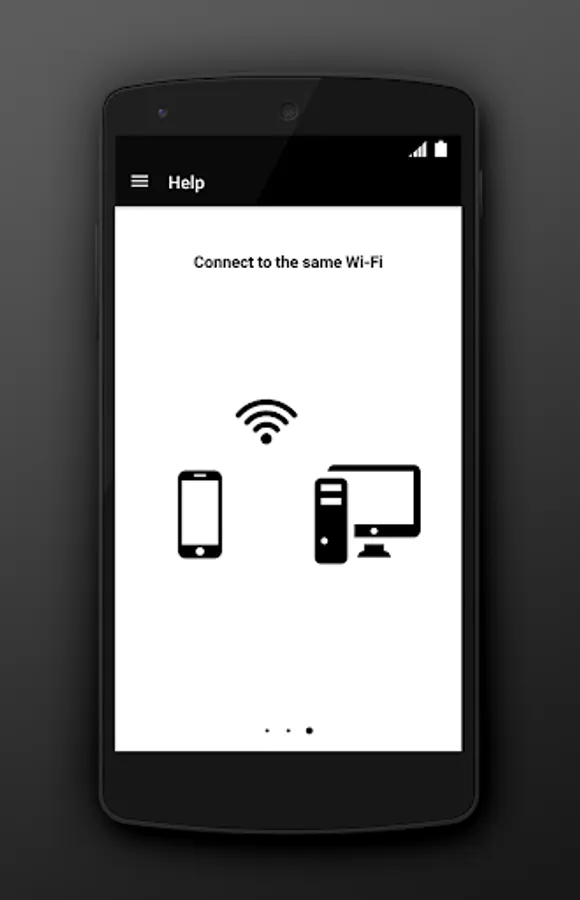
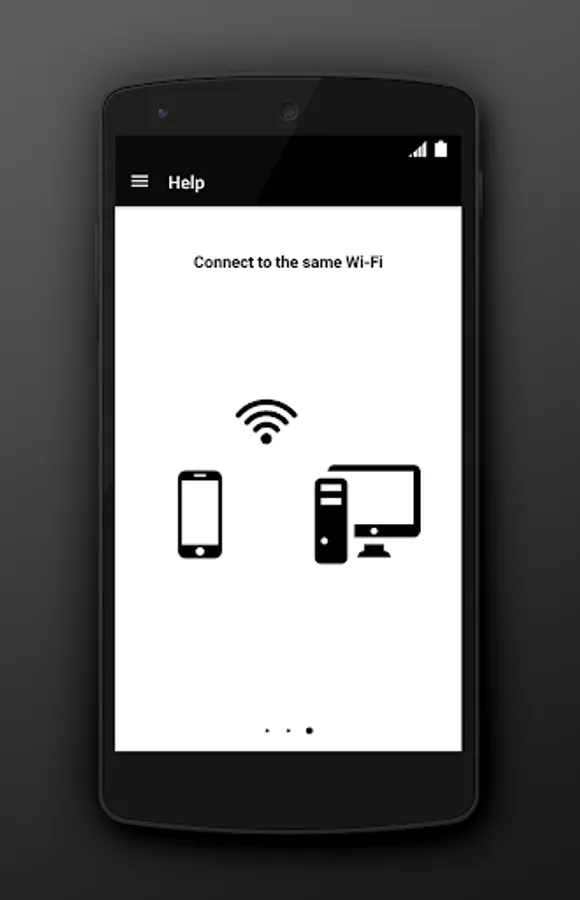
2. Connect your mobile device and computer to the same Wi-Fi network (also bluetooth option for Windows)
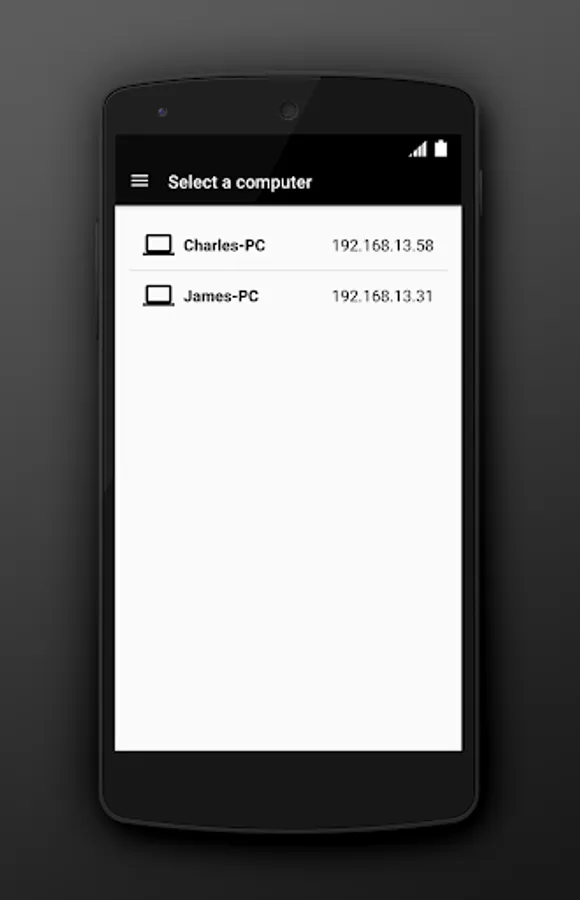
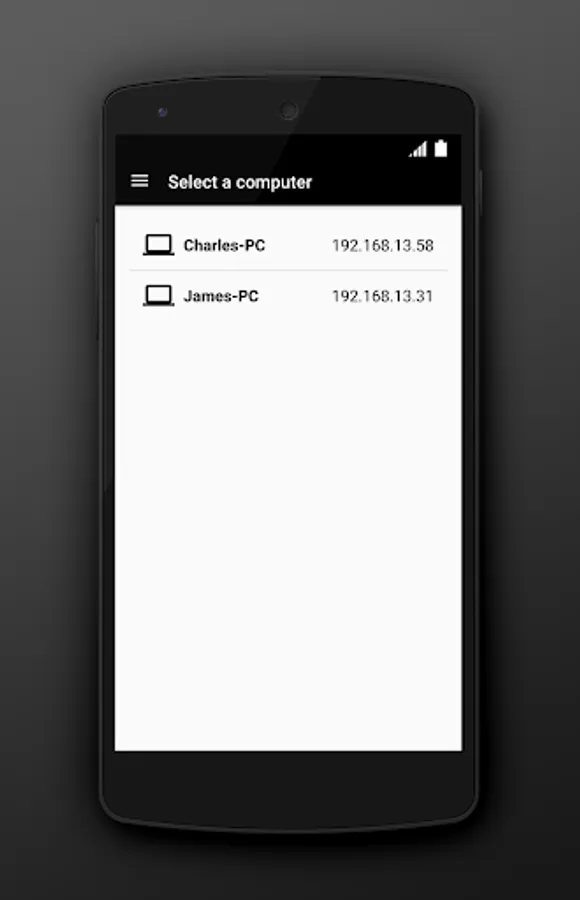
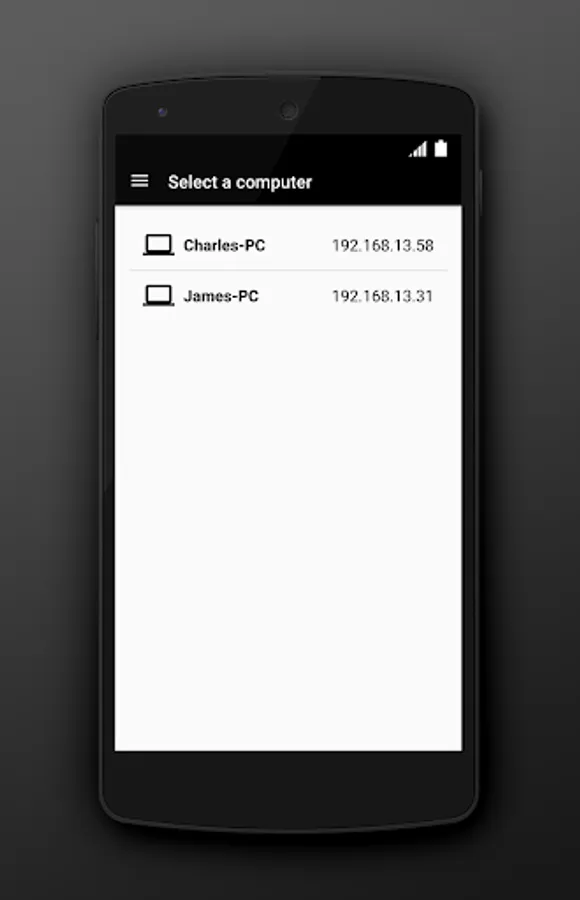
3. Open app and select a computer to connect
TO START USING, YOU NEED:
1. Visit http://numerickeyboard.com, download and install NumKey server on your Windows computer
2. Connect your mobile device and computer to the same Wi-Fi network (also bluetooth option for Windows)
3. Open app and select a computer to connect
Numeric Keyboard Screenshots
Tap to Rate:
Reviews for Numeric Keyboard
اسم المستخدم
12/8/2025
simple, responsive and live savor
Junaed Shibli
10/4/2025
nice