With this app, you can generate one-time passwords, receive push notifications, and verify your identity with biometric scanning. Includes transfer of MFA settings and activation features.
AppRecs review analysis
AppRecs rating 4.2. Trustworthiness 55 out of 100. Review manipulation risk 44 out of 100. Based on a review sample analyzed.
★★★★☆
4.2
AppRecs Rating
Ratings breakdown
5 star
78%
4 star
11%
3 star
0%
2 star
0%
1 star
11%
What to know
⚠
Questionable review patterns
44% review manipulation risk - some review patterns appear unusual
⚠
Limited rating diversity
89% high ratings in sampled reviews
About Powertech MFA
Powertech MFA’s mobile app makes it easy to validate your identity with multi-factor authentication (MFA).
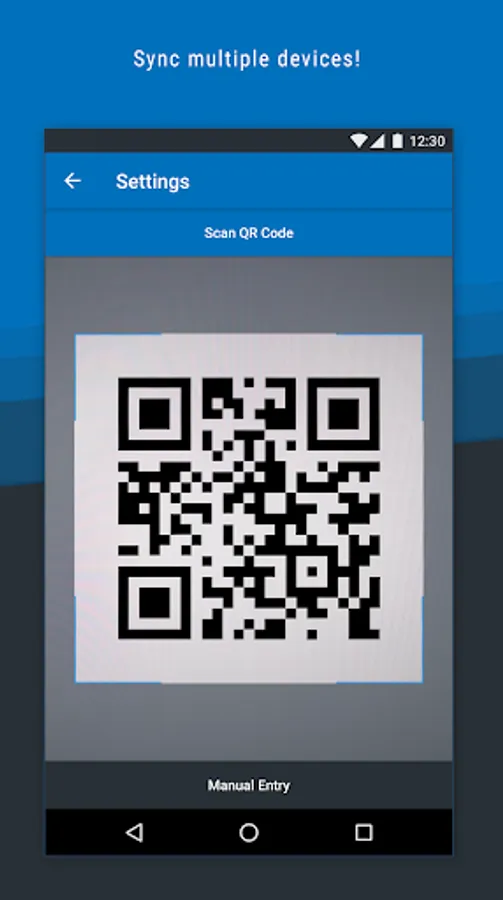
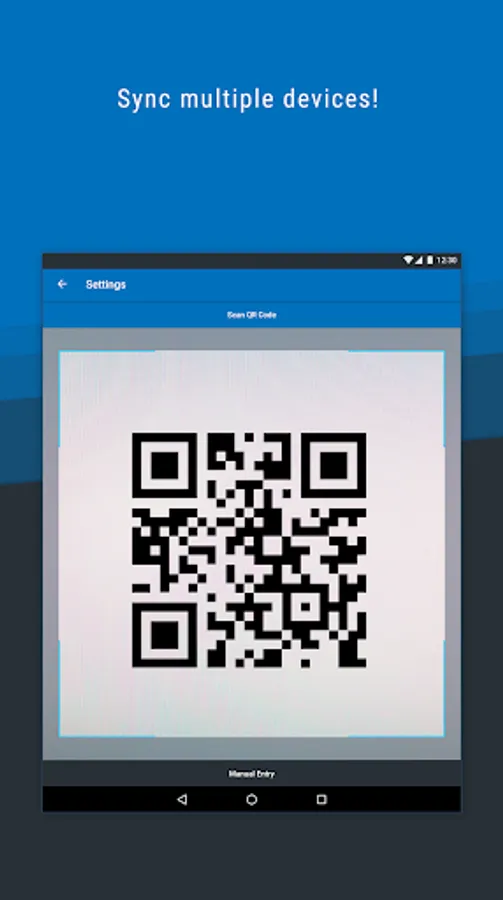
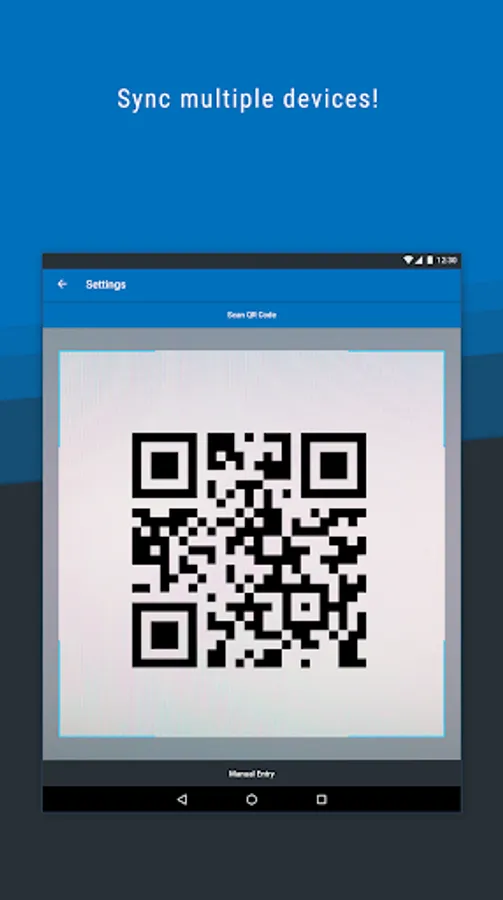
Download the Powertech MFA mobile app and activate the app using your organization's Powertech MFA user portal. From the user portal, you will be able to transfer your Powertech MFA settings to your mobile device.
Features:
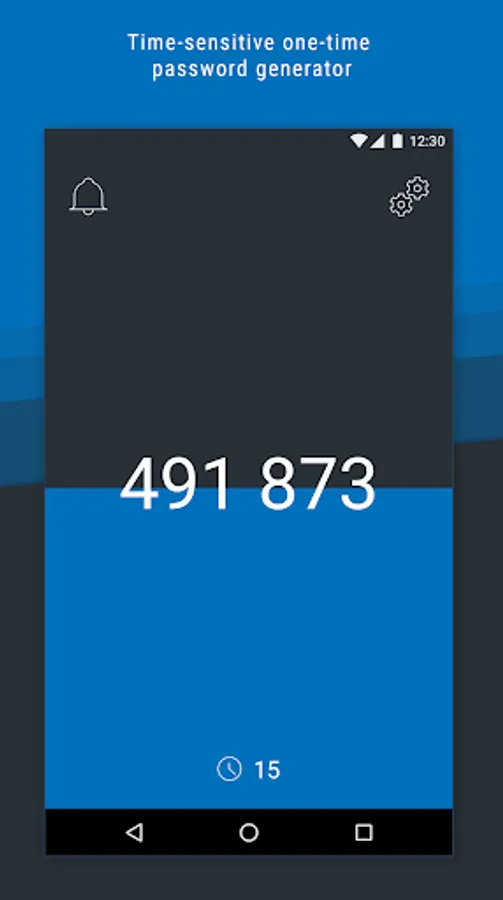
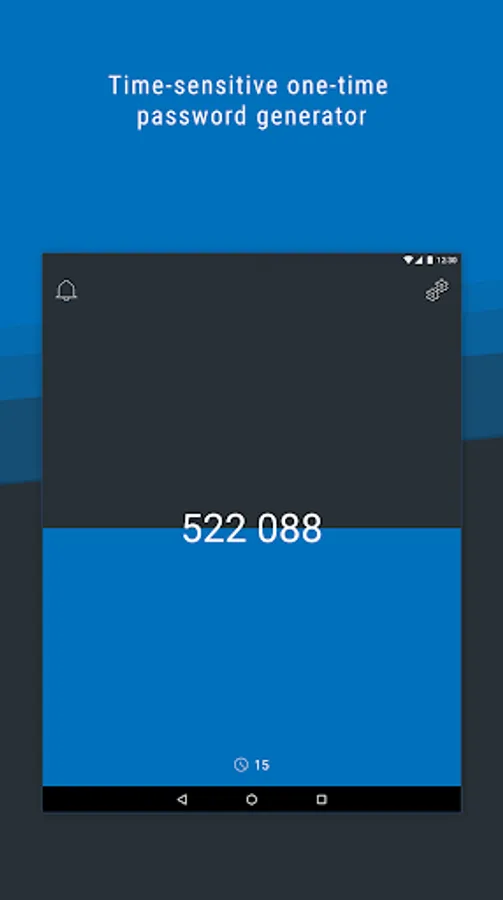
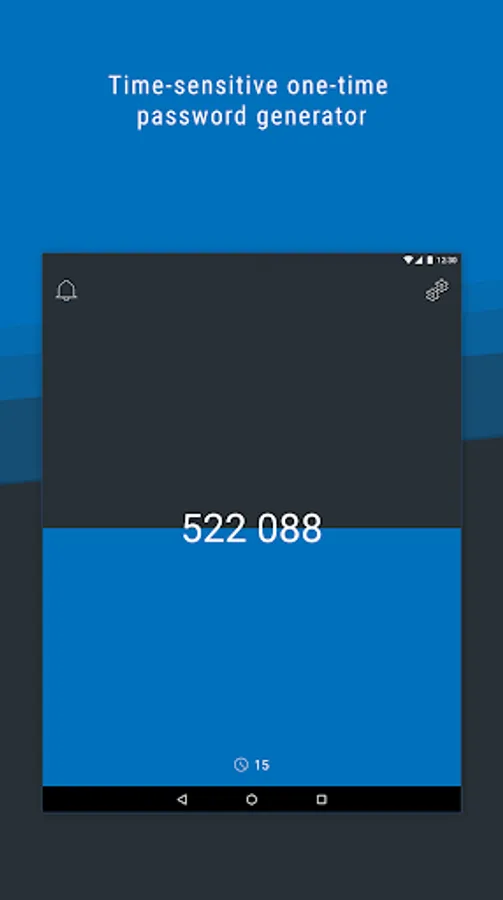
• One-time passwords: use the mobile app to access a single-use, time-limited unique password that you can enter when prompted.
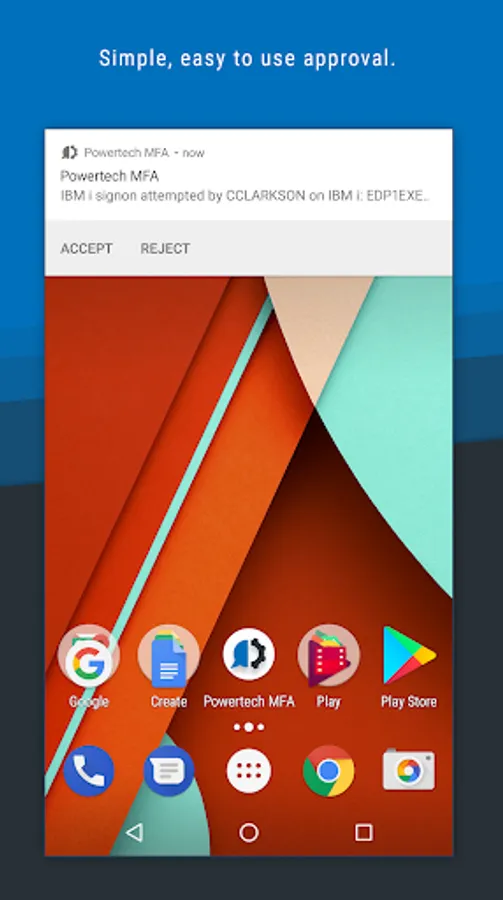
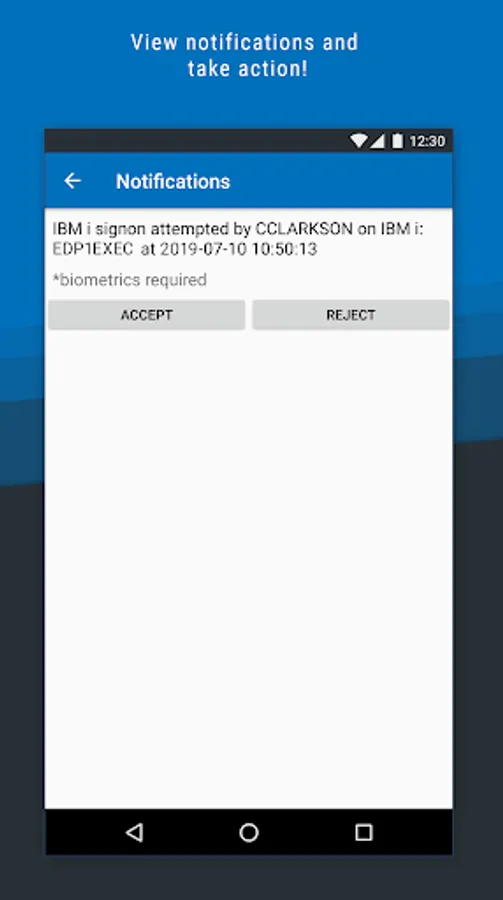
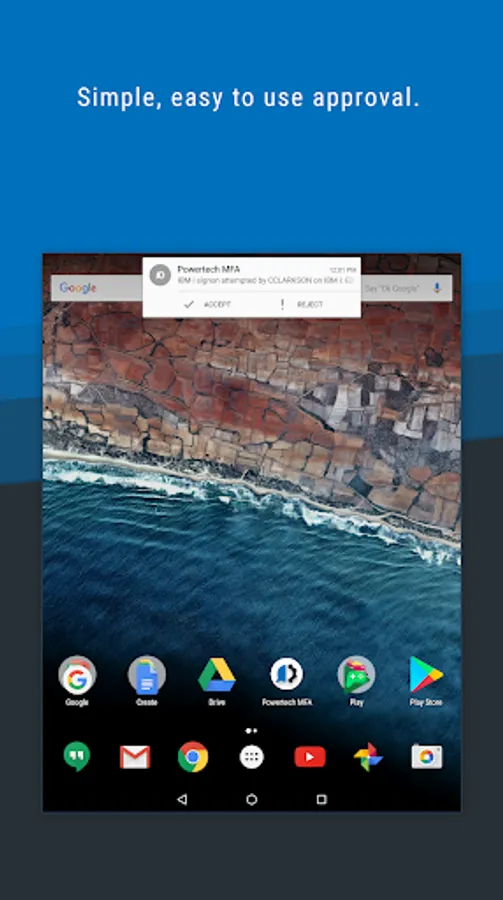
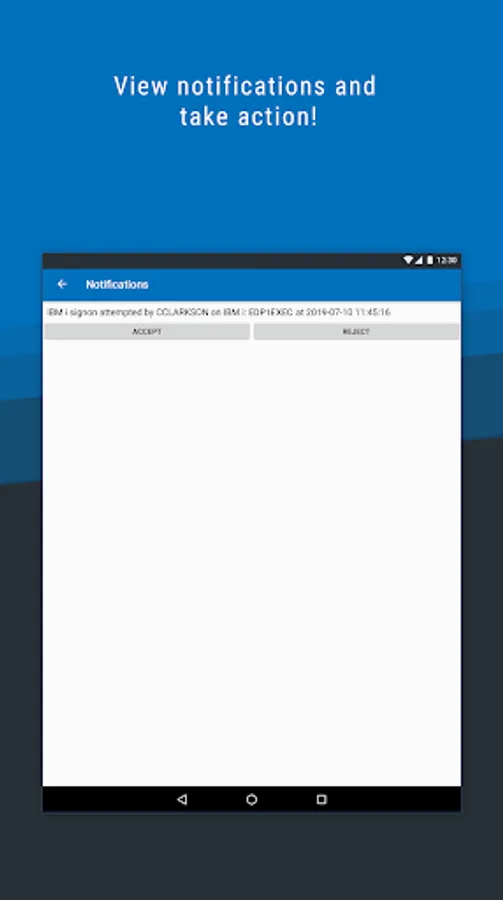
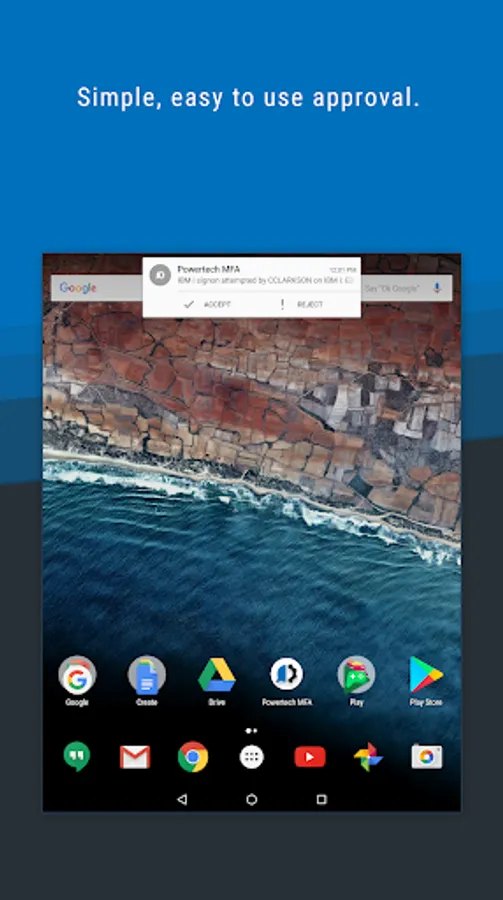
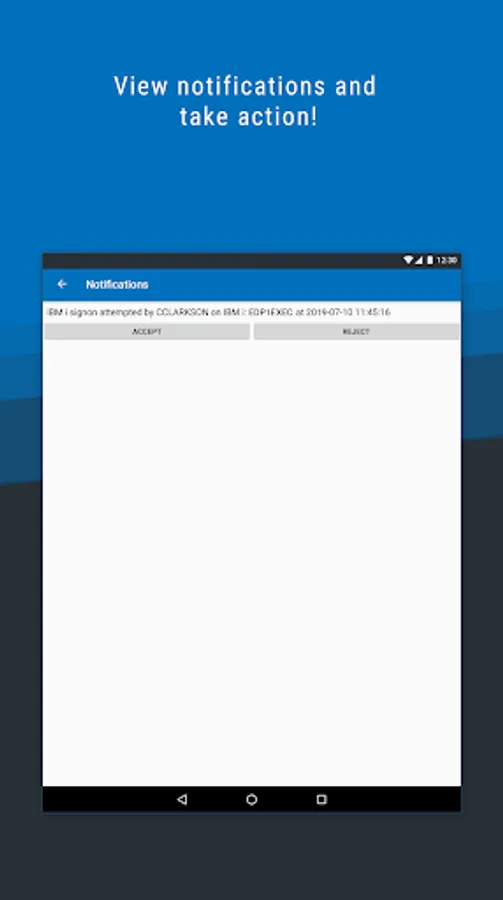
• Push notifications: a notification displays details about the current sign-in attempt.
• Biometric scanning: verify your identity with fingerprint scanning*.
*based on device availability
Download the Powertech MFA mobile app and activate the app using your organization's Powertech MFA user portal. From the user portal, you will be able to transfer your Powertech MFA settings to your mobile device.
Features:
• One-time passwords: use the mobile app to access a single-use, time-limited unique password that you can enter when prompted.
• Push notifications: a notification displays details about the current sign-in attempt.
• Biometric scanning: verify your identity with fingerprint scanning*.
*based on device availability