Super Flashcards
Hillman Works
3.5 ★
store rating
100,000+
downloads
Free
+ in-app
With this flashcard app, you can create image or text flashcards from various sources and choose among three quiz types to study. Includes options for importing sets, drawing images, and taking pictures for customizable study materials.
AppRecs review analysis
AppRecs rating 3.5. Trustworthiness 0 out of 100. Review manipulation risk 0 out of 100. Based on a review sample analyzed.
★★★☆☆
3.5
AppRecs Rating
Ratings breakdown
5 star
44%
4 star
17%
3 star
11%
2 star
9%
1 star
20%
What to know
✓
Good user ratings
60% positive sampled reviews
✓
Authentic reviews
Natural distribution, no red flags
About Super Flashcards
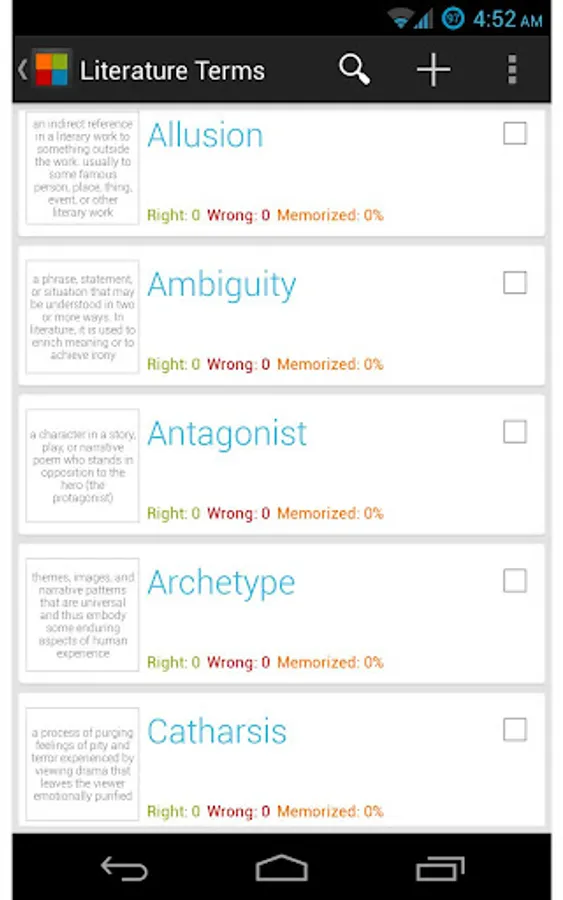
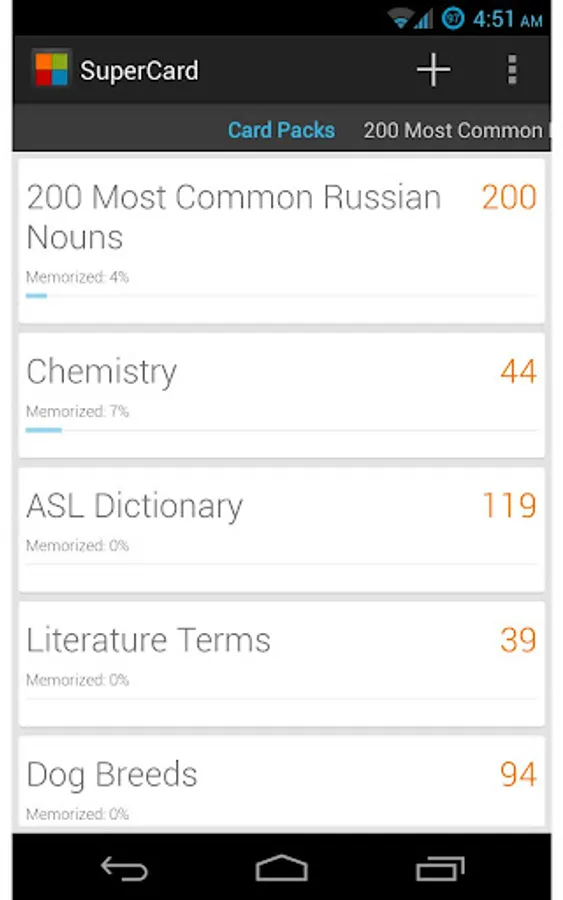
Super Flashcards is a beautifully designed flashcard app that provides multiple ways to create image or text flash cards, three quiz types, and two modes to help you study!
Ways to create your flash cards:
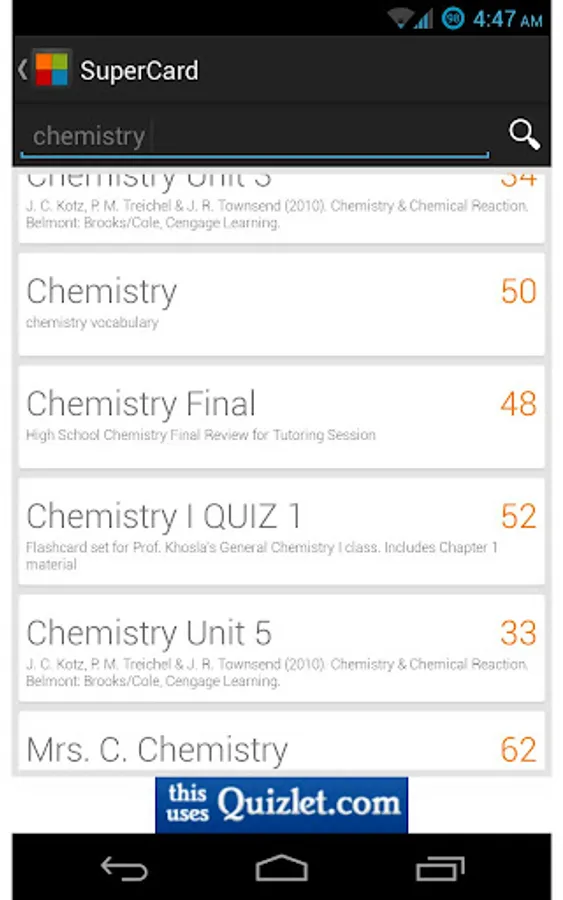
- Login to Quizlet to import your private Quizlet sets!
- Import publicly listed Flashcard Exchange card sets!
- Import publicly listed Quizlet card sets!
- Create image flash cards from folders of images on your SD card
- Create text flash cards from text files on your SD card (.csv)
- Create image flash cards by taking a picture, or by selecting an image from your gallery
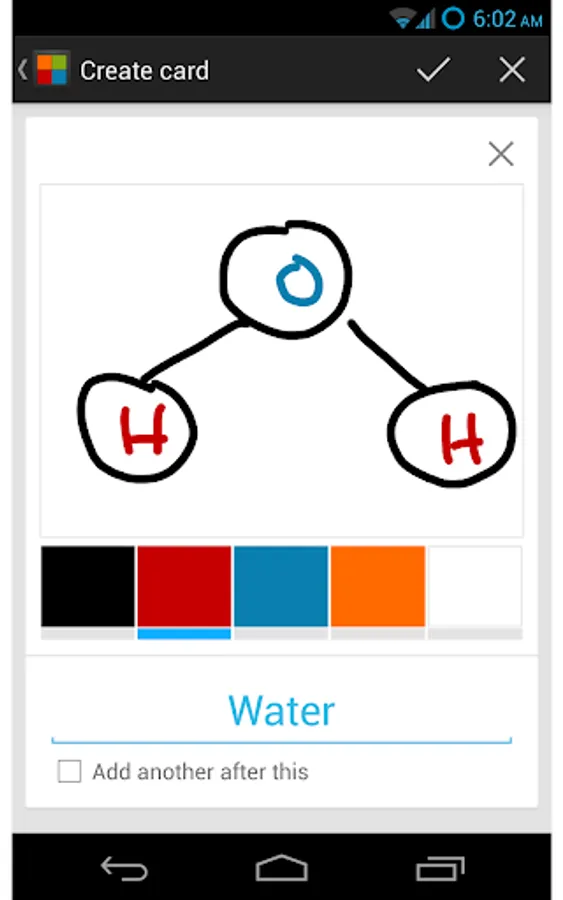
- Create image flash cards by drawing a picture on the screen
- Create text flash cards one at a time by typing in the question and answer
Quiz types:
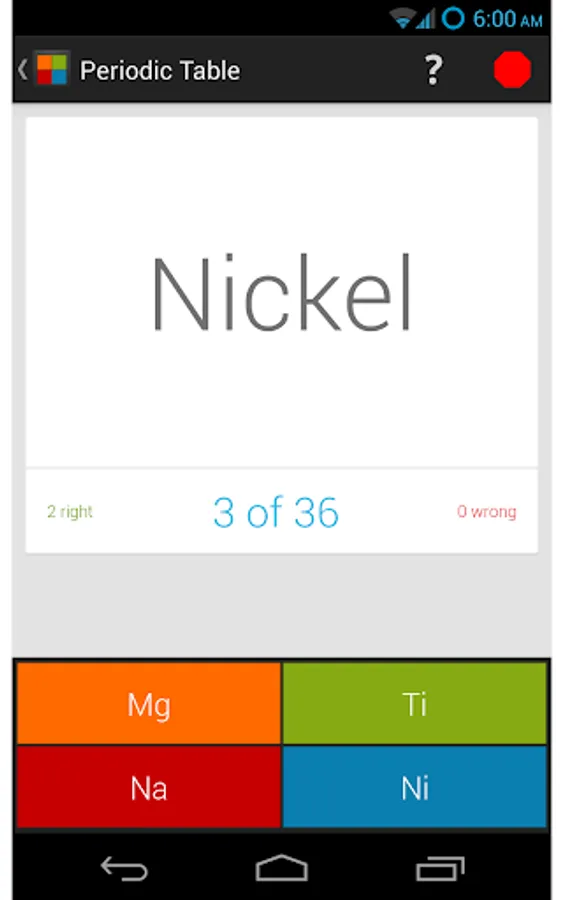
- Multiple Choice - 4 answers are shown, you try to choose the correct one
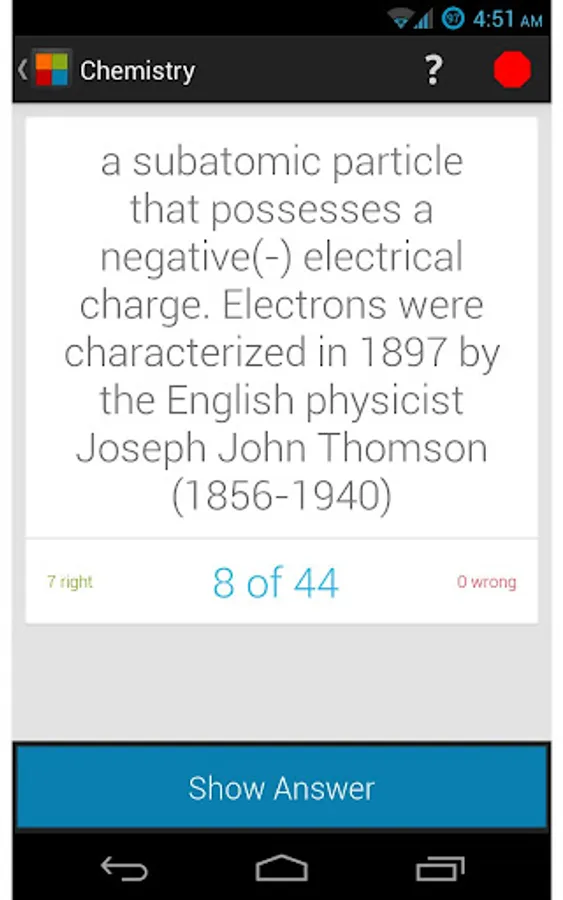
- Honor System - Think of the answer first, then indicate whether or not you got it right
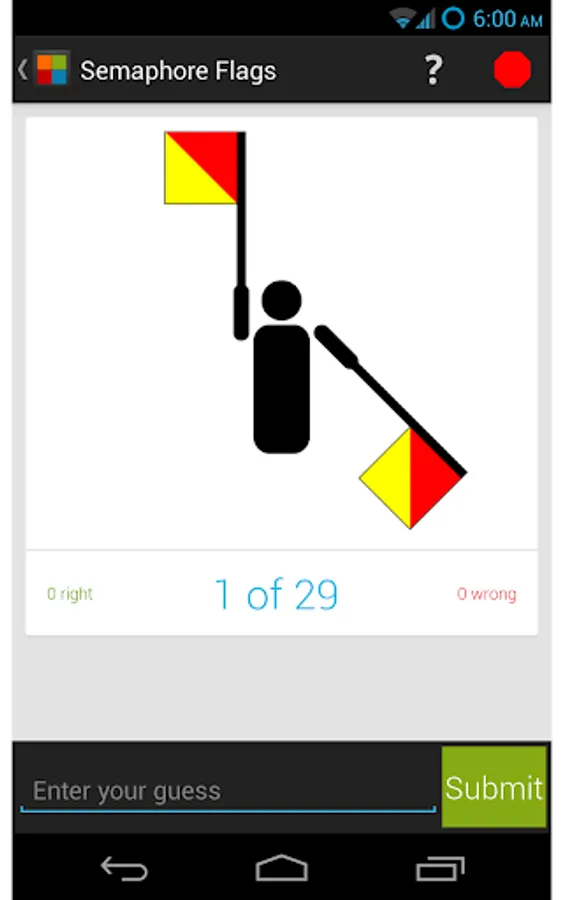
- Exact Text - Type in the answer. Only and exact match will pass!
Modes:
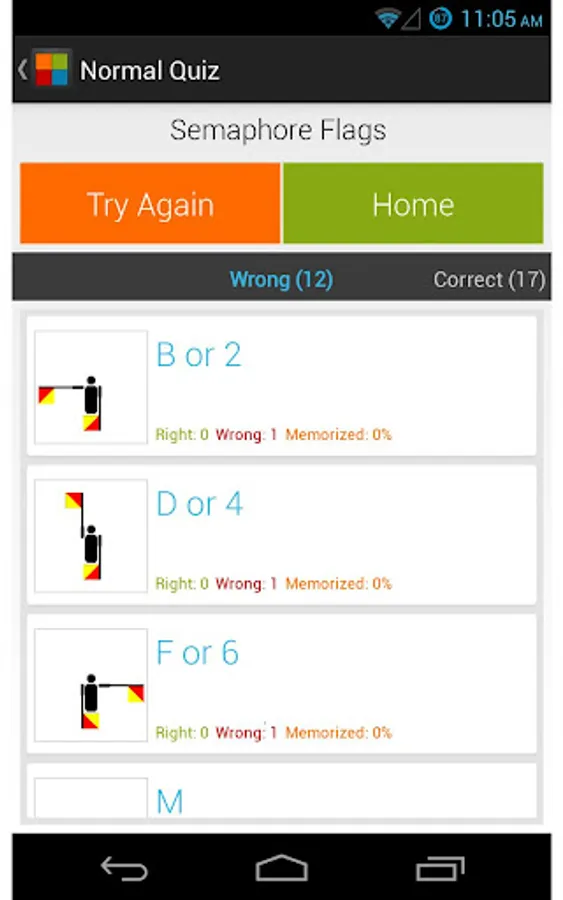
- Normal - All the cards in the card pack are shown in random order. Save your place or stop at any time to review how you did
- Endless - The cards you have the hardest time with are shown to your more often to help you memorize them.
You can also swap the question and answer for text cards during the quiz (randomly or not).
Ways to create your flash cards:
- Login to Quizlet to import your private Quizlet sets!
- Import publicly listed Flashcard Exchange card sets!
- Import publicly listed Quizlet card sets!
- Create image flash cards from folders of images on your SD card
- Create text flash cards from text files on your SD card (.csv)
- Create image flash cards by taking a picture, or by selecting an image from your gallery
- Create image flash cards by drawing a picture on the screen
- Create text flash cards one at a time by typing in the question and answer
Quiz types:
- Multiple Choice - 4 answers are shown, you try to choose the correct one
- Honor System - Think of the answer first, then indicate whether or not you got it right
- Exact Text - Type in the answer. Only and exact match will pass!
Modes:
- Normal - All the cards in the card pack are shown in random order. Save your place or stop at any time to review how you did
- Endless - The cards you have the hardest time with are shown to your more often to help you memorize them.
You can also swap the question and answer for text cards during the quiz (randomly or not).