Remote for Hisense Smart TV
S3 solution
4.2 ★
185 ratings
10,000+
downloads
Free
+ in-app
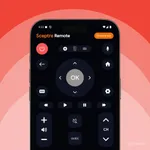
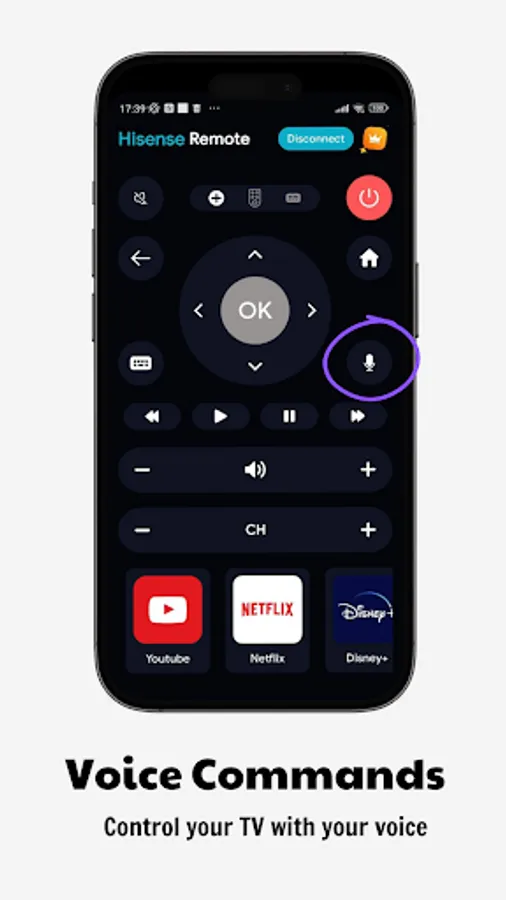
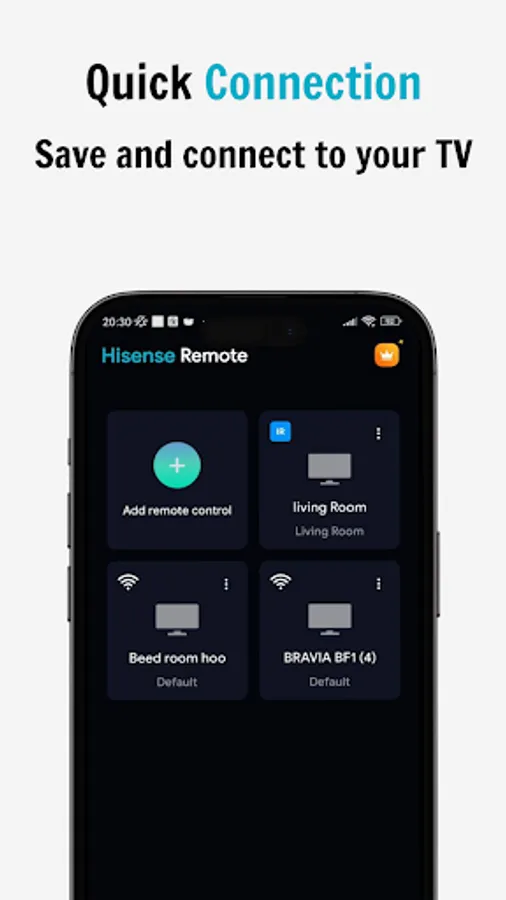
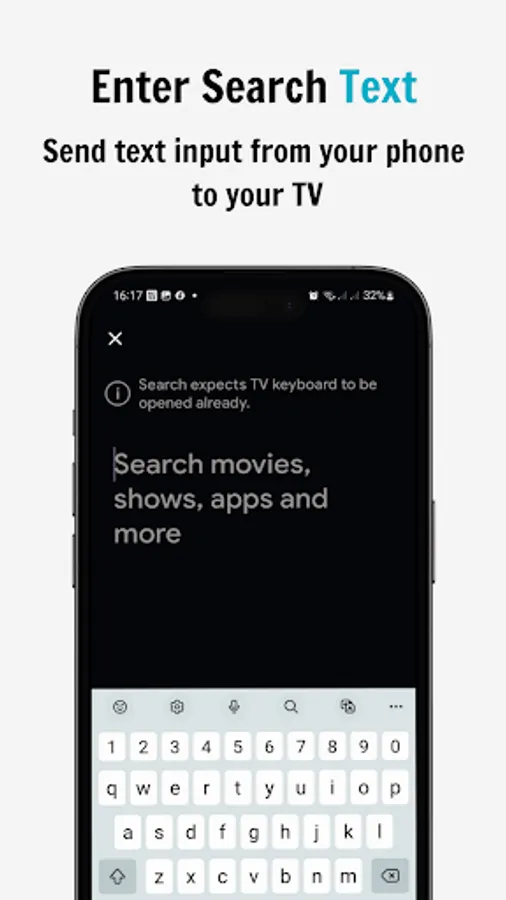
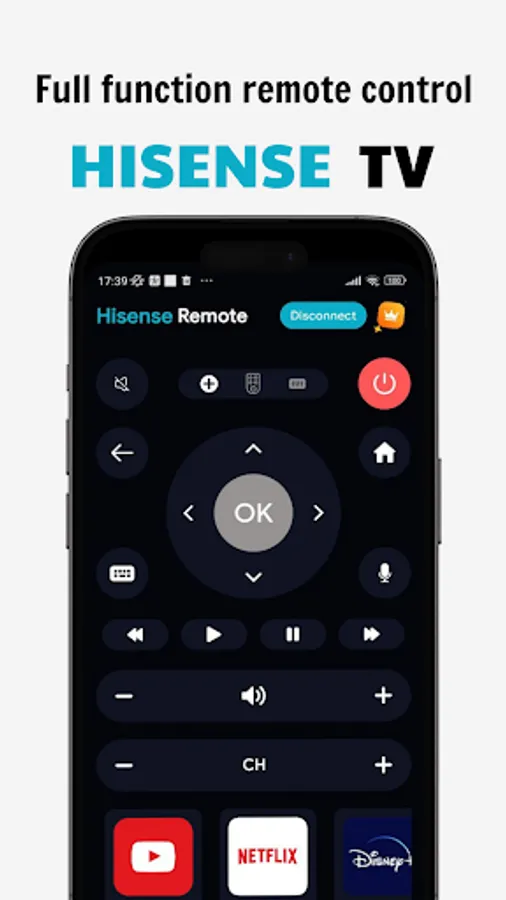
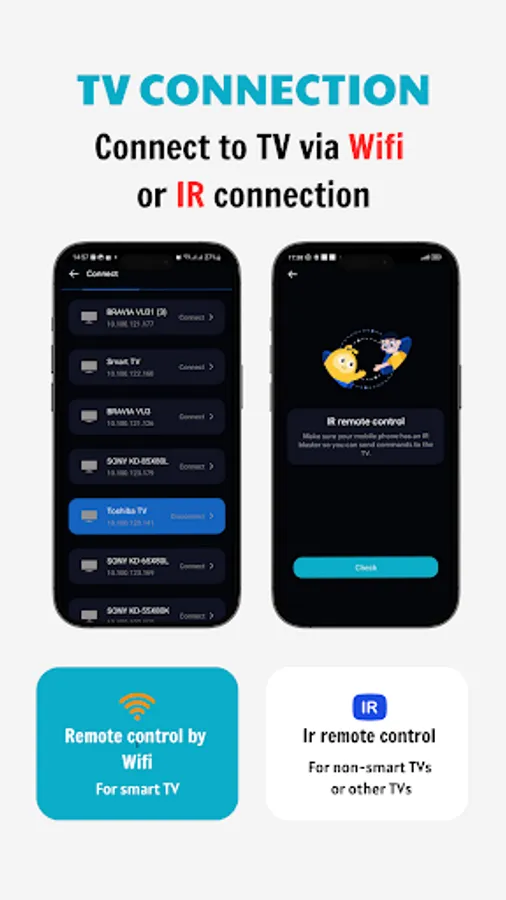
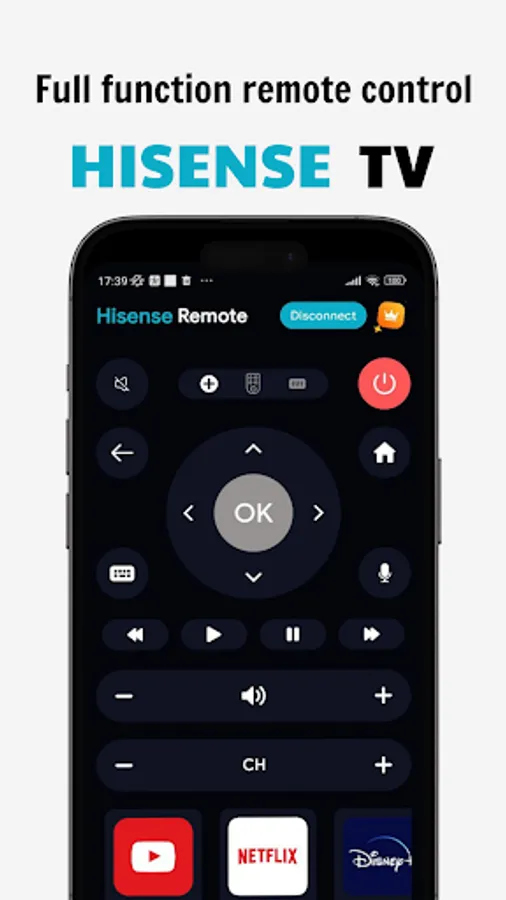
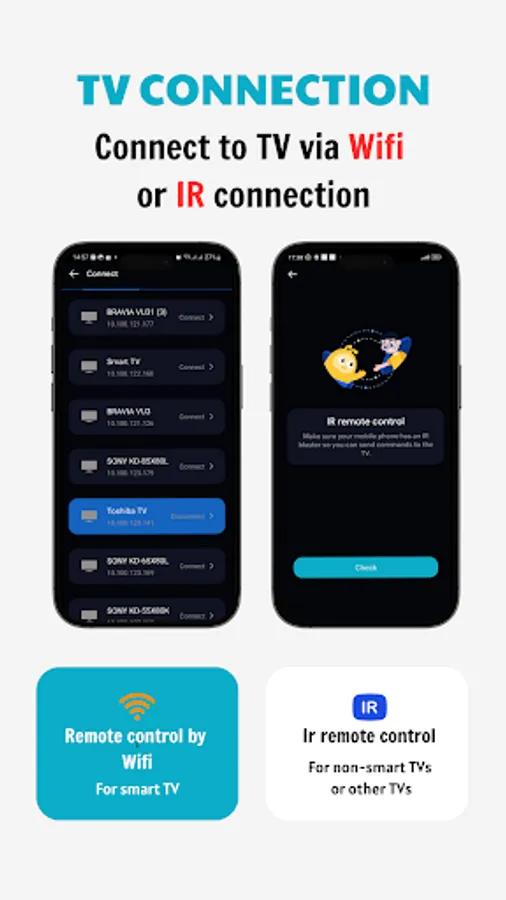
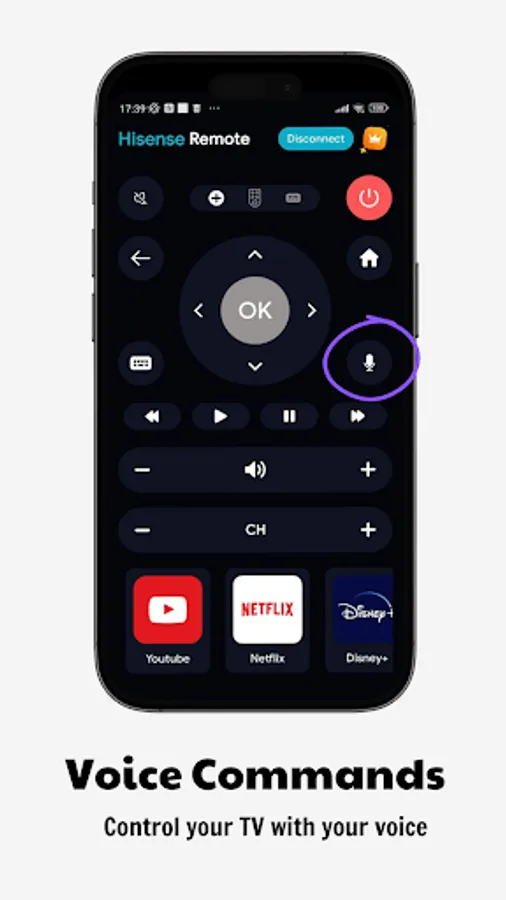
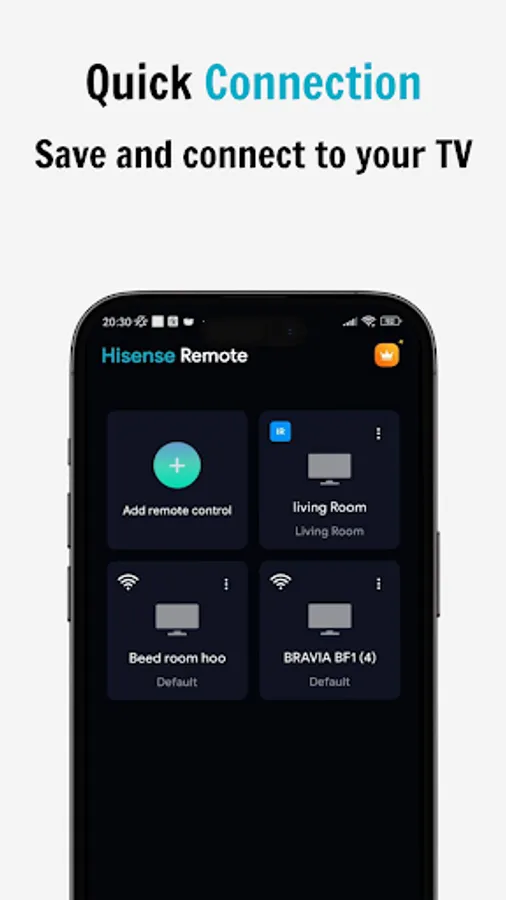
In this remote control app, you can connect your phone to a Hisense Smart TV via WiFi and control functions such as power, volume, and channels. Includes WiFi pairing, quick access to favorite apps, and simple text input.
AppRecs review analysis
AppRecs rating 4.2. Trustworthiness 80 out of 100. Review manipulation risk 29 out of 100. Based on a review sample analyzed.
★★★★☆
4.2
AppRecs Rating
Ratings breakdown
5 star
65%
4 star
10%
3 star
14%
2 star
1%
1 star
10%
What to know
✓
Low review manipulation risk
29% review manipulation risk
✓
Credible reviews
80% trustworthiness score from analyzed reviews
✓
High user satisfaction
75% of sampled ratings are 4+ stars (4.2★ average)
About Remote for Hisense Smart TV
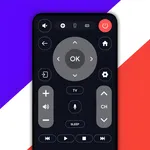
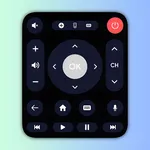
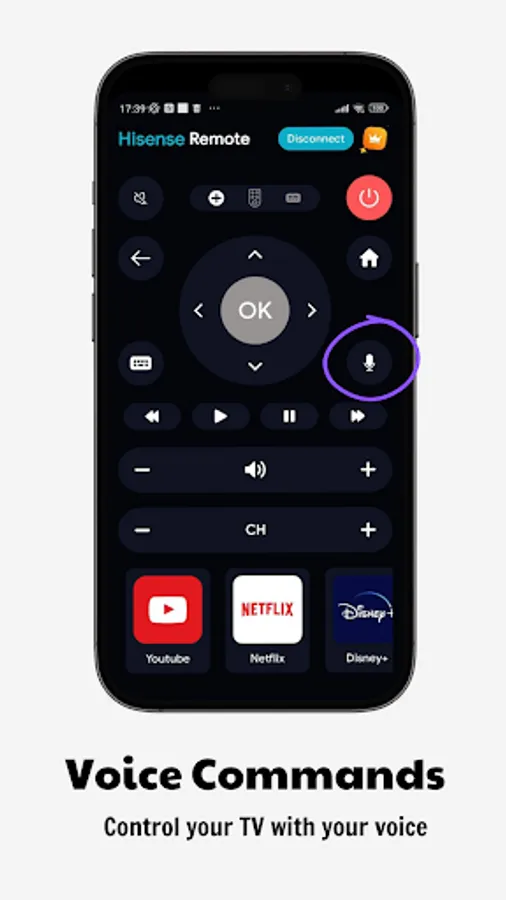
Our Hisense smart TV remote control app allows you to connect your phone to your TV via WiFi and control all functions - turn TV OFF and ON, control volume, change channels, browse your favorite apps, etc. Physical Hisense Smart TV Remote Control.
Main functions:
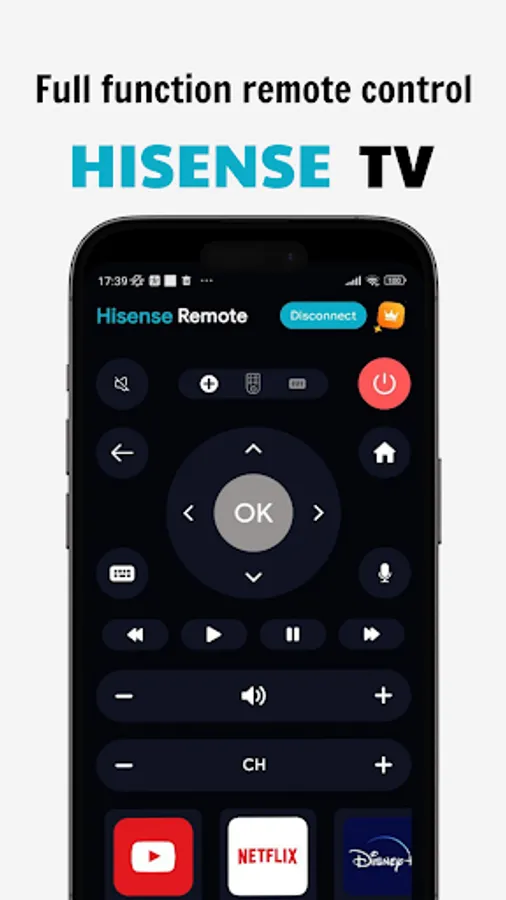
- Full-function remote control for Hisense TV with simple, easy operation
- Turn on/off Hisense TV with the power button on the smart remote
- Set automatic TV off timer
- Increase or decrease TV volume, change channels, navigate TV mouse
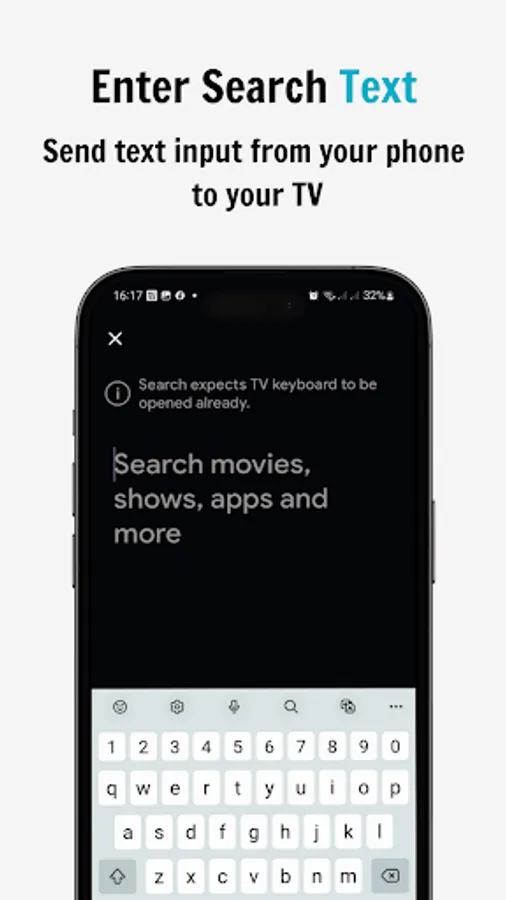
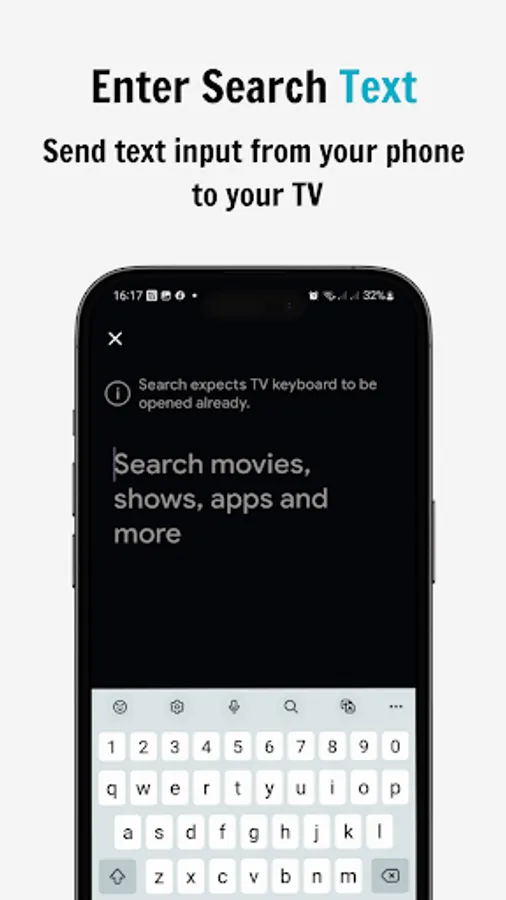
- Keyboard feature with simple text input and search capabilities
- Quick access to your favorite channels and apps on your smart TV
Using:
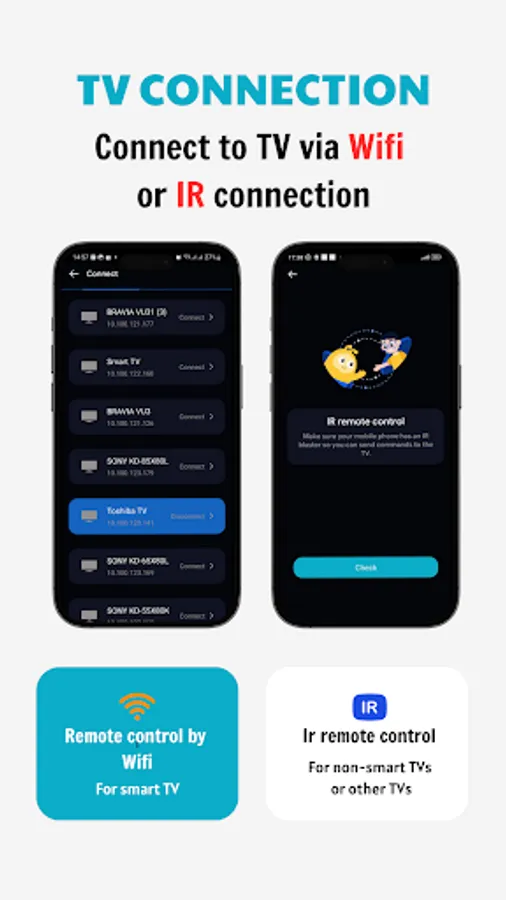
✔️ Make sure your WiFi is ON
✔️ Connect your TV and mobile device via WiFi
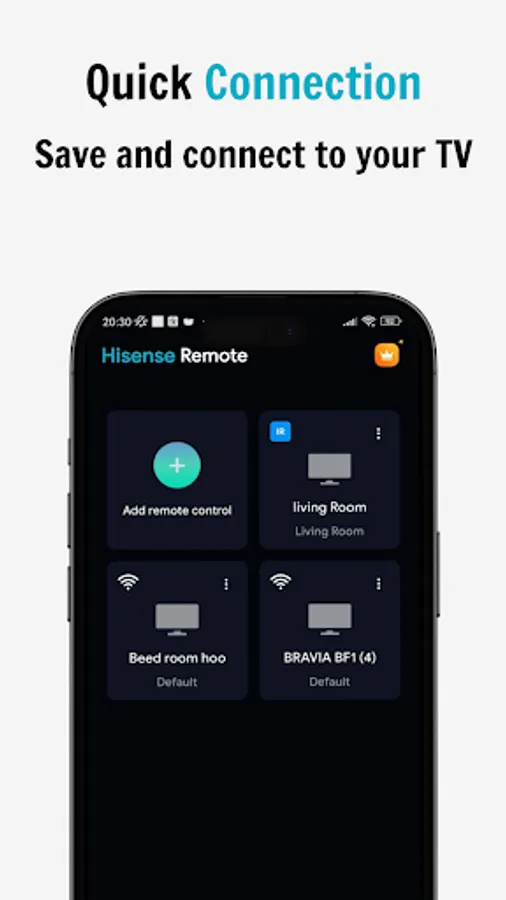
✔️ Pair your phone with your Hisense smart TV
✔️ Tap the button to select the remote controller
✔️ Enjoy using your phone as a remote control for your Hisense smart TV!
Disclaimer: This application is not an official Hisense application. We are not affiliated with Hisense Electronics in any way.
Main functions:
- Full-function remote control for Hisense TV with simple, easy operation
- Turn on/off Hisense TV with the power button on the smart remote
- Set automatic TV off timer
- Increase or decrease TV volume, change channels, navigate TV mouse
- Keyboard feature with simple text input and search capabilities
- Quick access to your favorite channels and apps on your smart TV
Using:
✔️ Make sure your WiFi is ON
✔️ Connect your TV and mobile device via WiFi
✔️ Pair your phone with your Hisense smart TV
✔️ Tap the button to select the remote controller
✔️ Enjoy using your phone as a remote control for your Hisense smart TV!
Disclaimer: This application is not an official Hisense application. We are not affiliated with Hisense Electronics in any way.
Remote for Hisense Smart TV Screenshots
Tap to Rate:
Reviews for Remote for Hisense Smart TV
Shane Smith
12/14/2025
A lot of ads
Алексей Вусатюк
11/16/2025
Не конектится