HS3Touch Client App
HomeSeer Technologies
3.2 ★
251 ratings
10,000+
downloads
Free
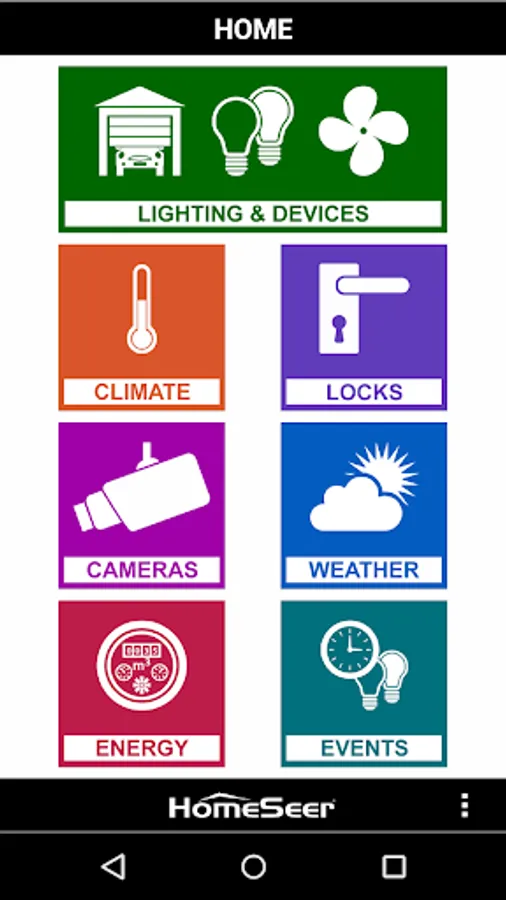
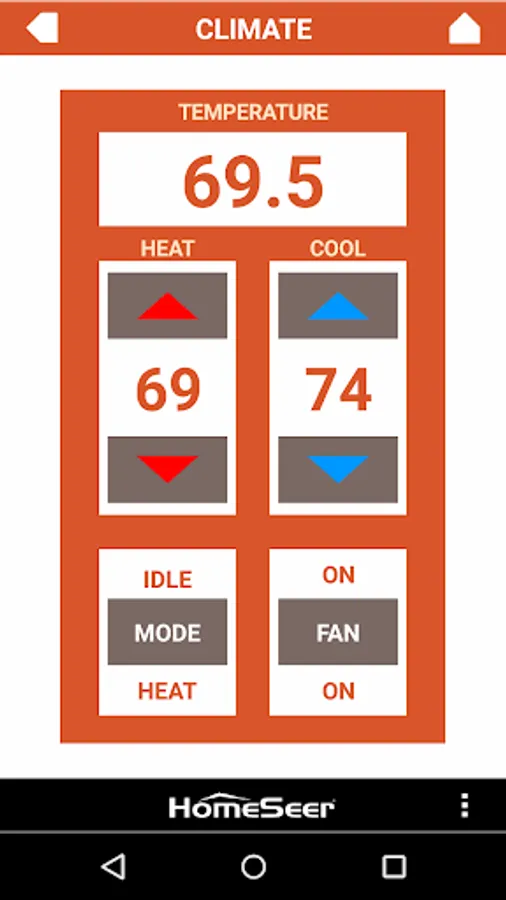
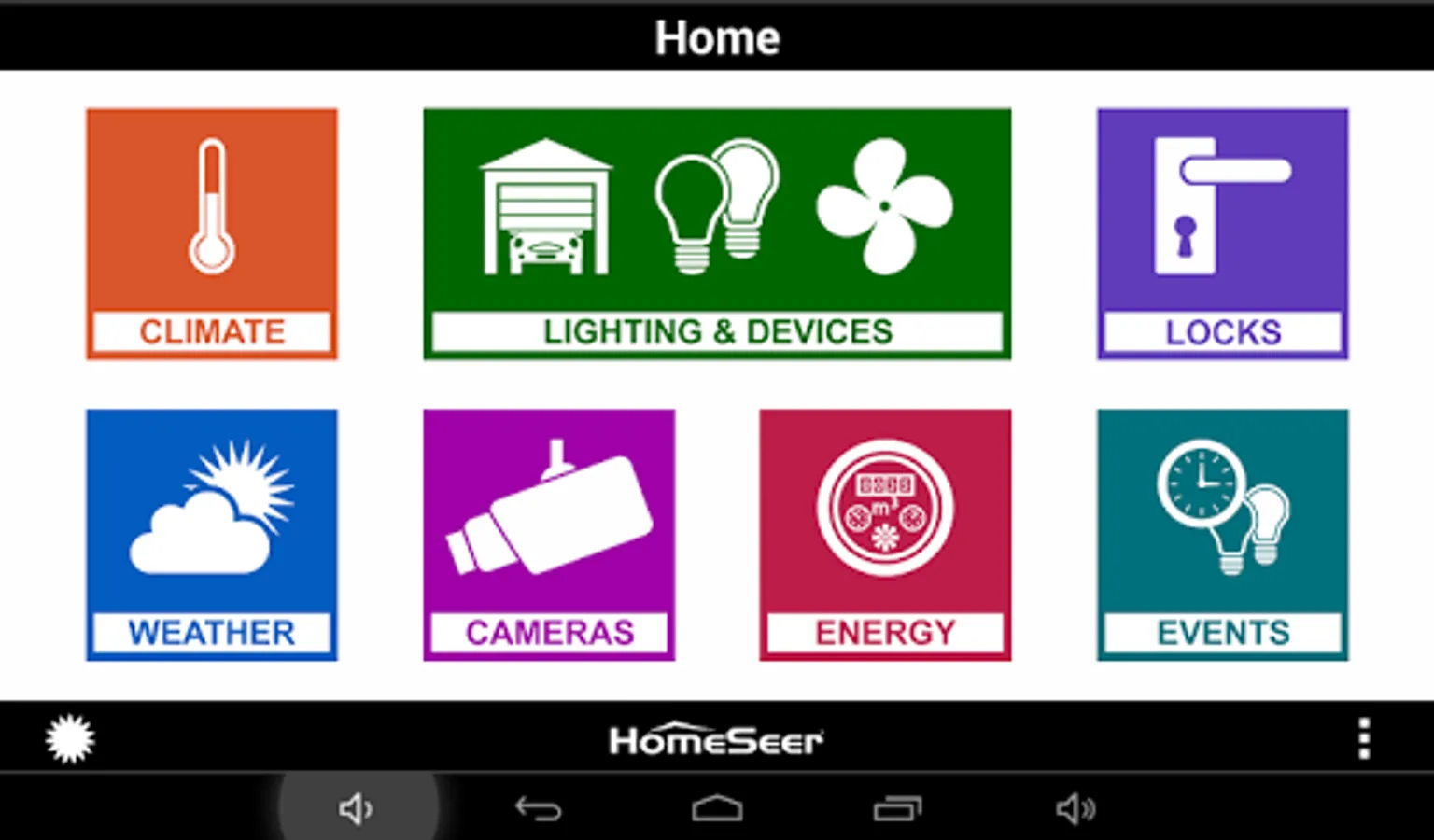
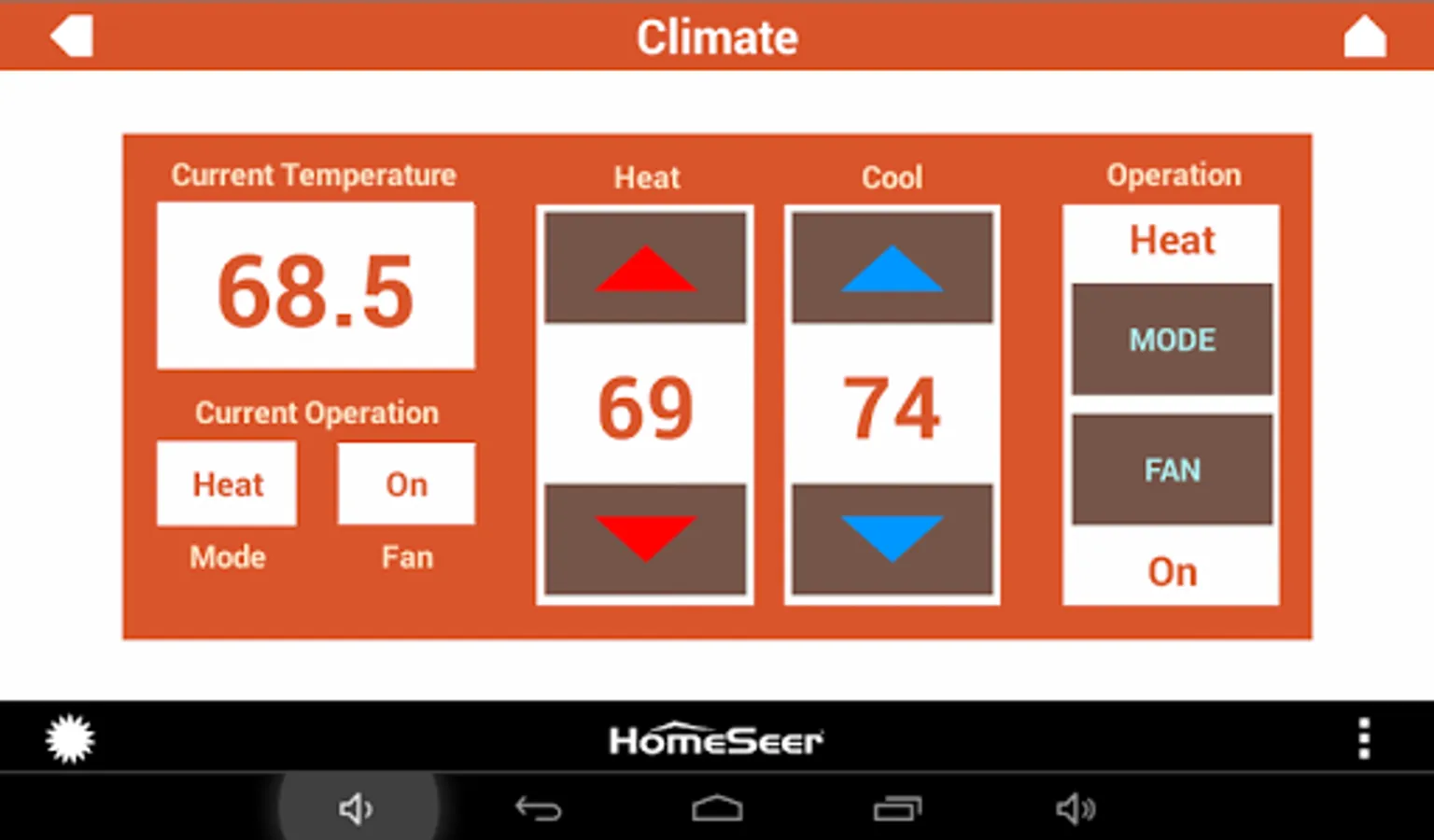
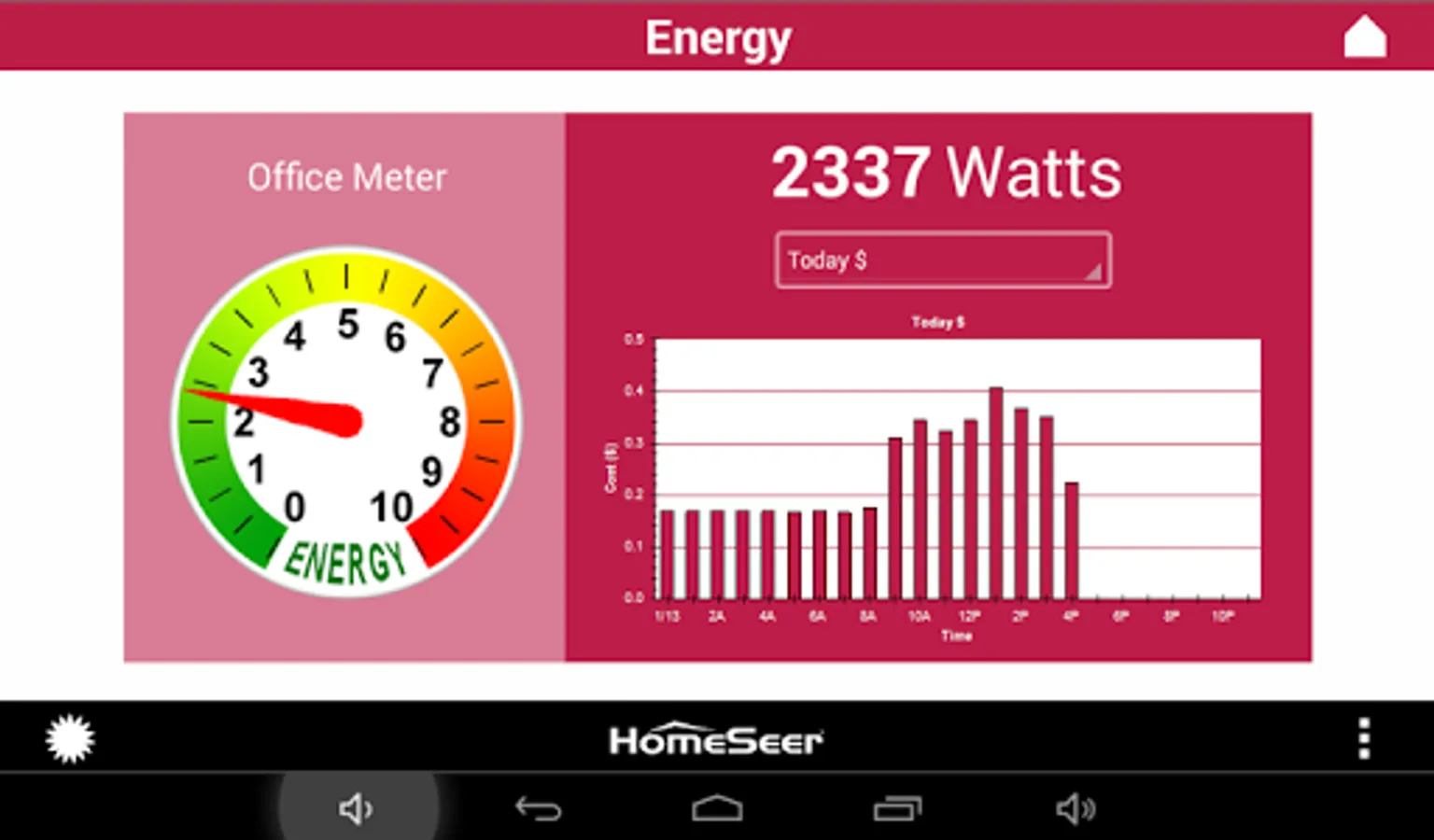
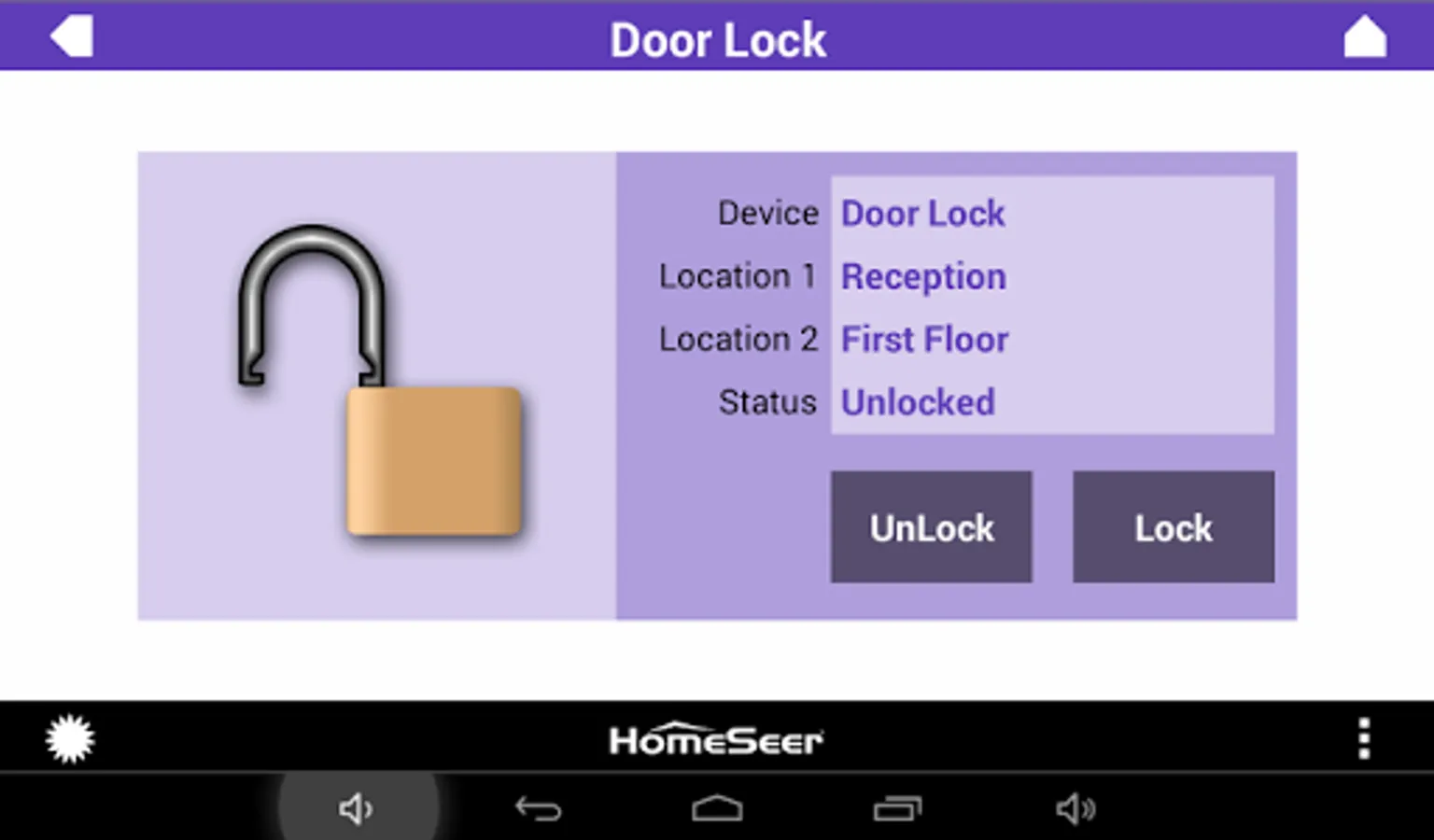
In this app, users control and monitor home automation systems through touch screen projects. Includes support for HS3 and HS4 systems, with project deployment features.
AppRecs review analysis
AppRecs rating 2.9. Trustworthiness 54 out of 100. Review manipulation risk 26 out of 100. Based on a review sample analyzed.
★★☆☆☆
2.9
AppRecs Rating
Ratings breakdown
5 star
34%
4 star
16%
3 star
14%
2 star
8%
1 star
28%
What to know
✓
Authentic reviews
Natural distribution, no red flags
⚠
Pricing complaints
Many low ratings mention paywalls or pricing
⚠
High negative review ratio
36% of sampled ratings are 1–2 stars
About HS3Touch Client App
HomeSeer Mobile: https://play.google.com/store/apps/details?id=com.homeseer.mobile.android
Note: Do not update to this app if you are using HS2, stay on the app you have, or manually download the older APK from:
http://homeseer.com/updates3/hstouch_release_1.0.117.apk
Requirements:
• HS3Touch Designer (a commercial Windows program) is required!
• Any HS3 or HS3PRO-powered HomeSeer system (including all HomeTrollers)
Overview:
Touch screen projects are created and deployed with HS3Touch Designer.
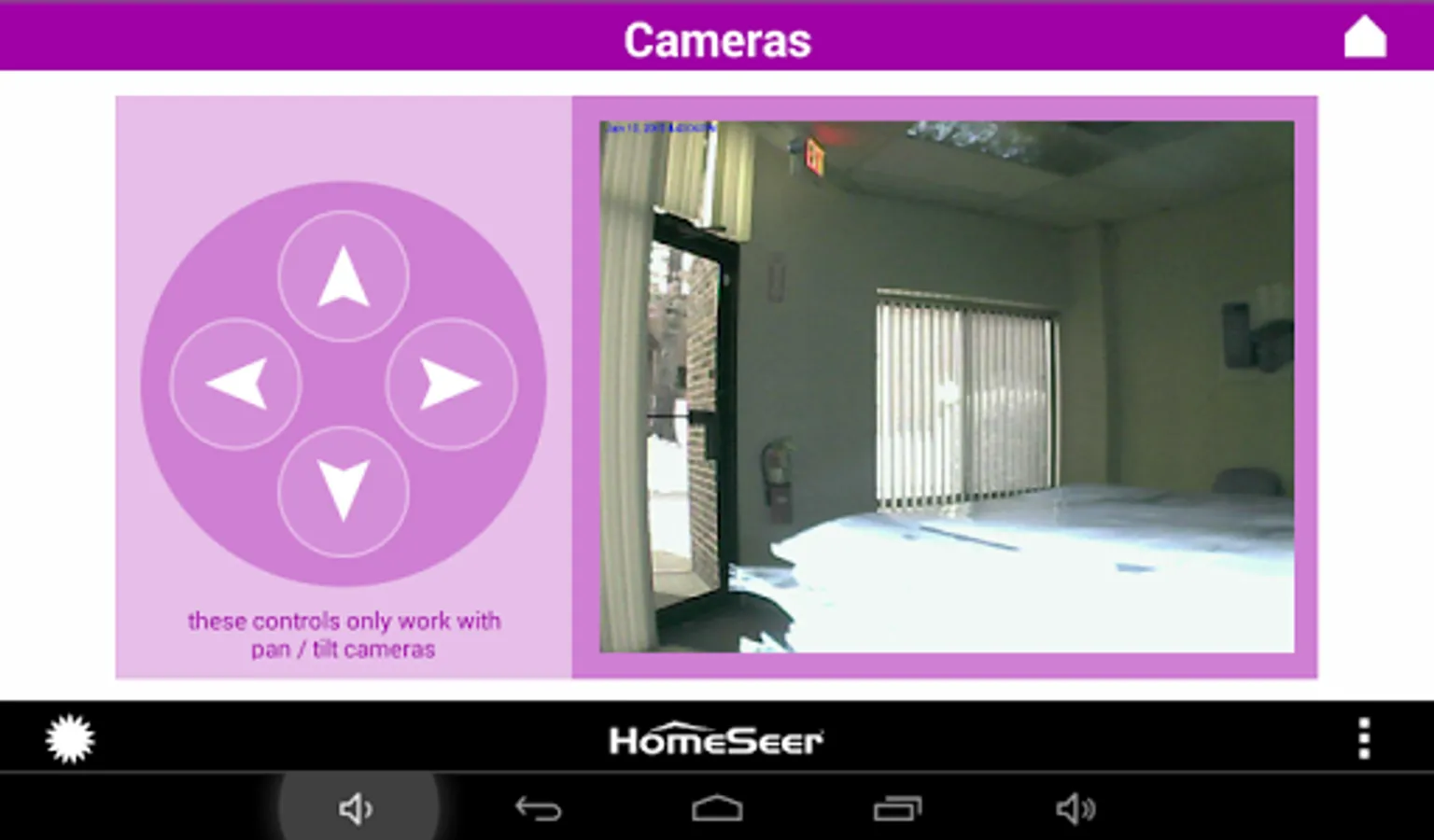
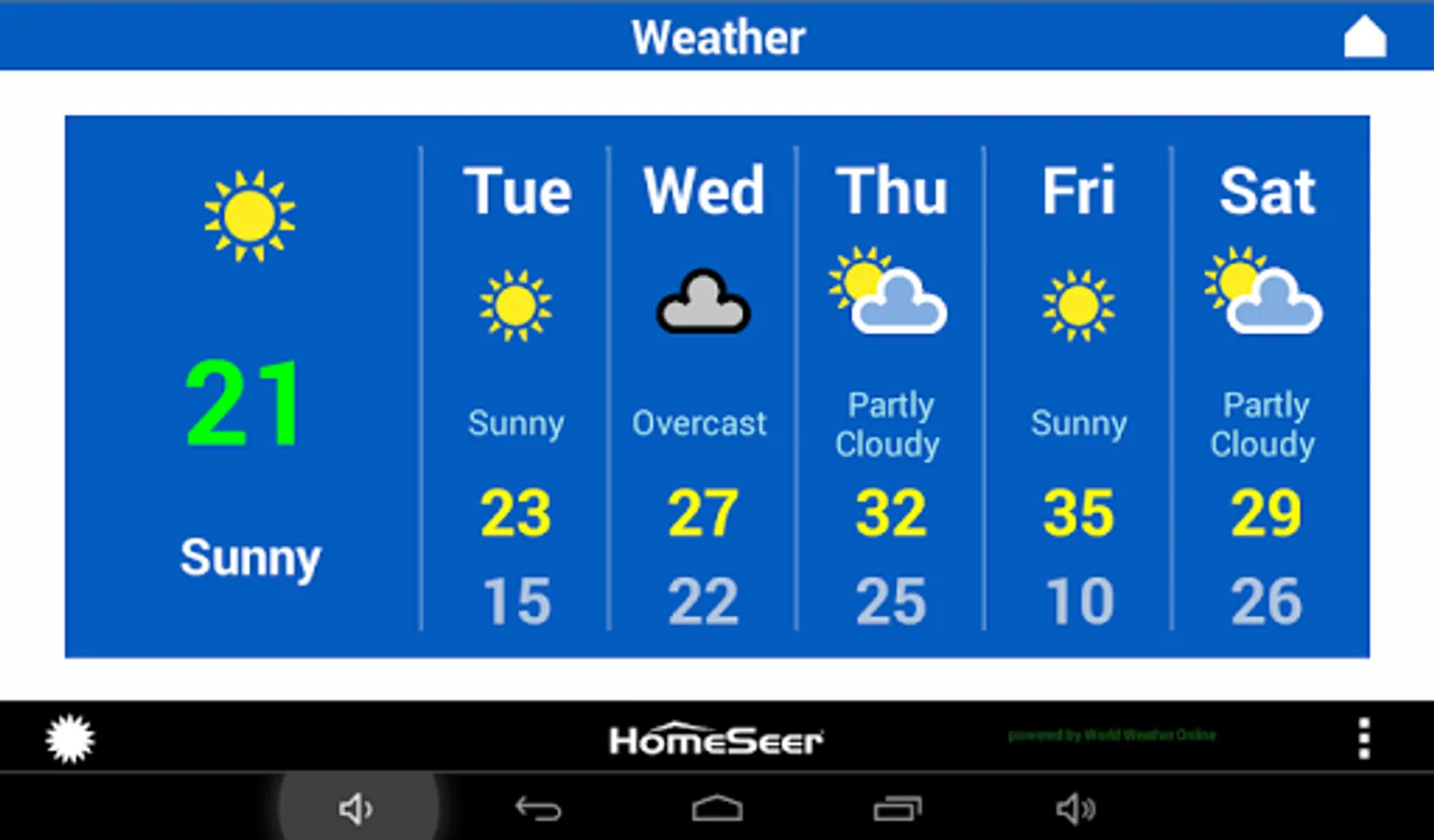
HS3Touch Client App Screenshots
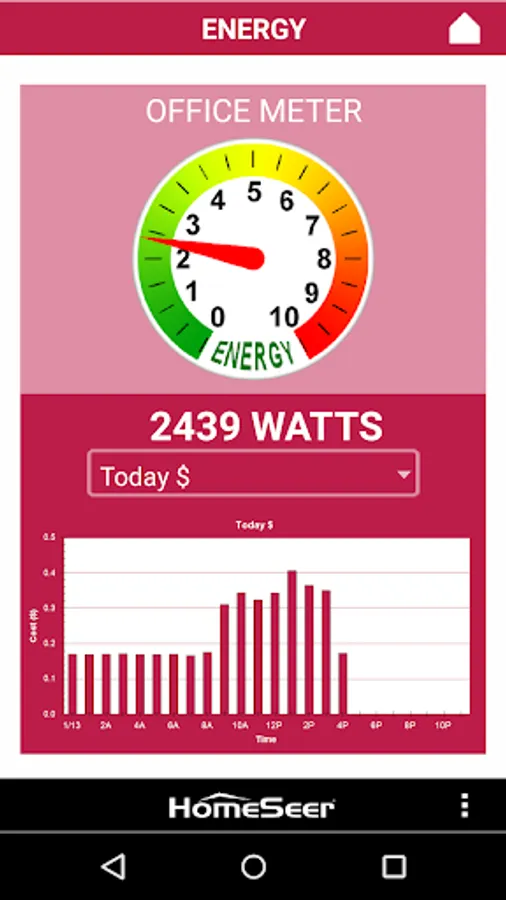
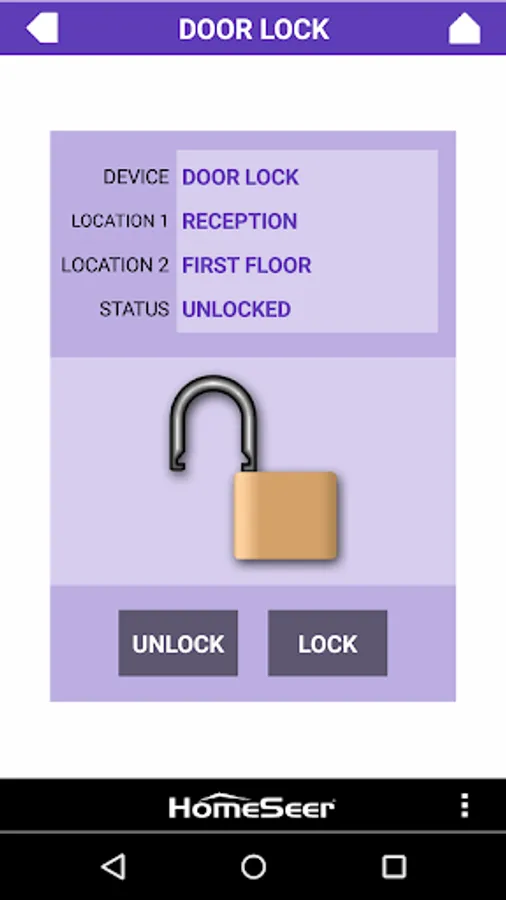
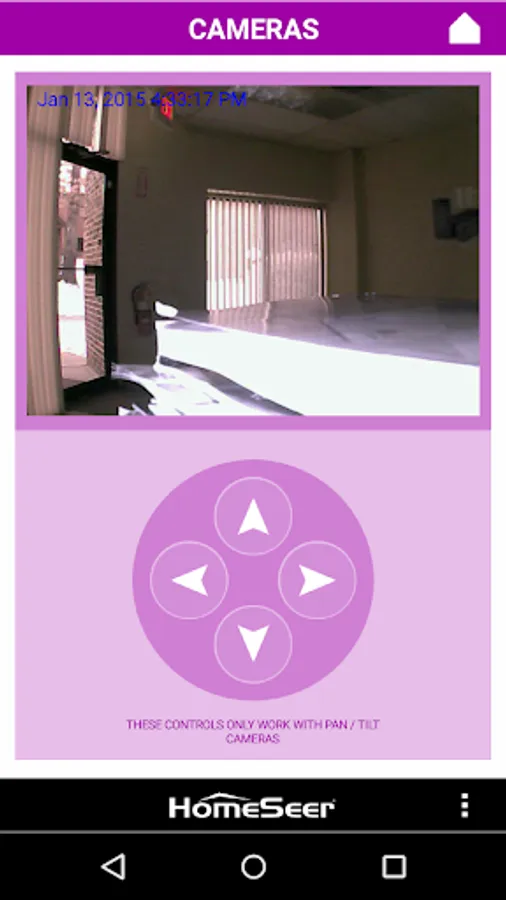
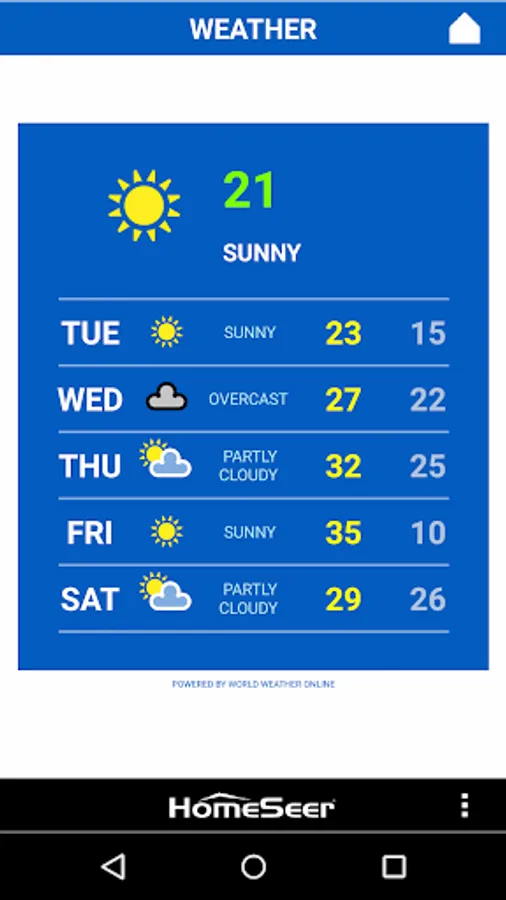
Tap to Rate:
Reviews for HS3Touch Client App
Robert W.
8/2/2020
Worked great until I had to reset my older phone, then it wouldn't let me use this same app unless I upgrade to designer, says to use mobile, OK so I downloaded mobile and it says not compatible with phone, so I pay for HS touch, but now can't use the service on my older phone. Would be good to get the older version that worked or the mobile version that works with older phones and tablets.
A Google user
2/27/2020
Great company and excellent products. Love the amount of customization and the integration with pretty much everything! You'll need some technical skill for this app because it's so powerful and customizable, but with some time you'll get exactly what you want. Keep up the good work!