
Project Plan 365
Housatonic Software
2.2 ★
441 ratings
100,000+
downloads
Free
+ in-app
With this project management app, you can create, edit, and save Gantt charts and project plans using familiar MS Project formats. Includes support for cloud storage, project views, and reporting features.
AppRecs review analysis
AppRecs rating 2.1. Trustworthiness 60 out of 100. Review manipulation risk 32 out of 100. Based on a review sample analyzed.
★★☆☆☆
2.1
AppRecs Rating
Ratings breakdown
5 star
13%
4 star
7%
3 star
7%
2 star
30%
1 star
43%
What to know
⚠
Pricing complaints
Many low ratings mention paywalls or pricing
⚠
Mixed user feedback
Average 2.2★ rating suggests room for improvement
⚠
High negative review ratio
74% of sampled ratings are 1–2 stars
About Project Plan 365
Project Plan 365 is an intuitive solution for project planning and project collaboration perfect for individual Project Managers and/or small teams working in fast-paced collaborative environments which may be across disparate geographic locations.
Project Plan 365 looks and feels exactly like MS Project!
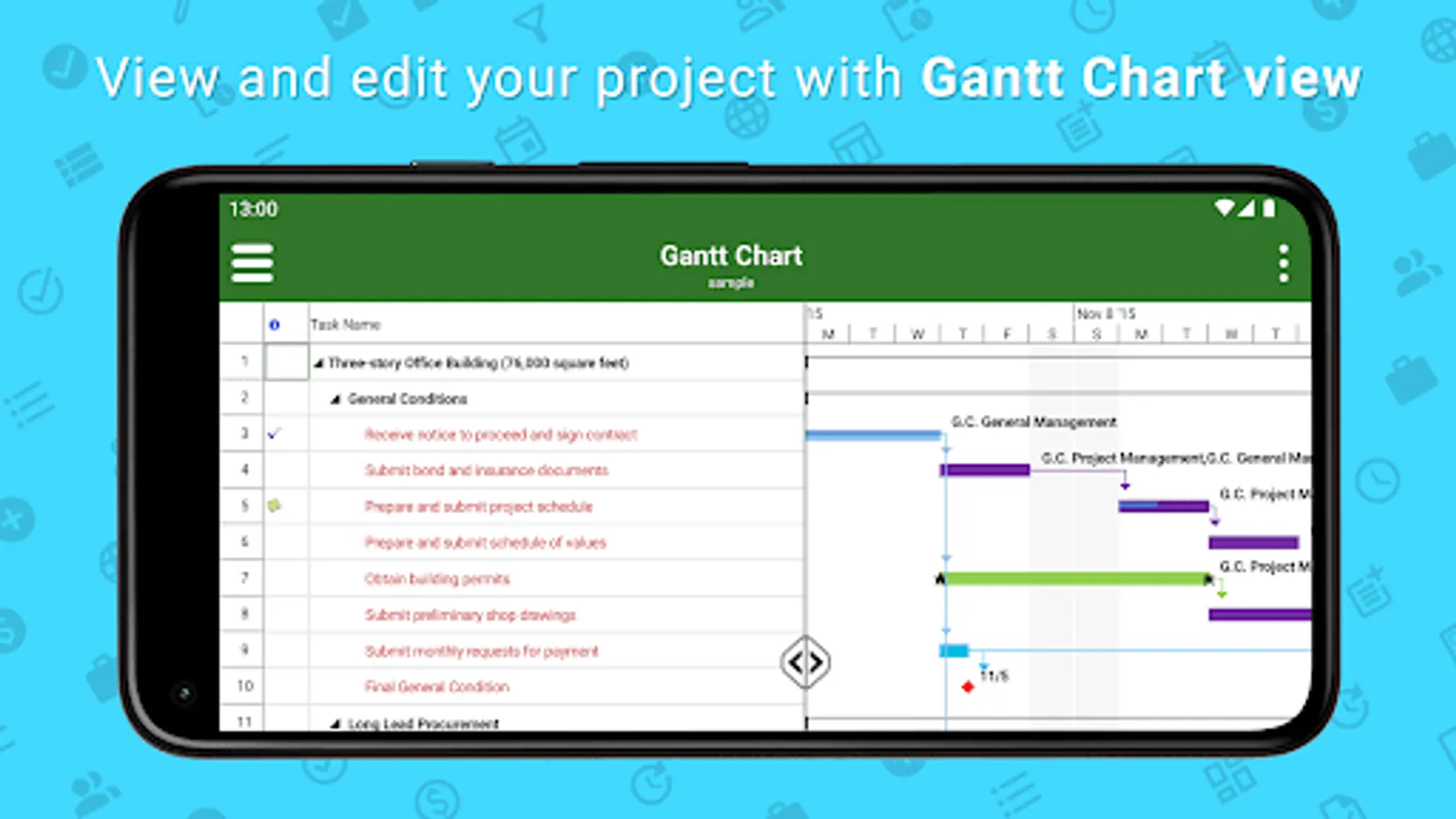
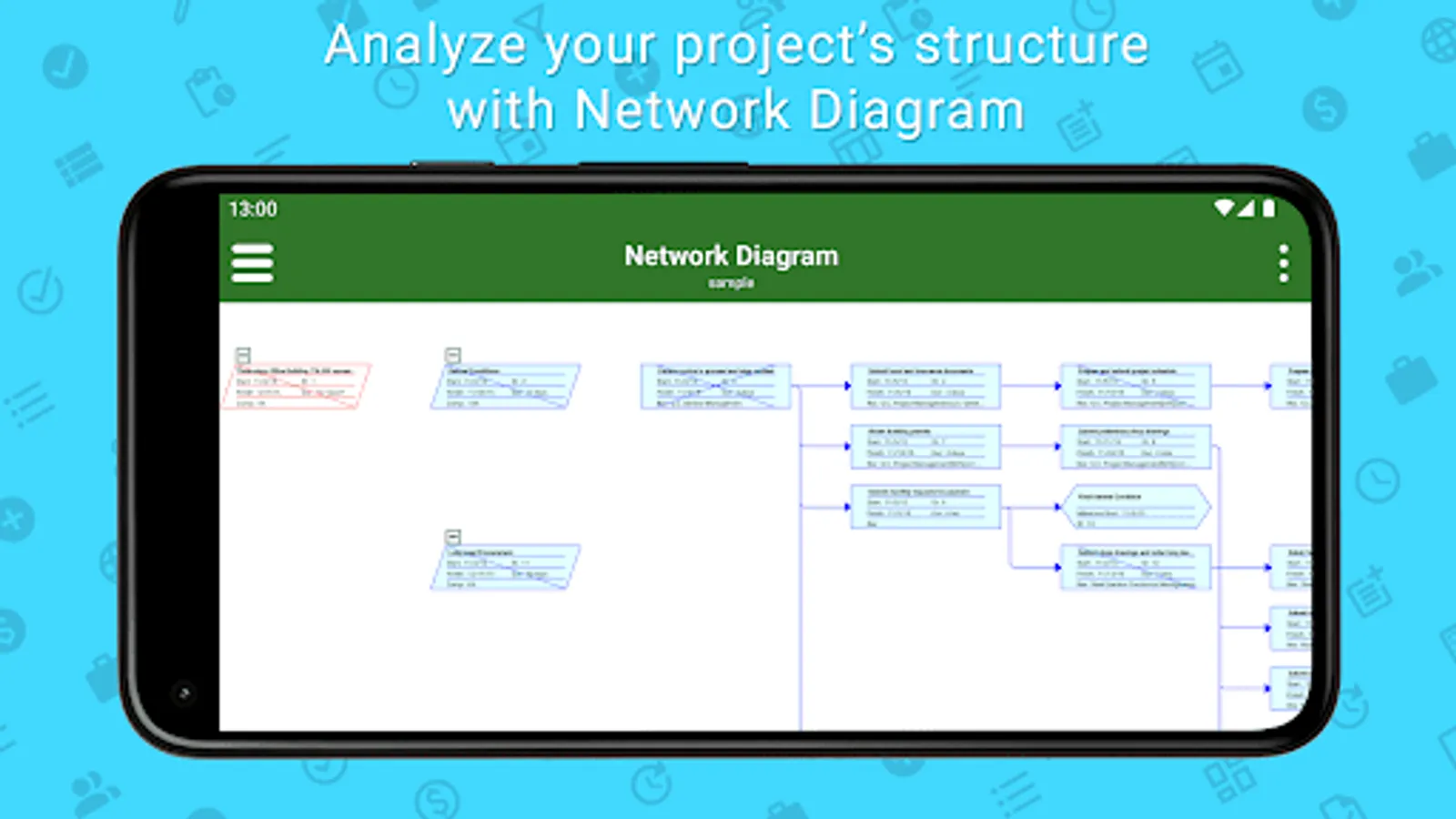
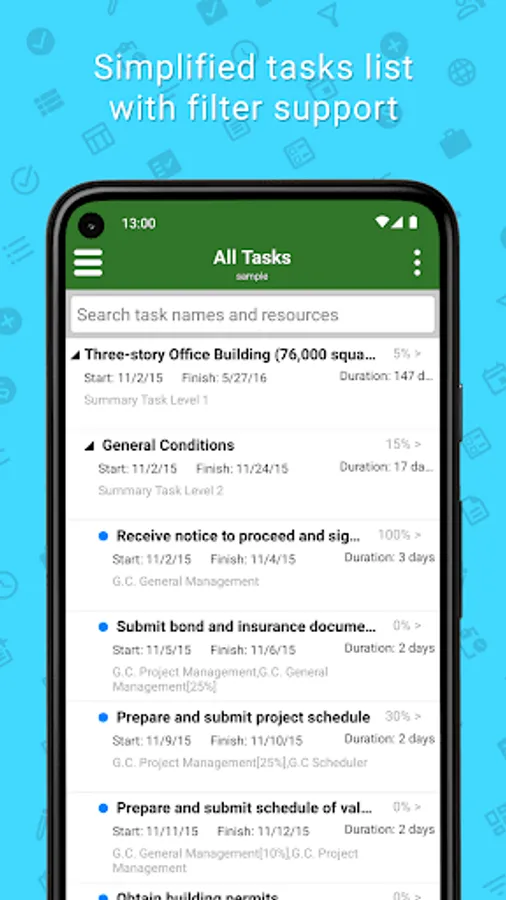
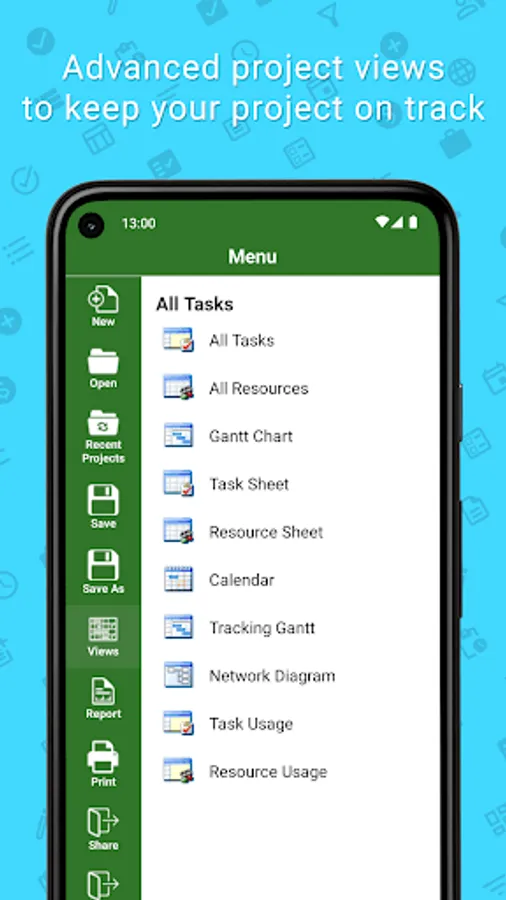
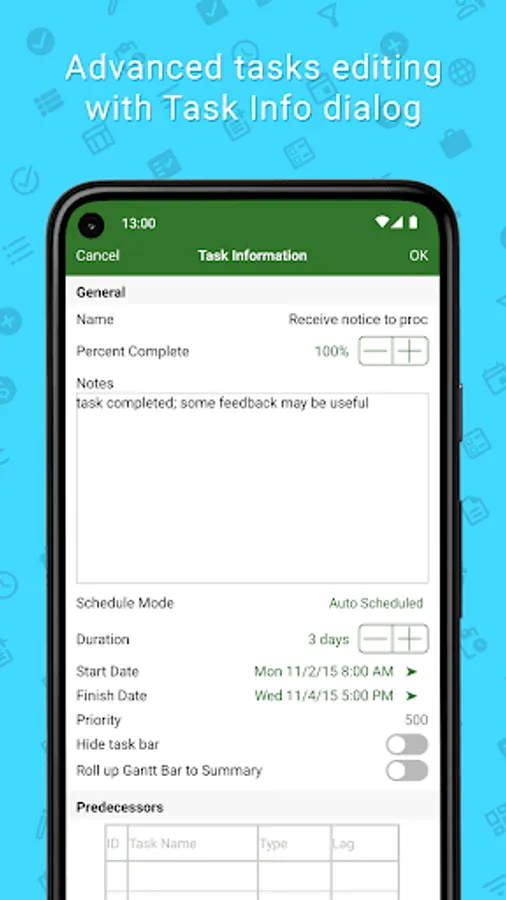
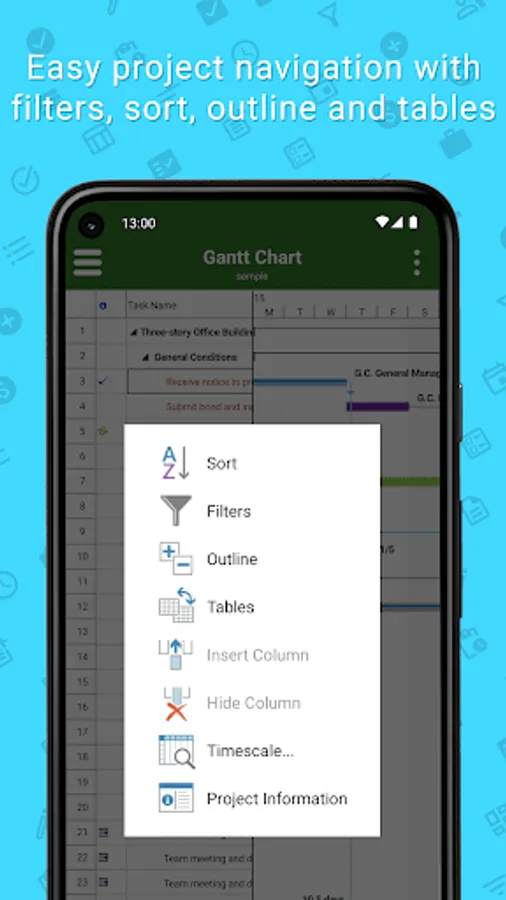
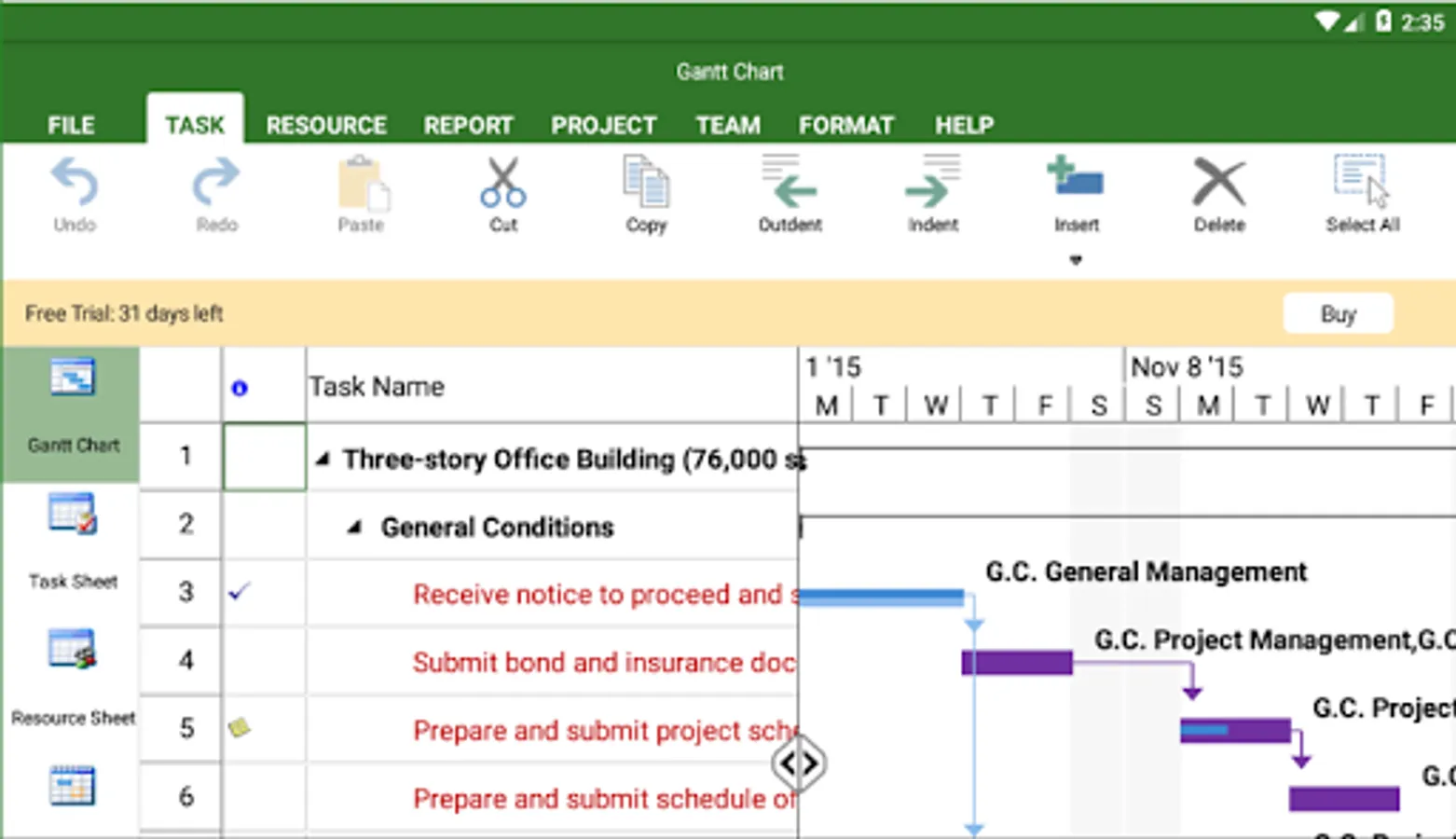
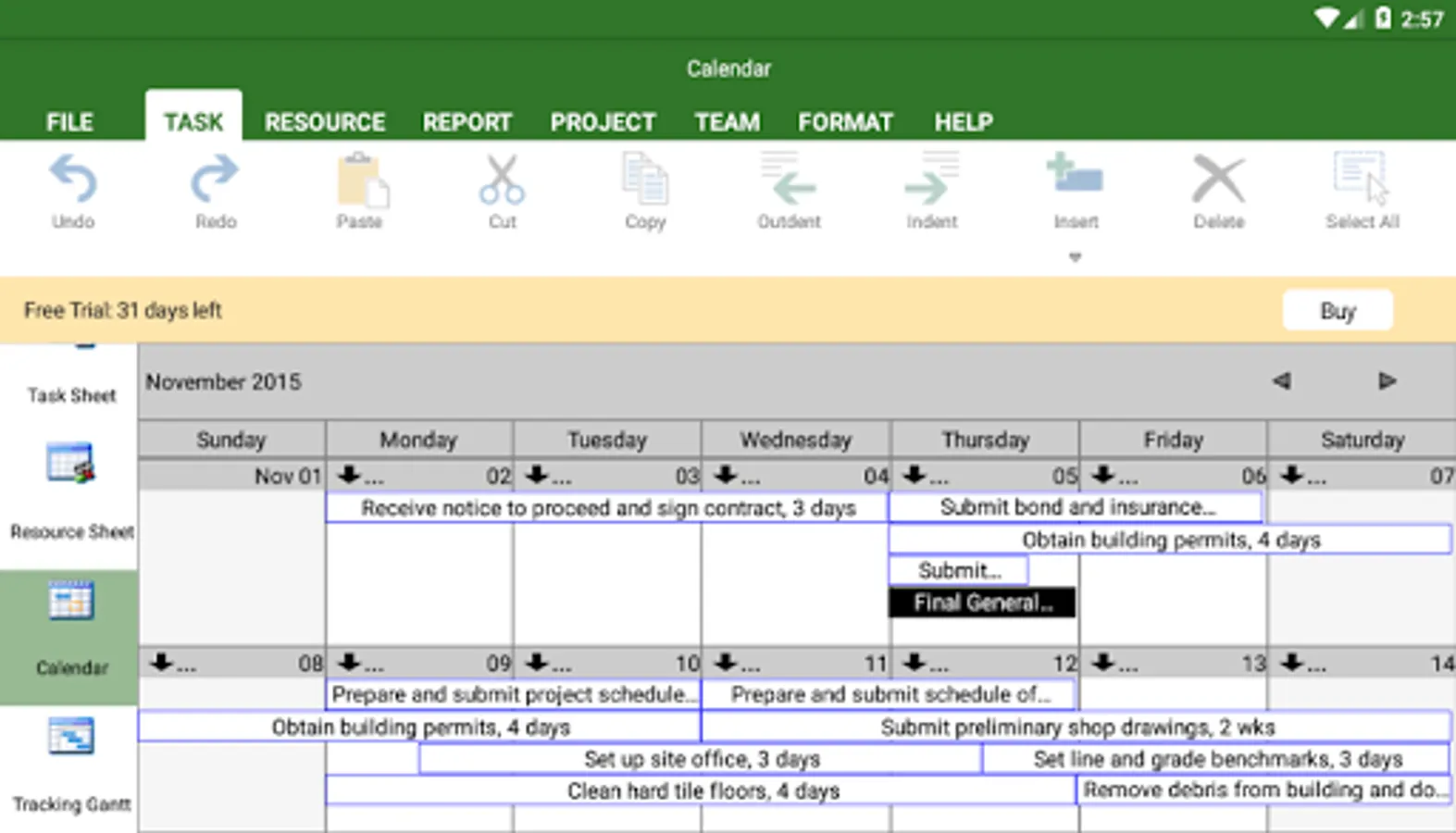
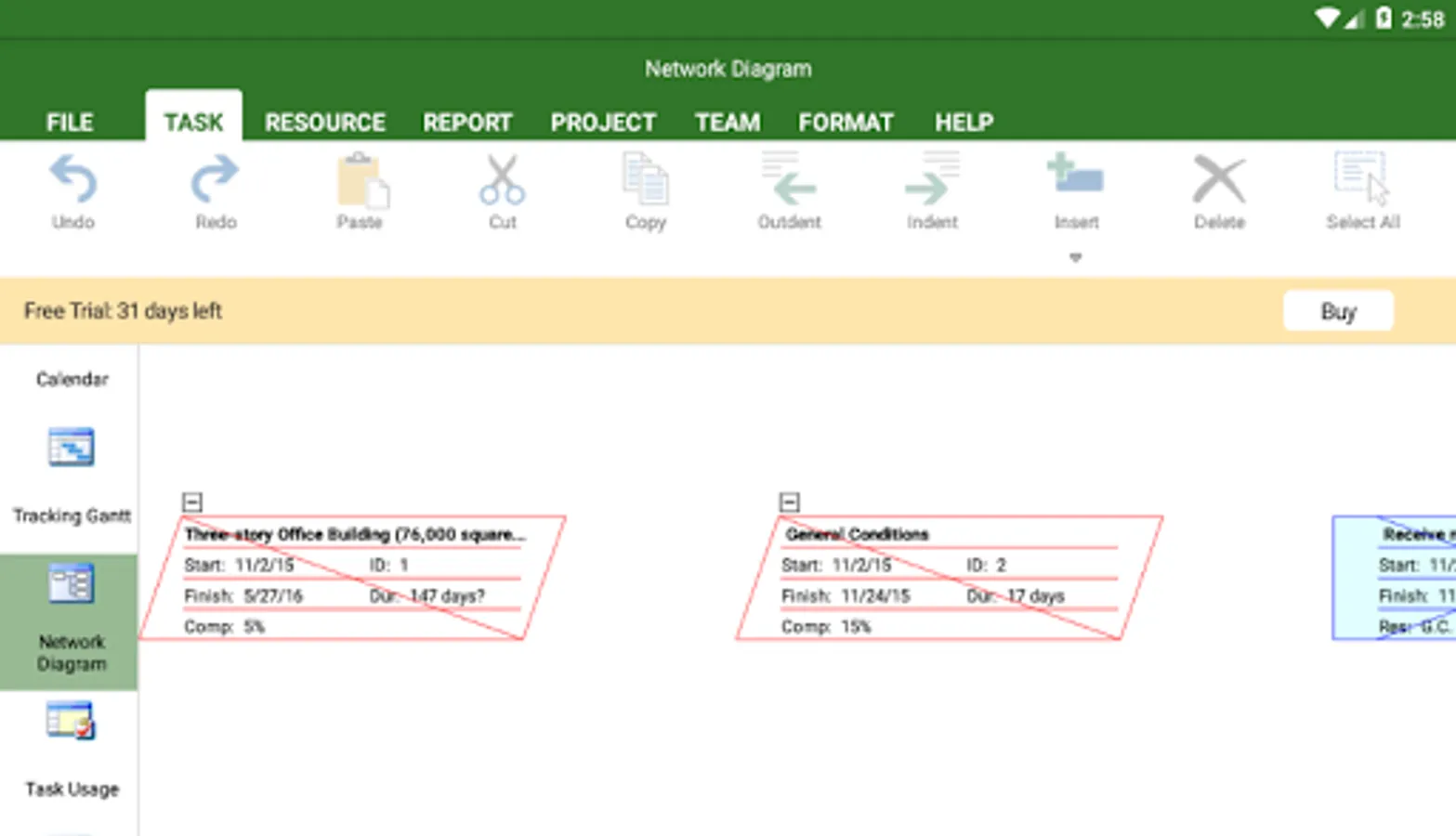
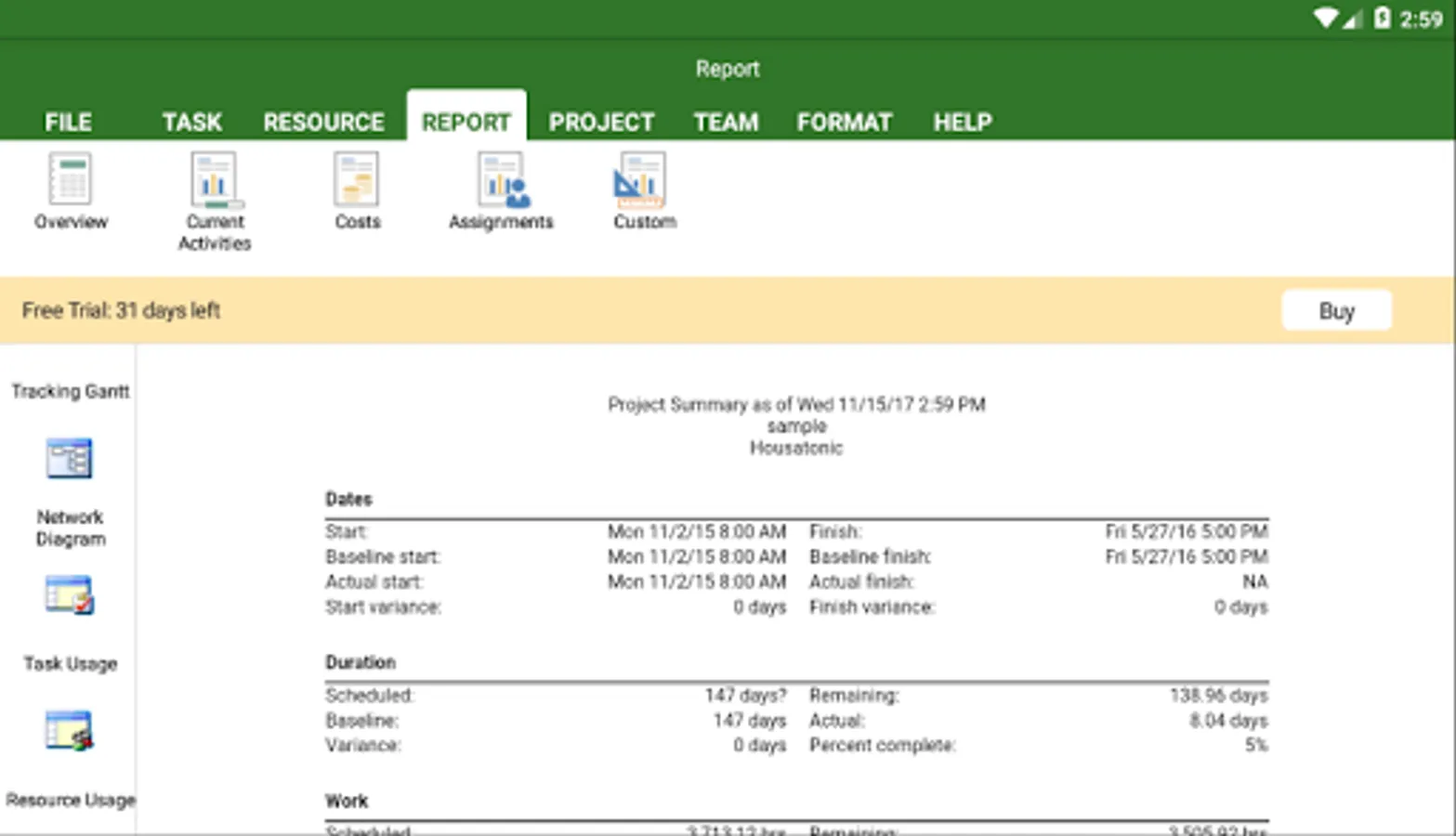
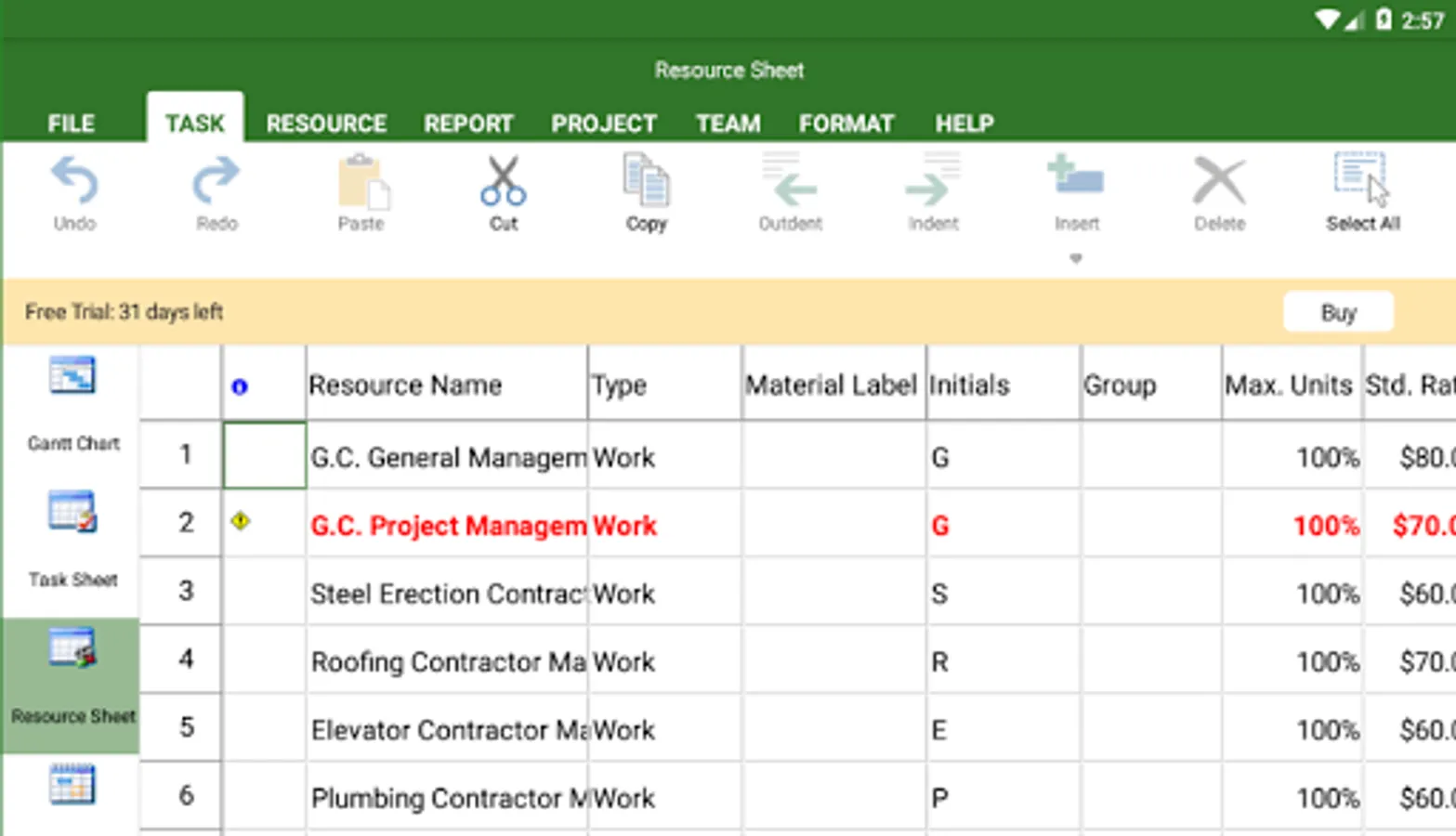
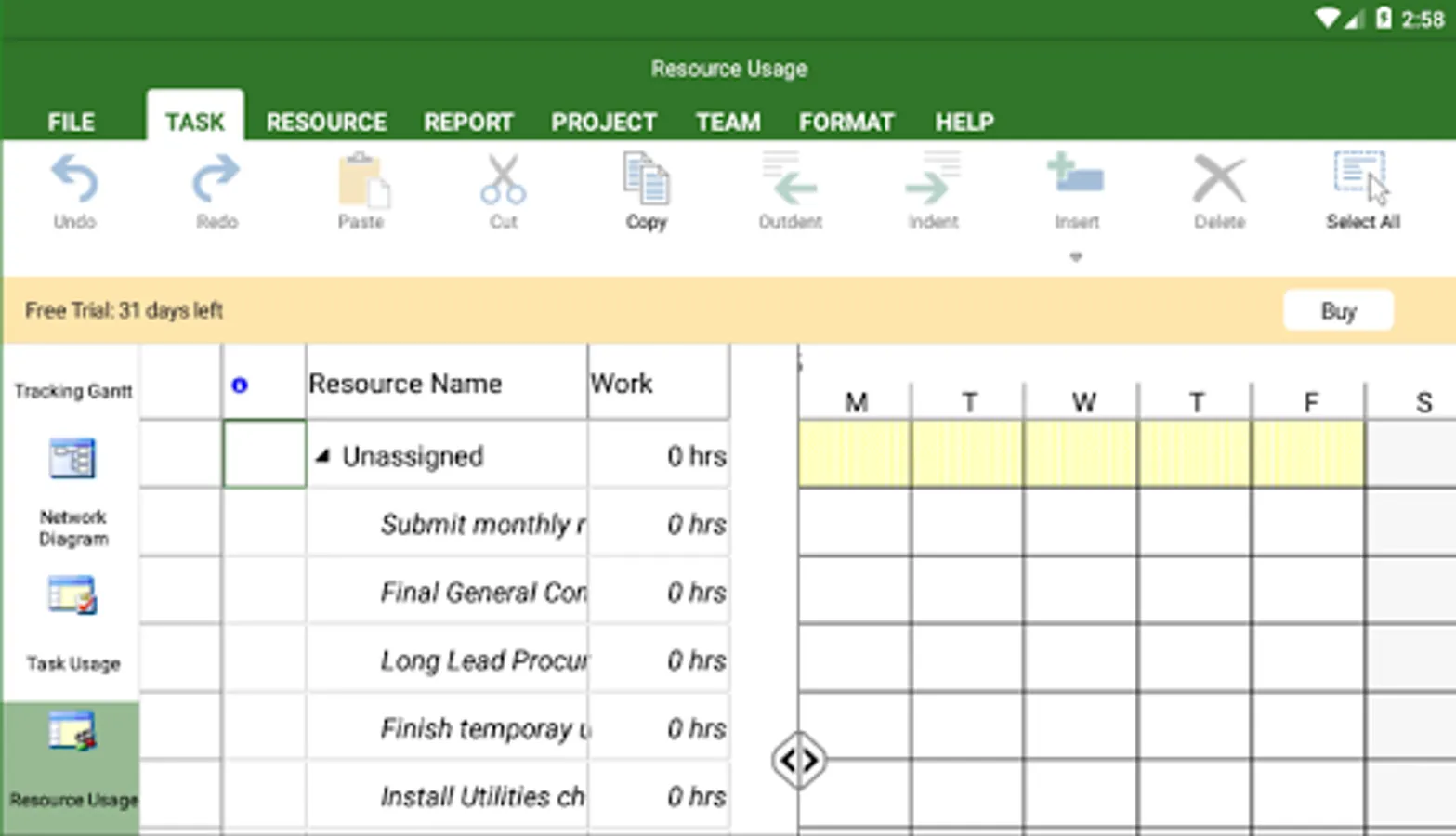
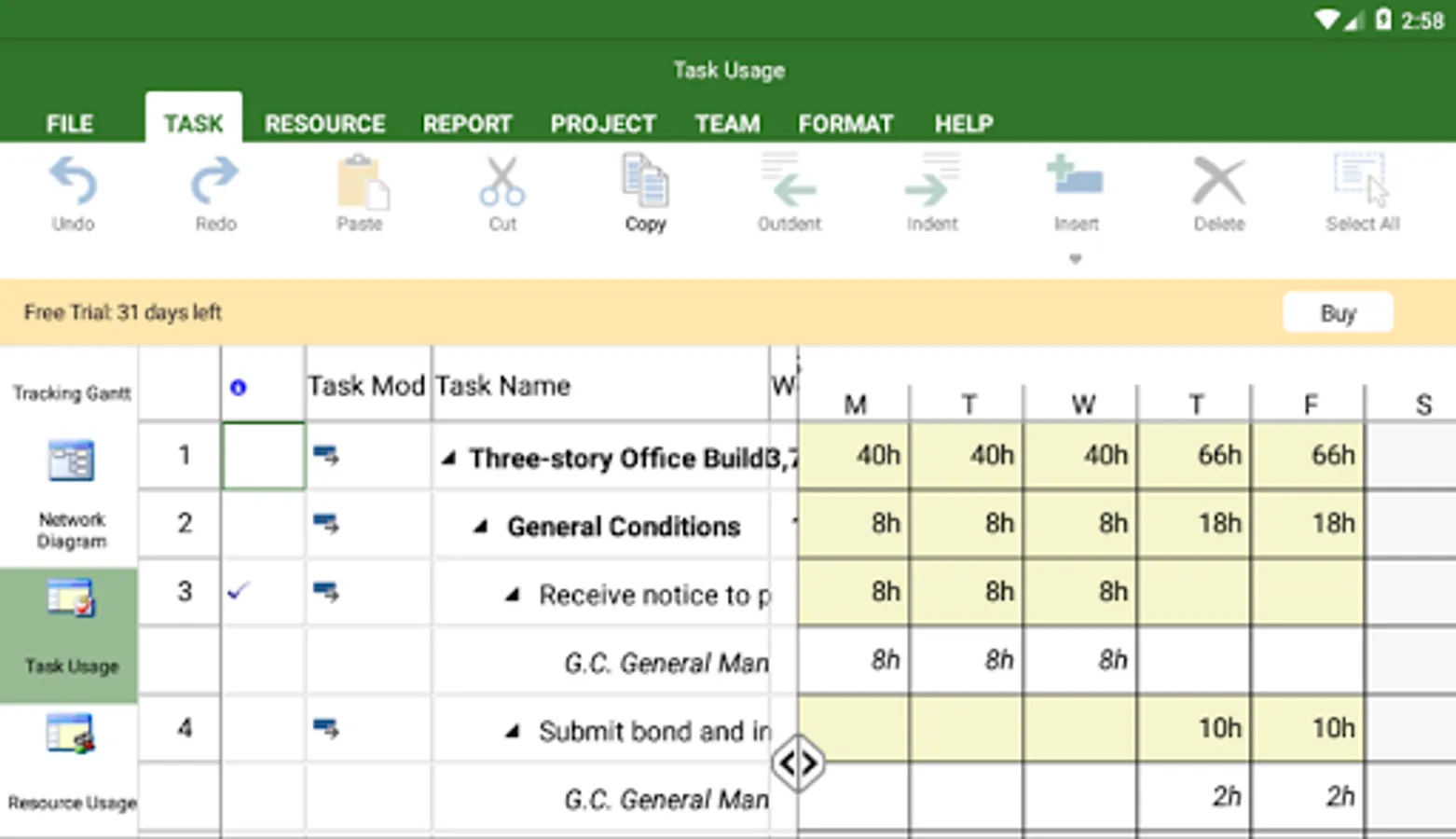
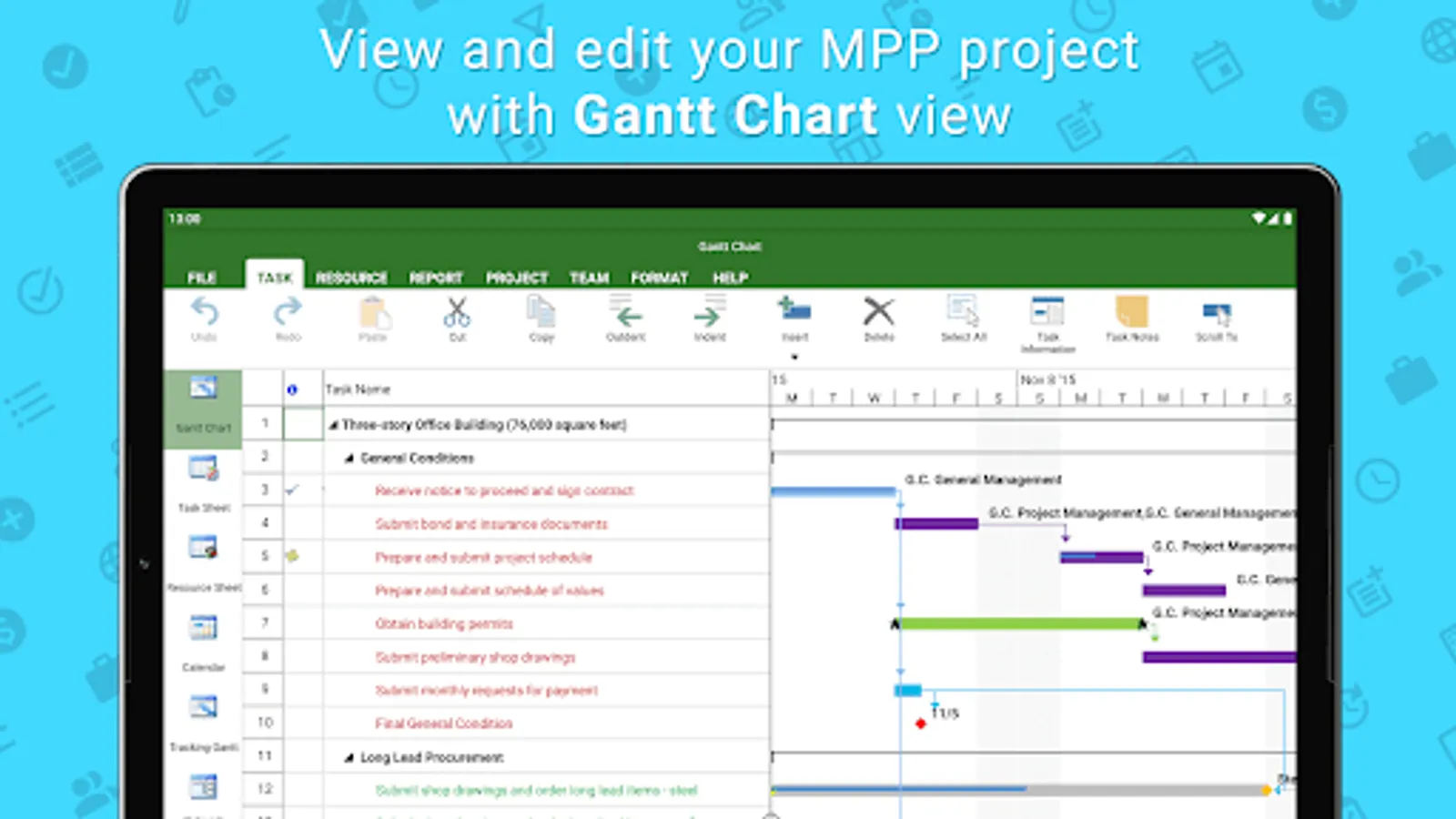
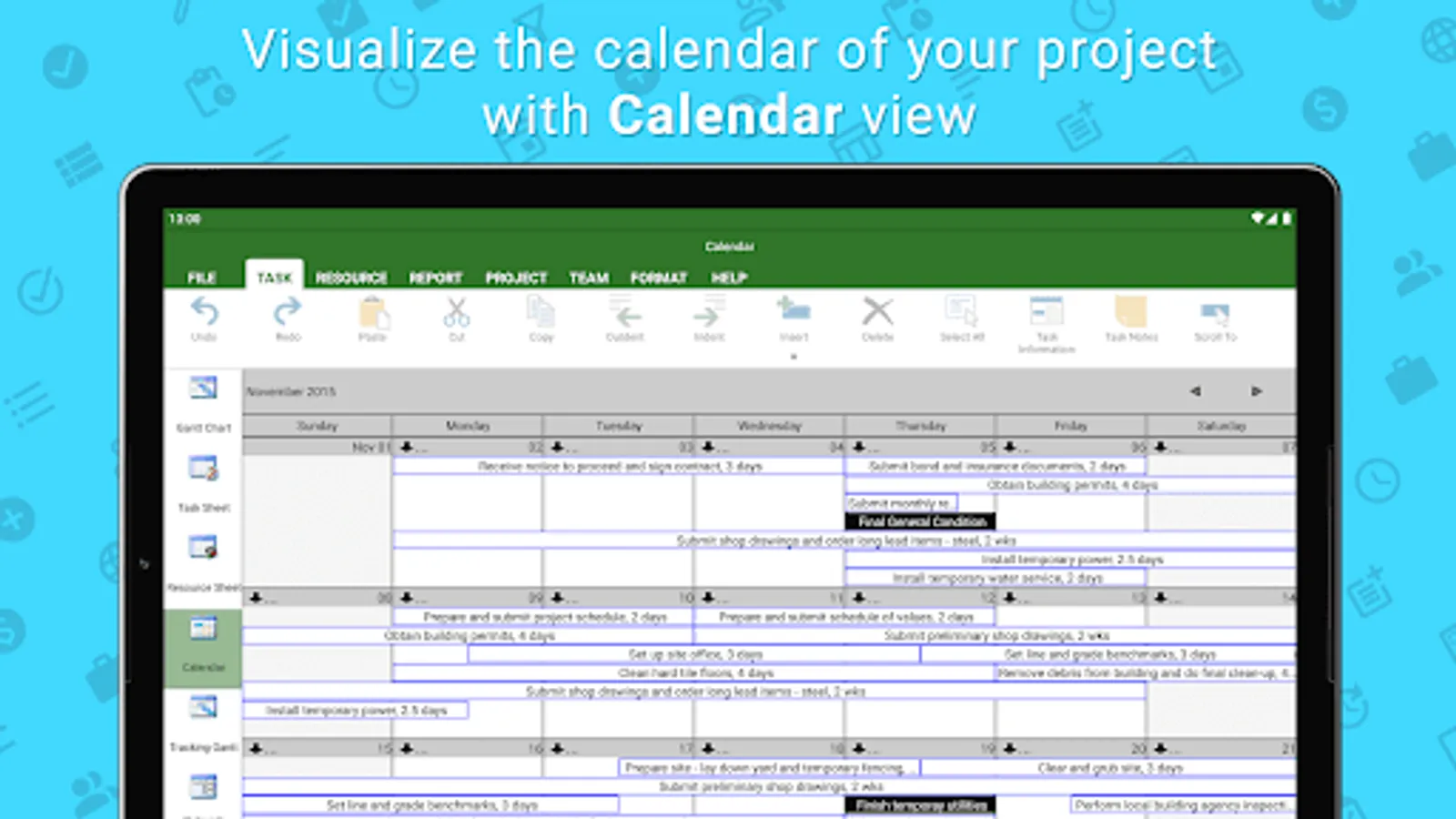
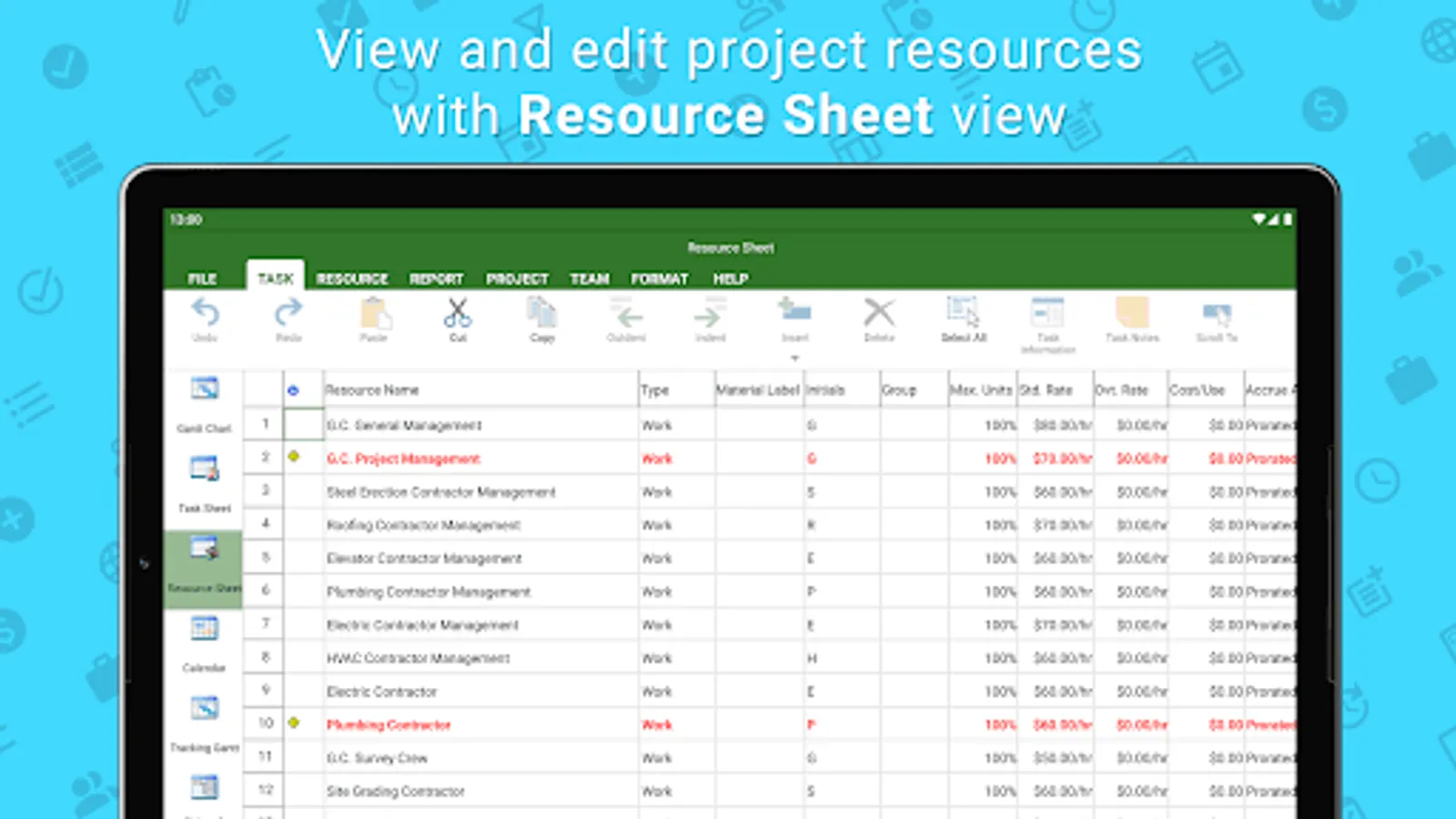
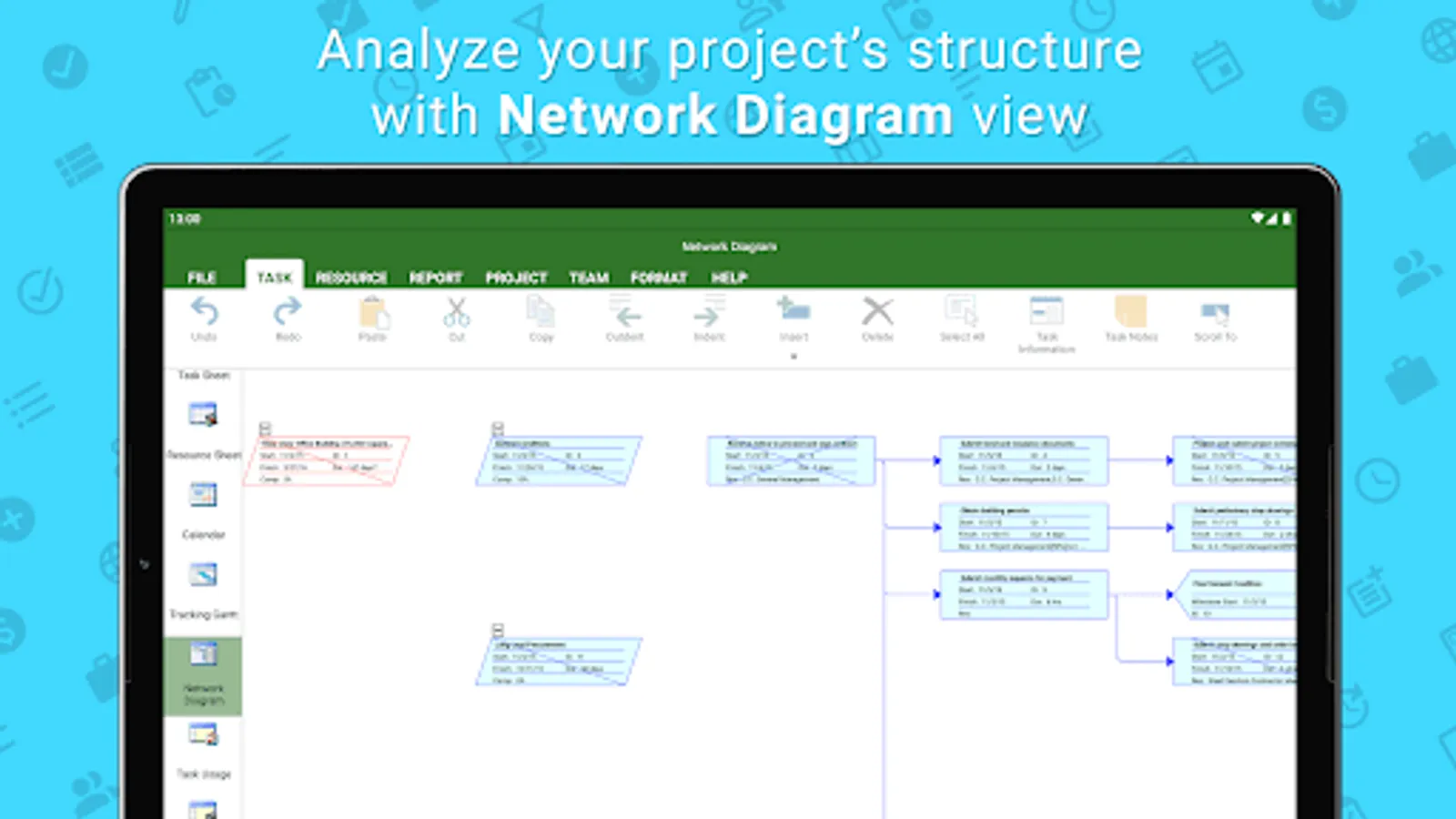
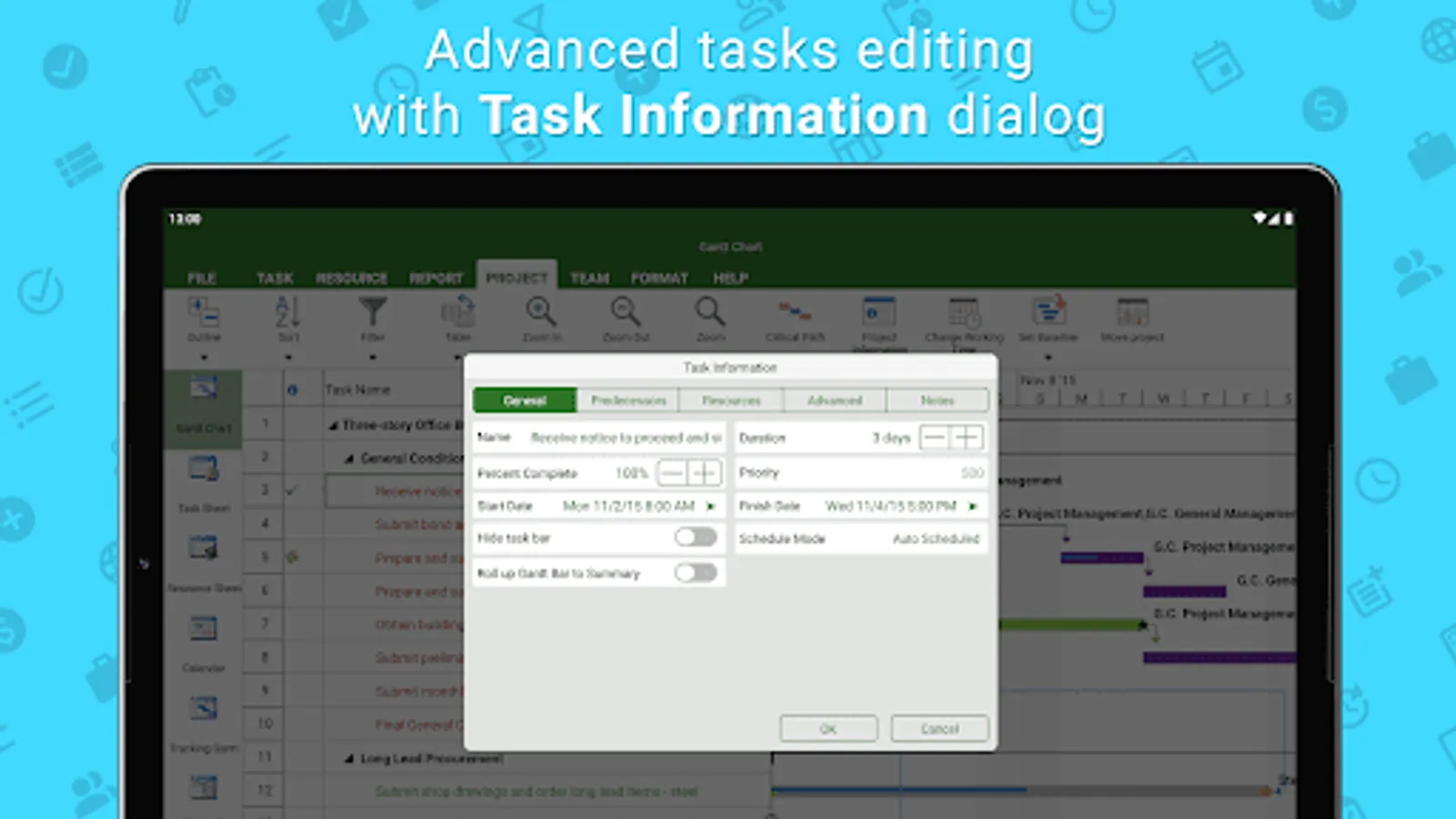
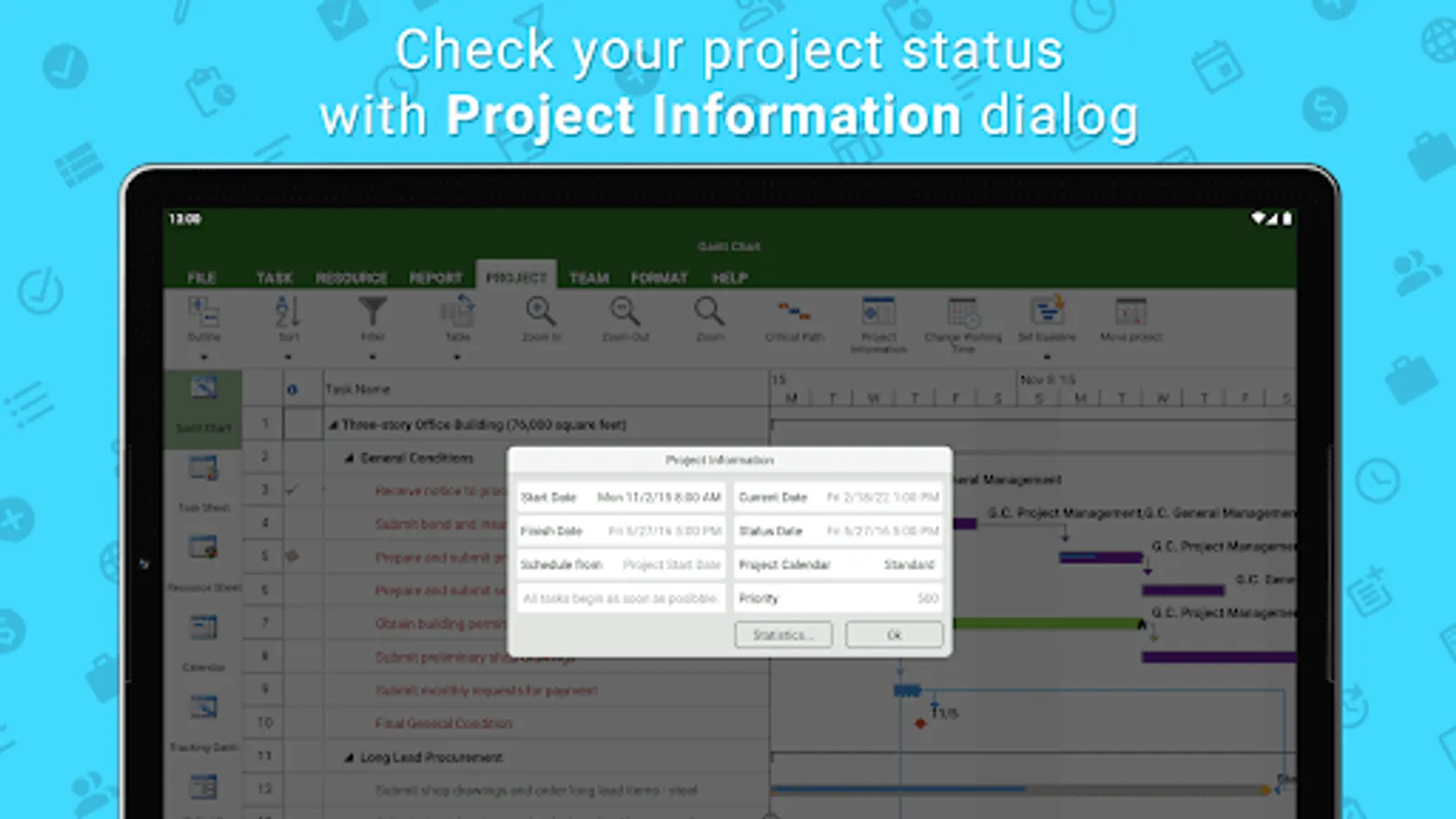
Project Plan 365 provides support for all MS Project standard views like Gantt Chart, Task Sheet, Network Diagram, Project Calendar, Task Usage, Resource Usage, etc.
Project Plan 365 provides critical path info and all standard project reports, filters, time scale and other like MS
Project sophisticated features.
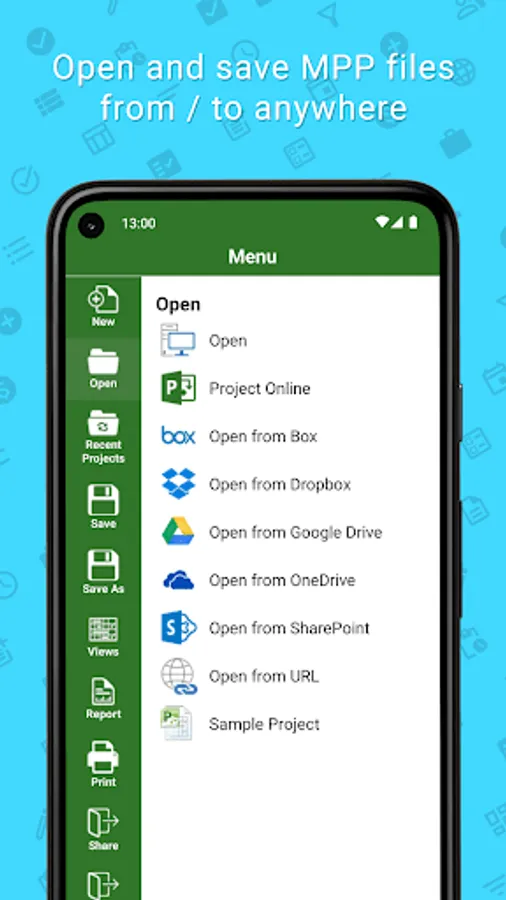
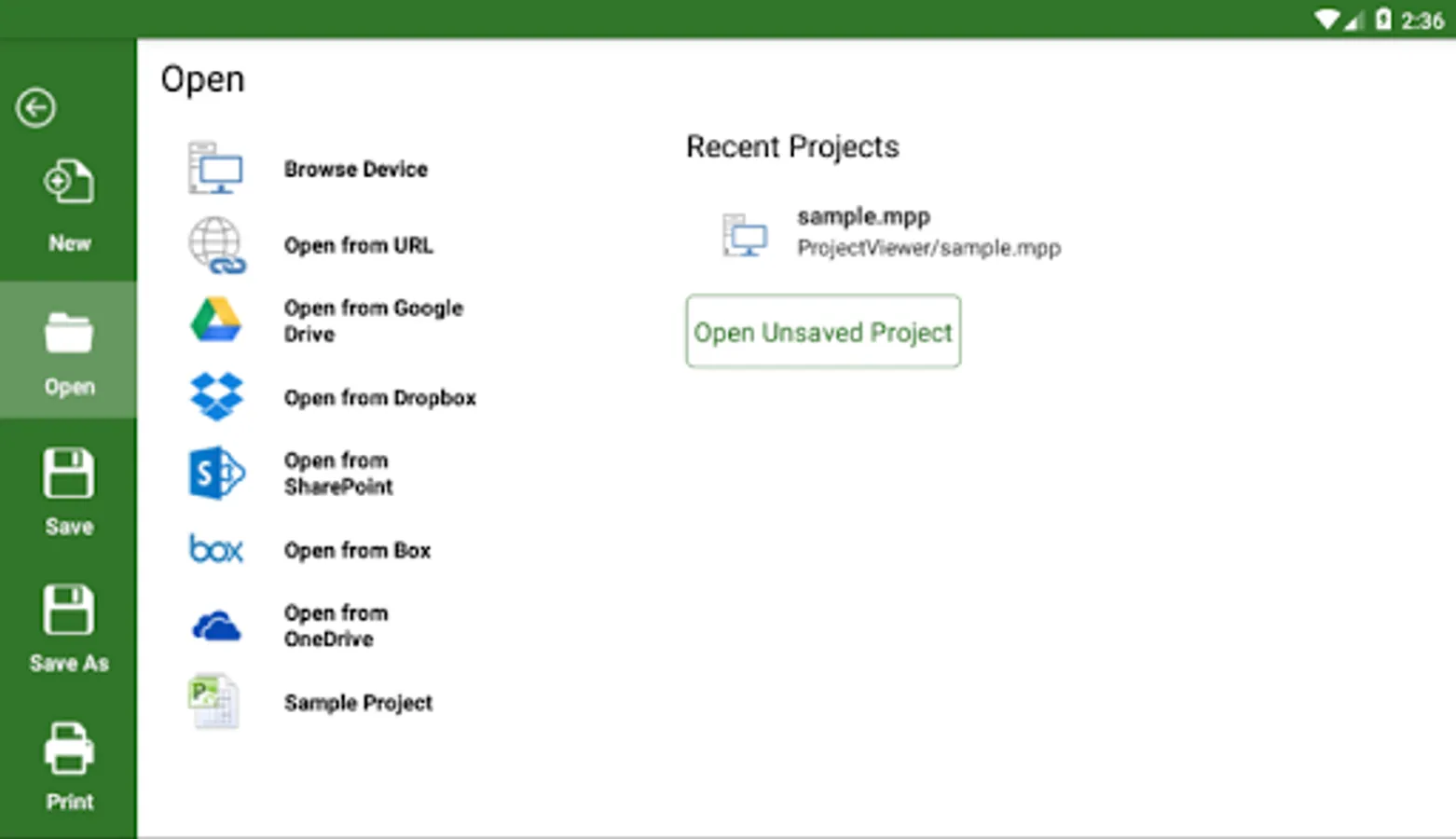
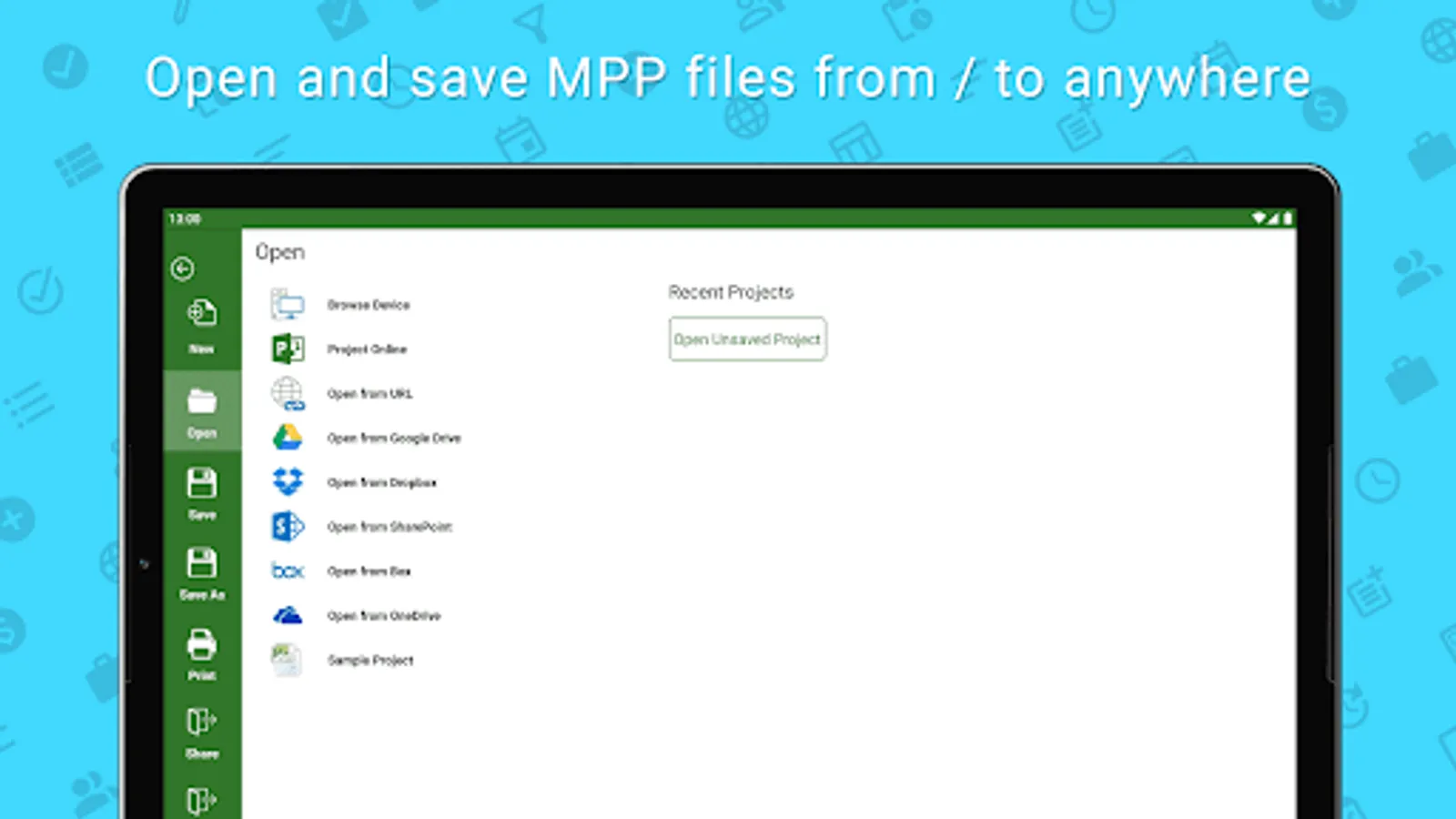
You can open and view MPP files from any cloud storage location like DropBox, OneDrive, Google Drive, Box, and SharePoint Online or from your local device
Project Plan 365 is compatible with Microsoft Project (MPP file format) 2016, 2013, 2010, 2007, 2003 and earlier versions. The interface is intuitive making Project Plan 365 simple for the end users.
In App Option: Create New/Edit and Save in MPP File Format
Create new Gantt Charts in MS Project MPP compatible formats or modify existing project schedules in the same intuitive way as Microsoft Project. Save your plans (MPP files) from any storage or cloud location on any device.
Works with, or as an alternative to Microsoft Project.
Privacy Policy: https://www.projectplan365.com/about/privacy.html
For more info please visit our website: https://www.projectplan365.com
Project Plan 365 looks and feels exactly like MS Project!
Project Plan 365 provides support for all MS Project standard views like Gantt Chart, Task Sheet, Network Diagram, Project Calendar, Task Usage, Resource Usage, etc.
Project Plan 365 provides critical path info and all standard project reports, filters, time scale and other like MS
Project sophisticated features.
You can open and view MPP files from any cloud storage location like DropBox, OneDrive, Google Drive, Box, and SharePoint Online or from your local device
Project Plan 365 is compatible with Microsoft Project (MPP file format) 2016, 2013, 2010, 2007, 2003 and earlier versions. The interface is intuitive making Project Plan 365 simple for the end users.
In App Option: Create New/Edit and Save in MPP File Format
Create new Gantt Charts in MS Project MPP compatible formats or modify existing project schedules in the same intuitive way as Microsoft Project. Save your plans (MPP files) from any storage or cloud location on any device.
Works with, or as an alternative to Microsoft Project.
Privacy Policy: https://www.projectplan365.com/about/privacy.html
For more info please visit our website: https://www.projectplan365.com
Project Plan 365 Screenshots
Tap to Rate:
Reviews for Project Plan 365
fares medrar
3/7/2025
it a saver app I can review all my work with thanks
SM NIAGA
12/6/2024
Trial has expired, I don't want to use it or intend to continue, but they still charge me 119.88usd.