HTC Screen capture tool
HTC Corporation
4.2 ★
store rating
1,000,000+
downloads
Free
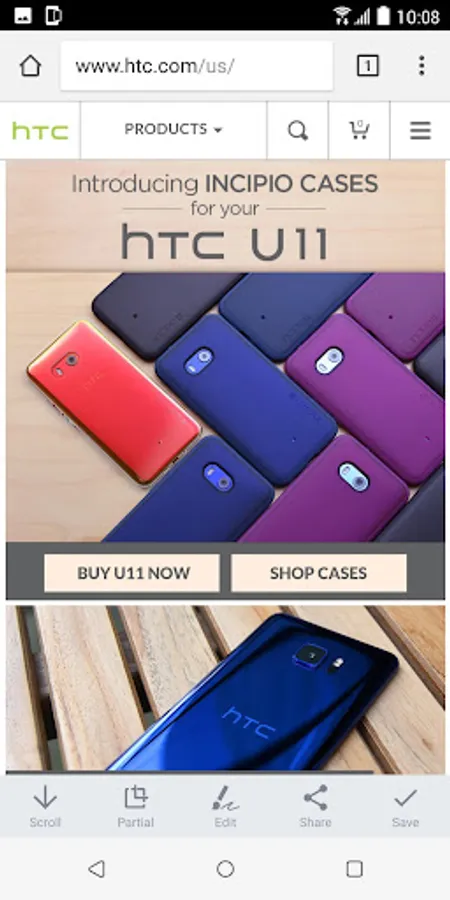
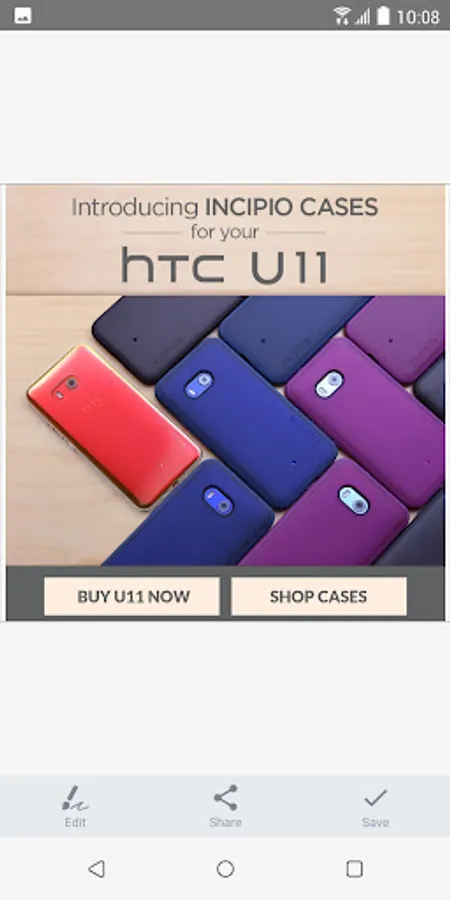
With this screen capture tool, you can take scrolling, partial, or quick screenshots and share them instantly. Includes options for cropping, protecting privacy, and sharing directly after capture.
AppRecs review analysis
AppRecs rating 4.2. Trustworthiness 0 out of 100. Review manipulation risk 0 out of 100. Based on a review sample analyzed.
★★★★☆
4.2
AppRecs Rating
Ratings breakdown
5 star
69%
4 star
10%
3 star
5%
2 star
5%
1 star
11%
What to know
✓
High user satisfaction
78% of sampled ratings are 4+ stars (4.2★ average)
✓
Authentic reviews
Natural distribution, no red flags
About HTC Screen capture tool
HTC Screen Capture tool is a useful tool that helps you do more with your screenshots!
Share more information in one page
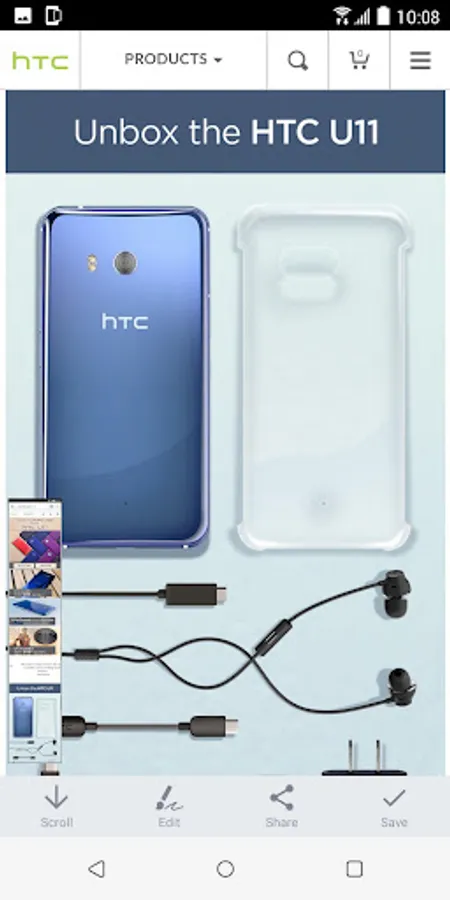
With HTC Screen Capture tool, now you can take a continuous screenshot for your chats, work documents or social network posts. It’s much easier to take multiple screenshots than having to press 2 keys at the same time with both hands. What’s even better, the final result will be a smooth, continuous image!
Share the essential part
Don't need so much information?
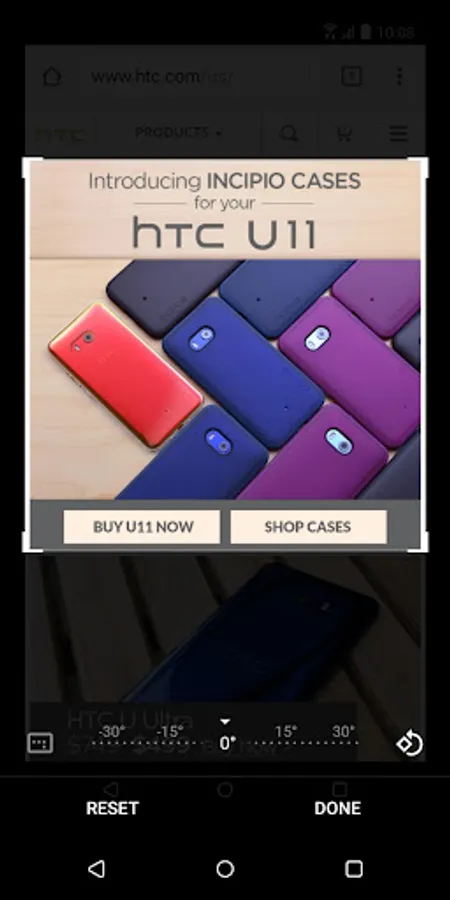
Crop a screenshot to share the most important part, or protect your private information.
What we provide in HTC Screen capture tool:
- Scroll screenshot
- Partial screenshot
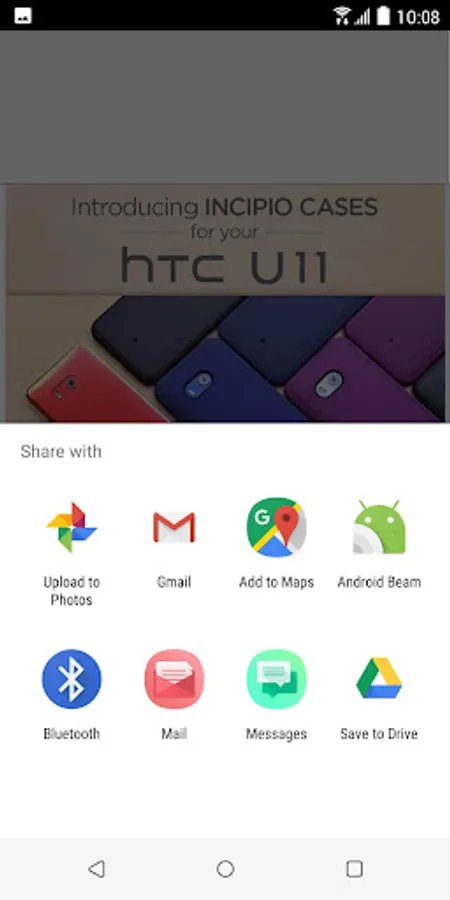
- Share screenshot immediately after it’s taken
HTC, the HTC logo and other HTC product and service names referenced in the Application are the trademarks or registered trademarks of HTC Corporation in the United States and other countries. Any other company names, product names, service names and logos referenced in connection with the Application may be the trademarks of their respective owners.
Share more information in one page
With HTC Screen Capture tool, now you can take a continuous screenshot for your chats, work documents or social network posts. It’s much easier to take multiple screenshots than having to press 2 keys at the same time with both hands. What’s even better, the final result will be a smooth, continuous image!
Share the essential part
Don't need so much information?
Crop a screenshot to share the most important part, or protect your private information.
What we provide in HTC Screen capture tool:
- Scroll screenshot
- Partial screenshot
- Share screenshot immediately after it’s taken
HTC, the HTC logo and other HTC product and service names referenced in the Application are the trademarks or registered trademarks of HTC Corporation in the United States and other countries. Any other company names, product names, service names and logos referenced in connection with the Application may be the trademarks of their respective owners.