Remote Mouse & PPT
htchoi
4.3 ★
store rating
10,000+
downloads
Free
AppRecs review analysis
AppRecs rating 4.3. Trustworthiness 0 out of 100. Review manipulation risk 0 out of 100. Based on a review sample analyzed.
★★★★☆
4.3
AppRecs Rating
Ratings breakdown
5 star
86%
4 star
0%
3 star
0%
2 star
0%
1 star
14%
What to know
✓
High user satisfaction
86% of sampled ratings are 4+ stars (4.3★ average)
✓
Authentic reviews
No red flags detected
About Remote Mouse & PPT
RemoteMouse & PPT
I'm going to use WIFI to make sure I don't get on Android phones.
ServerThe mouse function of the PC on which the program is running
App available.
Function
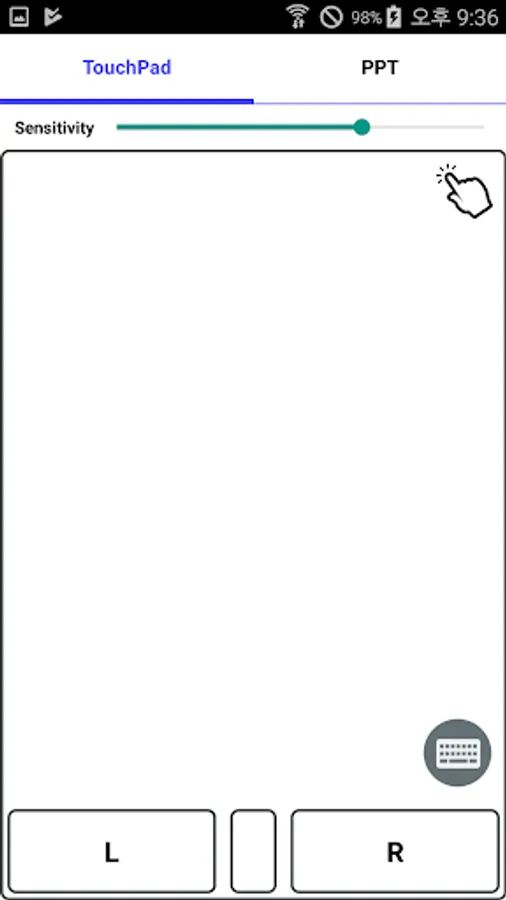
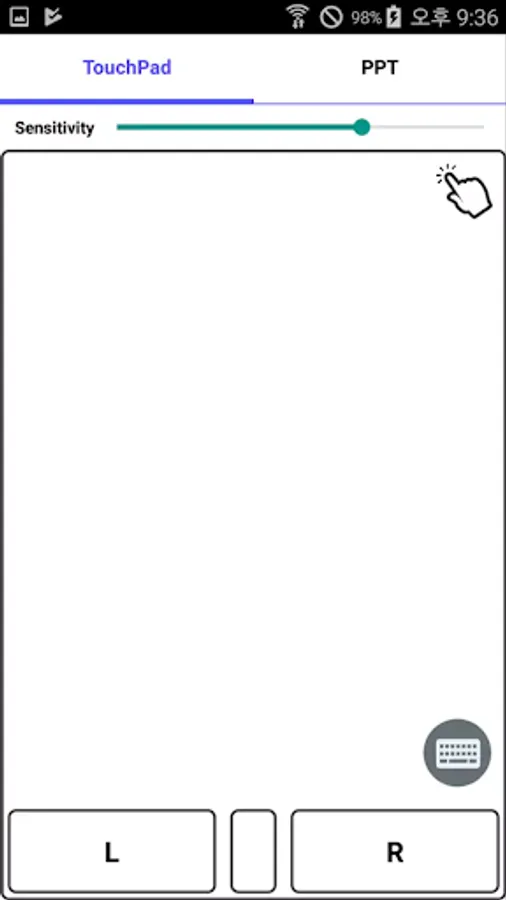
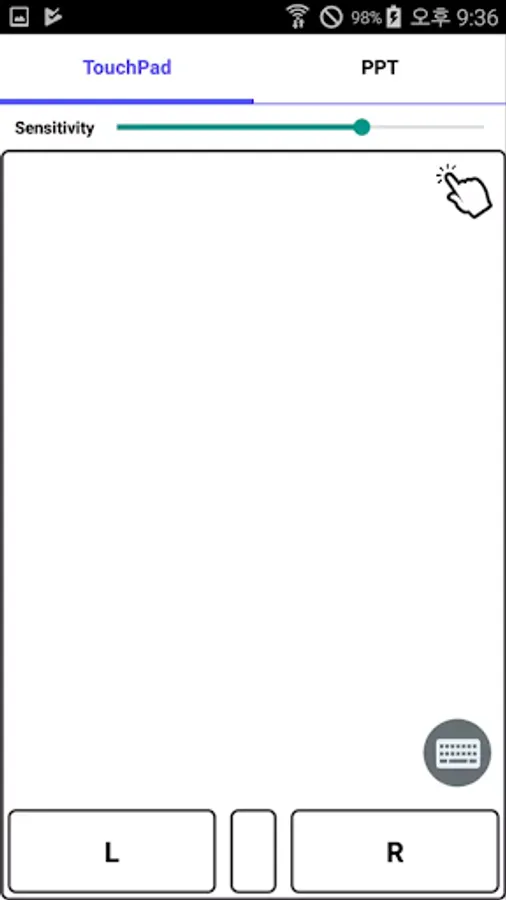
- Touch pad.
- Gyro Sensor Mouse
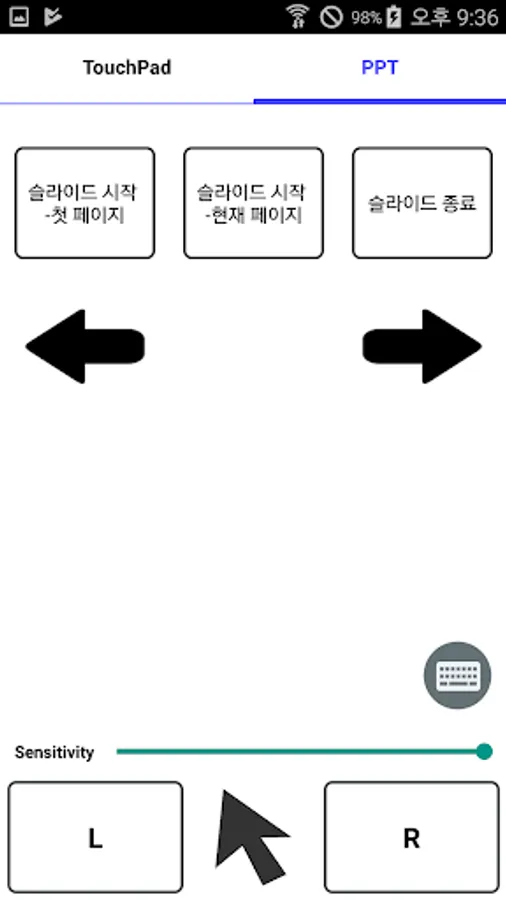
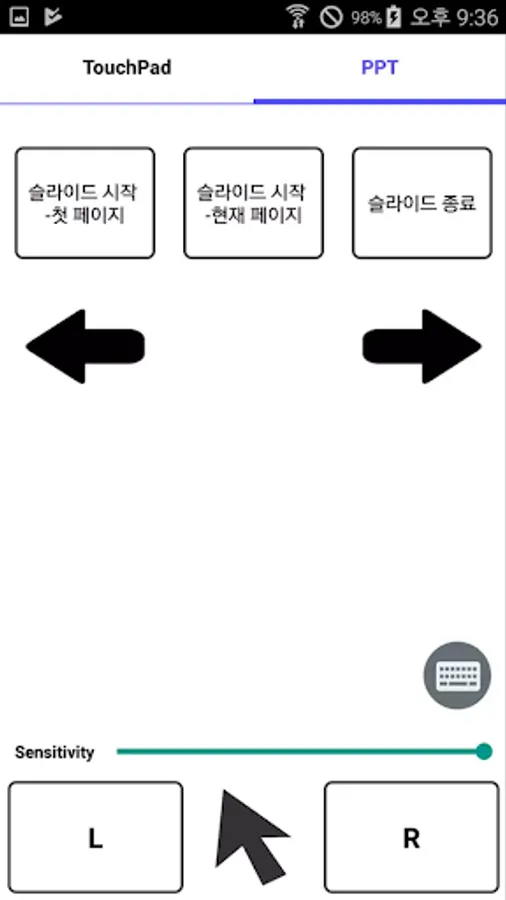
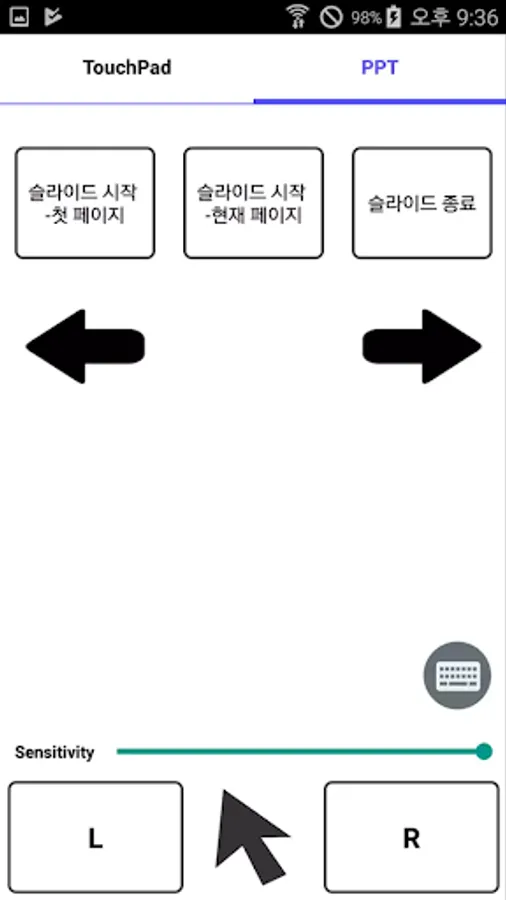
- Power point (PPT) control
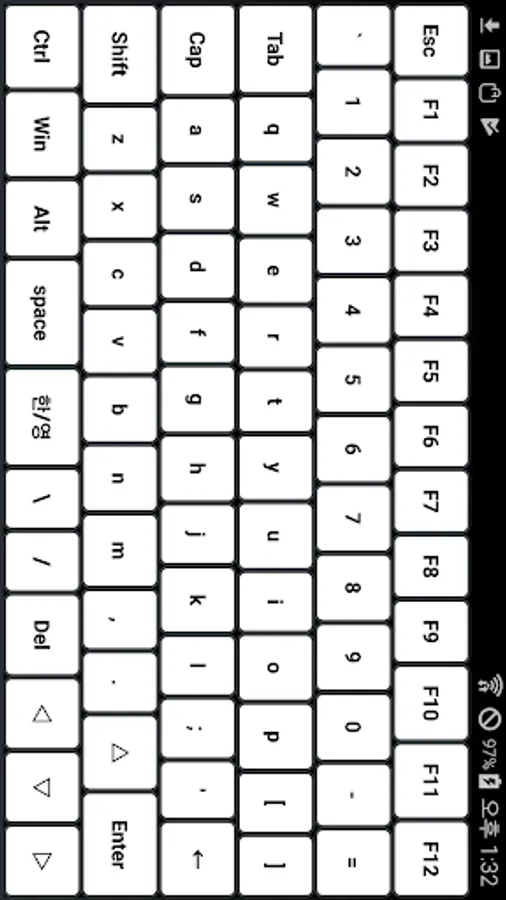
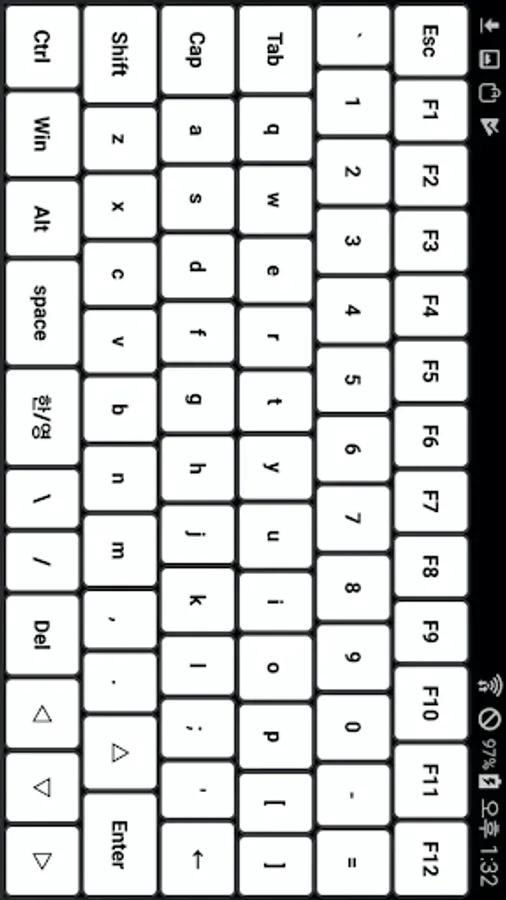
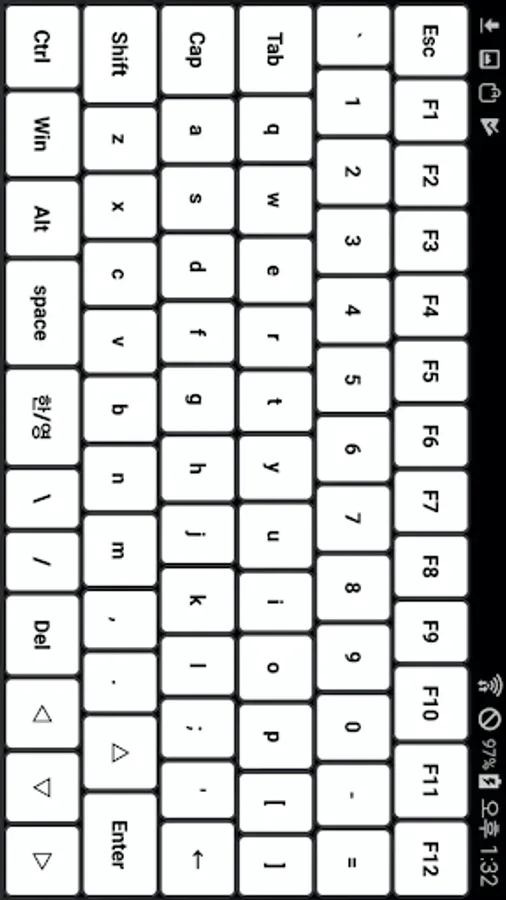
- Keyboard
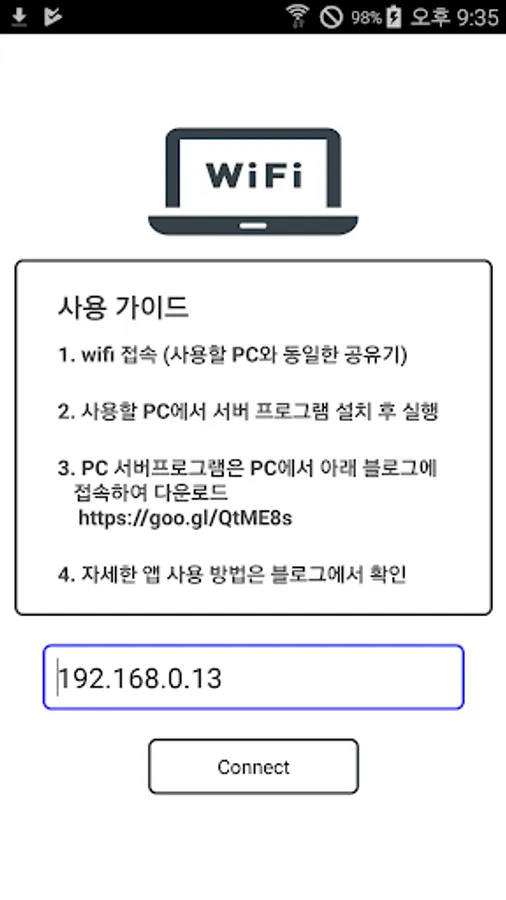
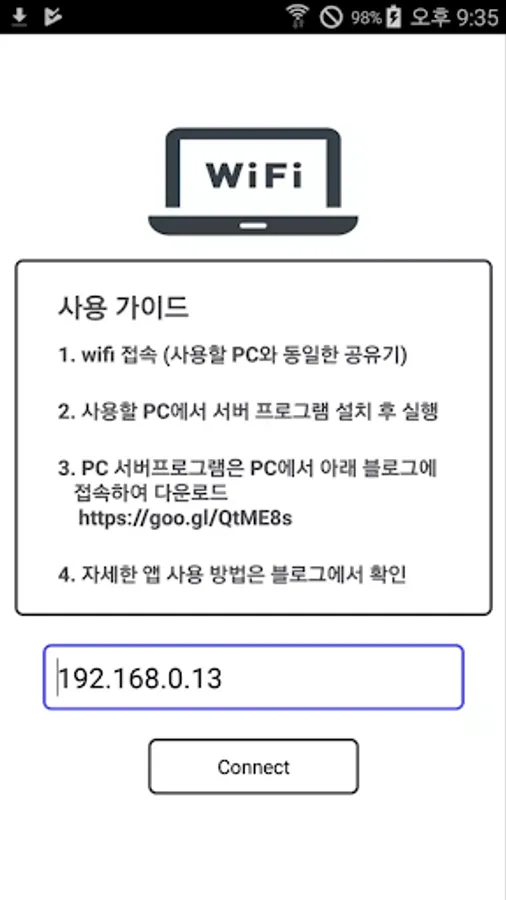
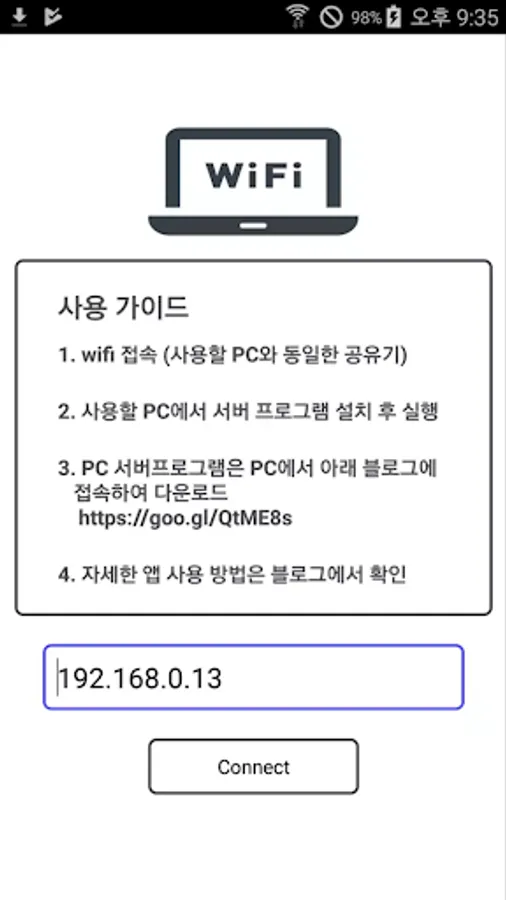
Before using it, make sure that the phone is connected to the same AP's WIFI as the PC.
Use after running the server on your PC.
You can download the PC server program from the blog below.
URL : https://muz.so/aav3
Github : https://github.com/htchoi84/Remote-Mouse-Server
You can connect to the server by typing the IP that appears on the server that you ran without having to verify the IP.
Created: Choi Hyun Tae
I'm going to use WIFI to make sure I don't get on Android phones.
ServerThe mouse function of the PC on which the program is running
App available.
Function
- Touch pad.
- Gyro Sensor Mouse
- Power point (PPT) control
- Keyboard
Before using it, make sure that the phone is connected to the same AP's WIFI as the PC.
Use after running the server on your PC.
You can download the PC server program from the blog below.
URL : https://muz.so/aav3
Github : https://github.com/htchoi84/Remote-Mouse-Server
You can connect to the server by typing the IP that appears on the server that you ran without having to verify the IP.
Created: Choi Hyun Tae