
With this app, you can write and edit HTML code, transfer code from PC, and use various tutorials. Includes code transfer, text editing, examples, tutorials, and file management features.
AppRecs review analysis
AppRecs rating 4.3. Trustworthiness 0 out of 100. Review manipulation risk 0 out of 100. Based on a review sample analyzed.
★★★★☆
4.3
AppRecs Rating
Ratings breakdown
5 star
76%
4 star
0%
3 star
0%
2 star
24%
1 star
0%
What to know
✓
High user satisfaction
76% of sampled ratings are 4+ stars (4.3★ average)
About HTML Code Play Pro
This is the pro version of HTML Code Play you can try the free version from this link
https://play.google.com/store/apps/details?id=com.HTML.AngularJS.Codeplay
Extra features from free version
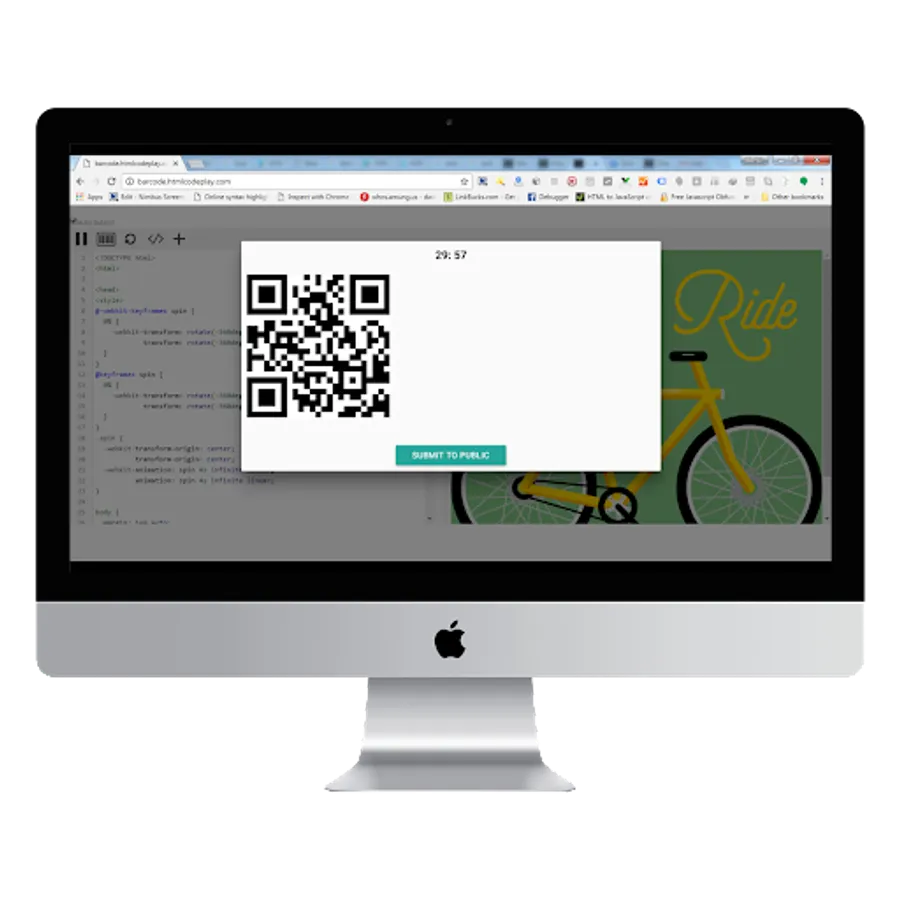
1) You can transfer the code from PC to your HTML Code Play Pro app
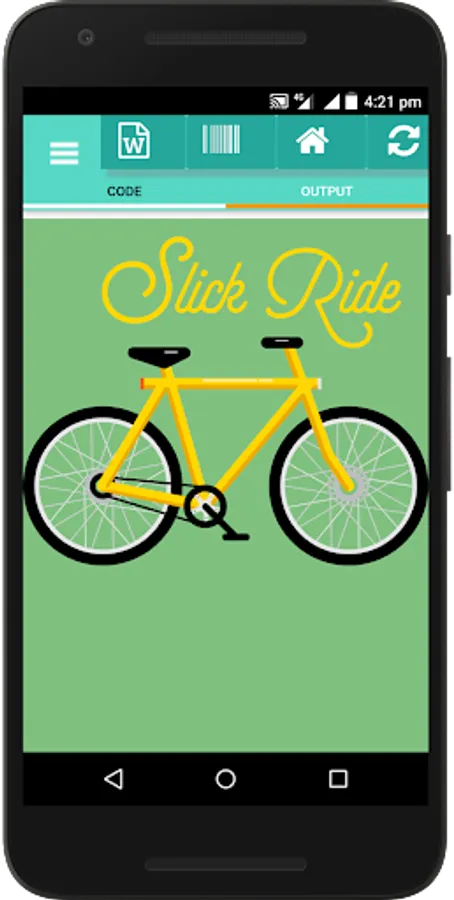
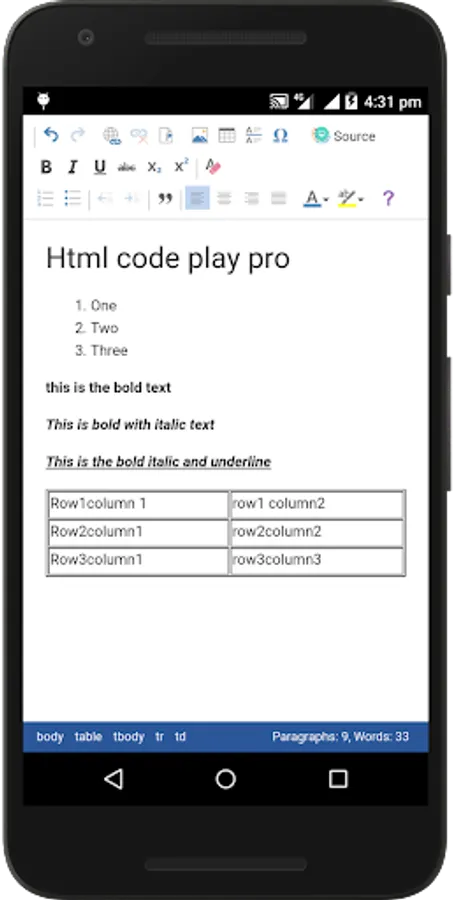
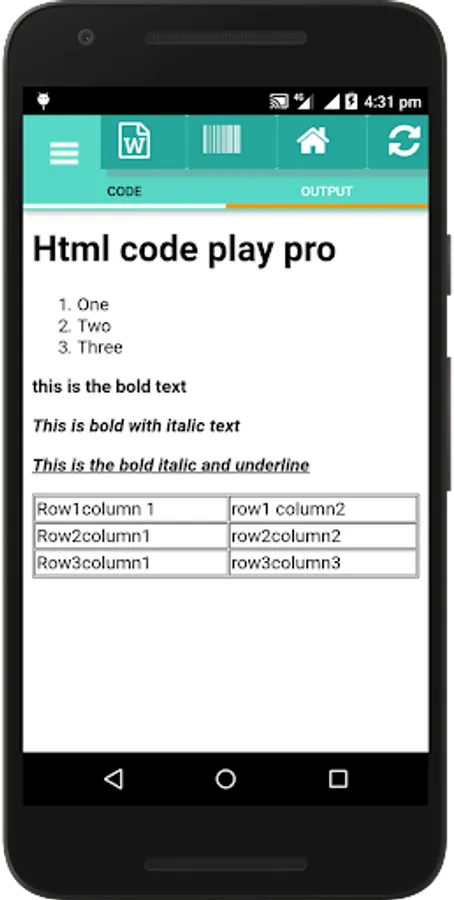
2) Word to HTML (Edit your text like a word document and convert it to HTML code)
3) Newly added many examples
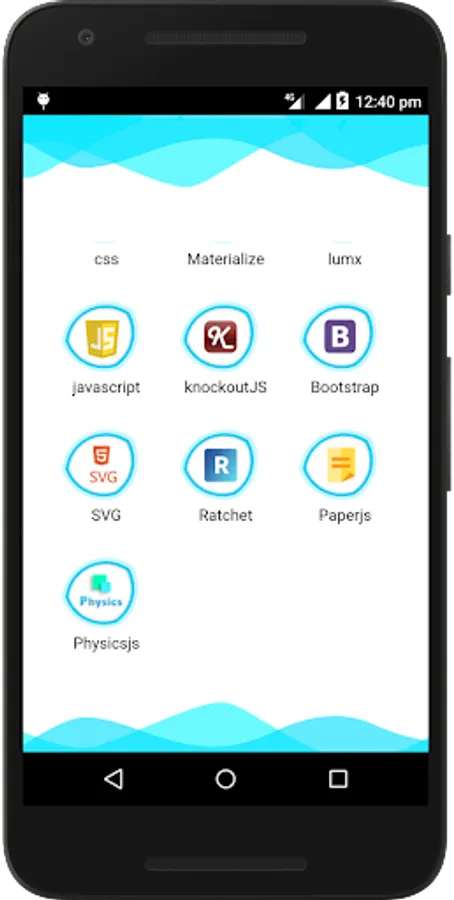
4) SVG tutorial added
5) Ratchet tutorial added
6) You can fetch the code for the given URL and edit it.
7) You can save the file in a single file (over right no need to save another file)
8) You can delete the old saved file by pressing and holding.
9) No need to open new code from the previous menu.
10) Some designs and icons were changed.
11) No ads :)
https://play.google.com/store/apps/details?id=com.HTML.AngularJS.Codeplay
Extra features from free version
1) You can transfer the code from PC to your HTML Code Play Pro app
2) Word to HTML (Edit your text like a word document and convert it to HTML code)
3) Newly added many examples
4) SVG tutorial added
5) Ratchet tutorial added
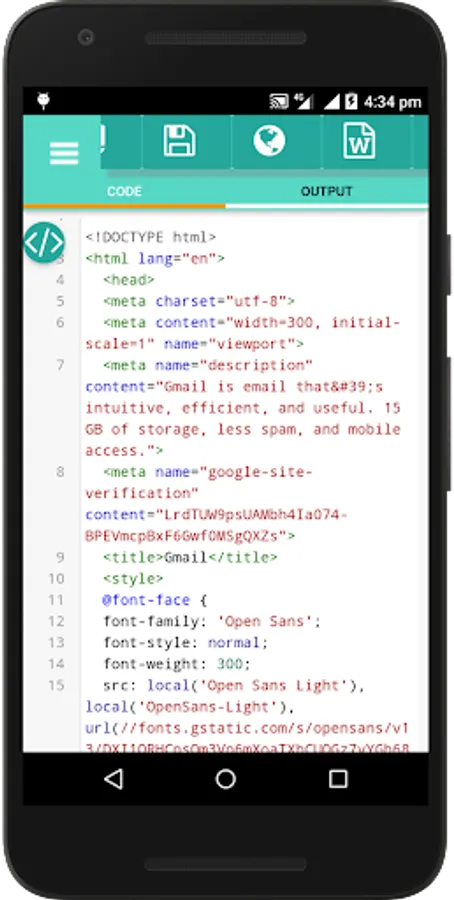
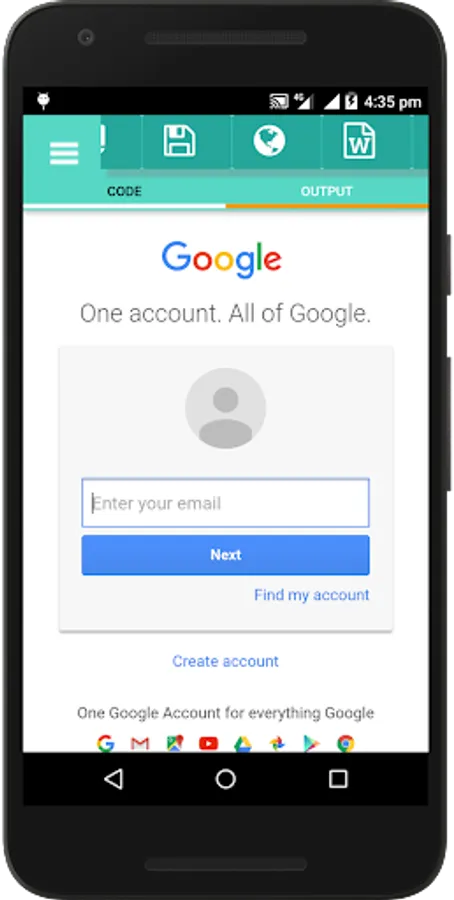
6) You can fetch the code for the given URL and edit it.
7) You can save the file in a single file (over right no need to save another file)
8) You can delete the old saved file by pressing and holding.
9) No need to open new code from the previous menu.
10) Some designs and icons were changed.
11) No ads :)
HTML Code Play Pro Screenshots
Tap to Rate: