Huawei Router Setup Guide
duruapps
3.0 ★
store rating
100,000+
downloads
Free
With this app, you can follow step-by-step instructions to configure and troubleshoot Huawei routers, change passwords, or set up Wi-Fi extensions. Includes tutorials on device reset, firmware updates, guest networks, and parental controls.
AppRecs review analysis
AppRecs rating 3.0. Trustworthiness 0 out of 100. Review manipulation risk 0 out of 100. Based on a review sample analyzed.
★★★☆☆
3.0
AppRecs Rating
Ratings breakdown
5 star
46%
4 star
0%
3 star
7%
2 star
0%
1 star
46%
What to know
✓
Authentic reviews
No red flags detected
⚠
High negative review ratio
46% of sampled ratings are 1–2 stars
About Huawei Router Setup Guide
The setup settings of the Huawei router you have just bought or the router you have forgotten and reset its password must be adjusted. Many router settings such as device update, Huawei password change and wifi extender setup, and bridge mode are required.
What's in the app content
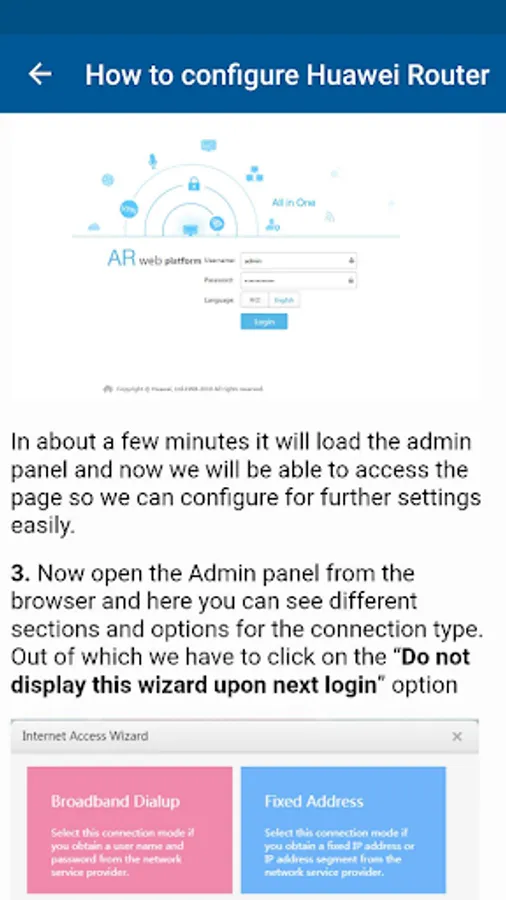
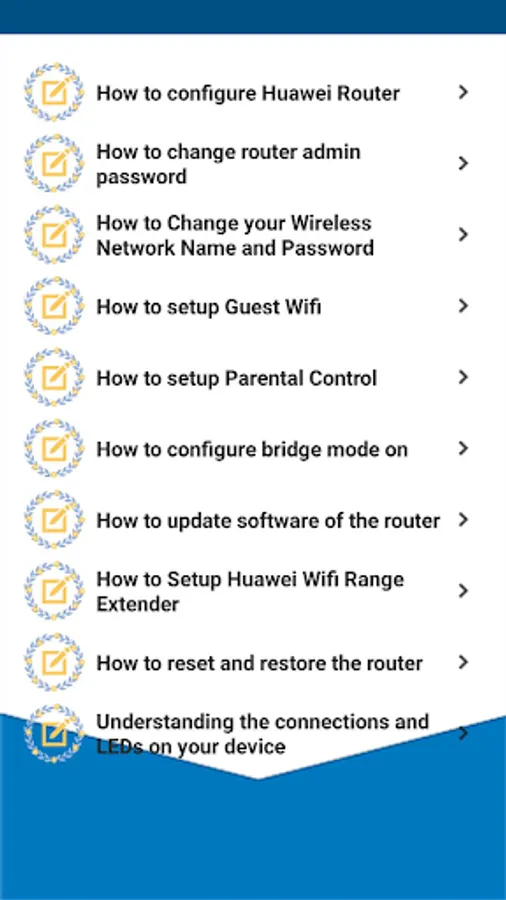
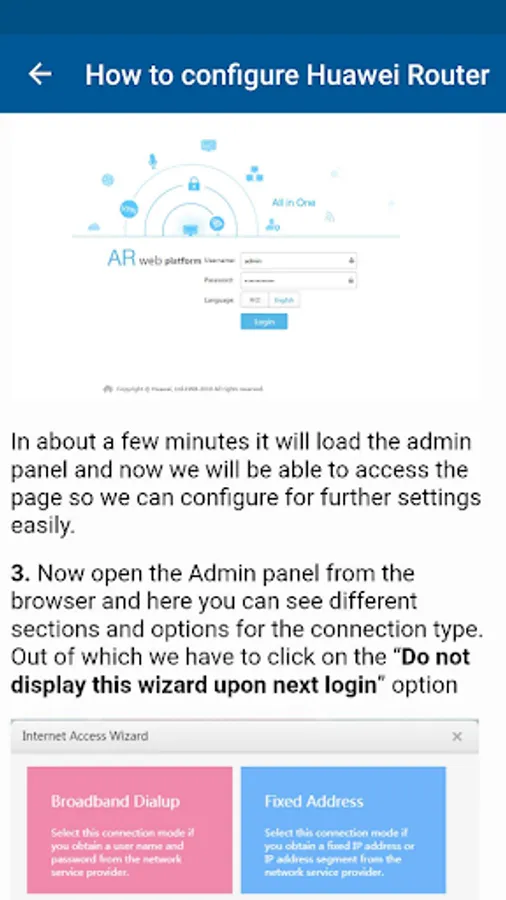
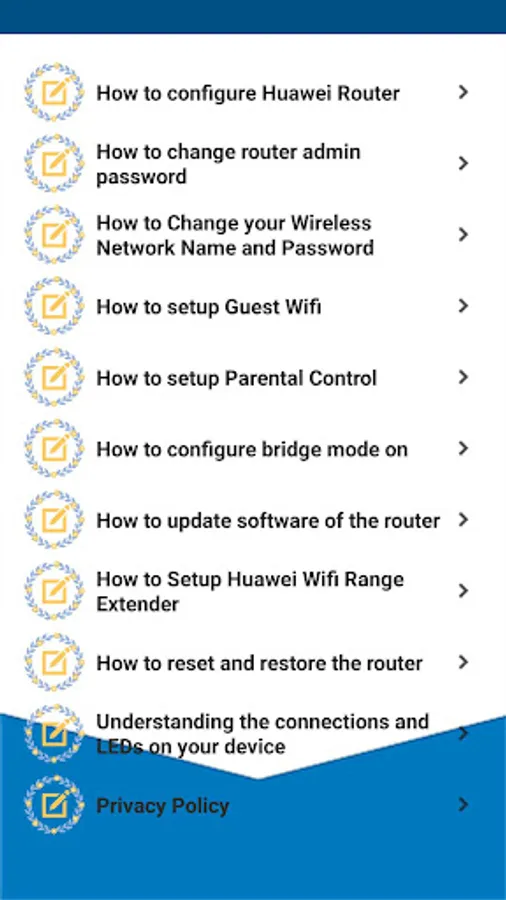
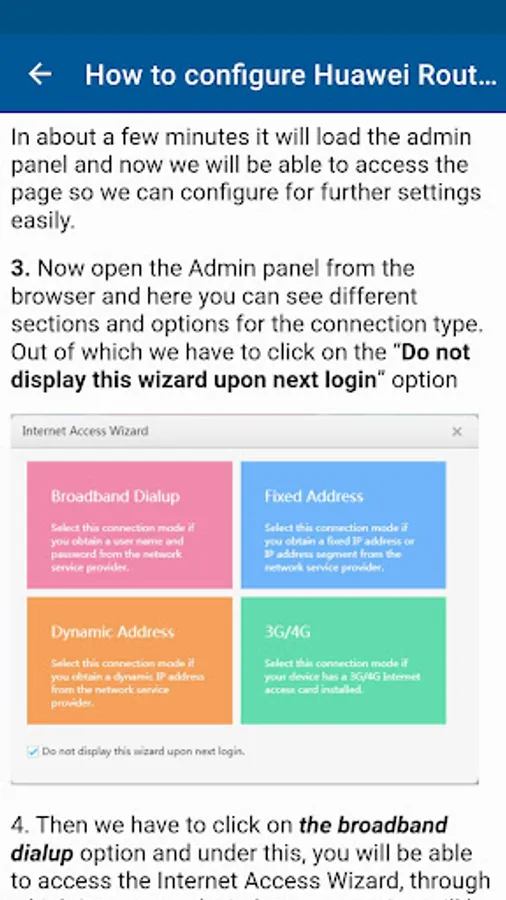
* How to configure Huawei Router (Default ip address is 192.168.l.l Huawei, username and password are "admin".)
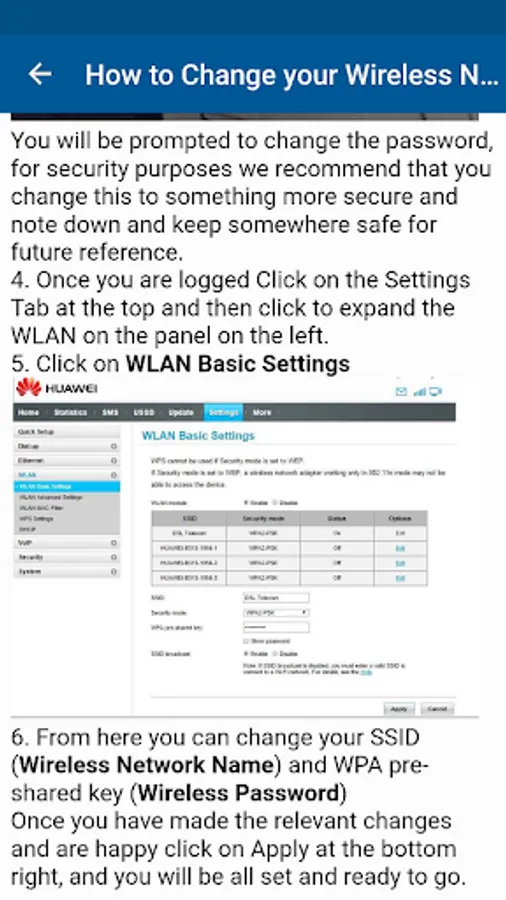
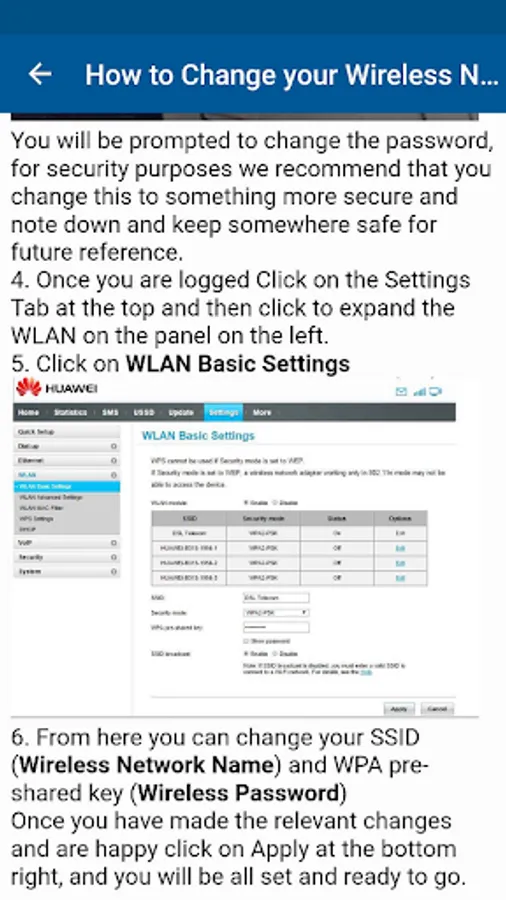
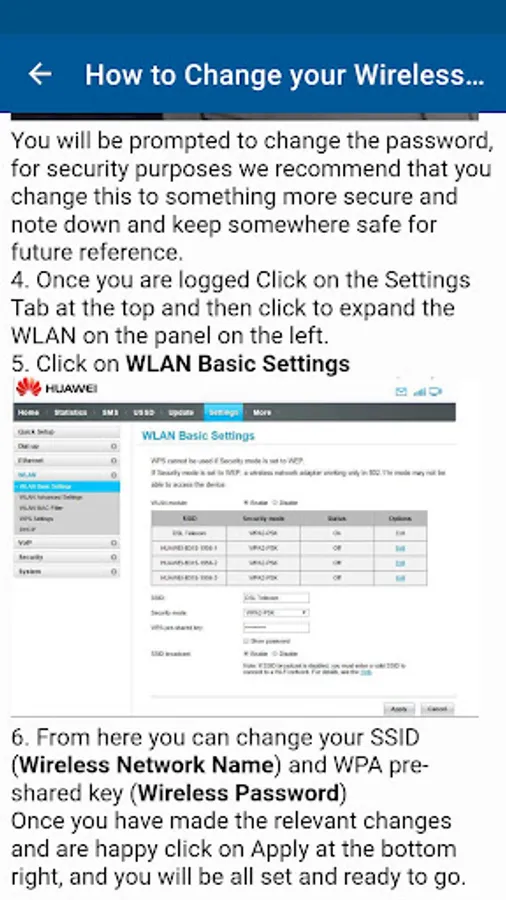
* How to Change Your Wireless Network Name and Password
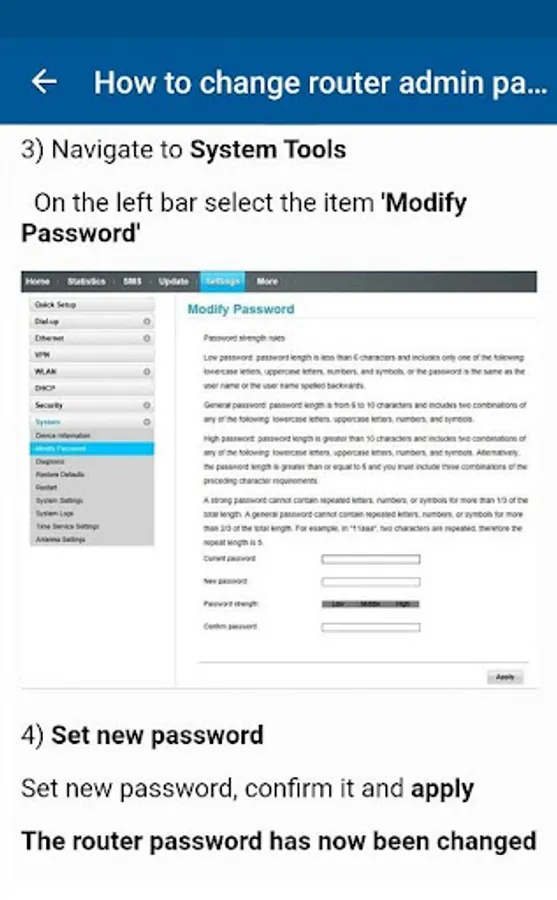
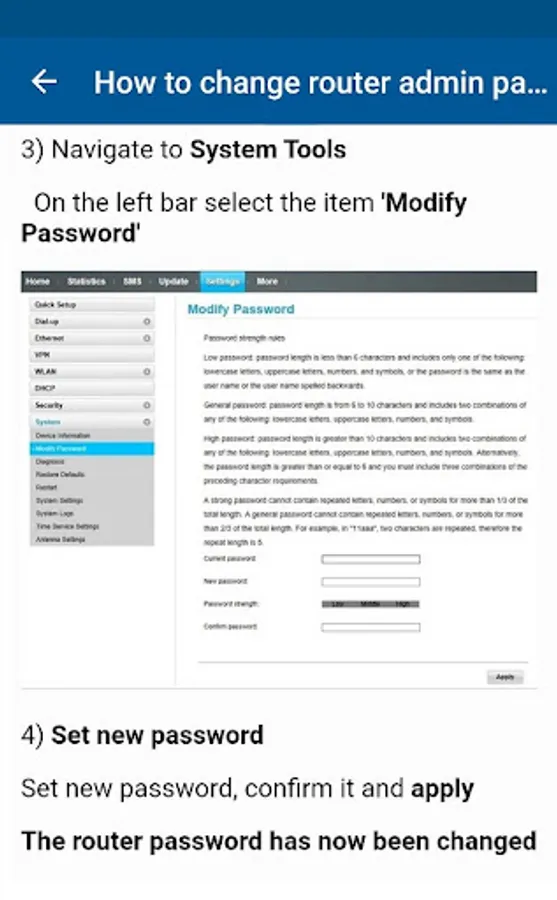
* How to change Huawei Router admin password
* How to set up guest wifi
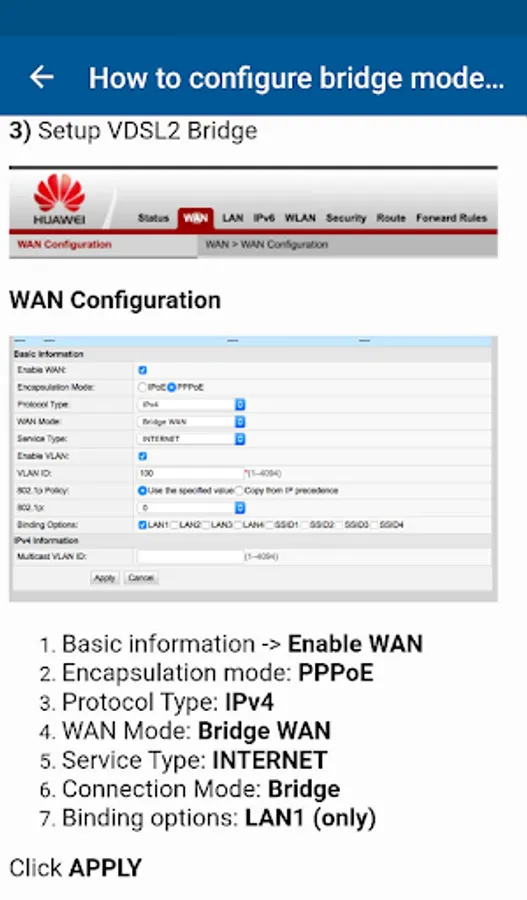
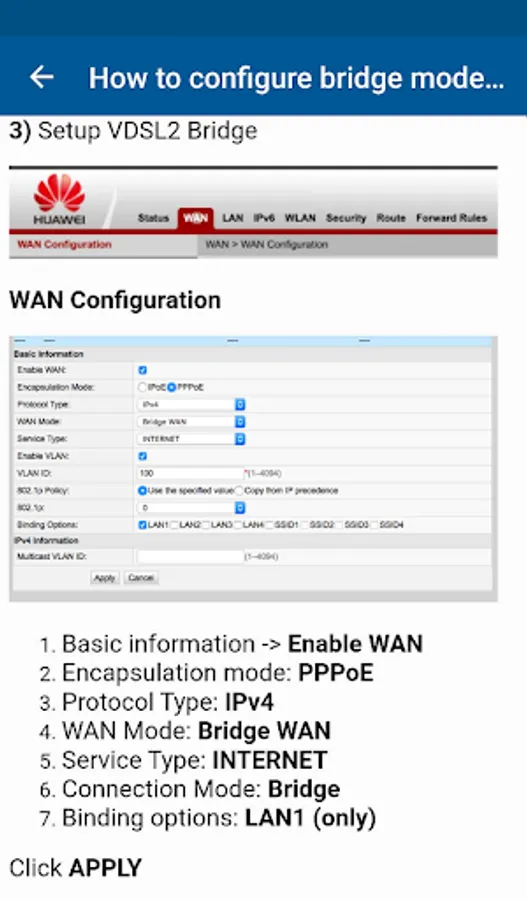
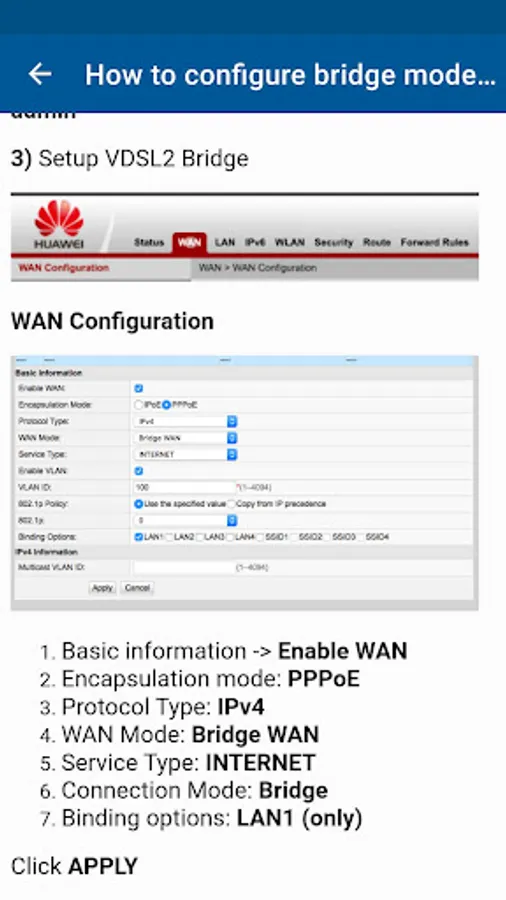
* How to configure parental control and bridge mode
* How to update the software of Huawei router
* How to reset and restore the router
* How to setup Huawei Wifi range extender (default ip address 192.168.33.1 for wifi repeater input)
* Understanding the connections and LEDs on your device
What's in the app content
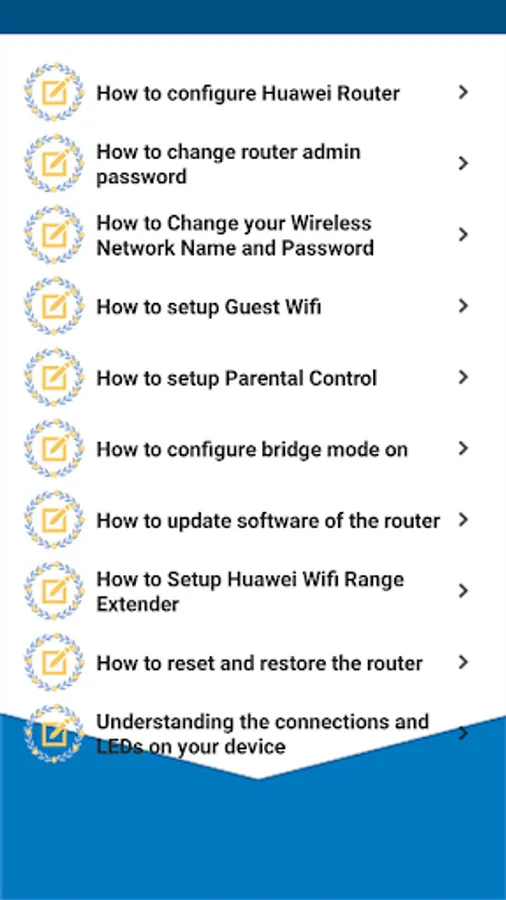
* How to configure Huawei Router (Default ip address is 192.168.l.l Huawei, username and password are "admin".)
* How to Change Your Wireless Network Name and Password
* How to change Huawei Router admin password
* How to set up guest wifi
* How to configure parental control and bridge mode
* How to update the software of Huawei router
* How to reset and restore the router
* How to setup Huawei Wifi range extender (default ip address 192.168.33.1 for wifi repeater input)
* Understanding the connections and LEDs on your device