HPA
Hyper ICT
100+
downloads
Free
AppRecs review analysis
AppRecs rating 4.5. Trustworthiness 62 out of 100. Review manipulation risk 30 out of 100. Based on a review sample analyzed.
★★★★☆
4.5
AppRecs Rating
Ratings breakdown
5 star
100%
4 star
0%
3 star
0%
2 star
0%
1 star
0%
What to know
✓
Low review manipulation risk
30% review manipulation risk
✓
High user satisfaction
100% of sampled ratings are 5 stars
About HPA
Hyper Private Access (HPA) - Secure Remote Access for Android Devices
Technical Description
Overview
Hyper Private Access (HPA) is a secure remote access solution that enables Android devices to connect seamlessly to a corporate network via an encrypted tunnel. It utilizes Zero Trust Network Access (ZTNA) architecture to ensure unparalleled security and granular access control. HPA empowers organizations to securely connect their remote workforce, enhancing productivity and flexibility while maintaining robust security posture.
Key Features
- ZTNA Architecture: HPA employs ZTNA principles to eliminate the need for traditional VPNs, minimizing the attack surface and reducing the risk of unauthorized access.
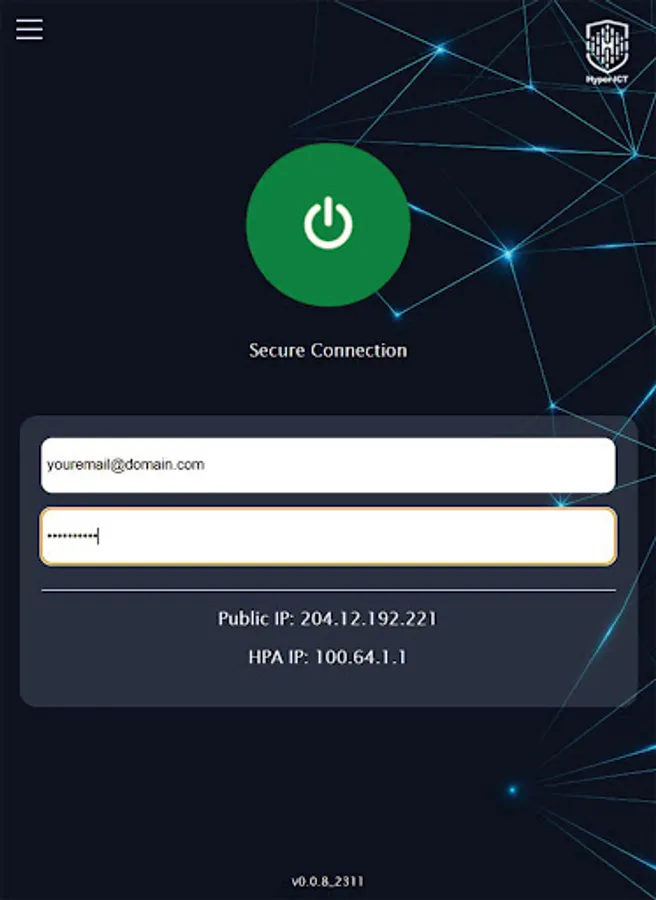
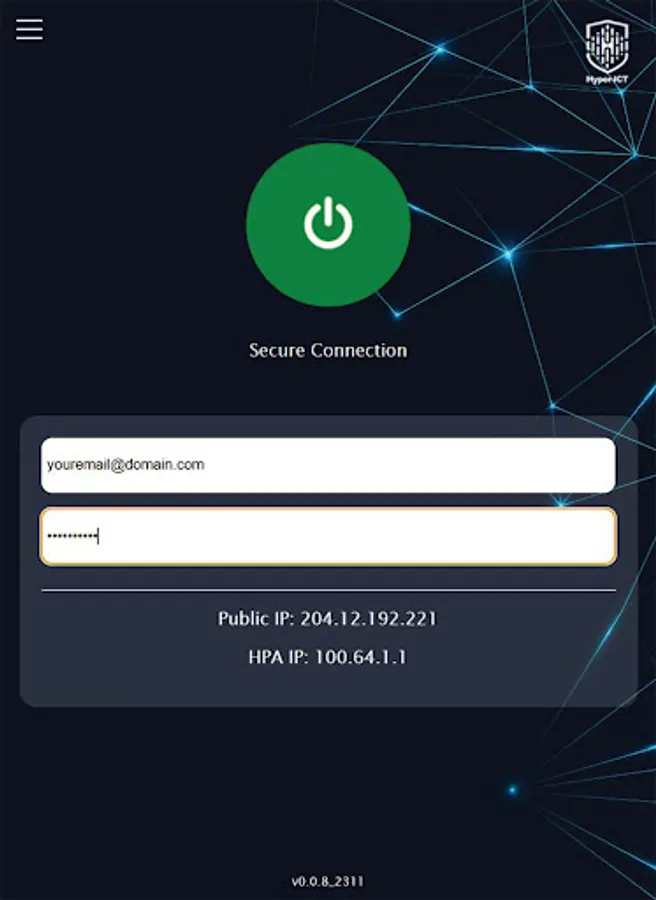
- Encrypted Tunnel: HPA establishes a secure encrypted tunnel between authorized users and specific applications or resources, preventing unauthorized access to the entire corporate network.
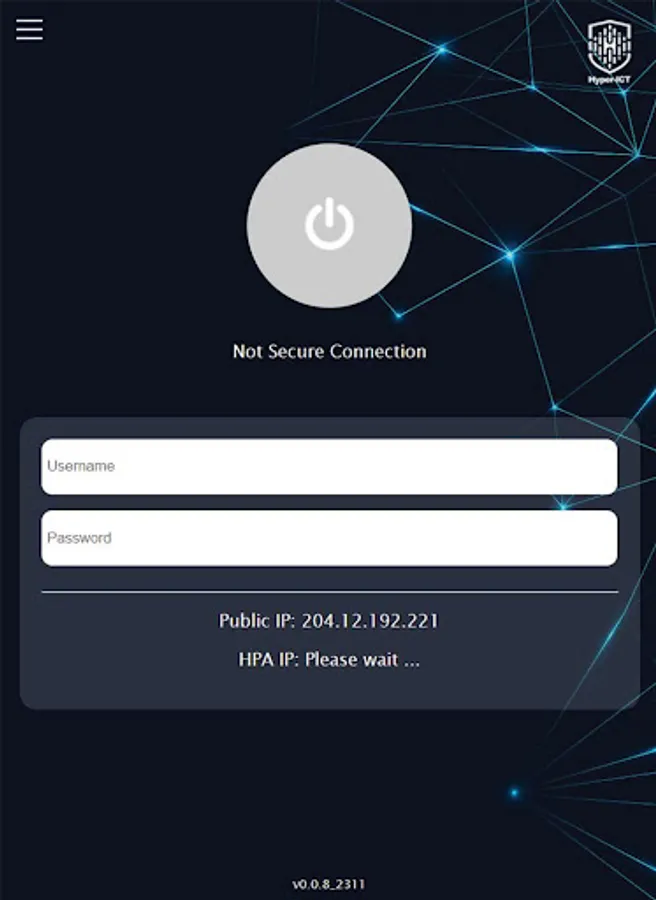
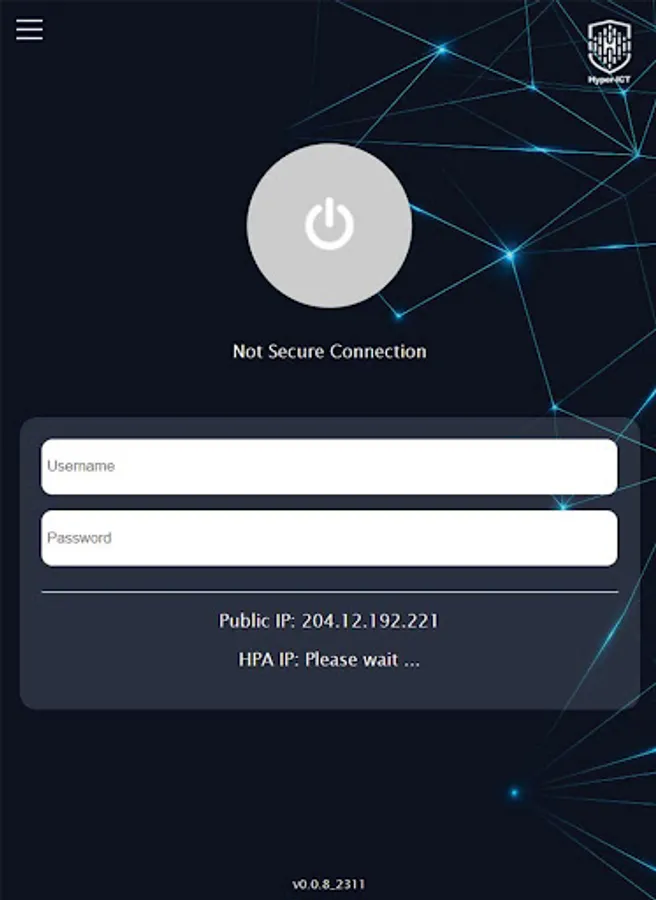
- Simplified User Experience: HPA offers a user-friendly interface that streamlines the onboarding and connection process for users.
- Granular Access Control: Administrators can define specific network segments for each user, ensuring that users only have access to the resources they need to perform their job duties.
- Scalability and Flexibility: HPA supports a growing remote workforce and evolving network infrastructure.
User Guide
- Receive Invitation: Users receive an invitation from their network administrator via email.
-Create Account: Users create their own username and password.
- Activate Account: Users receive an email notification once their account is activated.
- Install App: Users download and install the HPA app from the Google Play Store.
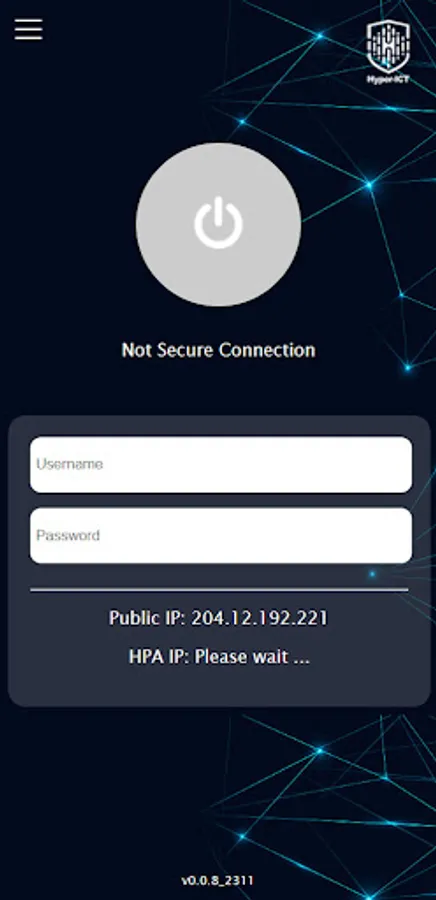
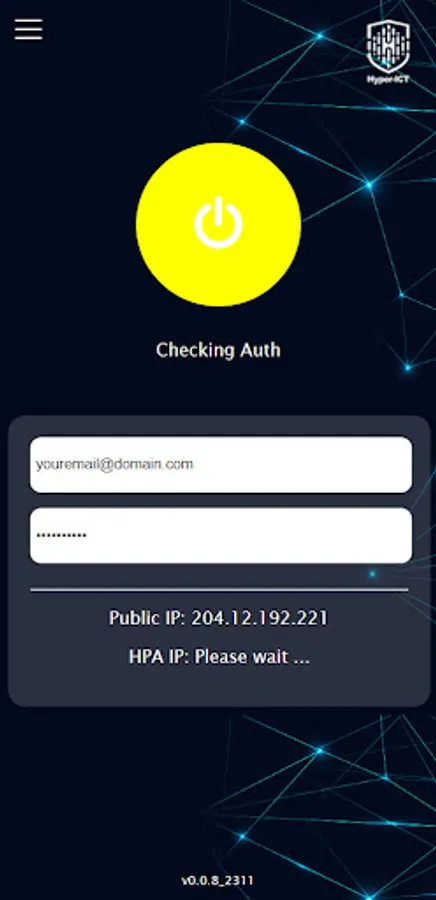
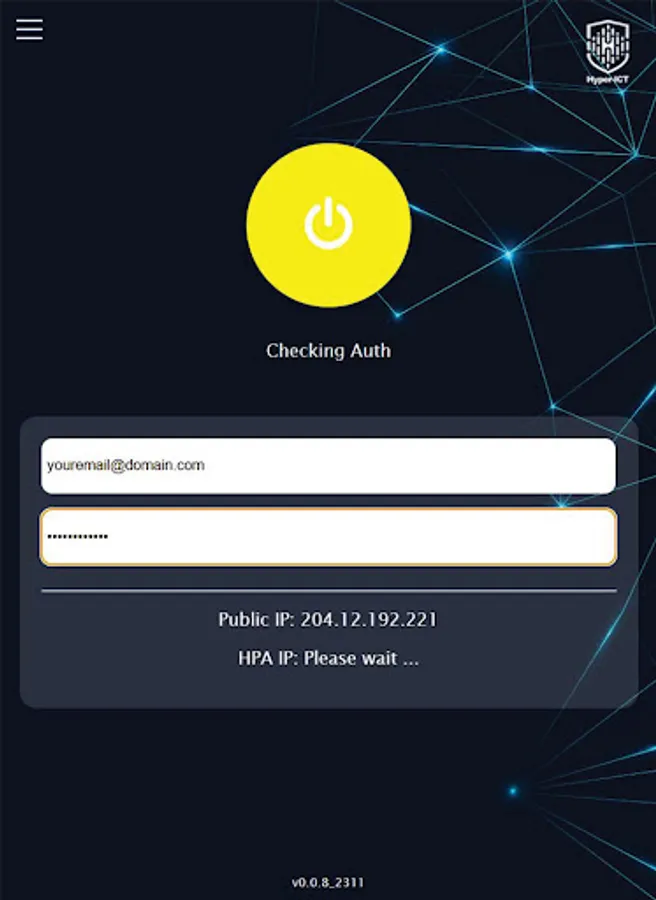
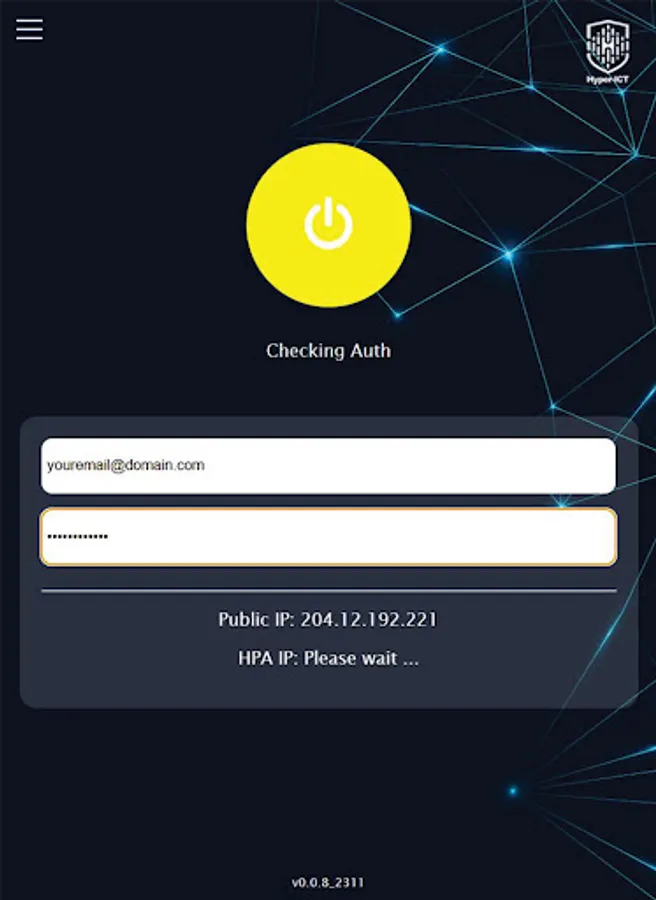
- Sign In: Users enter their username and password into the HPA app.
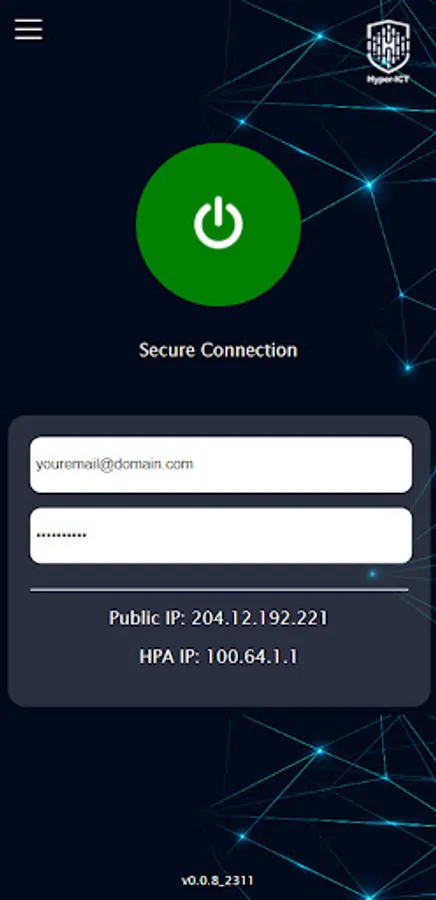
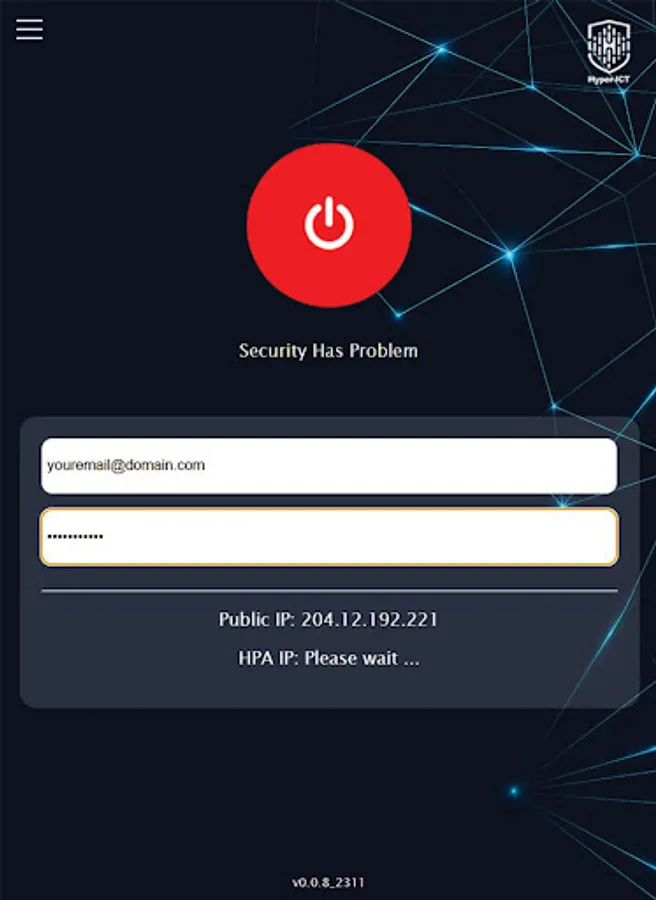
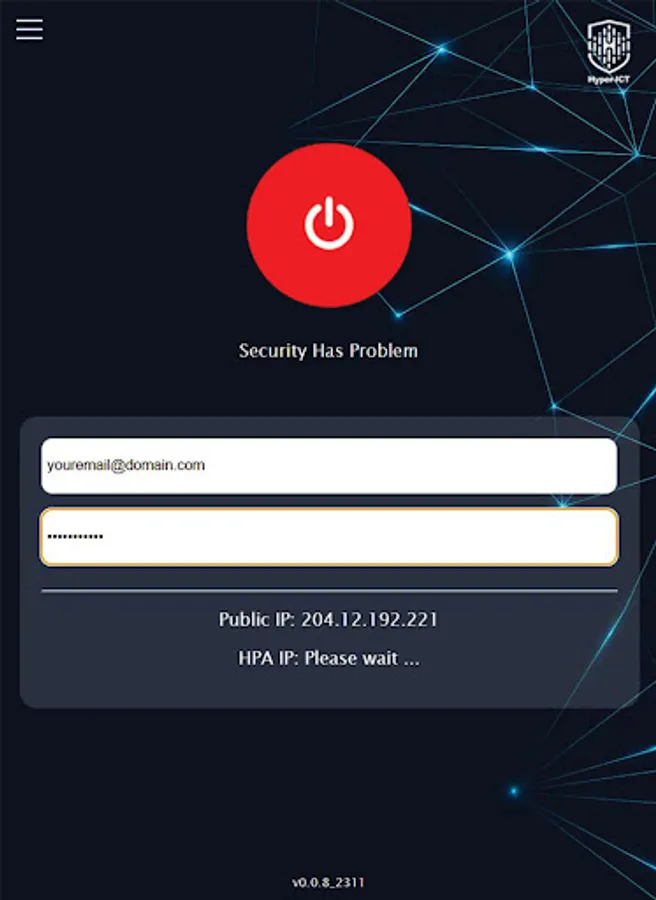
- Connect: Users tap the connect button to establish a secure encrypted tunnel to the corporate network.
Conclusion
Hyper Private Access (HPA) is a robust and secure remote access solution that empowers organizations to connect their remote workforce seamlessly and securely. Its ZTNA architecture, granular access control, and user-friendly interface make it an ideal solution for organizations of all sizes seeking to enhance productivity and flexibility while maintaining robust security posture.
Technical Description
Overview
Hyper Private Access (HPA) is a secure remote access solution that enables Android devices to connect seamlessly to a corporate network via an encrypted tunnel. It utilizes Zero Trust Network Access (ZTNA) architecture to ensure unparalleled security and granular access control. HPA empowers organizations to securely connect their remote workforce, enhancing productivity and flexibility while maintaining robust security posture.
Key Features
- ZTNA Architecture: HPA employs ZTNA principles to eliminate the need for traditional VPNs, minimizing the attack surface and reducing the risk of unauthorized access.
- Encrypted Tunnel: HPA establishes a secure encrypted tunnel between authorized users and specific applications or resources, preventing unauthorized access to the entire corporate network.
- Simplified User Experience: HPA offers a user-friendly interface that streamlines the onboarding and connection process for users.
- Granular Access Control: Administrators can define specific network segments for each user, ensuring that users only have access to the resources they need to perform their job duties.
- Scalability and Flexibility: HPA supports a growing remote workforce and evolving network infrastructure.
User Guide
- Receive Invitation: Users receive an invitation from their network administrator via email.
-Create Account: Users create their own username and password.
- Activate Account: Users receive an email notification once their account is activated.
- Install App: Users download and install the HPA app from the Google Play Store.
- Sign In: Users enter their username and password into the HPA app.
- Connect: Users tap the connect button to establish a secure encrypted tunnel to the corporate network.
Conclusion
Hyper Private Access (HPA) is a robust and secure remote access solution that empowers organizations to connect their remote workforce seamlessly and securely. Its ZTNA architecture, granular access control, and user-friendly interface make it an ideal solution for organizations of all sizes seeking to enhance productivity and flexibility while maintaining robust security posture.