
Hyundai Digital Key
Hyundai Motor America
4.2 ★
5K ratings
100,000+
downloads
Free
With this app, you can lock, unlock, start, and control your Hyundai vehicle remotely using NFC and Bluetooth technology. Includes digital key sharing, remote vehicle management, and permission controls.
AppRecs review analysis
AppRecs rating 4.1. Trustworthiness 82 out of 100. Review manipulation risk 16 out of 100. Based on a review sample analyzed.
★★★★☆
4.1
AppRecs Rating
Ratings breakdown
5 star
71%
4 star
10%
3 star
3%
2 star
4%
1 star
13%
What to know
✓
Low review manipulation risk
16% review manipulation risk
✓
Credible reviews
82% trustworthiness score from analyzed reviews
✓
High user satisfaction
81% of sampled ratings are 4+ stars (4.2★ average)
About Hyundai Digital Key
Introducing Hyundai Digital Key! Using Hyundai Digital Key, you can quickly access and control your Digital Key equipped vehicle using your smartphone. Hyundai Digital Key also allows you to easily create, share and manage digital keys to give friends or family access to your vehicle. With Hyundai Digital Key, you can:
Lock, unlock and start your Hyundai (requires NFC)
Using your smartphone, simply tap your phone on the door handle to lock or unlock your vehicle. When you’re ready to drive, just place your smartphone on the wireless charging pad to start your vehicle.
Remotely control your vehicle using Bluetooth
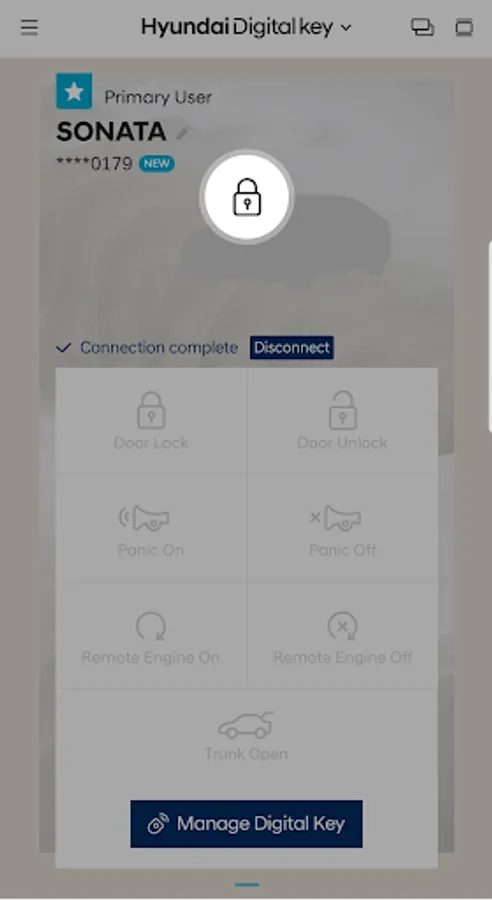
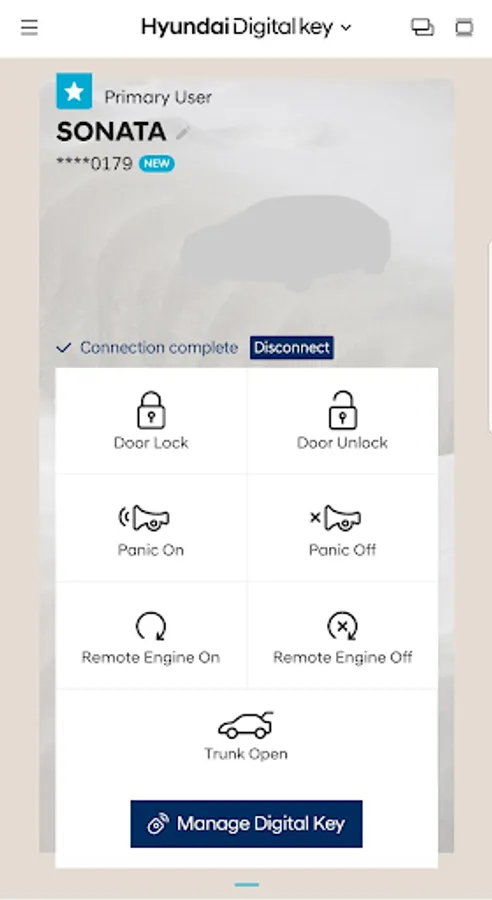
Hyundai Digital Key lets you remotely control your vehicle from a distance using Bluetooth technology. Use the button in the app to remotely start/stop your engine, lock/unlock your doors, turn panic mode on/off or open your trunk.
Share and manage digital keys
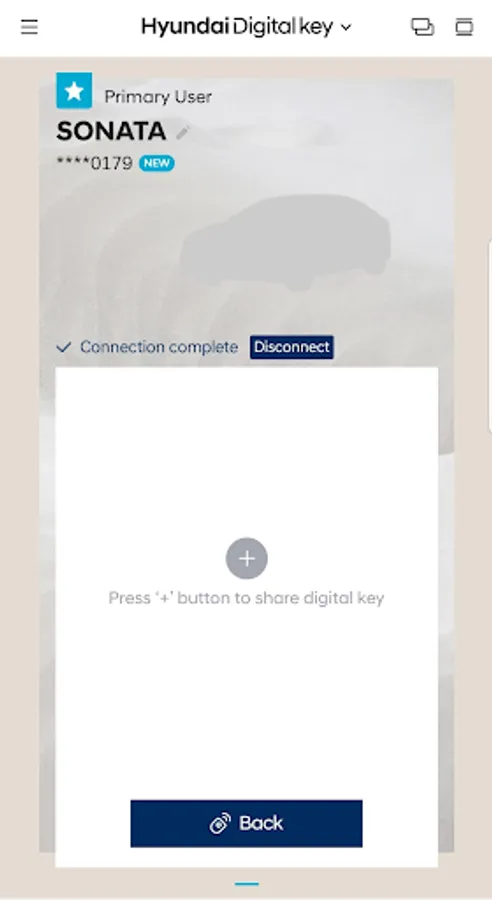
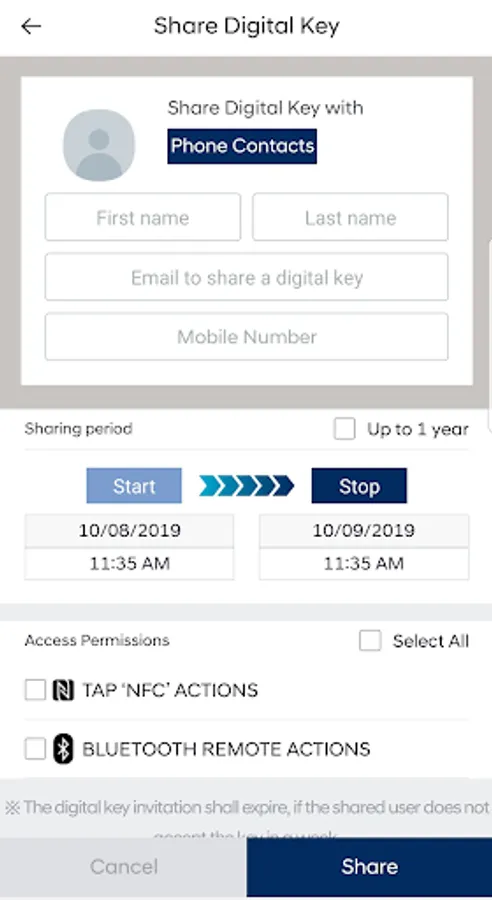
When you want to give someone access to your vehicle, easily create and send them a digital key. Once the invite is accepted, they will be able to use the Hyundai Digital Key app to access or control your vehicle based on the permissions and time period you’ve allowed. Also pause your own digital keys or delete shared keys using the app or on MyHyundai.com.
Hyundai Digital Key Screenshots
Tap to Rate:
Reviews for Hyundai Digital Key
John Folk
12/28/2025
Never saves my info...very clunky
IM Bercer
12/28/2025
Needs to work with all Hyundai vehicles. Very frustrating. Great idea, lousy implementation.