IBM HMC Mobile
International Business Machines Corp.
4.4 ★
store rating
1,000+
downloads
Free
AppRecs review analysis
AppRecs rating 4.2. Trustworthiness 77 out of 100. Review manipulation risk 27 out of 100. Based on a review sample analyzed.
★★★★☆
4.2
AppRecs Rating
Ratings breakdown
5 star
76%
4 star
0%
3 star
12%
2 star
12%
1 star
0%
What to know
✓
Low review manipulation risk
27% review manipulation risk
✓
Credible reviews
77% trustworthiness score from analyzed reviews
✓
High user satisfaction
76% of sampled ratings are 4+ stars (4.4★ average)
About IBM HMC Mobile
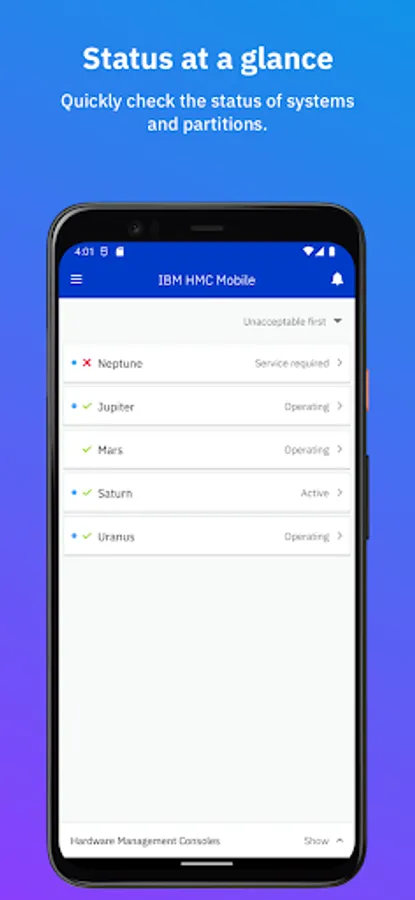
Introducing IBM HMC Mobile, the app that allows you to monitor and manage your IBM Z and LinuxONE systems from your mobile device. Keep watch over all of your systems and partitions and receive alerts when hardware messages, OS messages, or status changes arise.
Key features:
• Access all of your systems, even if they’re spread across multiple HMCs
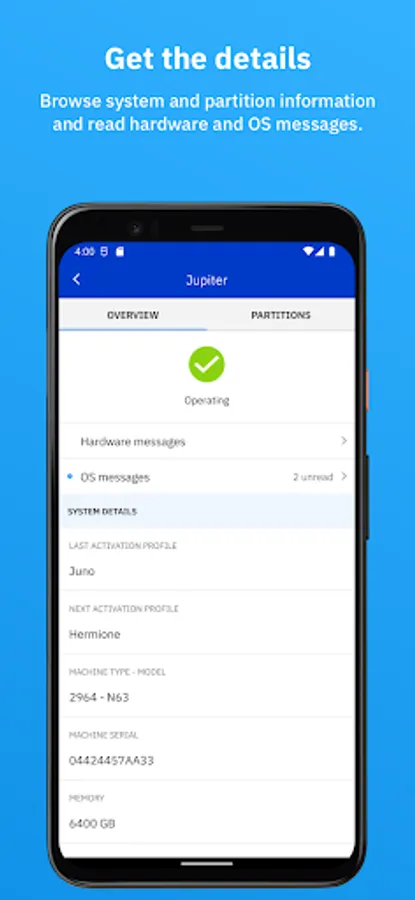
• View system status, hardware messages, and configuration details
• View partition status, OS messages, and configuration details
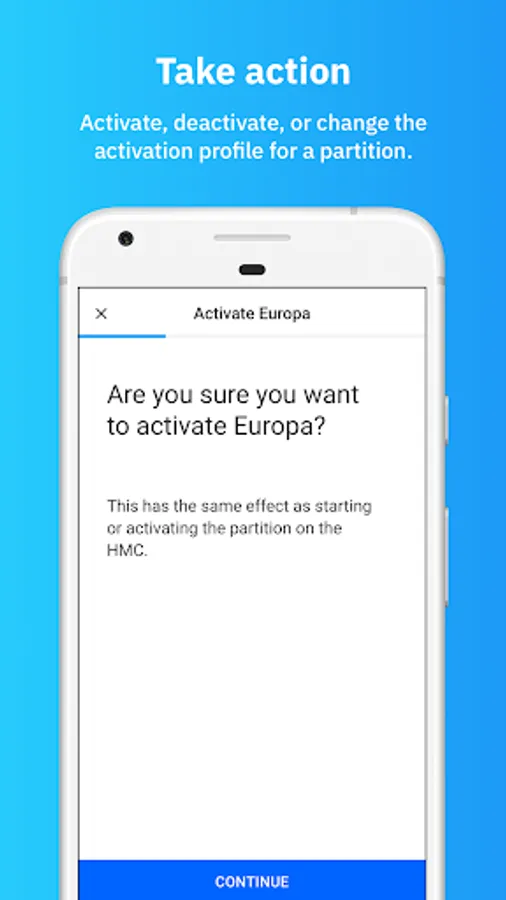
• Start/activate, stop/deactivate and change the activation profiles of partitions
• Use personalized push notification settings that allow you to receive updates only for the systems and partitions that you’re most interested in monitoring
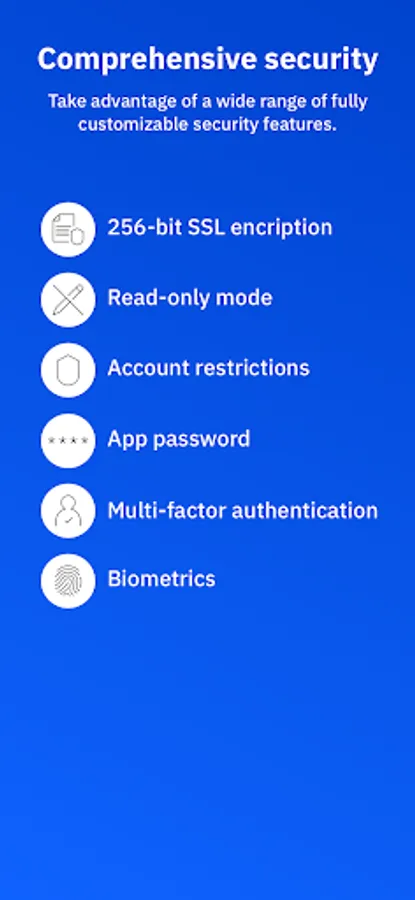
• Take advantage of personalized security options such as multi-factor authentication, fingerprint ID, restricted object access and actions based on user role and IP, a “view only” mode, and more
Key features:
• Access all of your systems, even if they’re spread across multiple HMCs
• View system status, hardware messages, and configuration details
• View partition status, OS messages, and configuration details
• Start/activate, stop/deactivate and change the activation profiles of partitions
• Use personalized push notification settings that allow you to receive updates only for the systems and partitions that you’re most interested in monitoring
• Take advantage of personalized security options such as multi-factor authentication, fingerprint ID, restricted object access and actions based on user role and IP, a “view only” mode, and more