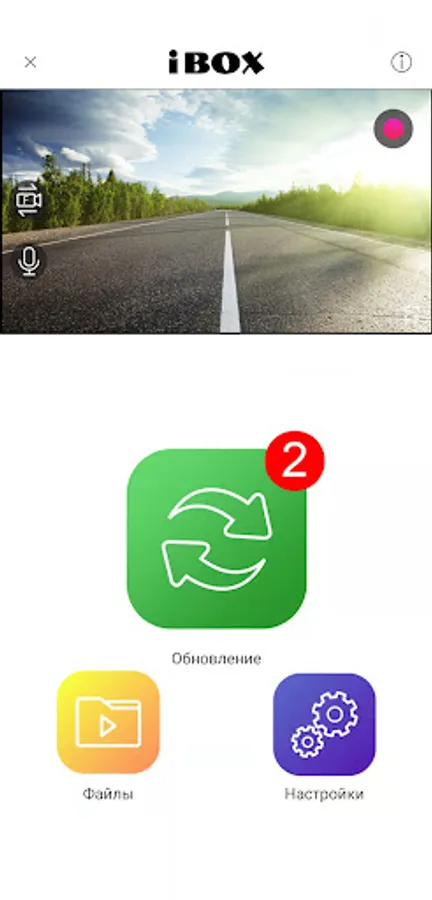
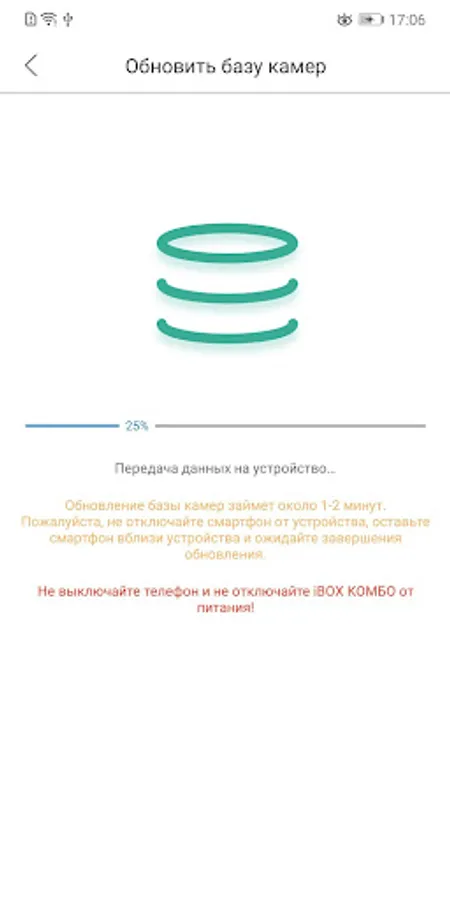
With this device management app, you can update software, configure device parameters, and manage video recordings. Includes device support details and functionality for connected devices via Wi-Fi.
AppRecs review analysis
AppRecs rating 3.4. Trustworthiness 92 out of 100. Review manipulation risk 16 out of 100. Based on a review sample analyzed.
★★★☆☆
3.4
AppRecs Rating
Ratings breakdown
5 star
60%
4 star
0%
3 star
0%
2 star
0%
1 star
40%
What to know
✓
Low review manipulation risk
16% review manipulation risk
✓
Credible reviews
92% trustworthiness score from analyzed reviews
⚠
High negative review ratio
40% of sampled ratings are 1–2 stars
About iBOX DRIVE
With the iBox Drive app you can:
– update the software of your device;
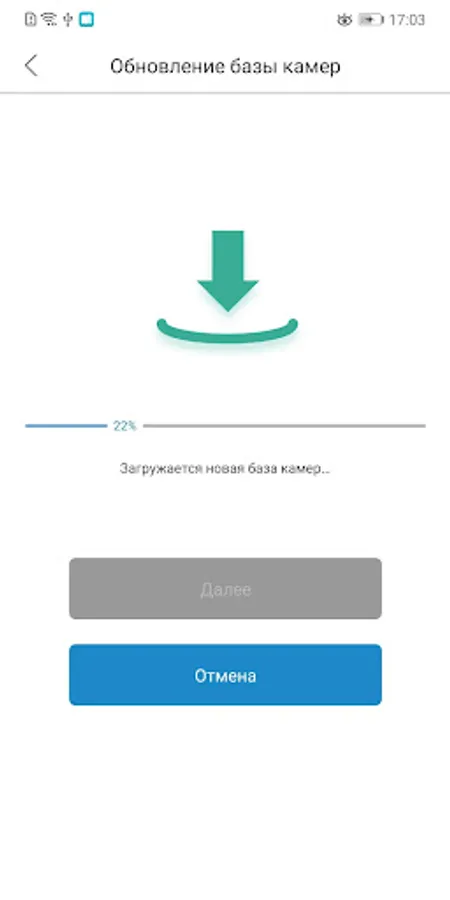
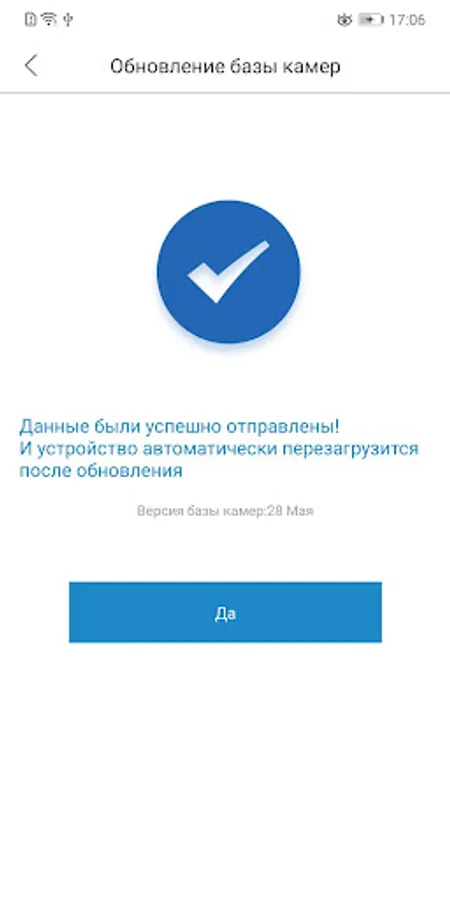
– update the camera database;
– manage the video recording process;
– store, view and delete captured video materials;
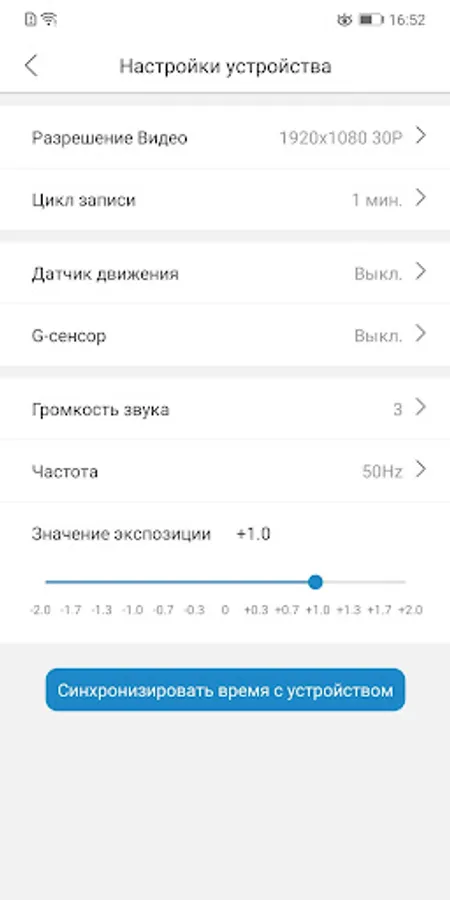
– configure the parameters and functions of the combo device (video resolution, recording cycle, sound volume, exposure value, motion sensor parameters, etc.)
List of supported iBOX DRIVE devices:
iBOX iCON WiFi Signature Dual
- iBOX iCON LaserVision WiFi Signature Dual
- iBOX Nova LaserVision WiFi Signature Dual
- iBOX Range LaserVision WiFi
-Signature Dual
- iBOX Evo LaserVision WiFi Signature
- iBOX ONE Laser Vision WiFi Signature
This application is intended exclusively for devices based on the Mstar chipset.
For devices based on the Ambarella chipset, use the iBox Connect app.
Important! These features are only available when the combo device is connected to a smartphone via Wi-Fi, and both devices must be nearby.
You can learn more about the terms of use and the possibilities of the application in the instructions for your combo device.
– update the software of your device;
– update the camera database;
– manage the video recording process;
– store, view and delete captured video materials;
– configure the parameters and functions of the combo device (video resolution, recording cycle, sound volume, exposure value, motion sensor parameters, etc.)
List of supported iBOX DRIVE devices:
iBOX iCON WiFi Signature Dual
- iBOX iCON LaserVision WiFi Signature Dual
- iBOX Nova LaserVision WiFi Signature Dual
- iBOX Range LaserVision WiFi
-Signature Dual
- iBOX Evo LaserVision WiFi Signature
- iBOX ONE Laser Vision WiFi Signature
This application is intended exclusively for devices based on the Mstar chipset.
For devices based on the Ambarella chipset, use the iBox Connect app.
Important! These features are only available when the combo device is connected to a smartphone via Wi-Fi, and both devices must be nearby.
You can learn more about the terms of use and the possibilities of the application in the instructions for your combo device.