AppRecs review analysis
AppRecs rating . Trustworthiness 75 out of 100. Review manipulation risk 23 out of 100. Based on a review sample analyzed.
★
AppRecs Rating
Ratings breakdown
5 star
0%
4 star
0%
3 star
0%
2 star
0%
1 star
100%
What to know
✓
Low review manipulation risk
23% review manipulation risk
✓
Credible reviews
75% trustworthiness score from analyzed reviews
⚠
Mixed user feedback
Average 1.0★ rating suggests room for improvement
About ICM Omni
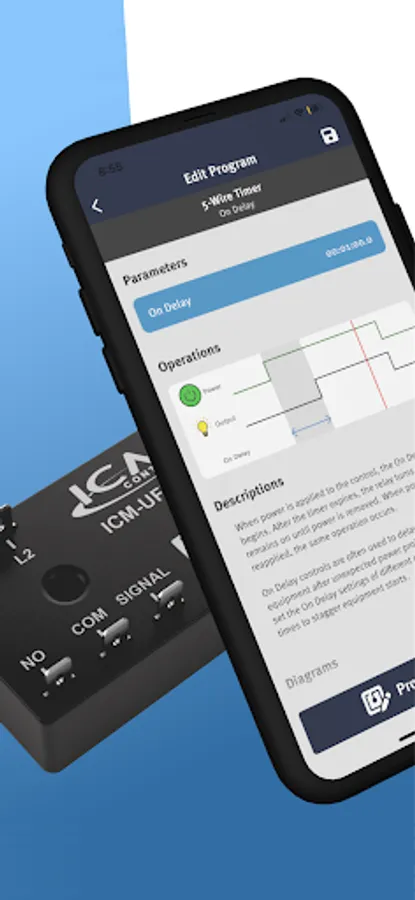
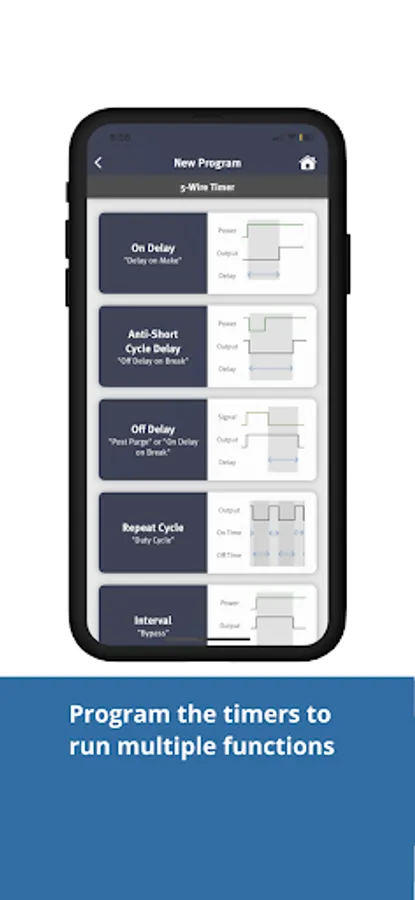
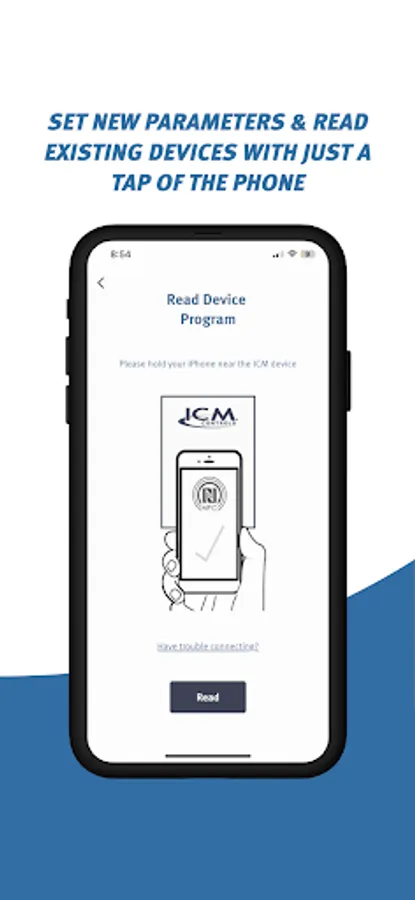
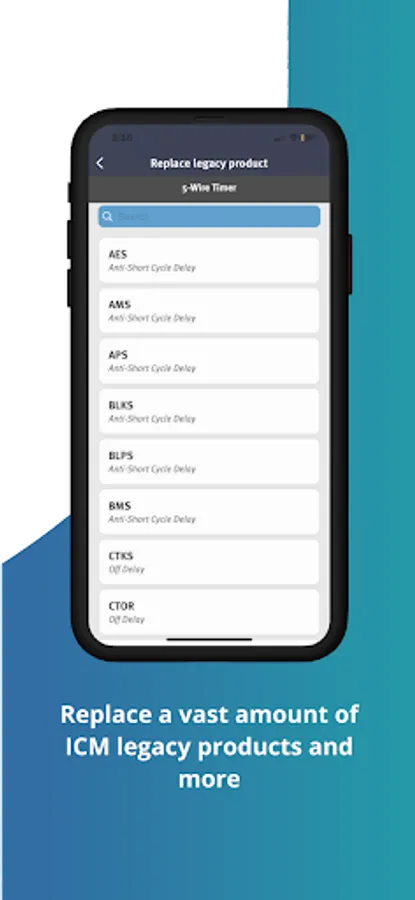
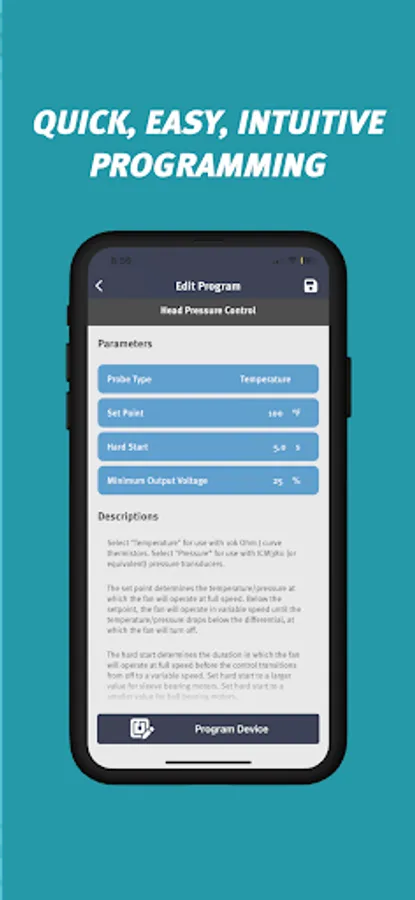
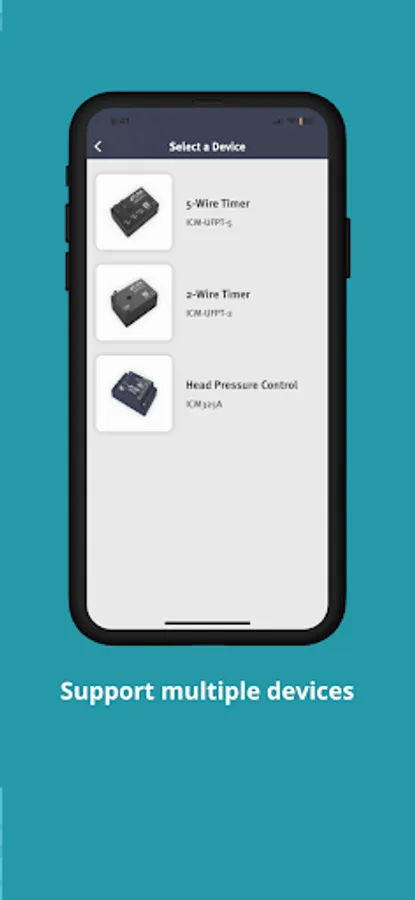
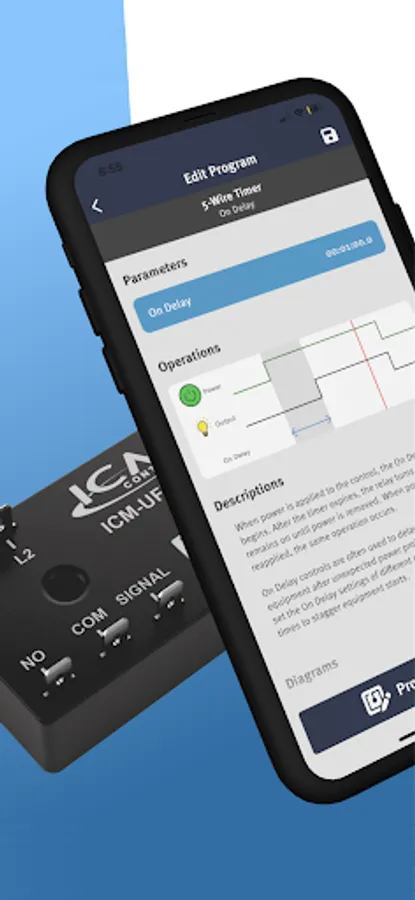
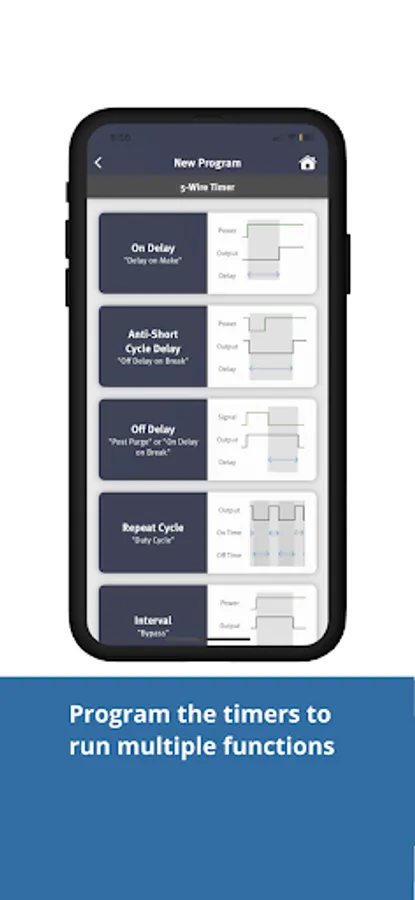
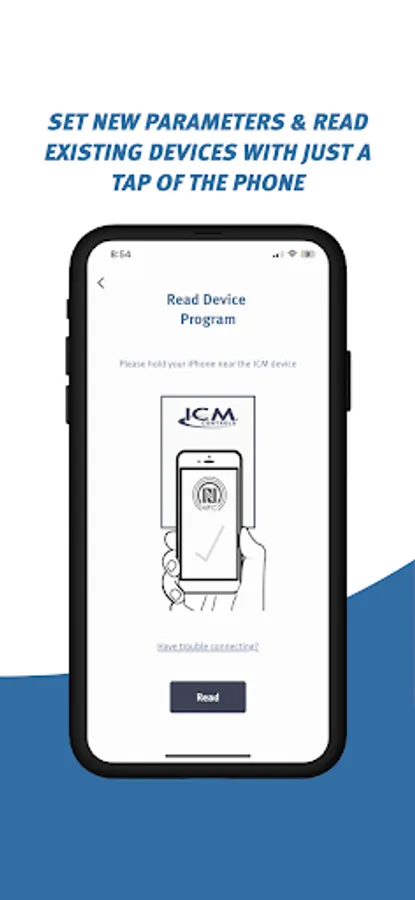
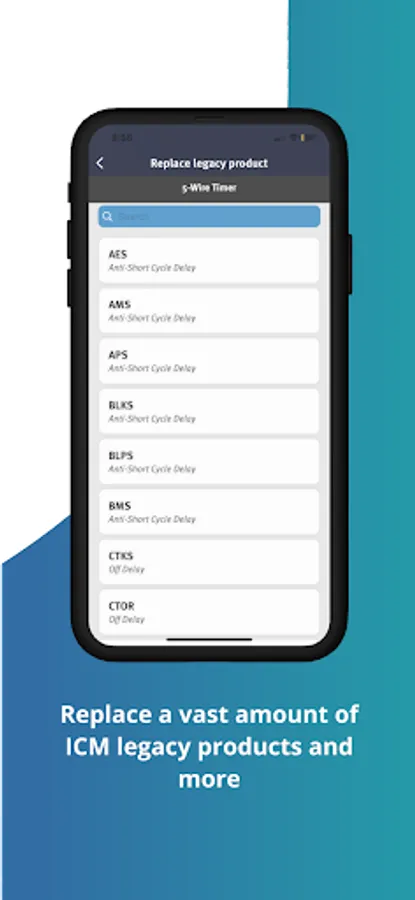
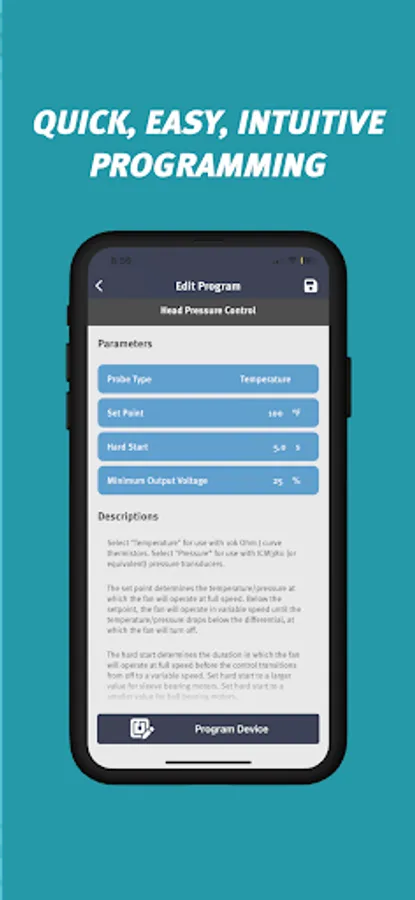
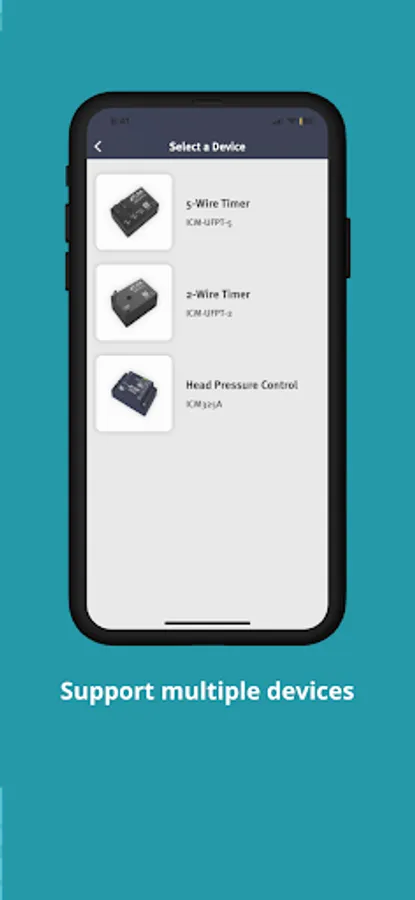
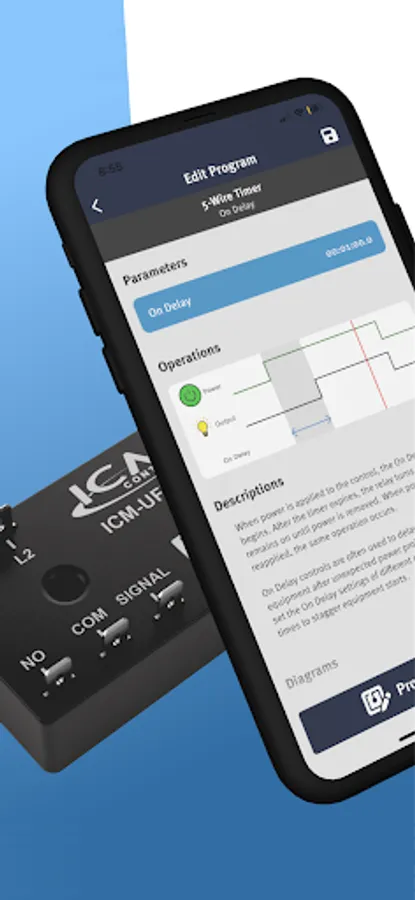
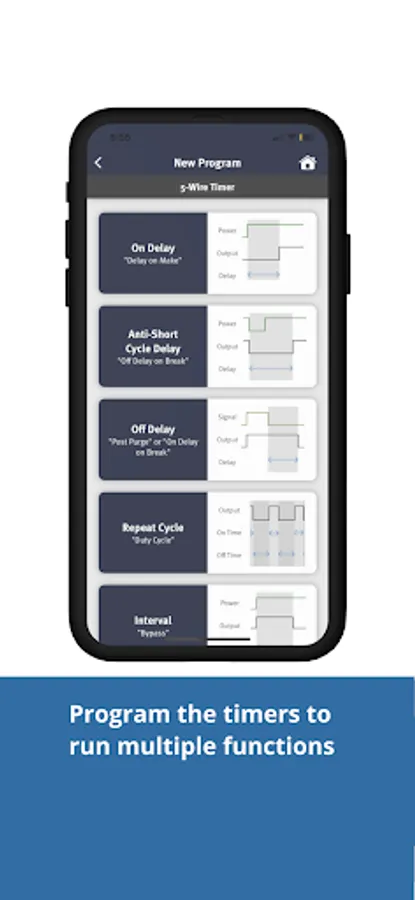
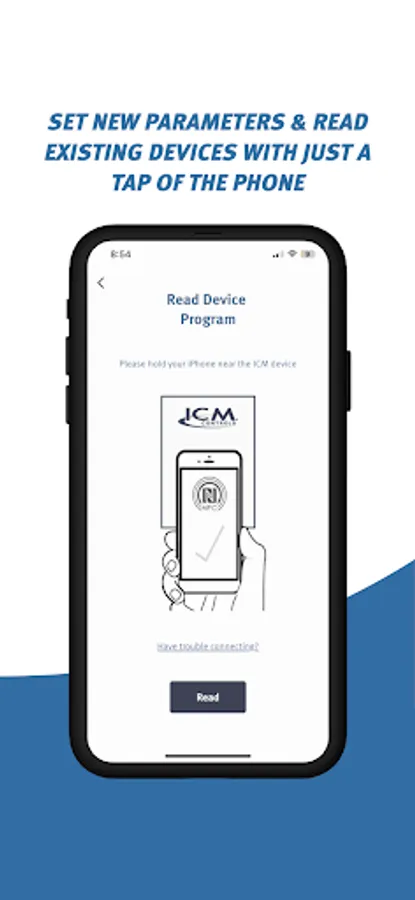
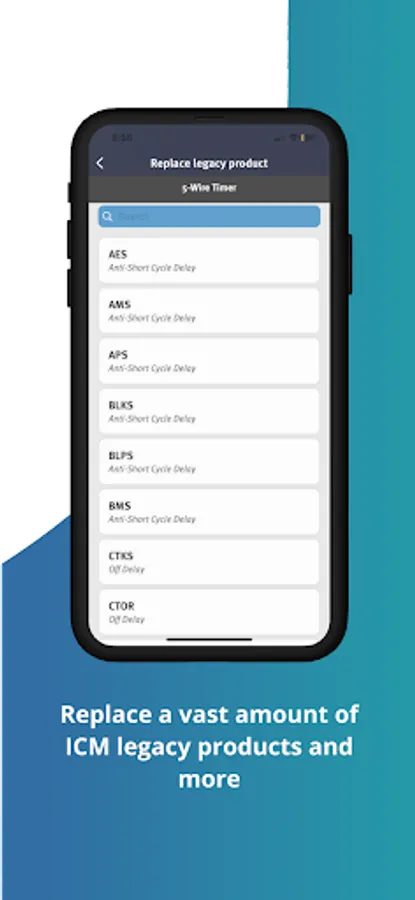
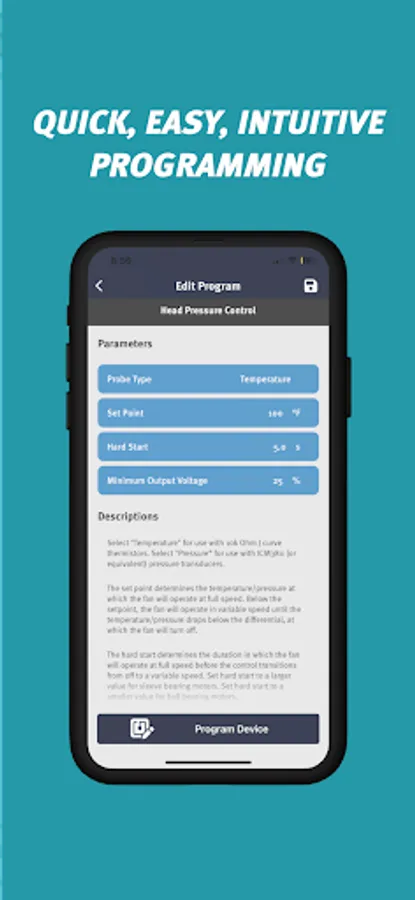
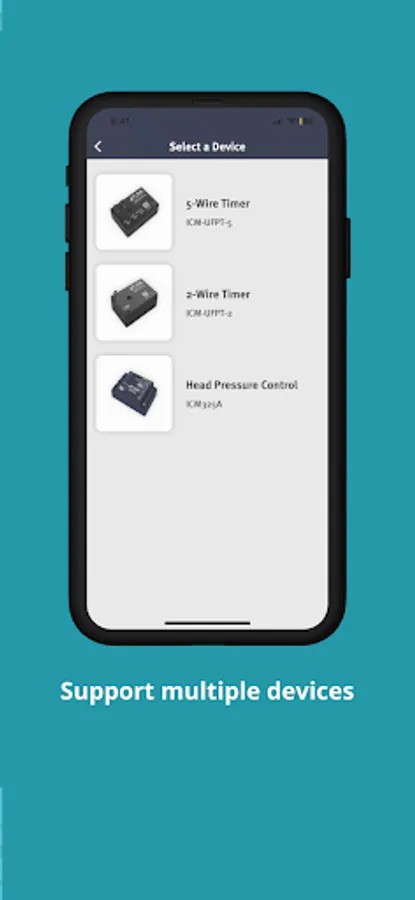
The ICM Omni app supports a new line of NFC compatible products that gives the user the ability to reconfigure their device at will. (See full list of compatible products below.) To program, select your device, then adjust its mode and parameters to fit your application. With all the parameters set, place the back of your phone next to the large NFC logo located on the device and press the Program button. After a brief pause your device is ready to use. Want to confirm that your device programmed successfully? Read the memory of your device to bring up a list of its current mode and parameters. Press the save icon in the top right corner of the parameter screen to save a program for later use. Trying to replace another ICM part? Replace Legacy Product allows you to search for the part you are trying to replace and adjust its parameters accordingly. Compatible products: ICM 5-Wire Timer (ICM-UFPT-5), ICM 2-Wire Timer (ICM-UFPT-2), Universal Head Pressure Control (ICM-325A), Universal Defrost Control (ICM-UDEFROST)