AppRecs review analysis
AppRecs rating . Trustworthiness 83 out of 100. Review manipulation risk 38 out of 100. Based on a review sample analyzed.
★
AppRecs Rating
Ratings breakdown
5 star
67%
4 star
0%
3 star
0%
2 star
0%
1 star
33%
What to know
✓
Credible reviews
83% trustworthiness score from analyzed reviews
✓
Good user ratings
67% positive sampled reviews
About Imscope
NIR
Monochrome representation proportional to the near infrared reflected . Since normal camera phones and tablets have a filter that blocks infrared light, NIR value is not really acquired but estimated by calculation from the visible colors, color saturation, etc. This rough estimate is used in all indexes and is only useful for the leaves and conditions of direct sunlight.
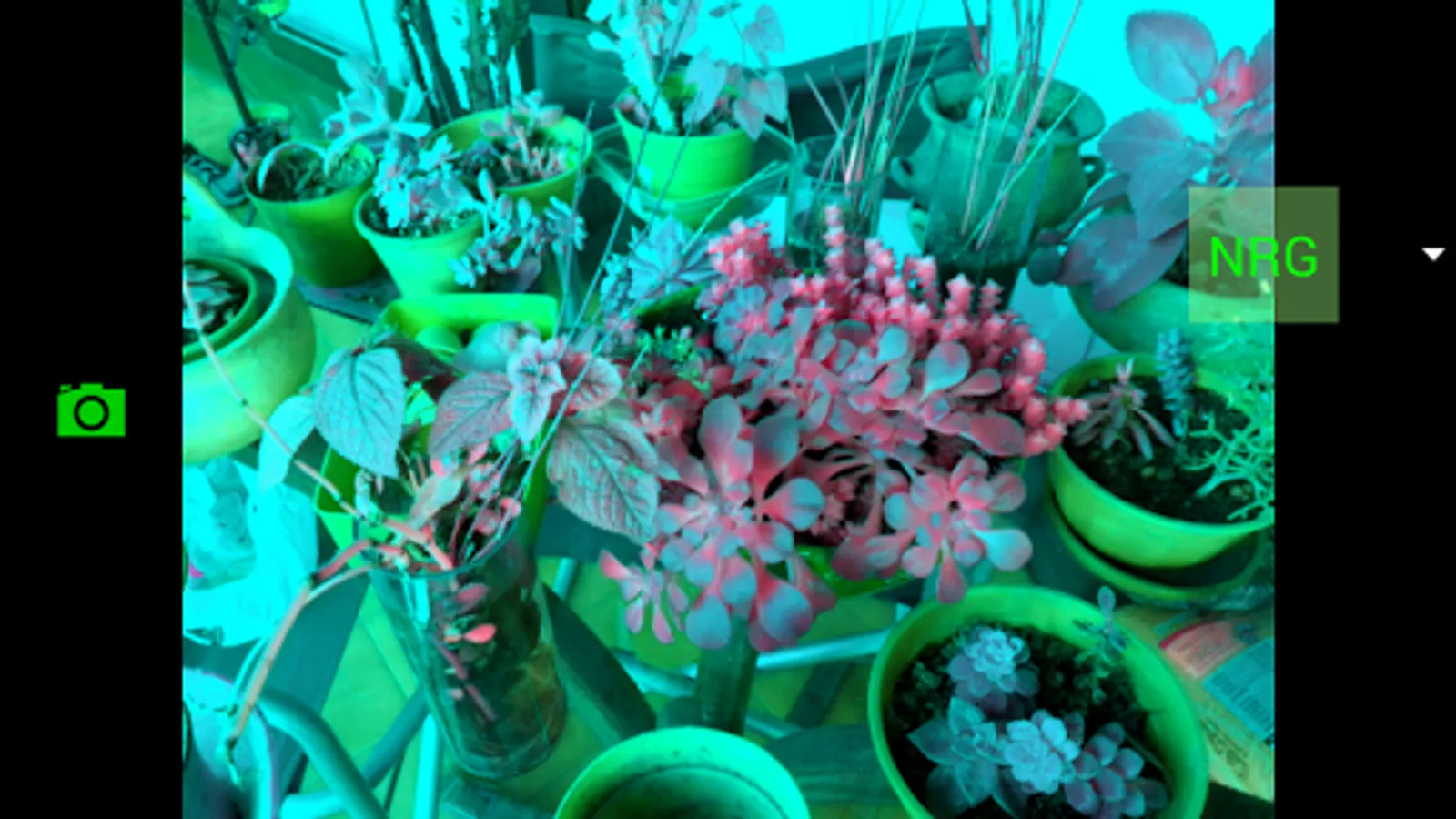
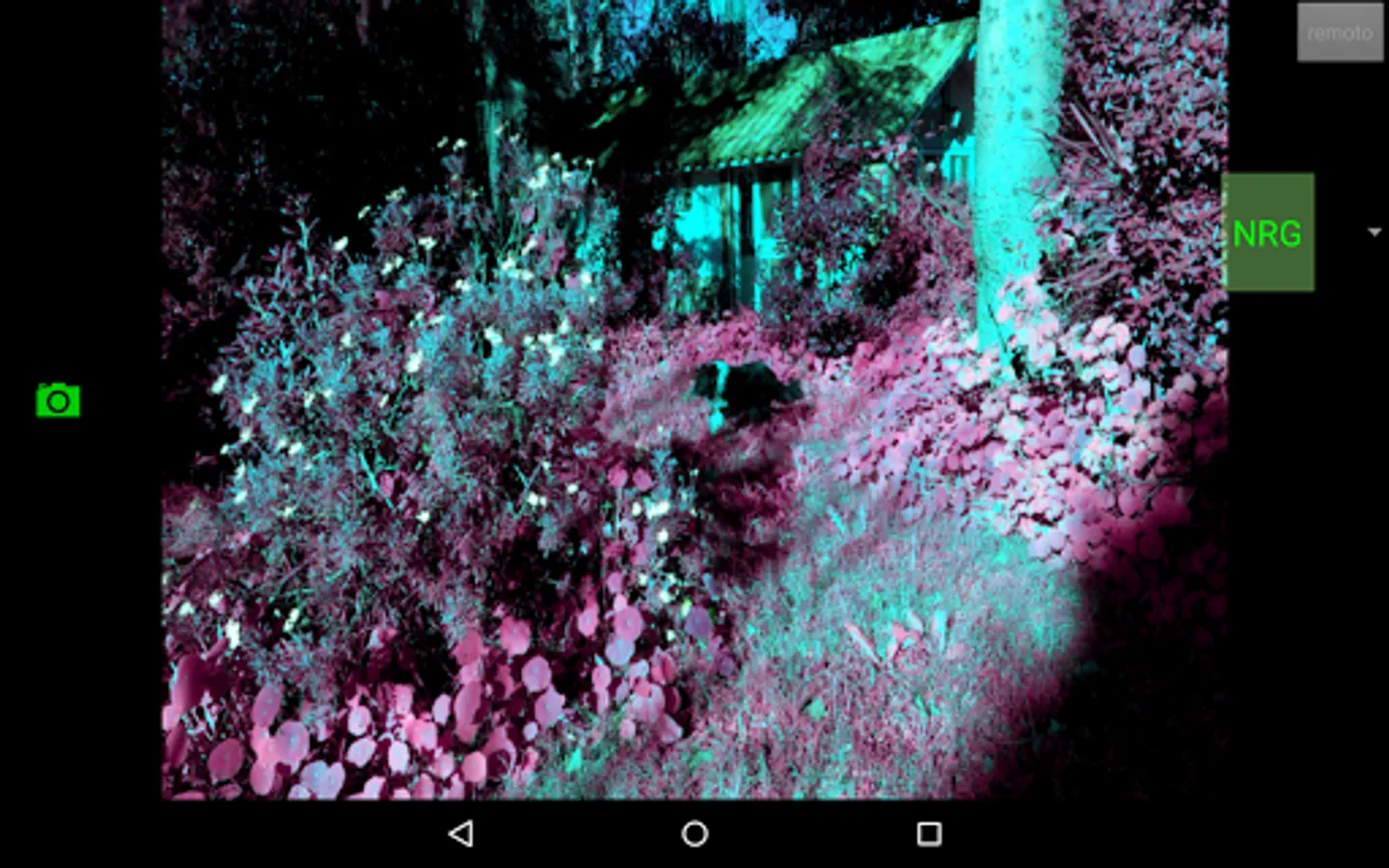
NRG
Transposed colors mode in which the intensity of the red corresponds to the estimated near infrared , green correspond to acquiered red and blue to acquired green.
NRG > RGB
NGB
Transposed colors mode in which the intensity of the red corresponds to the estimated near infrared while green and blue are preserved unchanged.
NGB > RGB
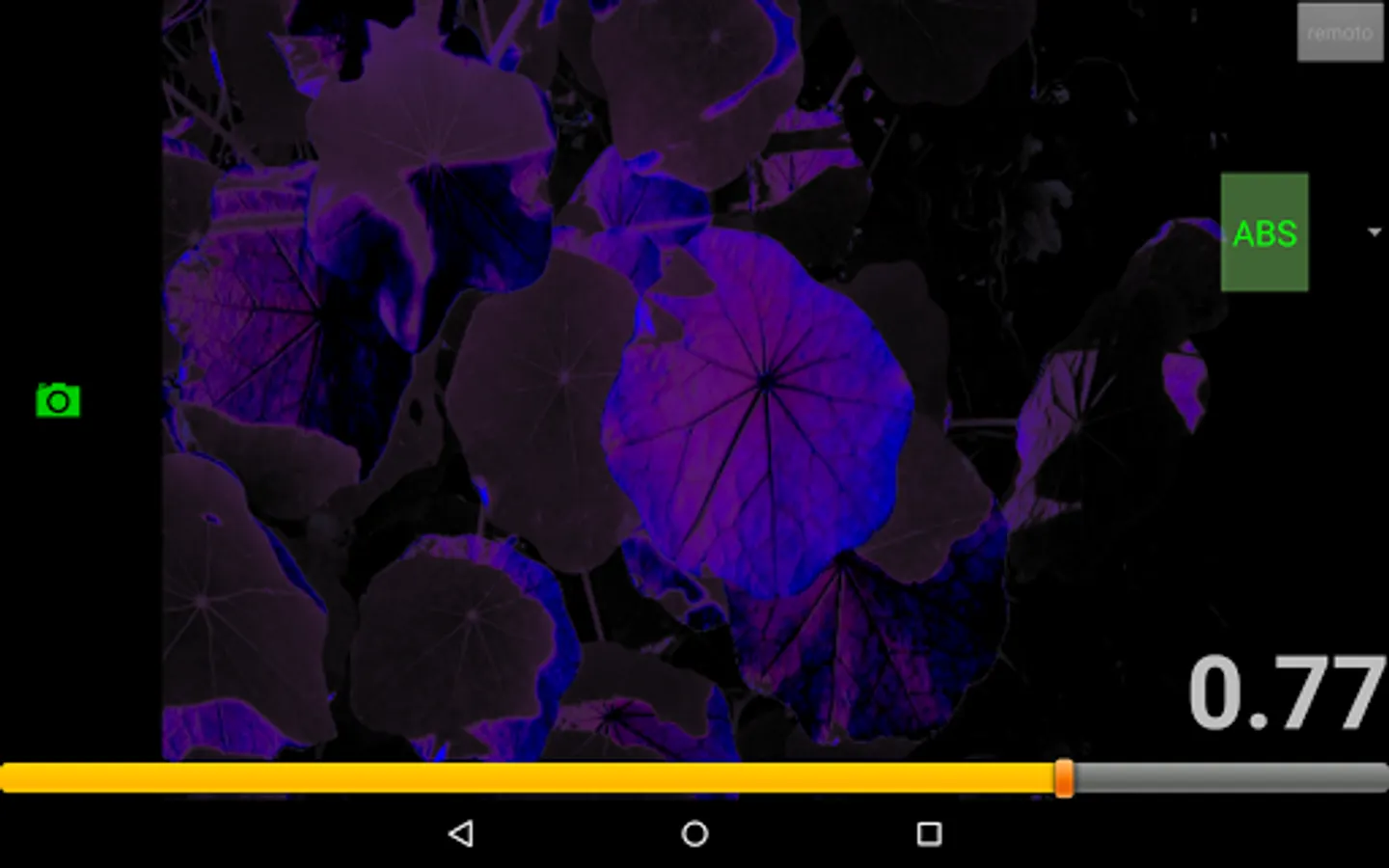
ABS
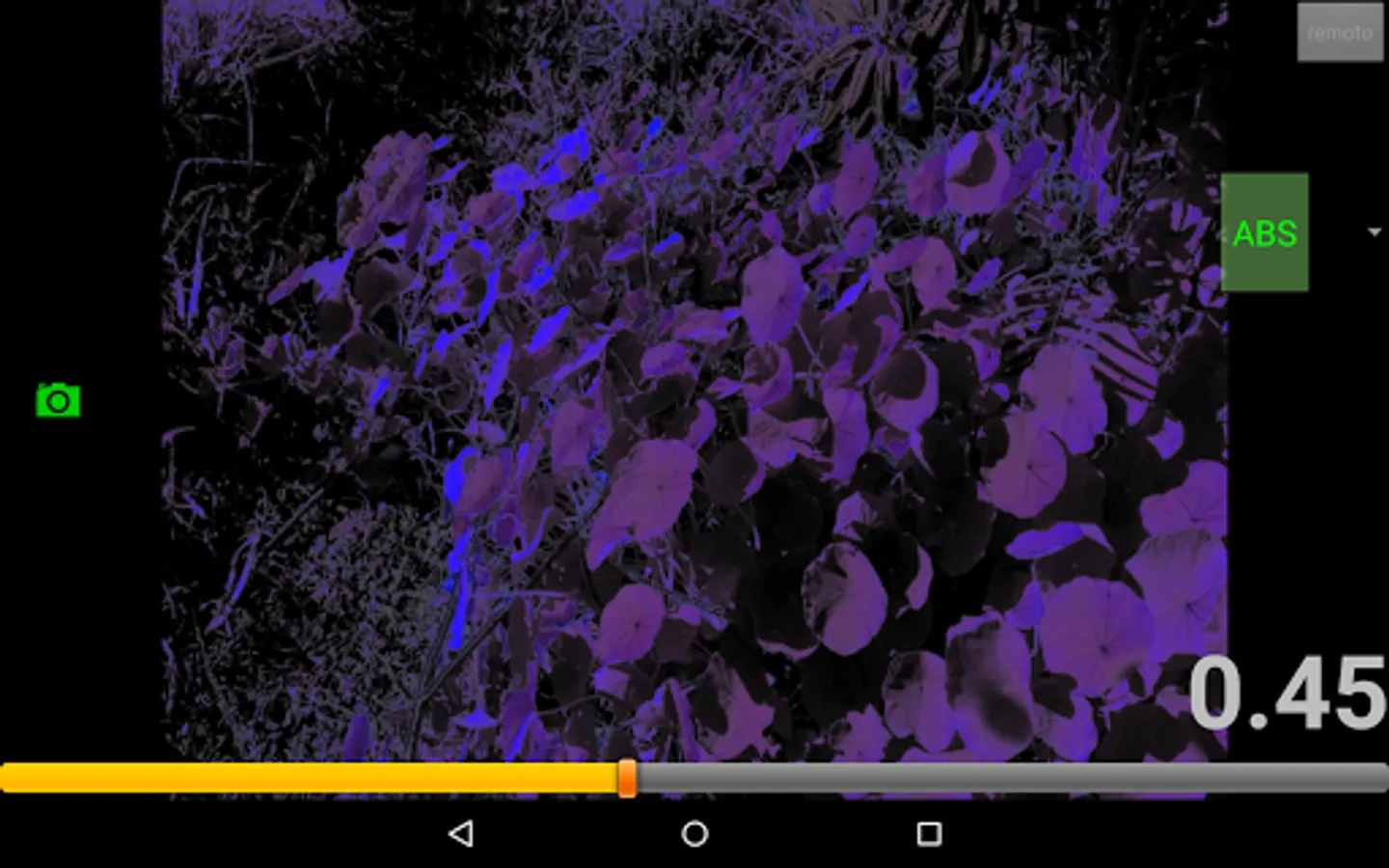
In this mode red aims to be proportional to the red light absorbed by the object, and blue aims to be proportional to the absorbed blue light. The displacement bar allows you to mix some gray to the context. This mode can be useful since the fact that the two types of chlorophyll (chlorophyll A and chlorophyll A) absorb red light and blue in different proportions.
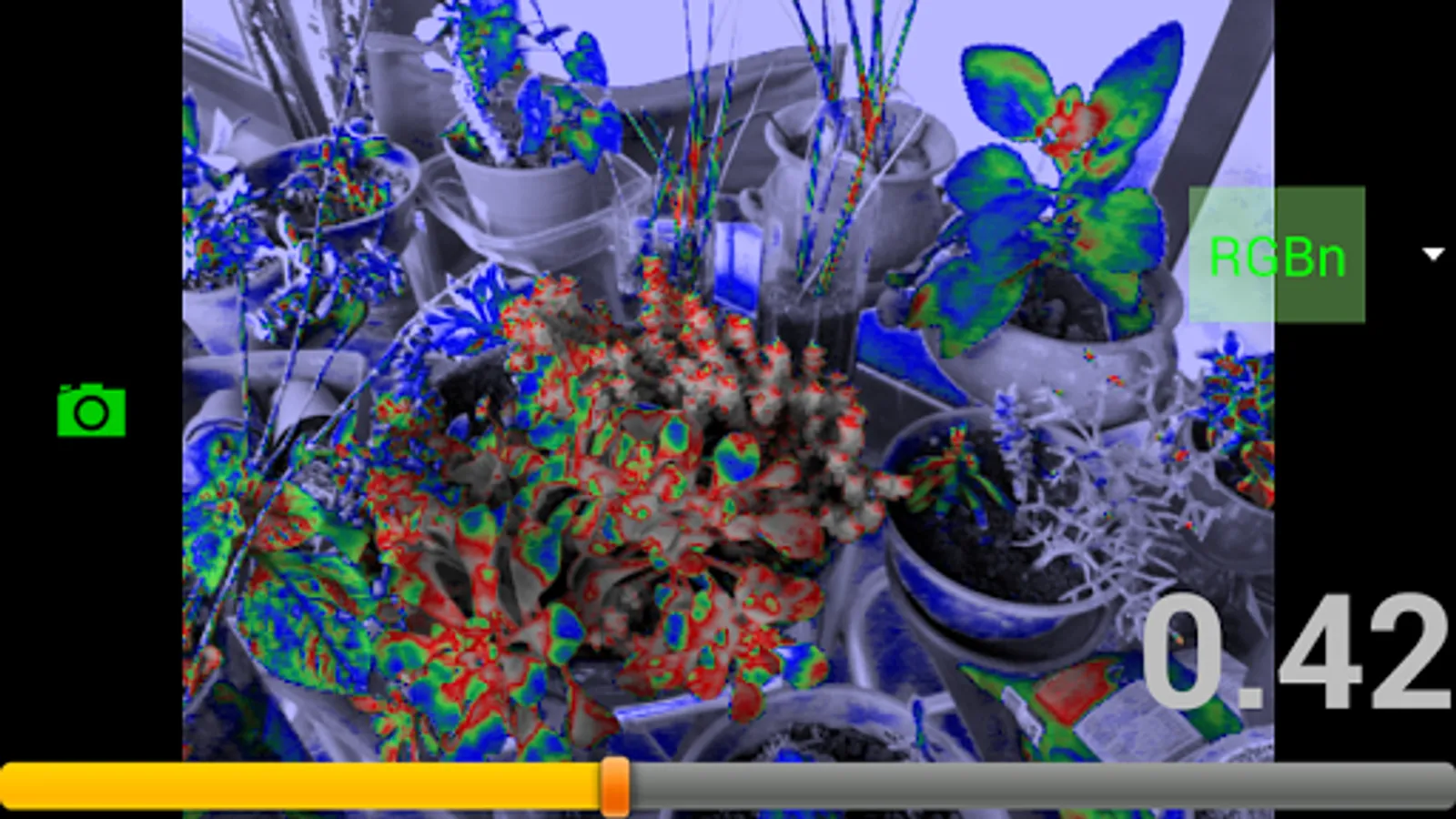
Indexed modes:
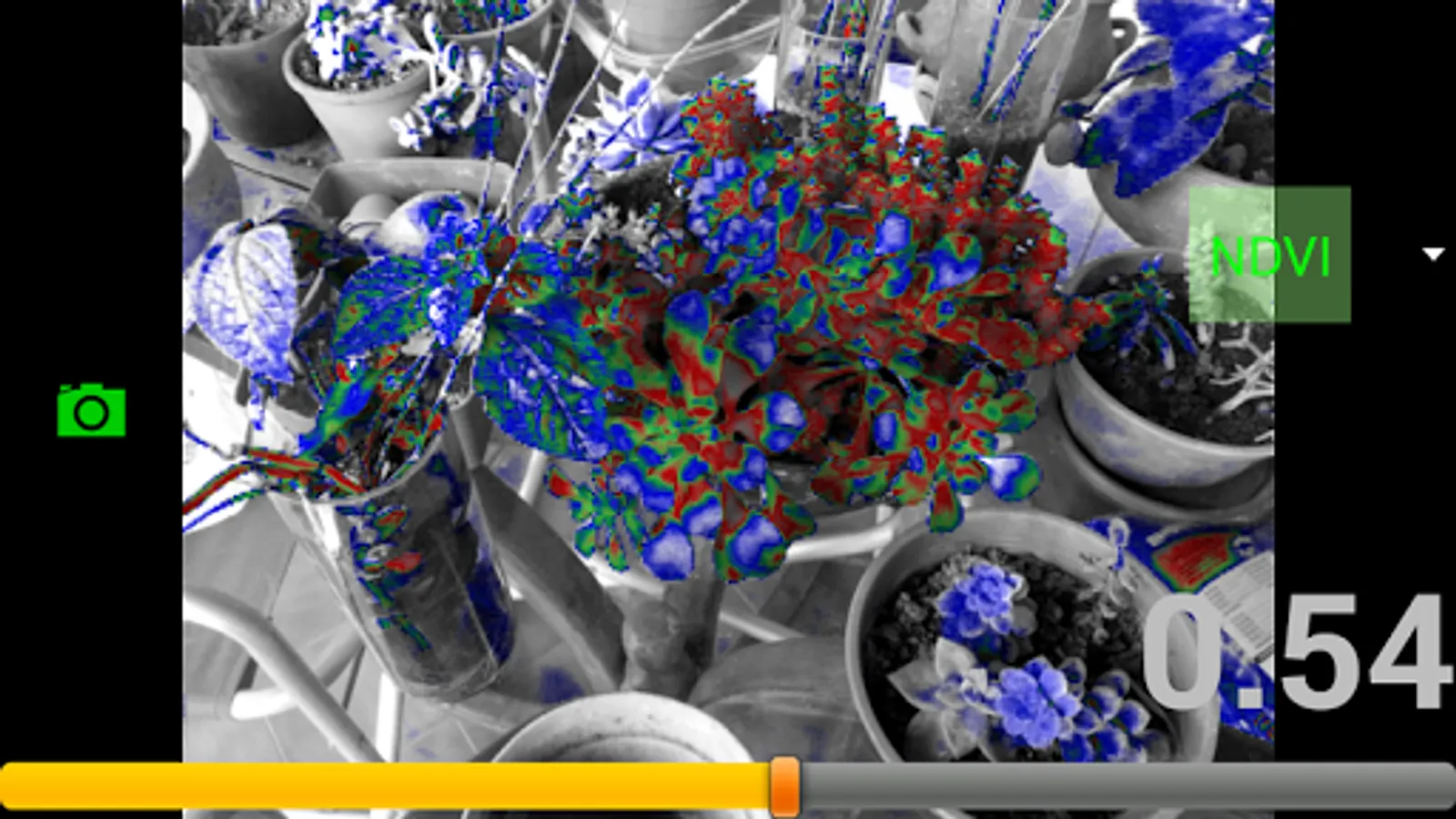
For all following modes the slider control allows you to select a coeficient that goes from 0 to 1 such that:
- RED color corresponds to points that have an index value very close to the selected index value,
- GREEN color corresponds to points that have an index value close to the selected index value decreased by -0.2 .
- BLUE color corresponds to points that have a value close to the selected index value decreased by -0.3
- All other points are presented in grayscale.
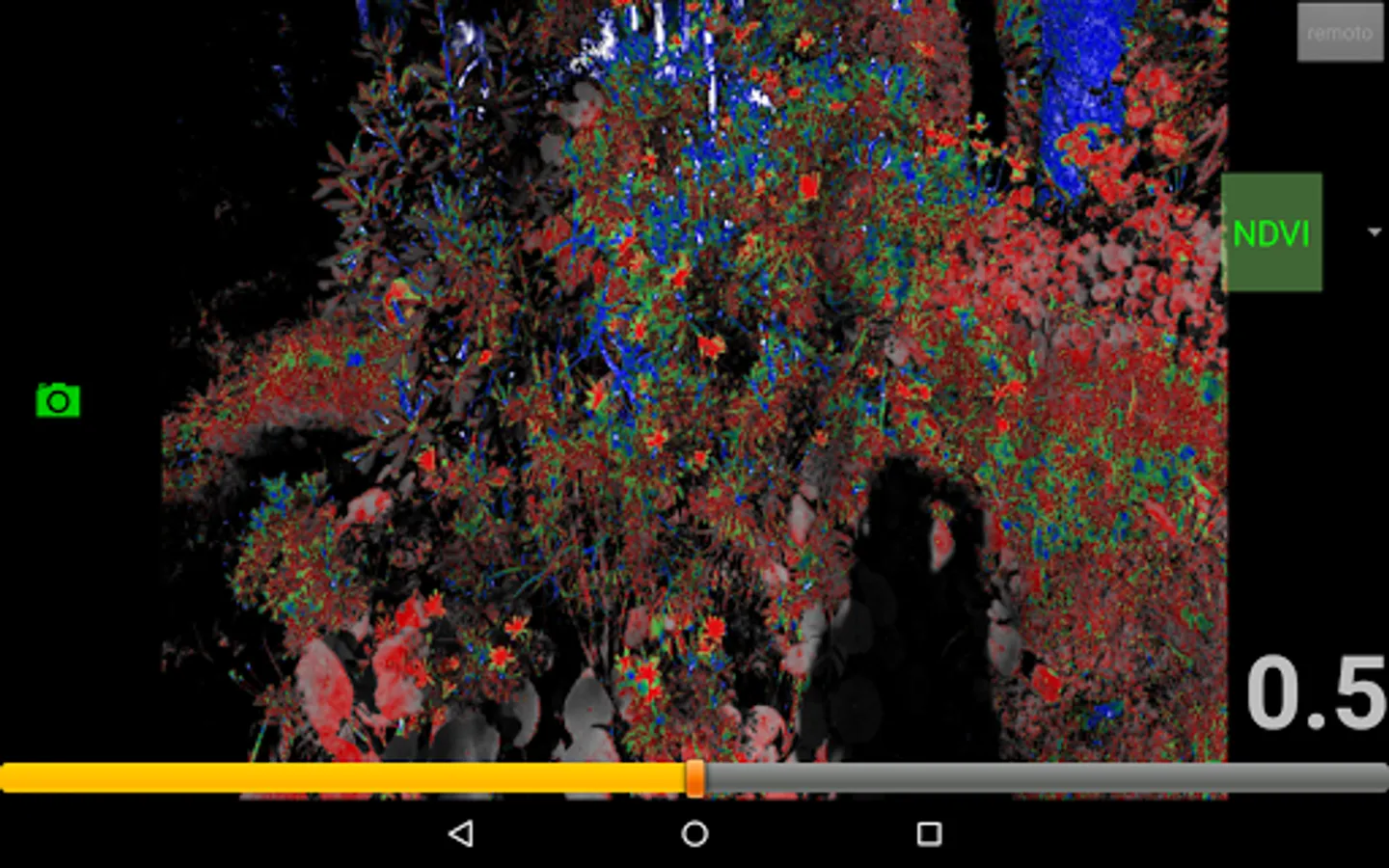
That means for example if a NDVI index of 0.7 is selected, RED correspond to points close to that value index, GREEN to points with NDVI index near 0.5, and BLUE to points with value near 0.4. In this way, by adjusting the slider control, you can capture subtle differences between areas of the image.
Indexes calculations:
NDVI
(NIR-RED) / (NIR + RED) (please remember: NIR is only an derived estimation on normal phones and tablets with IR blocking filters
VIGreen
(GREEN-RED) / (GREEN + RED)
VARI
(GREEN-RED) / (GREEN + RED-BLUE)
GRI
GREEN % - RED % = relative difference between green and red
GBI
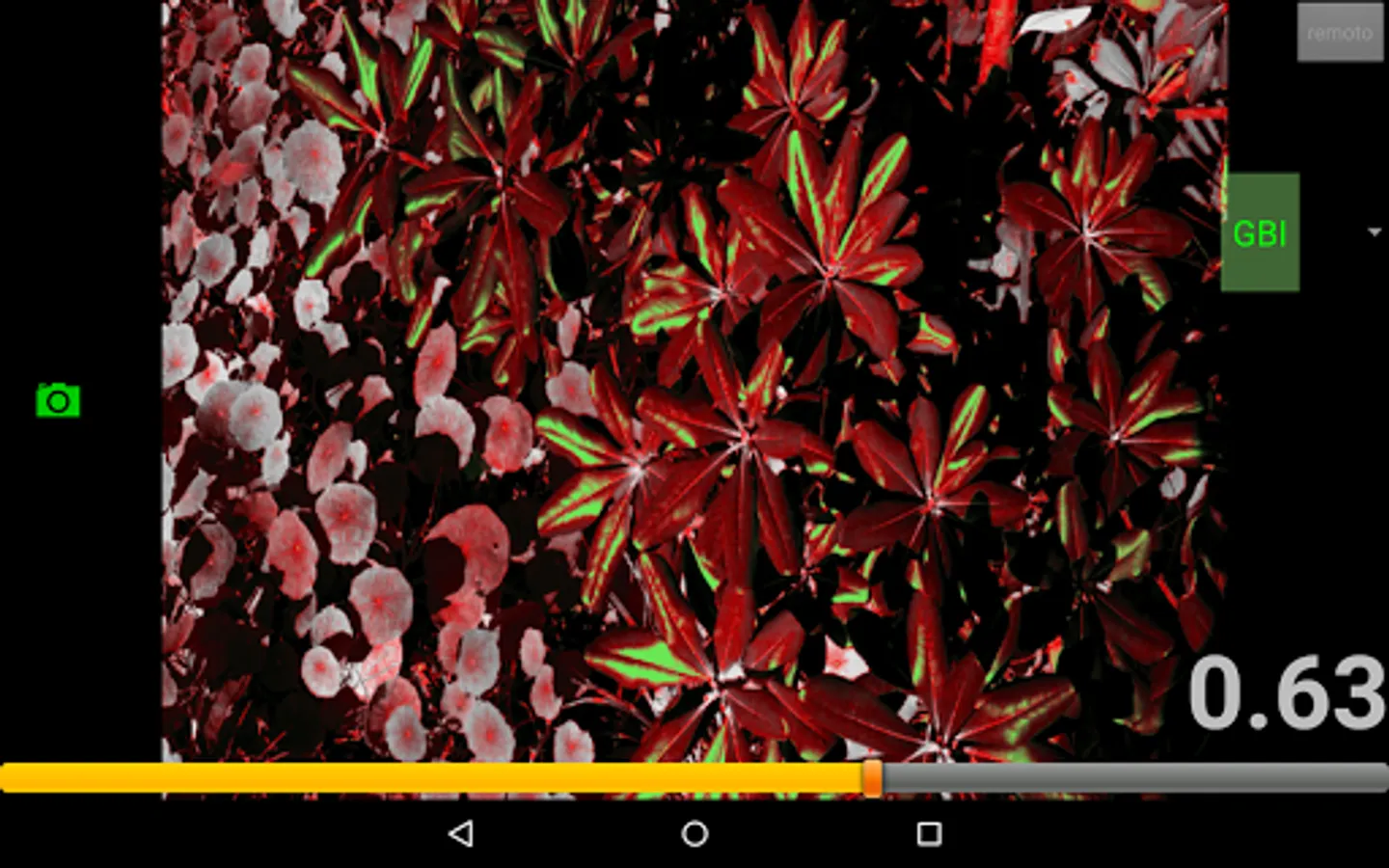
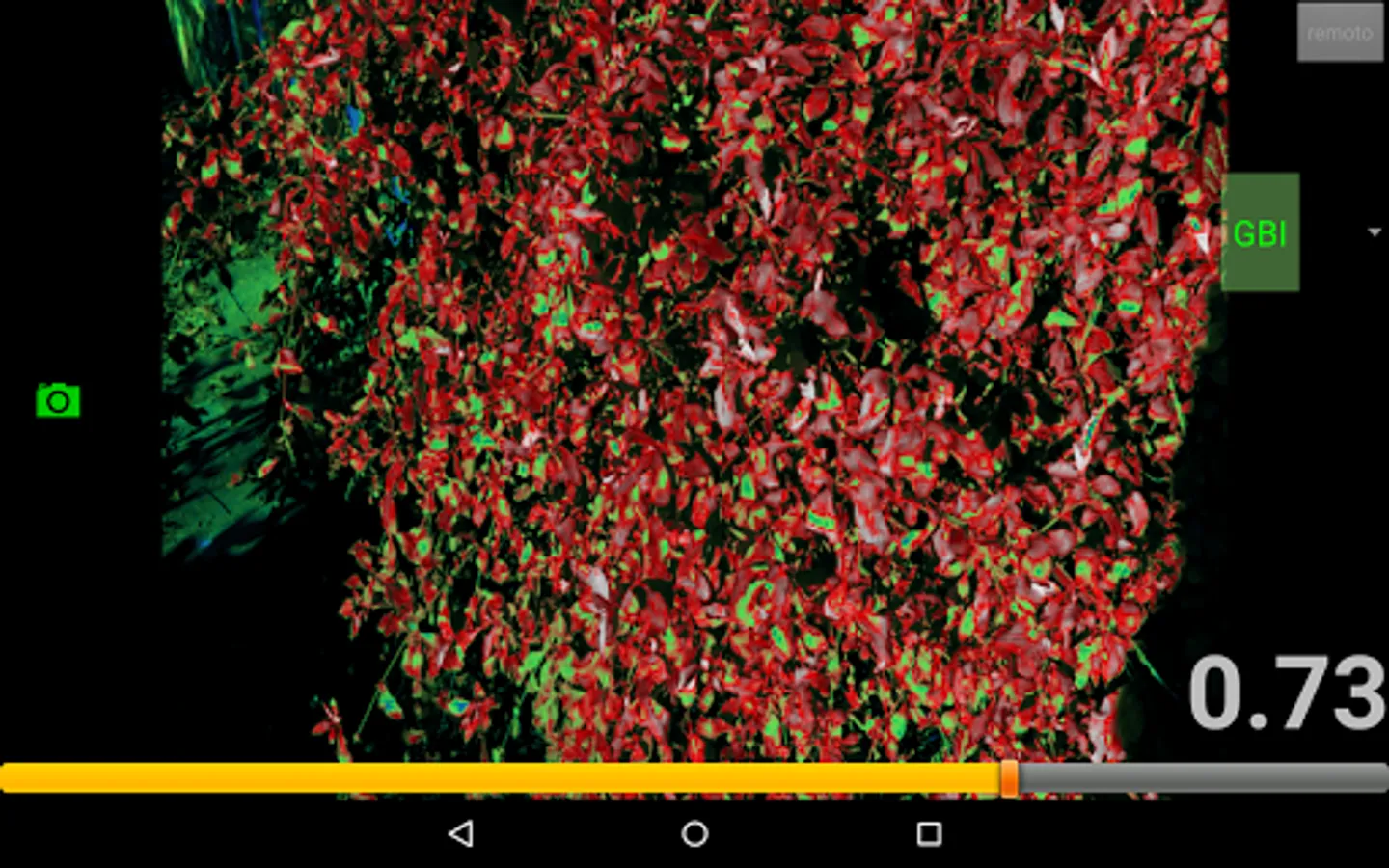
GREEN % - BLUE % = relative difference between green and blue
GI
GRI + GBI = sum of above relative differences
more on ImScope: http://www.idoneos.com/procesamiento_de_imagenes/imscope/imscope_(english).html