IFFK
Centre for Development of Imaging Technology(CDIT)
10,000+
downloads
Free
AppRecs review analysis
AppRecs rating 2.6. Trustworthiness 77 out of 100. Review manipulation risk 25 out of 100. Based on a review sample analyzed.
★★☆☆☆
2.6
AppRecs Rating
Ratings breakdown
5 star
0%
4 star
60%
3 star
0%
2 star
0%
1 star
40%
What to know
✓
Low review manipulation risk
25% review manipulation risk
✓
Credible reviews
77% trustworthiness score from analyzed reviews
⚠
Mixed user feedback
Average 2.8★ rating suggests room for improvement
About IFFK
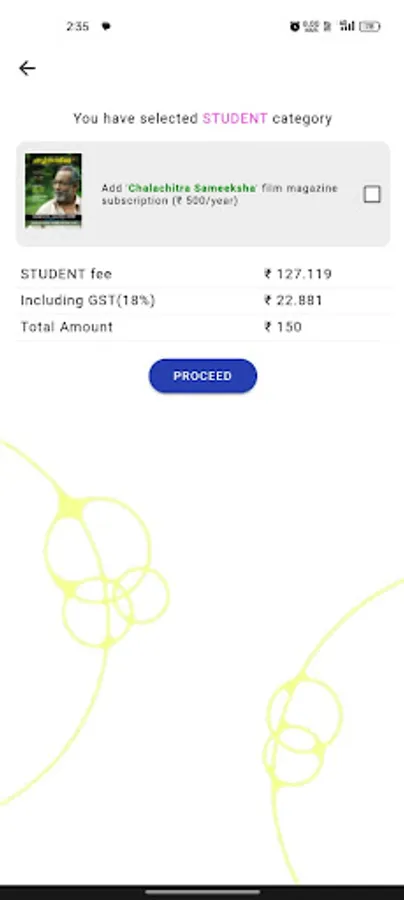
The purpose of the application is to enable users to register for the IFFK film festival. After registering, user credentials will be generated.
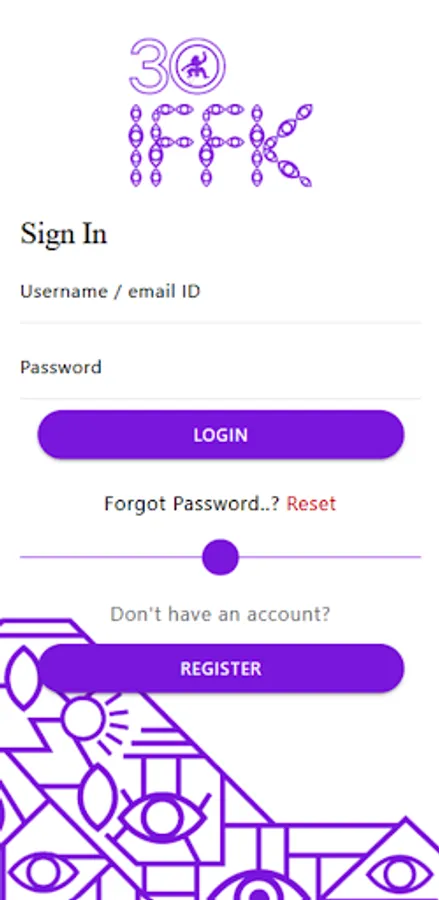
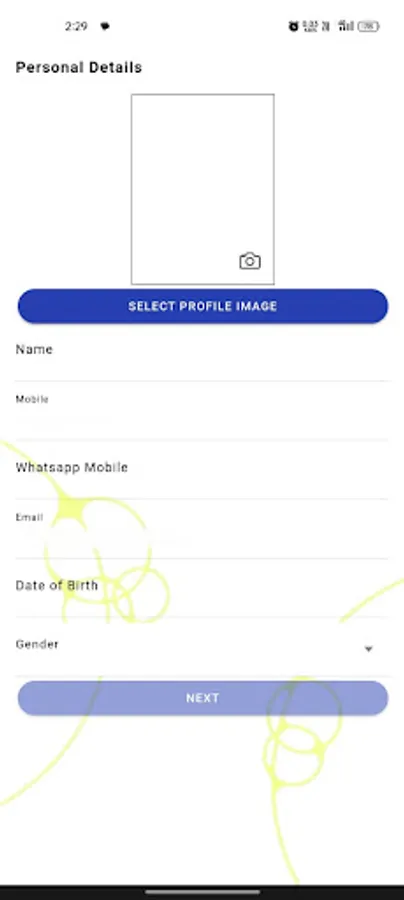
1. Sign In - Users can create a new account by providing their personal details and allowing them to register for the IFFK festival.
2. Login - Registered users can access their accounts by entering their credentials.
3. Forgot Password - Users who cannot remember their passwords can initiate a password recovery process, which sends an otp to their registered mobile number to regain access to their accounts.
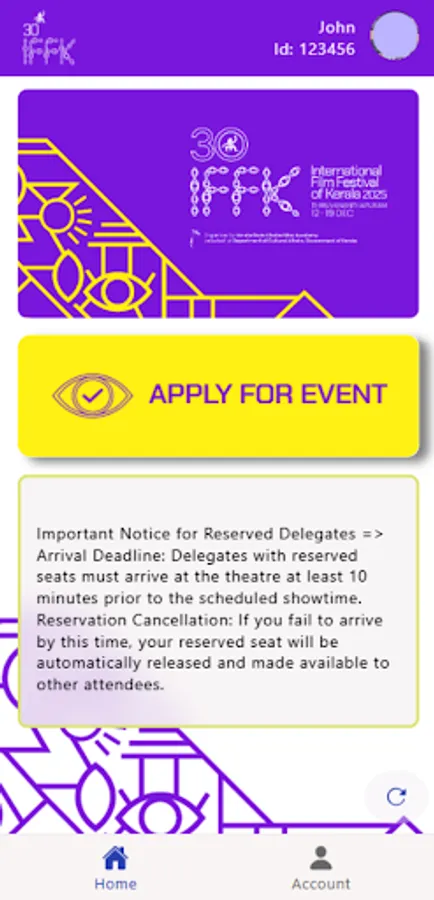
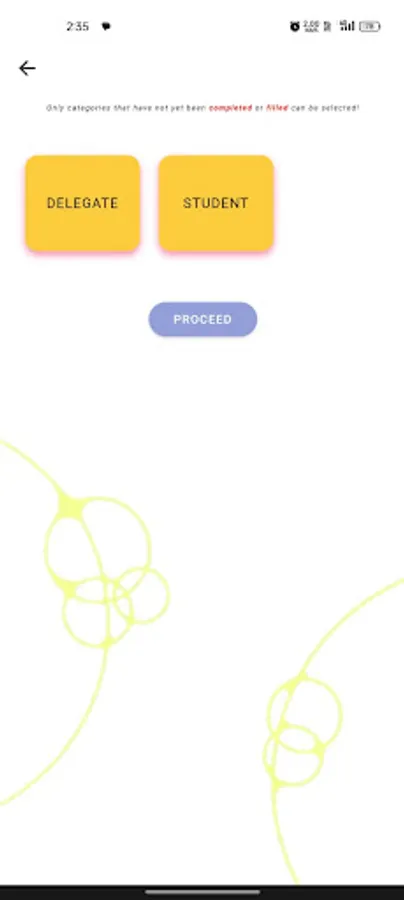
4. Apply for participation - Users can submit an application to participate in the festival, providing necessary information and documentation required for evaluation by the festival organizers.
5. Delete account - Users have the option to permanently delete their accounts from the application, ensuring that their personal information is removed from the system.
6. Change Password - Users can update their account password at any time to enhance security and protect their personal information.
7. Logout - Users can securely log out of their accounts after completing their activities, ensuring that their session is closed and their information remains private.
1. Sign In - Users can create a new account by providing their personal details and allowing them to register for the IFFK festival.
2. Login - Registered users can access their accounts by entering their credentials.
3. Forgot Password - Users who cannot remember their passwords can initiate a password recovery process, which sends an otp to their registered mobile number to regain access to their accounts.
4. Apply for participation - Users can submit an application to participate in the festival, providing necessary information and documentation required for evaluation by the festival organizers.
5. Delete account - Users have the option to permanently delete their accounts from the application, ensuring that their personal information is removed from the system.
6. Change Password - Users can update their account password at any time to enhance security and protect their personal information.
7. Logout - Users can securely log out of their accounts after completing their activities, ensuring that their session is closed and their information remains private.