Philips Universal Remote
illlusions Inc
2.8 ★
store rating
1,000,000+
downloads
Free
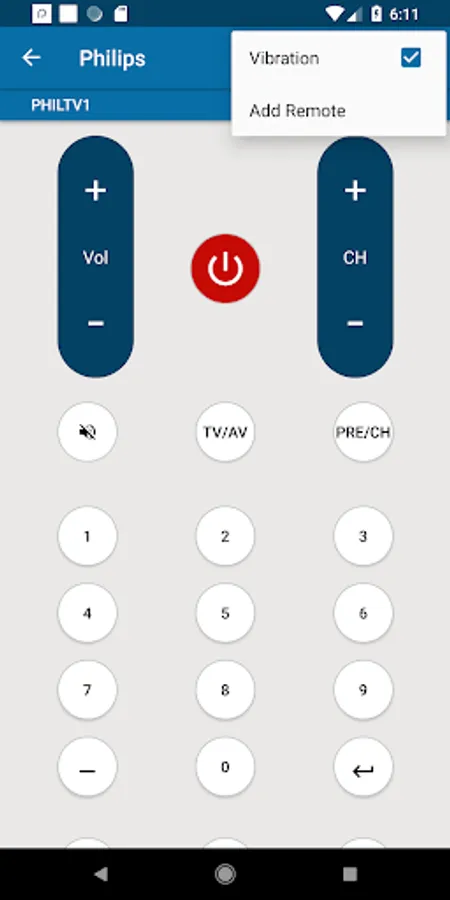
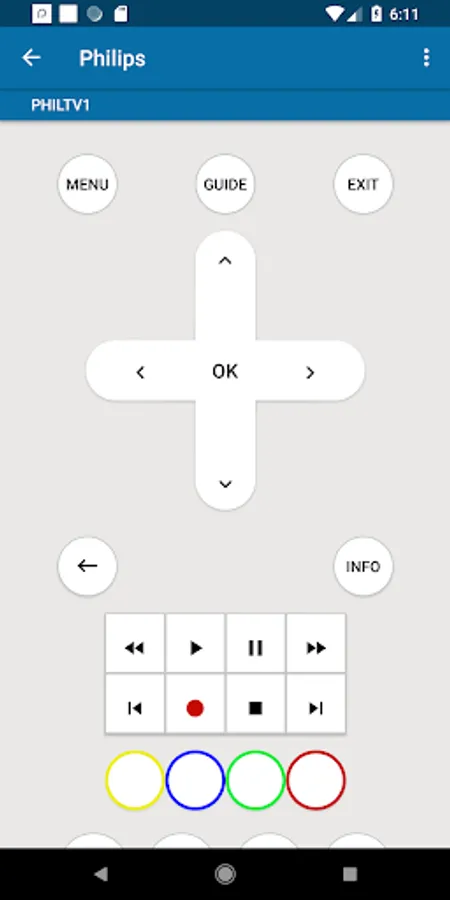
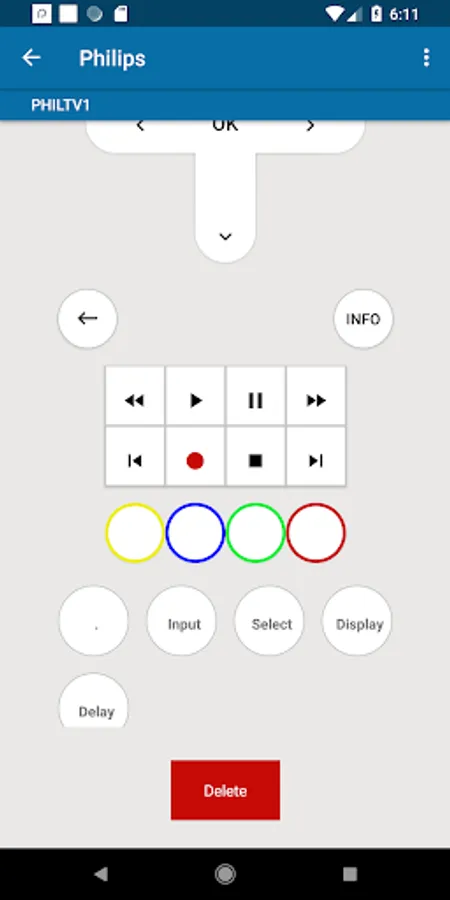
In this remote control app, you can configure and control various Philips devices using your smartphone's IR transmitter. Includes device setup guides, saved device profiles, and button vibration options.
AppRecs review analysis
AppRecs rating 2.8. Trustworthiness 0 out of 100. Review manipulation risk 0 out of 100. Based on a review sample analyzed.
★★☆☆☆
2.8
AppRecs Rating
Ratings breakdown
5 star
39%
4 star
3%
3 star
3%
2 star
4%
1 star
51%
What to know
⚠
Mixed user feedback
Average 2.8★ rating suggests room for improvement
⚠
High negative review ratio
55% of sampled ratings are 1–2 stars
About Philips Universal Remote
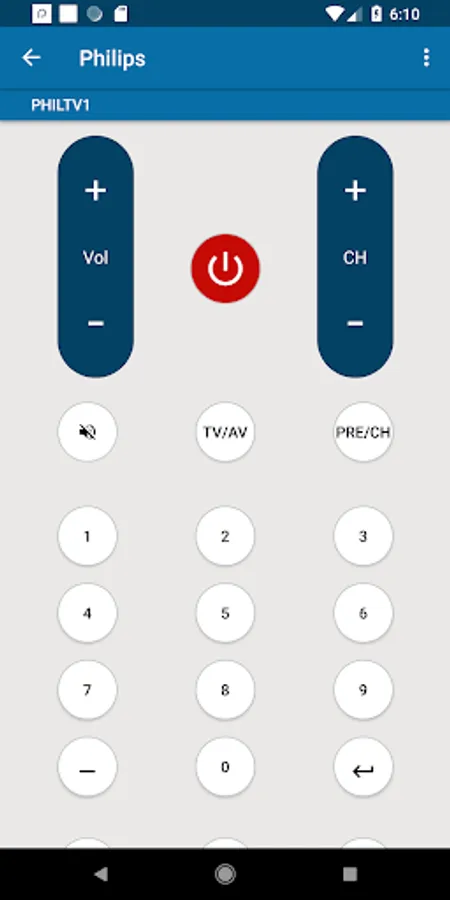
Philips Universal Remote designed by Illusions Inc I can be used very easily and you will feel like a real Philips Universal Remote because it has all the functionalities which an ordinary Philips remote control can perform.
We have designed this with least application size in the market so that users having slow internet connections can install it easily.
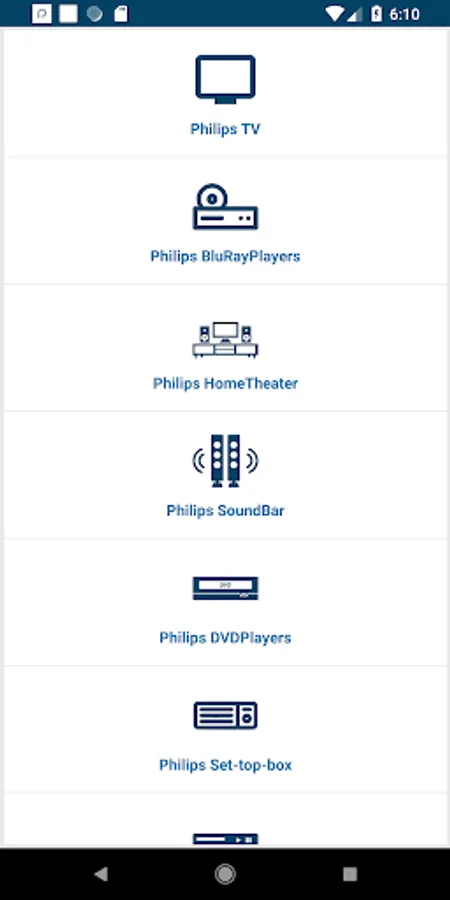
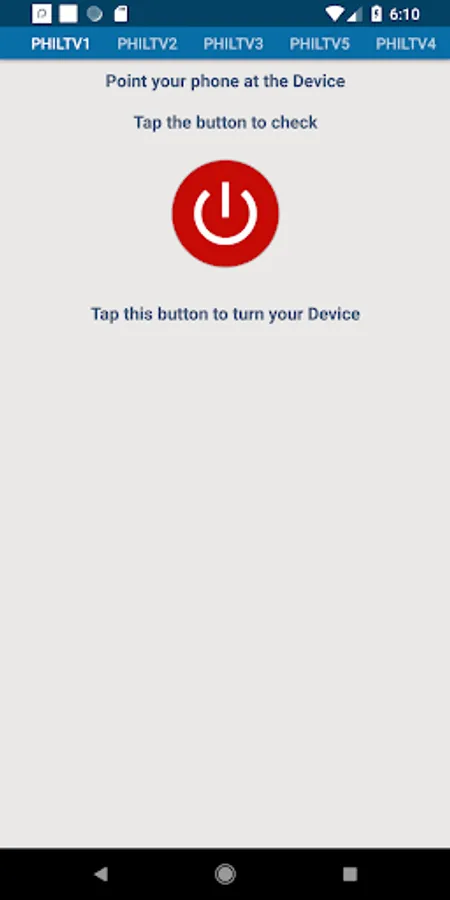
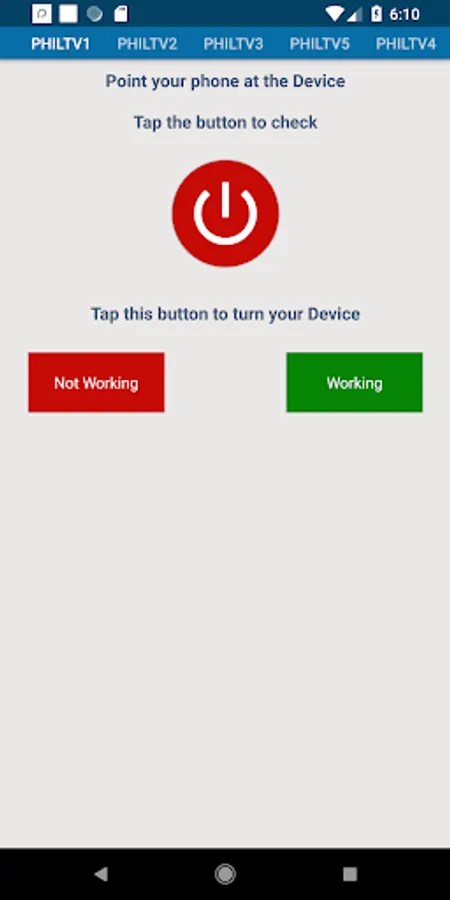
Philips Universal Remote App is easy to configure by following two step guideline. We have also uploaded screenshot as a guidance for the users. Once you have Configured this Philips Remote Control App you do not need to configure it again for the same device.
Once you have Configured this Philips Universal Remote app with you Philips Device it can easily be found in the "Saved Devices".
This Application has the following features:
>> Easy to Install.
>> Easy to configure.
>> Needs built in IR blaster for configuration.
>> Configured Device is saved in "Saved Devices"
>> Supports multiple configures devices and can be found in "Saved Devices"
>> Supports all the functionalities which as company built ordinary remote can perform.
>> Vibration on pressing Button can be enabled and disabled.
Moreover this Philips Universal Remote Can be used as:
>> Philips TV Remote Control.
>> Philips Blue Ray Remote
>> Philips AV Receiver Remote
>> Philips Set-Top Box Remote
>> Philips Home Theater Remote
>> Philips Projector Remote
>> Philips DVD Player Remote
>> Philips Sound Bar Remote
Disclaimer:
1. It is IR based remote controller, you should have a built-in IR transmitter or external infrared to control the TV.
2. This is not official remote control of Philips Company. We have just collected the codes for the convenience of users. This remote just controls the functionalities of Philips Devices.
3. Please Read the whole description before any negative feedback.
We have designed this with least application size in the market so that users having slow internet connections can install it easily.
Philips Universal Remote App is easy to configure by following two step guideline. We have also uploaded screenshot as a guidance for the users. Once you have Configured this Philips Remote Control App you do not need to configure it again for the same device.
Once you have Configured this Philips Universal Remote app with you Philips Device it can easily be found in the "Saved Devices".
This Application has the following features:
>> Easy to Install.
>> Easy to configure.
>> Needs built in IR blaster for configuration.
>> Configured Device is saved in "Saved Devices"
>> Supports multiple configures devices and can be found in "Saved Devices"
>> Supports all the functionalities which as company built ordinary remote can perform.
>> Vibration on pressing Button can be enabled and disabled.
Moreover this Philips Universal Remote Can be used as:
>> Philips TV Remote Control.
>> Philips Blue Ray Remote
>> Philips AV Receiver Remote
>> Philips Set-Top Box Remote
>> Philips Home Theater Remote
>> Philips Projector Remote
>> Philips DVD Player Remote
>> Philips Sound Bar Remote
Disclaimer:
1. It is IR based remote controller, you should have a built-in IR transmitter or external infrared to control the TV.
2. This is not official remote control of Philips Company. We have just collected the codes for the convenience of users. This remote just controls the functionalities of Philips Devices.
3. Please Read the whole description before any negative feedback.