Image to Excel Converter-XLSX
Wallet Passes Alliance
4.2 ★
4K ratings
100,000+
downloads
Free
+ in-app
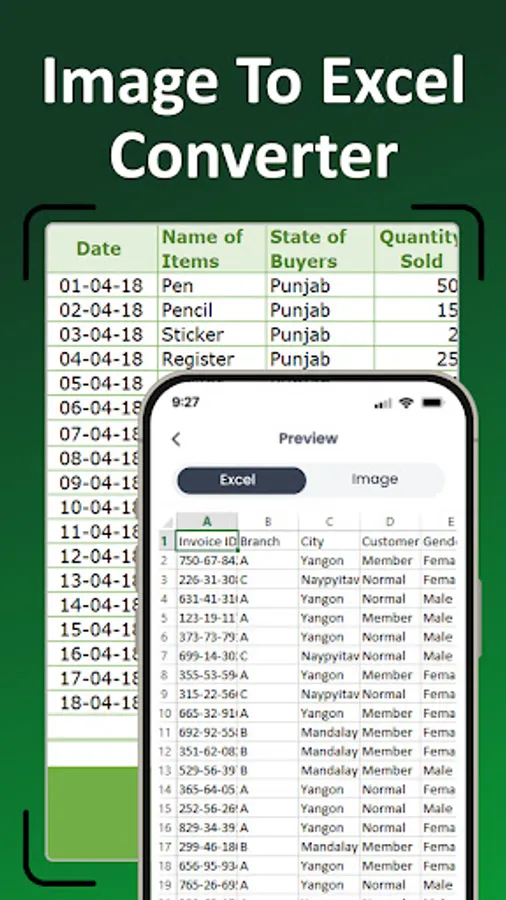
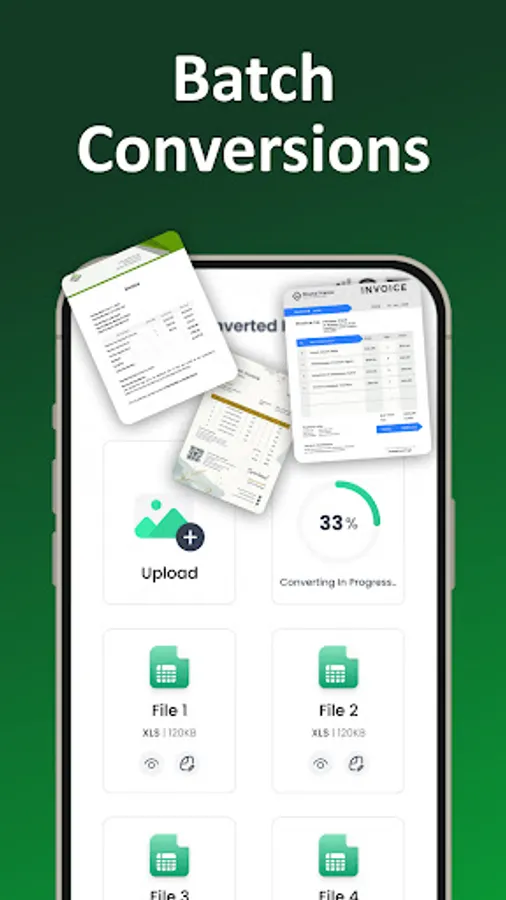
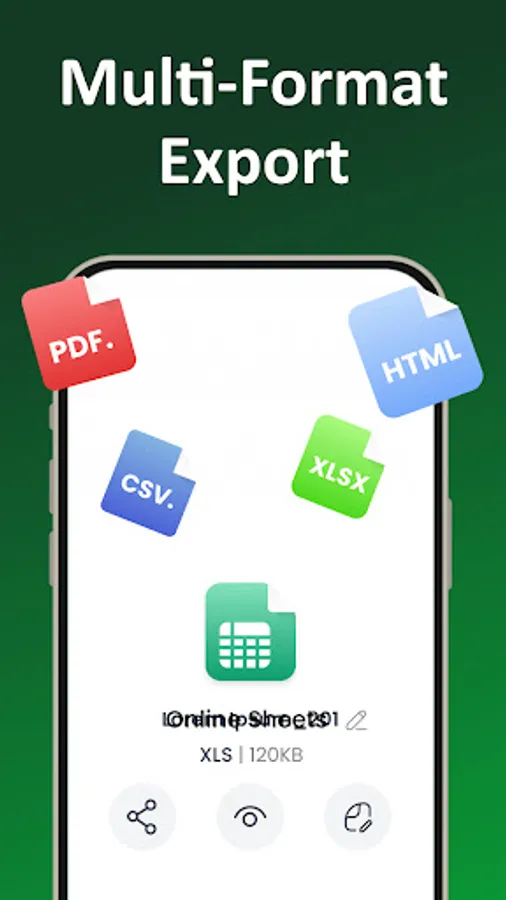
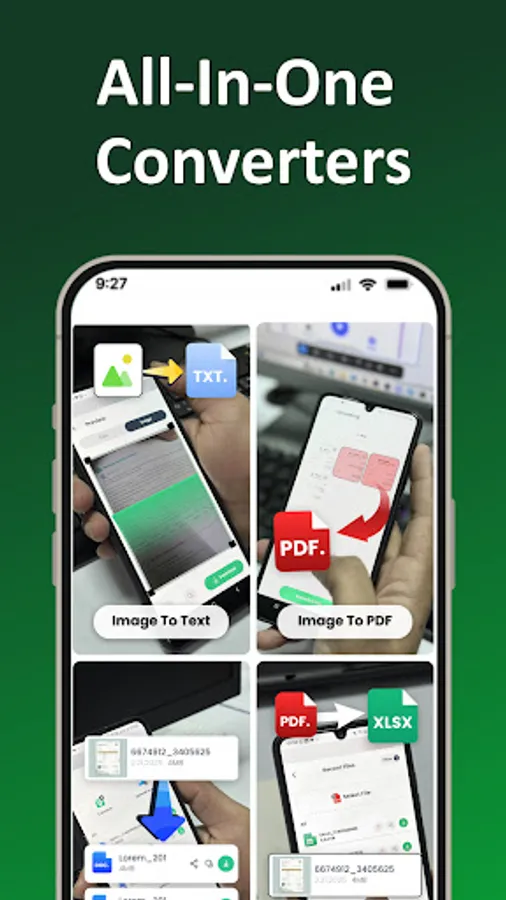
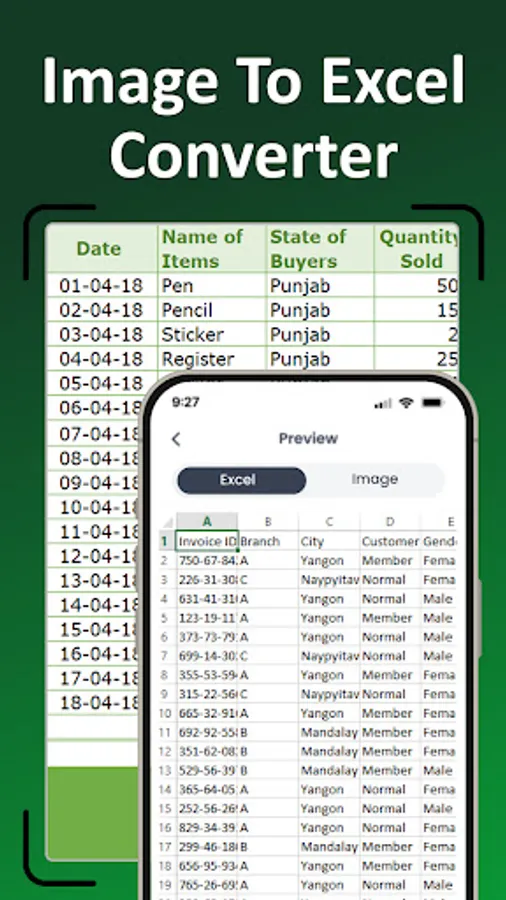
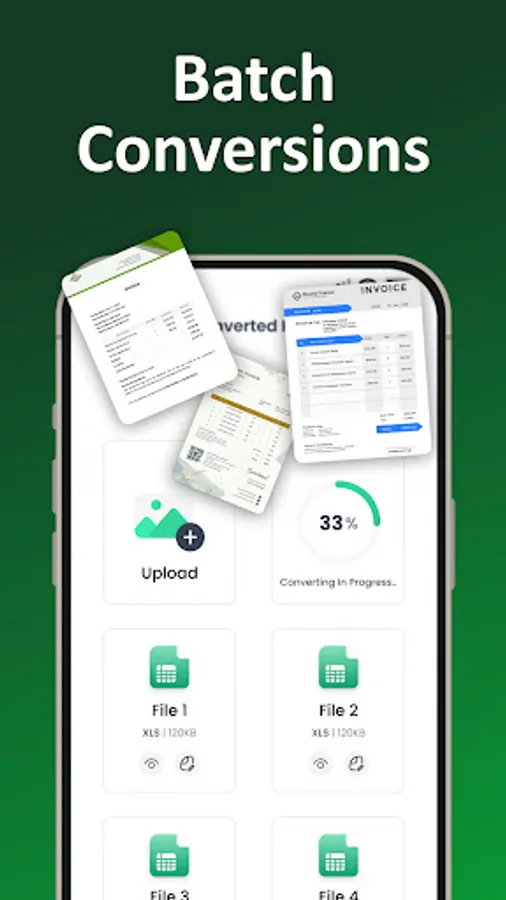
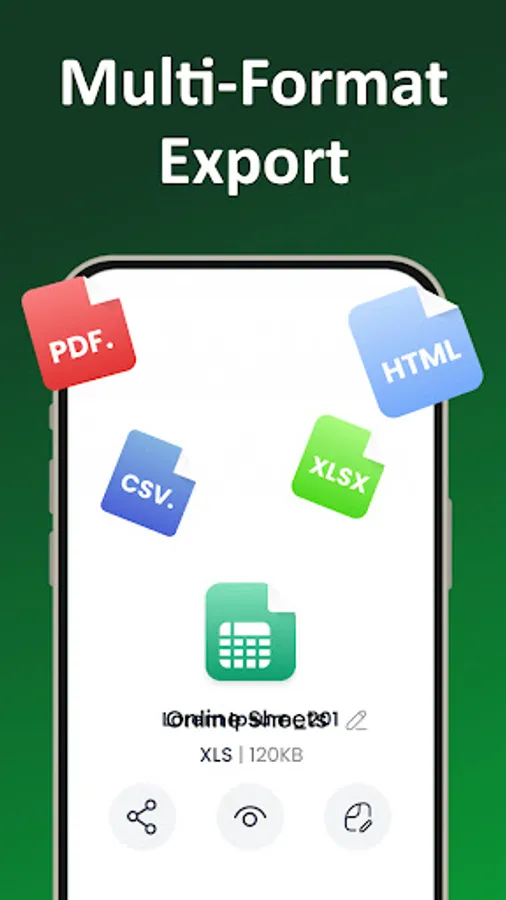
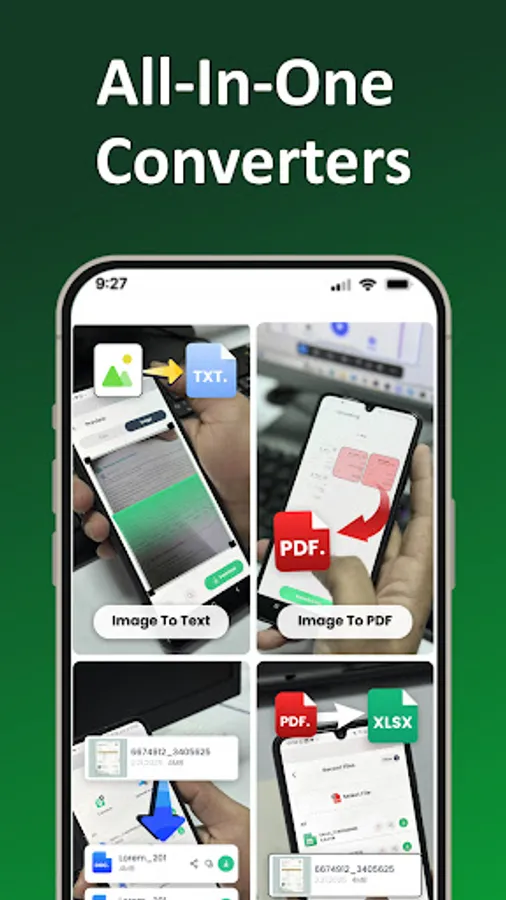
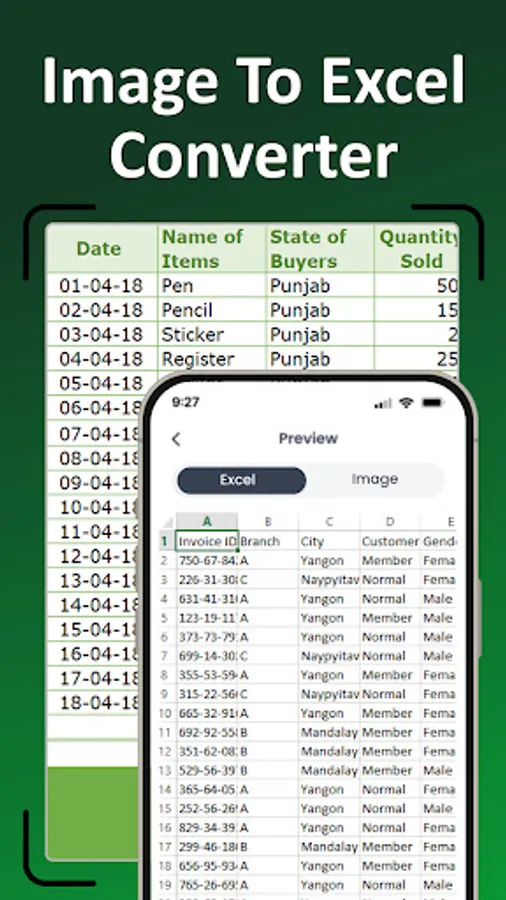
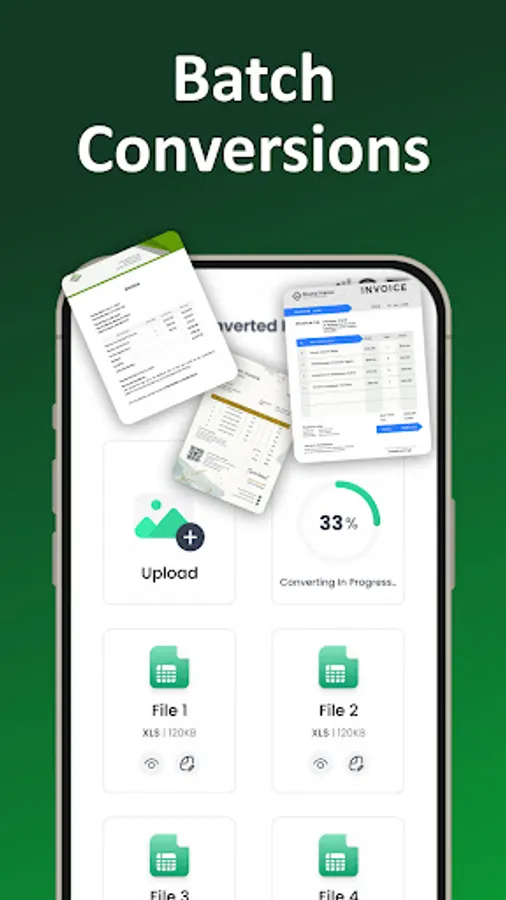
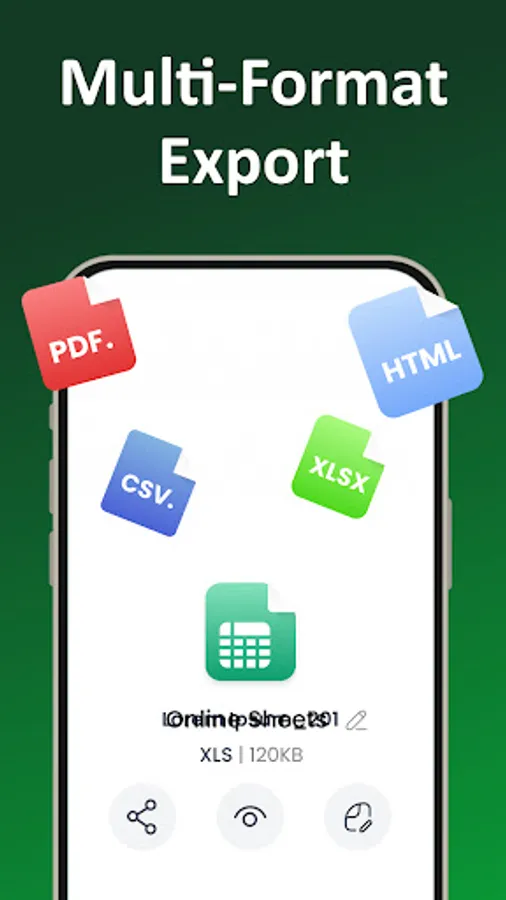
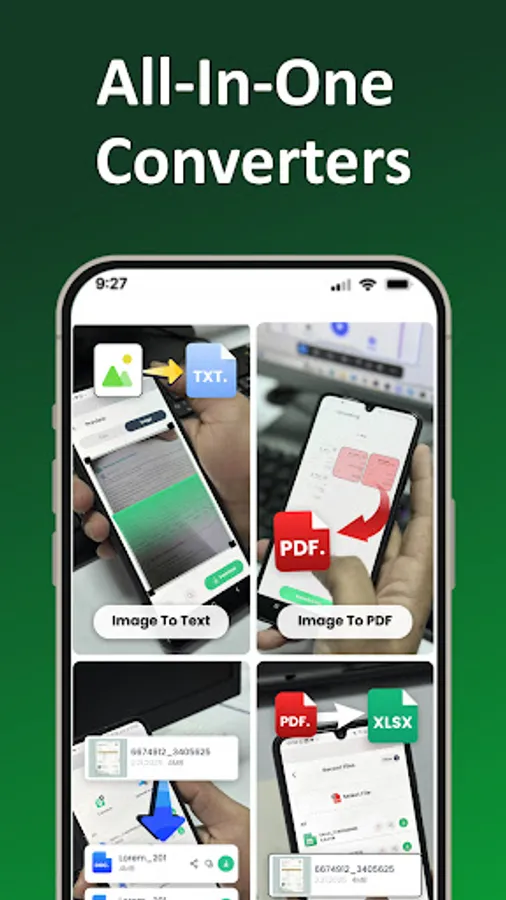
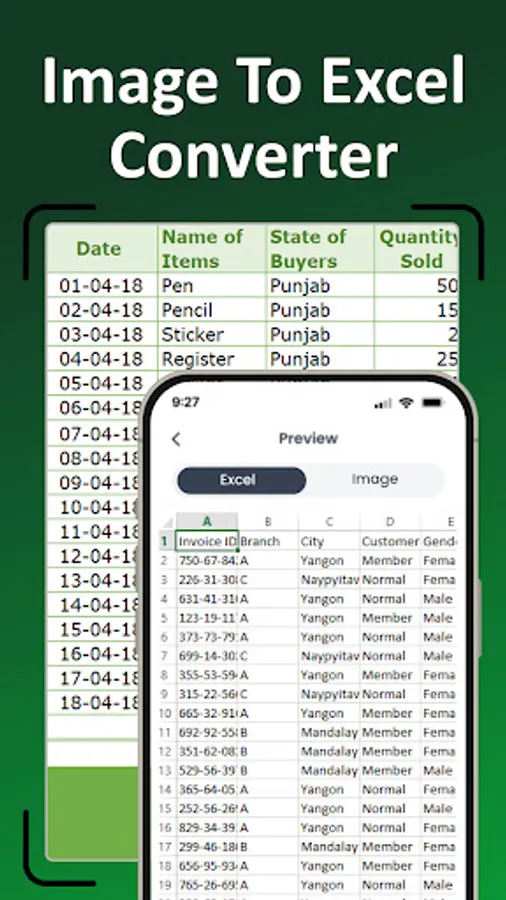
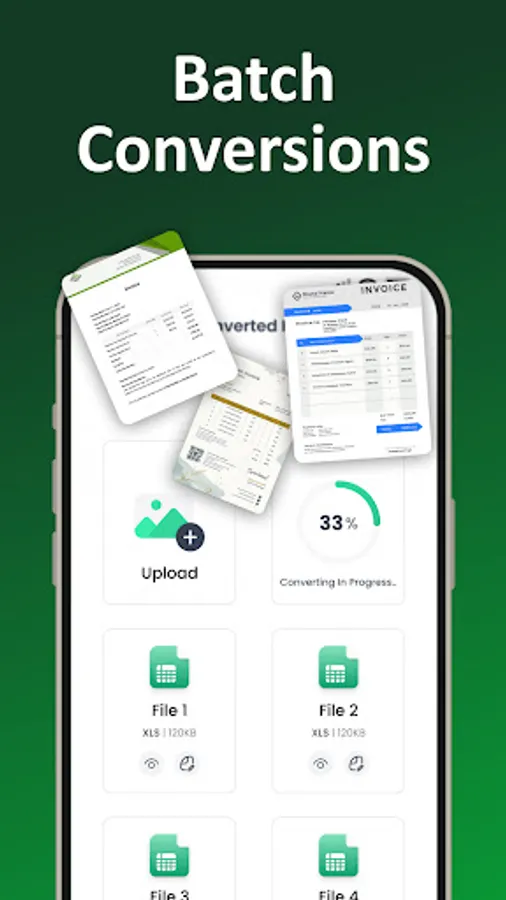
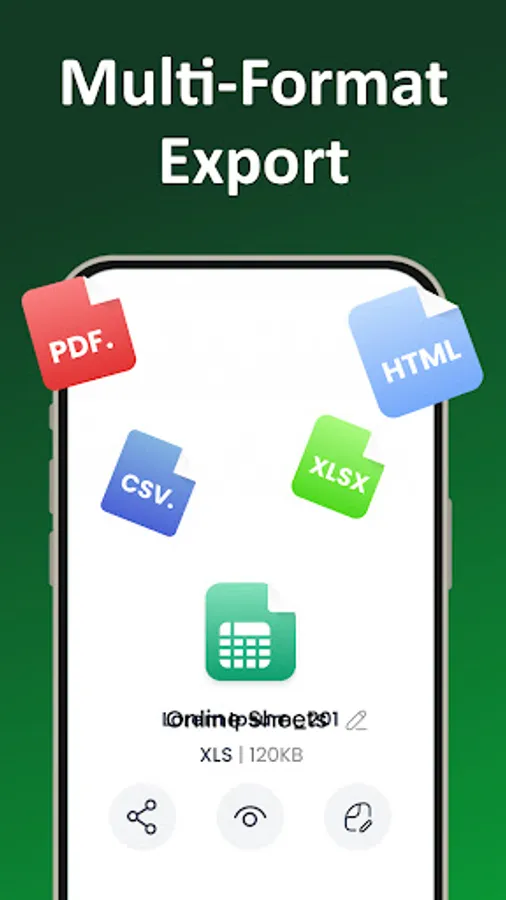
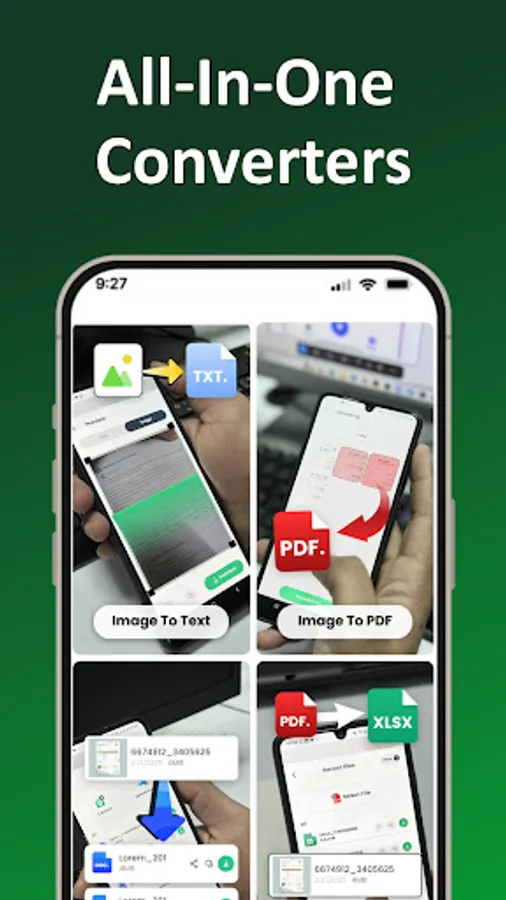
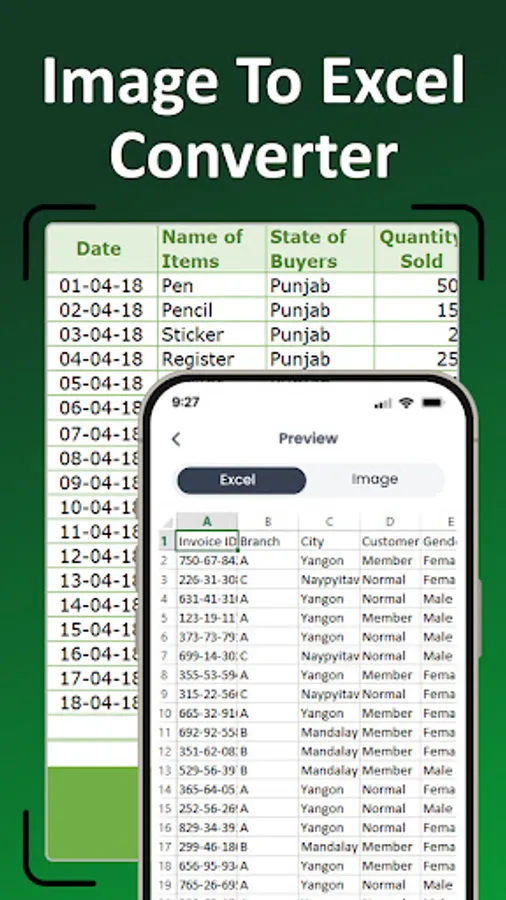
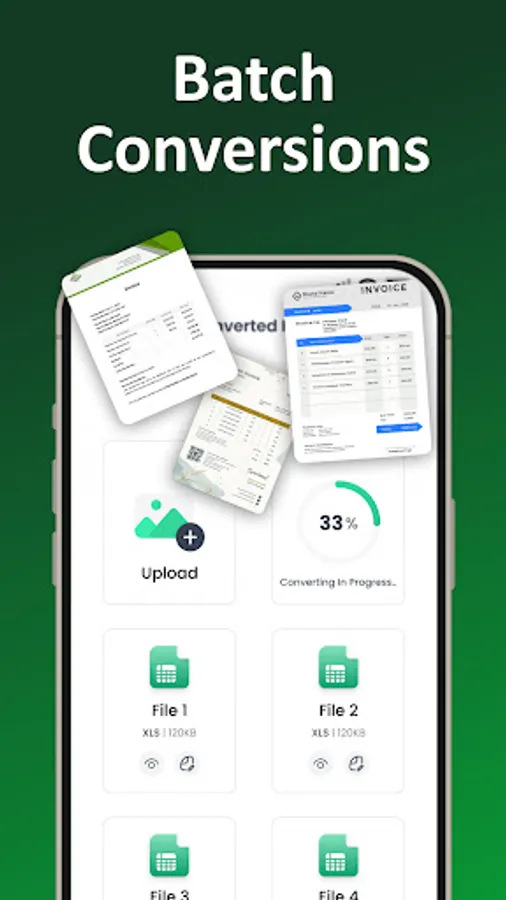
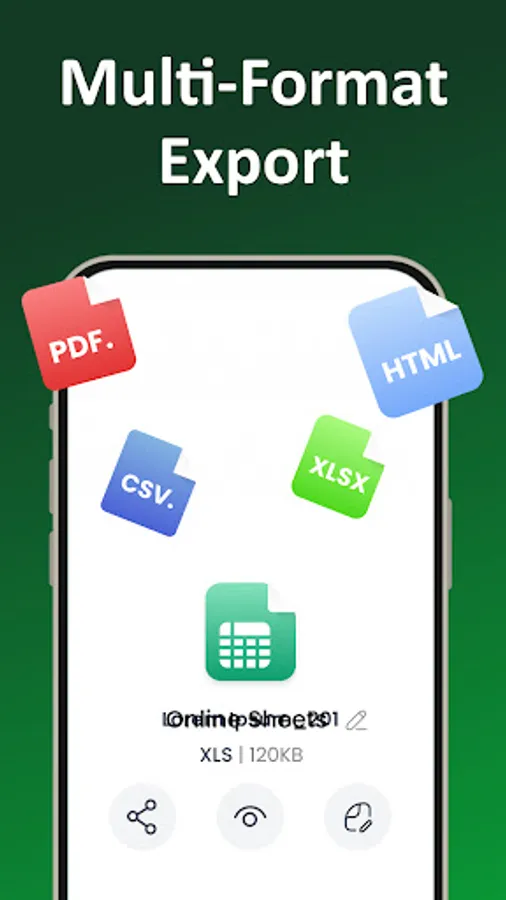
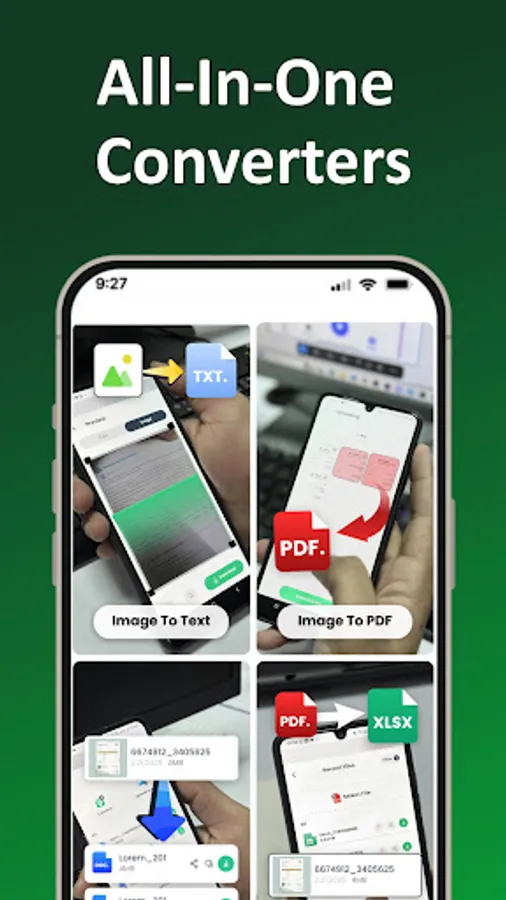
In this image to Excel converter app, you can upload or capture photos to extract data into spreadsheets with OCR technology. Includes support for multiple image formats and automatic table recognition.
AppRecs review analysis
AppRecs rating 4.2. Trustworthiness 75 out of 100. Review manipulation risk 41 out of 100. Based on a review sample analyzed.
★★★★☆
4.2
AppRecs Rating
Ratings breakdown
5 star
66%
4 star
14%
3 star
5%
2 star
2%
1 star
14%
What to know
✓
Authentic reviews
Natural distribution, no red flags
⚠
Questionable review patterns
41% review manipulation risk - some review patterns appear unusual
⚠
Review quality concerns
89% of sampled 5-star reviews are very short
About Image to Excel Converter-XLSX
OCR Image To Excel Converter App - Transform Images Into Organized Spreadsheets!
Turn any document photo into a clean Excel file with the OCR Image To Excel Converter App. This powerful tool makes converting images fast, accurate, and effortless. Whether you're capturing data from paperwork or digitizing table information, the OCR Image To Excel Converter App handles everything with precision. With seamless support for the JPG to Xlsx Tool, Photo To Excel Converter, OCR to Excel Converter, and Image To Xls functions, managing data becomes easier than ever.📄 Main Features:📄
📶 Convert images into fully editable Excel sheets using the OCR Image To Excel Converter App;
📶 Turn document photos into spreadsheets through the Photo To Excel Converter;
📶 Extract and organize table data with the JPG to Xlsx Tool;
📶 Use the OCR to Excel Converter for automatic, accurate text detection;
📶 Transform pictures into structured files through the Image To Xls option;
📶 Support for multiple image formats including JPG, PNG, and screenshots;
📶 Fast processing for instant spreadsheet output;
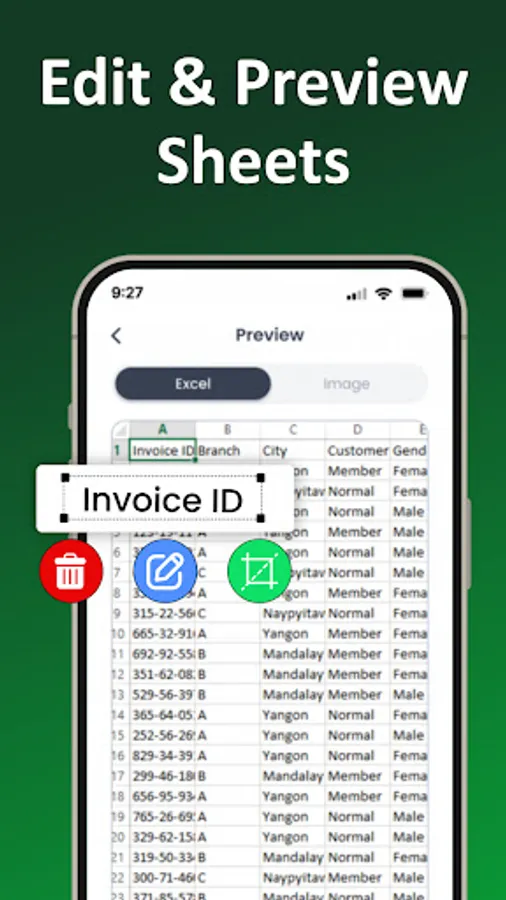
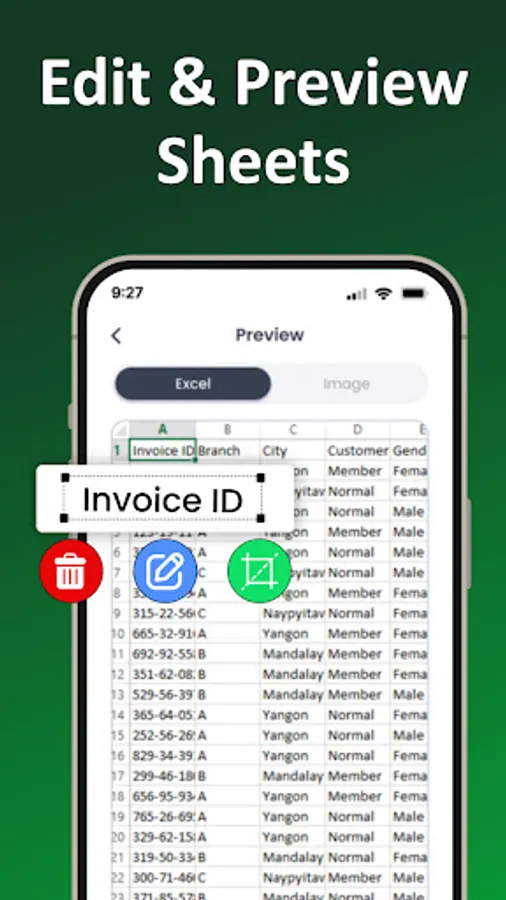
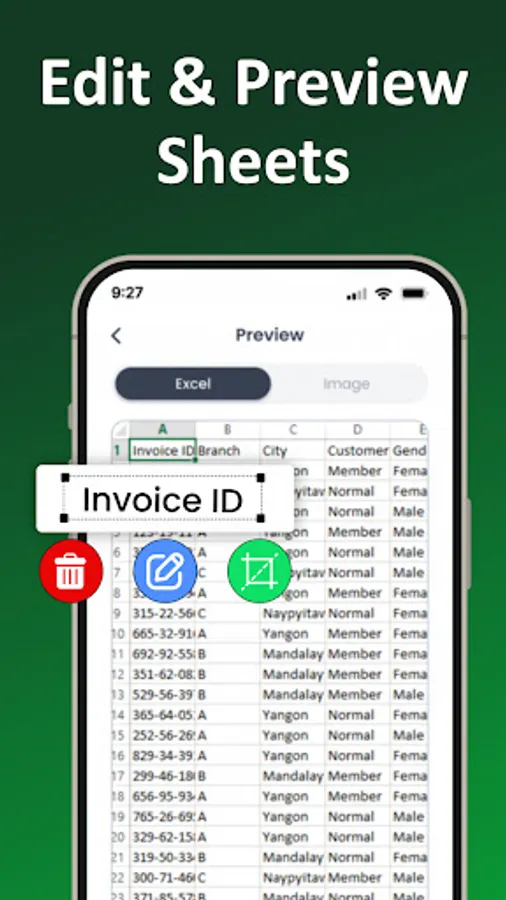
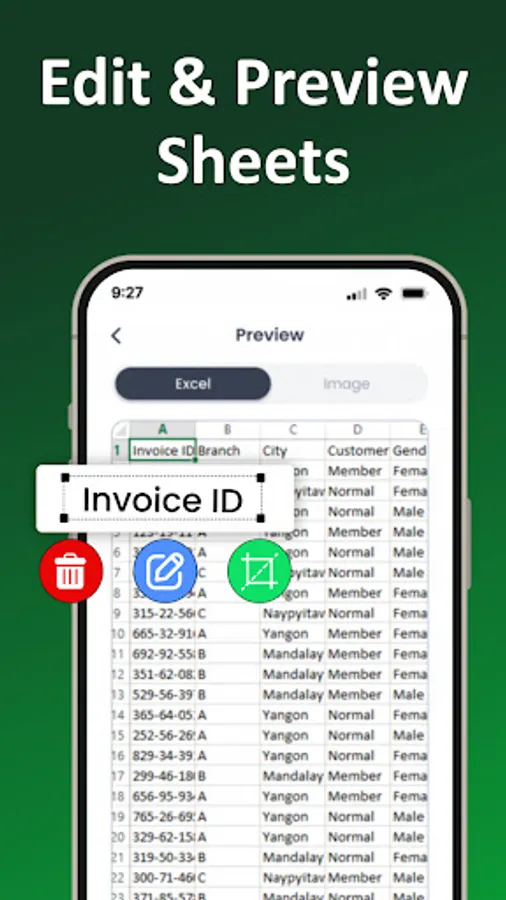
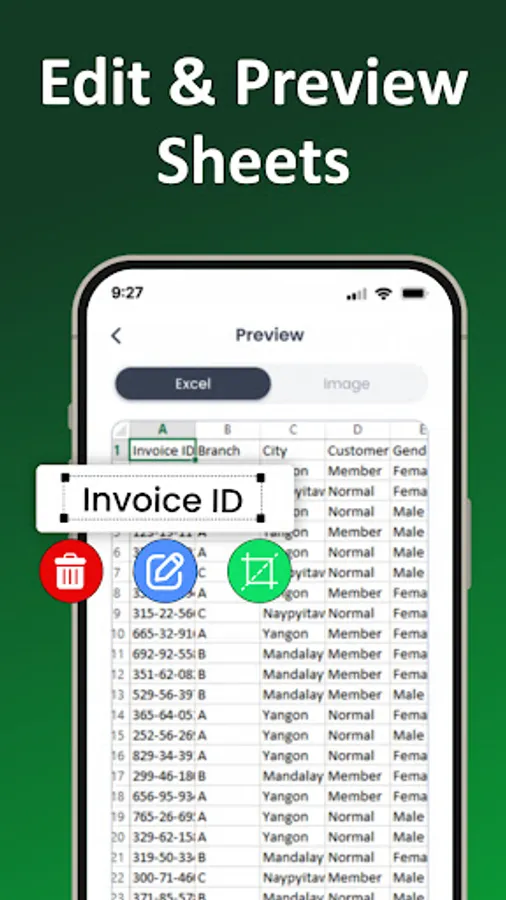
📶 Clean, organized Excel formatting for easy editing and exporting.
Fast Conversion for Every Task!
The JPG to Xlsx Tool ensures every captured detail becomes a usable spreadsheet. With the OCR Image To Excel Converter App, even complex tables convert cleanly. Students, professionals, and anyone handling data benefit from fast conversion using the Photo To Excel Converter. The Image To Xls process guarantees precise results, keeping data accurate and ready for editing.Capture, Convert, and Edit Seamlessly:
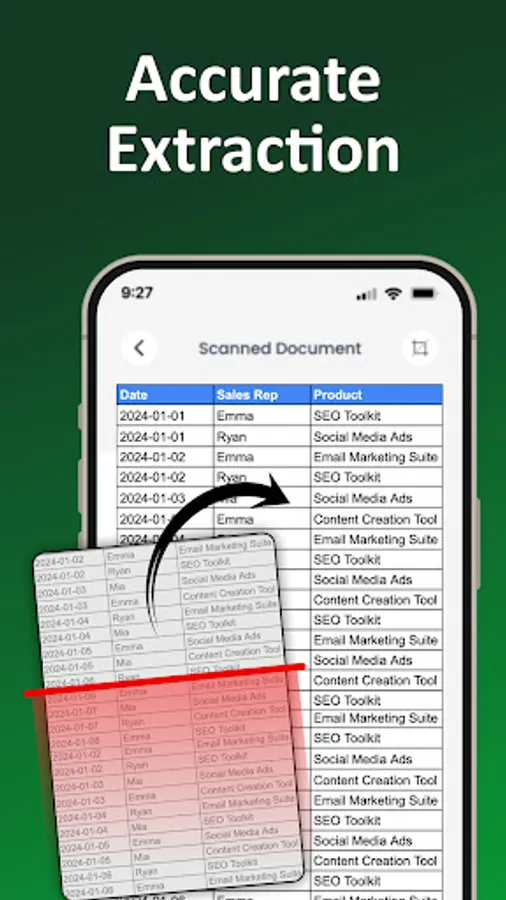
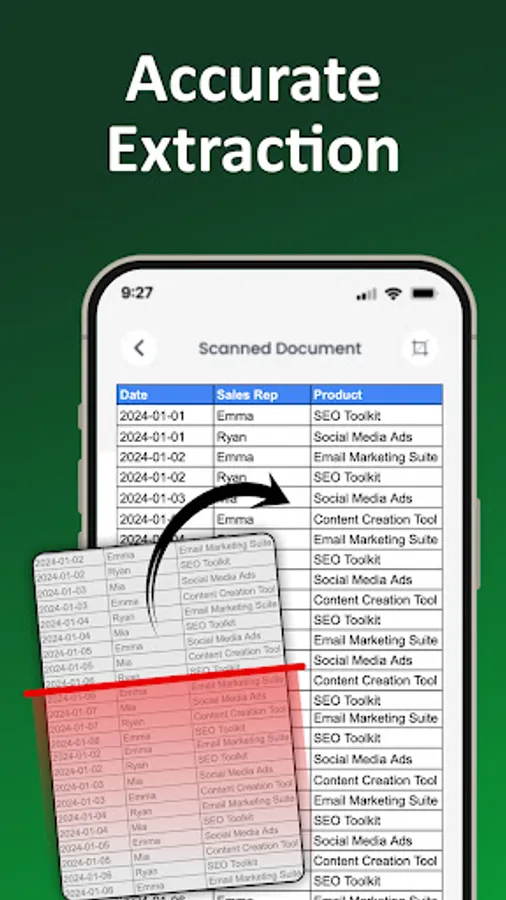
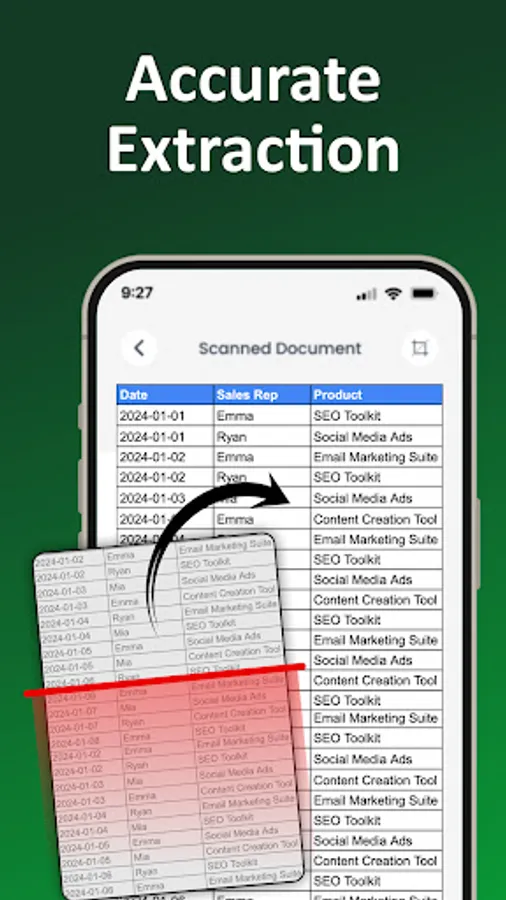
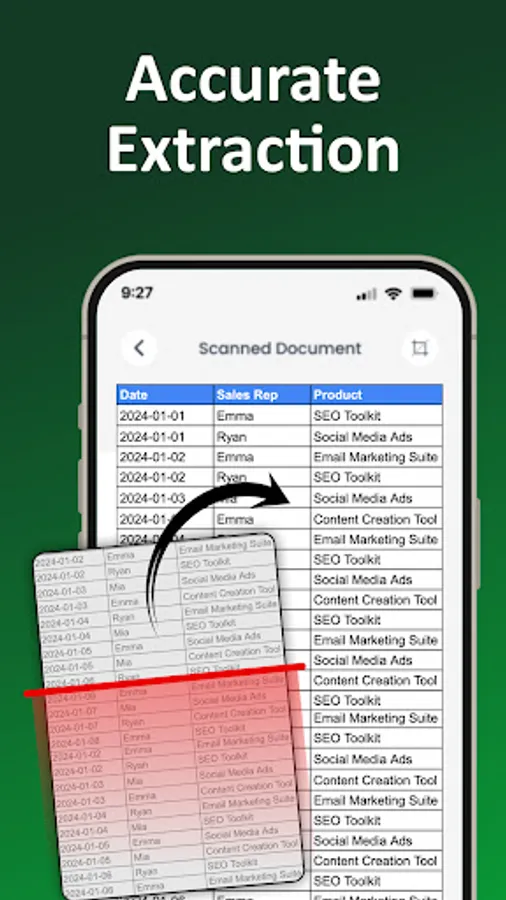
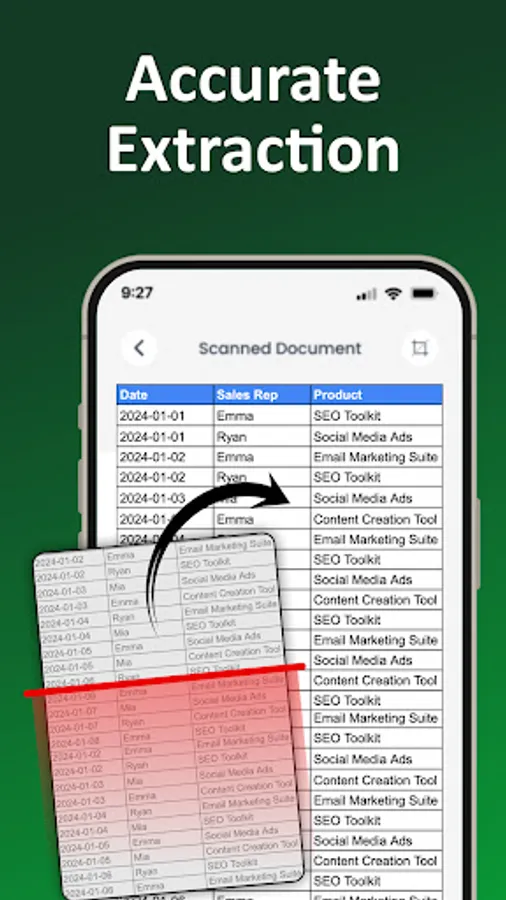
Just upload or snap a picture, and the OCR to Excel Converter instantly processes the image. The JPG to Xlsx Tool recognizes numbers, text, and aligned tables with impressive accuracy. The Photo To Excel Converter also works perfectly for handwritten notes or printed material, giving you structured output in seconds.
Smart Tools for Smarter Workflows:
The OCR Image To Excel Converter App is built for speed and reliability. The OCR to Excel Converter adapts to different lighting, fonts, and layouts. Meanwhile, the JPG to Xlsx Tool ensures minimal errors, turning messy data into organized cells. The Image To Xls option offers flexible formatting for multiple tasks.
Secure, Private, and Easy to Use:
Your photos and spreadsheets remain protected at all times. The Photo To Excel Converter never stores files on external servers. The OCR Image To Excel Converter App focuses entirely on secure, offline-ready processing. Whether you're using Image To Xls or the OCR to Excel Converter function, your information stays safe.
Start Converting With Confidence Today!
The JPG to Xlsx Tool comes together in one powerful solution. Experience fast, accurate, and frustration-free data conversion with the OCR Image To Excel Converter App. Turn images into spreadsheets effortlessly and enjoy perfect results every time.-Disclaimer
All product names, logos, brands, trademarks, and registered trademarks, which are not owned by us, are the property of their respective owners.
All company, product, and service names used in this app are for identification purposes only. Use of these names, trademarks, and brands does not imply endorsement.
This app is owned by us and is not an official Excel application. We are not affiliated, associated, authorized, endorsed by, or in any way officially connected with Microsoft Corporation.