Image Converter: PDF, JPG, PNG
YakinGlobal
5,000+
downloads
Free
About Image Converter: PDF, JPG, PNG
Image Converter: PDF, JPG, PNG - A reliable tool to change your image formats
Image Converter - Photo Converter is a practical tool for transforming pictures into various file types in a few simple steps. Our photo converter application helps you manage your digital photos with ease.
Key Features:
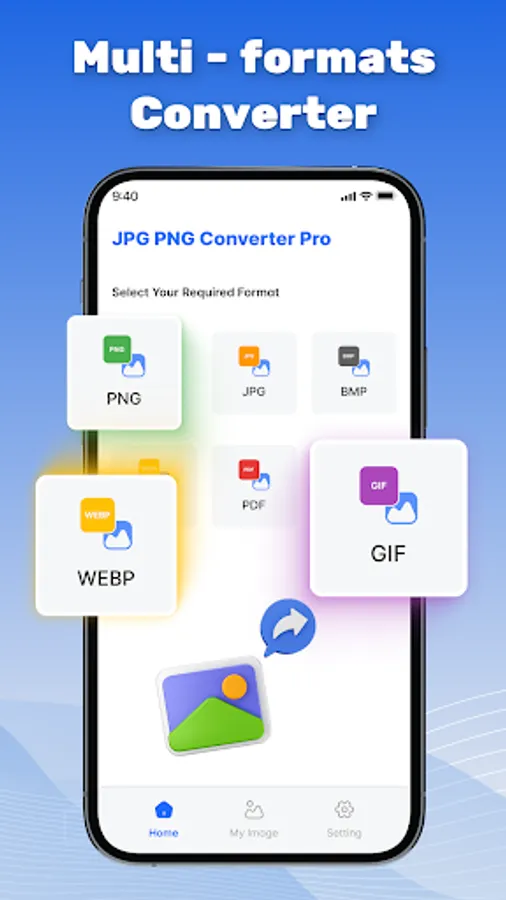
🖼️ Versatile Image Conversion: Convert your photos between a wide range of popular formats such as JPG, GIF, PNG, BMP, and more.
📝 Convert to JPG: Convert your images to JPG format, reducing file size while maintaining good quality — suitable for sharing and storage.
🎨 Convert to PNG: Transform your photos into high-quality PNG format with support for transparent backgrounds. Ideal for design, editing, and graphics.
📄 Convert to PDF: Combine multiple images into a single PDF document for easy sharing.
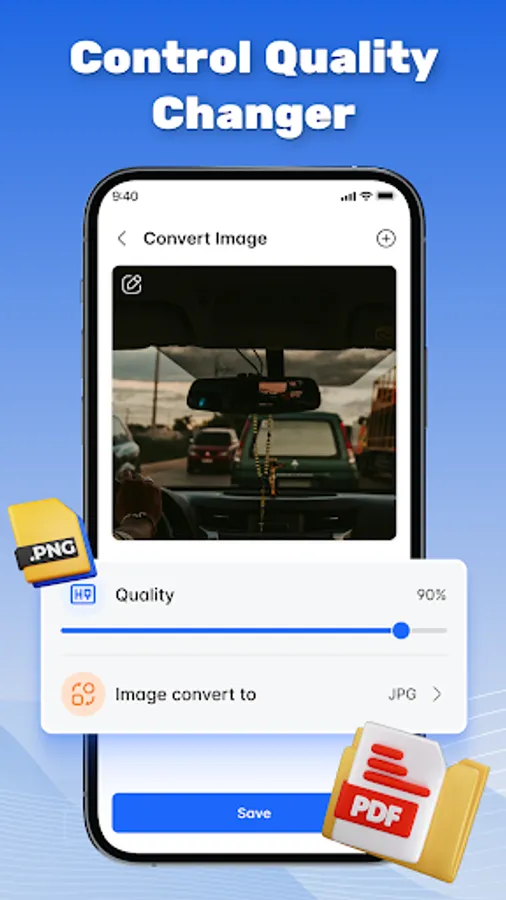
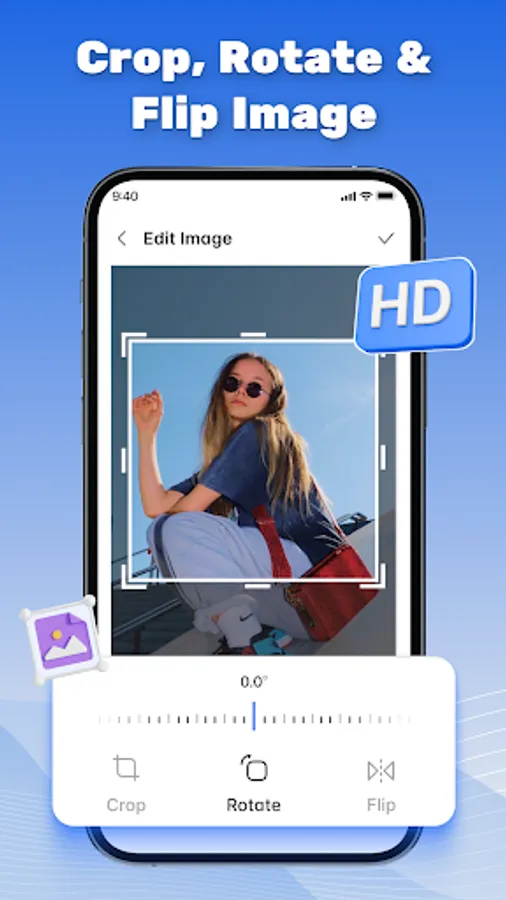
⚙️ Adjust Image Quality: Control output quality and customize settings to meet different requirements.
👍 User-Friendly Interface: Intuitive design for a smooth and straightforward conversion process.
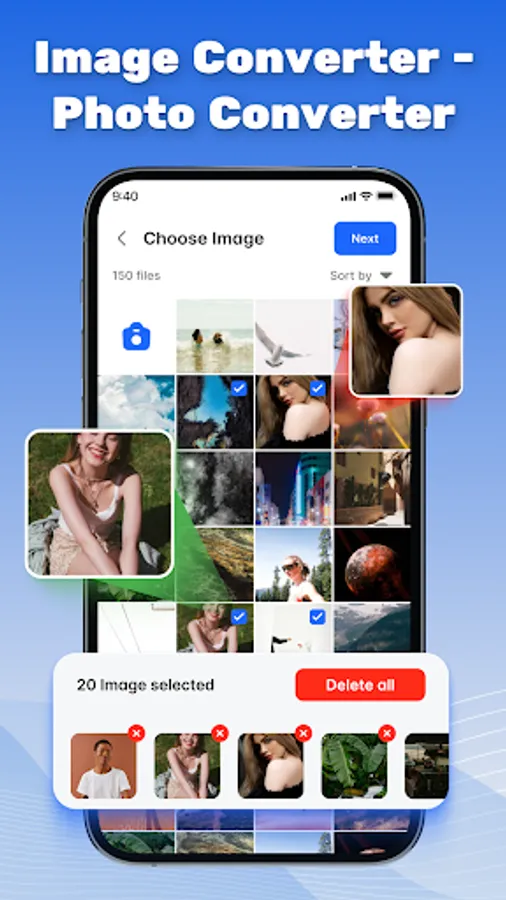
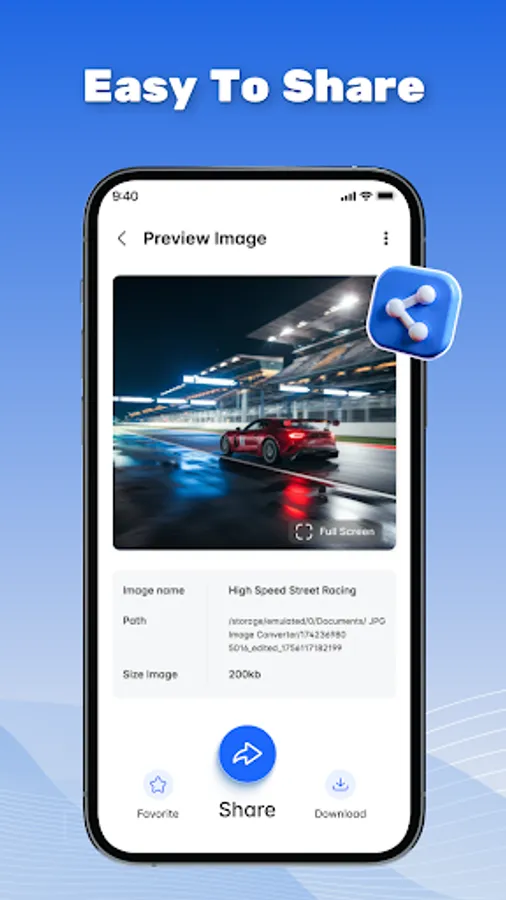
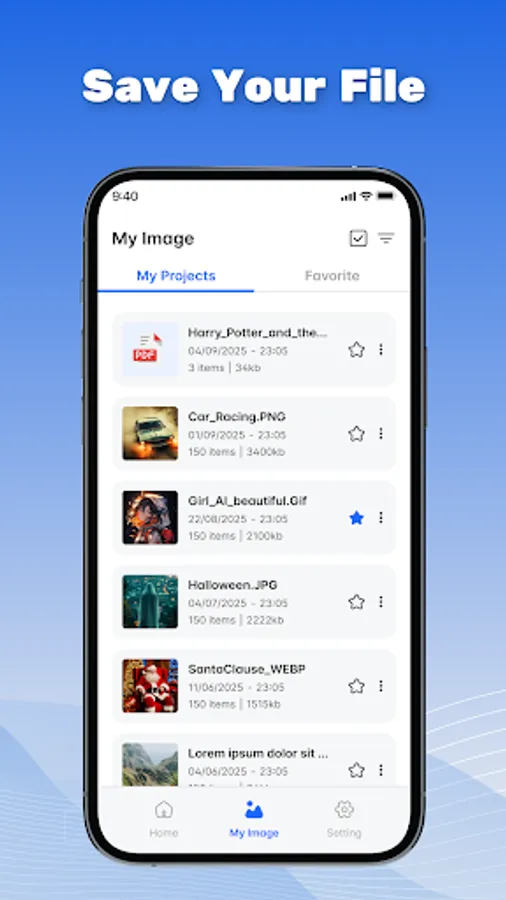
📂 Organize Your Photos: Easily select and manage your converted images within the app.
How It Works 👇
1️⃣ Select Images: Choose one or multiple photos from your gallery.
2️⃣ Choose Output Format: Pick the desired output format.
3️⃣ Adjust Settings (Optional): Modify quality if needed.
4️⃣ Convert: Tap Convert to start the conversion.
Manage and convert your images easily with Image Converter.
Image Converter - Photo Converter is a practical tool for transforming pictures into various file types in a few simple steps. Our photo converter application helps you manage your digital photos with ease.
Key Features:
🖼️ Versatile Image Conversion: Convert your photos between a wide range of popular formats such as JPG, GIF, PNG, BMP, and more.
📝 Convert to JPG: Convert your images to JPG format, reducing file size while maintaining good quality — suitable for sharing and storage.
🎨 Convert to PNG: Transform your photos into high-quality PNG format with support for transparent backgrounds. Ideal for design, editing, and graphics.
📄 Convert to PDF: Combine multiple images into a single PDF document for easy sharing.
⚙️ Adjust Image Quality: Control output quality and customize settings to meet different requirements.
👍 User-Friendly Interface: Intuitive design for a smooth and straightforward conversion process.
📂 Organize Your Photos: Easily select and manage your converted images within the app.
How It Works 👇
1️⃣ Select Images: Choose one or multiple photos from your gallery.
2️⃣ Choose Output Format: Pick the desired output format.
3️⃣ Adjust Settings (Optional): Modify quality if needed.
4️⃣ Convert: Tap Convert to start the conversion.
Manage and convert your images easily with Image Converter.