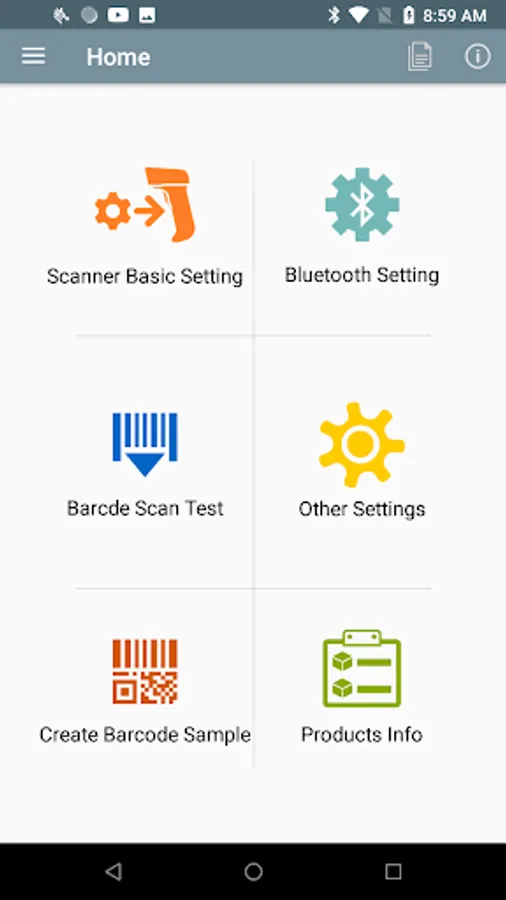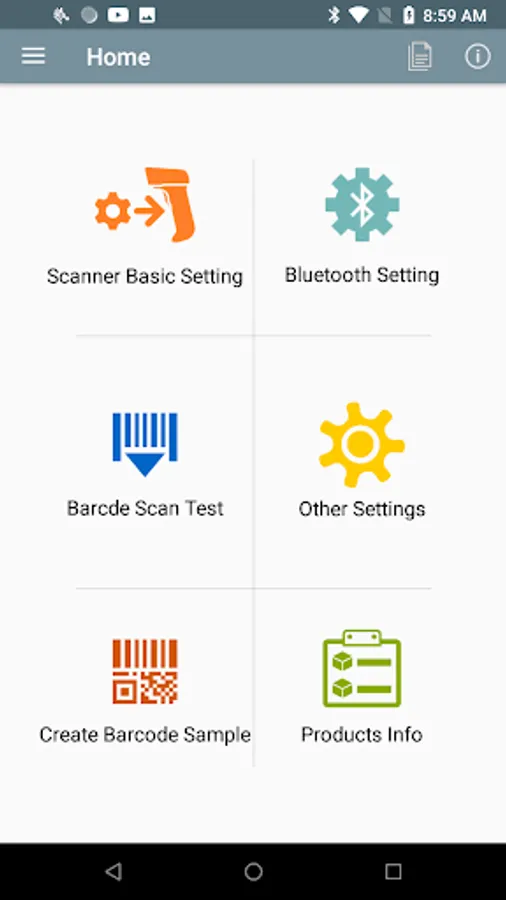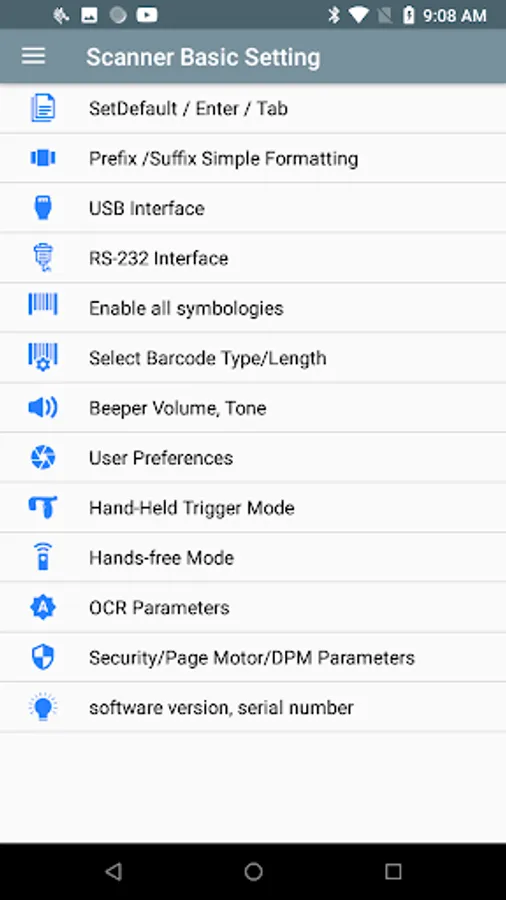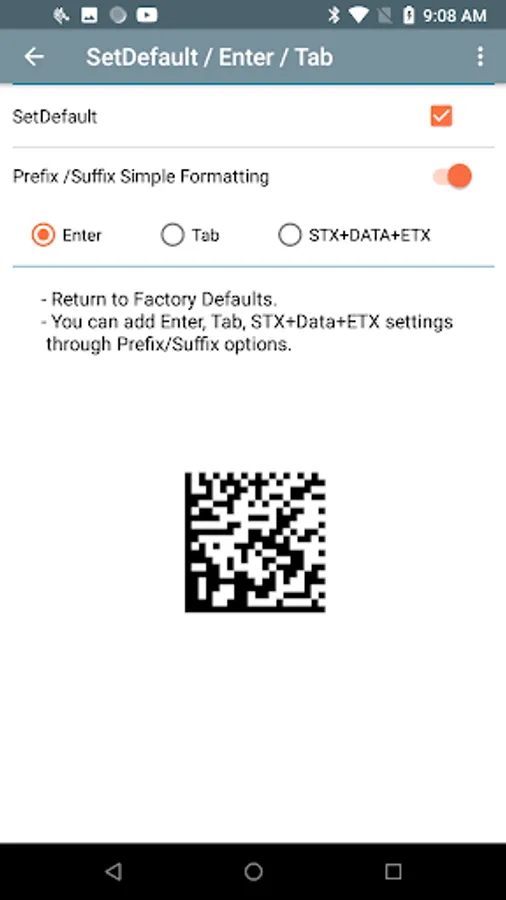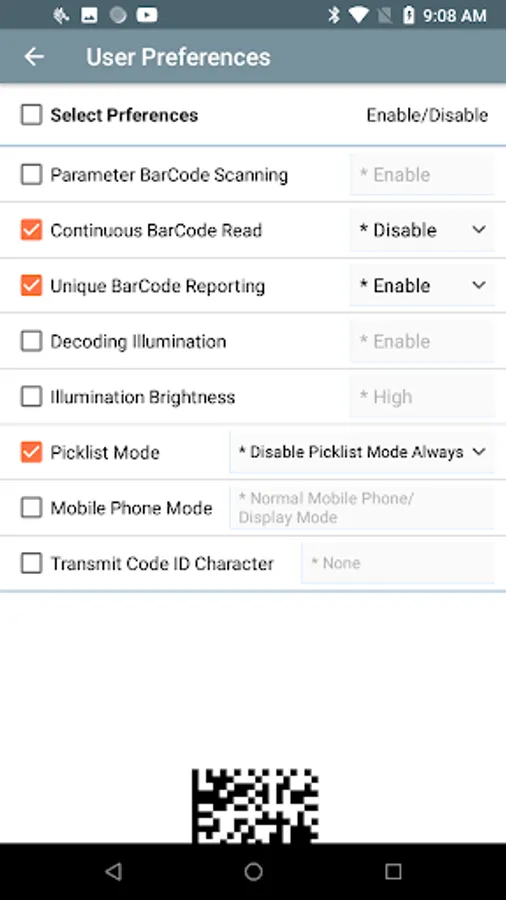
In this app, you can configure barcode scanner settings, manage connections, and test barcode data. Includes interface settings, firmware checks, and barcode creation tools.
AppRecs review analysis
AppRecs rating 3.8. Trustworthiness 80 out of 100. Review manipulation risk 22 out of 100. Based on a review sample analyzed.
★★★☆☆
3.8
AppRecs Rating
Ratings breakdown
5 star
52%
4 star
29%
3 star
0%
2 star
10%
1 star
10%
What to know
✓
Low review manipulation risk
22% review manipulation risk
✓
Credible reviews
80% trustworthiness score from analyzed reviews
✓
High user satisfaction
81% of sampled ratings are 4+ stars (4.0★ average)
About Zebra Scanner Setting App
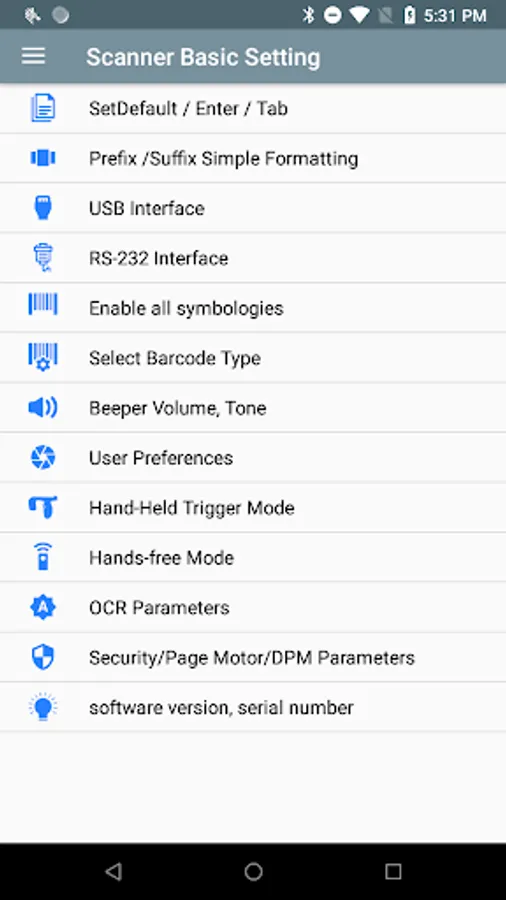
1. Supports various settings required for basic Zebra barcode scanner setup
- Equipment initialization, Enter, Tab, STX+Data+ETX setting
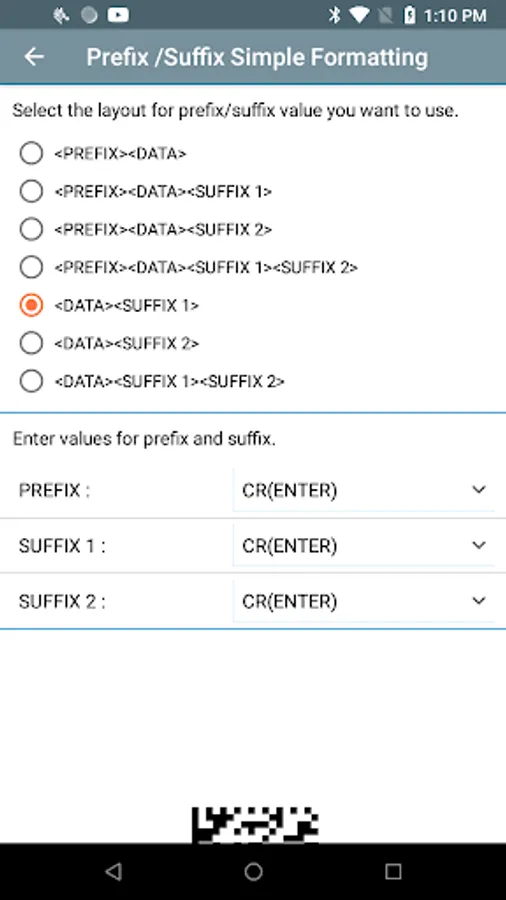
- Prefix / Suffix format settings
- USB/RS232 interface setting
- Barcode type/digit setting
- Scanner volume/tone adjustment
- User Preferences
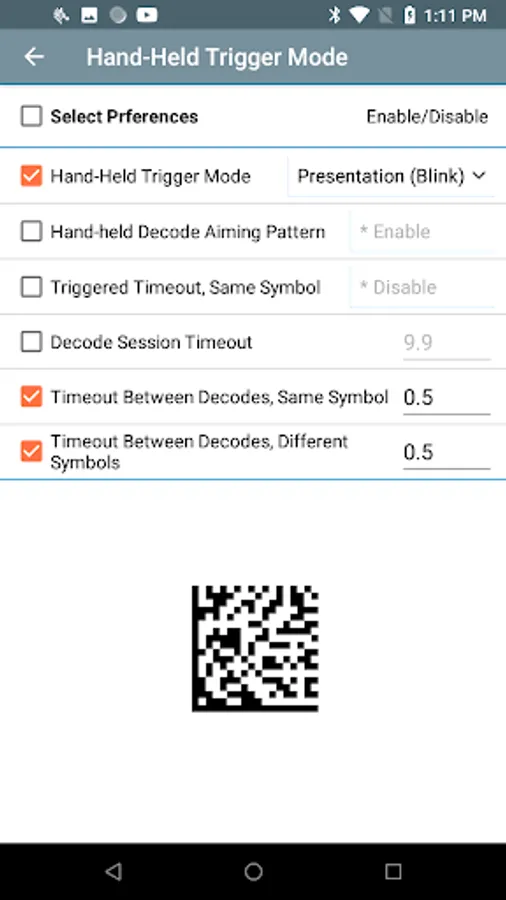
- Trigger mode setting support ( Presentation )
- Hands-free mode setting
- Security / Vibration / DPM settings
- Check the scanner firmware version/serial
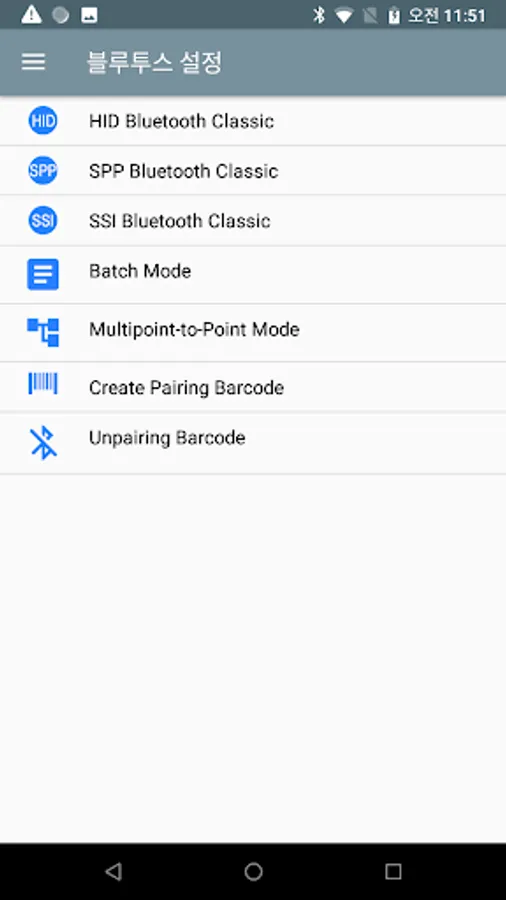
2. Support Bluetooth setting
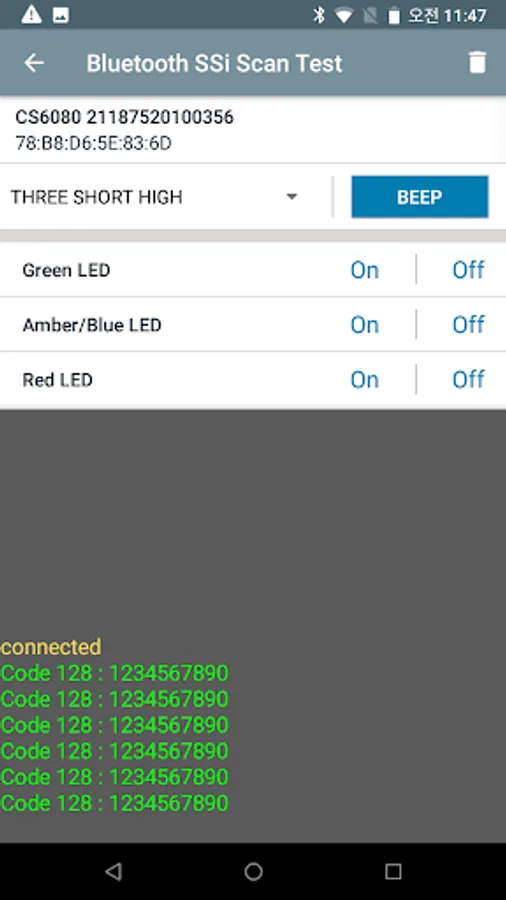
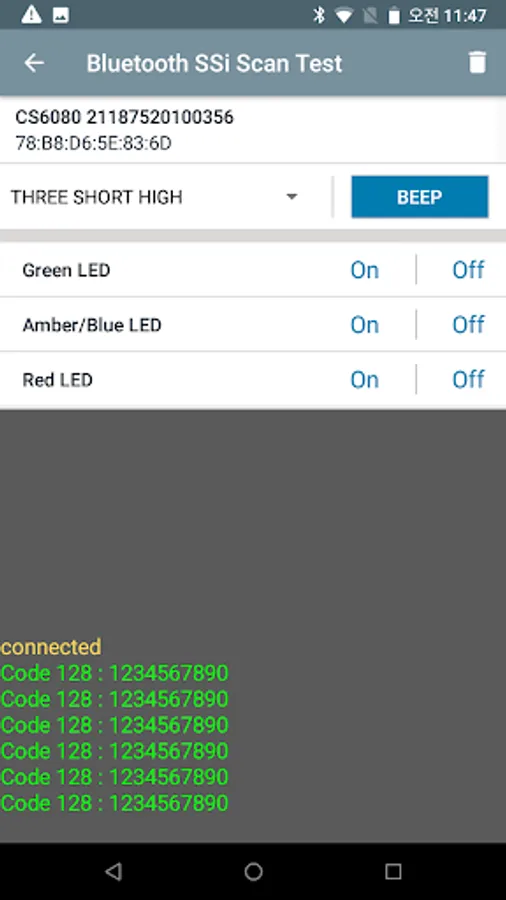
- HID, SPP, SSI mode setting and connection method/ scan test
- Batch mode, setting multiple scanners in one cradle
- Create pairing barcode, set pairing disconnection
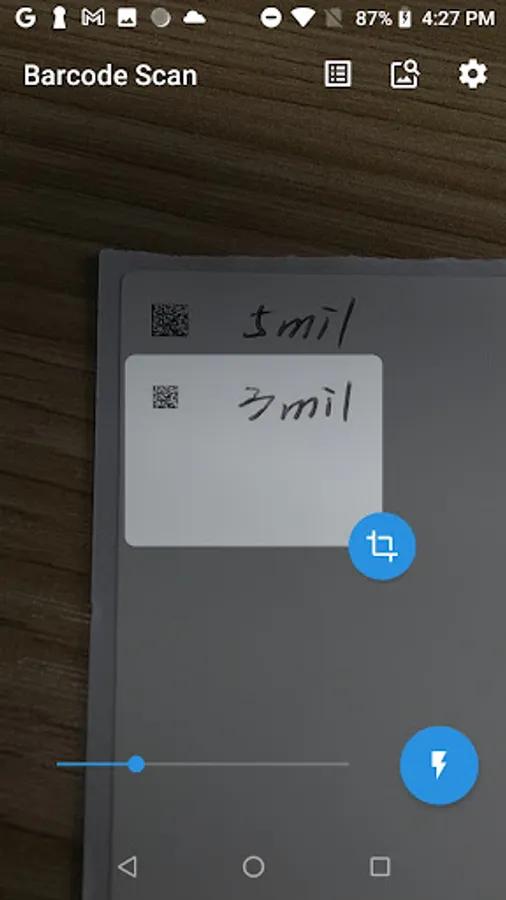
3. Scan barcode using camera module and check barcode type and data value.
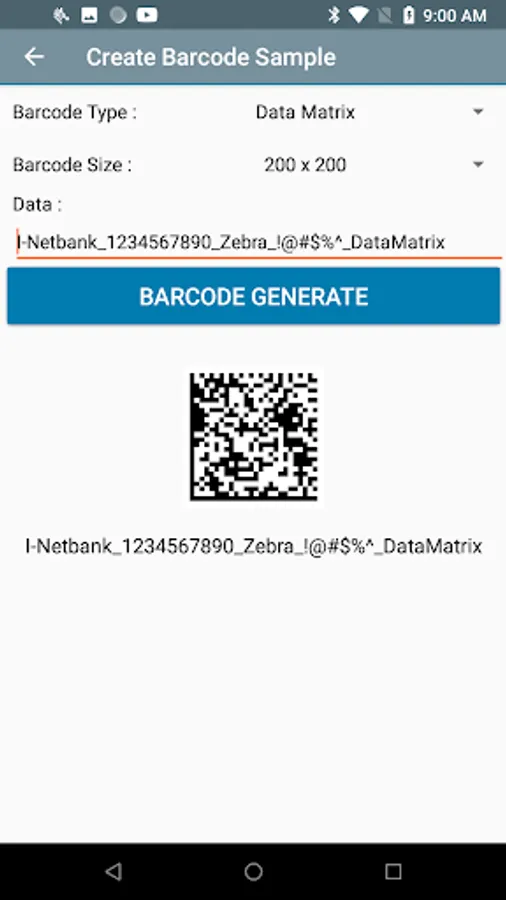
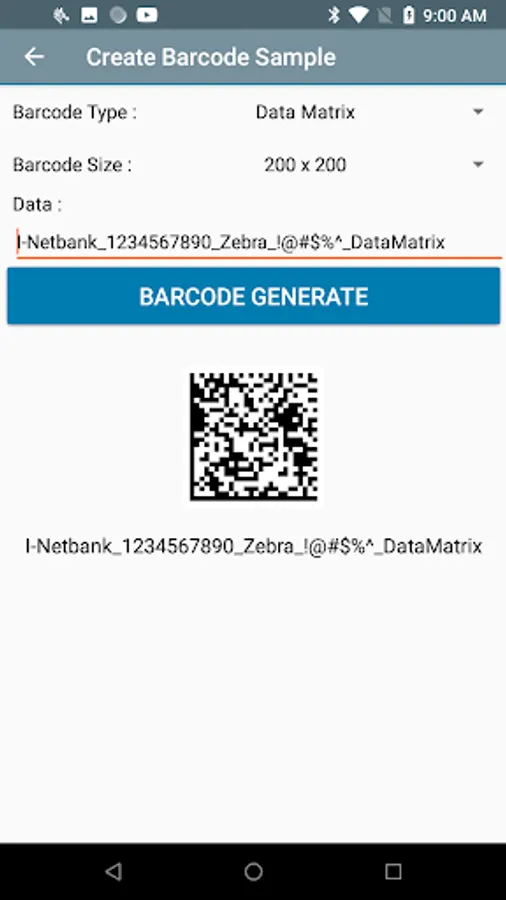
4. Create various sample barcodes such as QRCode, DataMatrix, Code128, Code39
5. Links to sites related to Zebra 123Scan, scanner basic settings, and OS updates
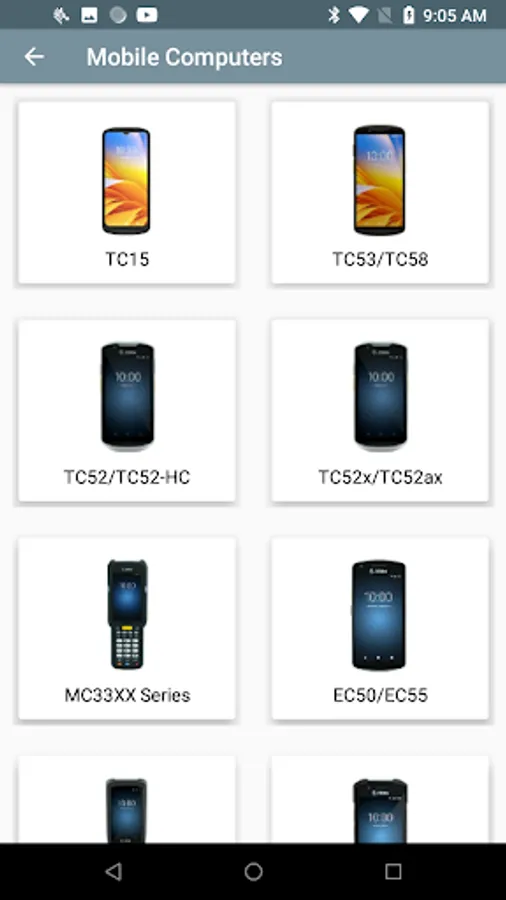
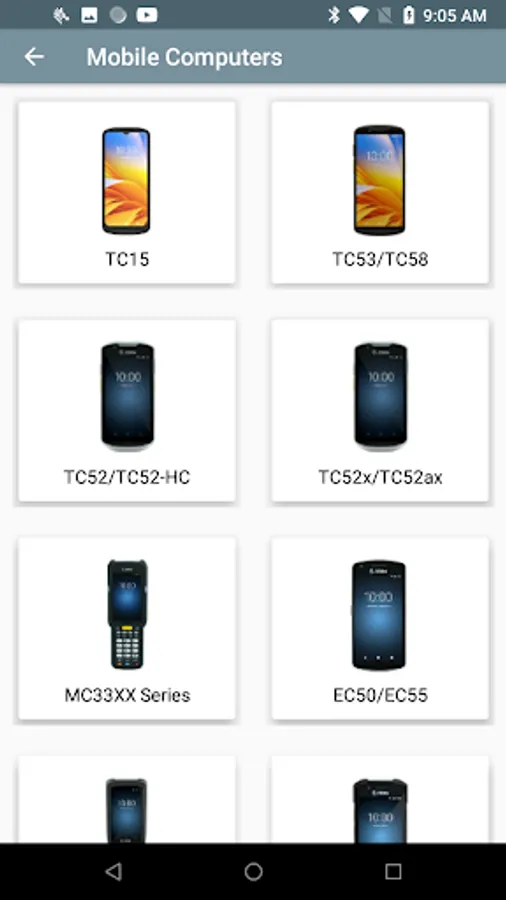
6. Zebra product information homepage/ manual site link.
- Equipment initialization, Enter, Tab, STX+Data+ETX setting
- Prefix / Suffix format settings
- USB/RS232 interface setting
- Barcode type/digit setting
- Scanner volume/tone adjustment
- User Preferences
- Trigger mode setting support ( Presentation )
- Hands-free mode setting
- Security / Vibration / DPM settings
- Check the scanner firmware version/serial
2. Support Bluetooth setting
- HID, SPP, SSI mode setting and connection method/ scan test
- Batch mode, setting multiple scanners in one cradle
- Create pairing barcode, set pairing disconnection
3. Scan barcode using camera module and check barcode type and data value.
4. Create various sample barcodes such as QRCode, DataMatrix, Code128, Code39
5. Links to sites related to Zebra 123Scan, scanner basic settings, and OS updates
6. Zebra product information homepage/ manual site link.