
With this inspection app, you can view and update work orders, inspections, and asset information in the field. Includes photo attachments, comments, offline synchronization, and report printing features.
AppRecs review analysis
AppRecs rating 2.7. Trustworthiness 0 out of 100. Review manipulation risk 0 out of 100. Based on a review sample analyzed.
★★☆☆☆
2.7
AppRecs Rating
Ratings breakdown
5 star
43%
4 star
0%
3 star
0%
2 star
0%
1 star
57%
What to know
⚠
Mixed user feedback
Average 2.7★ rating suggests room for improvement
About Infor Field Inspector
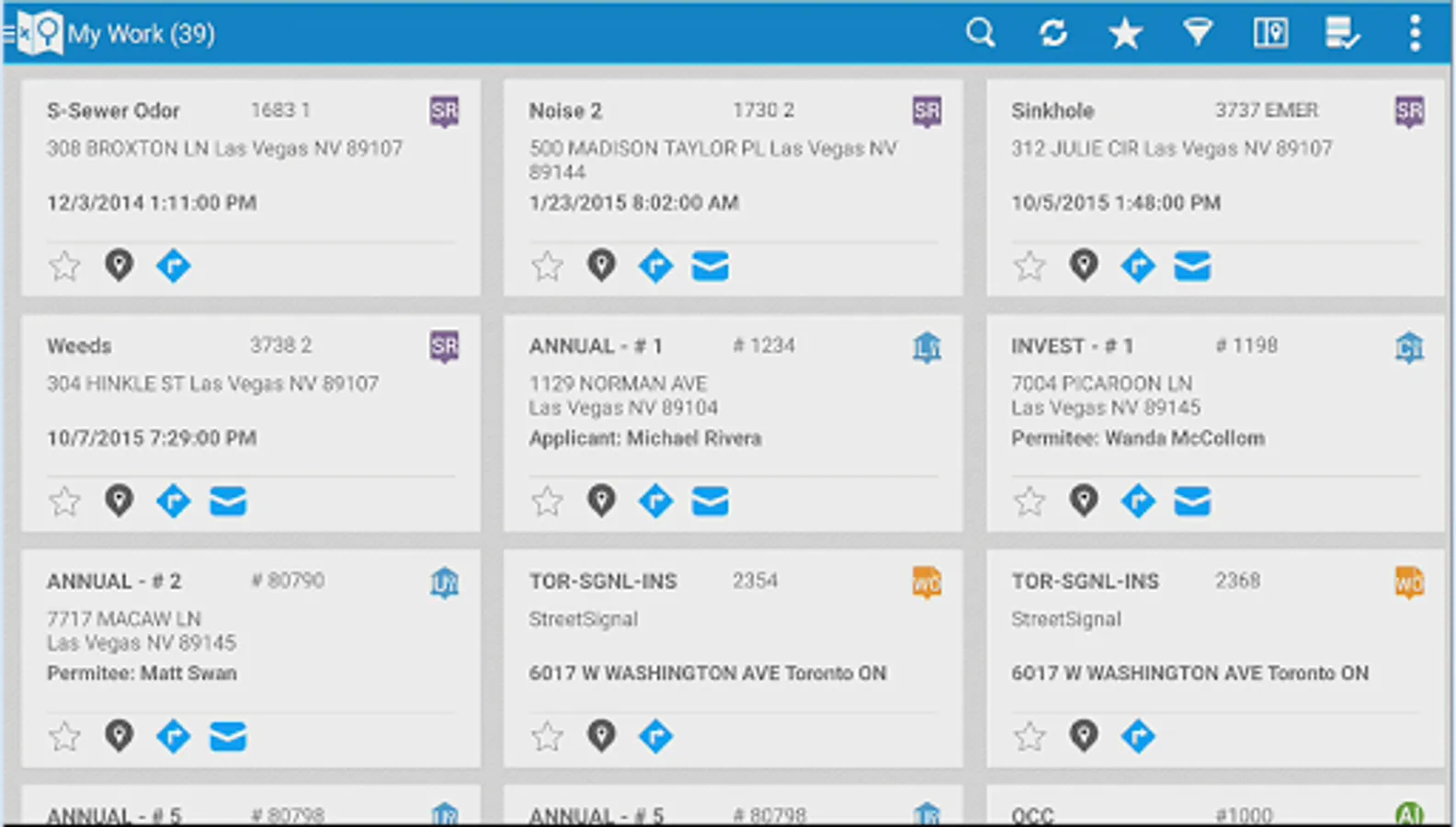
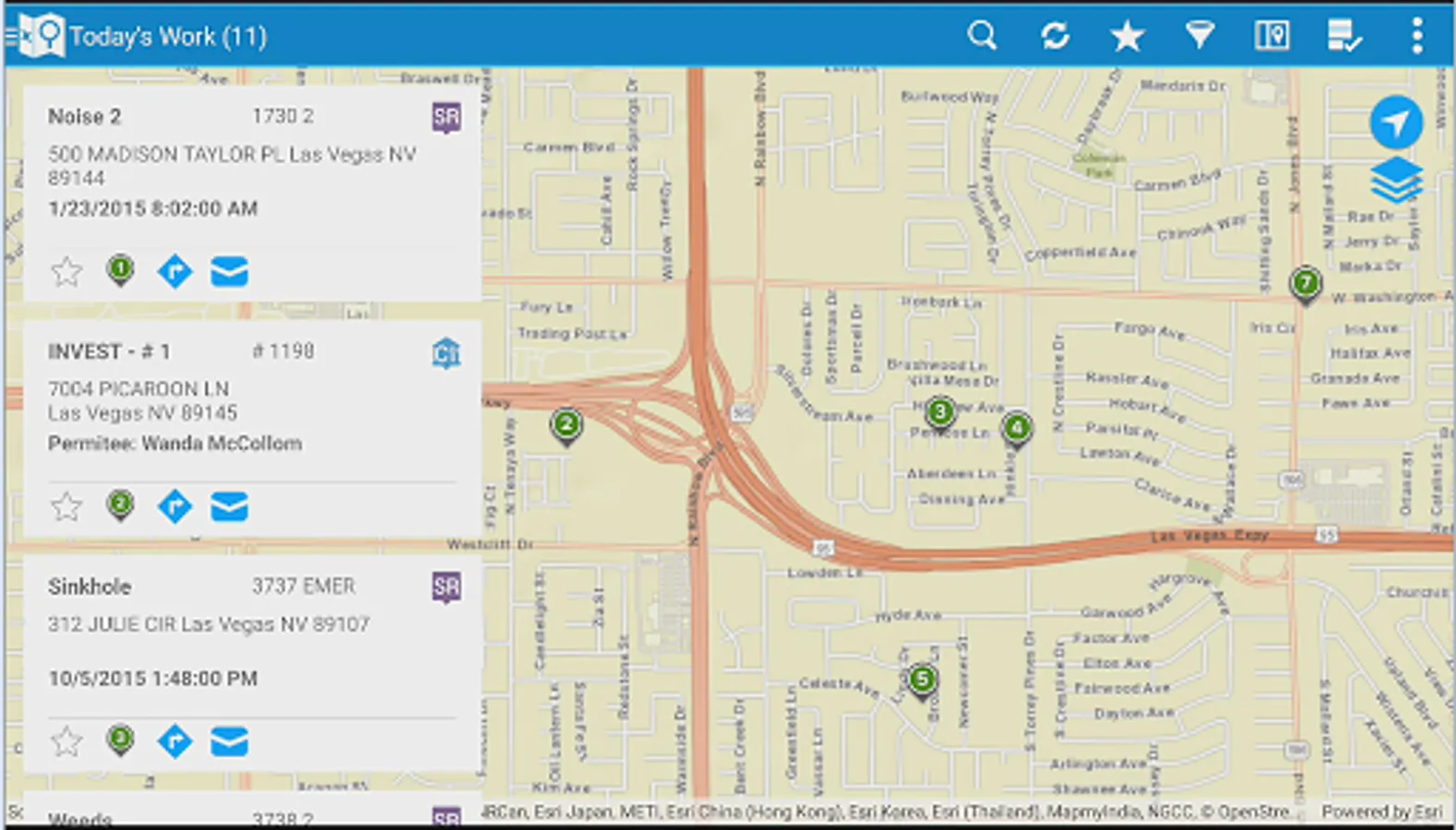
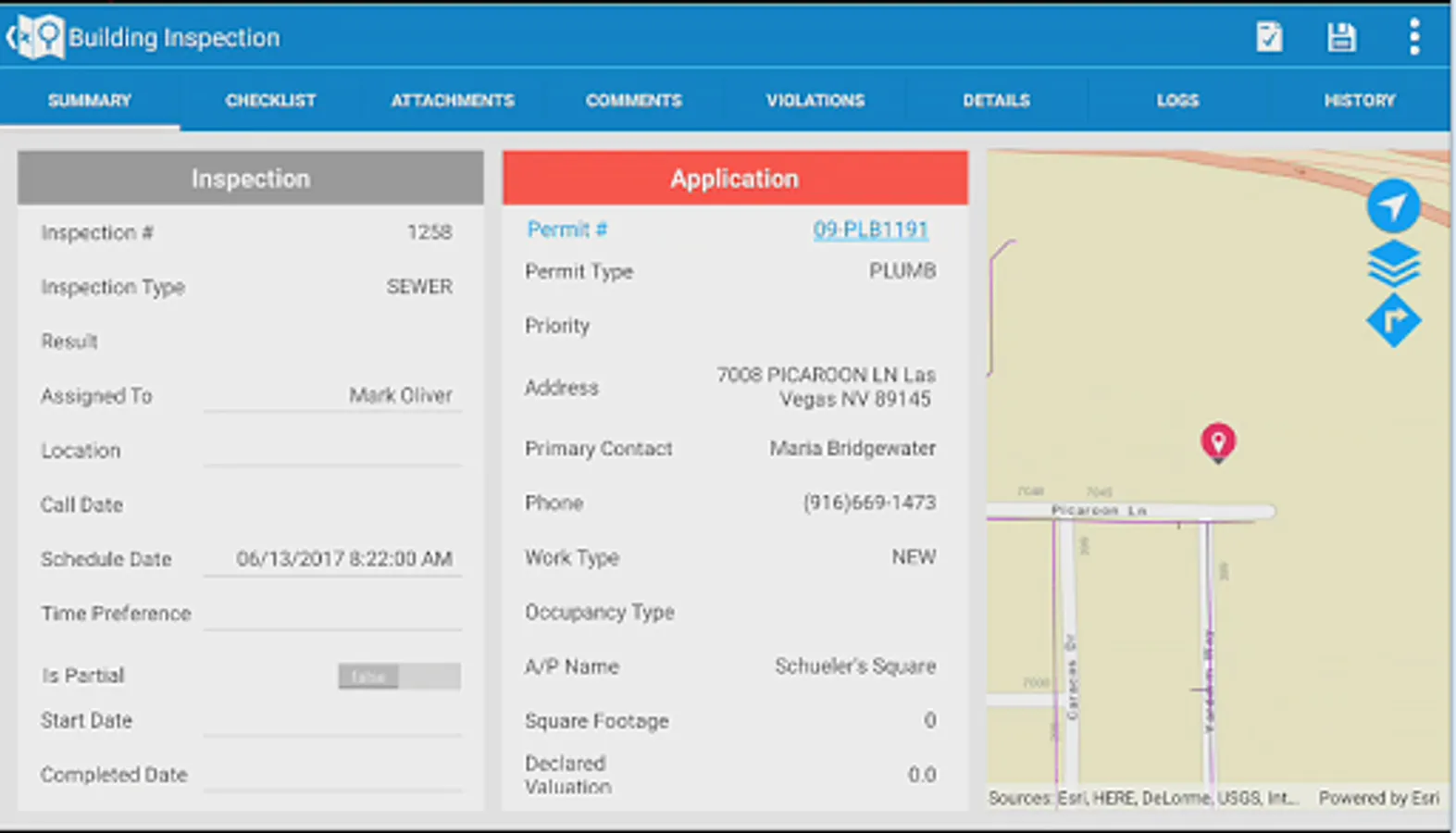
The Infor Field Inspector allows government inspectors and technicians to access their assigned work information from the field. Inspection results, project completion costs and status are updated immediately or synchronized at a later time if network connectivity is unavailable. Content can be modified through configuration. Designed to work with the Infor Operations and Regulations application, field staff can quickly and efficiently perform the following:
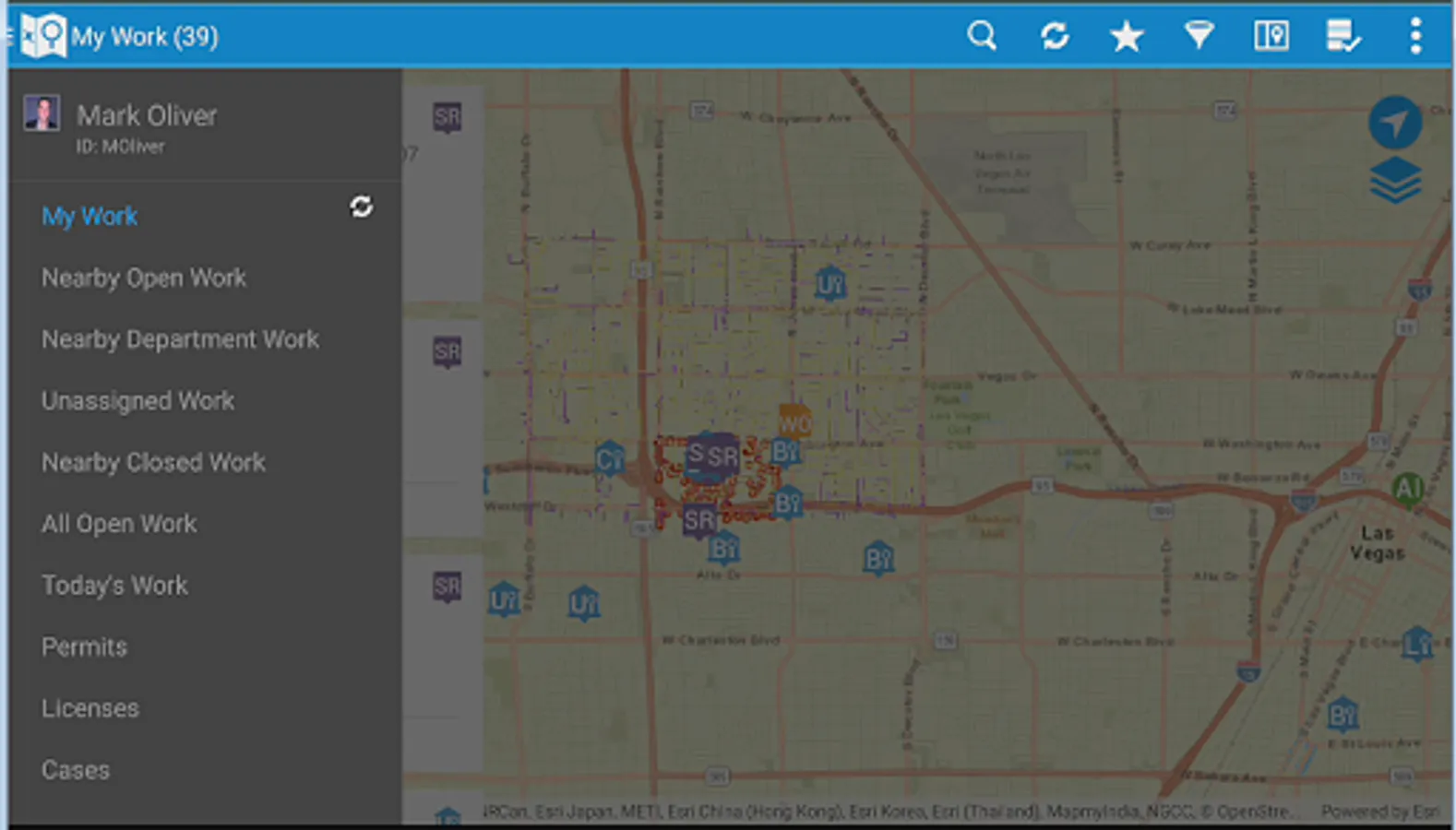
• Download, view, and edit their assigned permitting inspections, service requests, work orders and asset inspections
• Add comments and log entries
• Take and attach photos
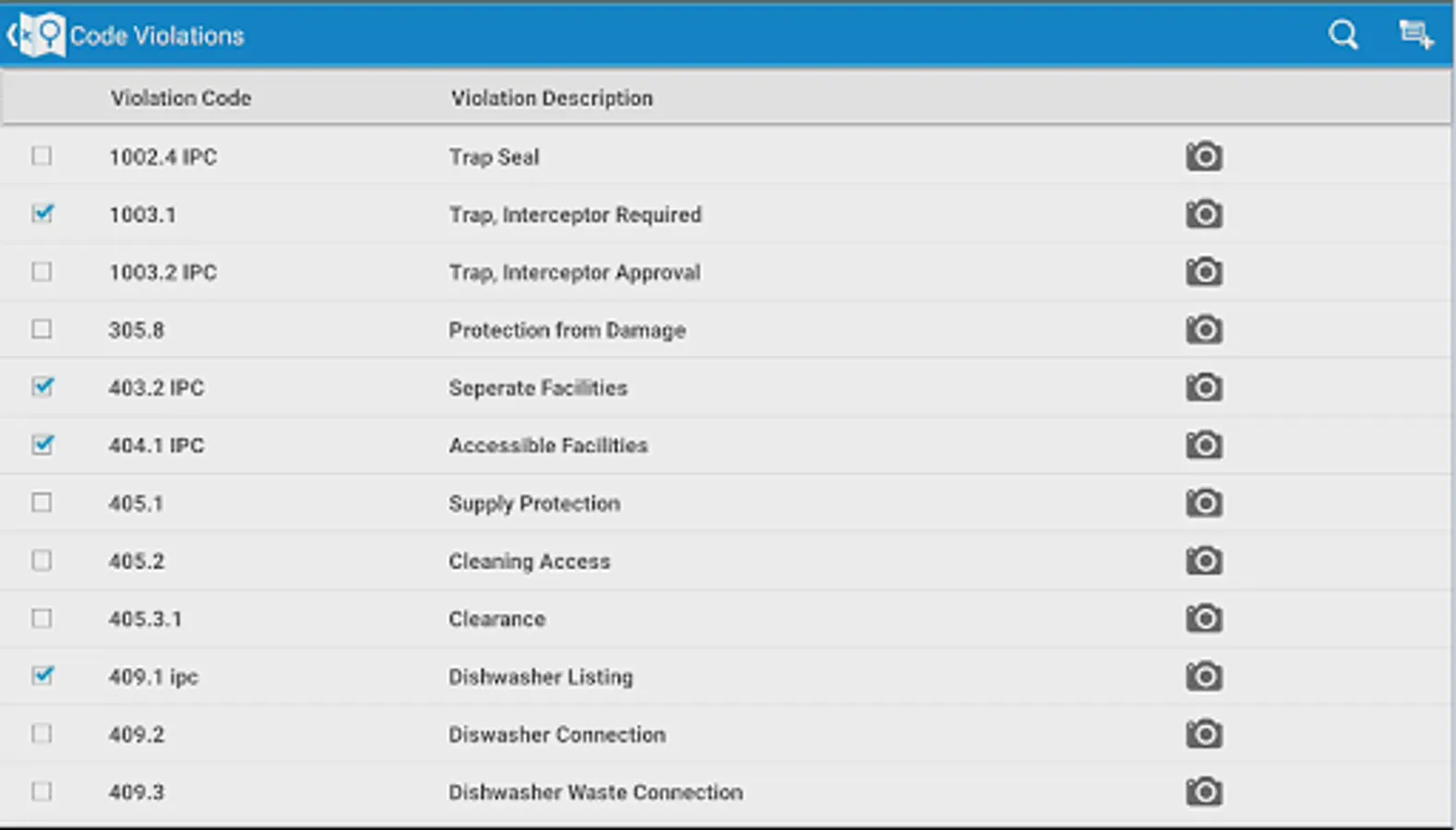
• Issue inspection based code violations
• Add multiple types of usage costs to work orders and service requests
• Add observations and sample units to asset inspections
• View and modify agency specific detail information
• Print reports
• Create new service requests, CDR inspections, work orders, case records, and asset inspections
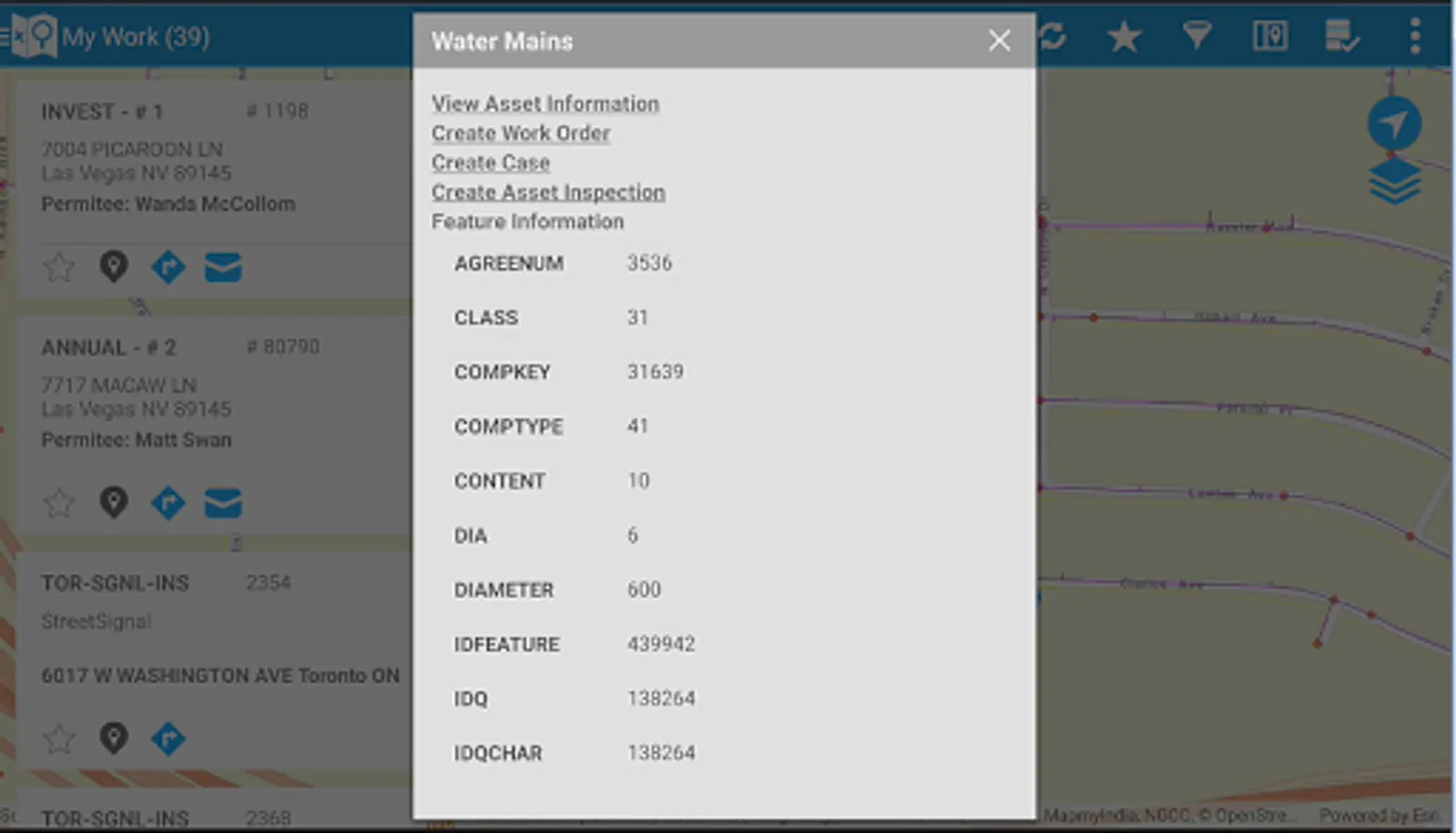
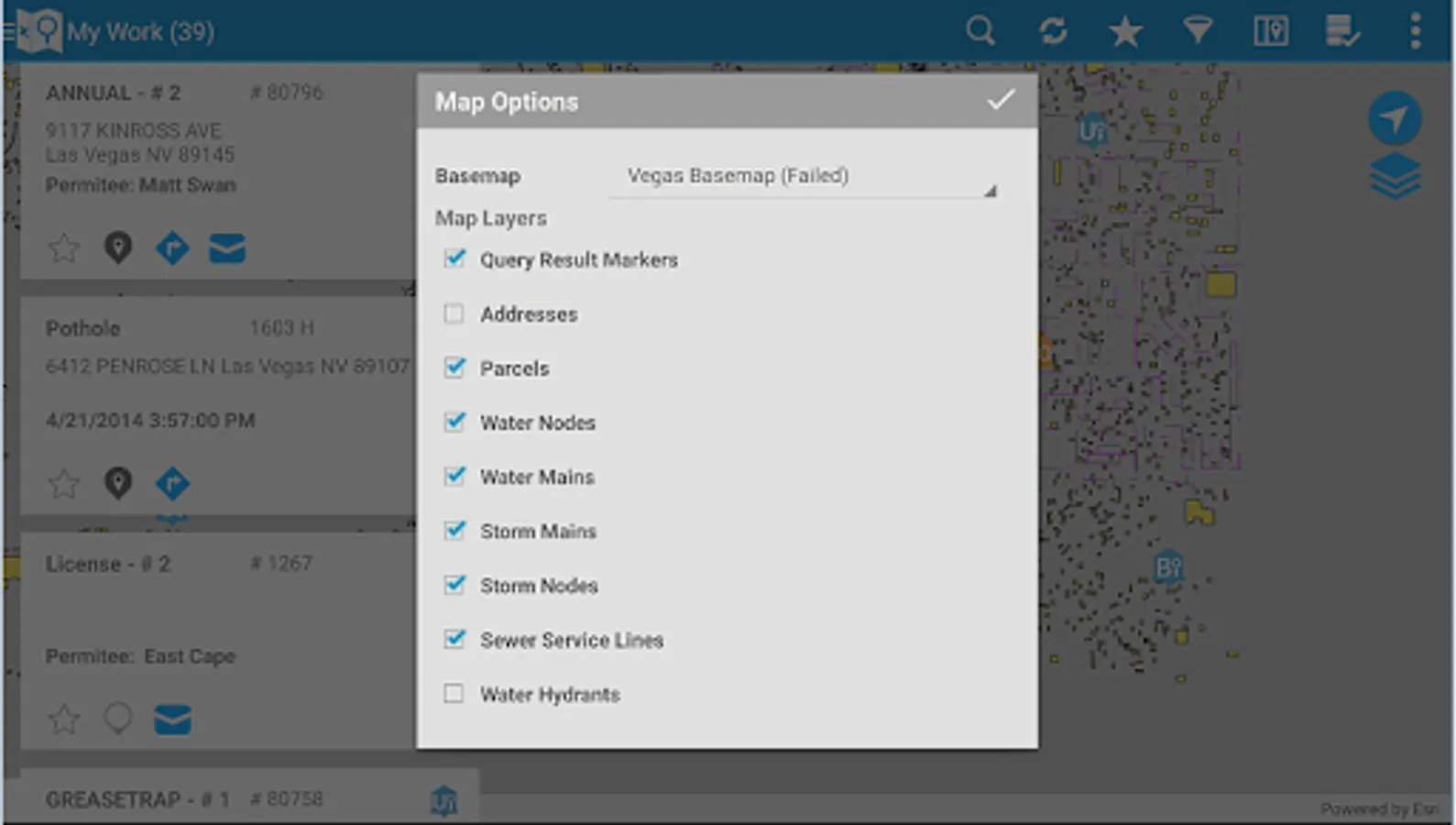
• Lookup assets and addresses from the map
• Access and edit asset specific details
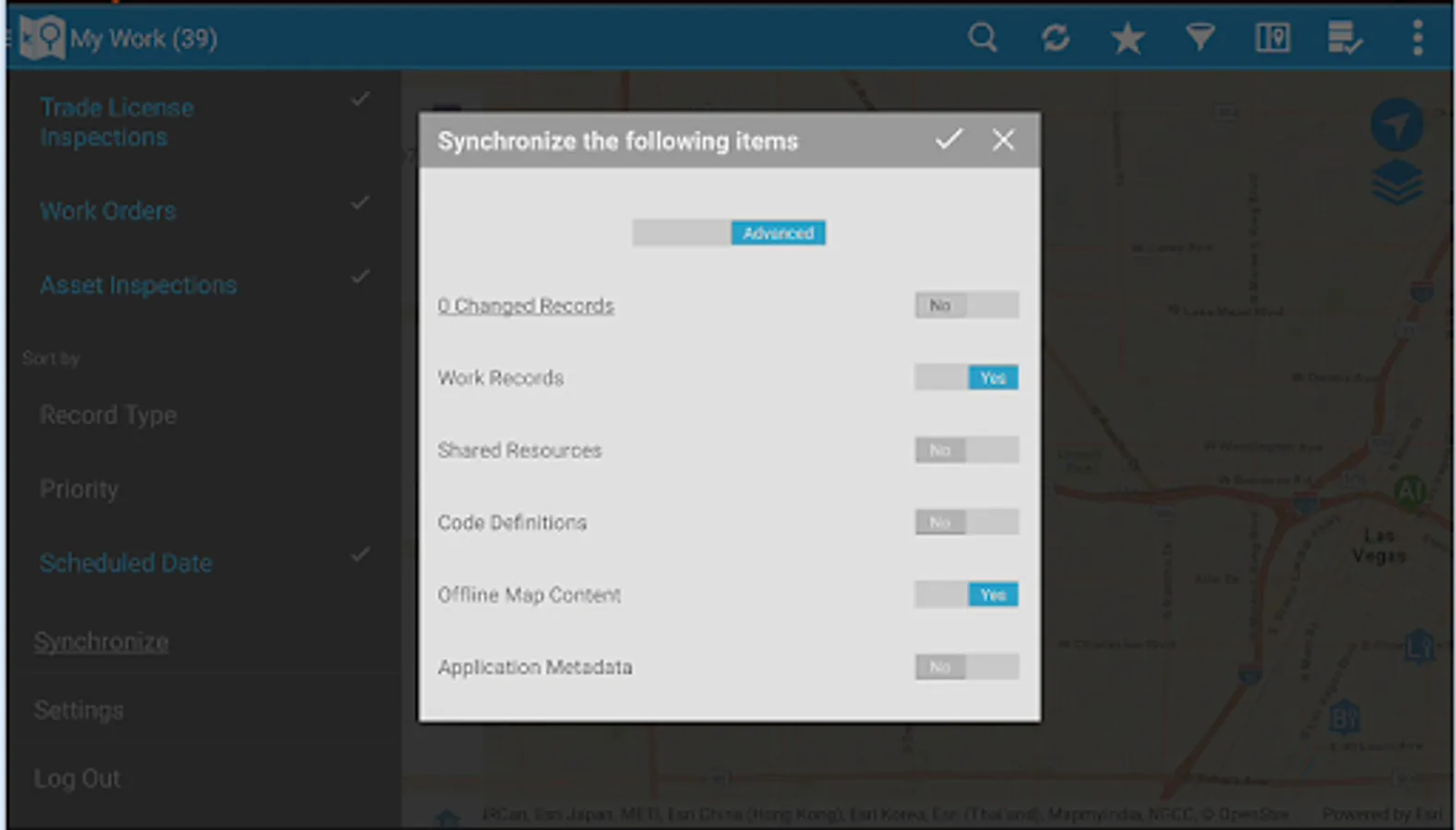
• Work disconnected or connected
Note: By downloading this mobile application, you acknowledge to reading and agreeing to the corresponding end user license agreement.
• Download, view, and edit their assigned permitting inspections, service requests, work orders and asset inspections
• Add comments and log entries
• Take and attach photos
• Issue inspection based code violations
• Add multiple types of usage costs to work orders and service requests
• Add observations and sample units to asset inspections
• View and modify agency specific detail information
• Print reports
• Create new service requests, CDR inspections, work orders, case records, and asset inspections
• Lookup assets and addresses from the map
• Access and edit asset specific details
• Work disconnected or connected
Note: By downloading this mobile application, you acknowledge to reading and agreeing to the corresponding end user license agreement.
Infor Field Inspector Screenshots
Tap to Rate:
Reviews for Infor Field Inspector
Houston Water
12/20/2022
Can we get the app to work on 8 inch screens, please?
Doug
3/17/2022
My agency uses Infor and I would love to have it on my phone. Unfortunately, the app opens and then gets stuck on the welcome screen. Is worse than useless a thing?