InCar - CarPlay for Android PR
Insappia
1.8 ★
245 ratings
10,000+
downloads
$1.99
In this app, you can simulate a CarPlay interface on your Android device by customizing icons and accessing essential driving apps like maps, music, and messages. Includes options to select icon shapes and personalize the home screen with preferred apps.
AppRecs review analysis
AppRecs rating 1.8. Trustworthiness 0 out of 100. Review manipulation risk 0 out of 100. Based on a review sample analyzed.
★☆☆☆☆
1.8
AppRecs Rating
Ratings breakdown
5 star
19%
4 star
2%
3 star
0%
2 star
0%
1 star
79%
What to know
✓
Authentic reviews
No red flags detected
⚠
Mixed user feedback
Average 1.8★ rating suggests room for improvement
⚠
High negative review ratio
79% of sampled ratings are 1–2 stars
About InCar - CarPlay for Android PR
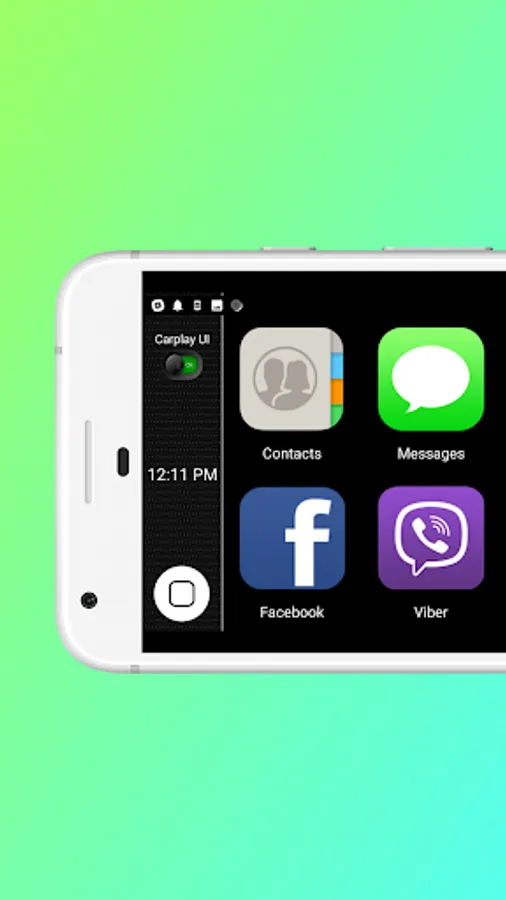
InCar PRO, CarPlay for Android app is developed to give everyone the CarPlay experience in their car, enhancing their in-car experience just through their Android Phone. This can be used as an Android Auto alternative, specially when their in-car infotainment system is not compatible with Android Auto / CarPlay. By downloading this inCar App you can also turn your Android phone or tab into a CarPlay display delivering almost the same actual features as Apple CarPlay in landscape mode. This is an Ad Free version with newly added apps and only works with your smartphone or tab. That means this is just a CarPlay simulation to give the CarPlay experience, and you can not connect this app to your car’s infotainment system.
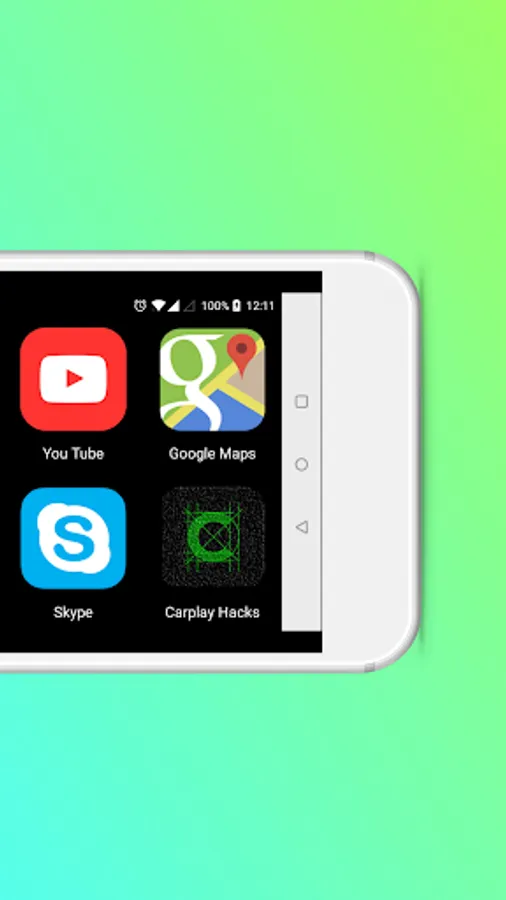
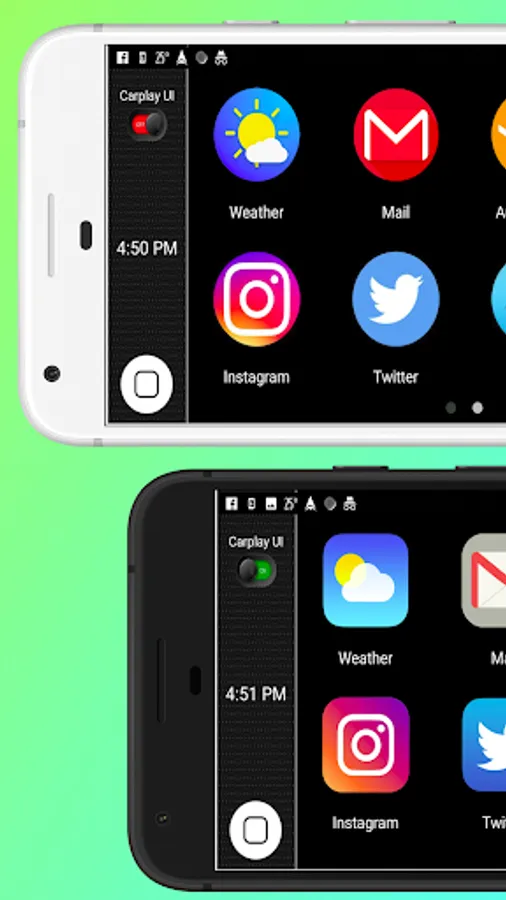
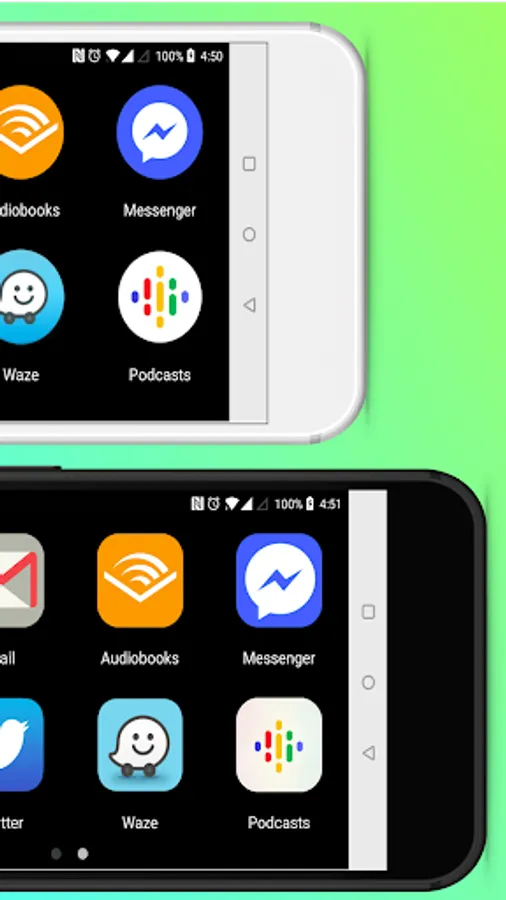
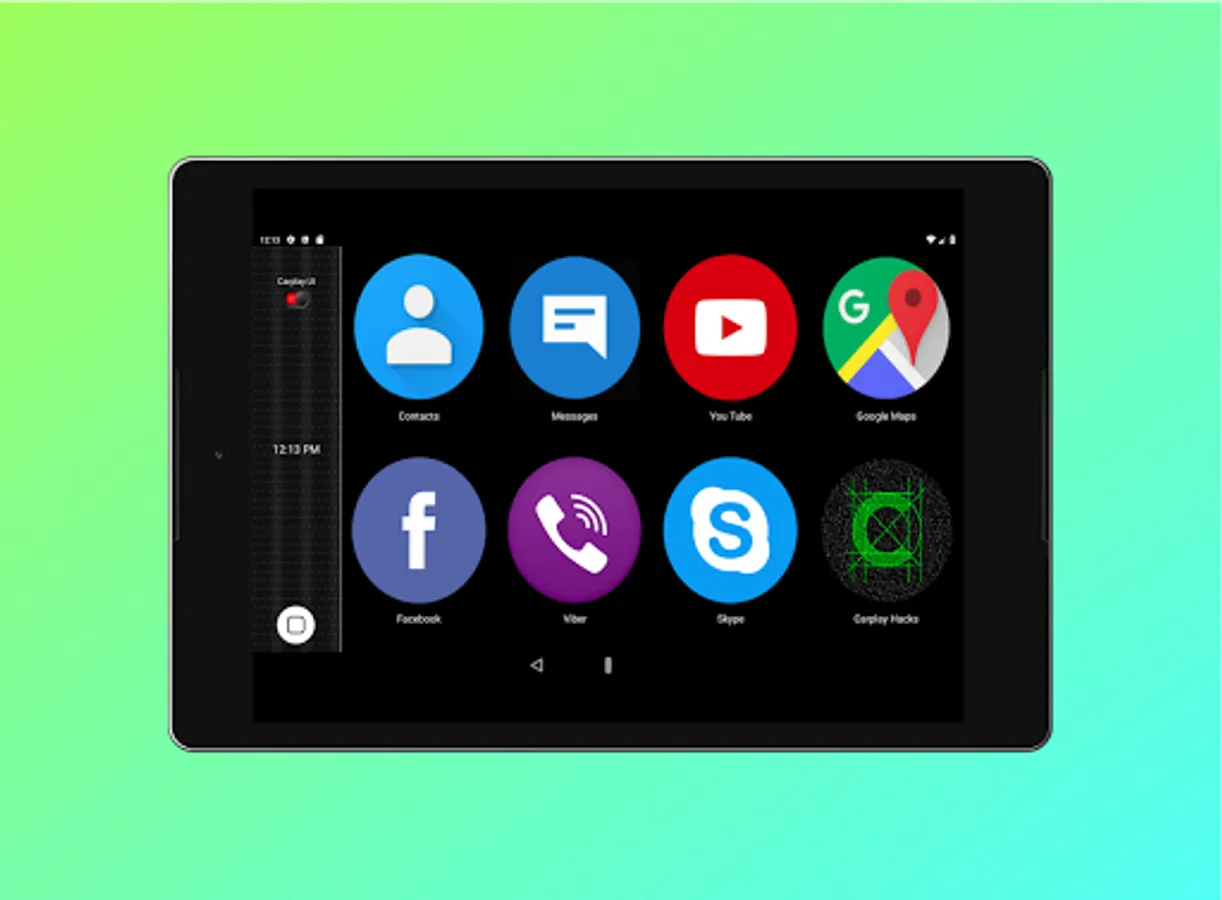
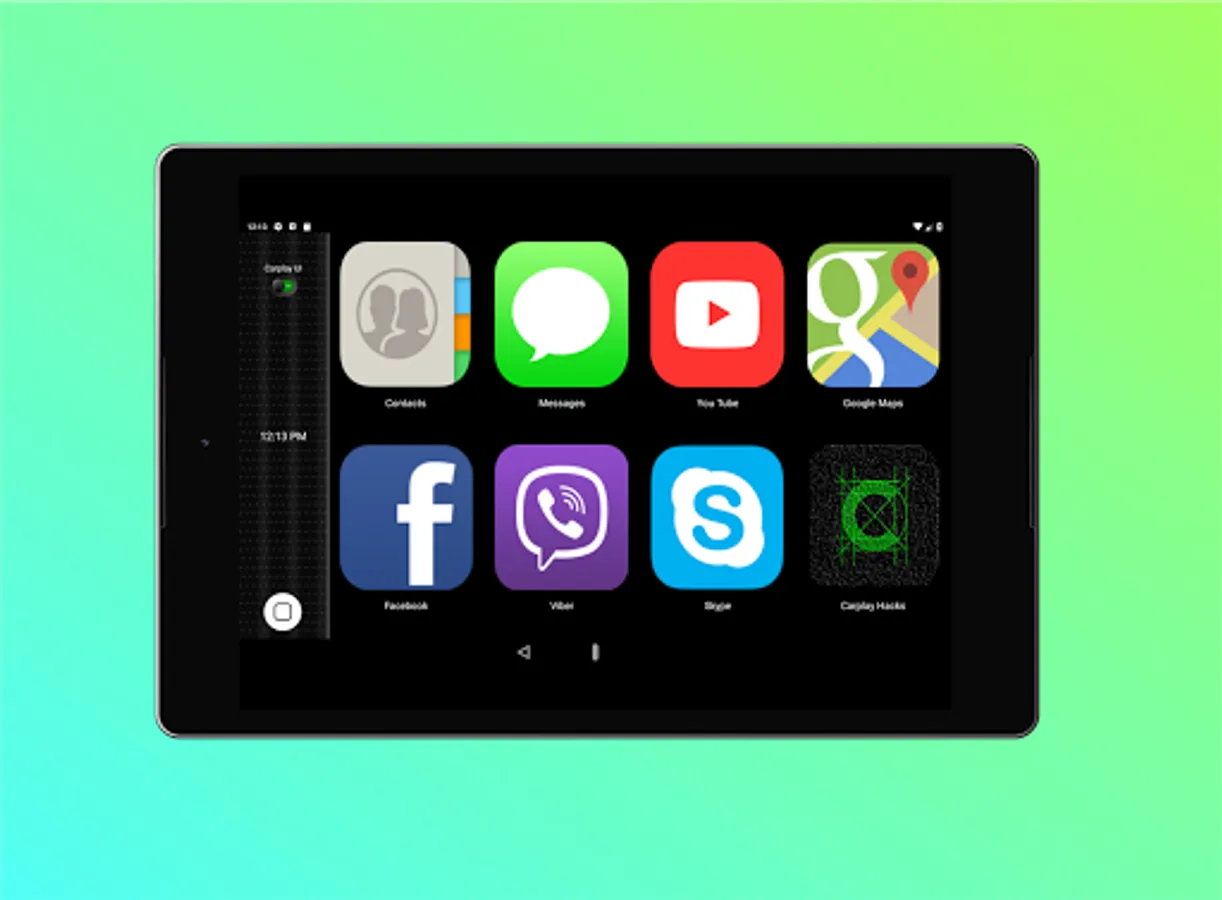
The app contains the most useful apps while you drive on the roads including Music, TuneIn, Maps, Youtube, Contacts, Messages, FaceBook etc. So that you can simply make calls, text, use maps, listen to news , music or almost anything on your Android phone / tab while enjoying Apple CarPlay user interface. The app cluster is displayed with large icons , so that you can easily click on them while driving.
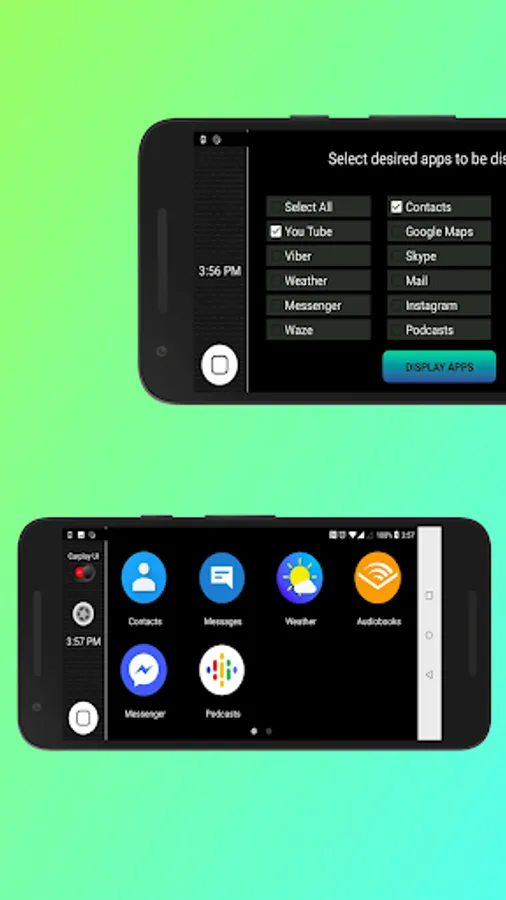
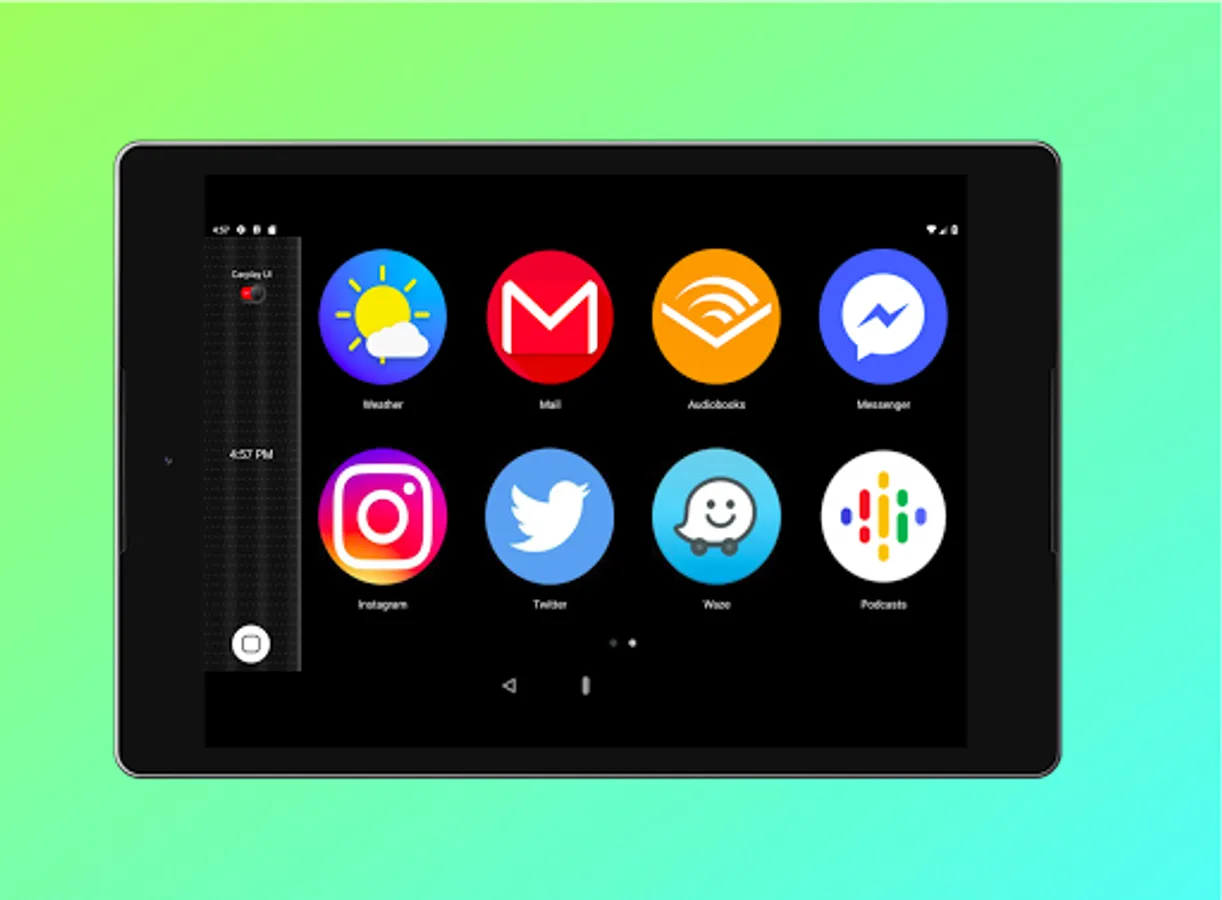
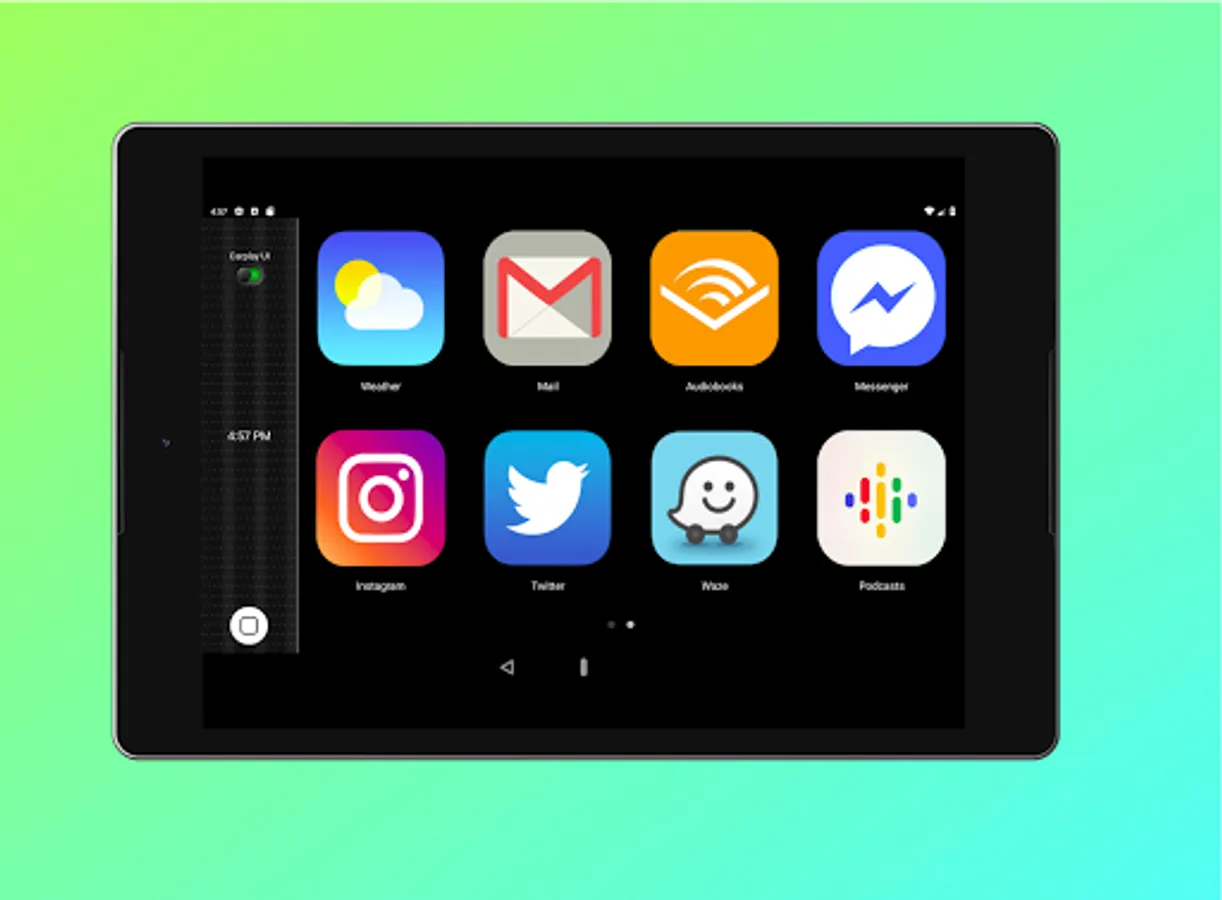
And what makes it even more interesting is that you can add only your desired apps to the homescreen if you don’t want the whole bunch of apps there. So that you can use CarPlay in your android with your most favorite and used apps.
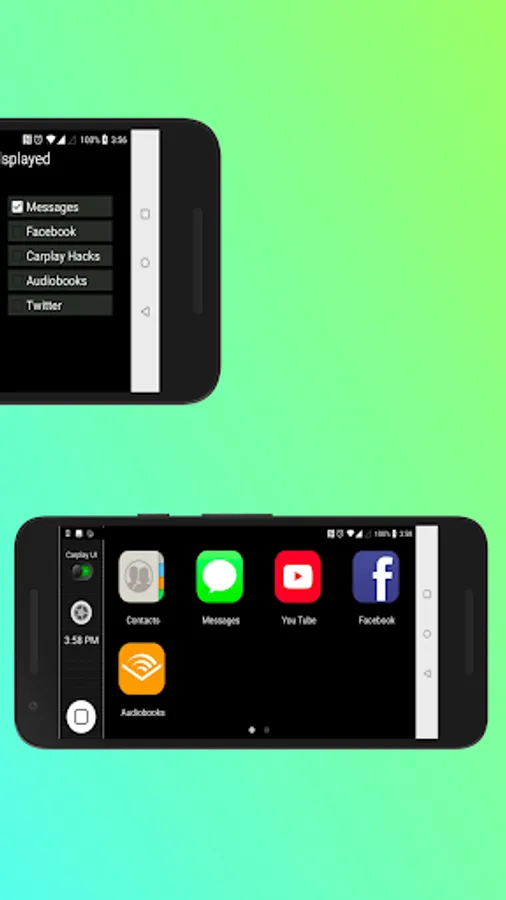
Another Interesting feature is, users can use rounded shaped android icons or square shaped iOS icons according to their preference. You can simply click on the switch in the control panel to change the UI.
For users in many countries , Android Auto in not available. So you can use this as an Android Auto alternative, without root access or doing modifications to your phone.
So this can be recommended for anyone searching CarPlay Android Experience.
The app contains the most useful apps while you drive on the roads including Music, TuneIn, Maps, Youtube, Contacts, Messages, FaceBook etc. So that you can simply make calls, text, use maps, listen to news , music or almost anything on your Android phone / tab while enjoying Apple CarPlay user interface. The app cluster is displayed with large icons , so that you can easily click on them while driving.
And what makes it even more interesting is that you can add only your desired apps to the homescreen if you don’t want the whole bunch of apps there. So that you can use CarPlay in your android with your most favorite and used apps.
Another Interesting feature is, users can use rounded shaped android icons or square shaped iOS icons according to their preference. You can simply click on the switch in the control panel to change the UI.
For users in many countries , Android Auto in not available. So you can use this as an Android Auto alternative, without root access or doing modifications to your phone.
So this can be recommended for anyone searching CarPlay Android Experience.