Remote Insignia TV SmartRemote
Remote Master
2.4 ★
52 ratings
5,000+
downloads
Free
In this remote control app, you can operate your Insignia TV, adjust volume, change channels, and access streaming services. Includes voice commands, device sharing, and multi-TV management features.
AppRecs review analysis
AppRecs rating 2.4. Trustworthiness 76 out of 100. Review manipulation risk 28 out of 100. Based on a review sample analyzed.
★★☆☆☆
2.4
AppRecs Rating
Ratings breakdown
5 star
31%
4 star
2%
3 star
4%
2 star
2%
1 star
61%
What to know
✓
Low review manipulation risk
28% review manipulation risk
✓
Credible reviews
76% trustworthiness score from analyzed reviews
⚠
Mixed user feedback
Average 2.4★ rating suggests room for improvement
About Remote Insignia TV SmartRemote
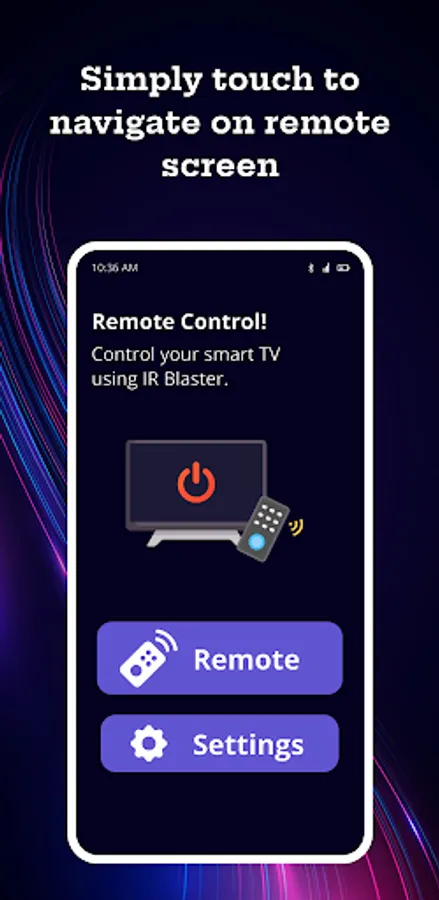
The Remote Insignia TV Remote app is a must-have for any Insignia TV owner. With this app, you can easily control your TV from your smartphone or tablet, even when you're not in the same room.
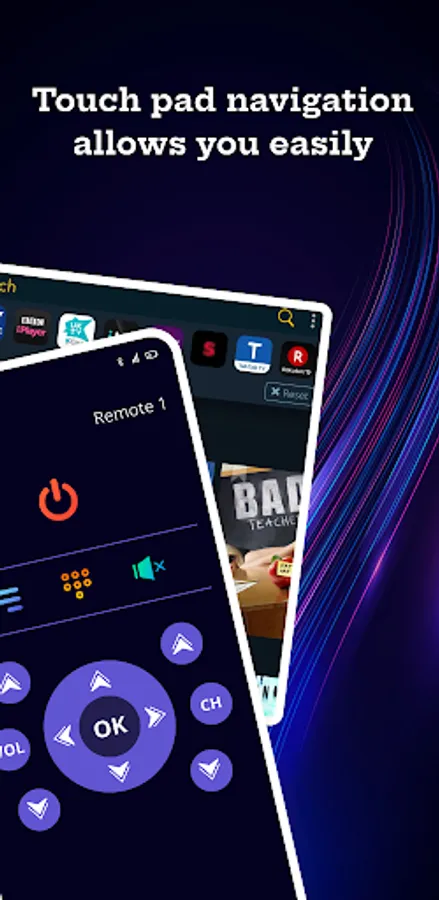
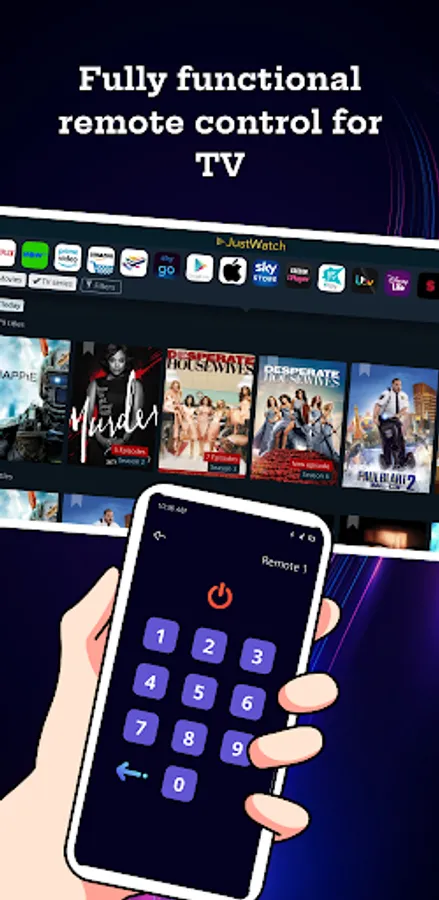
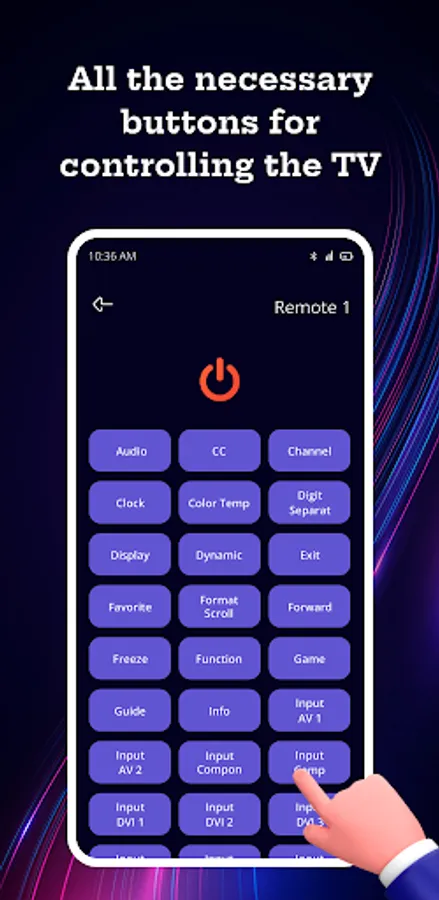
One of the best features of the app is its ability to replicate the functionality of your TV's physical remote. You can use it to turn the TV on and off, adjust the volume, change the channel, and more. Plus, the app has a clean and easy-to-use interface, so you won't have any trouble finding what you're looking for.
But the Insignia TV Smart Remote app doesn't stop there. It also has a number of advanced features that make it even more useful. For example, it allows you to use your voice to search for movies and TV shows, as well as control your TV. Simply say a command, and the app will take care of the rest.
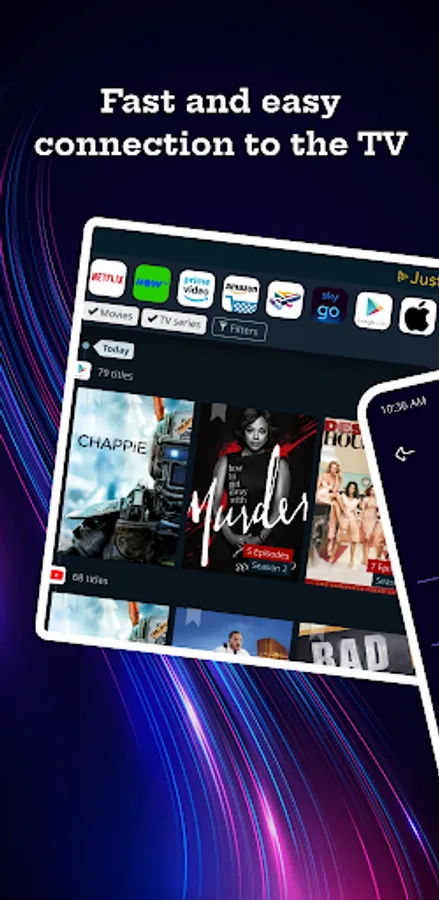
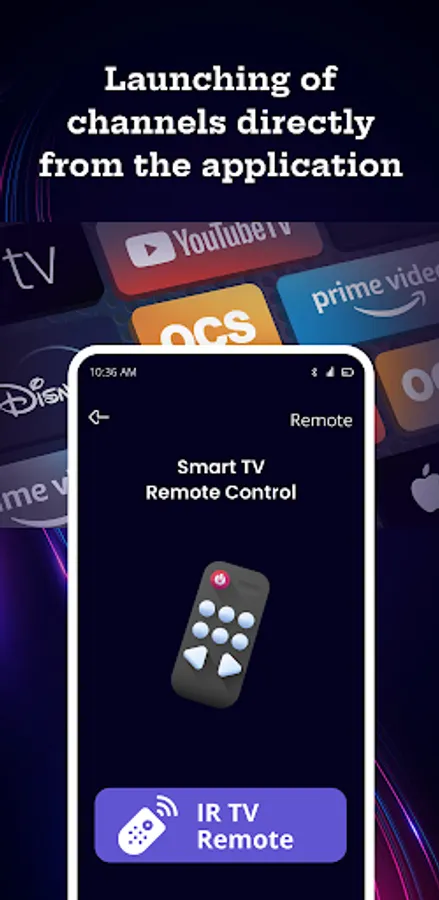
Another great feature of the app is its integration with streaming services like Netflix, Hulu, and Amazon Prime Video. You can use the app to browse and watch your favorite shows and movies, all without ever having to leave the couch.
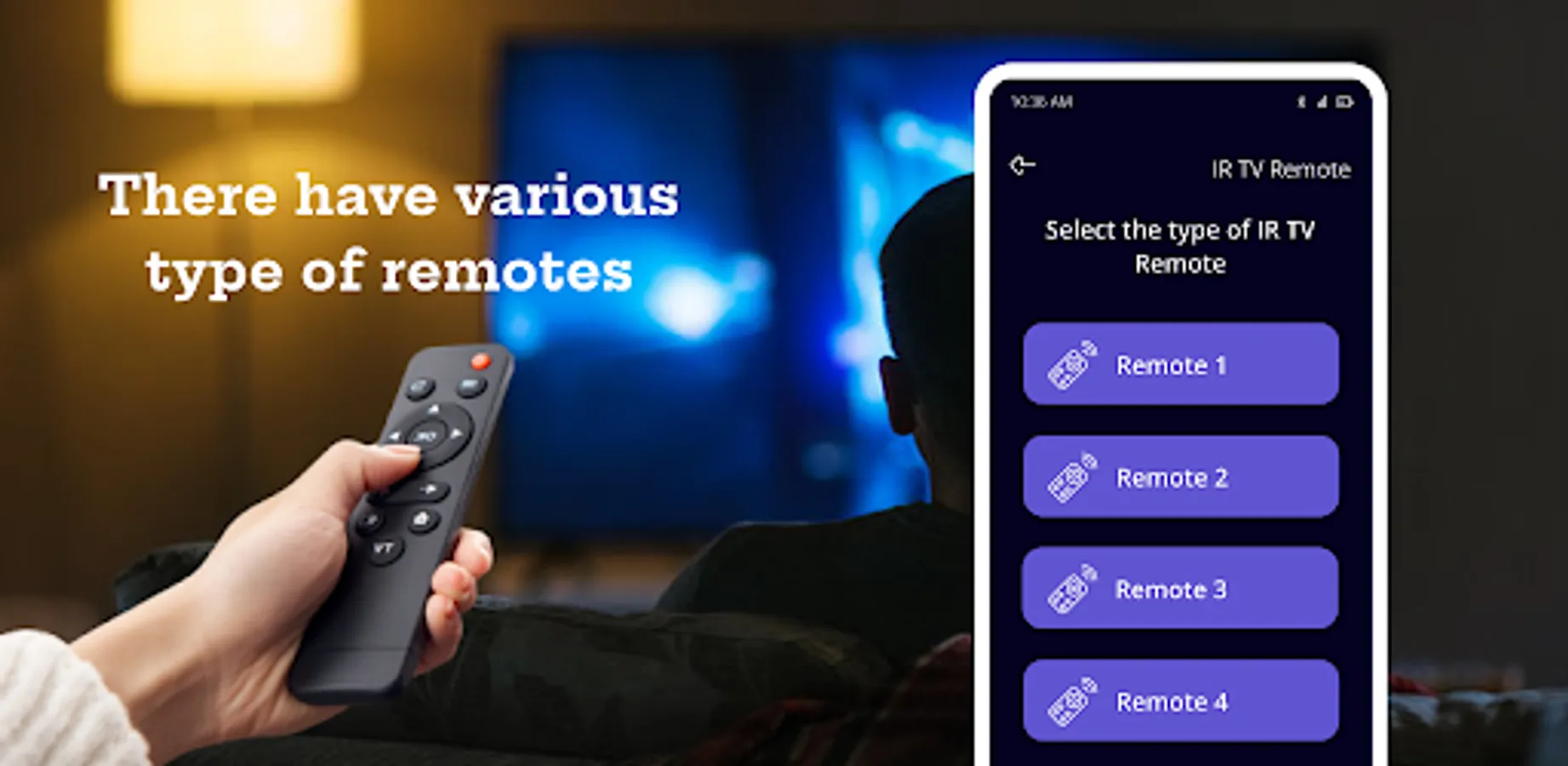
Finally, the Remote Insignia TV Smart Remote control app makes it easy to share your TV with others. You can invite friends and family to join your TV, so you can all watch together. And if you have multiple Insignia TVs in your home, you can use the app to control them all from one place.
Overall, the Remote Insignia TV Smart Remote app is a must-have for any Insignia TV owner. With its easy-to-use interface and advanced features, it makes it easy to control your TV from your smartphone or tablet. So if you haven't already, be sure to download the app today and start enjoying all it has to offer.
The smart Remote Insignia TV app is a versatile and convenient tool for controlling your Insignia TV from your smartphone or tablet. Some of the key features of the app include:
Replication of physical remote functionality: Use the app to turn your TV on and off, adjust the volume, change the channel, and more.
Voice control: Use your voice to search for movies and TV shows, and control your TV with simple commands.
Sharing with friends and family: Invite others to join your TV so you can all watch together.
Control of multiple TVs: If you have multiple Insignia TVs in your home, you can use the app to control them all from one place.
Easy-to-use interface: The app has a clean and intuitive interface, making it easy to find what you're looking for.
Overall, the Remote Insignia TV Smart Remote app is a valuable addition to any Insignia TV owner's toolkit, offering a wide range of features to make controlling your TV easier and more convenient.
Disclaimer: The features and functionality of the Remote Insignia TV Smart Remote app may vary depending on your device, TV model, and other factors. This application is not associated with insignia brand.
One of the best features of the app is its ability to replicate the functionality of your TV's physical remote. You can use it to turn the TV on and off, adjust the volume, change the channel, and more. Plus, the app has a clean and easy-to-use interface, so you won't have any trouble finding what you're looking for.
But the Insignia TV Smart Remote app doesn't stop there. It also has a number of advanced features that make it even more useful. For example, it allows you to use your voice to search for movies and TV shows, as well as control your TV. Simply say a command, and the app will take care of the rest.
Another great feature of the app is its integration with streaming services like Netflix, Hulu, and Amazon Prime Video. You can use the app to browse and watch your favorite shows and movies, all without ever having to leave the couch.
Finally, the Remote Insignia TV Smart Remote control app makes it easy to share your TV with others. You can invite friends and family to join your TV, so you can all watch together. And if you have multiple Insignia TVs in your home, you can use the app to control them all from one place.
Overall, the Remote Insignia TV Smart Remote app is a must-have for any Insignia TV owner. With its easy-to-use interface and advanced features, it makes it easy to control your TV from your smartphone or tablet. So if you haven't already, be sure to download the app today and start enjoying all it has to offer.
The smart Remote Insignia TV app is a versatile and convenient tool for controlling your Insignia TV from your smartphone or tablet. Some of the key features of the app include:
Replication of physical remote functionality: Use the app to turn your TV on and off, adjust the volume, change the channel, and more.
Voice control: Use your voice to search for movies and TV shows, and control your TV with simple commands.
Sharing with friends and family: Invite others to join your TV so you can all watch together.
Control of multiple TVs: If you have multiple Insignia TVs in your home, you can use the app to control them all from one place.
Easy-to-use interface: The app has a clean and intuitive interface, making it easy to find what you're looking for.
Overall, the Remote Insignia TV Smart Remote app is a valuable addition to any Insignia TV owner's toolkit, offering a wide range of features to make controlling your TV easier and more convenient.
Disclaimer: The features and functionality of the Remote Insignia TV Smart Remote app may vary depending on your device, TV model, and other factors. This application is not associated with insignia brand.