
With this medical app, you can manage insulin delivery by adjusting settings and connecting with CGM systems. Includes features for profile selection, device activation, and mode control.
AppRecs review analysis
AppRecs rating 2.7. Trustworthiness 90 out of 100. Review manipulation risk 15 out of 100. Based on a review sample analyzed.
★★☆☆☆
2.7
AppRecs Rating
Ratings breakdown
5 star
34%
4 star
6%
3 star
9%
2 star
12%
1 star
39%
What to know
✓
Low review manipulation risk
15% review manipulation risk
⚠
Mixed user feedback
Average 2.8★ rating suggests room for improvement
⚠
High negative review ratio
51% of sampled ratings are 1–2 stars
About Omnipod 5
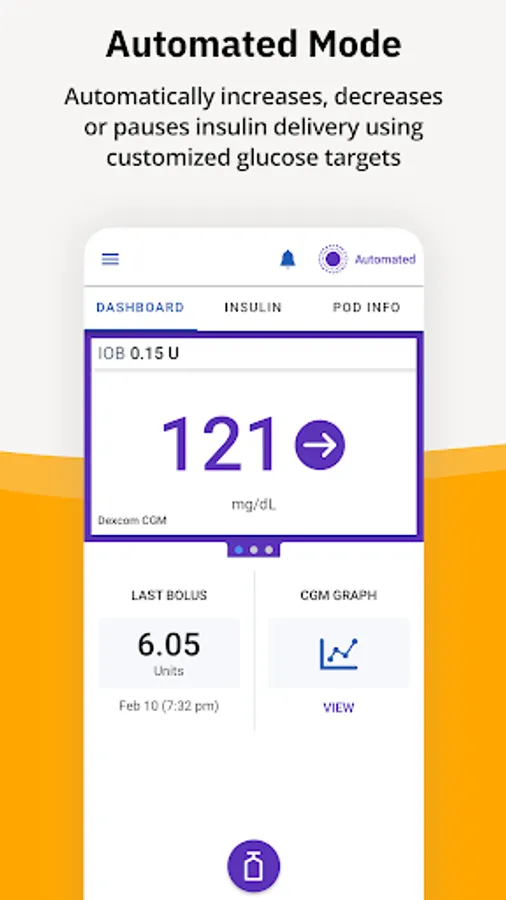
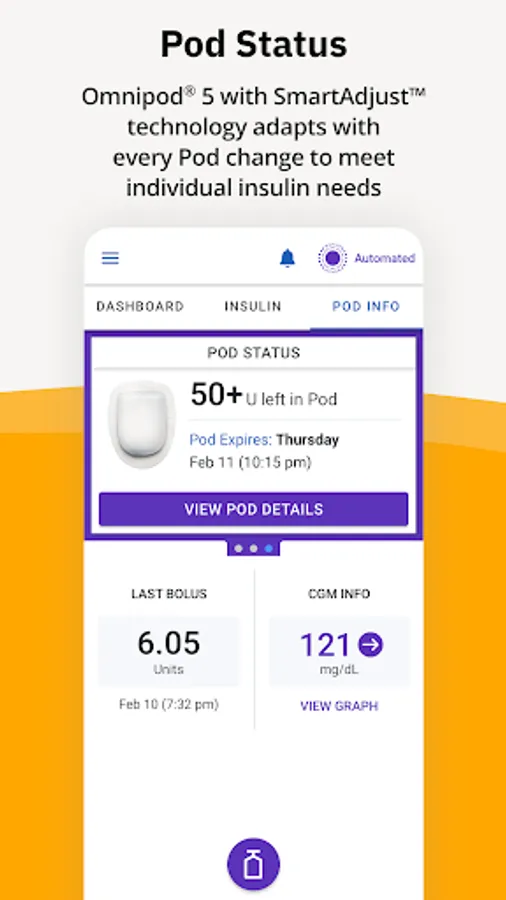
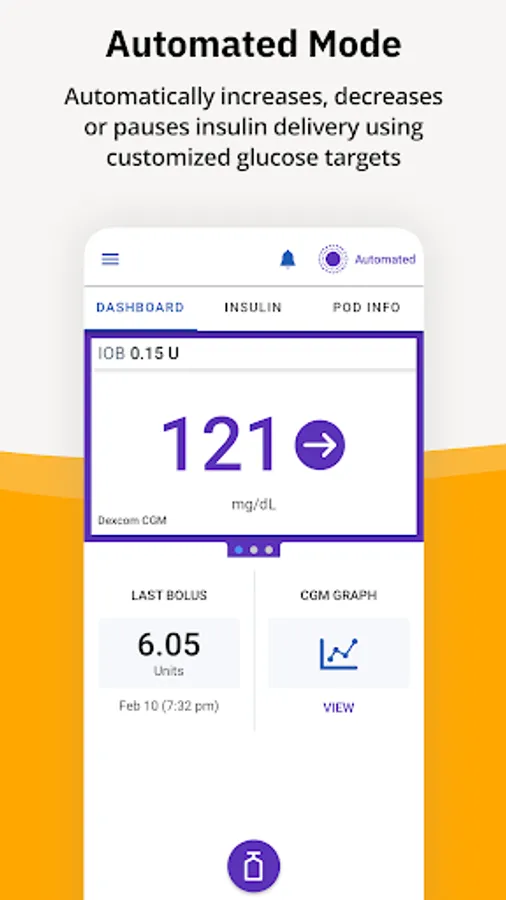
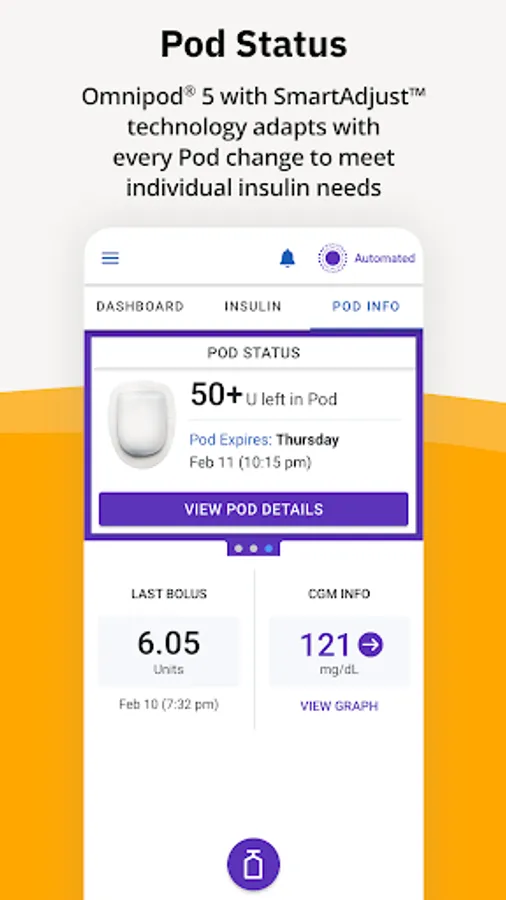
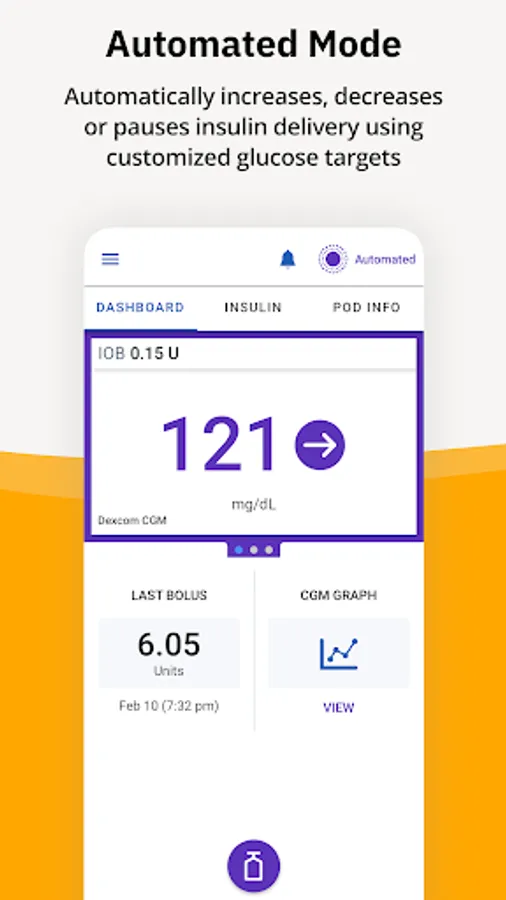
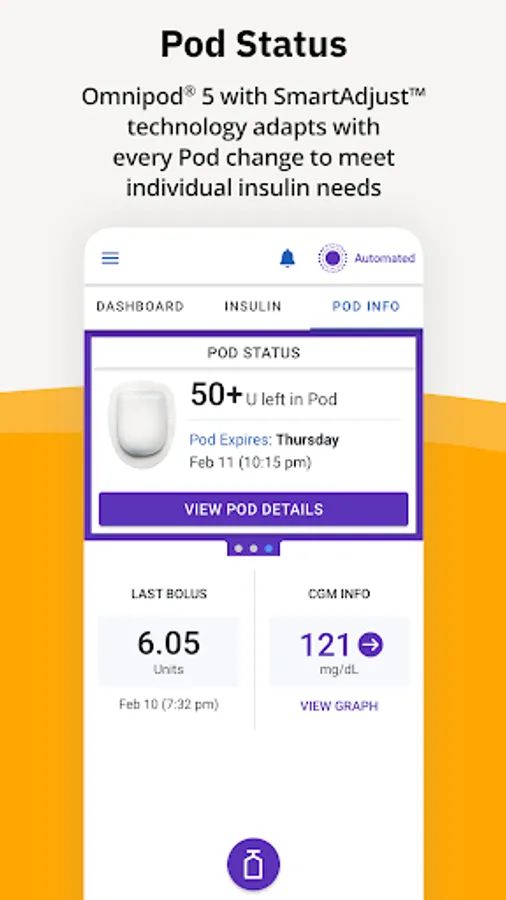
Simple and automated insulin delivery with the Omnipod 5 System is made possible with the tubeless Omnipod 5 Pod, the integrated Dexcom G6 and G7 continuous glucose monitoring systems and the Omnipod 5 App installed on an Insulet-provided controller or on your personal compatible smart phone**.
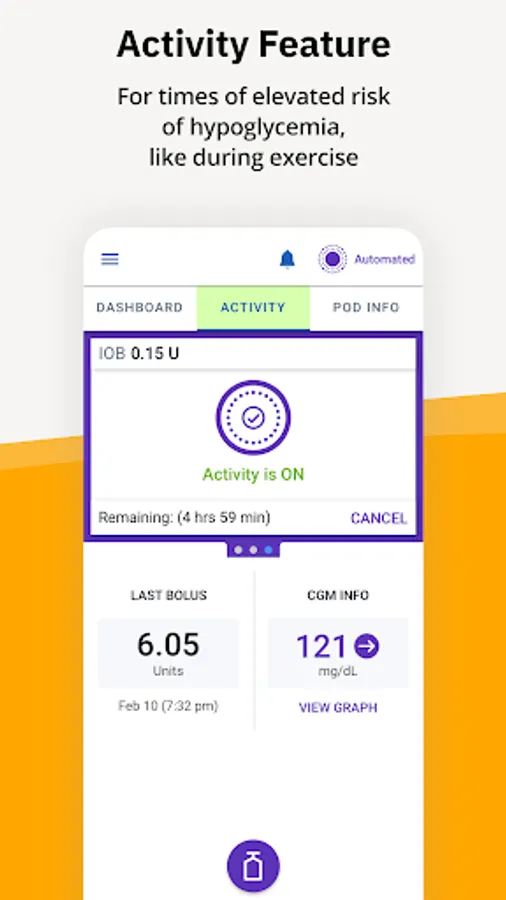
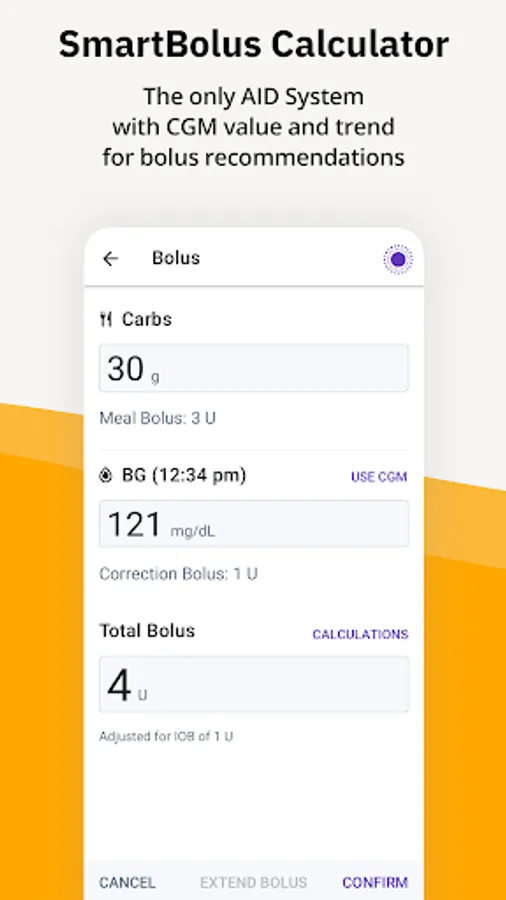
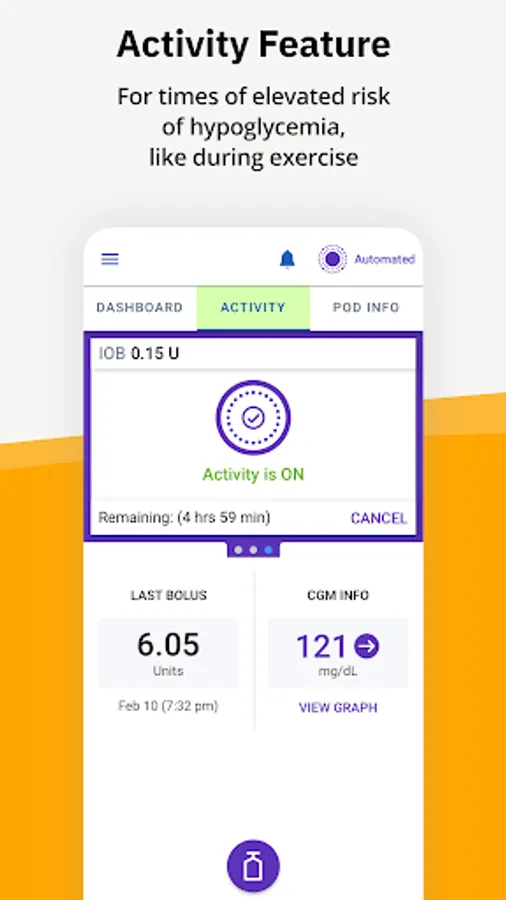
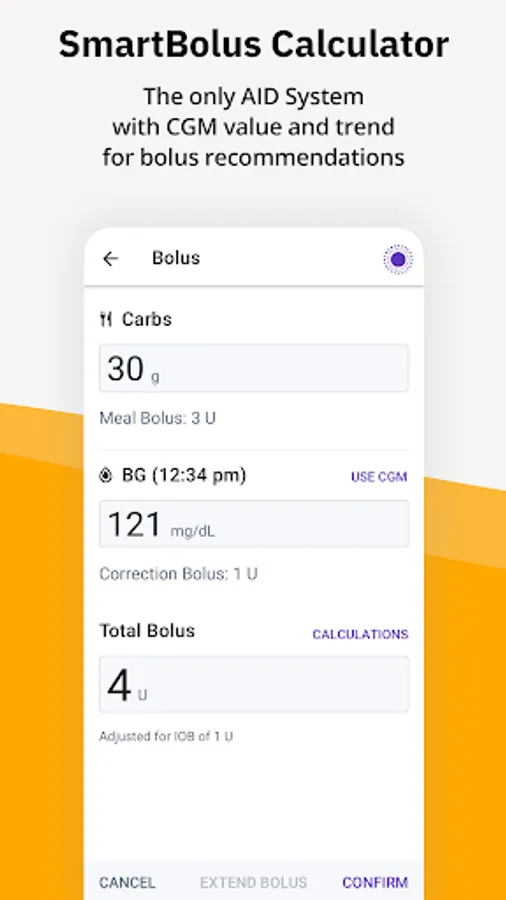
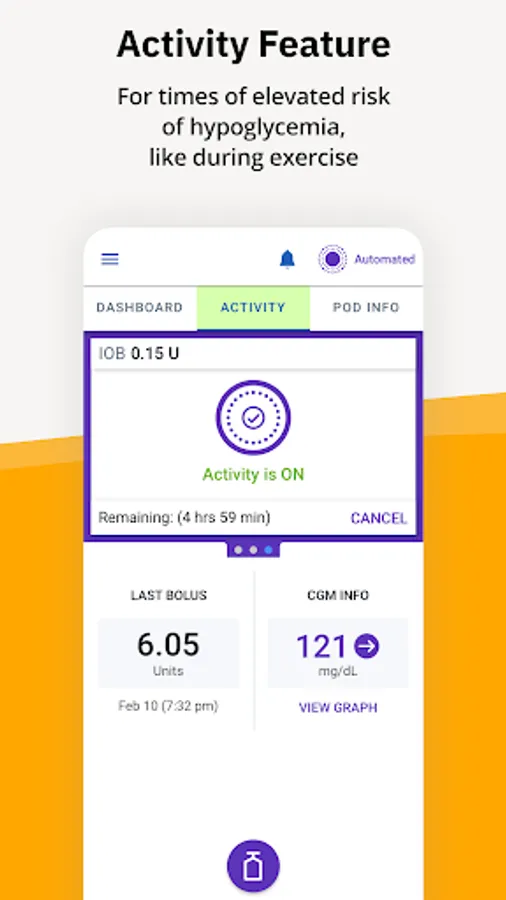
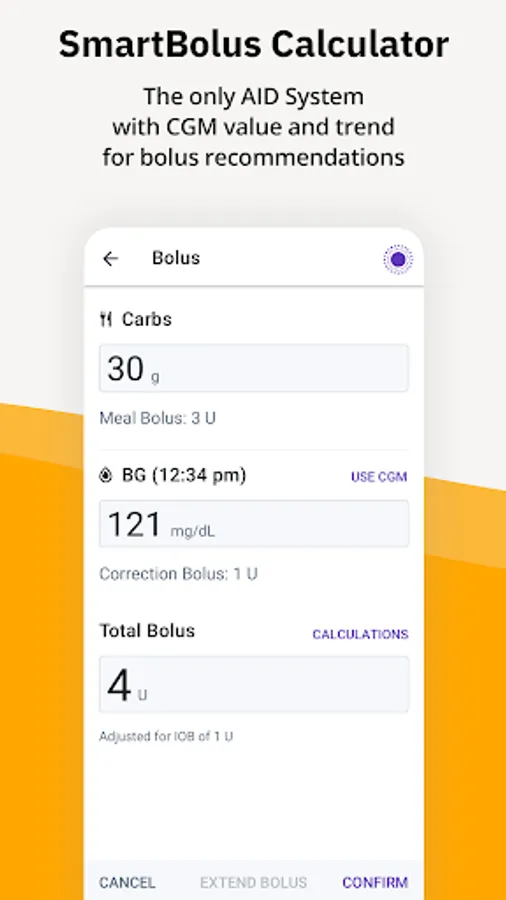
The Omnipod 5 App allows you to select a basal profile, target glucose and bolus settings, activate and deactivate the Pod, connect with the Dexcom G6 and G7 Continuous Glucose Monitoring Systems, and select an insulin delivery mode.
For more information on Omnipod 5 please download the Omnipod 5 Simulator App or visit: https://www.Omnipod.com/what-is- Omnipod/Omnipod-5
* Fingersticks required for diabetes treatment decisions if symptoms or expectations do not match readings. **For a list of the latest compatible smartphones, please visit: https://www.Omnipod.com/compatibility
Intended Use:
The Omnipod 5 App is part of the Omnipod 5 Automated Insulin Delivery System. The Omnipod 5 System is for prescription use only. The Omnipod 5 System is indicated for use by individuals with Type 1 diabetes mellitus in persons 2 years of age and older. The Omnipod 5 System is intended for single patient, home use and requires a prescription. The Omnipod 5 System is compatible with the following U-100 insulins: NovoLog®, Humalog®, and Admelog®.
Refer to the Omnipod 5 Automated Insulin Delivery System User Guide at www.omnipod.com for complete safety information including indications, contraindications, warnings, cautions, and instructions.
Do not use the Omnipod 5 App without receiving the proper training from your healthcase provider. This app store should not be used as your first point of contact to resolve technical or customer services issues. In order to protect your privacy and personal information, and to promptly resolve any technical or customer services issues you are having with any Insulet product, please contact Insulet customer support at 1-800-591-3455 or at Omnipod.com/contact-us.
© 2024 Insulet Corporation. Omnipod, SmartAdjust, Podder, PodderCentral, the Omnipod logo, and Simplify Life are trademarks or registered trademarks of Insulet Corporation. All rights reserved. Dexcom and Dexcom G6 are registered trademarks of Dexcom, Inc. and used with permission. The use of third party trademarks does not constitute an endorsement or imply a relationship or other affiliation. All other trademarks are the property of their respective owners.
Omnipod 5 Screenshots






Tap to Rate:
Reviews for Omnipod 5
Hope Frady
12/28/2025
Why does it take so long to update the app to the new OS? Needs dark mode. The algorithm stinks.
Dylan Seager
12/28/2025
absolutely great if you know how to use it which reading the other reviews some people don't "cant keep up with blood suger if you miss a dose" like ya its not supposed to do that you are if you want to be lazy you have to have a different pump than this one the omnipod you have to be on top of when eating