
About Intelbras Qi5
The Intelbras Qi5 application helps you configure your GX 3000 router and IH 3000 Mesh Extender for internet connection.
Its interface has two possible languages (English and Portuguese) and access is via user login on the equipment.
DASHBOARD
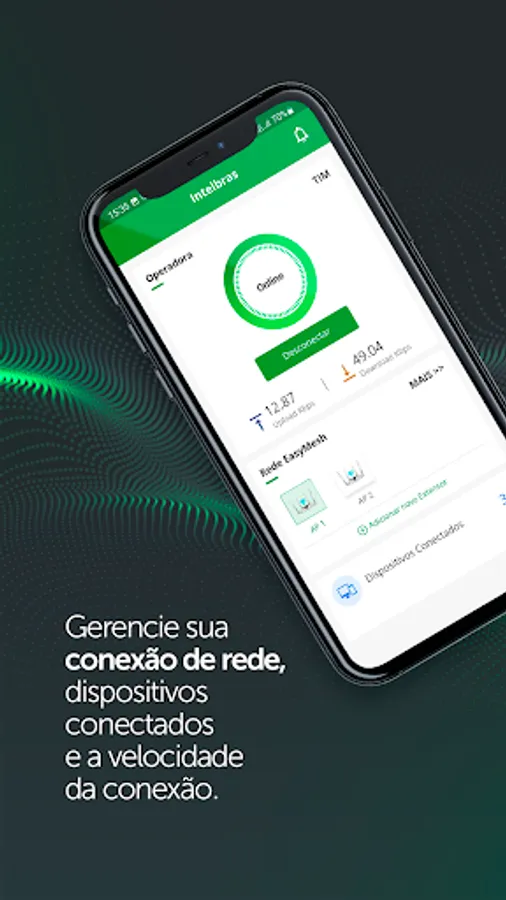
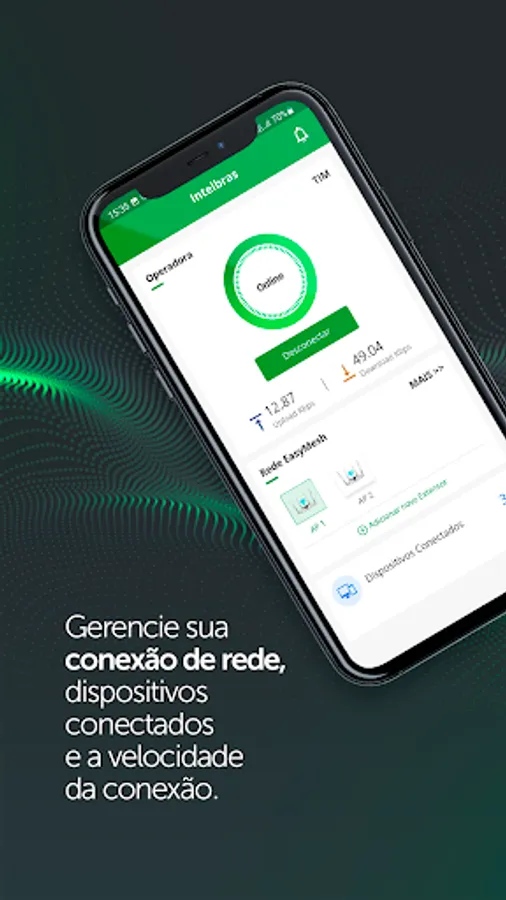
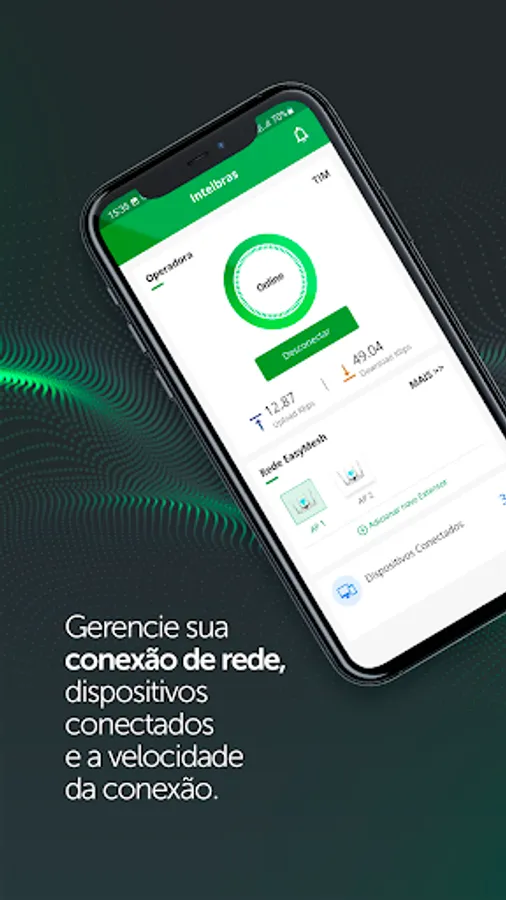
Through the dashboard, you can check the mobile network connection status, connection speed, connected devices and check mesh network status. Other available information is the list of extenders with the IP and MAC number, in addition to the list of devices connected to the network.
SETTINGS
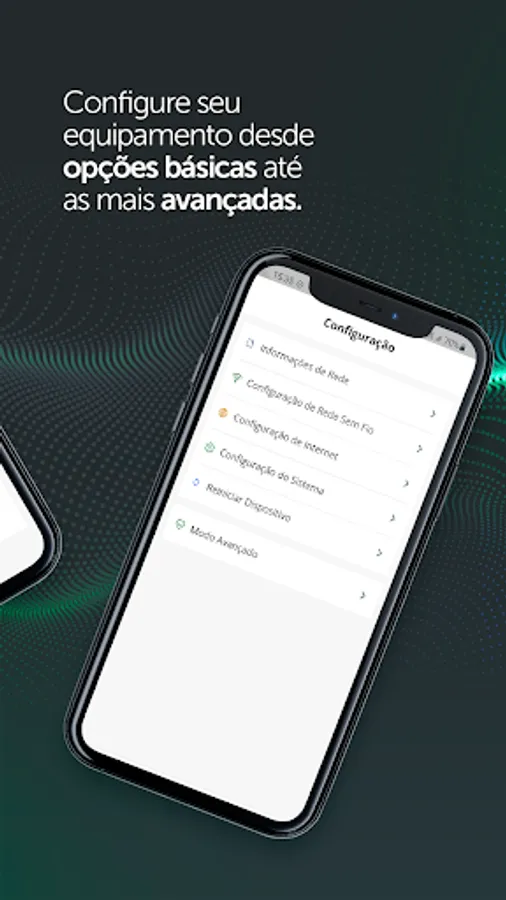
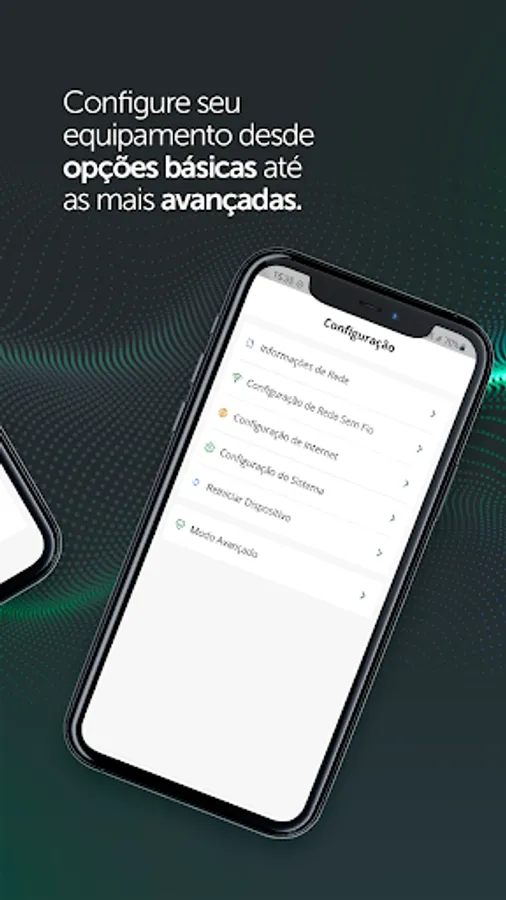
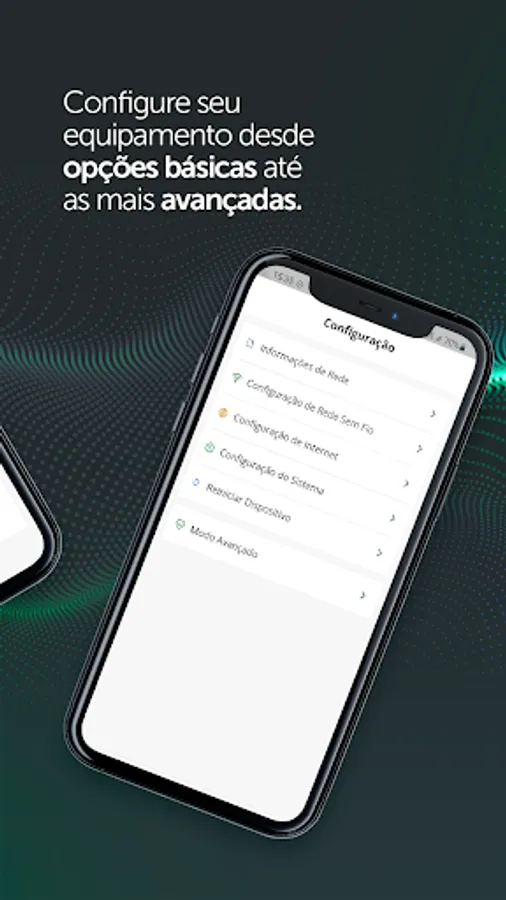
In this area, it is possible to carry out from the basic configurations of the equipment to the most advanced, configuring the mobile and wireless network, WAN, LAN, system preferences, security settings
among others.
SOFTWARE UPDATE
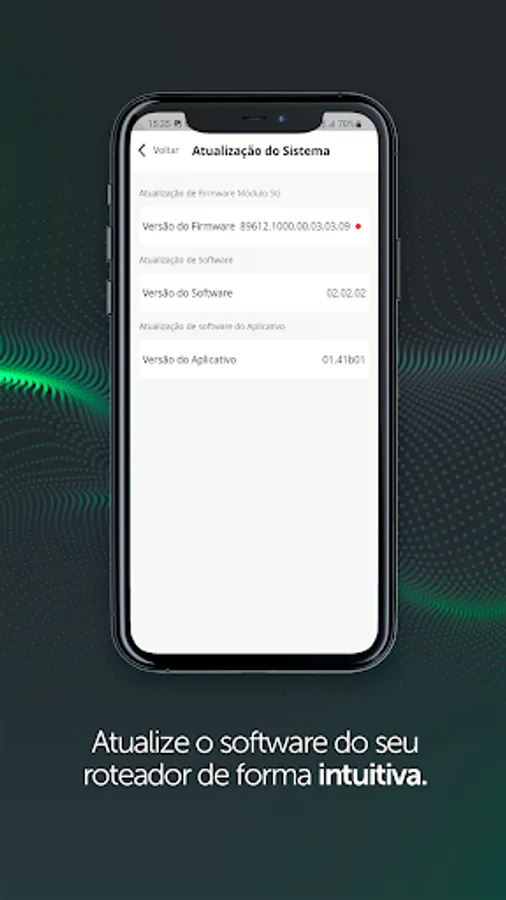
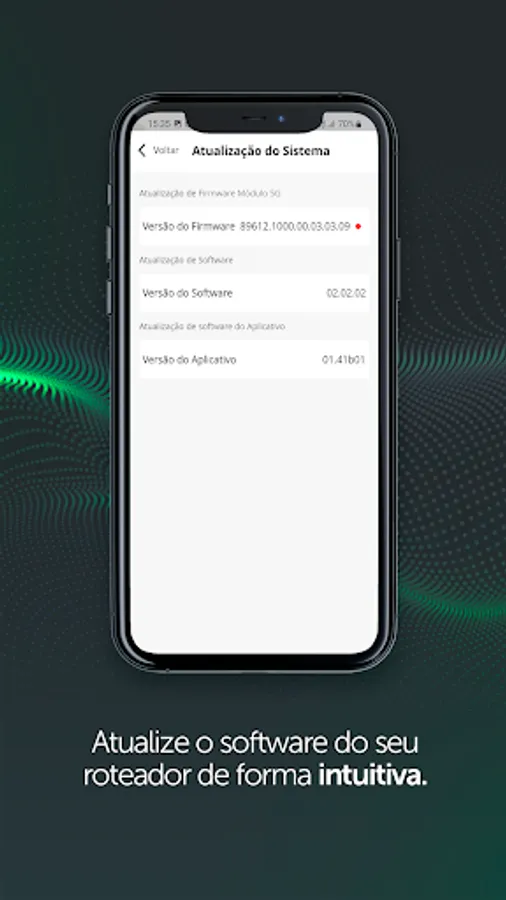
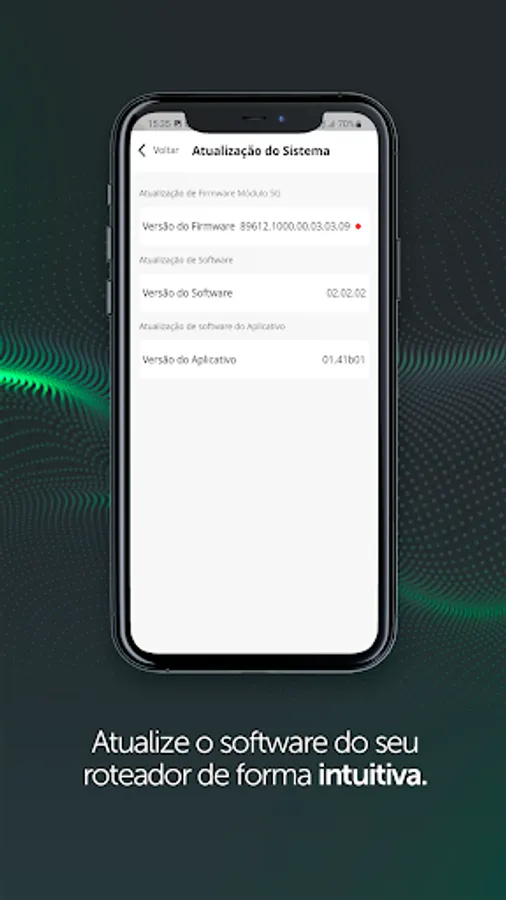
The update allows intuitively updating equipment firmware, both CPE and Modem.
MESH NETWORK
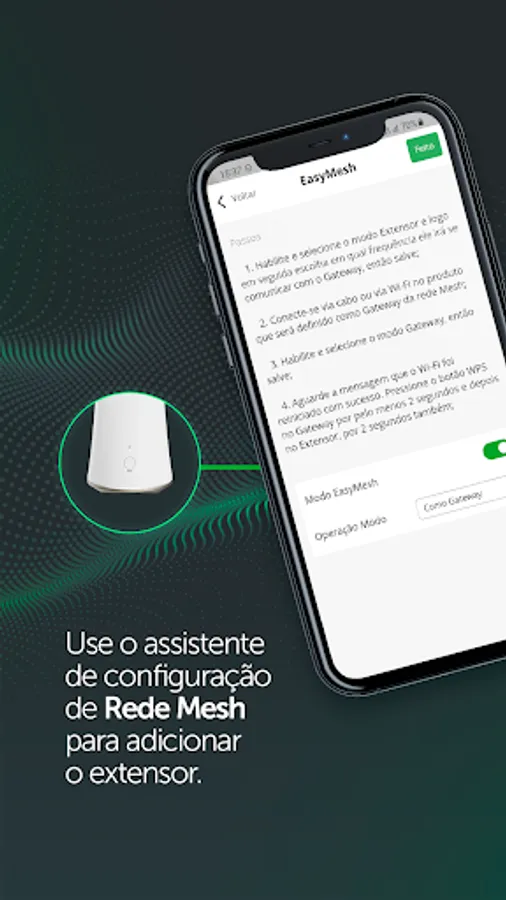
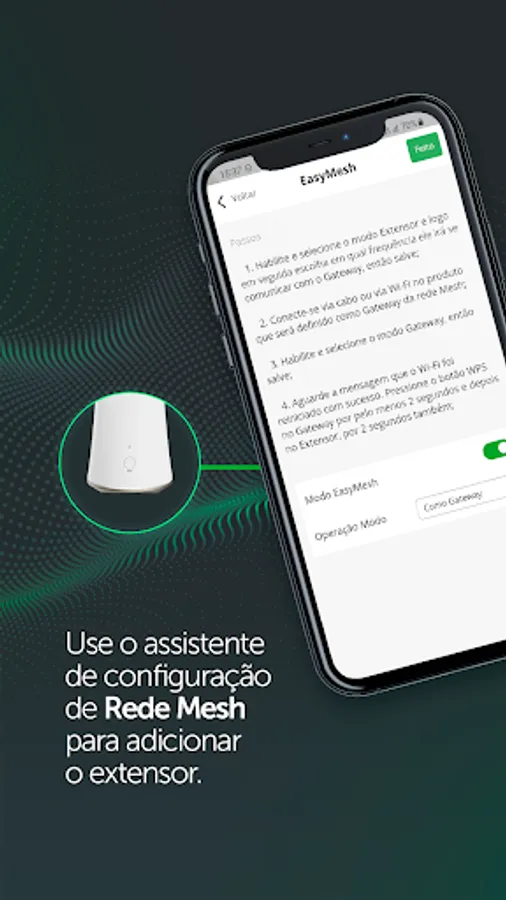
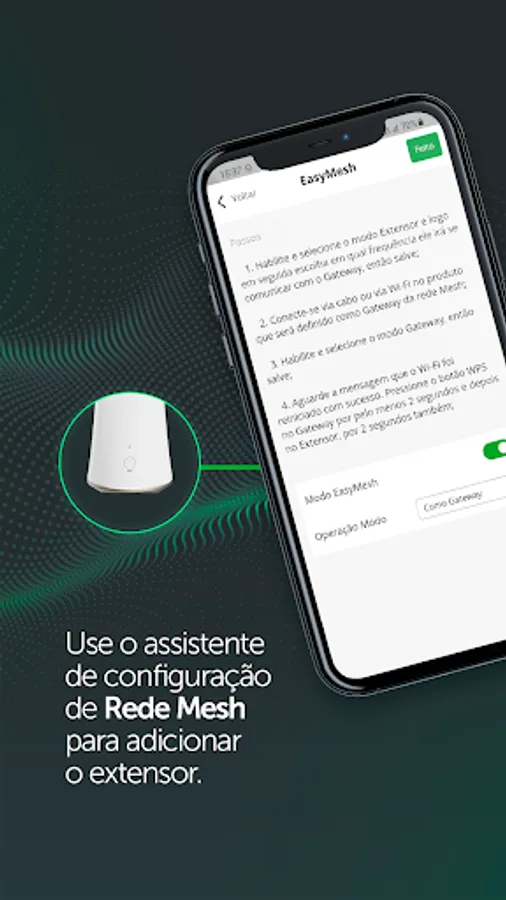
Configure your mesh network through a setup wizard to add an extender through EasyMesh Mode.
WIFI
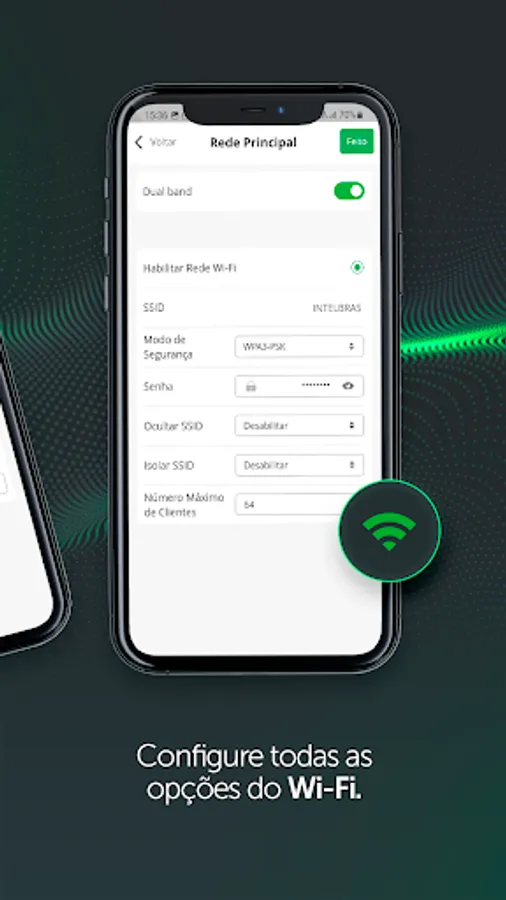
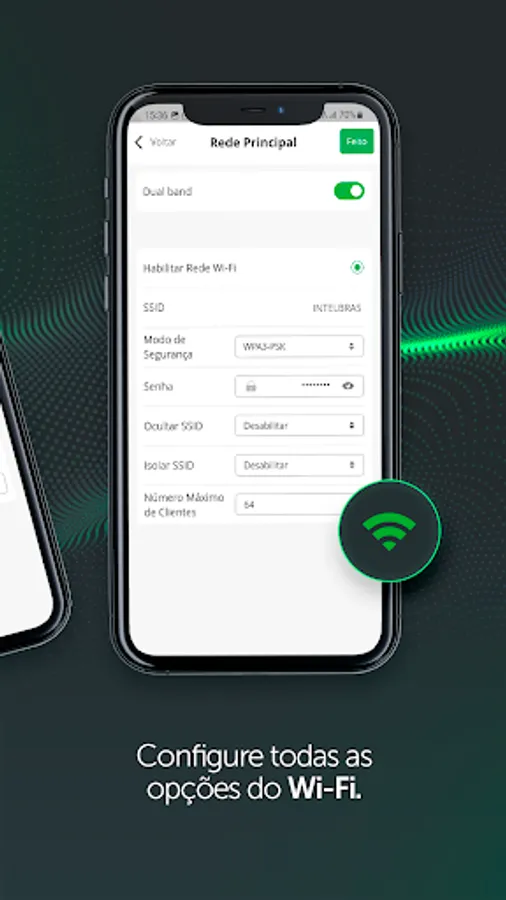
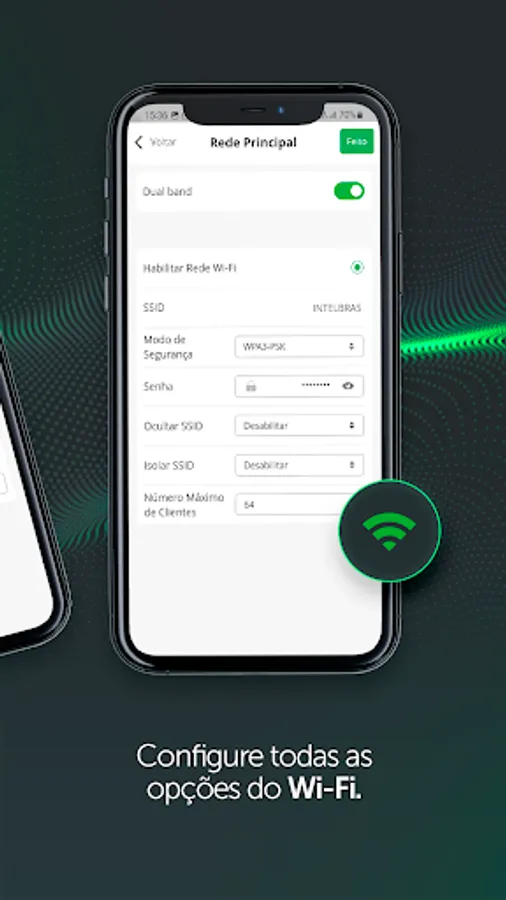
Configure your Wi-Fi network by choosing the security mode, the desired password, as well as SSID preferences and the maximum number of connected devices.
PARENTAL CONTROL
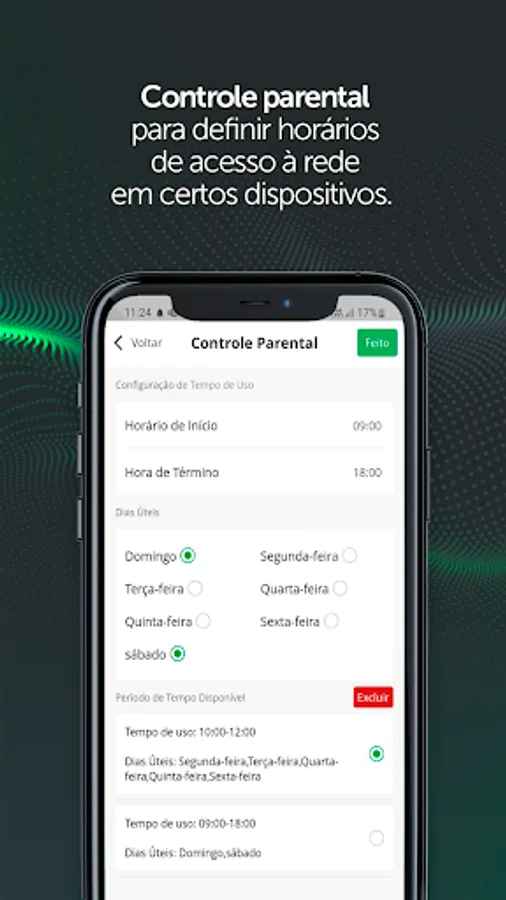
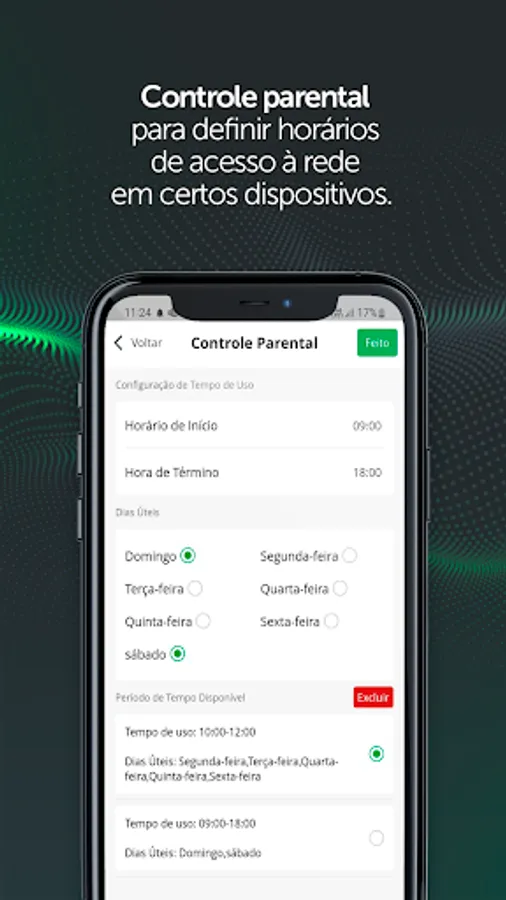
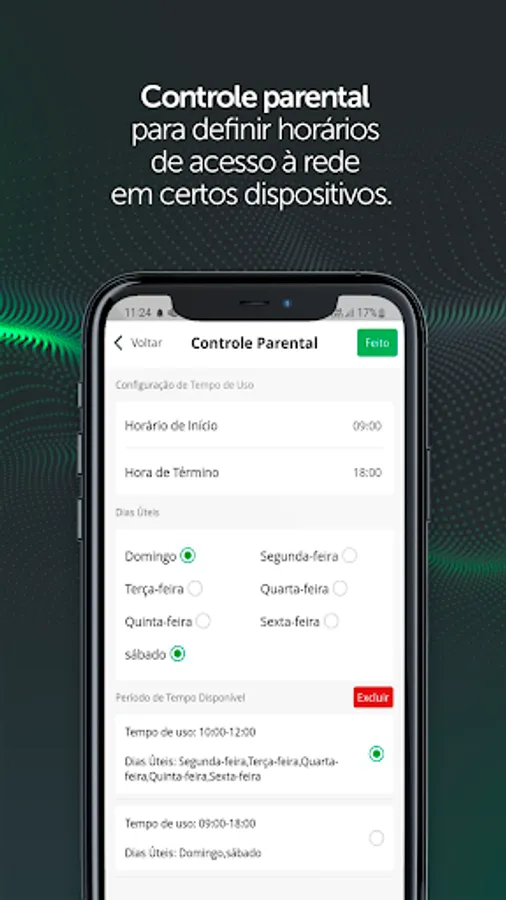
Set network access days and times for certain devices.
Its interface has two possible languages (English and Portuguese) and access is via user login on the equipment.
DASHBOARD
Through the dashboard, you can check the mobile network connection status, connection speed, connected devices and check mesh network status. Other available information is the list of extenders with the IP and MAC number, in addition to the list of devices connected to the network.
SETTINGS
In this area, it is possible to carry out from the basic configurations of the equipment to the most advanced, configuring the mobile and wireless network, WAN, LAN, system preferences, security settings
among others.
SOFTWARE UPDATE
The update allows intuitively updating equipment firmware, both CPE and Modem.
MESH NETWORK
Configure your mesh network through a setup wizard to add an extender through EasyMesh Mode.
WIFI
Configure your Wi-Fi network by choosing the security mode, the desired password, as well as SSID preferences and the maximum number of connected devices.
PARENTAL CONTROL
Set network access days and times for certain devices.
Intelbras Qi5 Screenshots



Tap to Rate: