ARISTA
Intermatic Incorporated
Free
100+
downloads
About ARISTA
Take the hassle out of commercial lighting projects with the contractor-focused ARISTA™ Advanced Lighting Control System from Intermatic.
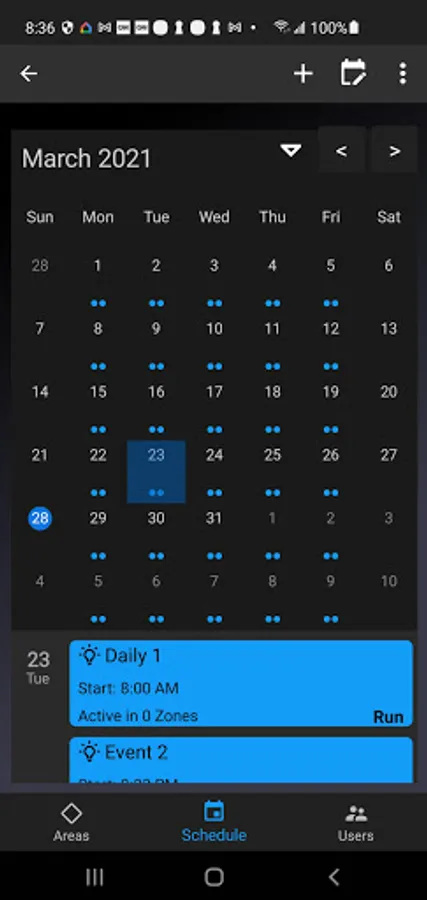
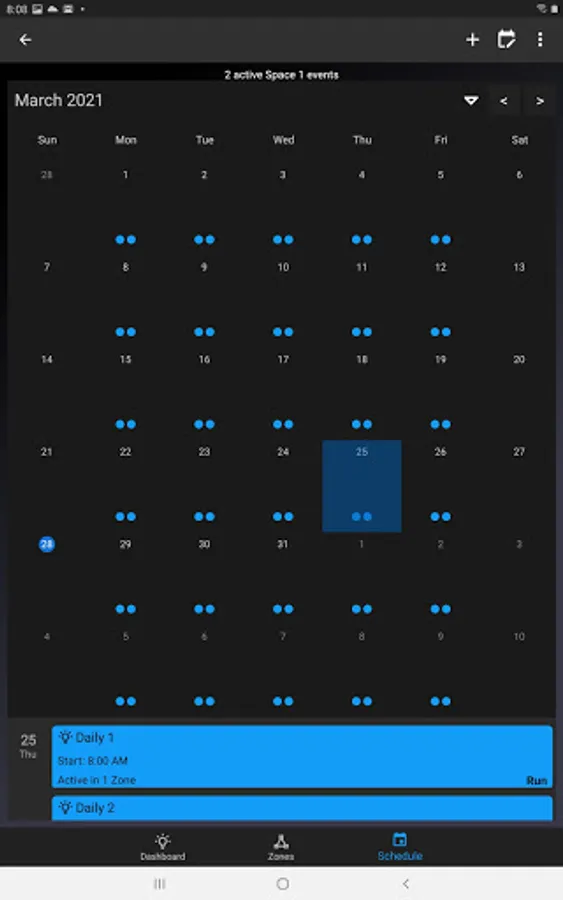
This app will guide you through the installation and configuration of ARISTA devices. Use its simple workflows to set up lighting control boundaries, create ON/OFF schedules, set dimming levels, adjust sensors, add new users and more!
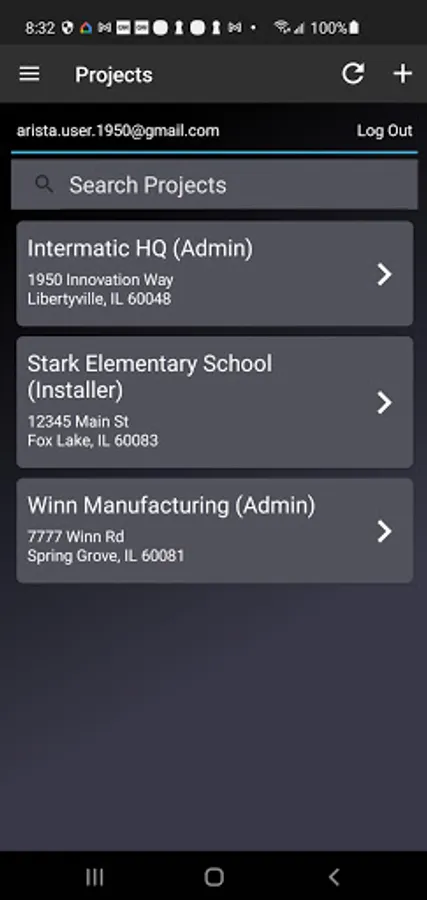
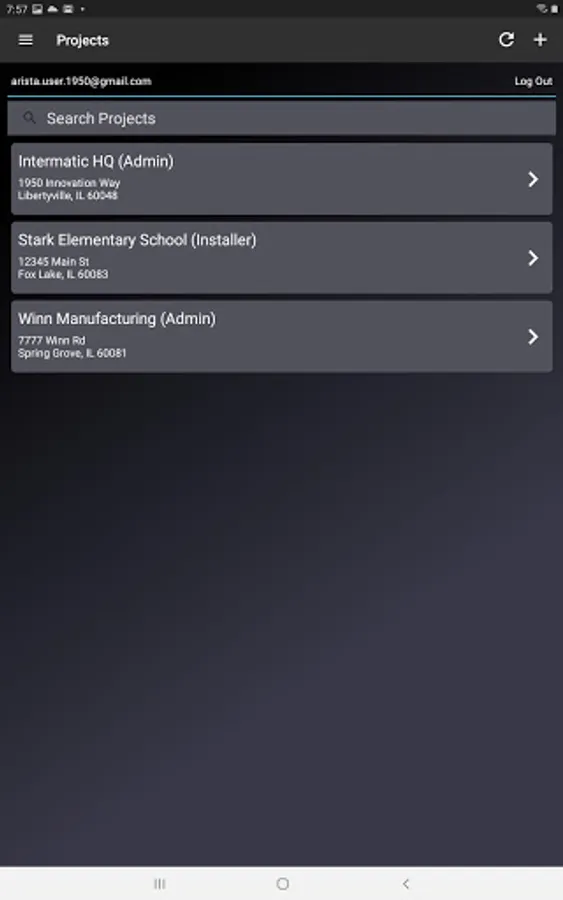
• Simple Installation – Once ARISTA devices (e.g., sensors, controllers) are physically installed and powered on, use the ARISTA app to onboard components to the wireless network and assign them to a Project.
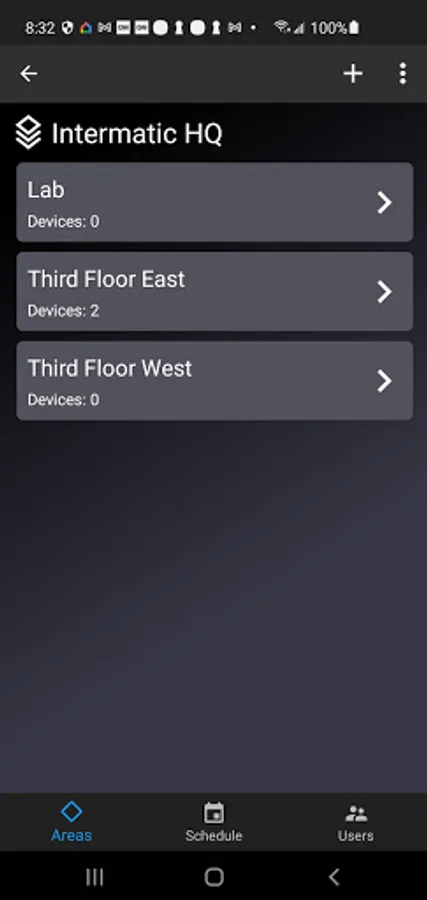
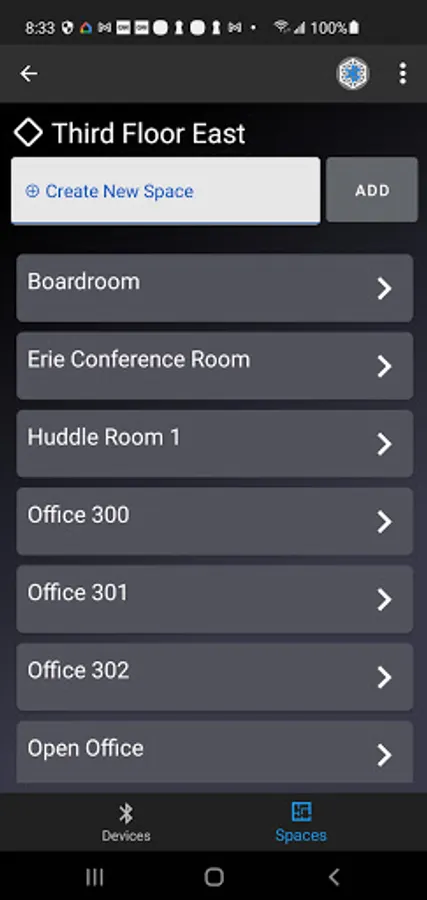
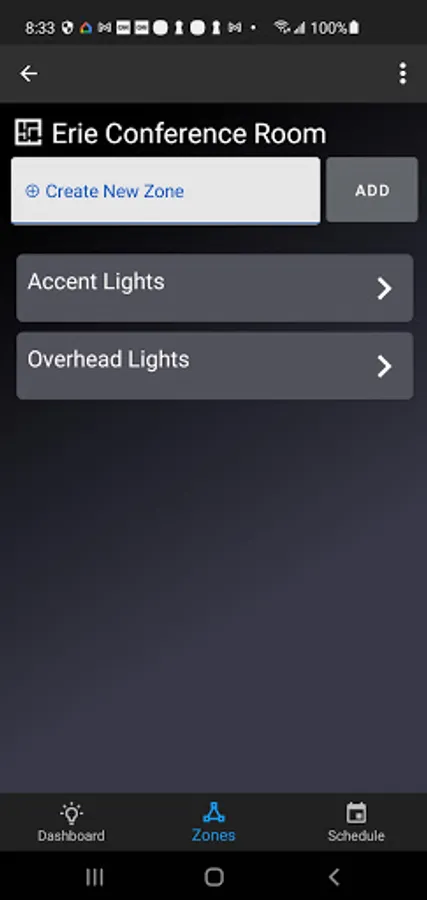
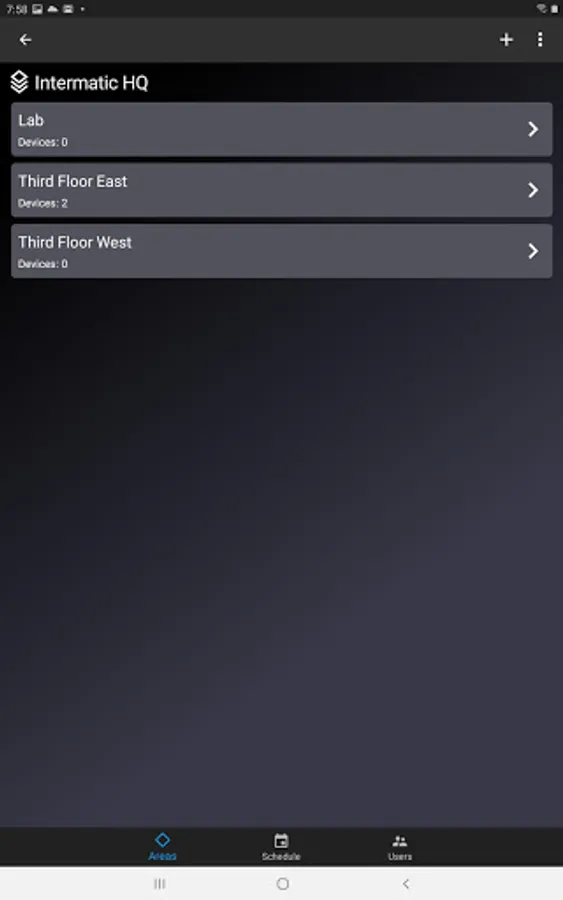
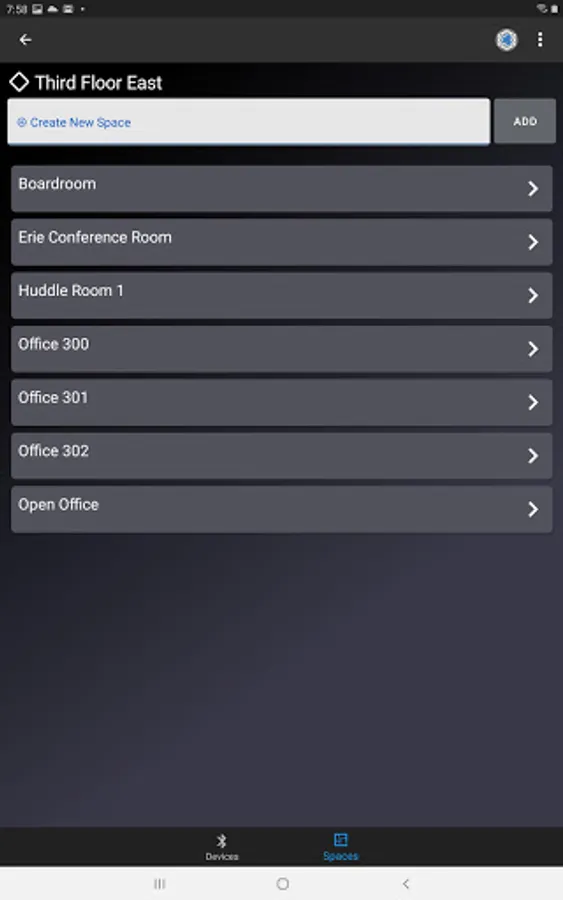
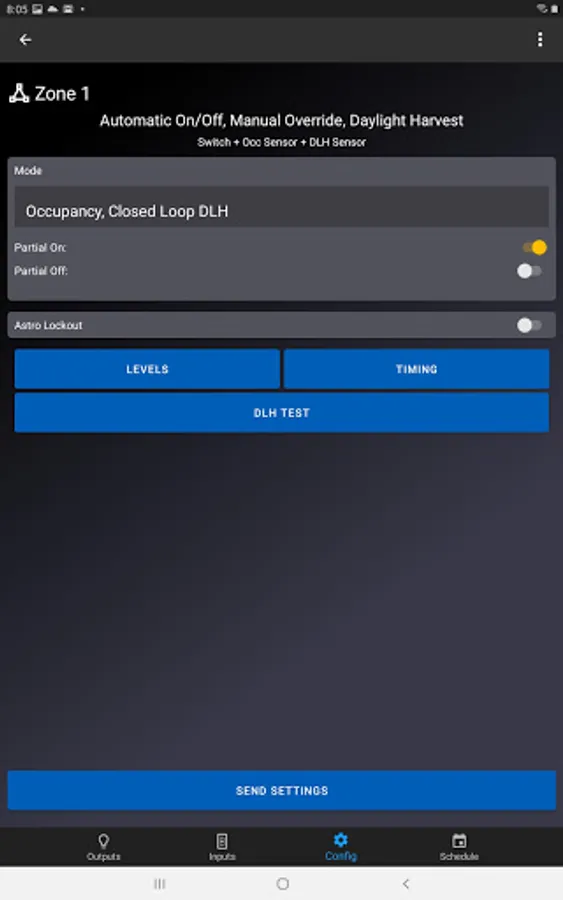
• Define Boundaries – Create dynamic lighting environments by assigning ARISTA devices to a specific Area, Space and Zone within a Project. This allows you to group components based on physical location and function.
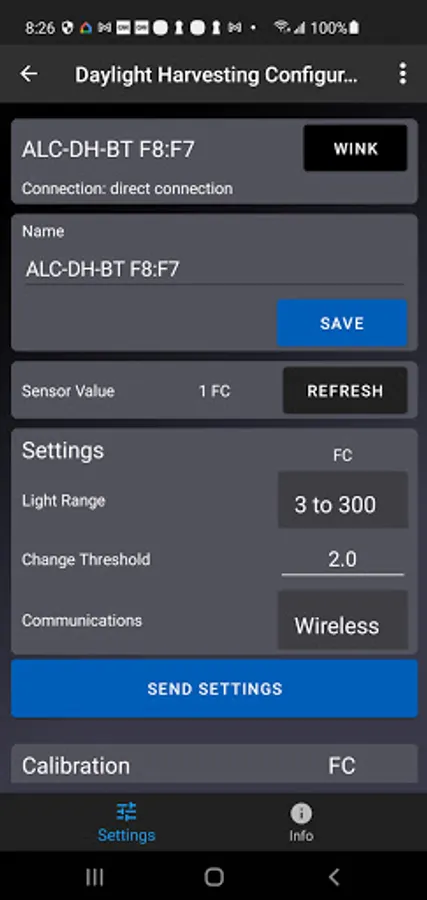
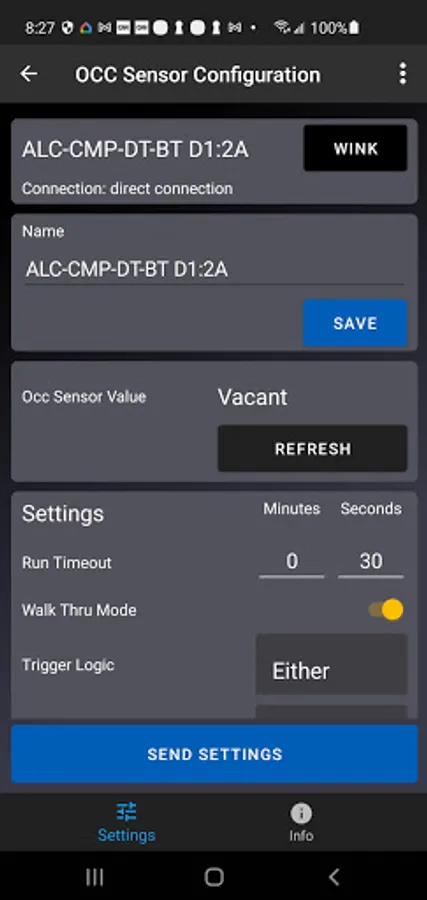
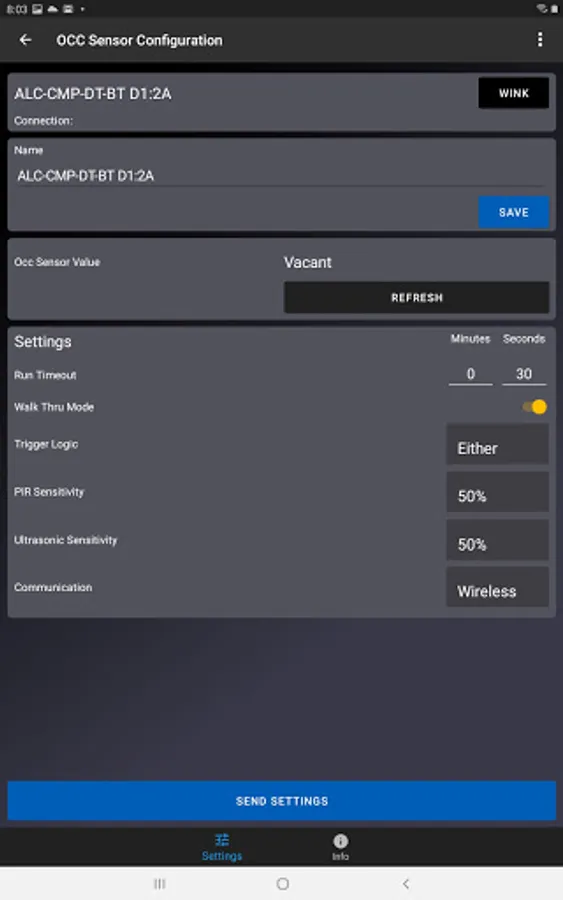
• Real-time Configuration – Use the app to adjust input settings (e.g., run level, fade time) and create time schedules for each ARISTA device. A helpful “blink” feature allows installers to quickly identify devices in the field and begin configuration.
• Grant Access – Add new Installers to a Project to assist with configuration and/or commissioning on the job site. Once initial installation is complete, pass control to stakeholders by granting Occupant access within the app. This allows occupants to make adjustments to ARISTA devices within specific parameters set during installation.
Questions? Visit https://www.intermatic.com/ARISTA for a complete programming guide, how-to videos and FAQs.
This app will guide you through the installation and configuration of ARISTA devices. Use its simple workflows to set up lighting control boundaries, create ON/OFF schedules, set dimming levels, adjust sensors, add new users and more!
• Simple Installation – Once ARISTA devices (e.g., sensors, controllers) are physically installed and powered on, use the ARISTA app to onboard components to the wireless network and assign them to a Project.
• Define Boundaries – Create dynamic lighting environments by assigning ARISTA devices to a specific Area, Space and Zone within a Project. This allows you to group components based on physical location and function.
• Real-time Configuration – Use the app to adjust input settings (e.g., run level, fade time) and create time schedules for each ARISTA device. A helpful “blink” feature allows installers to quickly identify devices in the field and begin configuration.
• Grant Access – Add new Installers to a Project to assist with configuration and/or commissioning on the job site. Once initial installation is complete, pass control to stakeholders by granting Occupant access within the app. This allows occupants to make adjustments to ARISTA devices within specific parameters set during installation.
Questions? Visit https://www.intermatic.com/ARISTA for a complete programming guide, how-to videos and FAQs.