Gear Design 3D in TrueGeometry
Manoj Kumar Yadav
Free
(in-app purchases)
rated 3.5 stars
10,000+
downloads
About Gear Design 3D in TrueGeometry
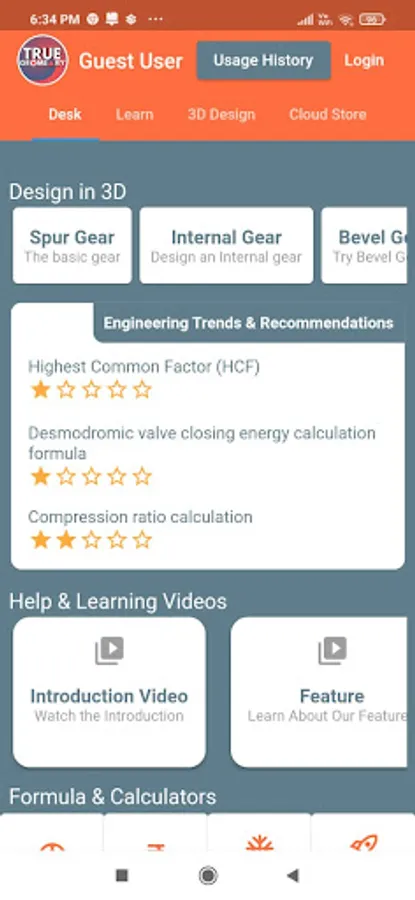
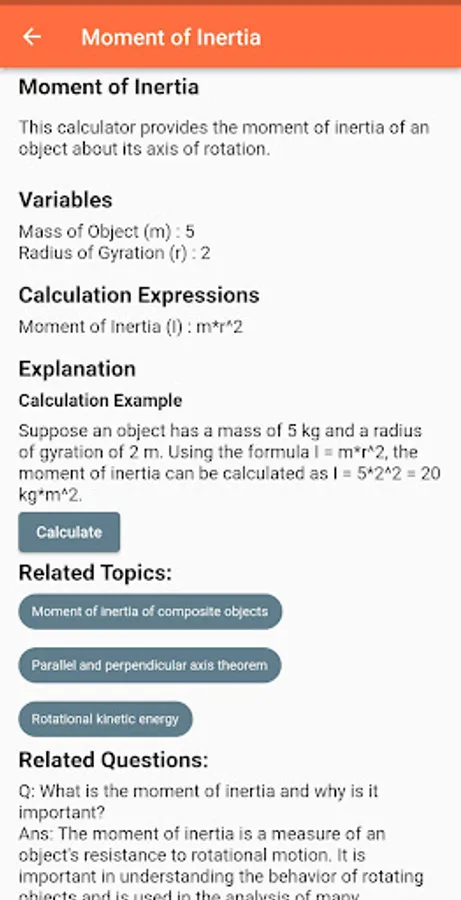
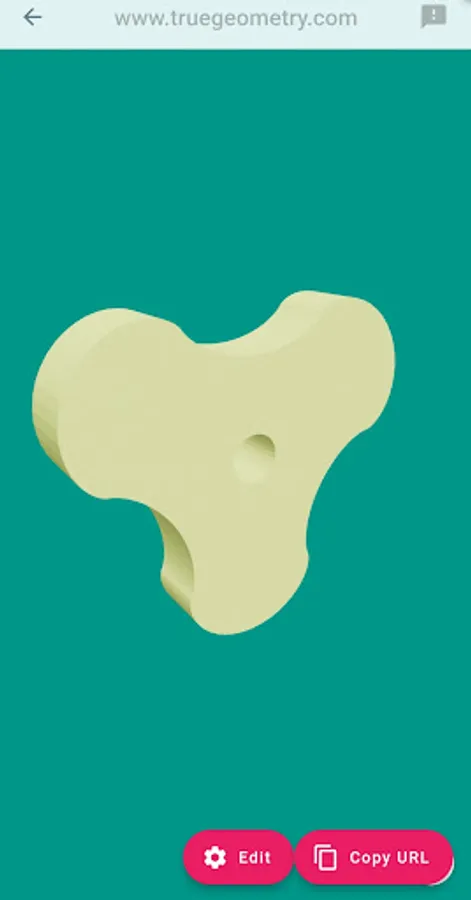
Design, iterate, simulate Gears and Cams. Generate 3D models for manufacturing.
Features:
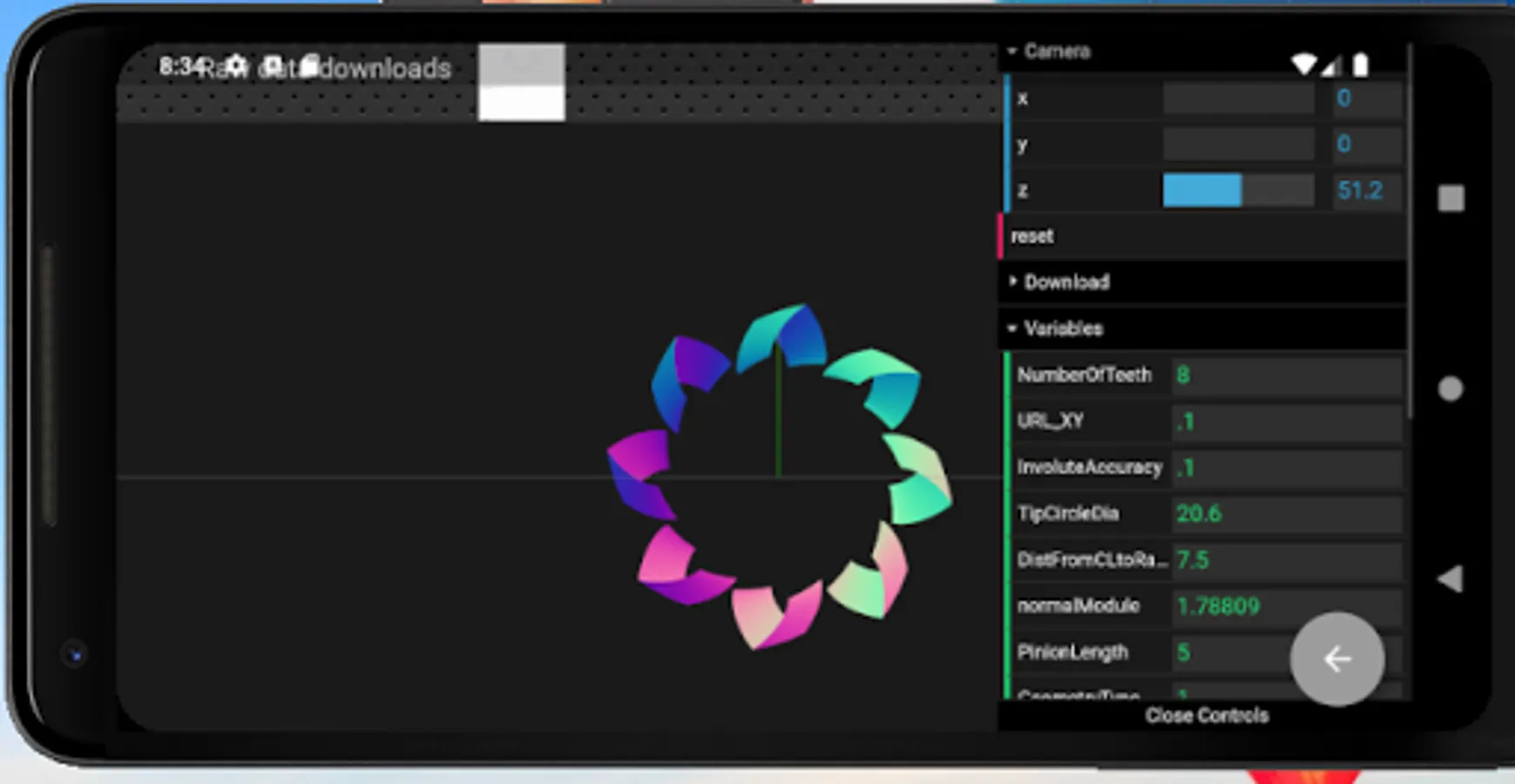
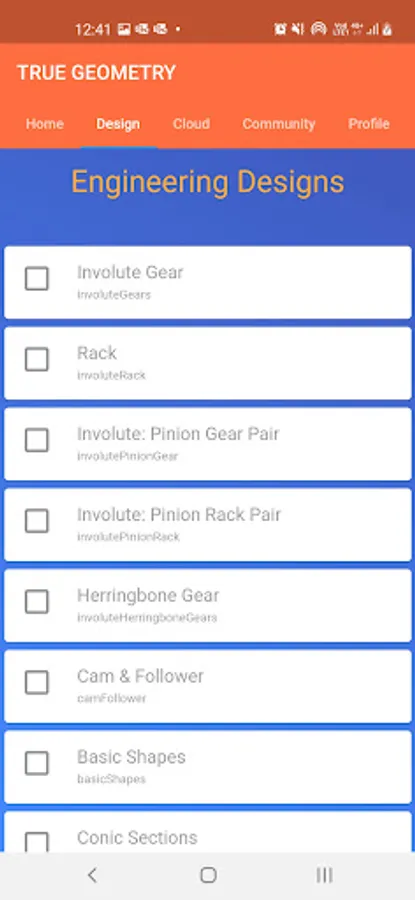
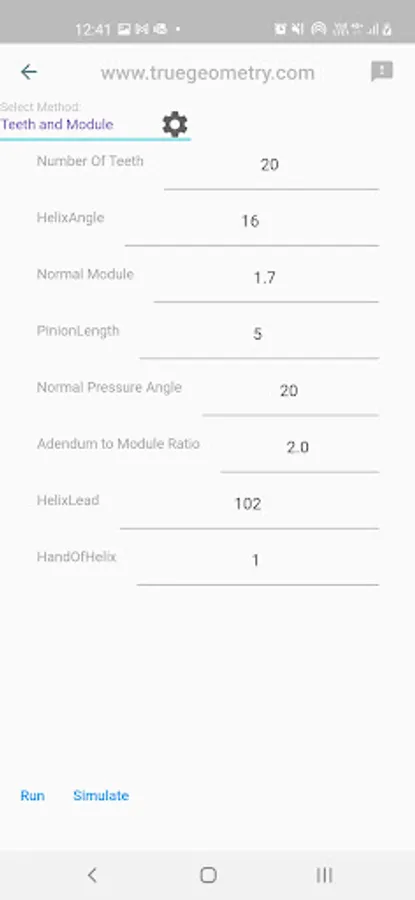
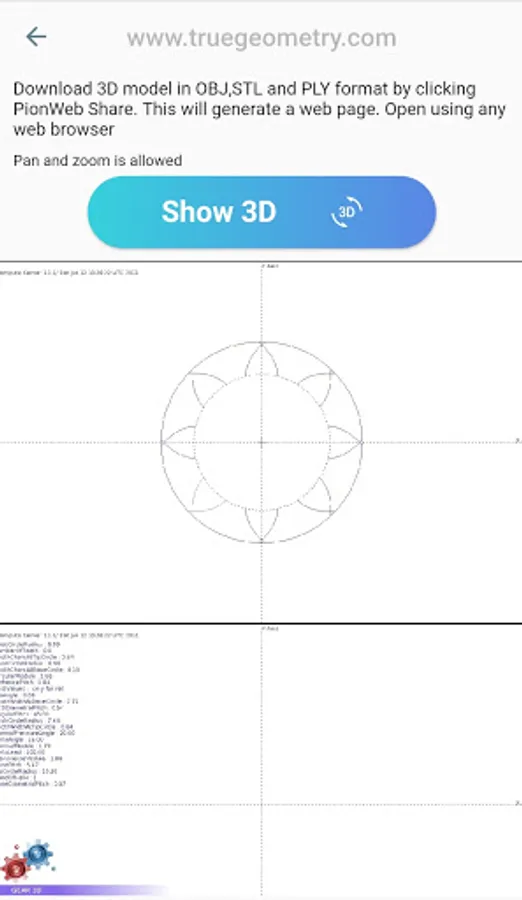
1. Gear 3D Generation
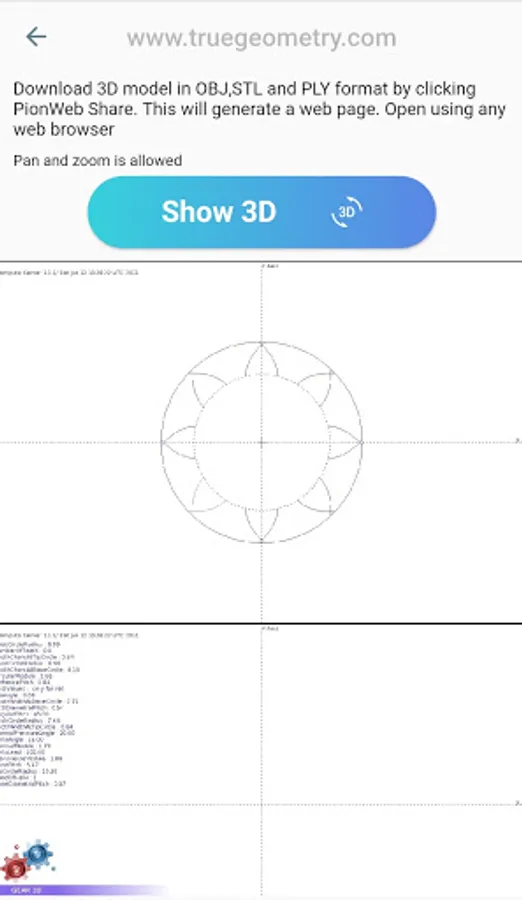
2. Gear 2D generation
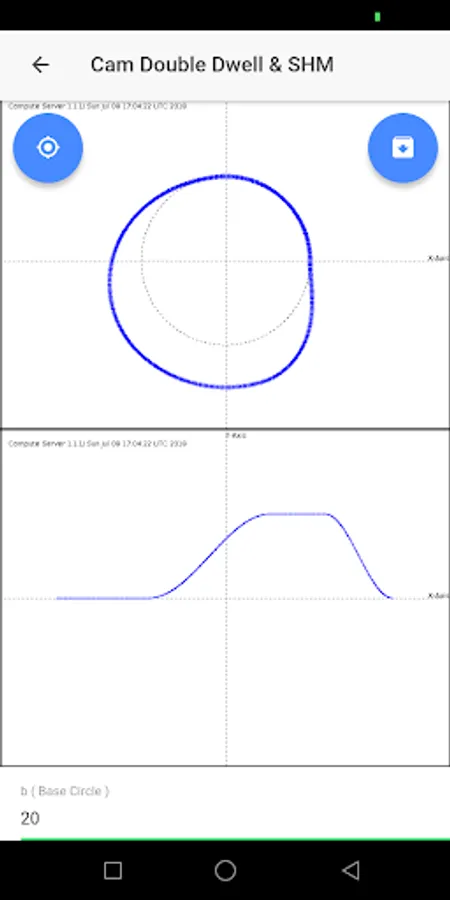
3. Cam and Follower 3D generation
4. Cam and Follower 2D generation with displacement diagram
5. Herringbone gear 3D
6. Rack & Pinion 3D
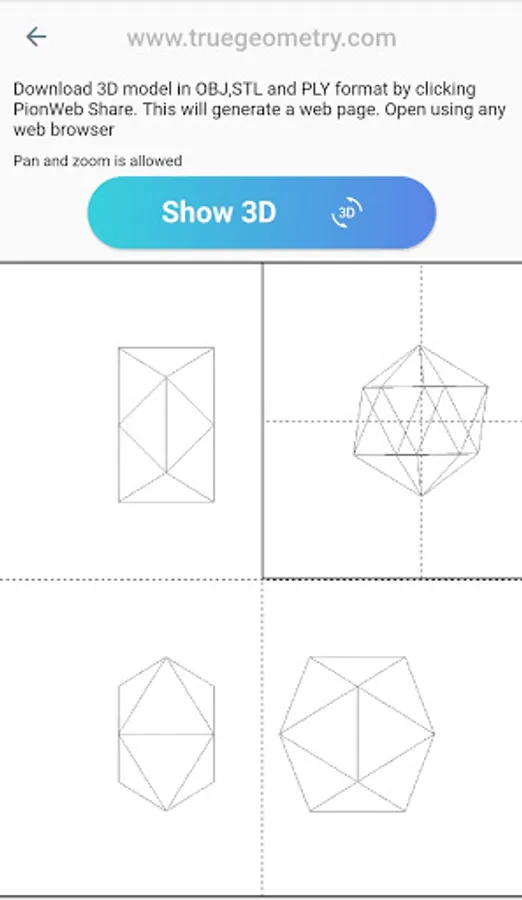
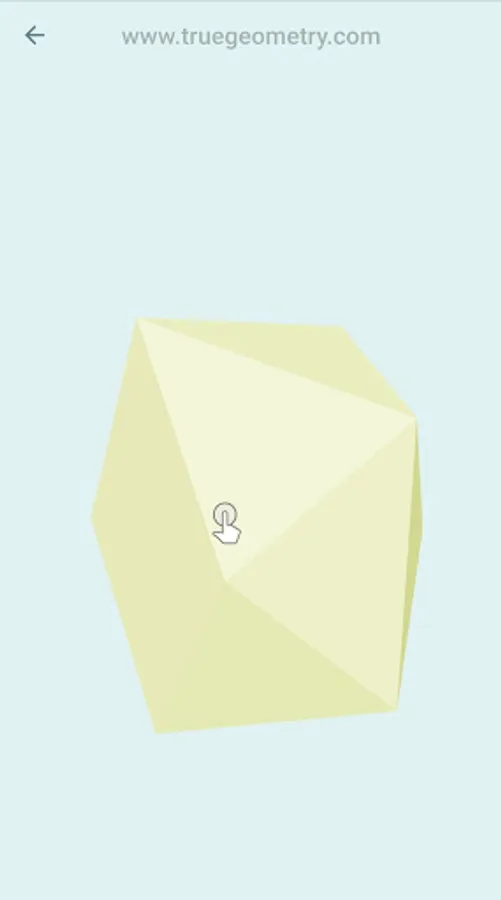
7. Basic Geometric shapes 3D
8. Superchargers
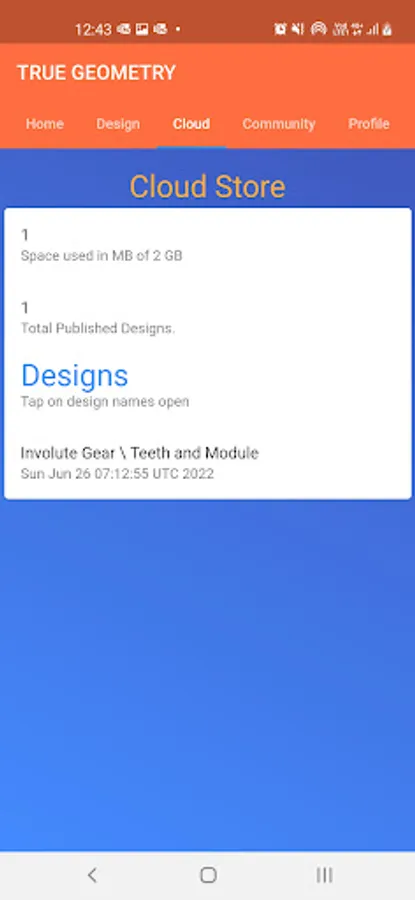
8. Sharing of 3D data
9. Sharing of 2D data
10. Remembers the last edited value of each design.
11. ASME Flanges
12. BIS Beams
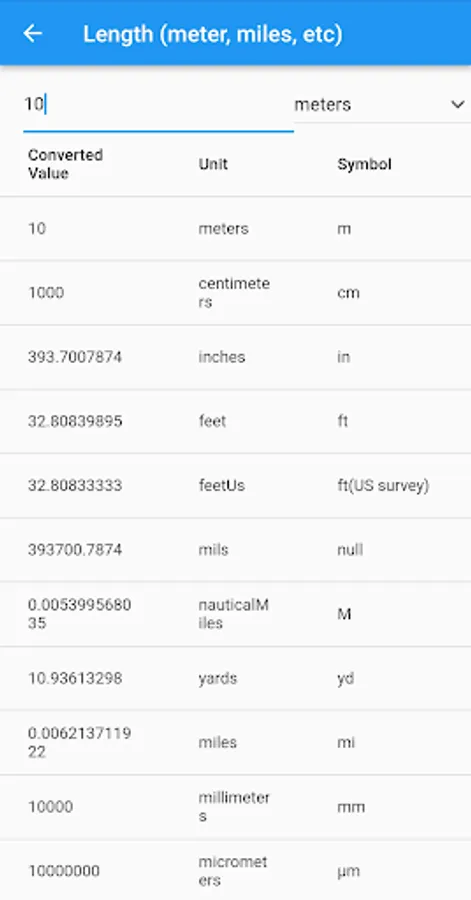
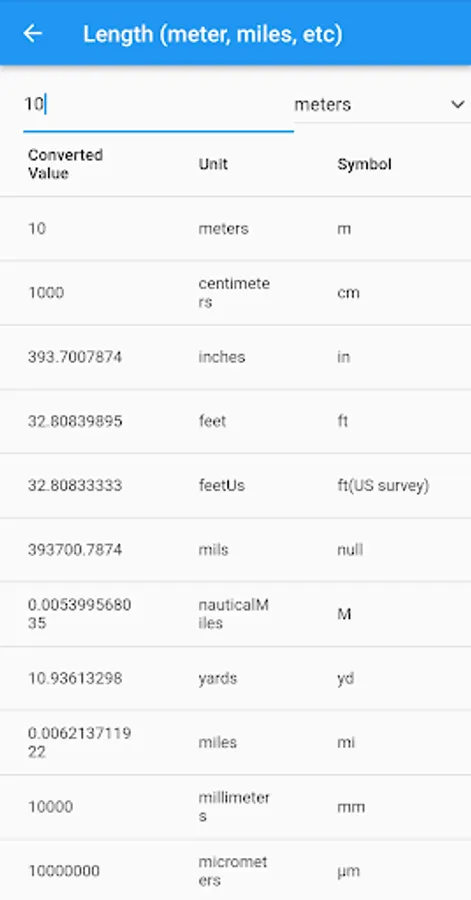
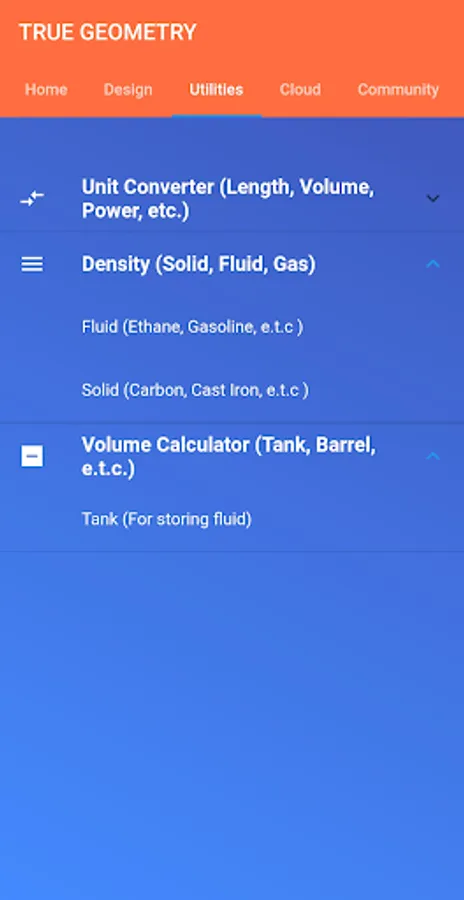
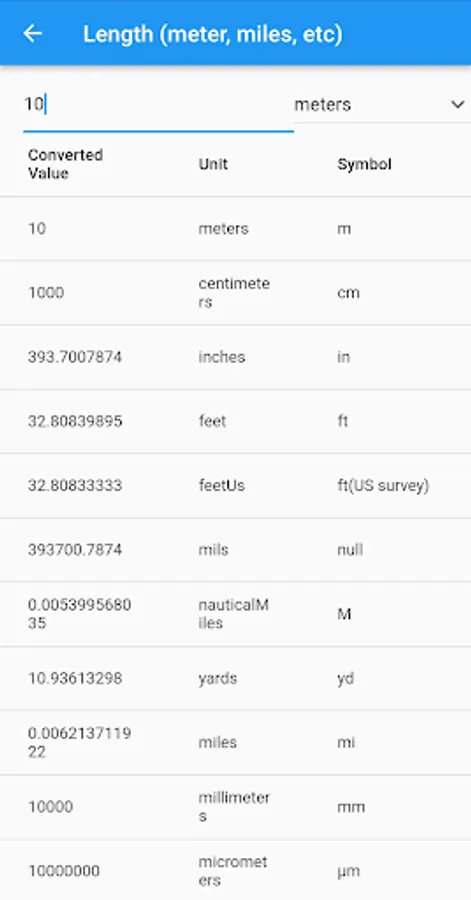
13. Unit Conversion
14. Fluid and Solid density table,
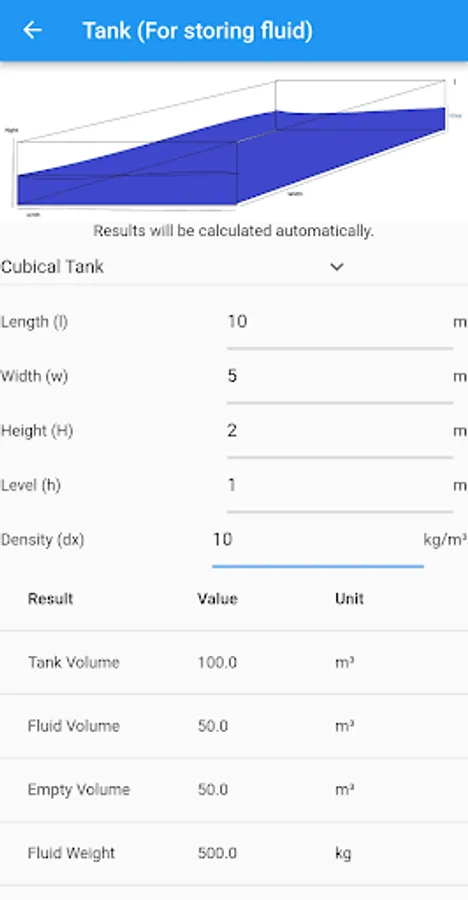
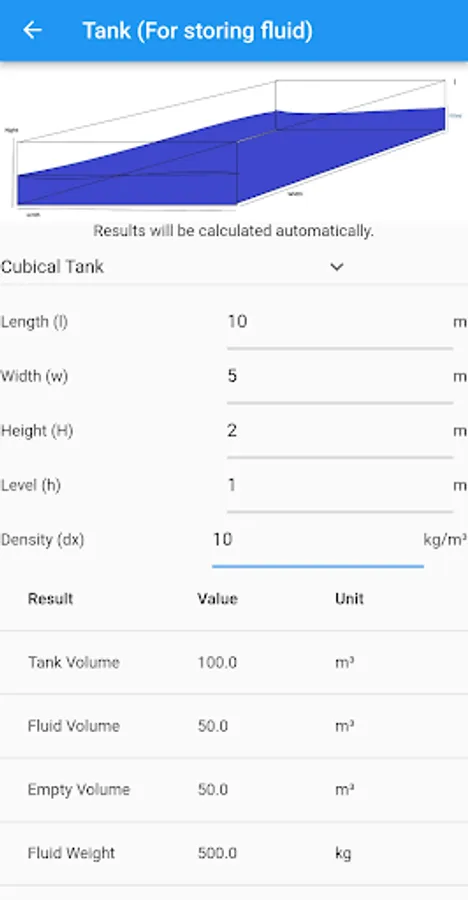
15. Tank Volume Calculation
Learn from : https://blog.truegeometry.com/tutorials/appIntroductionf3U.html
Export formats for Geometry: OBJ,PLY,STL,DAE, GLB & GLTF
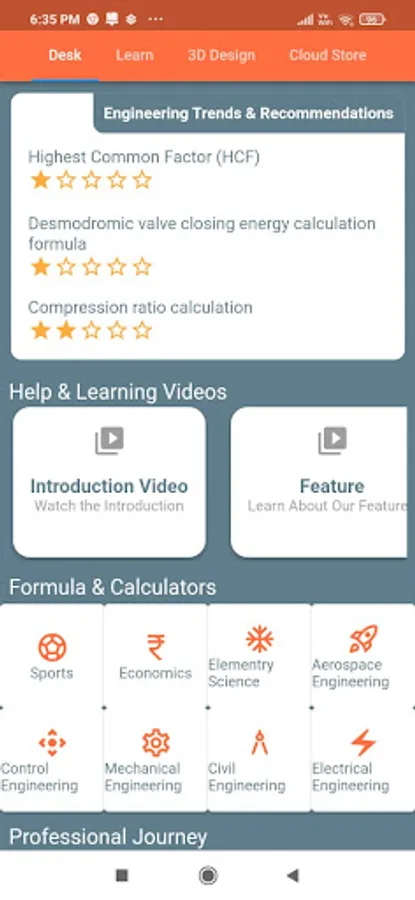
The app provides a gateway to generate true geometry from engineering to free form shapes, on your mobile and computer. The geometry created can be used to print 3D models via 3D Printers. The geometry created can be imported to any 3D software application, including Microsoft's "3D Viewer".
One time purchase gives access to unlimited design generation and sharing. However this subjected to computing cost.
Features:
1. Gear 3D Generation
2. Gear 2D generation
3. Cam and Follower 3D generation
4. Cam and Follower 2D generation with displacement diagram
5. Herringbone gear 3D
6. Rack & Pinion 3D
7. Basic Geometric shapes 3D
8. Superchargers
8. Sharing of 3D data
9. Sharing of 2D data
10. Remembers the last edited value of each design.
11. ASME Flanges
12. BIS Beams
13. Unit Conversion
14. Fluid and Solid density table,
15. Tank Volume Calculation
Learn from : https://blog.truegeometry.com/tutorials/appIntroductionf3U.html
Export formats for Geometry: OBJ,PLY,STL,DAE, GLB & GLTF
The app provides a gateway to generate true geometry from engineering to free form shapes, on your mobile and computer. The geometry created can be used to print 3D models via 3D Printers. The geometry created can be imported to any 3D software application, including Microsoft's "3D Viewer".
One time purchase gives access to unlimited design generation and sharing. However this subjected to computing cost.