iOS Controler: Assistive Touch
4KLive ThemeStudio
1,000+
downloads
Free
About iOS Controler: Assistive Touch
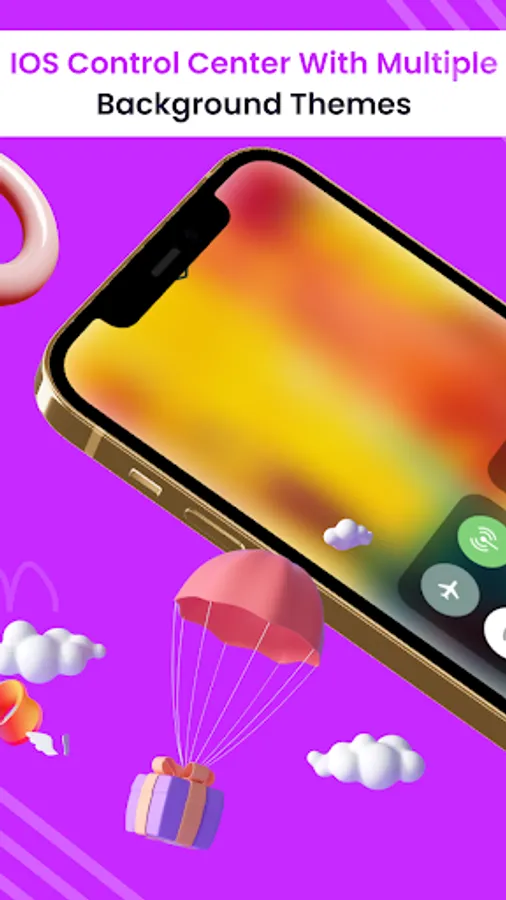
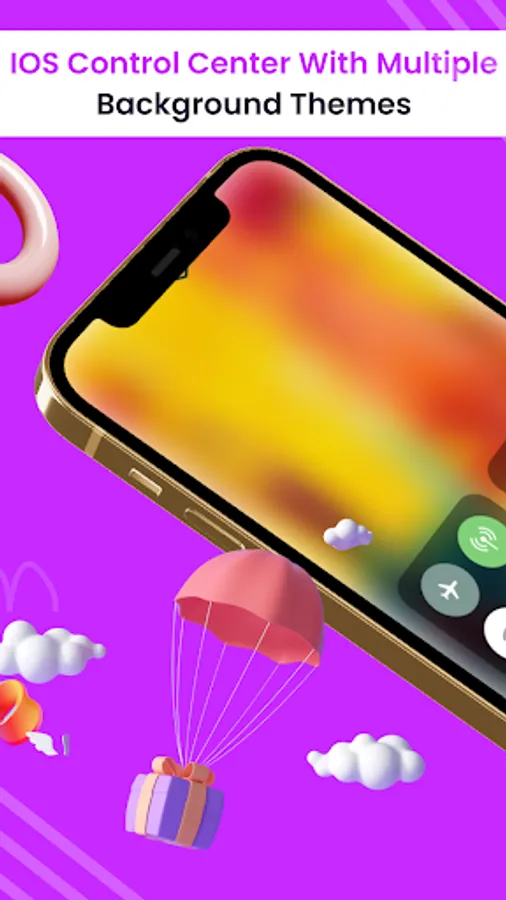
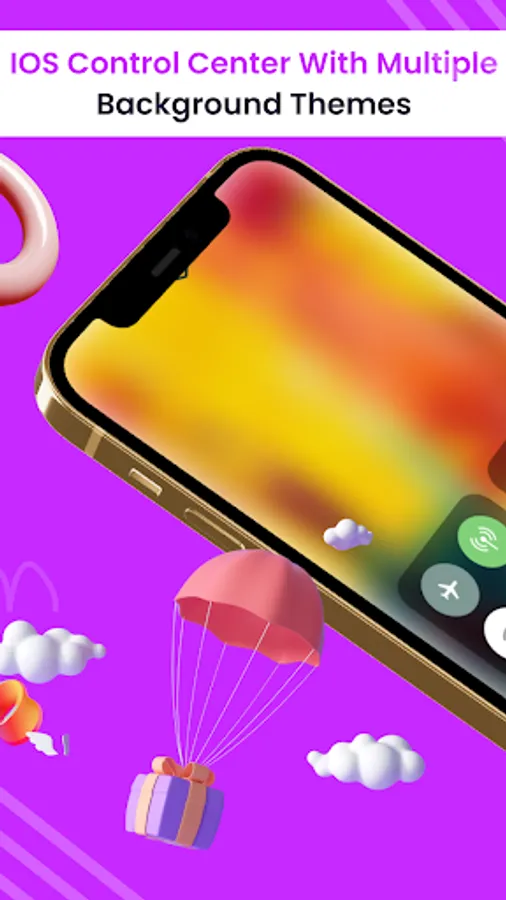
Control Center: iOS 15 – Give you instant access tool for your Android phone with professional design like an Apple phone
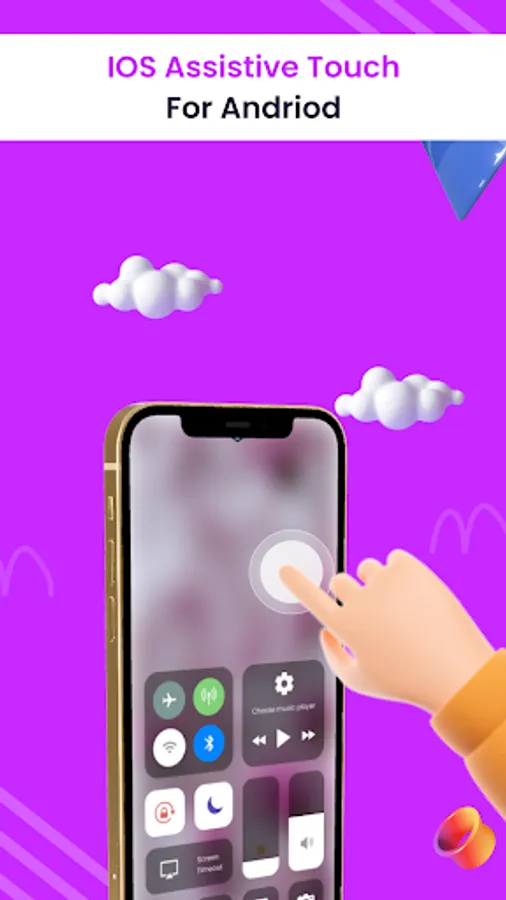
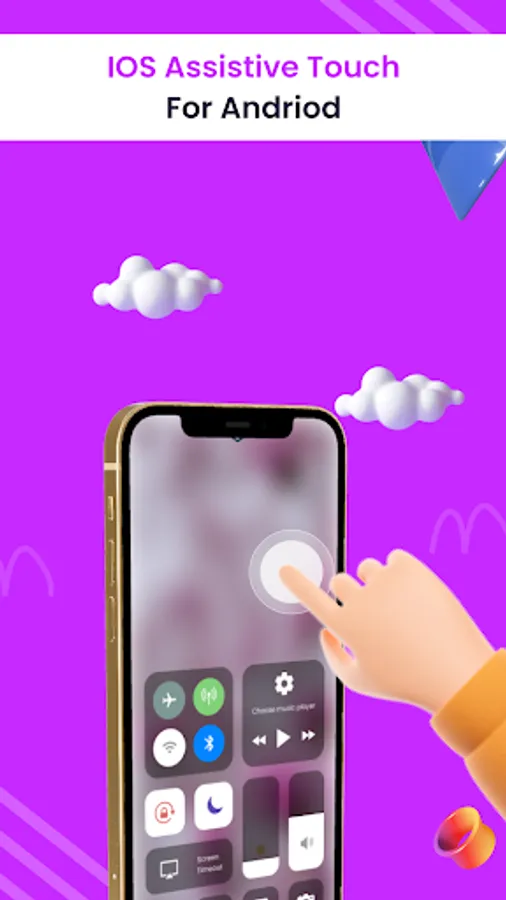
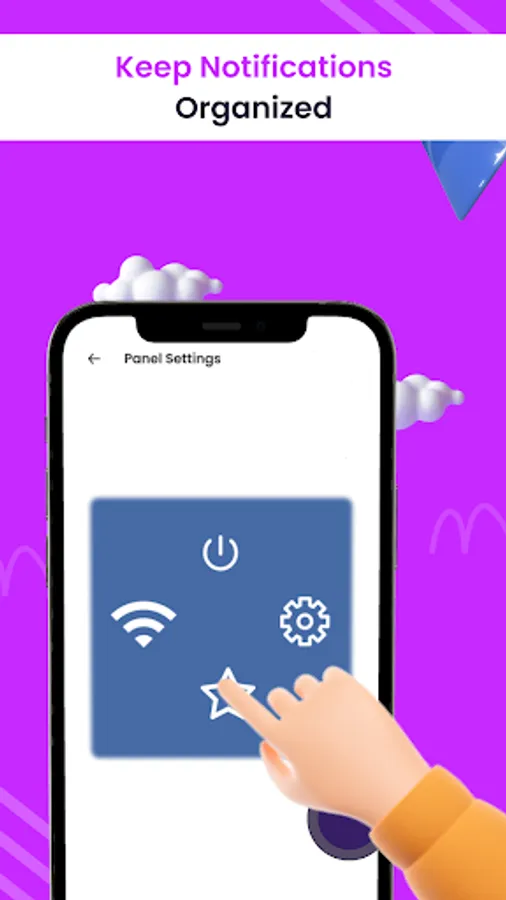
Assistive touch for comes in handy in protecting the physical buttons (home button and volume button). Assistive touch for android is very useful for Android devices with huge displays
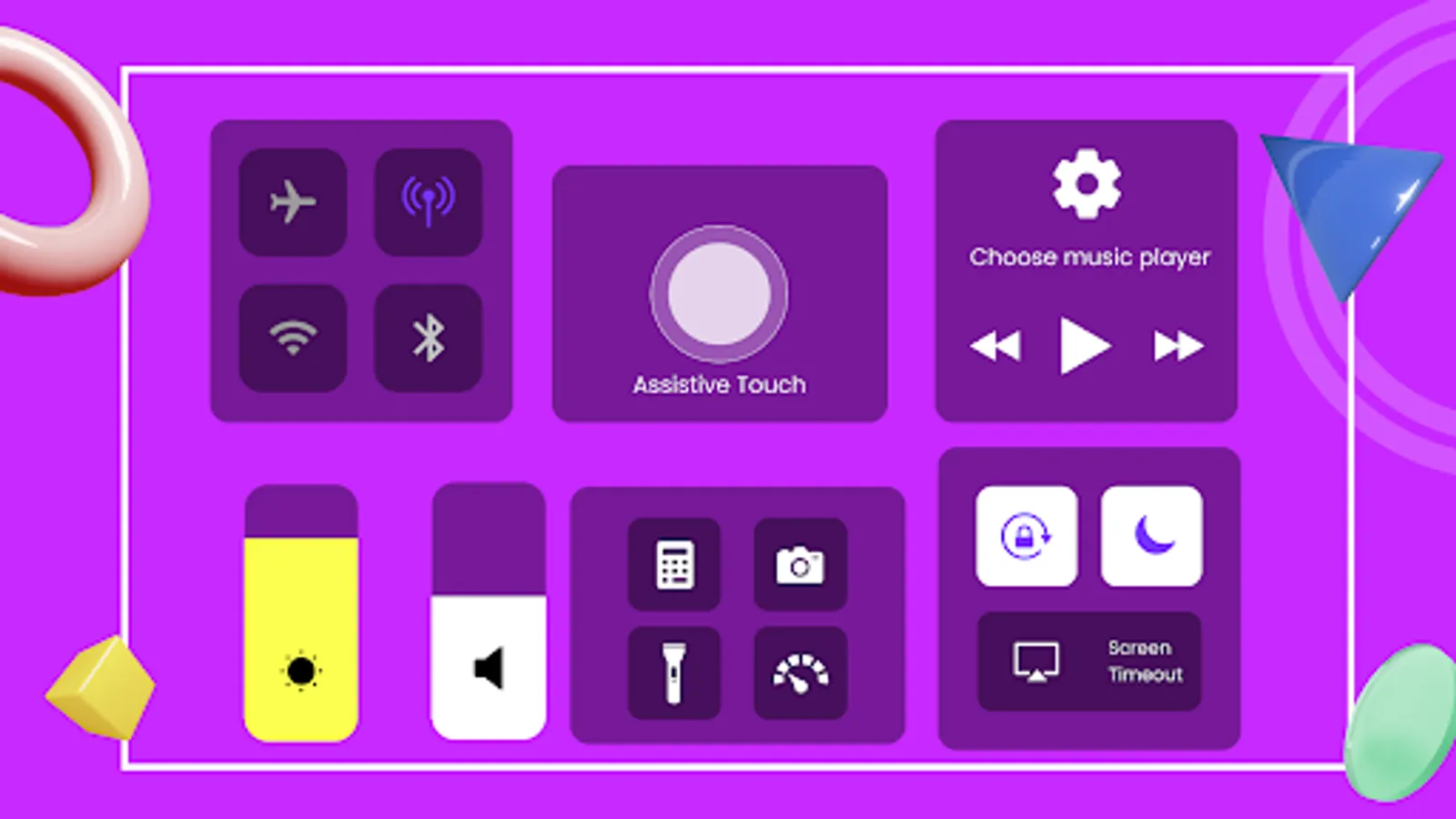
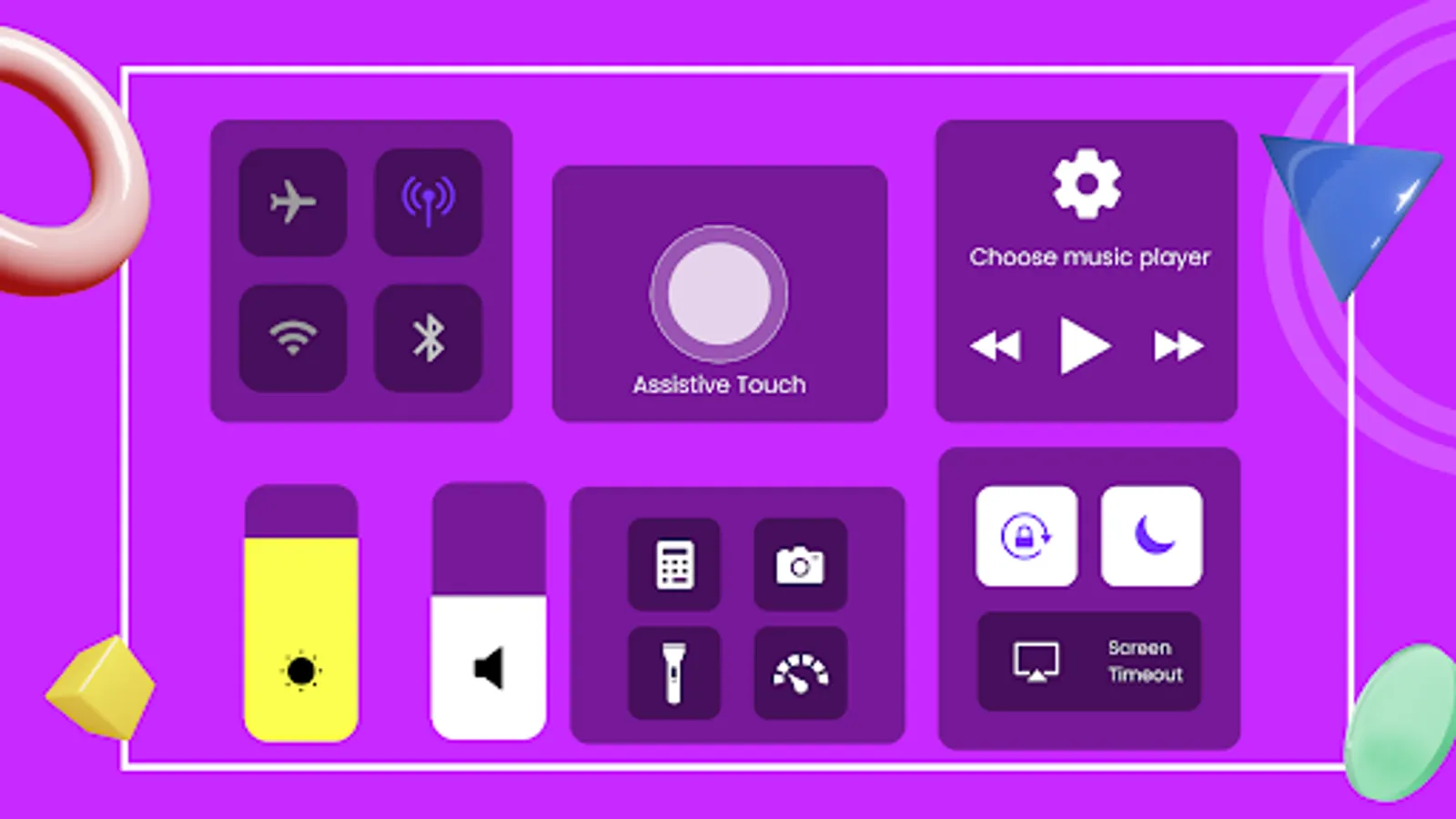
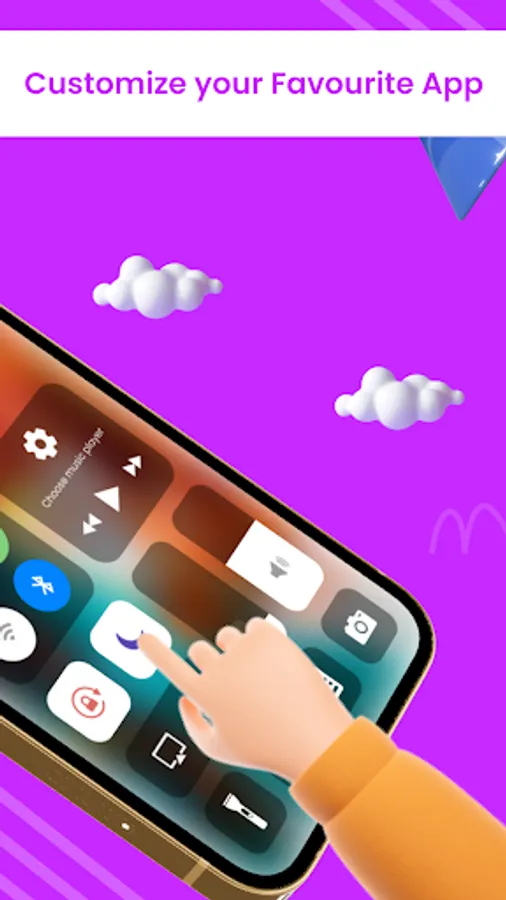
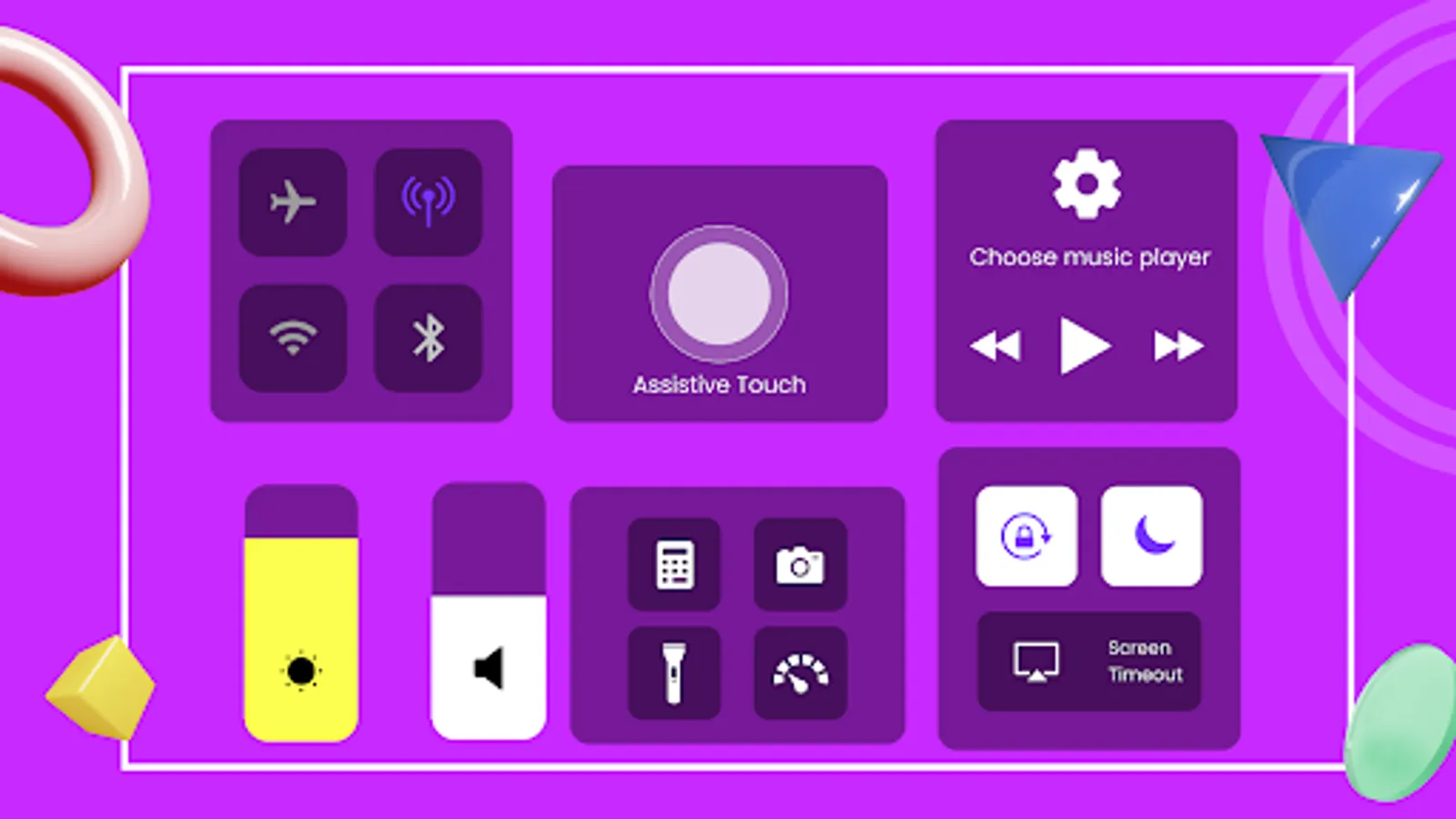
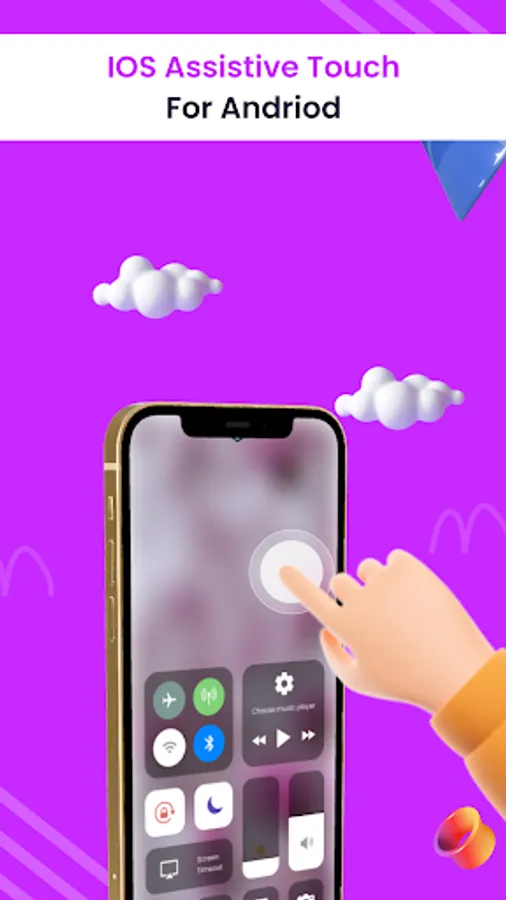
iOS Panel is developed for your Android phone with easy using necessary setting functions and lovely graphic design like apple home. You can have an experience of using a modern and newest apple phone with your current android phone device. With this useful Control Center android to ios, you definitely access your Camera, wifi, Flashlight, change volume button, screen mirroring, screenshot, screen recording, dark mode etc with ease.
Key feature of iControl – Control Center OS15
Capture Screenshot: Immediately take screenshot with one click (do not need hardware button).
Screen Video Recording: Recording video your phone screen with any actions (you can also record screen with audio).
Wi-Fi: you can turn on or turn off Wifi easily & even search for new Wifi network
Data: saving your data by turn off data easily or directly turn on data to connect internet for your usage.
Bluetooth: Enable Bluetooth function easily, quick connect to headphone, car kits, wireless keyboard or other Bluetooth devices
Screen orientation lock: let your screen lock or rotate when your phone is moved
Do Not Disturb: Silence Calls, notifications and alerts that you received while your phone is locked. You also can plan your Do Not Disturb time
Volume adjust: Easily & Quickly adjust volume by swipe up and down.
Brightness adjust: Adjust the brightness of your display with swipe up for brighter screen and swipe down for darker screen.
Camera: one click to get your camera, instant access to capture all your valuable moments.
Alarm & Timer: you can quickly set alarm, timer, and stopwatch or check the world clock
Flash Light: using your LED flash on your camera as a flashlight when you want it by quick access
Calculator: Tap numbers and functions in Calculator, look like a standard calculator.
Voice Record: access to your voice recorder speedily by one click
Music player & audio control: just by one click, you can play song, pause, next song, volume up or down easily.
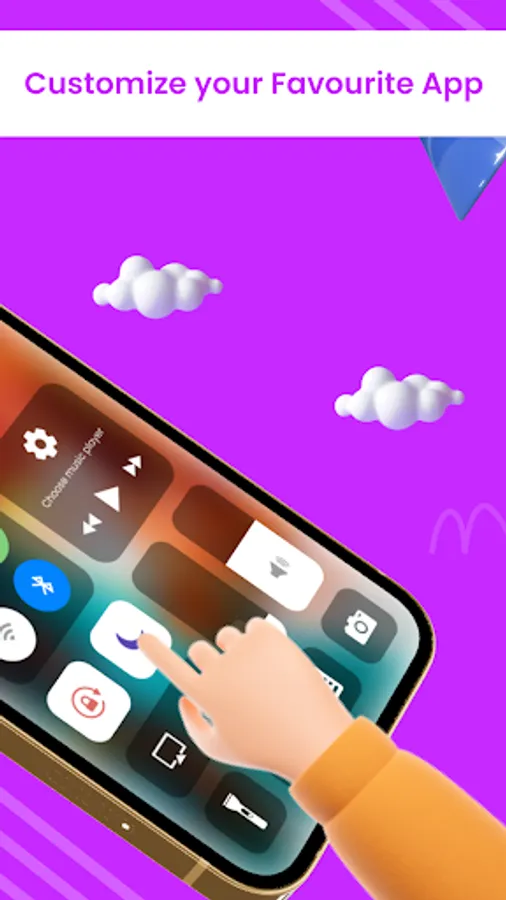
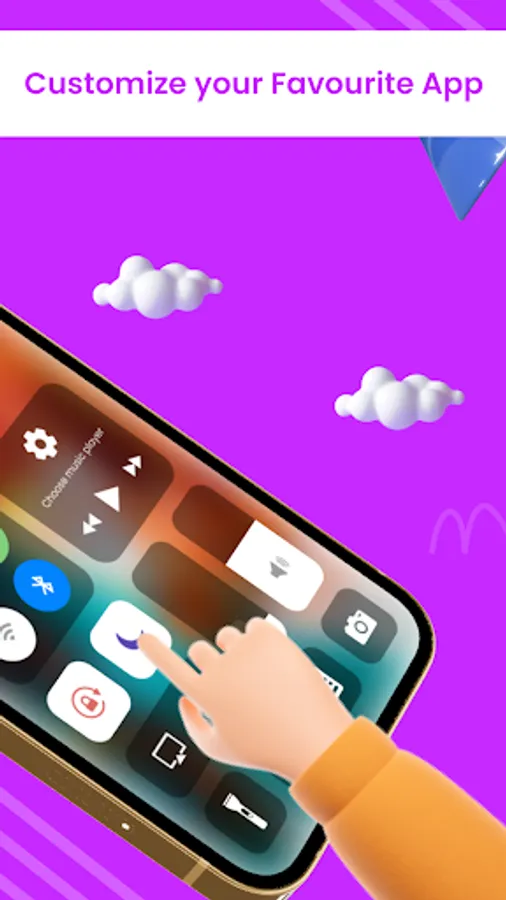
By using iCenter iOS15, you absolutely can have great experience like using a latest apple phone with apple home control. Easy access, convenient customization, quick control, trendy style is for your comfortable usage.
Thank you for using our app. If you like it, please rate us 5 stars.
If you have any feedback or want to have more features, please contact us via email.
Accessibility Service:
Accessibility services should only be used to assist users with disabilities in using Android devices and apps. They run in the background and receive callbacks by the system when AccessibilityEvents are fired. Such events denote some state transition in the user interface, for example, the focus has changed, a button has been clicked, etc. Such a service can optionally request the capability for querying the content of the active window. Development of an accessibility service requires extending this class and implementing its abstract methods.
Why we use Accessibility Service in our App
First off All it's very crystal clear that our App Accessibility service does not collect any user data.
We just use Accessibility Service as a app functionality.
On Back Button (Back Navigation)
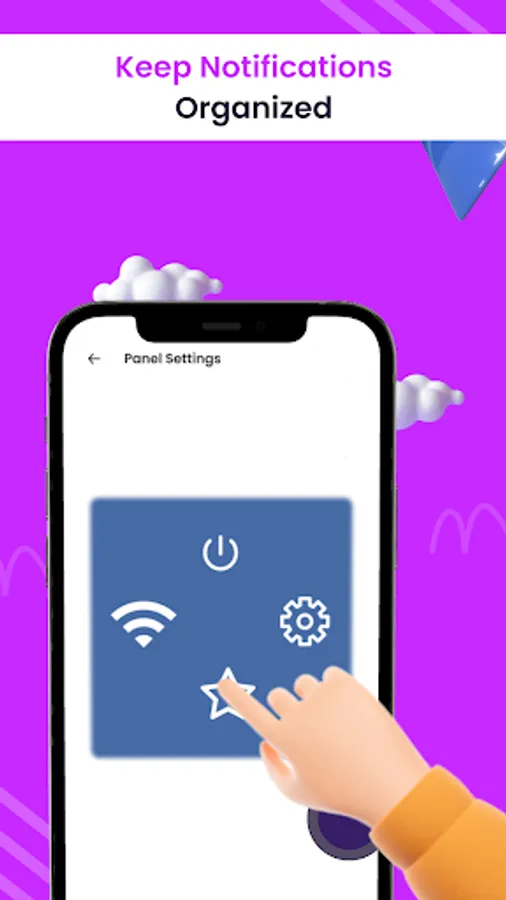
Power Control Button
Nothing more than this we can do with accessibility service.
Assistive touch for comes in handy in protecting the physical buttons (home button and volume button). Assistive touch for android is very useful for Android devices with huge displays
iOS Panel is developed for your Android phone with easy using necessary setting functions and lovely graphic design like apple home. You can have an experience of using a modern and newest apple phone with your current android phone device. With this useful Control Center android to ios, you definitely access your Camera, wifi, Flashlight, change volume button, screen mirroring, screenshot, screen recording, dark mode etc with ease.
Key feature of iControl – Control Center OS15
Capture Screenshot: Immediately take screenshot with one click (do not need hardware button).
Screen Video Recording: Recording video your phone screen with any actions (you can also record screen with audio).
Wi-Fi: you can turn on or turn off Wifi easily & even search for new Wifi network
Data: saving your data by turn off data easily or directly turn on data to connect internet for your usage.
Bluetooth: Enable Bluetooth function easily, quick connect to headphone, car kits, wireless keyboard or other Bluetooth devices
Screen orientation lock: let your screen lock or rotate when your phone is moved
Do Not Disturb: Silence Calls, notifications and alerts that you received while your phone is locked. You also can plan your Do Not Disturb time
Volume adjust: Easily & Quickly adjust volume by swipe up and down.
Brightness adjust: Adjust the brightness of your display with swipe up for brighter screen and swipe down for darker screen.
Camera: one click to get your camera, instant access to capture all your valuable moments.
Alarm & Timer: you can quickly set alarm, timer, and stopwatch or check the world clock
Flash Light: using your LED flash on your camera as a flashlight when you want it by quick access
Calculator: Tap numbers and functions in Calculator, look like a standard calculator.
Voice Record: access to your voice recorder speedily by one click
Music player & audio control: just by one click, you can play song, pause, next song, volume up or down easily.
By using iCenter iOS15, you absolutely can have great experience like using a latest apple phone with apple home control. Easy access, convenient customization, quick control, trendy style is for your comfortable usage.
Thank you for using our app. If you like it, please rate us 5 stars.
If you have any feedback or want to have more features, please contact us via email.
Accessibility Service:
Accessibility services should only be used to assist users with disabilities in using Android devices and apps. They run in the background and receive callbacks by the system when AccessibilityEvents are fired. Such events denote some state transition in the user interface, for example, the focus has changed, a button has been clicked, etc. Such a service can optionally request the capability for querying the content of the active window. Development of an accessibility service requires extending this class and implementing its abstract methods.
Why we use Accessibility Service in our App
First off All it's very crystal clear that our App Accessibility service does not collect any user data.
We just use Accessibility Service as a app functionality.
On Back Button (Back Navigation)
Power Control Button
Nothing more than this we can do with accessibility service.