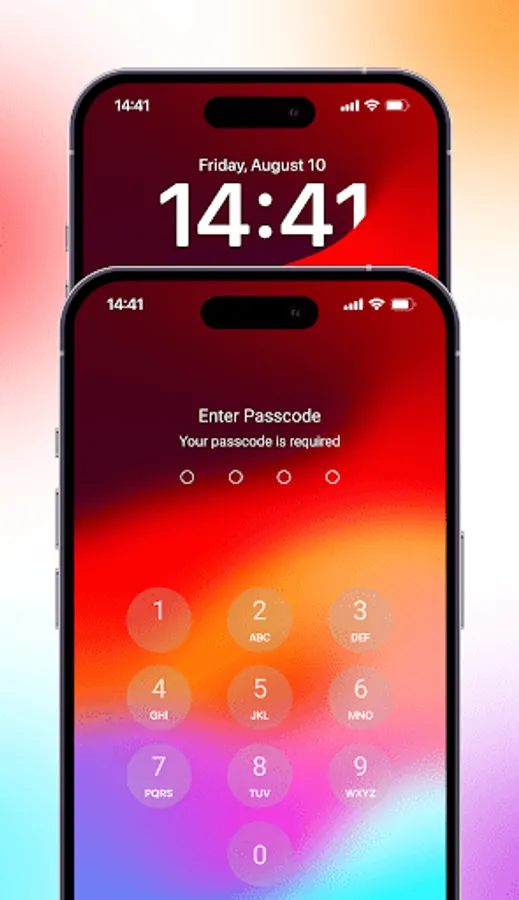
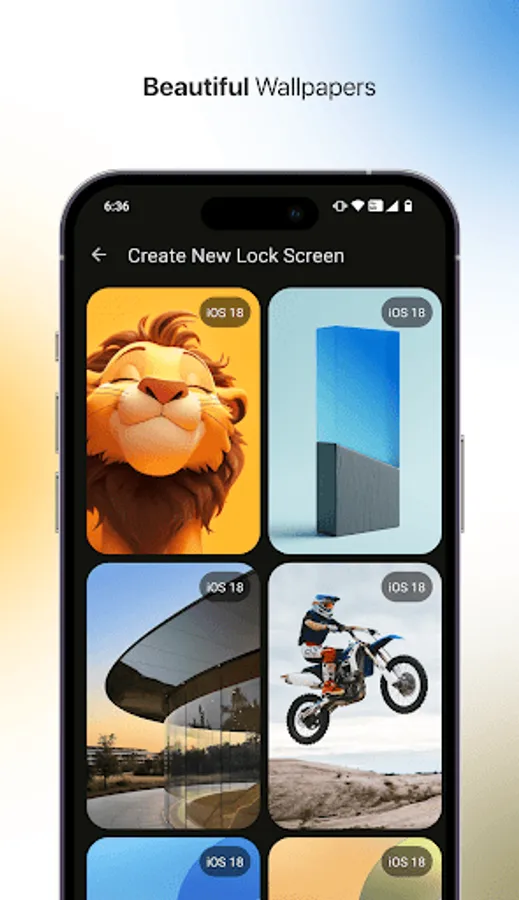
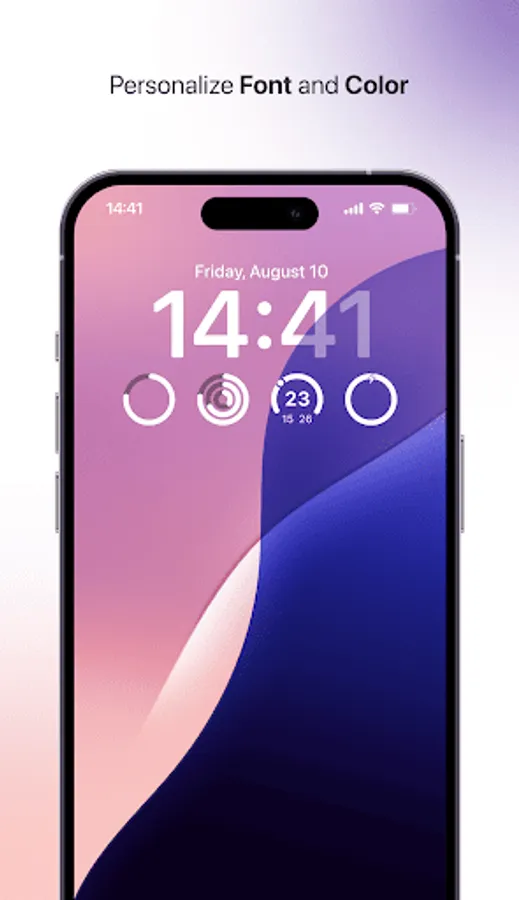
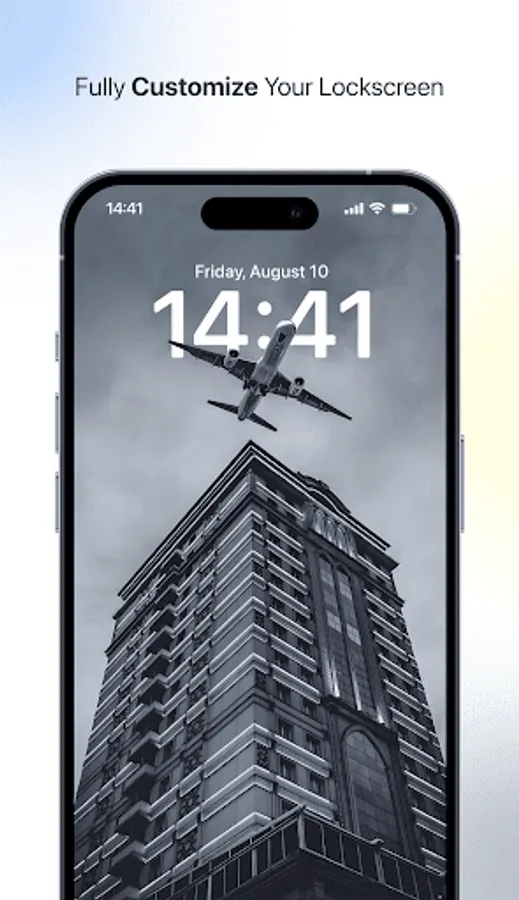
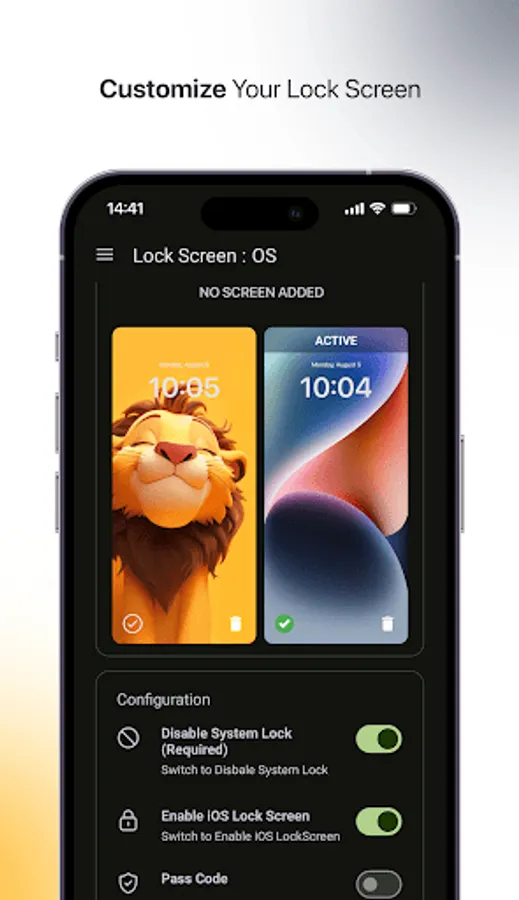
With this lock screen app, you can customize your device’s appearance with stylish clocks and view notifications at a glance. Includes notification management, multiple clock designs, and smooth unlocking features.
AppRecs review analysis
AppRecs rating 2.4. Trustworthiness 80 out of 100. Review manipulation risk 20 out of 100. Based on a review sample analyzed.
★★☆☆☆
2.4
AppRecs Rating
Ratings breakdown
5 star
11%
4 star
0%
3 star
33%
2 star
33%
1 star
22%
What to know
✓
Low review manipulation risk
20% review manipulation risk
⚠
Mixed user feedback
Average 2.4★ rating suggests room for improvement
⚠
High negative review ratio
56% of sampled ratings are 1–2 stars
About LockScreen : OS
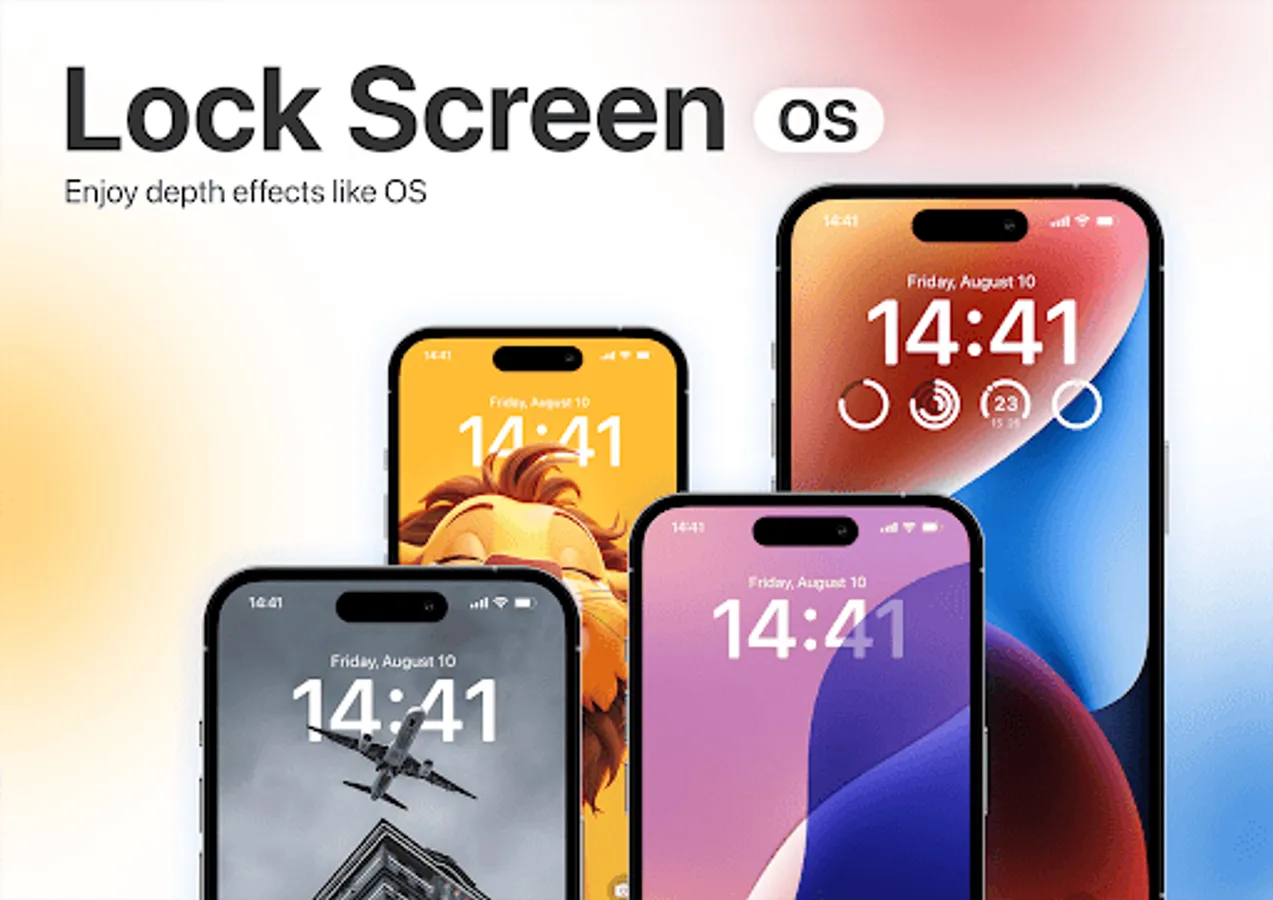
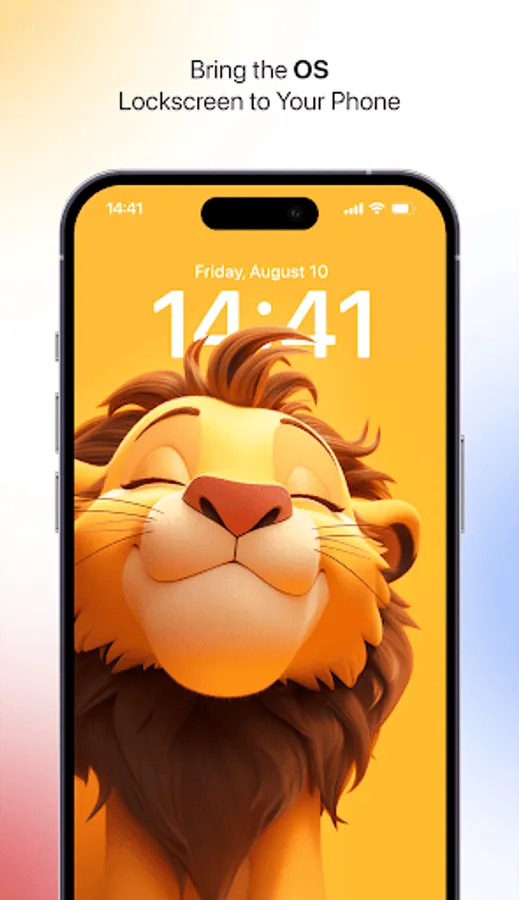
Give your Android device a premium look with LockScreen OS – a sleek, modern, and customizable lock screen experience. Inspired by the latest designs, it offers a stylish clock, notifications, and smooth unlocking, all in one powerful package.
No additional apps required—just install and enjoy a fully functional lock screen!
LockScreen OS transforms your device with a refined, elegant, and feature-rich lock screen that feels smooth and natural.
More exciting features are coming soon – stay tuned!
Key Features
• Real Lock Screen Experience – Works just like a native lock screen.
Customizable Clocks – Choose from multiple stylish clock designs.
Notifications at a Glance – View messages, calls, and alerts without unlocking.
Smooth & Secure Unlocking – Fast, fluid, and optimized for everyday use.
Battery-Friendly & Lightweight – Runs efficiently without draining power.
Regular Updates – New features and enhancements coming soon!
Why Choose LockScreen OS?
• A clean, minimal, and premium lock screen design.
• Works seamlessly with Android customization.
• Shows important notifications while keeping your device secure.
• Fully optimized for speed, performance, and battery life.
• Simple, intuitive, and highly functional.
Transform your phone’s lock screen today with LockScreen OS and enjoy a modern, elegant, and smooth experience!
Connect With Us:
X (Twitter): https://x.com/ArrowWalls
Telegram: https://t.me/arrowwalls
Gmail: appslab0101@gmail.com
Refund Policy
We follow Google Play Store’s official refund policy:
• Within 48 Hours: Request a refund directly via Google Play.
• After 48 Hours: Contact us with your order details for further assistance.
Support & Refund Requests: appslab0101@gmail.com
No additional apps required—just install and enjoy a fully functional lock screen!
LockScreen OS transforms your device with a refined, elegant, and feature-rich lock screen that feels smooth and natural.
More exciting features are coming soon – stay tuned!
Key Features
• Real Lock Screen Experience – Works just like a native lock screen.
Customizable Clocks – Choose from multiple stylish clock designs.
Notifications at a Glance – View messages, calls, and alerts without unlocking.
Smooth & Secure Unlocking – Fast, fluid, and optimized for everyday use.
Battery-Friendly & Lightweight – Runs efficiently without draining power.
Regular Updates – New features and enhancements coming soon!
Why Choose LockScreen OS?
• A clean, minimal, and premium lock screen design.
• Works seamlessly with Android customization.
• Shows important notifications while keeping your device secure.
• Fully optimized for speed, performance, and battery life.
• Simple, intuitive, and highly functional.
Transform your phone’s lock screen today with LockScreen OS and enjoy a modern, elegant, and smooth experience!
Connect With Us:
X (Twitter): https://x.com/ArrowWalls
Telegram: https://t.me/arrowwalls
Gmail: appslab0101@gmail.com
Refund Policy
We follow Google Play Store’s official refund policy:
• Within 48 Hours: Request a refund directly via Google Play.
• After 48 Hours: Contact us with your order details for further assistance.
Support & Refund Requests: appslab0101@gmail.com
LockScreen : OS Screenshots
Tap to Rate:
Reviews for LockScreen : OS
Max Demon
12/26/2025
Can't use fingerprint function
Marcella Malune
12/16/2025
None of the wallpaper works - they all show error "content not available in your region"