IQ Ticket
IQ DIRECT ELECTRONICS LLC
1,000+
downloads
Free
AppRecs review analysis
AppRecs rating 3.0. Trustworthiness 71 out of 100. Review manipulation risk 11 out of 100. Based on a review sample analyzed.
★★☆☆☆
3.0
AppRecs Rating
Ratings breakdown
5 star
0%
4 star
33%
3 star
33%
2 star
0%
1 star
33%
What to know
✓
Low review manipulation risk
11% review manipulation risk
✓
Credible reviews
71% trustworthiness score from analyzed reviews
⚠
Mixed user feedback
Average 2.7★ rating suggests room for improvement
About IQ Ticket
Application for convenient validation (registration) of a trip using TC (Transport Card) in public transport.
Main functions:
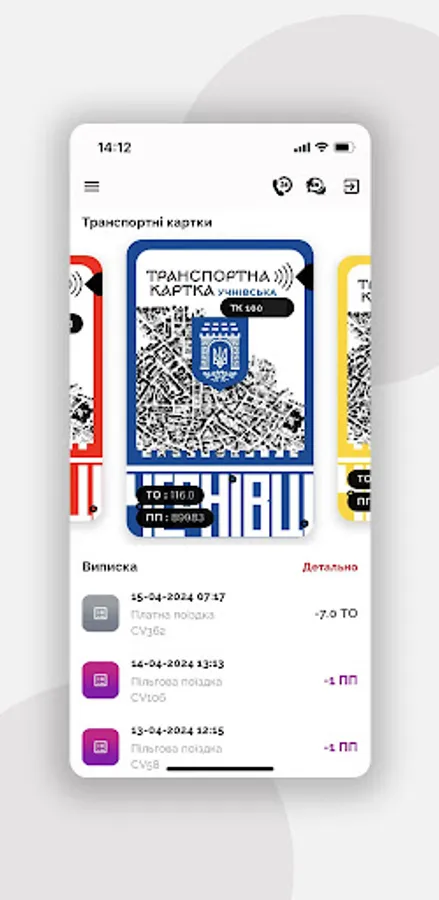
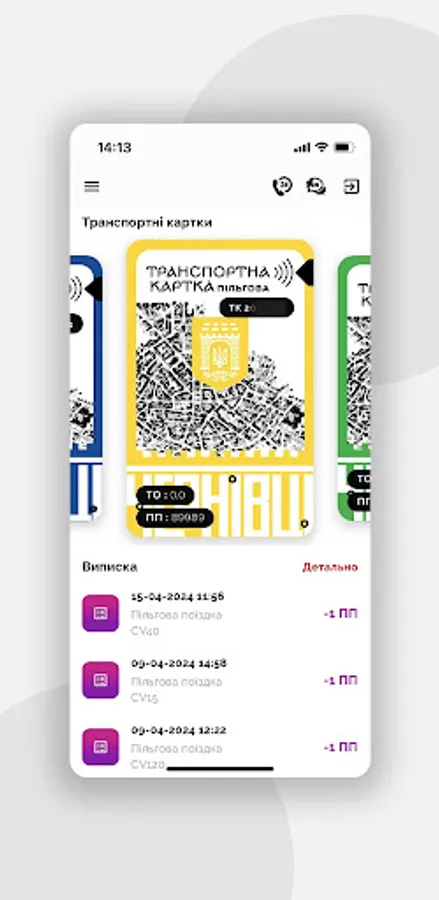
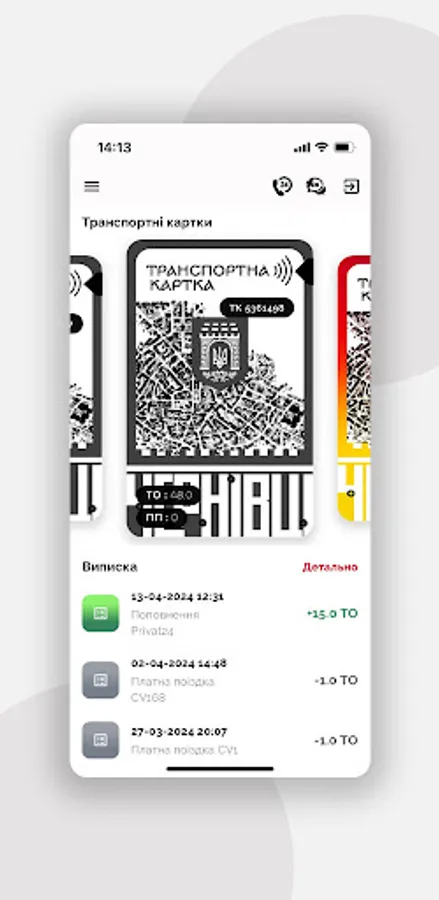
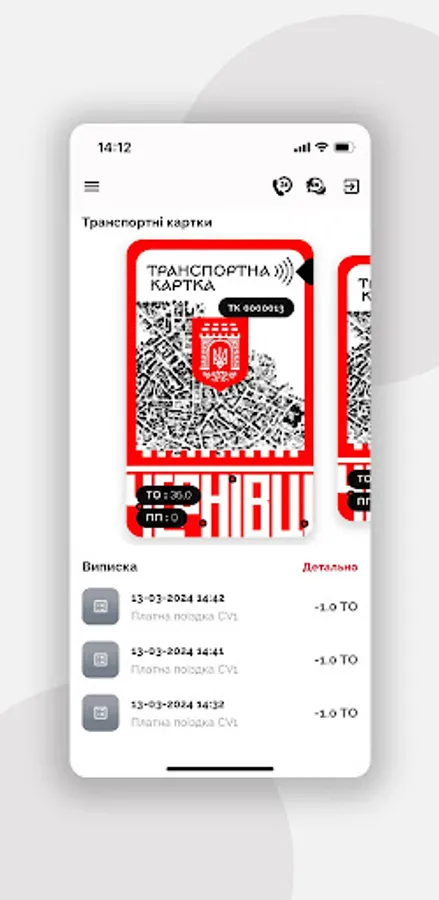
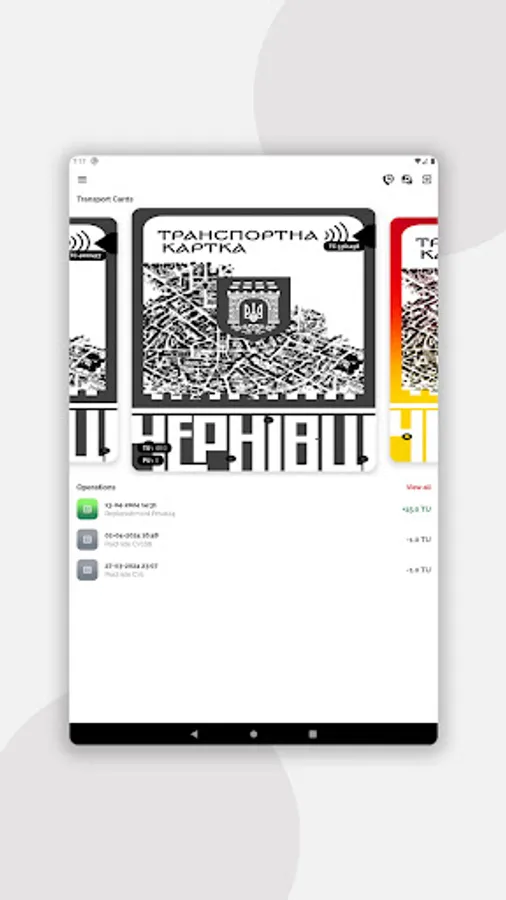
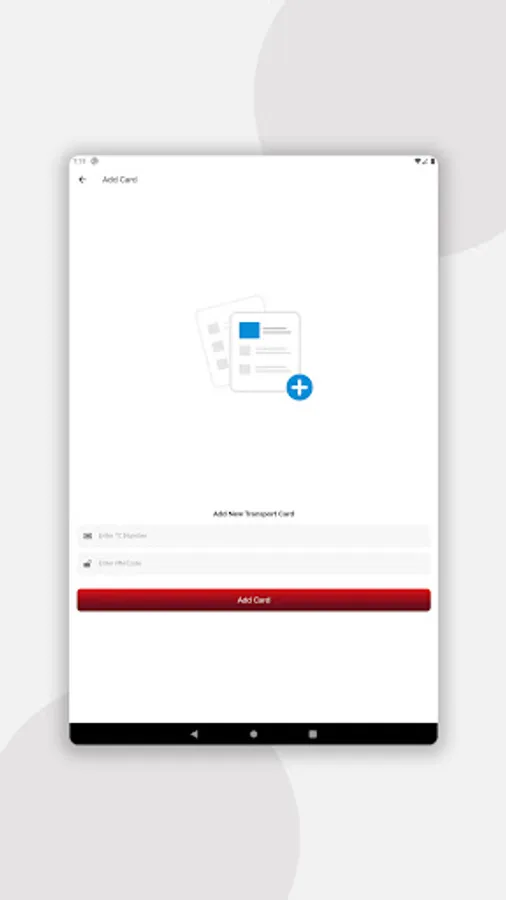
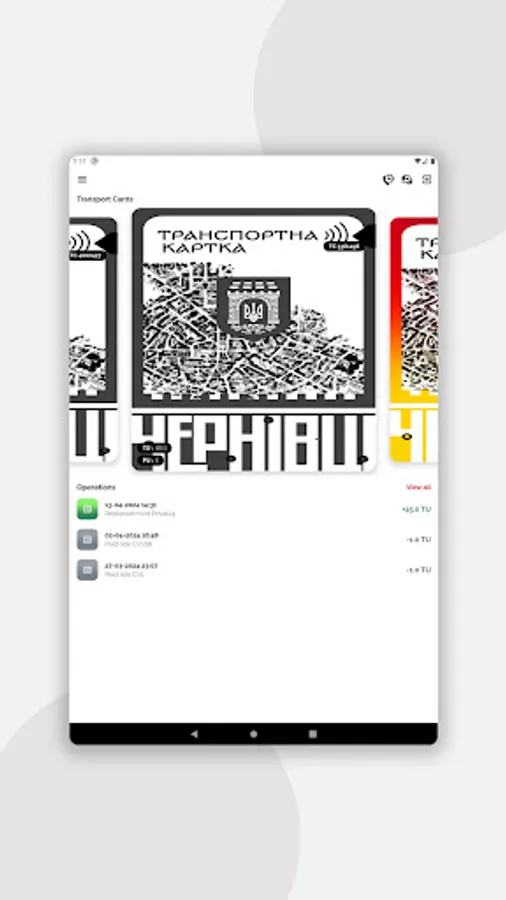
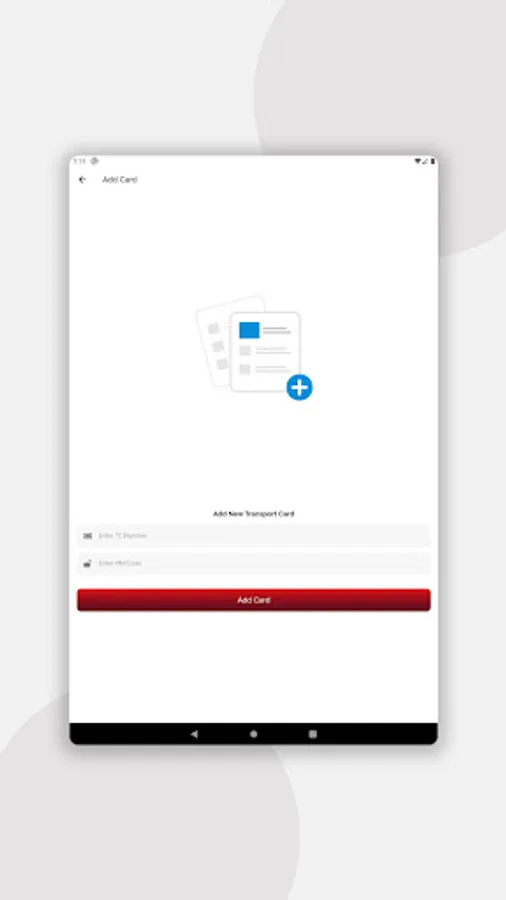
- The possibility of adding several TK (transport cards) to one account (public, privileged, student, school, virtual);
- Automatic issuance of a free virtual transport card;
- Balance control of all TCs in real time;
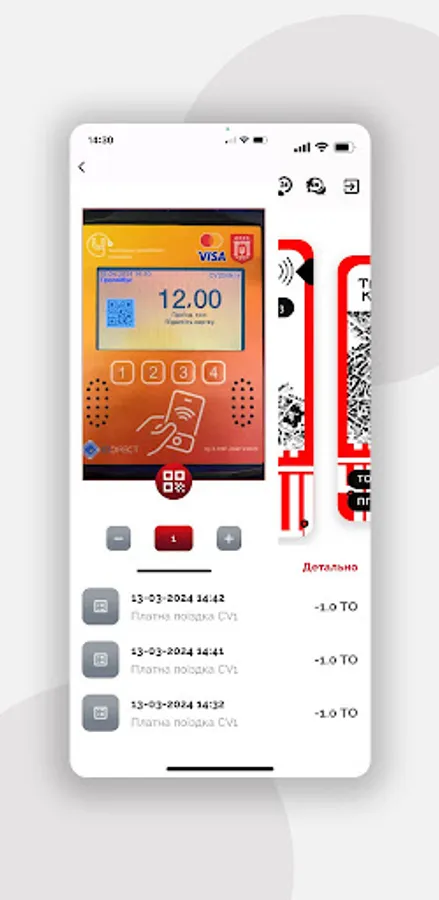
- Validation of the trip with a transport card without staying in line. Simply scan the QR code by selecting the appropriate TC.
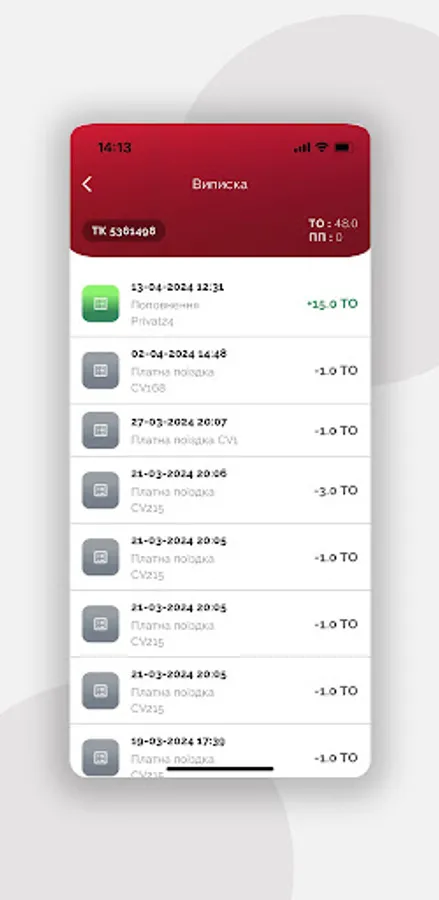
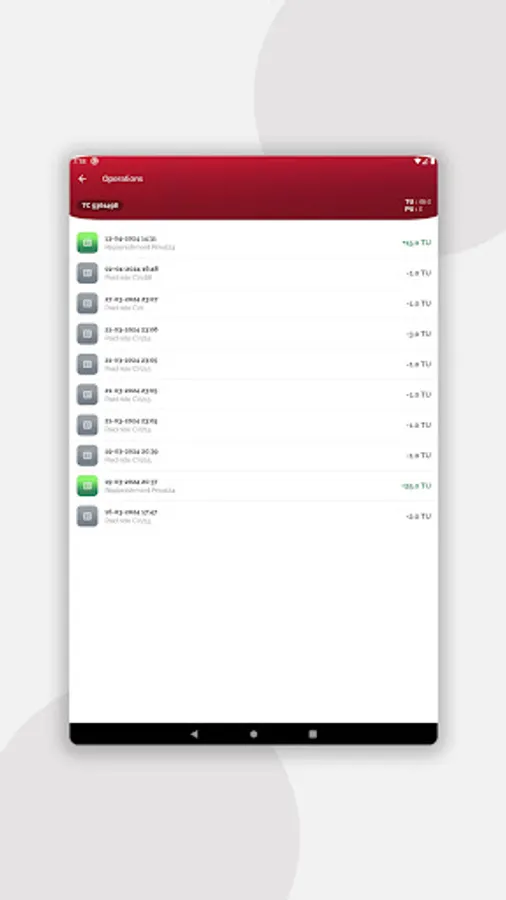
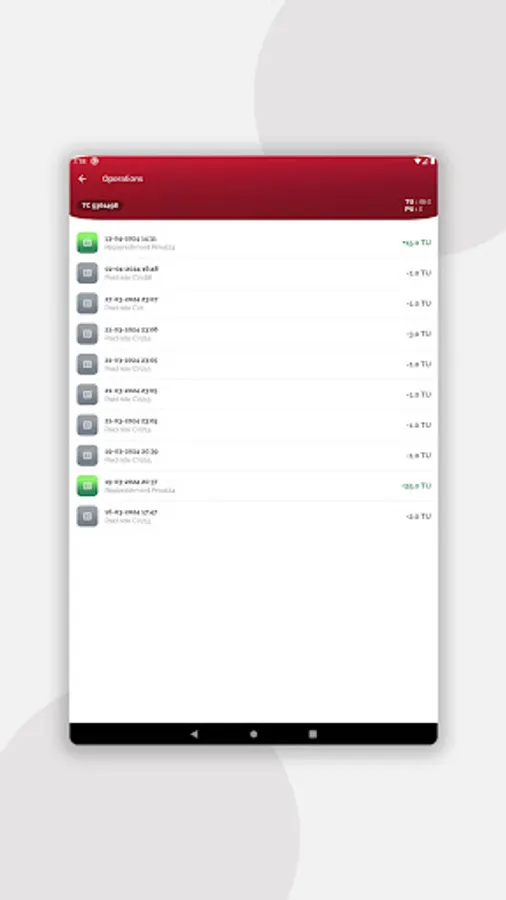
- Statement of the transport card in real-time (by phisical TC or via QR code) – all operations on the TC are available for reviewing. Easily view past trips and track your public transport costs.
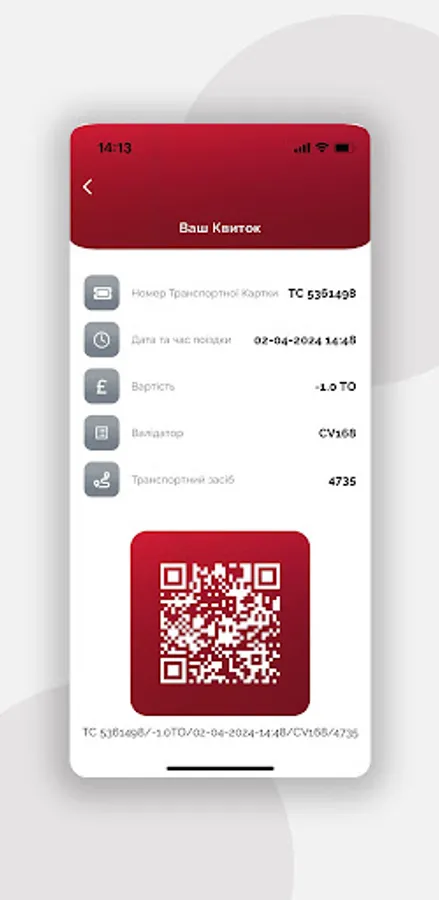
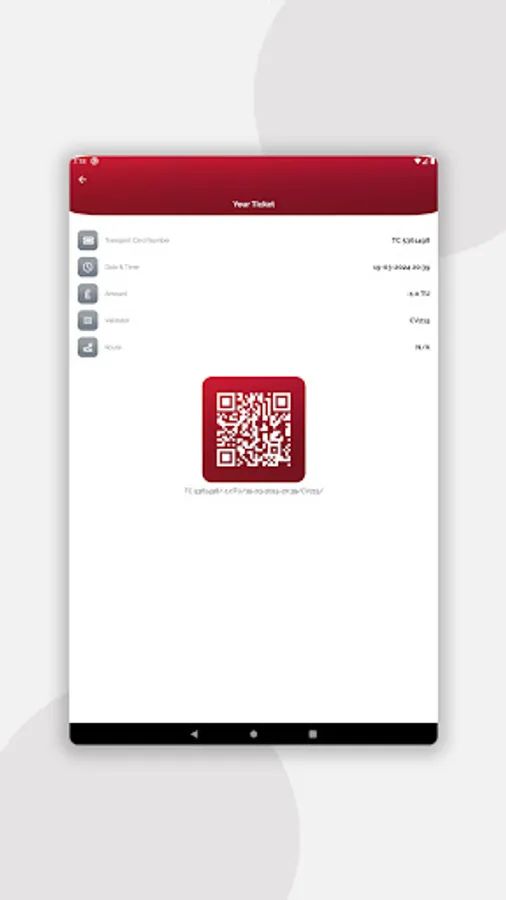
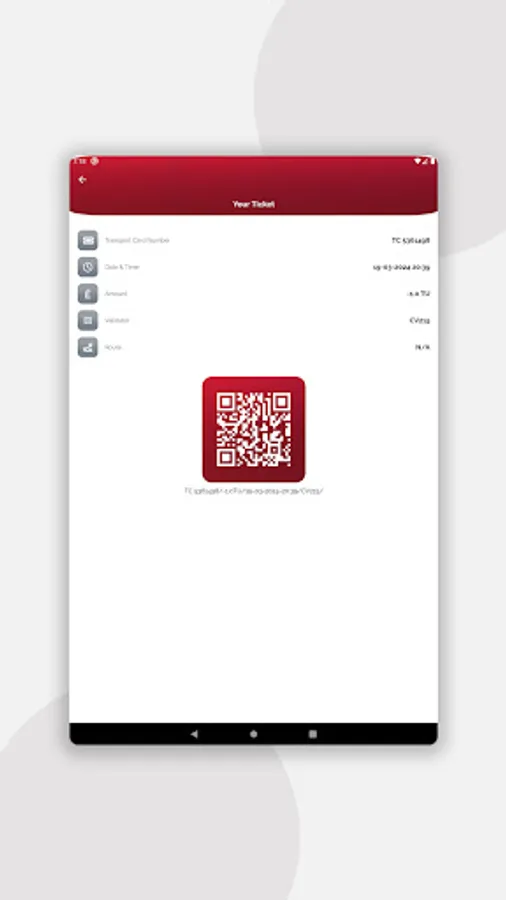
- Electronic confirmation of validation (electronic receipt), the presence of which in the application is a guarantee of validation. Just show the receipt with the QR code to the inspector.
- Trip validation without a queue, and even on a faulty validator;
How to use:
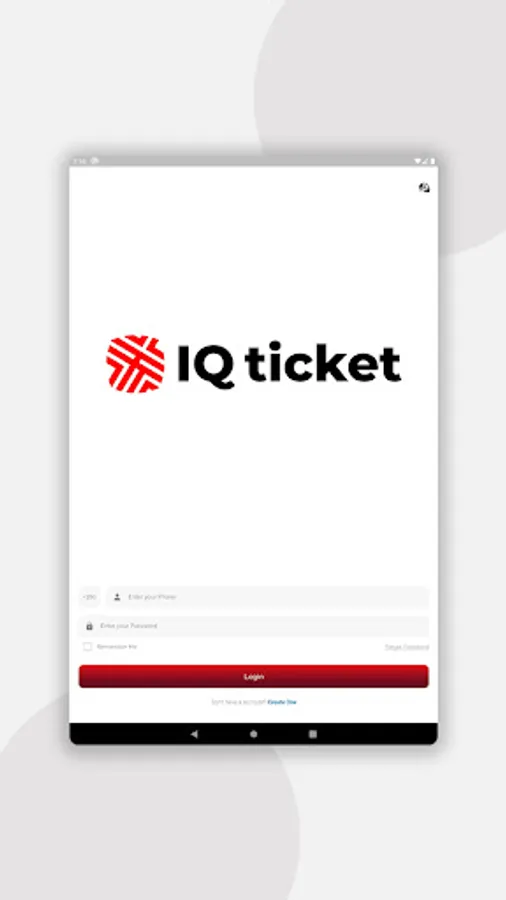
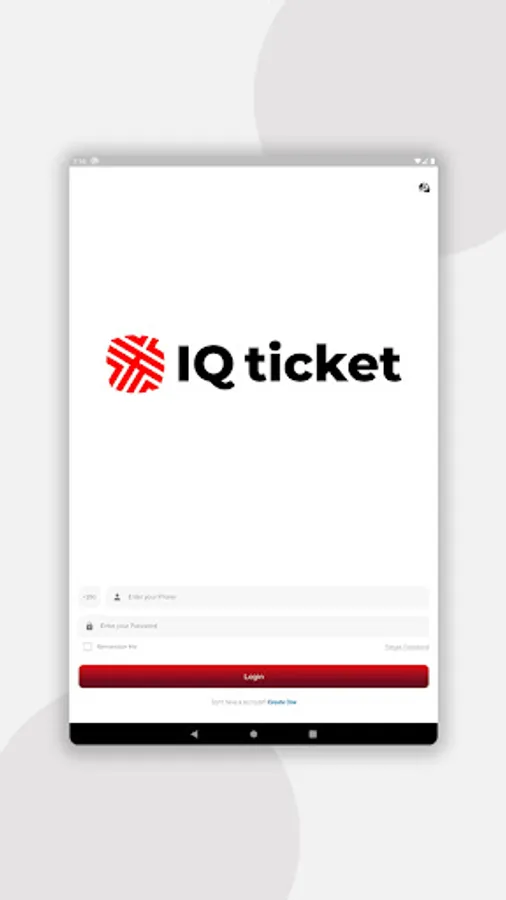
1. Register in the application by entering your mobile phone number and password from SMS. Create your own password.
2. You immediately have a virtual free transport card. You can replenishment it by number, through online banking, or payment terminals.
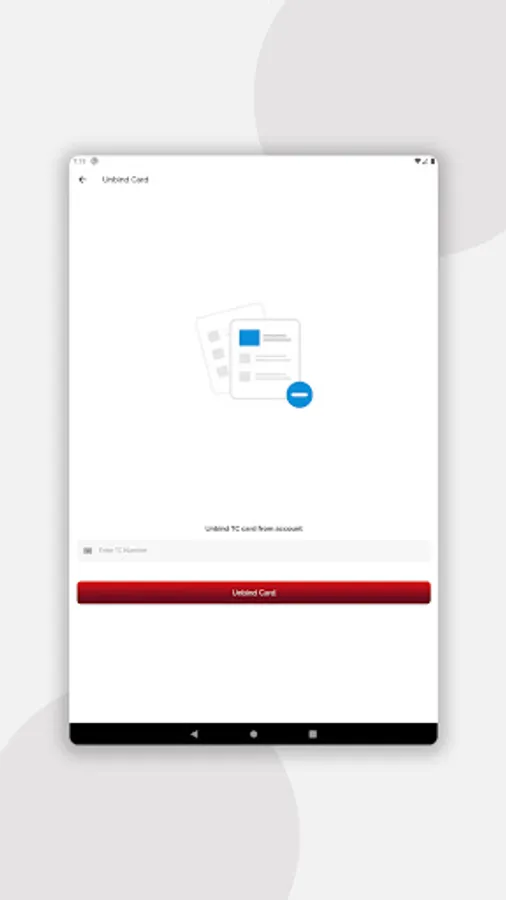
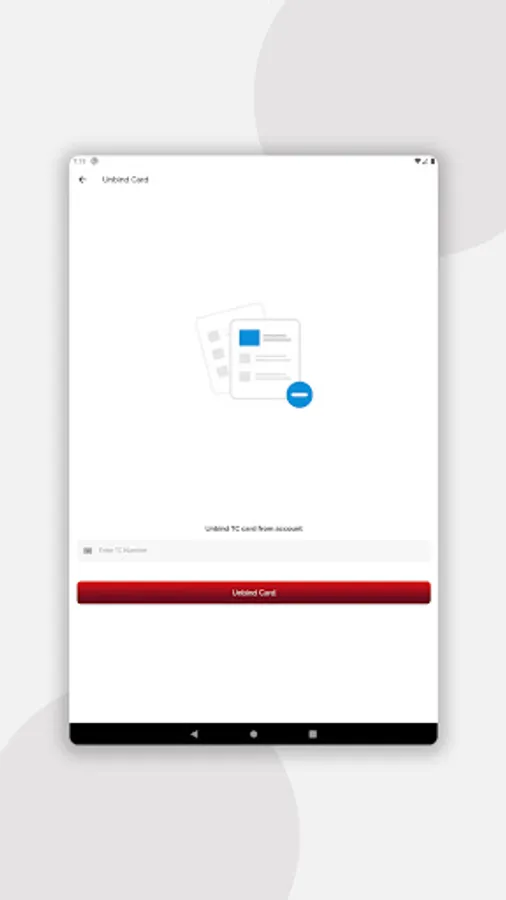
3. You can add existing, physical transport cards - having the card number and pin code.
4. View the statement of the trips made.
5. Validate by clicking on the required TC, selecting the number of tickets and scanning the QR code from the validator.
6. Show the electronic receipt to the inspector to confirm the trip registration.
7. Control the balance of Transport Units and Privileged Units to avoid problems with registration and inspection.
Main functions:
- The possibility of adding several TK (transport cards) to one account (public, privileged, student, school, virtual);
- Automatic issuance of a free virtual transport card;
- Balance control of all TCs in real time;
- Validation of the trip with a transport card without staying in line. Simply scan the QR code by selecting the appropriate TC.
- Statement of the transport card in real-time (by phisical TC or via QR code) – all operations on the TC are available for reviewing. Easily view past trips and track your public transport costs.
- Electronic confirmation of validation (electronic receipt), the presence of which in the application is a guarantee of validation. Just show the receipt with the QR code to the inspector.
- Trip validation without a queue, and even on a faulty validator;
How to use:
1. Register in the application by entering your mobile phone number and password from SMS. Create your own password.
2. You immediately have a virtual free transport card. You can replenishment it by number, through online banking, or payment terminals.
3. You can add existing, physical transport cards - having the card number and pin code.
4. View the statement of the trips made.
5. Validate by clicking on the required TC, selecting the number of tickets and scanning the QR code from the validator.
6. Show the electronic receipt to the inspector to confirm the trip registration.
7. Control the balance of Transport Units and Privileged Units to avoid problems with registration and inspection.