Morse Machine for Ham Radio
Andrea Salvatore
4.4 ★
523 ratings
10,000+
downloads
$0.99
In this Morse code learning app, users practice recognizing Morse signals through interactive tones and adaptive training. Includes customizable methods, progress tracking, and offline practice features.
AppRecs review analysis
AppRecs rating 4.4. Trustworthiness 0 out of 100. Review manipulation risk 0 out of 100. Based on a review sample analyzed.
★★★★☆
4.4
AppRecs Rating
Ratings breakdown
5 star
72%
4 star
15%
3 star
5%
2 star
3%
1 star
5%
What to know
✓
High user satisfaction
86% of sampled ratings are 4+ stars (4.4★ average)
✓
Authentic reviews
Natural distribution, no red flags
About Morse Machine for Ham Radio
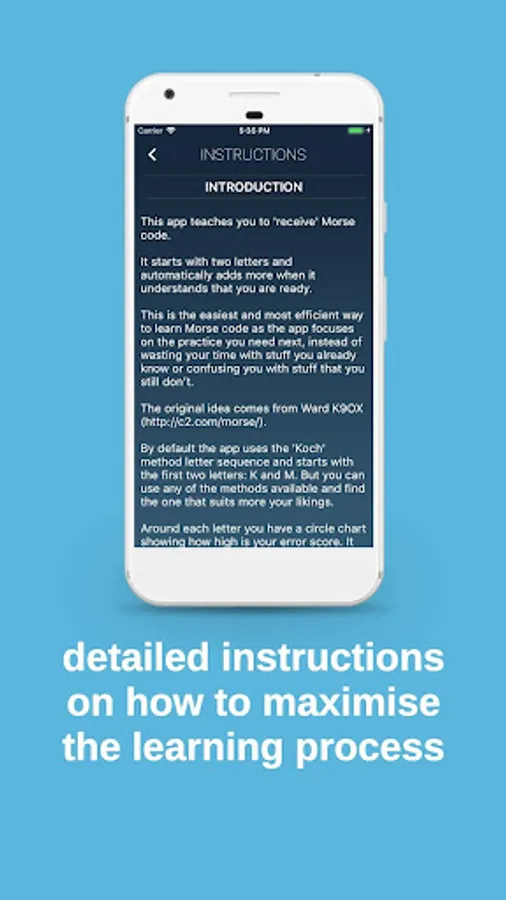
This app teaches you to 'receive' Morse code.
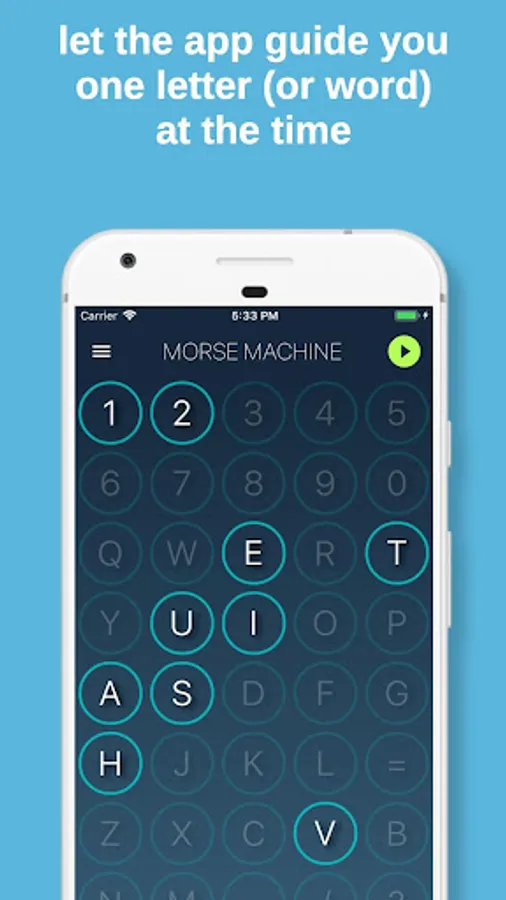
It starts with two letters and automatically adds more when it understands that you are ready.
This is the easiest and most efficient way to learn Morse code as the app focuses on the practice you need next, instead of wasting your time with stuff you already know or confusing you with stuff that you still don’t.
The original idea comes from Ward K9OX (http://c2.com/morse/).
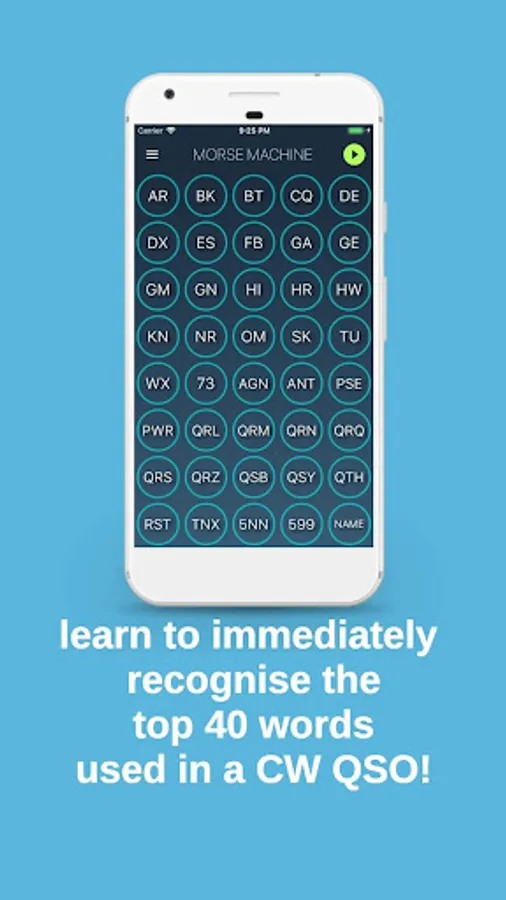
By default the app uses the 'Koch' method letter sequence and starts with the first two letters: K and M. But you can use any of the methods available and find the one that suits more your likings. There's also a training program for the top 40 words used during a CW QSO.
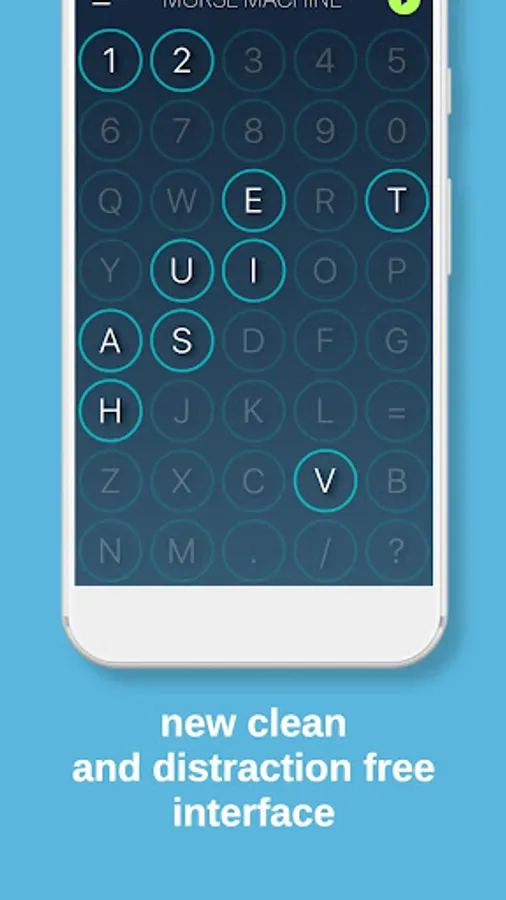
Around each letter you have a circle chart showing how high is your error score. It starts from 100% (full circle) and lowers as you start guessing letters right and increases when you are wrong or you take too much time to recognise them.
To start the training, simply press the PLAY button on the top right of the display.
At this point the app will start playing tones. Press the one that you think corresponds to the tone. If you are wrong, the app will let you know by playing an 'error' sound. If you are right, the app will continue by picking up another letter or word. Once you'll become good enough with the active letters, the app will enable a new one following the method selected.
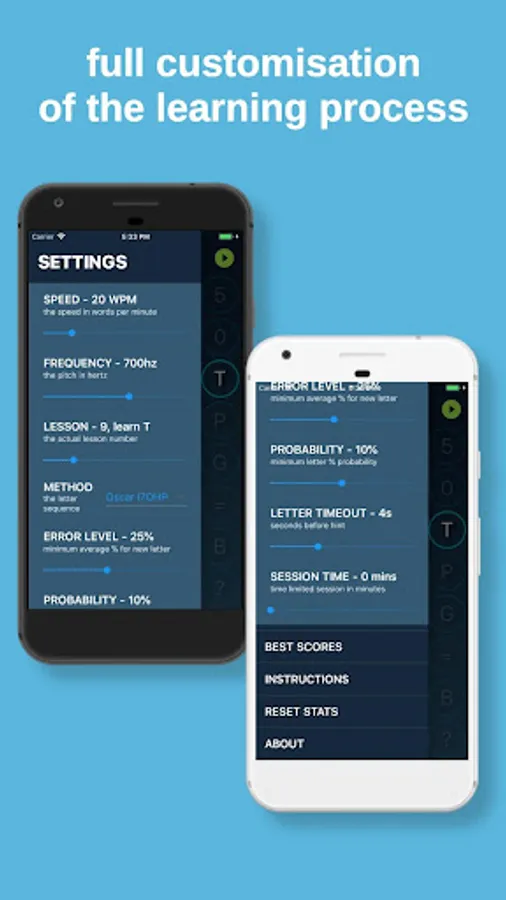
You can decide to put the training lesson on hold by pressing the PAUSE button. Or stop it by pressing the STOP button. If you want to have an automatic stop after a certain amount of minutes, you can set the SESSION TIME in the settings.
While not training, you can tap on any key or word and listen to its tone to start to get used to it even outside of the training session.
You can access the SETTINGS by tapping the 'hamburger icon' on the top left.
You can look at your top 10 scores by tapping BEST SCORES in the left menu.
Important: you can use the app in both landscape and portrait mode!
Enjoy learning Morse code!
It starts with two letters and automatically adds more when it understands that you are ready.
This is the easiest and most efficient way to learn Morse code as the app focuses on the practice you need next, instead of wasting your time with stuff you already know or confusing you with stuff that you still don’t.
The original idea comes from Ward K9OX (http://c2.com/morse/).
By default the app uses the 'Koch' method letter sequence and starts with the first two letters: K and M. But you can use any of the methods available and find the one that suits more your likings. There's also a training program for the top 40 words used during a CW QSO.
Around each letter you have a circle chart showing how high is your error score. It starts from 100% (full circle) and lowers as you start guessing letters right and increases when you are wrong or you take too much time to recognise them.
To start the training, simply press the PLAY button on the top right of the display.
At this point the app will start playing tones. Press the one that you think corresponds to the tone. If you are wrong, the app will let you know by playing an 'error' sound. If you are right, the app will continue by picking up another letter or word. Once you'll become good enough with the active letters, the app will enable a new one following the method selected.
You can decide to put the training lesson on hold by pressing the PAUSE button. Or stop it by pressing the STOP button. If you want to have an automatic stop after a certain amount of minutes, you can set the SESSION TIME in the settings.
While not training, you can tap on any key or word and listen to its tone to start to get used to it even outside of the training session.
You can access the SETTINGS by tapping the 'hamburger icon' on the top left.
You can look at your top 10 scores by tapping BEST SCORES in the left menu.
Important: you can use the app in both landscape and portrait mode!
Enjoy learning Morse code!
Morse Machine for Ham Radio Screenshots
Tap to Rate: