Easy-to-Read Version Bible
JaqerSoft
4.6 ★
store rating
5,000+
downloads
Free
AppRecs review analysis
AppRecs rating 3.6. Trustworthiness 64 out of 100. Review manipulation risk 31 out of 100. Based on a review sample analyzed.
★★★☆☆
3.6
AppRecs Rating
Ratings breakdown
5 star
88%
4 star
0%
3 star
0%
2 star
13%
1 star
0%
What to know
✓
High user satisfaction
88% of sampled ratings are 5 stars
⚠
Review quality concerns
42% of sampled 5-star reviews are very short
About Easy-to-Read Version Bible
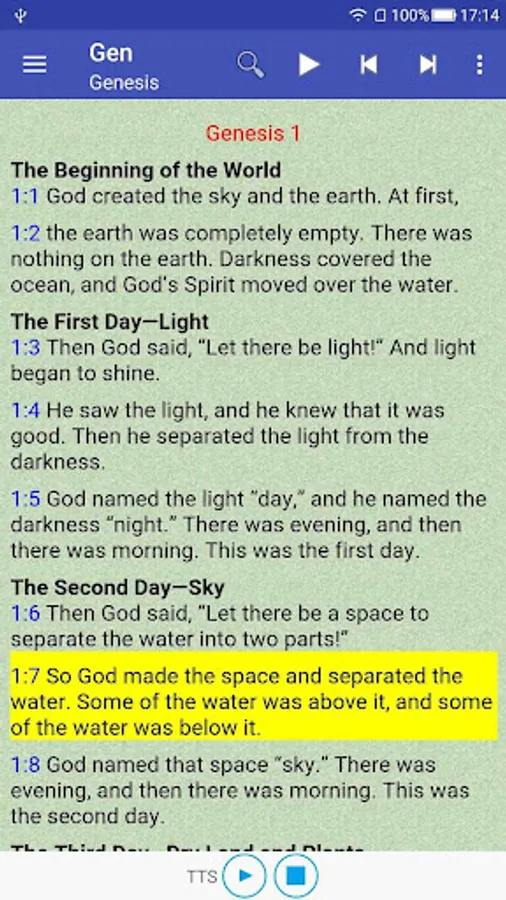
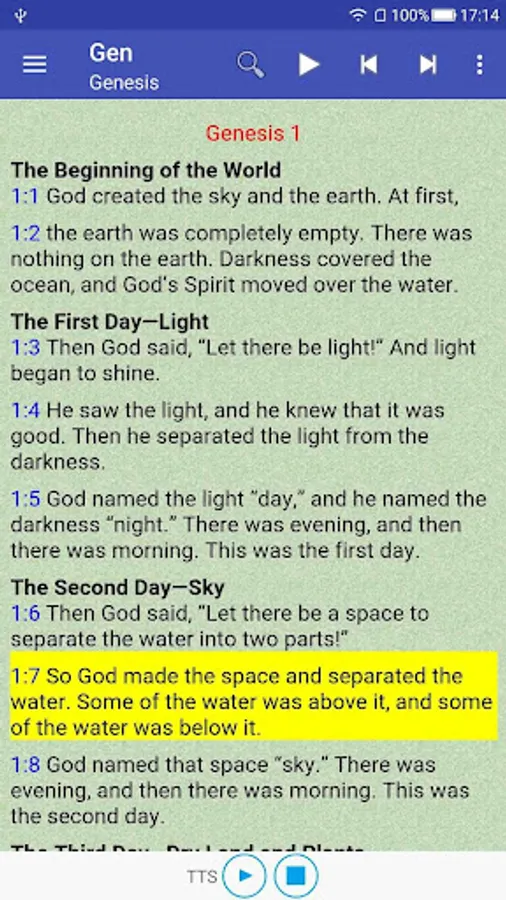
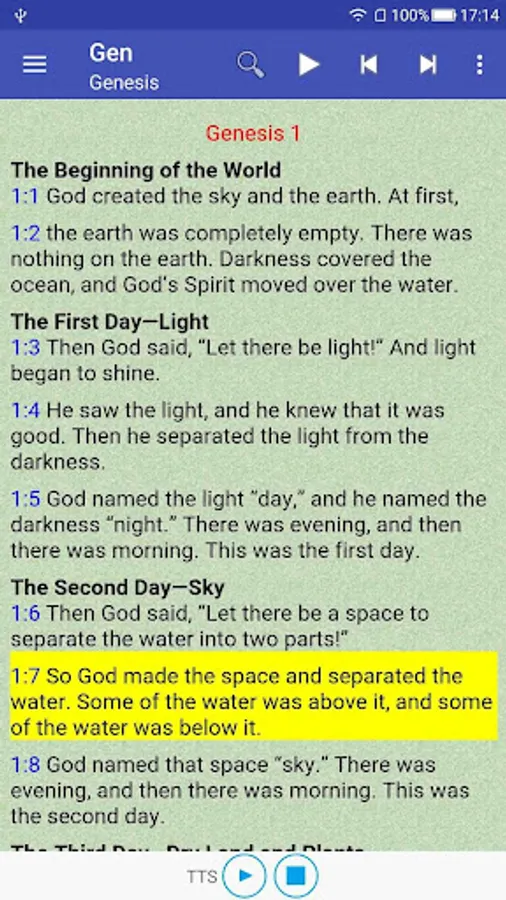
The Easy-to-Read Version (ERV) is an English translation of the Bible by the World Bible Translation Center (WBTC), a subsidiary of Bible League International. It was originally published as the English Version for the Deaf (EVD) by BakerBooks.
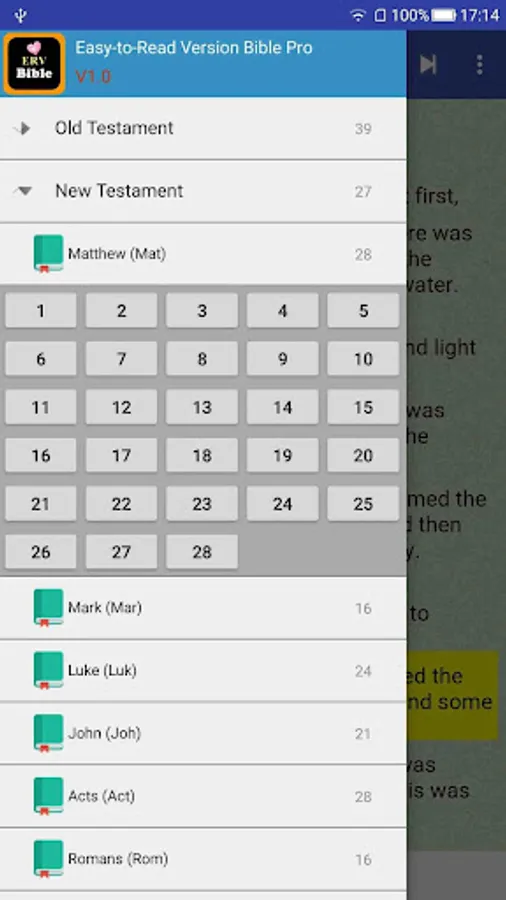
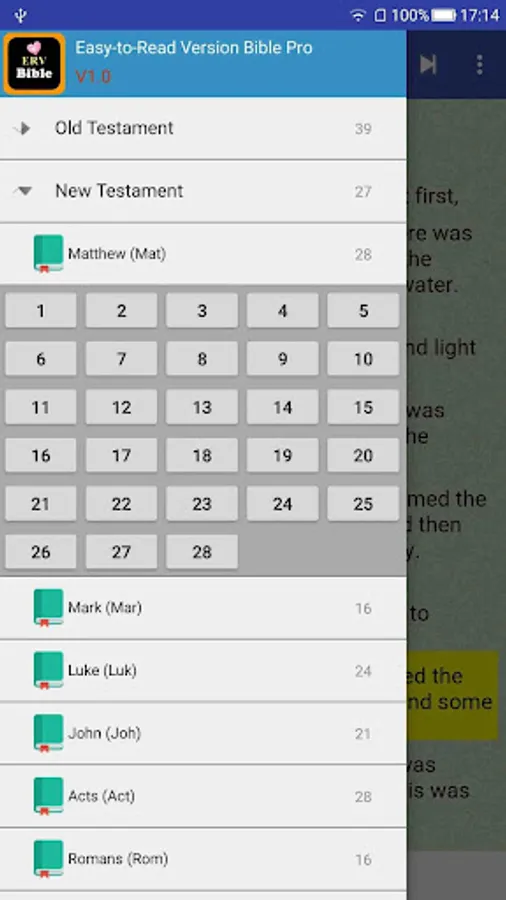
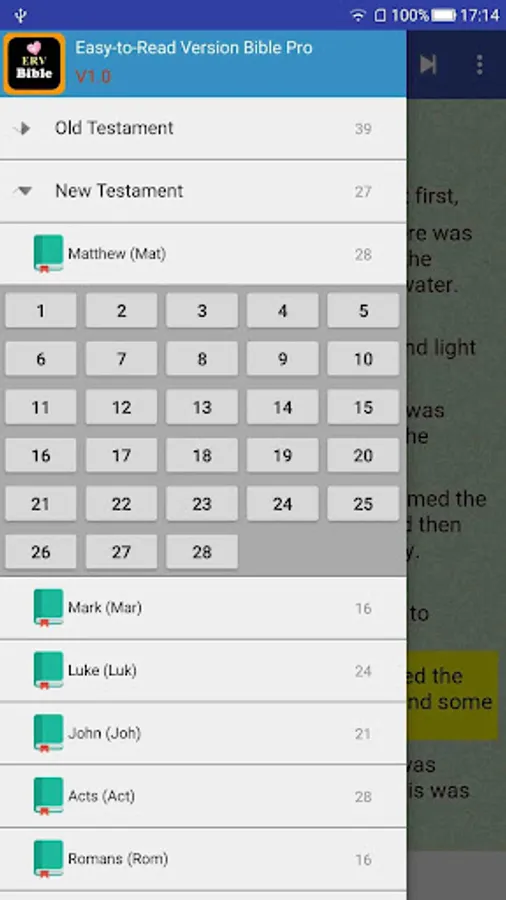
The Old Testament and The New Testament Offline Bible version..
The application comprises:
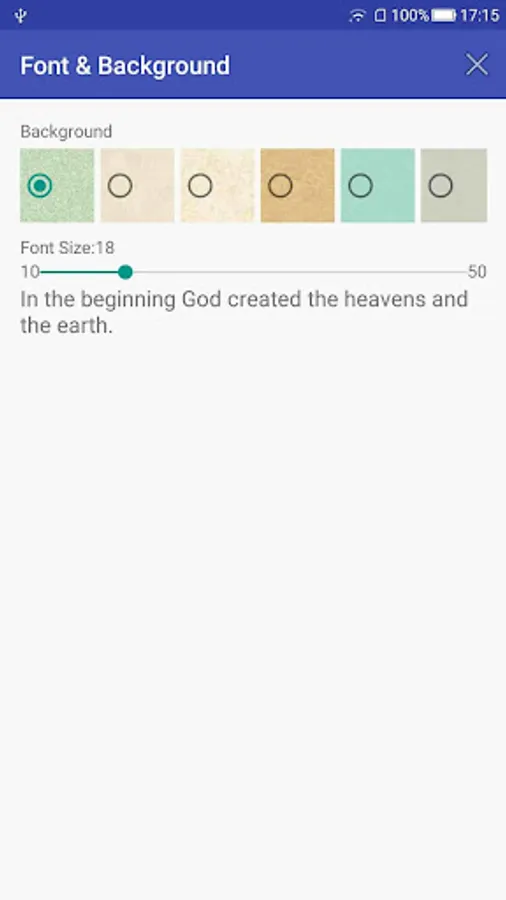
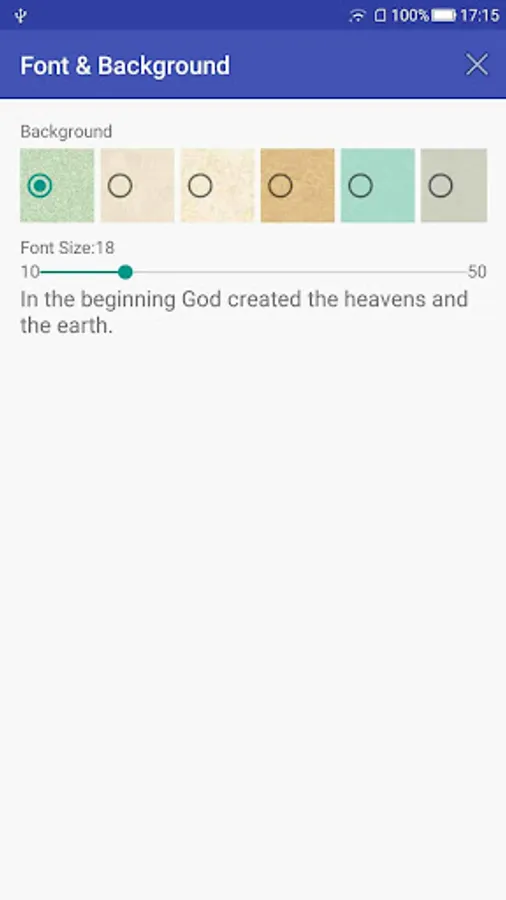
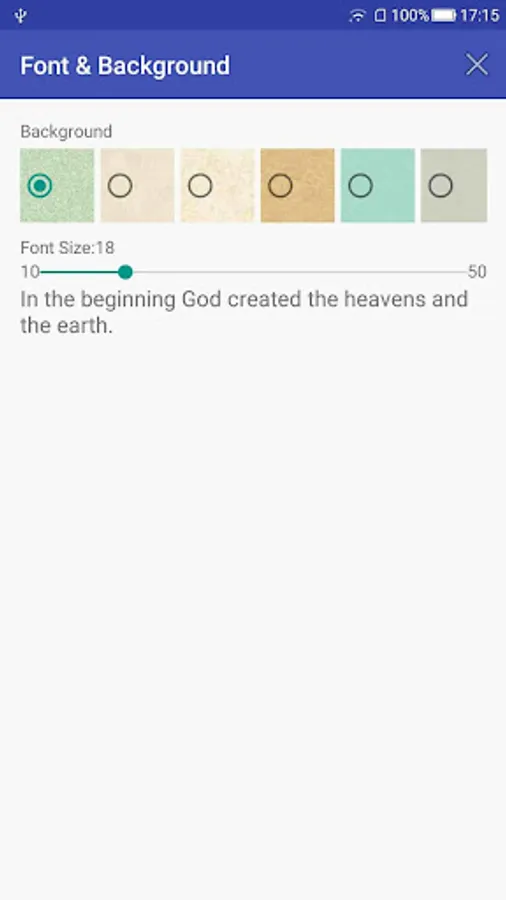
- Adjust the text size
- Adjust the background
- Search verse by word or phrase using "quoted text"
- Copy and share verses to anywhere
KEY FEATURES .
1. Bible is Fully offline - With No internet connection required to read the bible text once you download the App .
Bible comes with an advanced search feature .
2. Scriptures sync with audio.
3. Bookmarking and highlighting feature .
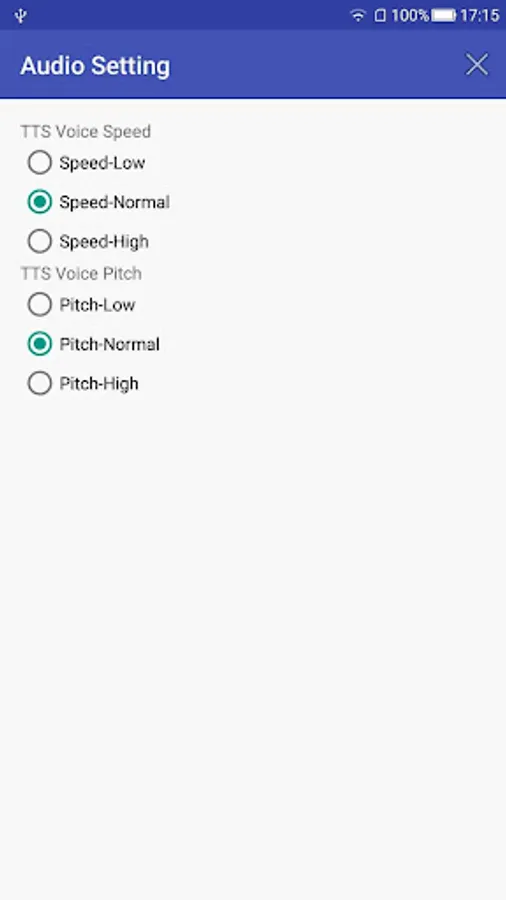
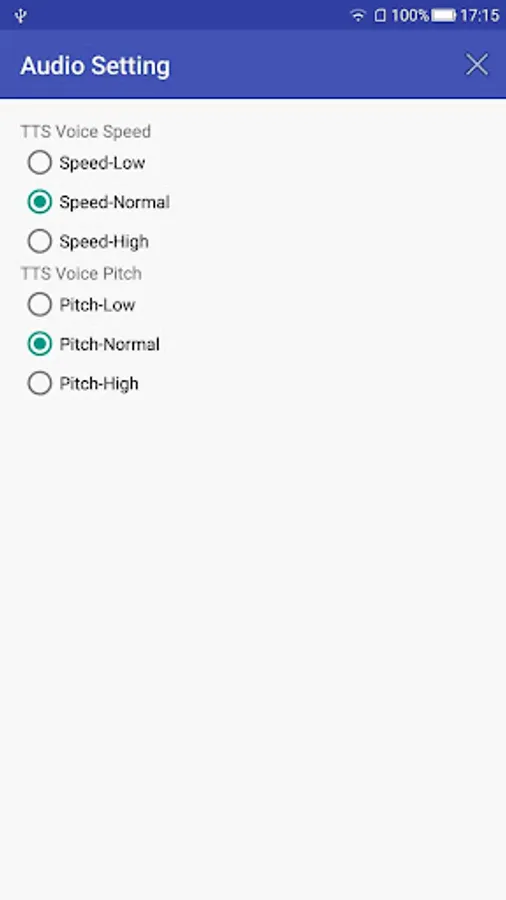
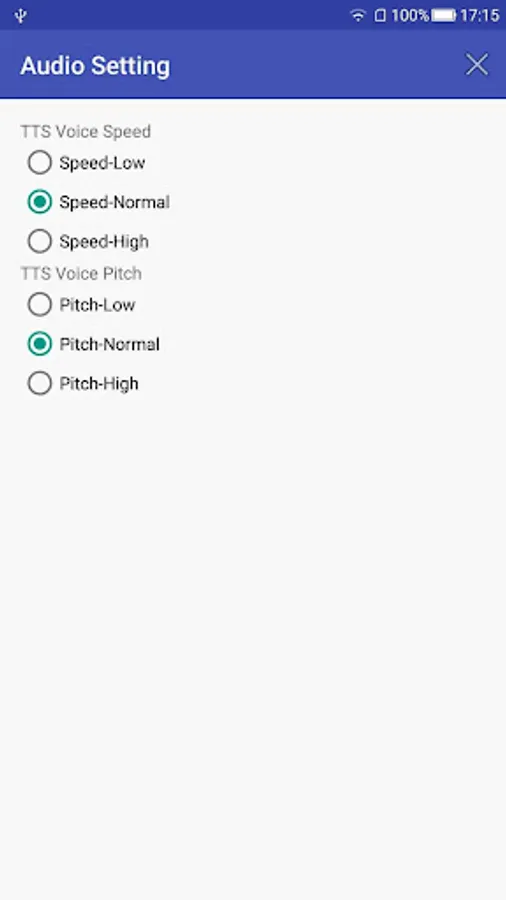
The android built-in TTS engine is Pico TTS engine.
You can download and install Google Text-to-Speech Engine. The voice is better.
After you install Google TTS engine, please change the default TTS engine in the Setting:
How to change the default TTS engine:
Settings > Voice input & output > Text-to-speech settings > Default Engine
Download our Easy-to-Read Version (ERV) Bible! The most accurate Bible Translation now available on your phone!
The Old Testament and The New Testament Offline Bible version..
The application comprises:
- Adjust the text size
- Adjust the background
- Search verse by word or phrase using "quoted text"
- Copy and share verses to anywhere
KEY FEATURES .
1. Bible is Fully offline - With No internet connection required to read the bible text once you download the App .
Bible comes with an advanced search feature .
2. Scriptures sync with audio.
3. Bookmarking and highlighting feature .
The android built-in TTS engine is Pico TTS engine.
You can download and install Google Text-to-Speech Engine. The voice is better.
After you install Google TTS engine, please change the default TTS engine in the Setting:
How to change the default TTS engine:
Settings > Voice input & output > Text-to-speech settings > Default Engine
Download our Easy-to-Read Version (ERV) Bible! The most accurate Bible Translation now available on your phone!