
In this app, users wave over the proximity sensor to turn the screen on or off. Includes proximity and pocket modes for screen control.
AppRecs review analysis
AppRecs rating 4.3. Trustworthiness 79 out of 100. Review manipulation risk 33 out of 100. Based on a review sample analyzed.
★★★★☆
4.3
AppRecs Rating
Ratings breakdown
5 star
69%
4 star
9%
3 star
7%
2 star
3%
1 star
12%
What to know
✓
Credible reviews
79% trustworthiness score from analyzed reviews
✓
High user satisfaction
78% of sampled ratings are 4+ stars (4.2★ average)
✓
Authentic reviews
Natural distribution, no red flags
About WaveUp
WaveUp wakes up your phone—switches the screen on—when you wave over the proximity sensor.
I built this app because I got tired of pressing the power button just to check the time (a surprisingly frequent habit). Inspired by the great Gravity Screen On/Off. I looked for an open-source alternative and just couldn’t find one. So I made it myself!
Checkout the code: https://gitlab.com/juanitobananas/wave-up
A possibly more more up-to-date README: https://gitlab.com/juanitobananas/wave-up/#waveup
Features
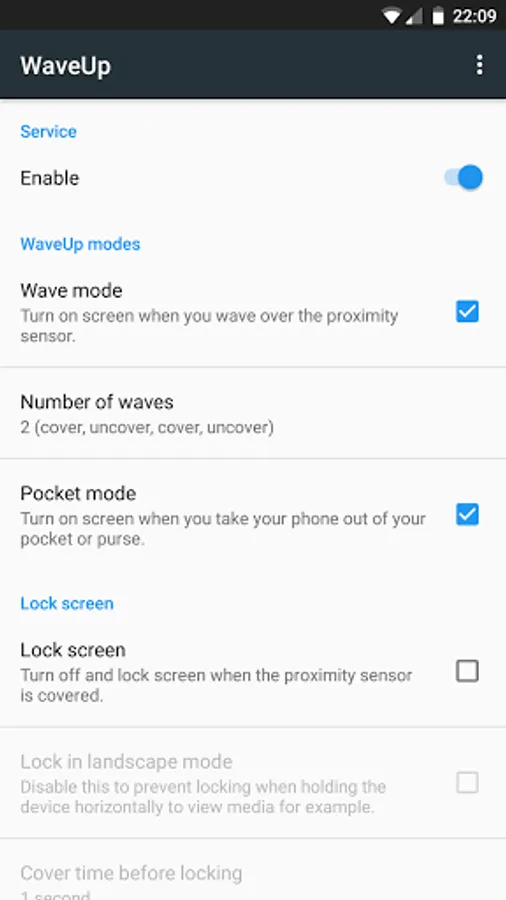
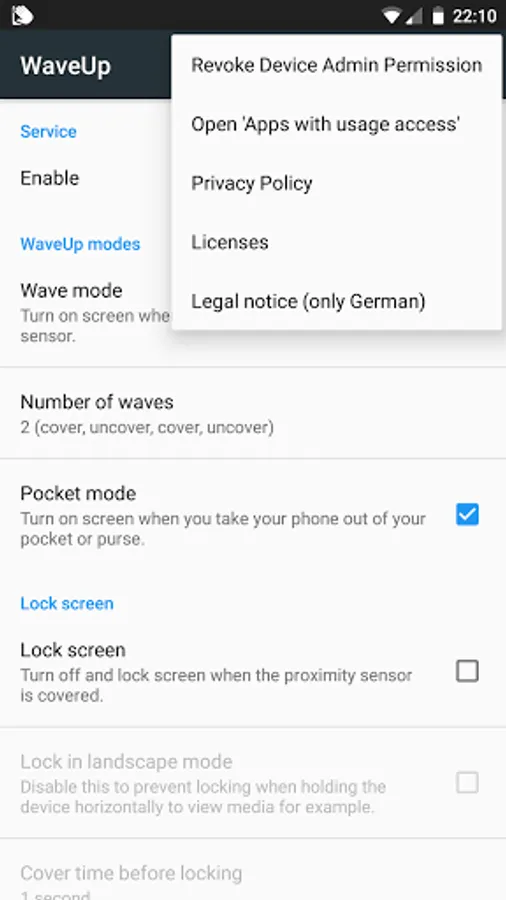
▸ Wave mode: Turns the screen on when you wave over the proximity sensor.
▸ Pocket mode: Turns the screen on when you pull your phone out of a pocket or bag.
Both are enabled by default but can be turned off in settings.
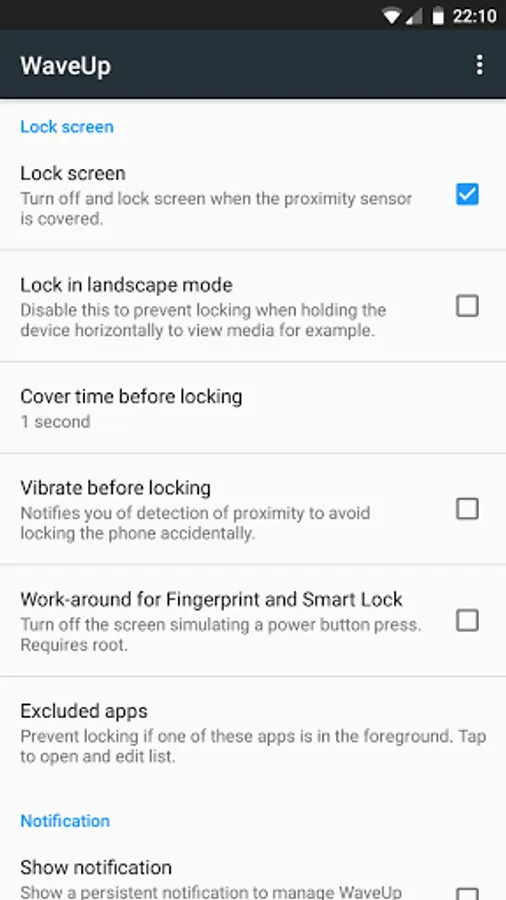
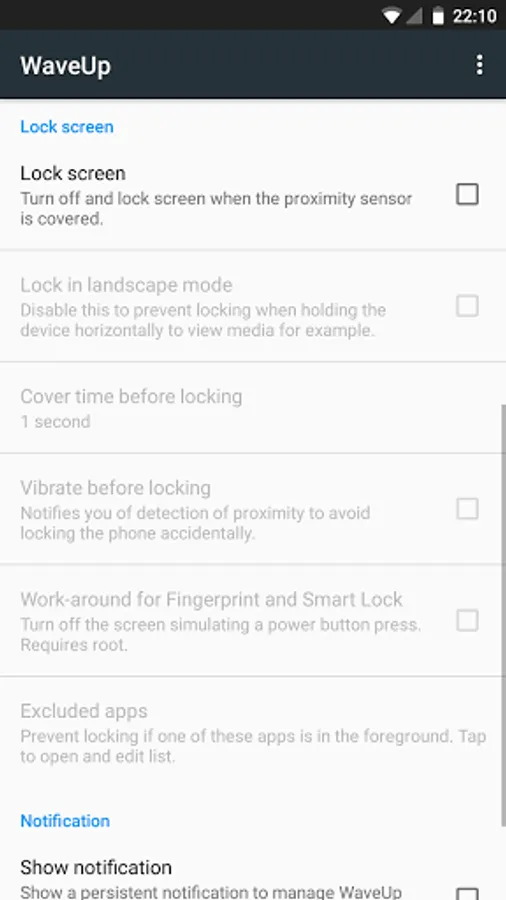
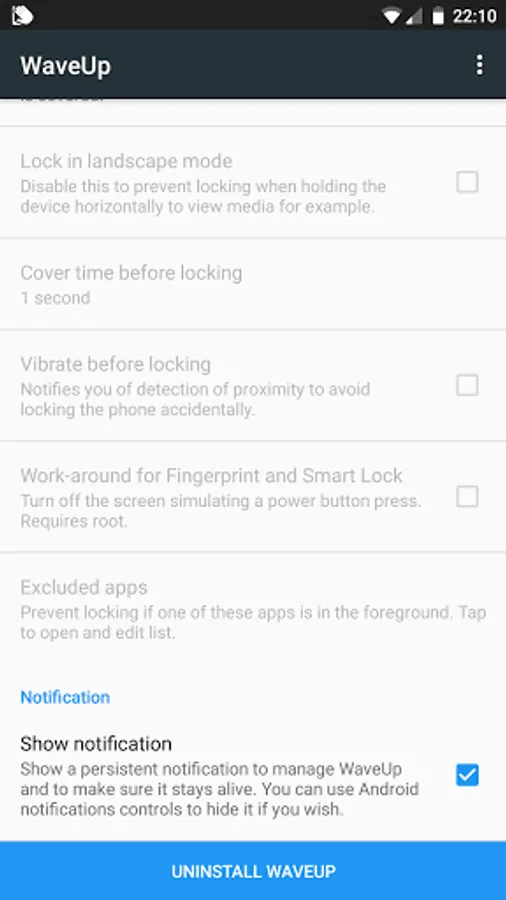
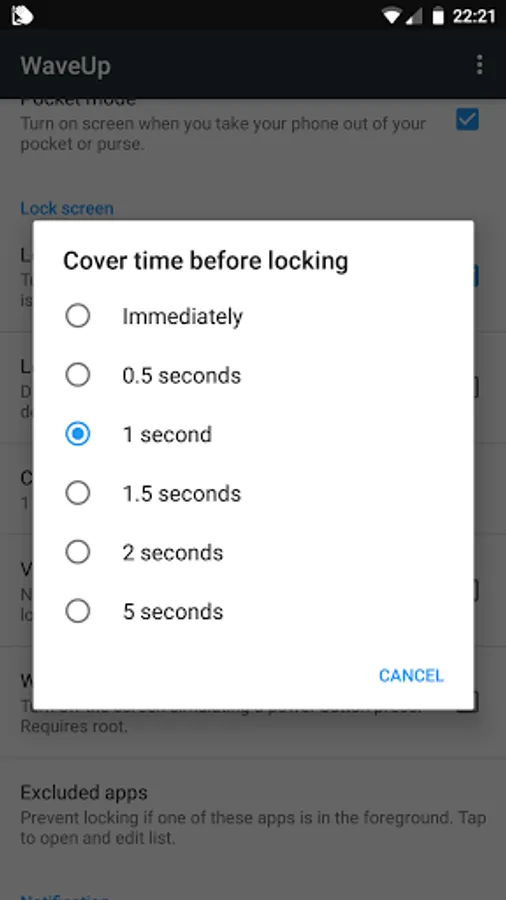
▸ Screen lock: cover the sensor for a second (or your chosen time) and the phone locks. Off by default, but easy to enable.
Wait, what's a proximity sensor?
It’s that invisible little thing near your phone’s earpiece that turns off the screen when you’re on a call.
Known Issues
Some phones keep the CPU running while listening to the proximity sensor and this drains battery (blame your phone, not me). Most phones don’t, so battery use is minimal.
Accessibility Services
▸ Purpose: Used to lock the screen on Android 9+
▸ Privacy: Used only for this, no data collected
▸ Scope: Doesn’t spy, just locks
Permissions (yep, quite a few)
▸ WAKE_LOCK – turn on the screen
▸ RECEIVE_BOOT_COMPLETED – auto-start on boot
▸ READ_PHONE_STATE – pause during calls
▸ BLUETOOTH / CONNECT – avoid pausing when on a Bluetooth call
▸ IGNORE_BATTERY_OPTIMIZATIONS etc. – stay alive in the background
▸ FORCE_LOCK – lock device (Android 8 and below)
▸ ACCESSIBILITY_SERVICE – lock device (Android 9+)
▸ DELETE_PACKAGES – let the app uninstall itself if needed
Uninstalling (Android 8 and older)
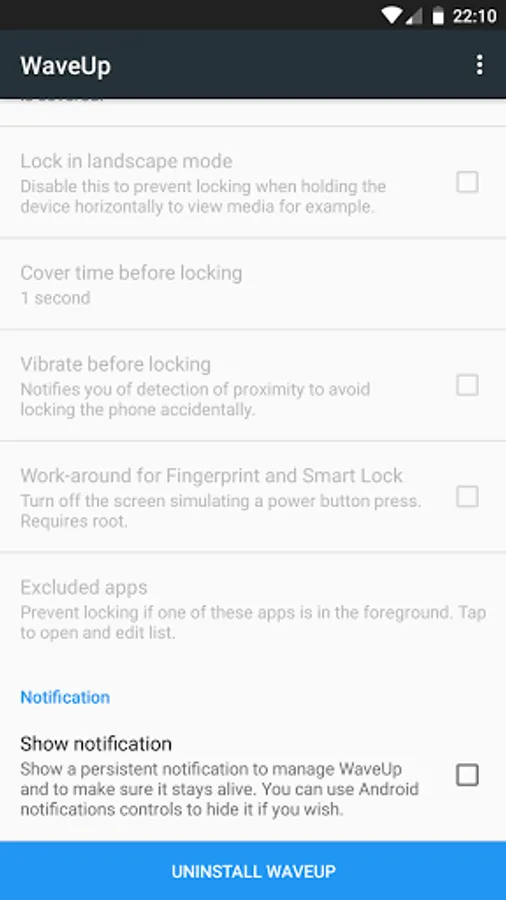
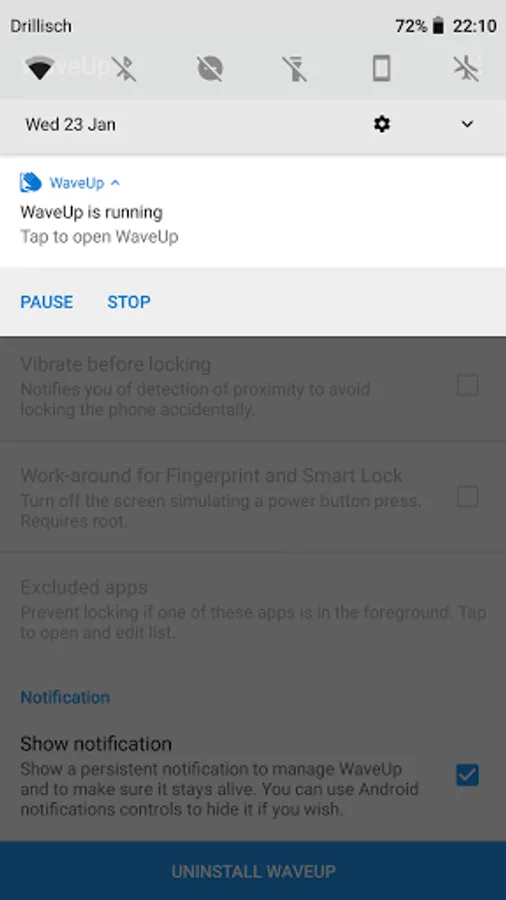
WaveUp uses Device Admin permissions, so it won’t uninstall the usual way. Use the 'Uninstall WaveUp' button in the app to remove it properly.
Fun fact
This is my first Android app and my first open-source contribution! I'd love your feedback or help—especially if you're into translations or just enjoy tinkering.
Open source rocks!
Translations
Help translate WaveUp! Even the English version could use improvements.
https://www.transifex.com/juanitobananas/waveup/
https://www.transifex.com/juanitobananas/libcommon/
Acknowledgments
Thanks to all who contributed: https://gitlab.com/juanitobananas/wave-up/#acknowledgments
I built this app because I got tired of pressing the power button just to check the time (a surprisingly frequent habit). Inspired by the great Gravity Screen On/Off. I looked for an open-source alternative and just couldn’t find one. So I made it myself!
Checkout the code: https://gitlab.com/juanitobananas/wave-up
A possibly more more up-to-date README: https://gitlab.com/juanitobananas/wave-up/#waveup
Features
▸ Wave mode: Turns the screen on when you wave over the proximity sensor.
▸ Pocket mode: Turns the screen on when you pull your phone out of a pocket or bag.
Both are enabled by default but can be turned off in settings.
▸ Screen lock: cover the sensor for a second (or your chosen time) and the phone locks. Off by default, but easy to enable.
Wait, what's a proximity sensor?
It’s that invisible little thing near your phone’s earpiece that turns off the screen when you’re on a call.
Known Issues
Some phones keep the CPU running while listening to the proximity sensor and this drains battery (blame your phone, not me). Most phones don’t, so battery use is minimal.
Accessibility Services
▸ Purpose: Used to lock the screen on Android 9+
▸ Privacy: Used only for this, no data collected
▸ Scope: Doesn’t spy, just locks
Permissions (yep, quite a few)
▸ WAKE_LOCK – turn on the screen
▸ RECEIVE_BOOT_COMPLETED – auto-start on boot
▸ READ_PHONE_STATE – pause during calls
▸ BLUETOOTH / CONNECT – avoid pausing when on a Bluetooth call
▸ IGNORE_BATTERY_OPTIMIZATIONS etc. – stay alive in the background
▸ FORCE_LOCK – lock device (Android 8 and below)
▸ ACCESSIBILITY_SERVICE – lock device (Android 9+)
▸ DELETE_PACKAGES – let the app uninstall itself if needed
Uninstalling (Android 8 and older)
WaveUp uses Device Admin permissions, so it won’t uninstall the usual way. Use the 'Uninstall WaveUp' button in the app to remove it properly.
Fun fact
This is my first Android app and my first open-source contribution! I'd love your feedback or help—especially if you're into translations or just enjoy tinkering.
Open source rocks!
Translations
Help translate WaveUp! Even the English version could use improvements.
https://www.transifex.com/juanitobananas/waveup/
https://www.transifex.com/juanitobananas/libcommon/
Acknowledgments
Thanks to all who contributed: https://gitlab.com/juanitobananas/wave-up/#acknowledgments
WaveUp Screenshots
Tap to Rate:
Reviews for WaveUp
Dadang Syafrizal
12/22/2025
It's simple.. lightweight.. and works. Thanks
Peter12659 Zegers
12/19/2025
not working it's nothing 😔